Best Free CAD Software in 2026: 8 Compared

How we put this together: we compare official feature and pricing pages, app store listings, privacy policies and public user reviews. Prices change, so check the provider's site before you pay.
Key takeaways
- FreeCAD is the strongest free option for parametric 3D modeling, with workbenches for parts, assemblies, and machining.
- LibreCAD and QCAD suit 2D drafting, while Tinkercad suits absolute beginners and school projects.
- OpenSCAD and SolveSpace suit users who prefer code or constraints over mouse-first modeling.
- SketchUp Free and Onshape Free suit browser-based concept work, with limits on privacy and offline use.
Quick comparison
| Name | Who it suits | Starting price | Free option | |
|---|---|---|---|---|
 FreeCAD FreeCAD | Parametric 3D modeling | Free | Yes | Visit |
 LibreCAD LibreCAD | 2D technical drafting | Free | Yes | Visit |
 Tinkercad Tinkercad | Beginners and school projects | Free | Yes | Visit |
 OpenSCAD OpenSCAD | Code-based 3D modeling | Free | Yes | Visit |
 SketchUp Free SketchUp Free | Browser concept modeling | Free | Yes | Visit |
 Onshape Free Onshape Free | Cloud collaboration | Free | Yes | Visit |
 Blender Blender | Organic 3D modeling | Free | Yes | Visit |
 SolveSpace SolveSpace | Constraint-driven parts | Free | Yes | Visit |
The best free CAD software
We compared official feature pages, download pages, documentation, privacy policies, and public reviews to find the best free CAD software for different users. The best CAD software for free use depends on whether you need 2D or 3D, parametric history, code control, or a browser tool with no install. Free here means no licence fee, but some free plans limit privacy, commercial use, or document counts.
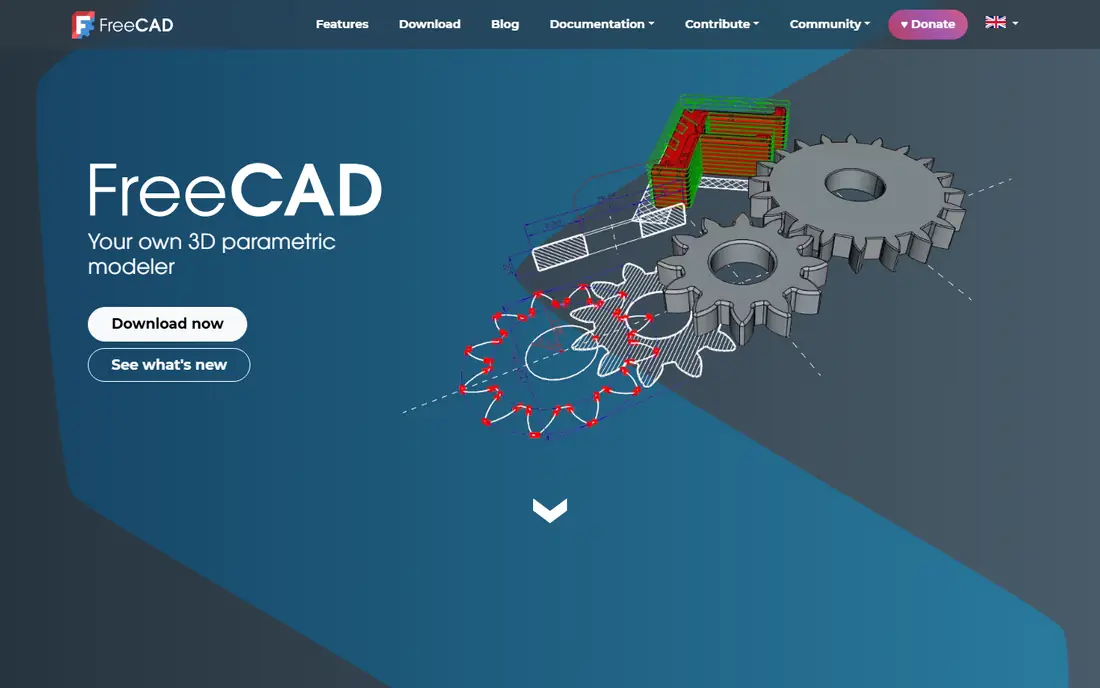
FreeCAD fits engineers, product designers, and makers who need real parametric modeling without paying for commercial CAD. You sketch profiles, add constraints, and build features that stay editable, so changing a dimension updates the part instead of forcing a rebuild. Workbenches cover architecture, finite element analysis, machining, and robotics. The honest catch is learning curve and interface polish. FreeCAD is powerful, but new users face many workbenches and settings before their first clean part. If you need the closest free alternative to professional parametric CAD, that effort pays off, and the open-source community provides models, add-ons, and help.
- Parametric history
- Many workbenches
- Python scripting and add-ons
- Interface can feel complex
- Workbench choices confuse new users
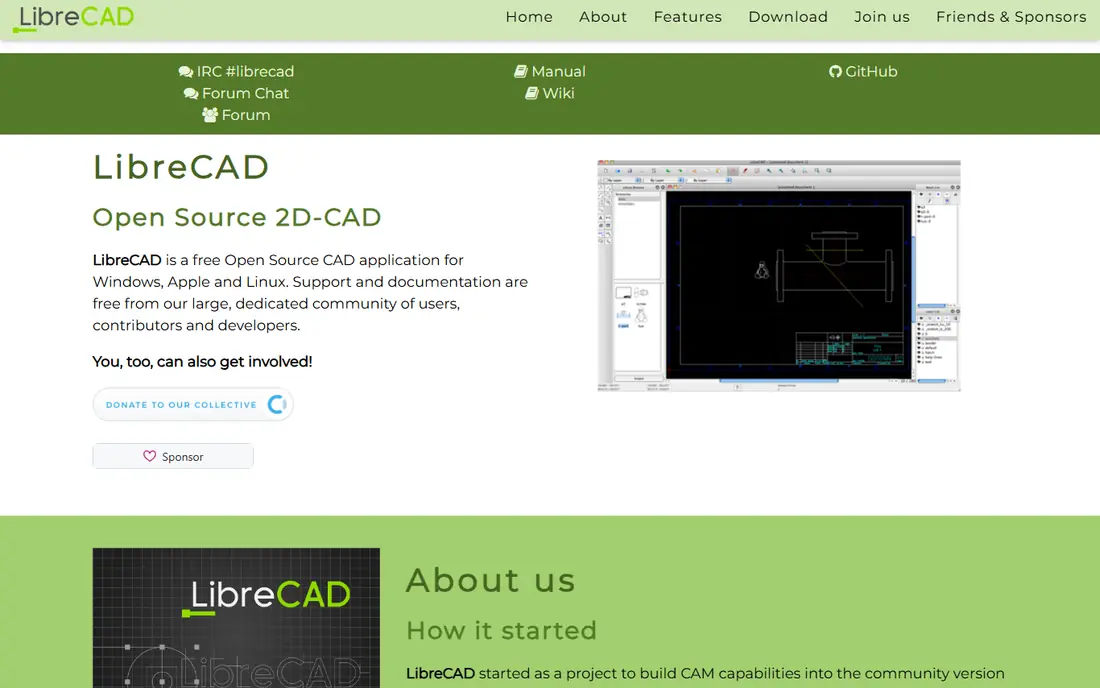
LibreCAD fits users who need clean 2D drawings, floor plans, and mechanical drafts. It runs well on modest hardware, opens DXF files, and offers layers, dimensions, and blocks in a layout that feels familiar to AutoCAD users. For pure 2D work, it is faster to learn than a full 3D modeler. The trade-off is scope. LibreCAD does not model 3D solids, so users who later need 3D parts must move to FreeCAD or another tool. If your work is drawings, schematics, and plans, that limit does not matter, and the lightweight install is a benefit.
- Lightweight 2D drafting
- DXF support
- Familiar drafting interface
- No 3D modeling
- Fewer advanced tools than commercial 2D CAD
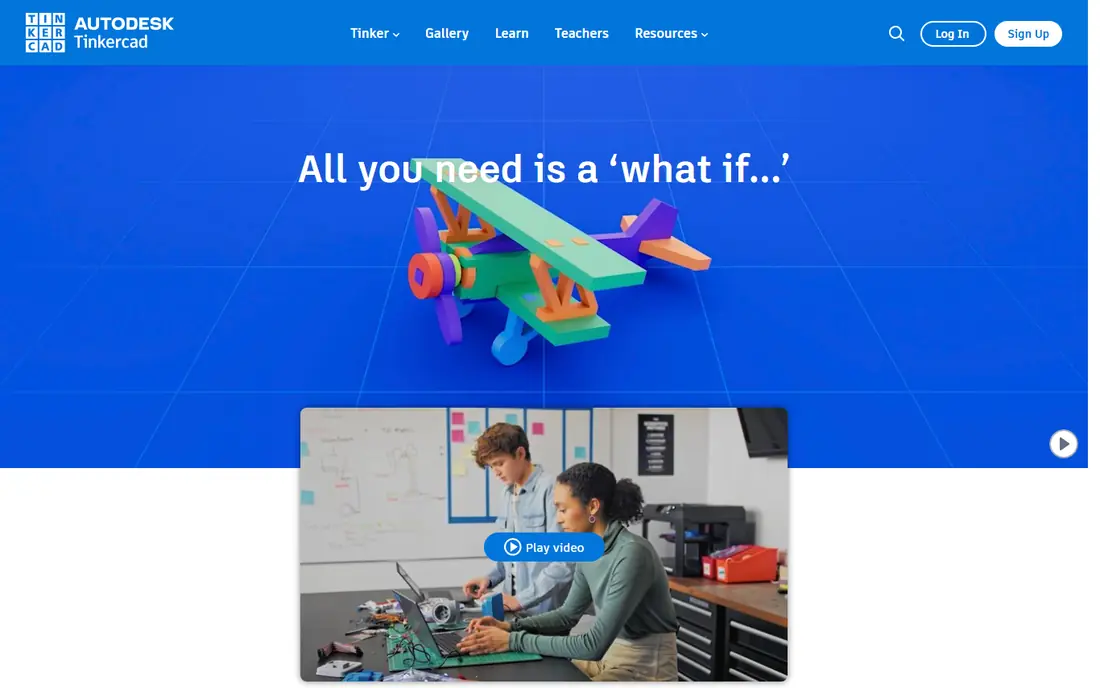
Tinkercad fits absolute beginners, students, and hobbyists making their first 3D models. You drag shapes, combine them, and export for 3D printing, all in a browser with no install. Teachers use it for school projects because students can start in minutes and see results quickly. The catch is ceiling. Tinkercad is not a tool for precise mechanical parts, assemblies, or detailed technical drawings. Use it to learn 3D thinking and to prototype simple objects, then move to FreeCAD or Fusion when a project needs dimensions, constraints, and tolerances.
- Very easy browser modeling
- Good for schools
- Simple 3D printing workflow
- Not suited to complex engineering
- Limited precision controls
OpenSCAD fits programmers and engineers who think in variables, functions, and parameters. You write a script that defines shapes, holes, and dimensions, then change a value to rebuild a whole family of parts. That repeatability suits 3D printing, enclosures, brackets, and parametric product families. The honest limit is workflow. If you prefer to draw with a mouse, OpenSCAD will feel slow and abstract at first. It also lacks the visual sketch constraints of FreeCAD. For code-first makers, though, that script is the design, and version control becomes natural.
- Script-based parametric models
- Repeatable designs
- Clean STL export
- Requires coding comfort
- No mouse-first drafting workflow
SketchUp Free fits architects, interior designers, and hobbyists who want fast concept models without installing software. The push and pull workflow makes rooms, furniture, and massing models quick to build, and the browser version works on many computers. It is a good tool for early design ideas and client concepts. The trade-off is depth and offline use. The free web version lacks some desktop tools, and precise engineering work suits FreeCAD better. SketchUp Free is strongest when speed and visual clarity matter more than parametric history or machining output.
- Fast concept modeling in a browser
- Easy to learn
- Good for architecture concepts
- Free version is web-only
- Advanced CAD tools need paid plans
Onshape Free fits teams and students who want professional-style cloud CAD with collaboration built in. You model in a browser, share links, track versions, and work together without licence installs or file syncing. That makes it useful for classes, open-source projects, and distributed teams. The catch is privacy. Free plan documents are public, so Onshape Free does not suit private commercial designs. If you need private documents, you need a paid plan or a desktop tool like FreeCAD. For public learning projects, the free tier is unusually capable.
- Real cloud CAD
- Version control
- Collaboration without installs
- Free documents are public
- Not suited to private commercial work on the free plan
Blender fits artists, product visualisers, and makers who need organic shapes, sculpting, and rendering. It is free and open source, with tools for modeling, texturing, animation, and rendering in one package. That breadth suits concept art, product visuals, and organic 3D printing models. The honest limit is CAD precision. Blender is not built around parametric sketches, constraints, and machining tolerances in the way FreeCAD is. Use Blender when shape and appearance lead, and use FreeCAD or SolveSpace when dimensions and engineering history lead.
- Sculpting and organic modeling
- Rendering and animation
- Large community
- Not a parametric CAD tool
- Precision engineering needs add-ons and care
SolveSpace fits makers who want constraint-driven parts without a large install. You sketch, add dimensions and constraints, and build parts that update when values change. It exports STEP files that hand off cleanly to other CAD and CAM tools, which helps for 3D printing and machining. The trade-off is scale. SolveSpace is focused and lightweight, so it lacks the workbenches, assemblies, and community resources of FreeCAD. For single parts and small assemblies, that focus is a strength, and the solver gives precise results without a steep commercial learning curve.
- Constraint solver
- Parametric 2D and 3D parts
- Clean STEP export
- Smaller community
- Interface is plain compared with larger tools
How we picked these
We compared official download pages, documentation, and feature pages, then checked public reviews for ease of use, file support, and limits. We gave weight to whether a tool is fully free or free with limits, 2D versus 3D focus, parametric history, file formats, and platform support. We did not claim hands-on testing, and we treated free plan limits, such as public documents or non-commercial use, as central to each pick.
How to choose free CAD software
Start with the output you need. If you need technical drawings, pick LibreCAD or QCAD-style 2D drafting. If you need editable 3D parts, pick FreeCAD. If you need a first model today, pick Tinkercad. If you need repeatable parts from code, pick OpenSCAD or SolveSpace.
Check file formats early
Confirm that your tool exports the formats your printer, machinist, or client needs, such as STL for printing, STEP for machining, and DXF for 2D work. A free tool that cannot export a usable file will cost time later, even when the modeling itself feels easy.
Match the tool to your learning time
FreeCAD rewards a longer learning investment with parametric power, while Tinkercad and SketchUp Free reward a short session with a finished concept. Beginners should start with the simpler tool, finish a real project, and then move up only when a project hits a clear limit.
Frequently asked questions
What is the best free CAD software for beginners?
Tinkercad is the easiest starting point for beginners and school projects, while SketchUp Free suits browser-based concept work. FreeCAD suits beginners who want to learn parametric CAD and are willing to spend more time on tutorials.
What is the best free CAD software for engineers?
FreeCAD is the strongest free choice for engineers, because it offers parametric modeling, constraints, and workbenches for analysis and machining. OpenSCAD and SolveSpace also suit engineers who prefer code or constraint-driven parts.
Is there a best online CAD software that is free?
SketchUp Free and Onshape Free are strong browser options, with no install needed. SketchUp Free suits concept modeling, while Onshape Free suits cloud collaboration, with the limit that free documents are public.
Can free CAD software handle 3D printing?
Yes, FreeCAD, Tinkercad, OpenSCAD, SolveSpace, and Blender can all produce models for 3D printing. Check STL export, wall thickness, and print settings, because a clean model on screen still needs print-ready geometry.
What is the best drafting software for free 2D work?
LibreCAD is a strong free drafting tool for 2D plans and mechanical drawings, with DXF support and a lightweight install. It lacks 3D modeling, so pair it with FreeCAD when a project needs both drawings and 3D parts.
Is Fusion 360 free for personal use?
Autodesk Fusion offers a free personal use tier with limits, including a document limit, and it is not fully open source. It suits hobbyists who want near-professional CAD, but commercial users and teams should check the current licence terms before relying on it.
Sources we checked (8)

Online Jobs is an independent blog about careers, online work, learning new skills and the tools that help people earn. More about us.
Keep reading
All posts
Zoom Alternatives
Zoom alternatives compared for 2026: Google Meet, Microsoft Teams, Webex, Jitsi and more for free calls, large meetings and webinars for teams and classrooms.

Top Rated Poster Maker Software
Top rated poster maker software compared for 2026: Canva, Adobe Express, VistaCreate, PosterMyWall and more for events, sales and classrooms for US users.

Surfshark Alternatives
Looking for Surfshark alternatives? We compare 8 VPN services on price, privacy, streaming, and device limits to help you find a VPN that fits your needs.