Best Software for UI UX Design in 2026: 9 Tools Compared

How we put this together: we compare official feature and pricing pages, app store listings, privacy policies and public user reviews. Prices change, so check the provider's site before you pay.
Key takeaways
- Figma remains the default choice for teams that design together, because its browser based multiplayer editing and large plugin library are hard to match.
- Sketch still suits Mac based designers who prefer a fast native app, while Penpot gives open source teams a browser based option with self hosting.
- Framer stands apart when the finished design must become a live website, and Balsamiq stands apart when speed matters more than visual polish.
- Axure RP, ProtoPie and UXPin are specialist tools, so they make sense when prototypes need logic, realistic device behaviour or code based components.
- Adobe XD is in maintenance mode with no new features, so new projects should start in an actively developed tool instead.
Quick comparison
| Name | Who it suits | Starting price | Free option | |
|---|---|---|---|---|
 Figma | Product teams designing together | $16 per month | Yes | Visit |
 Sketch | Mac based native design | $12 per month | Free trial | Visit |
 Framer | Turning designs into live websites | See website | Yes | Visit |
 Penpot | Open source team design | Free | Yes | Visit |
 Lunacy | Free desktop design work | Free | Yes | Visit |
 Axure RP | Logic heavy enterprise prototypes | $29 per month | Free trial | Visit |
 ProtoPie | Realistic interactive prototypes | See website | Free trial | Visit |
 UXPin | Code based design systems | See website | Free trial | Visit |
 Balsamiq | Fast low fidelity wireframes | $9 per month | Free trial | Visit |
The best software for UI UX design
We compared tools that cover the full job, from early wireframes to developer handoff. The list below mixes widely used leaders with smaller tools that solve one problem well.
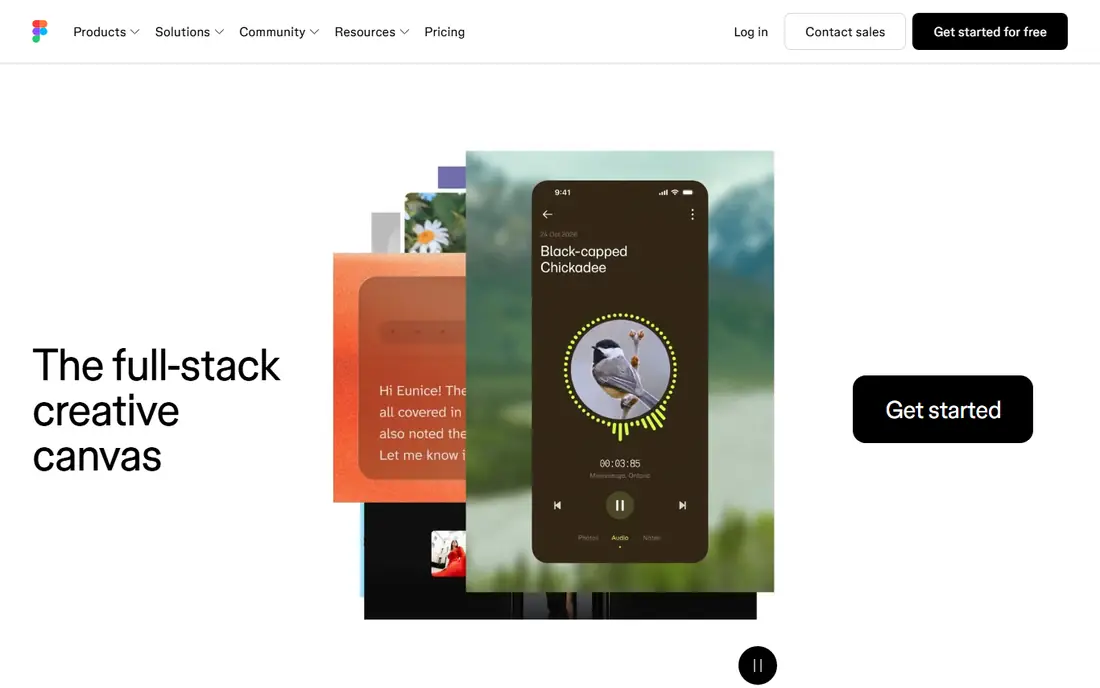
Figma earns its place at the top because it removes most of the friction from team design work. Several people can work in the same file at once, leave comments in context, and share a link that a stakeholder can open without installing anything. That simple flow matters more in daily work than any single drawing feature. The tool also covers a wide range, from wireframes and high fidelity screens to clickable prototypes and design system libraries. Its weakness is cost control rather than capability. Teams should count editor seats carefully and check which viewers and developers actually need a paid seat before they commit to a plan.
- Real time multiplayer editing
- Large plugin and community library
- Strong developer handoff tools
- Costs rise quickly as editor seats grow
- Advanced features can feel crowded for new users
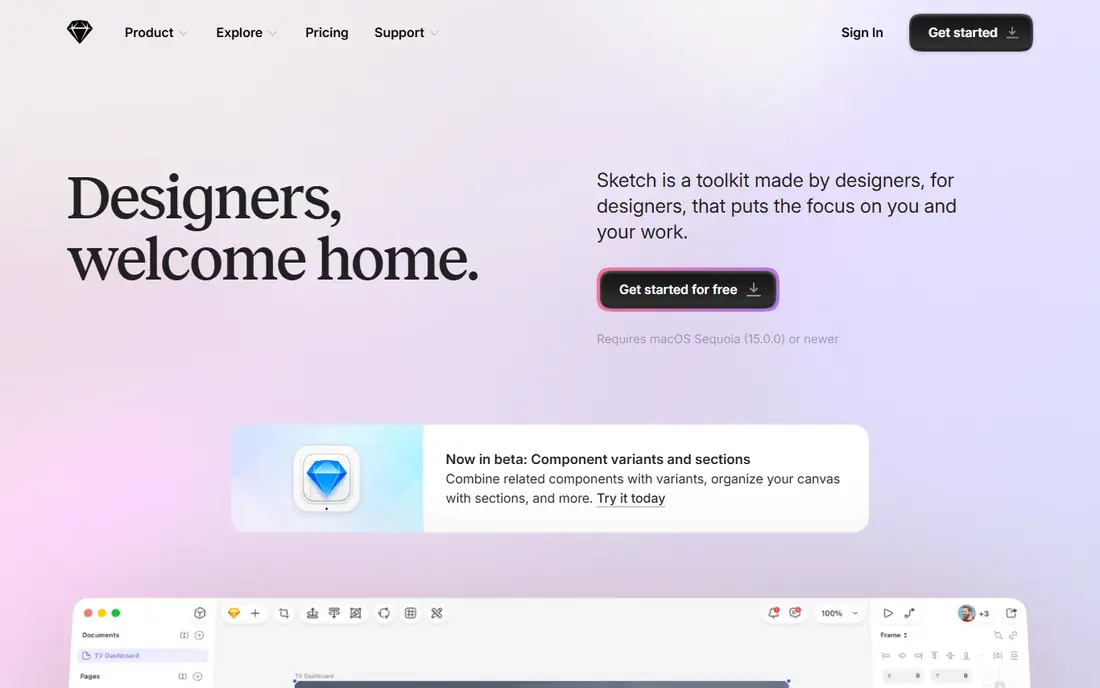
Sketch appeals to designers who want a focused desktop app rather than another browser tab. It feels quick on a Mac, its symbols and shared libraries handle repeated interface parts well, and its web view lets others inspect files without paying for an editor seat. For a solo designer or a small Mac based studio, that combination is still attractive. The trade off is platform. Windows and Linux team members cannot run the editor, so a mixed platform team will hit friction. Sketch also leans on shared libraries and web review rather than the live multiplayer canvas that Figma made standard, so teams that co design in real time may find it slower.
- Fast native Mac performance
- Strong symbol and library system
- Free viewers and developer handoff
- The editor runs on Mac only
- Real time collaboration is more limited than Figma
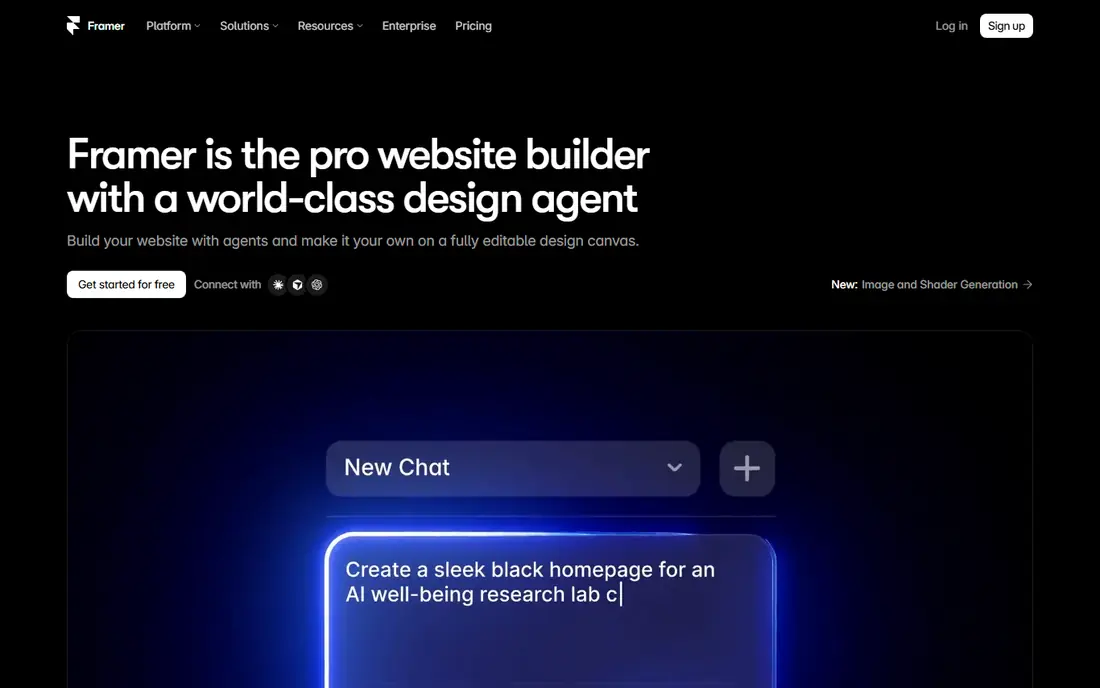
Framer starts from a different question than most tools on this list. Instead of asking how a design will be handed to developers, it asks whether the design itself can become the site. For marketing pages, landing pages and portfolio sites, that shortcut can save a full build cycle and keep the published result close to the original design. That strength comes with a boundary. Framer is not the best home for a complex product with many screens, shared app components and strict design system rules. Teams should use it where publishing is the goal, and keep a dedicated product design tool for app work that needs deeper system management.
- Designs can be published as real websites
- Strong layout and animation controls
- Useful free tier for design work
- It is less suited to large app design systems
- Publishing costs and limits need checking before launch
Penpot is the strongest option for teams that want professional design tools without being locked into one vendor. It runs in the browser, supports live collaboration, and can be self hosted, which matters for organisations with strict data rules or a strong preference for open source software. Its use of SVG and open formats also makes files easier to move and inspect. The compromise is ecosystem size. You will find fewer ready made plugins and community files than in Figma, and some workflows take a little more setup. For teams that value control and cost over the largest marketplace, that trade is usually worth making, and the free hosted plan is a low risk way to test it.
- Open source with a self hosted option
- Browser based multiplayer editing
- Open file format based on SVG
- Plugin and template library is smaller than Figma
- Some advanced workflows need more manual setup
Lunacy deserves attention because it gives solo designers a capable desktop editor at no cost. It opens Sketch files natively, which helps freelancers who receive files from Mac based clients, and it runs on the three main desktop systems. For students, hobbyists and small studios, that removes a real barrier to entry. It is not a team collaboration platform in the Figma sense. Shared editing and large scale design system work are weaker here, so growing teams may outgrow it. As a personal tool, or as a second editor for file conversion and solo work, it is unusually strong for the price.
- Free for personal and commercial use
- Native support for Sketch files
- Works on Windows, Mac and Linux
- Collaboration features are limited
- The plugin range is smaller than larger rivals
Axure RP is built for prototypes that need to behave like real software, not just look like it. Designers can add conditional logic, variables, dynamic panels and adaptive views, then show how a complex form, dashboard or workflow responds to different inputs. That depth is why it still appears in enterprise teams that must test logic before developers build it. The cost is time and money. New users face a steeper learning curve, and the visual design experience feels more dated than newer tools. Axure RP makes sense when a prototype must prove behaviour, document rules and survive stakeholder review, not when the main need is a clean set of marketing screens.
- Conditional logic and dynamic content in prototypes
- Detailed specification output
- Strong for complex enterprise software
- Higher price and steeper learning curve
- Visual design feels less modern than Figma or Sketch
ProtoPie fills a gap that most design editors leave open. It lets designers build prototypes that respond to tilts, touches, voice and other device inputs without writing code, and it can link several screens or devices in one test. That makes it useful for mobile apps, car interfaces and hardware linked products where a static click through would hide the real interaction. Buyers should be clear about its role. ProtoPie works best alongside a design tool, not instead of one, because screens are usually designed elsewhere and then brought in for interaction work. Teams that only need simple click through prototypes will not need this depth, but teams testing real behaviour will notice the difference quickly.
- No code interactions using device sensors and inputs
- Multi screen prototypes
- Good for mobile and automotive interfaces
- It is a prototyping tool, not a full design editor
- Pricing needs checking for team use
UXPin takes a practical approach to the gap between design and code. Instead of asking developers to rebuild a design from pictures, it lets teams prototype with components built from real code, so the tested version behaves closer to the shipped product. Its design system tools also help teams document components, states and usage rules in one place. That power brings complexity. Setting up code components takes developer time, and the community around UXPin is smaller than the Figma community, so help and templates are harder to find. It fits product teams that already maintain a component library in code and want prototypes that reflect it, rather than teams starting from a blank canvas.
- Prototypes can use real code components
- Strong design system documentation
- Conditional interactions and data
- Pricing and plan details change often, so check the site
- Smaller community than Figma
Balsamiq is deliberately plain, and that is its strength. Its hand drawn style stops reviewers from debating colours and fonts before the structure is right, so early feedback stays on layout, flow and content. Product managers, founders and designers can sketch a full flow in an afternoon without getting pulled into visual detail. The limit is clear. Balsamiq will not produce a polished interface ready for development, and it should not be judged against Figma or Sketch on that test. Use it for the first stage, where speed and honest feedback matter most, then move the agreed structure into a full design tool for visual work.
- Very fast for early wireframes
- Sketch style look keeps feedback on structure
- Simple pricing per project
- Not suited to polished visual design
- No high fidelity prototyping depth
How we picked these
We started from official feature pages, pricing pages, app store listings and public documentation, and we kept only tools that are actively developed and available in October 2026. That rule removed Adobe XD, which is in maintenance mode, and other tools that are no longer sold as standalone products. We also checked that each tool covers a real part of UI and UX work, whether that is wireframing, interface design, prototyping or handoff. Price figures in this article come from vendor pricing pages and recent public comparisons, and we used See website where a plan is custom priced or where published figures conflicted. Features were judged on what the vendor documents, not on claims in marketing copy alone. Where a tool is strong in one area and weak in another, we say so in its write up rather than smoothing the difference away.
Choosing the right tool for your project
Start with the kind of work you do most often, not with the longest feature list. A team that ships a product every week needs collaboration and a shared component library, while a solo designer needs speed and a fair price. A team that tests complex workflows needs logic in its prototypes, while a marketing team needs a fast path to a published page.
Match the tool to the team size
Small teams and freelancers get the most value from free or low cost tools such as Penpot, Lunacy and Balsamiq, plus a paid tool only where it saves clear time. Larger teams should weigh seat pricing, viewer access and admin controls, because those costs grow faster than the headline editor price. Check who needs to edit, who only needs to view, and who needs developer access before you compare plans.
Check handoff before you commit
A design tool is only useful if developers can turn its output into working software without guessing. Look for inspect mode, measurements, code snippets, asset export and version history, and test them with a real file from your own work. If handoff is weak, even a beautiful editor will slow delivery and create rework.
Keep migration in mind
File formats and libraries are a long term commitment, so test import and export with your existing files. Figma and Lunacy handle Sketch files well, Penpot uses open formats, and Axure RP and ProtoPie work best as specialist tools beside a main editor. A short trial on a real project tells you more than a feature table, so run one before you move a whole team.
Frequently asked questions
Which software is best for UI UX design?
Figma is the best general choice for most teams, because it combines browser based design, live collaboration, prototyping and developer handoff in one place. Sketch suits Mac based designers who prefer a native app, and Penpot suits teams that want open source software or self hosting. The best tool for UI UX design depends on your platform, team size and budget, so start with those three and test one on a real project.
What is the best UI design software for beginners?
Penpot and Lunacy are strong starting points, because both offer a free plan and cover core interface design without a large upfront cost. Figma also has a free starter plan and a large library of community files and tutorials, which helps new designers learn by example. Balsamiq is a good extra tool for beginners who want to practise structure and flow before they worry about visual polish.
What is the best UX design software for prototyping?
Axure RP is best when prototypes need logic, conditions and detailed specifications, while ProtoPie is best when prototypes need realistic device behaviour without code. Figma covers most everyday click through prototypes and is enough for many teams. Choose Axure RP for complex enterprise flows, ProtoPie for sensor and multi screen behaviour, and Figma when one tool must cover design and prototyping together.
Which software is best for UI UX design on a Mac?
Sketch is the natural Mac choice, because it is built as a native Mac app and feels fast on Apple hardware. Figma also runs well on a Mac through the browser and desktop app, and it adds stronger collaboration for mixed platform teams. Lunacy runs on Mac as well and is worth a look for designers who want a free desktop editor that opens Sketch files.
Is there a good free UI UX design tool?
Yes. Penpot offers a free hosted plan and a free self hosted option, Lunacy is free for personal and commercial use, and Figma has a free starter plan with limits on design files. Each free option has a real limit, whether that is file count, collaboration depth or plugin range, so check the current plan page before you rely on it for client work.
What happened to Adobe XD, and should I still use it?
Adobe XD is in maintenance mode, which means bug fixes and security updates but no new features, and it is no longer sold as a standalone app. Existing users can keep maintaining old projects, but new projects should start in an actively developed tool such as Figma, Sketch or Penpot. Moving early avoids building new work in a tool with no future feature development.
Sources we checked (9)

Online Jobs is an independent blog about careers, online work, learning new skills and the tools that help people earn. More about us.
Keep reading
All posts
What Software Is Best for Thumbnails
Compare the best software for thumbnails in 2026, with templates, photo editing, text effects and brand kits for YouTube, blogs and social posts in one guide.
Best Logo Design Software
Best logo design software compared in 2026: Canva, Adobe Express, Looka and more for small businesses, with templates, brand kits, prices, pros and cons.
Best Free CAD Software
Looking for the best free CAD software? We compare 8 free tools for 2D drafting, 3D modeling, beginners, engineers, printing, exports, and file formats.