Best Tools for SEO E-Commerce in 2026: 9 Tools Compared

How we put this together: we compare official feature and pricing pages, app store listings, privacy policies and public user reviews. Prices change, so check the provider's site before you pay.
Key takeaways
- Ahrefs and Semrush are the two full suites most stores need, and most stores need only one of them.
- SE Ranking and Moz Pro give smaller stores a lower-cost route to audits, keywords and rank tracking.
- Screaming Frog finds technical problems on large catalogues faster than a browser-based audit alone.
- Surfer helps product and category pages match search intent, but it does not replace a full suite.
- Rank Math and Yoast handle on-page basics inside WordPress and WooCommerce, while Ubersuggest suits tight budgets.
Quick comparison
| Name | Who it suits | Starting price | Free option | |
|---|---|---|---|---|
 Ahrefs | Backlink and competitor research | $129 per month | Yes | Visit |
 Semrush | All-in-one SEO and paid search | $139 per month | Free trial | Visit |
 Moz Pro | Simple suite with domain metrics | $99 per month | Free trial | Visit |
 SE Ranking | Lower-cost suite for small stores | $129 per month | Free trial | Visit |
 Screaming Frog | Technical crawl of large catalogues | See website | Free trial | Visit |
 Surfer SEO | Product page optimisation | $49 per month | Free trial | Visit |
 Rank Math | WordPress and WooCommerce on-page SEO | See website | Yes | Visit |
 Yoast SEO | WordPress on-page basics | See website | Yes | Visit |
 Ubersuggest | Budget keyword research | $29 per month | Yes | Visit |
The best tools for SEO e-commerce
An online store has SEO problems that a blog does not. Product variants create near-duplicate pages, filters create thin crawl paths, and a single category change can affect hundreds of URLs. The tools below cover research, technical checks, content and tracking for stores of different sizes.

Ahrefs is our pick when competitor research drives the plan. Enter a rival store, see its top product and category pages, and learn which searches send it traffic and which sites link to it. That view helps a store owner decide which categories to build first instead of guessing from internal ideas alone. The limit is scope. Ahrefs covers research and audits well, but it does not write product copy or fix a store theme. Pair it with a clear content plan and a plugin for on-page work, and check credit use on large catalogues before you upgrade.
- Deep backlink and keyword data
- Strong competitor page analysis
- Free Webmaster Tools for your own verified sites
- Entry price is high for a new store
- Rank tracking and credits need careful planning
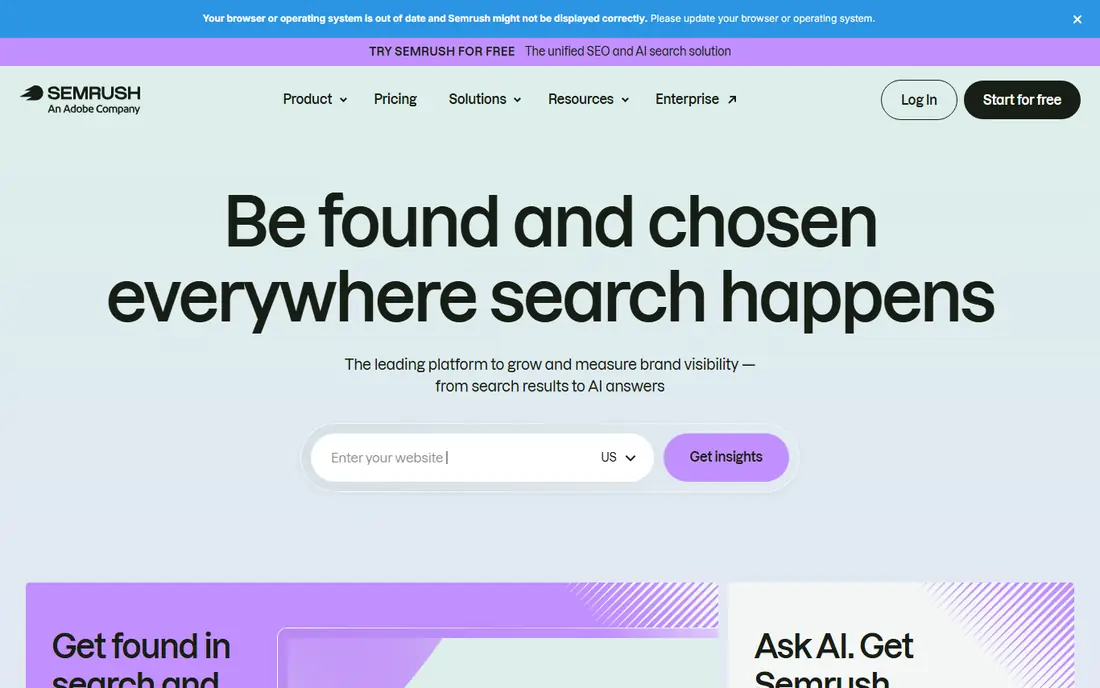
Semrush suits stores that run SEO and paid search together. You can research a product term, check the paid ads around it, audit the category page, and track its rank from the same dashboard. For a team that already buys ads, that shared view avoids paying for two separate research tools. New users should start with one project and one workflow, such as weekly rank tracking for top categories. Learning the whole suite at once slows adoption, while a narrow first use shows value fast and makes training easier.
- Broad keyword, audit and tracking tools in one account
- Paid search data sits beside organic data
- Content tools for product copy
- Large menu can feel crowded for a first-time user
- Extra users and some tools add to the bill
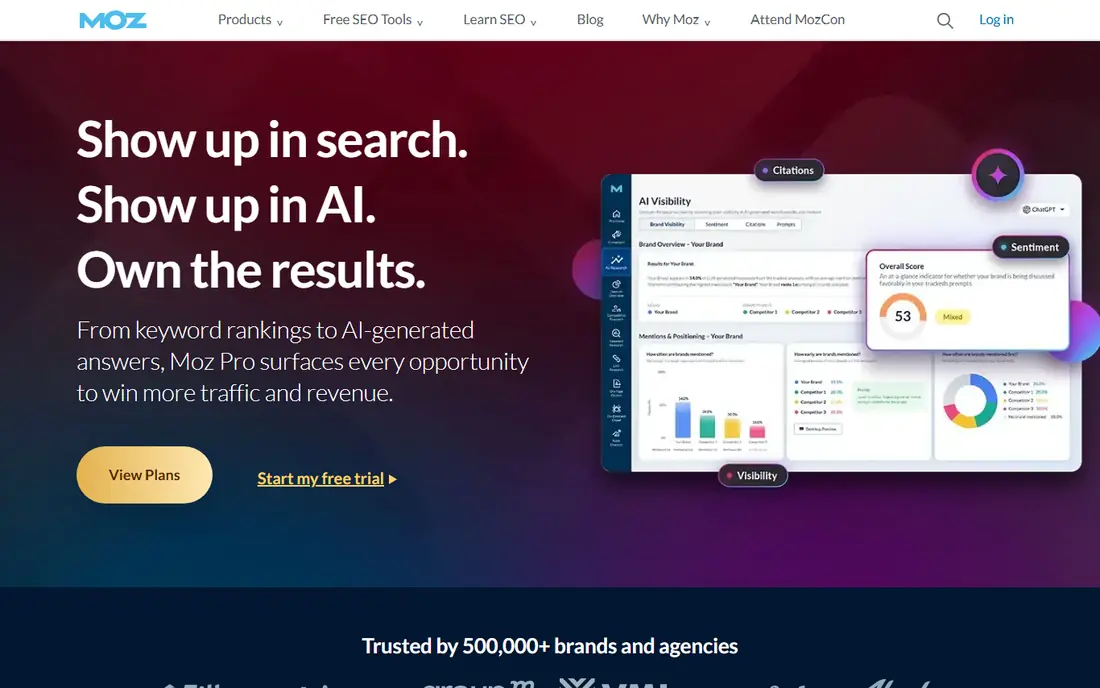
Moz Pro is a steady choice for a small store team that wants a classic suite without a steep learning curve. Keyword research, rank tracking and site audits sit in clear sections, and the metrics are easy to explain to a non-technical owner. That clarity matters when one person owns SEO beside many other jobs. The trade is depth. Link builders and large stores may outgrow the data limits, and the tool will not match Ahrefs on competitor link analysis. For a store with a modest catalogue and a focus on core categories, it covers the daily work well.
- Clear interface for beginners
- Domain Authority for quick competitor comparison
- Useful site crawl and rank tools
- Backlink data is thinner than Ahrefs
- Some advanced features lag behind larger suites
SE Ranking appeals to agencies and small stores that need regular reporting without the top suite price. Rank tracking, site audits and keyword tools are included, and scheduled reports help a store owner or client see progress without logging in each week. The interface is practical rather than flashy. Check project and keyword limits against your catalogue size. A store with thousands of product pages needs a higher tier than a store with fifty products, and the agency add-on should be priced in from the start if client branding matters.
- Keyword, audit and rank tools at a competitive price
- White-label reporting add-on for agencies
- AI search tracking on newer plans
- Backlink index is smaller than the leaders
- Add-ons can raise the final monthly bill
Screaming Frog is the tool we reach for when a store has a technical problem that a dashboard audit only hints at. Crawl the whole site, filter for status errors, duplicate meta data and thin pages, and export a fix list for a developer. On a large catalogue, that speed saves days of manual checking. It is not a strategy tool. It will not tell you which category to build or which keyword to target, and the raw export needs interpretation. Use it beside a suite, not instead of one, and run a crawl after any theme change, migration or bulk product import.
- Fast desktop crawl of thousands of URLs
- Finds broken links, duplicate titles and redirect chains
- Exports data for fixing in bulk
- Desktop tool with a technical interface
- Results need a person who can act on them
Surfer helps writers turn a product or category page from a short description into a page that answers the search behind it. Paste a draft into the editor, see which terms and headings top pages use, and adjust length and structure while you write. That live feedback is more useful than a report read after publication. Treat the score as guidance, not a target to chase at all costs. A page that lists every suggested term can read poorly and still fail to convert. Use Surfer to shape a draft, then edit for clarity, product facts and a clear call to buy.
- Live content score while writing
- Clear term and structure guidance
- Audit tools for existing pages
- Credits are counted per document on some plans
- It does not cover backlinks or full technical audits
Rank Math is a strong free starting point for WordPress and WooCommerce stores. It handles titles, meta descriptions, product schema, sitemaps and redirects from inside the store dashboard, so basic on-page work does not need a separate app. The free version covers more than many paid plugins. The risk is over-configuration. Switch on only the modules you need, and keep a backup before changing schema or redirect settings. A plugin can support a good SEO plan, but it cannot fix thin product copy or a slow theme on its own.
- Free plugin covers titles, schema and sitemaps
- WooCommerce support for product data
- Modular setup lets you switch features off
- WordPress only, so Shopify stores need a different route
- Many settings can confuse a beginner
Yoast suits store owners who want steady, well-documented on-page help inside WordPress. As you write a product description, it checks focus terms, title length, internal links and readability, and it flags missing basics before you publish. That in-editor coaching helps teams without a dedicated SEO person. For large stores, the free checks alone will not scale to thousands of products. Use Yoast for templates and new pages, and use a suite or crawler for bulk audits and category strategy. That split keeps daily writing simple and large fixes planned.
- Long-running WordPress plugin with clear guidance
- Readability and SEO checks in the editor
- WooCommerce add-on for product SEO
- Premium features need a paid add-on for stores
- Guidance can feel generic for large catalogues
Ubersuggest is best for a new store owner who needs keyword ideas without a large monthly bill. Type a product term, see related searches and difficulty, and build a short list of categories and guides to write first. The free tier gives a taste of the data before any payment. Do not rely on it alone for a large store. Competitor link data and technical audits are limited, and a growing catalogue will soon need a stronger suite or crawler. As a first step, though, it turns vague product ideas into a workable keyword list.
- Low entry price
- Simple keyword ideas and site audit overview
- Useful for a first research pass
- Data depth is thinner than full suites
- Rank tracking and audit limits suit small sites best
How we picked these
We compared official feature pages, pricing pages, app store listings, privacy policies and public reviews for SEO tools that were live in October 2026. We favoured tools that handle store-specific work, such as large catalogues, product schema and category tracking, over general marketing tools with a small SEO add-on. We did not run hands-on ranking tests or claim that any tool guarantees a position. Prices change often, so check the vendor pricing page before you buy. Free plans and trials vary by plan and by billing term, and the prices here are starting prices for the first paid tier unless stated otherwise.
How to choose for your store
Start with catalogue size
A store with fifty products needs different limits than a store with five thousand. Count products, categories and tracked keywords first, then check plan limits for projects, keywords and crawled URLs. A cheap plan that caps your catalogue will cost more in upgrades later.
Separate research, technical work and writing
No single tool does all three jobs equally well. Use a suite for research and tracking, a crawler for technical fixes, and a content tool or plugin for product pages. That split also makes it easier to drop one tool without losing the whole workflow.
Check the platform fit
WordPress stores can use Rank Math or Yoast inside the dashboard, while Shopify stores need apps from the Shopify store for similar on-page work. Confirm that a tool supports your platform and your theme before you pay, and test schema output on a live product page.
Plan reporting from the start
Store owners need to see sales-linked progress, not just rank changes. Decide which reports matter, such as category traffic, product page clicks and revenue from organic search, and make sure the tool can show them without manual exports each week.
Frequently asked questions
What is the best SEO tool for a Shopify store?
Semrush or Ahrefs works well for research and tracking on Shopify, paired with a Shopify SEO app for on-page fields and schema. Shopify does not run WordPress plugins, so Rank Math and Yoast are not an option there. Check the Shopify app store for a tool that fits your theme.
Do I need both Ahrefs and Semrush?
Most stores do not. Pick one suite for research, audits and tracking, then add a crawler or content tool for the gaps. Running both suites doubles the bill and often duplicates the same data, unless a large team has separate link and content workflows.
How do I fix duplicate product pages?
Use a crawler to find duplicate titles, descriptions and thin variant pages, then set canonical tags, merge near-duplicates or add unique copy to the pages that should rank. Variant pages for size or colour should usually point to a main product page unless each variant earns distinct search demand.
Is a free SEO plugin enough for a new store?
A free plugin covers titles, schema and sitemaps, which is enough to launch well. As traffic and catalogue size grow, add a suite for keyword research and rank tracking. The plugin handles on-page basics, while the suite answers which pages to build next.
How long does e-commerce SEO take to show results?
Technical fixes can improve crawling within weeks, while new category and product rankings often take months. Track indexed pages, category clicks and organic revenue together, not rank alone. A tool that shows only rank movement can hide whether visitors actually buy.
What should I check after a theme change or migration?
Run a full crawl, check redirects for old product URLs, confirm schema and sitemaps, and compare indexed pages before and after the change. A migration is the most common cause of a sudden traffic drop, and most problems are fixable if they are found in the first weeks.
Sources we checked (9)
- https://ahrefs.com/pricing
- https://www.semrush.com/pricing
- https://moz.com/products/pro/pricing
- https://seranking.com/pricing.html
- https://www.screamingfrog.co.uk/seo-spider/pricing
- https://surferseo.com/pricing
- https://rankmath.com/pricing
- https://yoast.com/pricing
- https://neilpatel.com/ubersuggest/pricing

Online Jobs is an independent blog about careers, online work, learning new skills and the tools that help people earn. More about us.
Keep reading
All posts
ZoomInfo Alternatives
The best ZoomInfo alternatives in 2026, compared on price, free plans, data coverage, and which tool fits small teams or large sales teams best in detail.

Workday Alternatives
We compared the best workday alternatives for HR, payroll, and global hiring, from BambooHR and Gusto to Rippling, Deel, and HiBob for growing teams in 2026.

Which SaaS Tools Have the Best Customer Support
Which SaaS tools have the best customer support? Compare eight popular tools on help centres, live help, response options and overall support quality.