Best Tools for Scheduling Meetings in 2026: 9 Tools Compared

How we put this together: we compare official feature and pricing pages, app store listings, privacy policies and public user reviews. Prices change, so check the provider's site before you pay.
Key takeaways
- Calendly is the best general pick for individuals and small teams, with a genuinely useful free plan.
- Cal.com suits teams that want open-source flexibility and a clean hosted option without a heavy enterprise contract.
- Acuity Scheduling is the best pick for paid appointments, classes and services that need intake forms and packages.
- Doodle solves group scheduling better than a booking link, when several people need to agree on one time.
- Setmore and Zoho Bookings are strong low-cost options for small service businesses that need staff calendars.
Quick comparison
| Name | Who it suits | Starting price | Free option | |
|---|---|---|---|---|
 Calendly Calendly | Individuals and small teams | Free | Yes | Visit |
 Cal.com Cal.com | Open-source flexibility | Free | Yes | Visit |
 Acuity Scheduling Acuity Scheduling | Paid appointments | $16 per month | No | Visit |
 Doodle Doodle | Group polls | Free | Yes | Visit |
 Setmore Setmore | Small service teams | Free | Yes | Visit |
 SavvyCal SavvyCal | Overlay scheduling | See website | Free trial | Visit |
 YouCanBookMe YouCanBookMe | Detailed booking rules | Free | Yes | Visit |
 Microsoft Bookings Microsoft Bookings | Microsoft 365 teams | See website | No | Visit |
 Zoho Bookings Zoho Bookings | Small business booking | Free | Yes | Visit |
The best tools for scheduling meetings
The best scheduling tool is the one your guests actually use without confusion. A clean booking page, correct time zones and automatic calendar updates matter more than a long feature list. We compared general meeting tools with service booking tools, because a sales call and a paid haircut need different workflows.

Calendly remains the default for a reason. You share a link, a guest picks a time that fits your real availability, and both calendars update without email back and forth. The experience is familiar to most guests, which reduces no-shows caused by confusion and lowers the chance of double booking.
The free plan is useful for one person with one main meeting type, such as a 30-minute intro call. Once you need several event types, multiple calendars, round-robin routing or deeper CRM links, paid plans become necessary. For a solo professional, start free and upgrade when the single event type limit actually blocks work.
- Clean booking pages that guests understand quickly
- Google and Outlook calendar sync
- Time zone handling is automatic
- Free plan allows one event type at a time
- Team routing and CRM features need paid plans
- Form options are basic
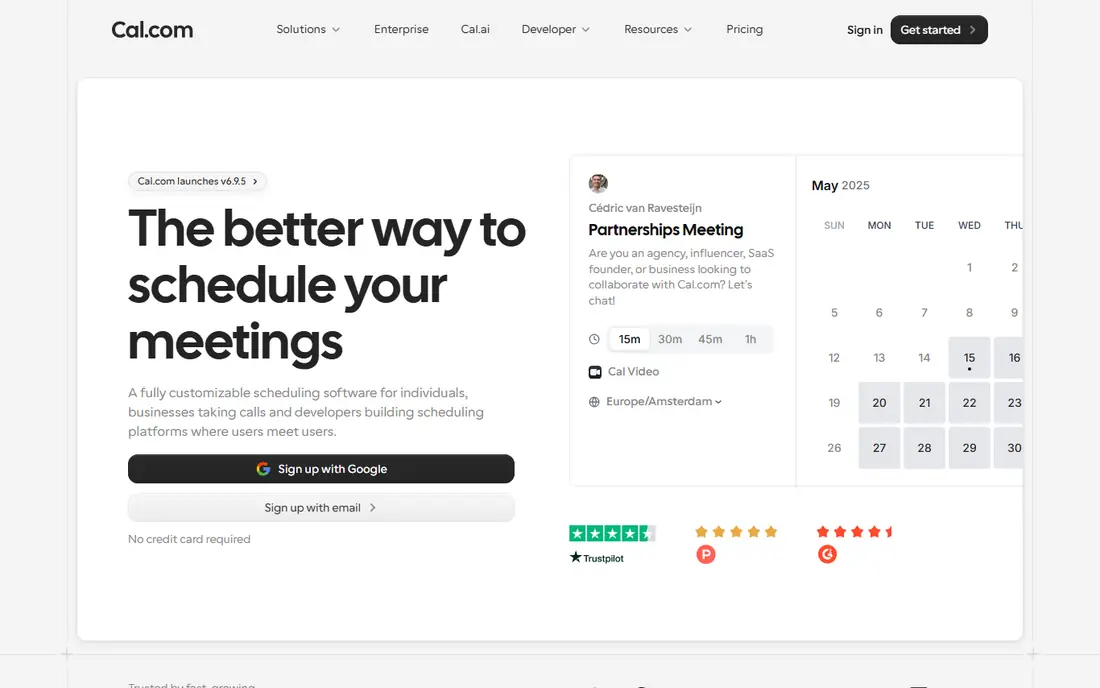
Cal.com is the best alternative for people who want control. The hosted version gives individuals a free booking page, while teams can use paid plans for shared scheduling. Developers and technical teams can also self-host the open-source version, which suits organisations with strict data or branding needs.
For a non-technical user, the hosted version is the right starting point, not self-hosting. Setup is still straightforward, and calendar connections work as expected. The trade-off is polish. Calendly feels slightly smoother for a first-time guest, while Cal.com wins on flexibility, ownership and team options for the same basic job.
- Free plan for individuals
- Open-source option for self-hosting
- Team scheduling and integrations are strong
- Self-hosting needs technical skill
- Interface can feel less polished than Calendly
- Some advanced features need paid teams
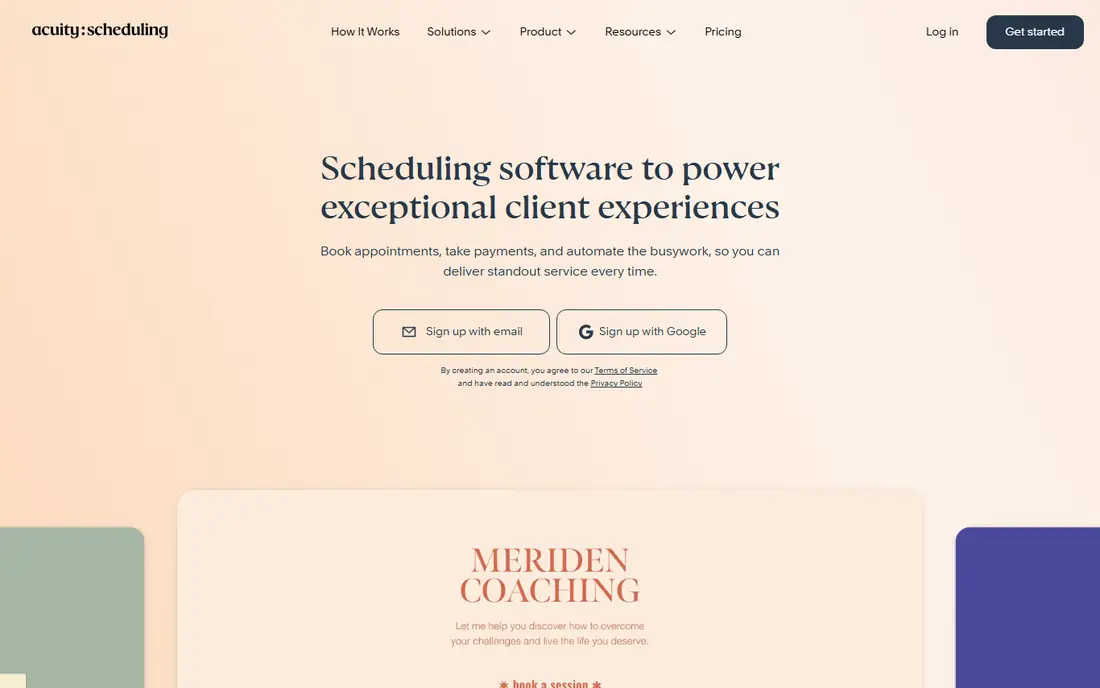
Acuity Scheduling is built for service businesses, not just meetings. A coach, therapist, tutor or salon can offer appointment types, collect intake details, take payments or deposits, and sell packages, all through the booking flow. Clients can reschedule themselves within your rules, which cuts admin messages.
That depth needs setup time. Forms, services, staff calendars and payment rules take longer to configure than a single Calendly link, and the starting price we found is $16 per month with no free plan. If you only book free internal meetings, Acuity is overkill. If you sell time, the intake and payment features can pay for themselves quickly.
- Intake forms, payments and packages
- Appointment types for services and classes
- Client self-service for rescheduling
- No free plan at the price shown
- Setup takes longer than a simple meeting link
- Per-calendar limits affect lower tiers
Doodle solves the meeting problem that booking links handle badly. When five people need to agree on one time, a link that shows only your availability does not help. A Doodle poll lets each person mark the times they can do, so the group can see overlap and pick a slot that works for most people.
It is not a client booking system. There are no intake forms, packages or payment flows at the core, and a poll still needs someone to confirm the final meeting. Use Doodle for internal group decisions, team socials and one-off coordination, and use Calendly or Cal.com for recurring client bookings.
- Group polls find a time everyone can do
- Simple for one-off meetings
- No booking page setup needed for a poll
- Not built for paid bookings or client intake
- Poll results still need a final booking step
- Paid features for deeper use
Setmore is a practical low-cost option for small service businesses. A salon, clinic or repair shop can publish a booking page, manage staff calendars and send reminders without paying from day one. The free plan covers a small team, which makes it easy to test with real customers before committing to a paid tier.
The design is more functional than modern, and advanced booking logic is thinner than Acuity or Calendly Teams. That matters less for a straightforward service with fixed appointment lengths. If your booking rules are complex, with resources, rooms or multi-step services, check a paid tool before moving a busy diary across.
- Free plan for small teams
- Staff calendars and customer booking page
- Reminders and basic reporting
- Interface feels traditional
- Reporting and logic are thinner than paid rivals
- Paid features needed for deeper use
SavvyCal has one feature that stands out for busy guests. An invitee can overlay their calendar on your availability, so they can spot a workable time without guessing. That helps when booking with executives, clients or partners who have packed diaries and little patience for email threads.
The cost model is the catch. SavvyCal does not offer the same free tier as Calendly or Cal.com, so it suits professionals who book often enough to justify a paid tool. If you only book a few meetings a month, a free tool will do. If you book with busy external contacts every week, the overlay view can save real time.
- Guests can overlay their own calendar to find overlap
- Clean booking pages
- Good for busy external contacts
- No permanent free plan at the price we checked
- Smaller integration set than Calendly
- Team features need a paid plan
YouCanBookMe appeals to people who need precise control. You can set buffer times, limits on bookings per day, notice periods and detailed availability rules that a simple link does not offer. For tutors, consultants and small clinics with specific working patterns, that control prevents awkward bookings at the edges of the day.
The interface is more technical than Calendly, and the payoff depends on using those rules well. A rushed setup can create the same problems it was meant to solve, such as gaps that are too short or notice periods that are too tight. Take time to test the booking page as a guest before sharing it widely.
- Detailed availability and booking rules
- Customisable booking pages
- Works well for solo and small teams
- Interface can feel technical
- Pricing rises with use
- Setup takes care to get rules right
Microsoft Bookings makes sense when a team already pays for Microsoft 365. Staff can publish booking pages, customers can book services, and meetings sit naturally beside Outlook and Teams. For a clinic, school or service team inside that system, the lack of a separate subscription is a clear benefit.
Outside Microsoft 365, it is not a good standalone pick. Guests on Google Calendar will not get the same smooth experience, and some setup steps need admin access. If your organisation already runs on Microsoft tools, Bookings is worth checking first. If not, Calendly or Cal.com will be simpler.
- Built for Microsoft 365 and Outlook
- Staff booking pages
- Teams integration for internal scheduling
- Only sensible inside a Microsoft 365 subscription
- Thinner outside that system
- Setup needs admin access in some cases
Zoho Bookings is a solid low-cost booking tool for small businesses, especially those already using Zoho CRM, Mail or other Zoho apps. You can set up services, staff members and booking pages, and customers can book online without emailing for times. The free plan makes it easy to test with a real service.
The main limit is ecosystem fit. Outside Zoho, the tool still works, but the strongest value comes when bookings feed into Zoho CRM and customer records. The interface also carries many options, so a simple service may feel buried at first. For a Zoho-centred small business, it is a strong, low-cost pick.
- Free plan for small businesses
- Staff and service booking
- Integrates with other Zoho tools
- Best value inside the Zoho system
- Interface can feel busy
- Advanced features need paid plans
How we picked these
We compared official feature pages, pricing pages, app store listings where relevant, privacy policies and public reviews for meeting and appointment scheduling tools. We favoured tools with clear calendar sync, time zone handling, booking rules and a stated free plan or trial, and we used See website where a vendor price was not published as a simple plan. We also separated general meeting tools from service booking tools, because payments and intake forms change the right choice.
We did not claim hands-on testing that did not happen. Our judgement rests on vendor documentation, published pricing and reviewer reports about guest experience, setup time and team features. That is why the list mixes free general tools with paid service tools, rather than ranking every tool on one score.
How to choose the right scheduling tool
Start with who books. If guests are clients, pick the cleanest booking page you can test as a guest yourself. If guests are colleagues, pick the tool that matches your calendar system and team routing needs. If guests are service customers, pick the tool that handles payments, intake and rescheduling without extra messages.
Test as a guest first
Create a test booking, change the time zone, cancel it and reschedule it. Check whether reminders arrive, whether the calendar entry looks correct, and whether the confirmation page is clear. A tool that feels smooth for you as host can still confuse guests, and guest confusion is what creates no-shows.
Check calendars, buffers and limits
Confirm Google, Outlook and Apple calendar support for your setup. Set buffers between meetings, daily booking limits and notice periods that match your real working day. A tool without those controls will fill your diary in ways that look efficient but leave no time for preparation or breaks.
Plan for team growth
A solo tool can fail when a second person joins. Check how round-robin, collective scheduling and admin controls work on the plan you would buy, not only on the top tier. If team routing matters, price it early, because per-seat costs rise faster than a single-user price suggests.
Frequently asked questions
What is the best appointment scheduling software?
Calendly is the best general appointment scheduling software for individuals and small teams, while Acuity Scheduling is best for paid service appointments with intake forms and packages. Cal.com is the best flexible alternative, and Setmore is a strong free option for small service teams.
What is the best free scheduling software?
Calendly and Cal.com both offer genuinely useful free plans for individuals, and Setmore and Zoho Bookings offer free plans for small service teams. Calendly free allows one event type, so Cal.com may suit you better if you need several meeting types without paying at first.
What is the best scheduling app free for teams?
Calendly Teams and Cal.com Teams are the clearest team options, but both need paid plans for full team routing. For a small team on a tight budget, start with individual free plans and shared calendar rules, then move to a paid team plan when round-robin or collective scheduling becomes essential.
What is the best online appointment scheduling software for services?
Acuity Scheduling leads for services that need intake forms, payments and packages, with Setmore and Zoho Bookings as lower-cost alternatives. Square Appointments is also worth checking if you already use Square for payments, though it was not in our top nine here.
What is the best appointment booking app for group meetings?
Doodle is best for group meetings where several people need to agree on a time, because polls show overlap clearly. For a fixed team meeting with a host, Calendly collective scheduling or Microsoft Bookings may be simpler once the time is agreed.
What is the best scheduling tool for sales teams?
Calendly Teams suits most sales teams with routing forms, round-robin and CRM links, while Cal.com Teams suits teams that want flexibility and open-source options. HubSpot Meetings is also worth checking if your team already runs on HubSpot CRM, since it keeps scheduling inside the CRM.
Sources we checked (9)

Online Jobs is an independent blog about careers, online work, learning new skills and the tools that help people earn. More about us.
Keep reading
All posts
Best Writing Software
Looking for the best writing software in 2026? We compared 9 writing apps for books, articles and screenplays on price, features and fit. All verified.

Best Weather Apps
Searching for the best weather app? We compared eight top weather apps for accurate forecasts, radar, severe alerts, and daily planning near you today.

Best Video Editing Software
We compared the best video editing software for beginners and pros, checking official pricing, free plans and honest limits before ranking all nine editors.