Best Tools for Prototyping in 2026: 9 Tools Compared

How we put this together: we compare official feature and pricing pages, app store listings, privacy policies and public user reviews. Prices change, so check the provider's site before you pay.
Key takeaways
- Figma leads for most teams, with a free starter tier and a Professional plan at 15 dollars per editor per month.
- Penpot is free and open source, making it the best no-cost alternative for teams that want Figma-like collaboration without a subscription.
- Framer turns designs into live websites, which suits landing pages and marketing sites better than app flows.
- Axure RP suits complex enterprise prototypes with conditional logic and data-driven interactions.
- Balsamiq and Origami Studio serve opposite ends: quick low-fidelity wireframes versus high-fidelity interactive prototypes.
Quick comparison
| Name | Who it suits | Starting price | Free option | |
|---|---|---|---|---|
 Figma Figma | Most product teams | $15 per editor per month | Yes | Visit |
 Sketch Sketch | Mac-based design teams | See website | Free trial | Visit |
 Framer Framer | Design to live website | See website | Yes | Visit |
 Axure RP Axure RP | Complex enterprise prototypes | See website | Free trial | Visit |
 Proto.io Proto.io | Interactive app prototypes | See website | Free trial | Visit |
 Marvel Marvel | Simple team prototyping | See website | Yes | Visit |
 Penpot Penpot | Free open-source design | Free | Yes | Visit |
 Balsamiq Balsamiq | Low-fidelity wireframes | See website | Free trial | Visit |
 Origami Studio Origami Studio | High-fidelity interactions | Free | Yes | Visit |
The best tools for prototyping
Prototyping tools turn an idea into something clickable, so teams can test flows before writing code. The options below range from wireframe sketchers to tools that publish live sites. We compared official pricing pages, feature lists, and documentation to sort them by fidelity and team type.
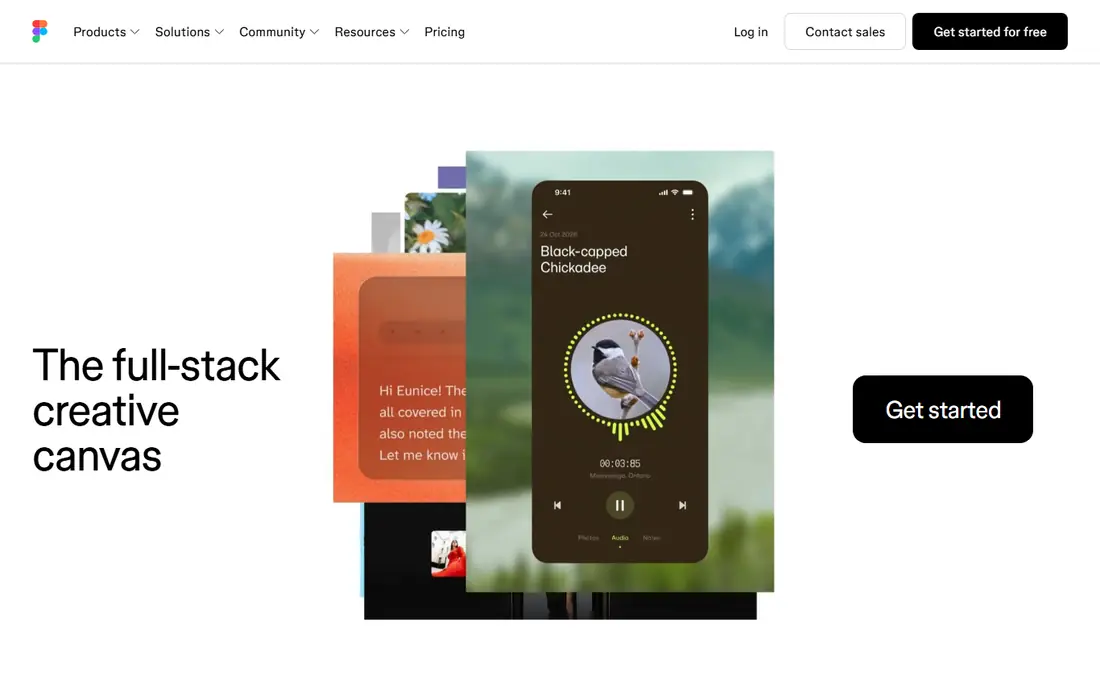
Figma is our pick for most product teams. Its free Starter tier covers small teams, while Professional costs 15 dollars per editor per month billed annually and adds unlimited projects, version history, and advanced prototyping with variables, conditional logic, and expressions. Design and prototype live in one file, so a change to a screen updates every flow that uses it.
The browser base can slow on enormous files, and viewers are free while editors pay, which is worth modeling for large teams. For web and mobile product work with real collaboration, Figma remains the default choice, and its community files shorten the path from blank canvas to testable prototype.
- Real-time multiplayer collaboration
- Strong prototyping with variables and logic
- Huge plugin and template community
- Browser-based performance on very large files
- Advanced features need paid plans
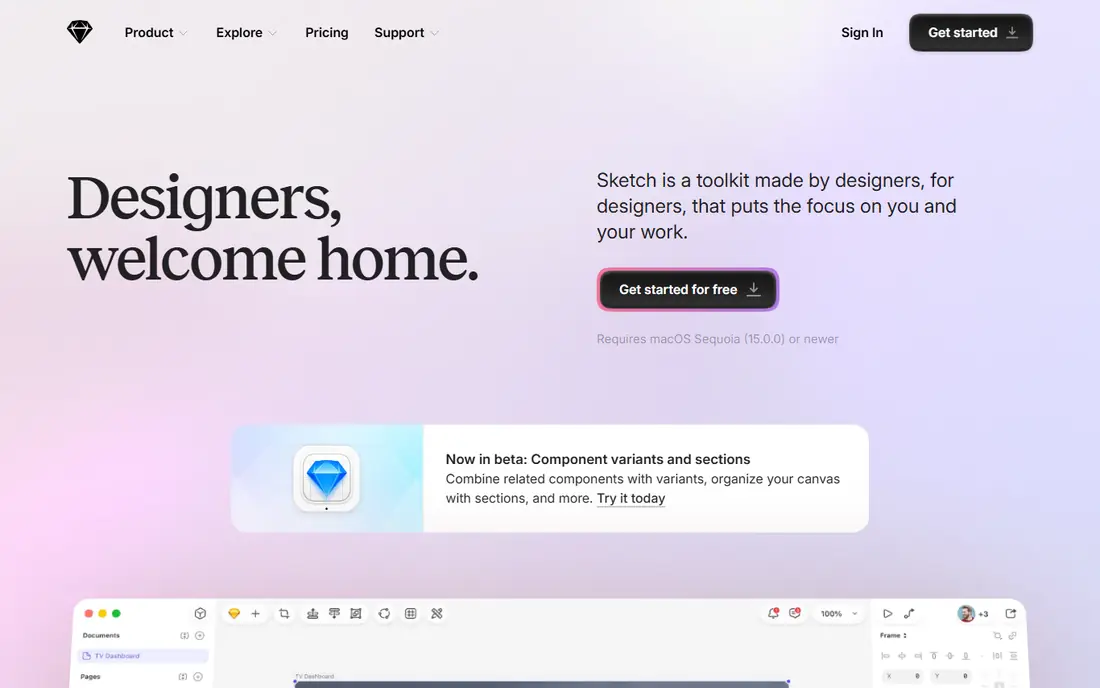
Sketch is the native Mac design tool that defined modern UI design before browser tools took over. It offers a fast native app, a mature symbol and library system, and prototyping with links, overlays, and animations. Teams on Macs get smooth performance even on large documents, and a free trial lets new users test it.
The Mac-only limit rules it out for mixed-platform teams, and real-time collaboration needs a paid workspace. For a Mac-based team that prefers a native app over a browser tab, Sketch remains a polished, dependable choice.
- Native Mac app with fast performance
- Strong symbol and library system
- Long track record
- Mac only
- Collaboration needs a paid workspace
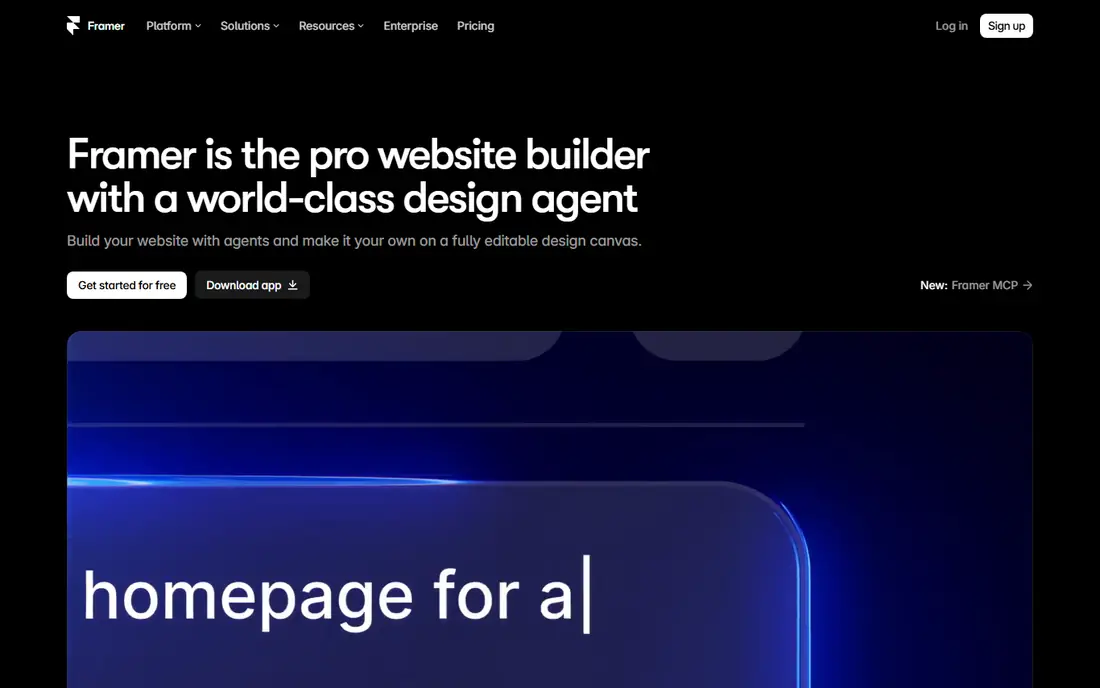
Framer stands out because a prototype can become a live website. You design pages, add interactions and animations, and publish to a real domain, which suits landing pages, marketing sites, and portfolios better than any other tool here. A free tier covers small sites, with paid tiers adding custom domains, more pages, and advanced features.
Complex app flows with conditional logic are weaker than in Figma or Axure, and pricing scales with sites and features. For a team whose prototype needs to ship as a website, Framer closes the gap between design and launch.
- Prototypes publish as real websites
- Strong animation tools
- Free tier for small sites
- Weaker for complex app flows
- Pricing tiers by site and features
Axure RP is the enterprise prototyping tool for complex logic. It supports conditional flows, variables, repeaters with real data, and adaptive views, letting teams prototype banking flows, dashboards, and multi-step forms with realistic behavior. Specifications and documentation generate from the same file, which helps large teams and regulated industries.
The learning curve is steeper than Figma's, and the interface feels dated. For a simple marketing site, Axure is overkill. For an enterprise product where the prototype must behave like the real system, Axure's depth is unmatched.
- Conditional logic, variables, and data-driven prototypes
- Detailed specifications
- Enterprise-friendly
- Steeper learning curve
- Interface feels dated next to Figma
Proto.io builds interactive app prototypes without code, with drag-and-drop components, animations, and interactions that run on real devices. It includes user testing features, letting teams share a prototype link and watch how testers navigate it. A free trial covers evaluation, with paid plans by project and editor counts.
Design depth is thinner than Figma, so teams that design and prototype in one tool may prefer Figma. For a team that wants to test an app flow quickly with realistic interactions, Proto.io's focus on prototyping pays off.
- Interactive prototypes without code
- Large component libraries
- User testing features
- Subscription pricing
- Less design depth than Figma
Marvel is the simplest tool on this list to learn. You upload screens or sketches, add hotspots that link them, and share a clickable prototype in minutes. A free tier covers basic use, with paid plans adding more projects and user testing features. Small teams and non-designers get a testable prototype without learning a full design tool.
Advanced interactions, variables, and logic are limited, so complex products outgrow Marvel fast. For a quick concept test or a stakeholder demo, its speed beats every other tool here.
- Very easy to learn
- Quick prototypes from sketches or screens
- Free tier available
- Fewer advanced interactions
- Smaller community than Figma
Penpot is the open-source alternative to Figma, free to use in the browser or self-hosted. It covers design, prototyping, and collaboration with a familiar interface, supporting flex layouts, components, and interactive flows. Teams that dislike subscriptions or need to keep design files in-house get a real Figma-class tool at no cost.
The plugin ecosystem and template library are smaller than Figma's, and the tool is newer, so some advanced features are still maturing. For a budget-conscious team or an open-source shop, Penpot is the best free prototyping tool available.
- Free and open source
- Figma-like collaboration in the browser
- Self-hosting option
- Smaller plugin ecosystem
- Newer tool with fewer templates
Balsamiq makes wireframes that look like sketches on purpose. The hand-drawn style keeps early discussions on structure and flow instead of colors and fonts, which is exactly what a first prototype should do. It offers desktop and cloud versions, a free trial, and a simple drag-and-drop library of interface elements.
Low fidelity is the point, and also the limit. Balsamiq will not produce a polished, interactive prototype for user testing, so teams move to Figma or Proto.io once the structure is settled. For the first sketch of a product, it is the fastest tool here.
- Sketch-style wireframes that prevent early pixel debates
- Very fast
- Desktop and cloud versions
- Deliberately low fidelity
- Not for polished prototypes
Origami Studio is Meta's free prototyping tool for high-fidelity interactions. Its patch editor connects inputs, animations, and device sensors into realistic prototypes, and previews run on real phones. Product teams at Meta and elsewhere use it to test complex gestures, animations, and transitions before building them.
It runs on Mac only, and the patch editor takes time to learn. For a team prototyping rich mobile interactions, Origami's fidelity beats simpler link-based tools. For a quick clickable flow, Marvel or Figma will be faster.
- Free from Meta
- Powerful patch-based interactions
- Previews on real devices
- Mac only
- Learning curve for the patch editor
How we picked these
We compared official pricing pages, feature lists, and documentation for prototyping tools that work today. We excluded tools that have been discontinued, since older roundups still list several, and we kept only tools with a working product and a real prototyping workflow. Prices are the standard published rates from each vendor's own site, and where pricing is custom or tiered we say so rather than guessing.
What to check before you choose
Start with the fidelity you need. A sketch-stage idea needs Balsamiq or Marvel, a product flow needs Figma or Proto.io, and a complex system needs Axure. Buying a high-fidelity tool for a sketch-stage idea wastes time, and the reverse wastes credibility in testing.
Match the tool to your platform
Mac-only tools like Sketch and Origami Studio rule out mixed teams, while browser tools like Figma and Penpot work everywhere. Check your team's devices before committing, and confirm viewers and editors are priced the way you expect.
Test with real users early
A prototype's value is what testing reveals. Share a clickable link with five real users before polishing visuals, and watch where they hesitate. Tools with built-in testing features, like Proto.io and Marvel, make this step easier.
Plan the handoff to development
A prototype that developers cannot inspect slows the project. Figma, Penpot, and Sketch offer developer handoff with specs and assets, while Framer can ship directly as a site. Confirm the handoff workflow fits your engineering process.
Frequently asked questions
What is the best tool for prototyping?
Figma is our pick for most product teams, thanks to its collaboration, prototyping depth, and free starter tier. Penpot is the best free alternative, Framer suits prototypes that become websites, and Axure suits complex enterprise logic. The right tool follows your fidelity needs and team setup.
What is the best prototyping software for beginners?
Marvel and Balsamiq are the easiest starts, with Marvel for clickable prototypes and Balsamiq for sketch-style wireframes. Figma's free tier is also beginner-friendly and scales further, making it the best long-term first choice for most newcomers.
What is the best free prototyping tool?
Penpot is the best fully free option, with Figma-like design and prototyping at no cost and a self-hosting option. Figma's free Starter tier also covers small teams, and Origami Studio is free for Mac users needing high-fidelity interactions.
What is the best prototyping tool for mobile app design?
Figma, Proto.io, and Origami Studio lead for mobile app design. Figma covers design and flows in one file, Proto.io adds user testing, and Origami Studio offers the highest interaction fidelity on Mac. Pick based on whether you need design depth, testing, or interaction realism.
Is Adobe XD still a good prototyping tool?
Adobe XD is no longer a safe choice, since Adobe has wound down its development and newer roundups have moved on. Figma, which Adobe once tried to acquire, is the natural replacement for most XD users, with Penpot as the free alternative.
What is the best tool for rapid prototyping?
Balsamiq and Marvel are fastest for rapid, low-fidelity prototypes, while Figma's templates and community files speed up higher-fidelity work. For a same-day testable flow, Marvel's hotspot linking from existing screens is hard to beat.
Sources we checked (9)

Online Jobs is an independent blog about careers, online work, learning new skills and the tools that help people earn. More about us.
Keep reading
All posts
Zoom Alternatives
Zoom alternatives compared for 2026: Google Meet, Microsoft Teams, Webex, Jitsi and more for free calls, large meetings and webinars for teams and classrooms.

What Is the Best Free Tool to Rotate a PDF
What is the best free tool to rotate a PDF? We compare eight free rotation tools on per-page control, limits, privacy and saved output quality in detail.

What Is the Best AI Dubbing Tool
We compared the best AI dubbing tools in 2026, from ElevenLabs and HeyGen to Rask AI, Dubverse and Veed, for videos and creators in many languages worldwide.