Best Tools for Motion Design in 2026: 8 Tools Compared


Industry standard compositing · Starting price: See website
How we put this together: we compare official feature and pricing pages, app store listings, privacy policies and public user reviews. Prices change, so check the provider's site before you pay.
Key takeaways
- Adobe After Effects remains the industry standard for compositing and motion graphics, with the largest plugin and template ecosystem.
- Blender is the best free option for 3D motion, covering modeling, animation, and rendering without a subscription.
- Cavalry is now free for individuals and suits procedural 2D animation, data-driven graphics, and fast variations.
- Rive leads for interactive animation on the web and in apps, where files must stay small and respond to user input.
- Pick by output first: video, social clips, broadcast, or interactive product work each favor a different tool.
Quick comparison
| Name | Who it suits | Starting price | Free option | |
|---|---|---|---|---|
| Adobe After Effects | Industry standard compositing | See website | Free trial | Visit |
 Blender Blender | Free 3D motion | Free | Yes | Visit |
 Cinema 4D Cinema 4D | 3D motion graphics | See website | Free trial | Visit |
 Cavalry Cavalry | Procedural 2D animation | Free | Yes | Visit |
 Rive Rive | Interactive animation | Free | Yes | Visit |
 Moho Moho | 2D character animation | See website | Free trial | Visit |
 DaVinci Resolve DaVinci Resolve | Motion and video finishing | Free | Yes | Visit |
 Apple Motion Apple Motion | Mac motion graphics | See website | No | Visit |
The best tools for motion design
We compared official feature pages, pricing pages, and export options for tools used to create animated graphics, titles, explainer videos, and interactive motion. The list mixes video-first tools, 3D tools, and interactive tools, because motion design now covers broadcast, social video, and product interfaces, not just one format.
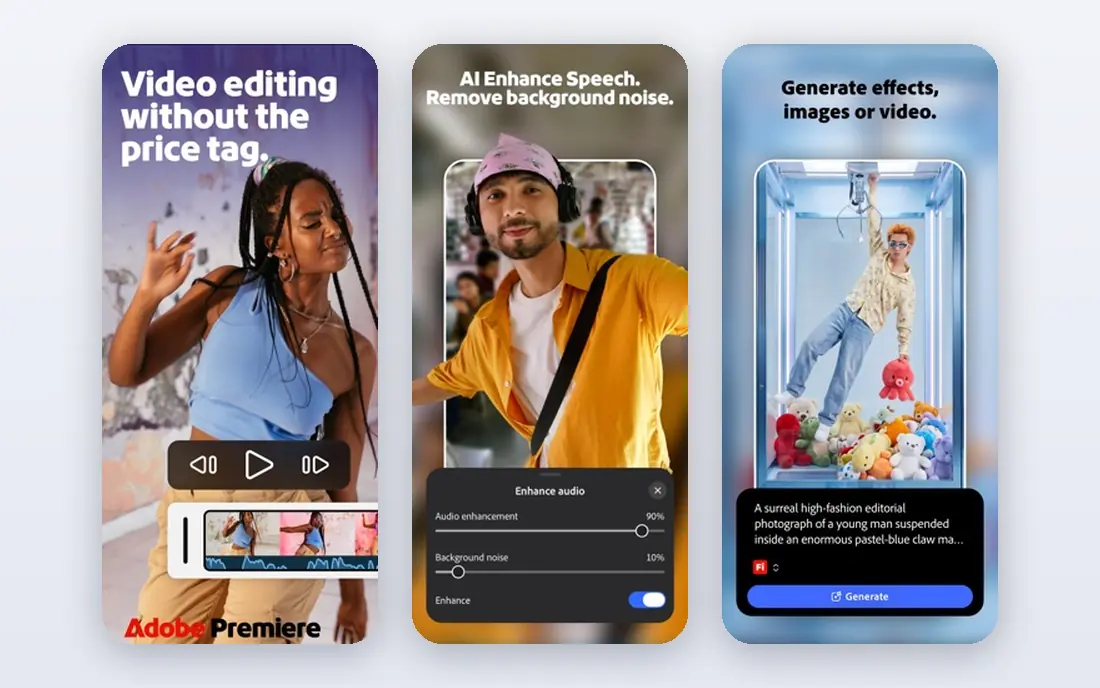
After Effects is the tool most studios expect on a motion design resume. It handles keyframe animation, compositing, motion tracking, particle effects, and title design in one timeline, and its plugin and template ecosystem means almost any look has a ready-made starting point. Files also move well into Premiere Pro and other Adobe apps, which matters in team pipelines.
The cost and complexity are real. A subscription is a long-term expense, and large projects demand a capable computer and organized project files. After Effects suits professionals, freelancers working with agencies, and anyone who needs the broadest compatibility, while beginners on a budget may start with Blender or Cavalry first.
- Largest plugin, script, and template ecosystem
- Strong compositing, tracking, and effects
- Wide studio compatibility
- Subscription cost adds up
- Performance depends heavily on hardware
- Learning curve is steep for beginners
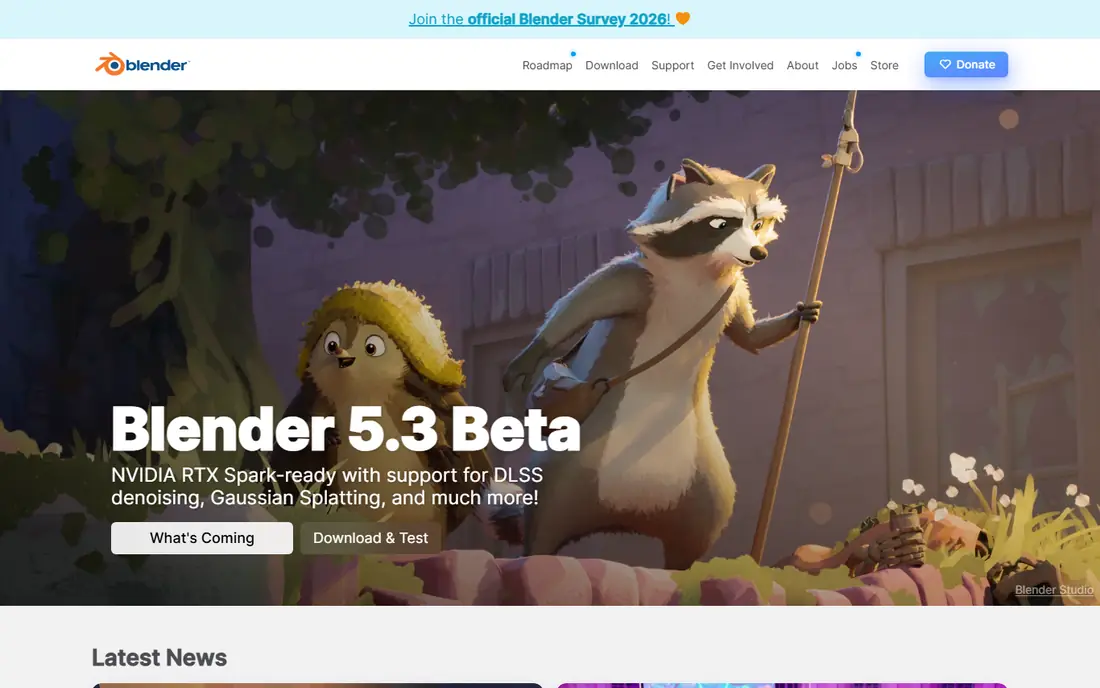
Blender is the strongest free tool in motion design, and its scope is remarkable for a no-cost app. It covers 3D modeling, rigging, animation, simulation, video editing, and compositing, so a single tool can take a 3D motion piece from idea to final render. The Grease Pencil tools also support 2D animation inside a 3D space, which suits stylized work.
The learning curve is the main barrier, since Blender packs many disciplines into one interface. It suits 3D motion designers, independent creators, students, and anyone who wants professional 3D tools without a subscription. For pure 2D social graphics, a dedicated 2D tool may still feel faster.
- Completely free and open source
- Full 3D modeling, animation, and rendering
- Active community and tutorials
- Interface takes time to learn
- 2D motion graphics tools are less direct than After Effects
- Support comes from community, not a vendor
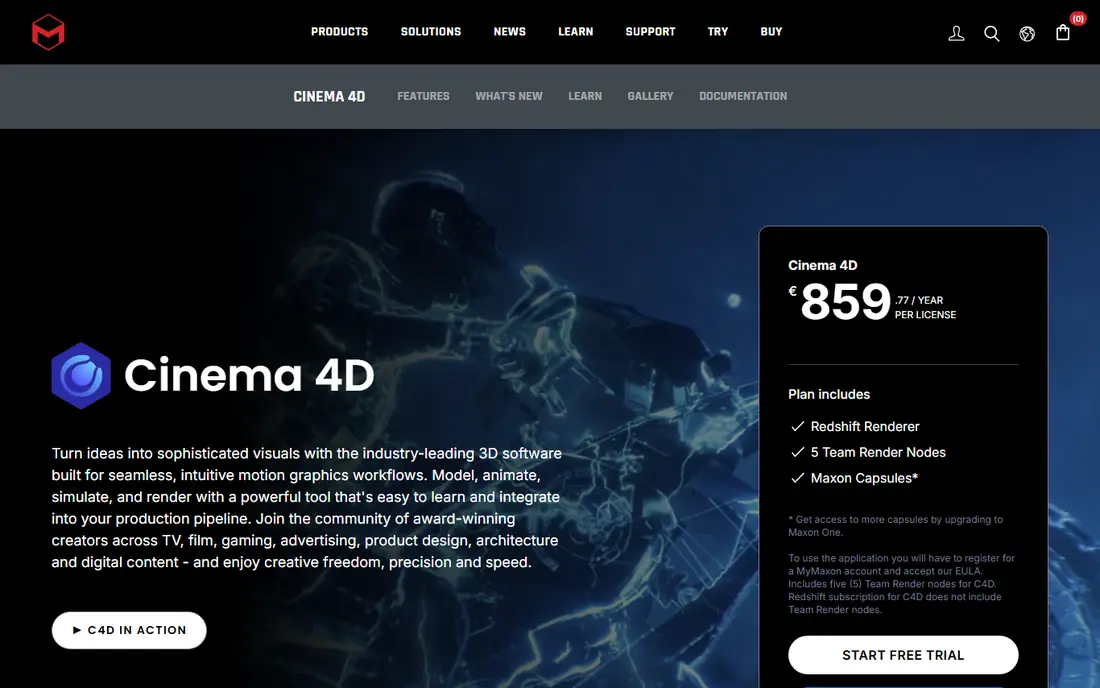
Cinema 4D, from Maxon, is built for motion graphics in 3D. Its MoGraph toolset makes it easy to clone, arrange, and animate large groups of objects, which is why it appears in broadcast graphics, title sequences, and product animations. The interface is friendlier than many 3D apps, and integration with After Effects keeps it inside common studio pipelines.
Cost is the limit for solo creators, since the full version is a paid subscription, and character work may need other tools. Cinema 4D suits broadcast and commercial motion designers, studios with 3D title and product work, and After Effects users who want to add polished 3D without learning a full film-production 3D suite.
- Fast, designer-friendly 3D workflow
- Strong MoGraph tools for clones and effects
- Good integration with After Effects
- Paid subscription for full use
- Less suited to character animation than dedicated tools
- Rendering can need extra hardware or services
Cavalry, now from Canva, is a real-time 2D animation tool built around procedural systems rather than manual keyframes. That design shines when one animation needs many variations, such as data-driven charts, social templates, or versioned ads, since changing data or parameters updates the whole piece. For individuals, the full tool is free, which makes it one of the best value options in 2026.
The mental shift is real. Designers used to timelines may need a few projects before procedural rigs feel natural, and Cavalry does not replace After Effects for compositing or heavy effects work. Cavalry suits 2D motion designers, data visualization work, social content teams, and anyone who repeats similar animations with different text, numbers, or colors.
- Free for individuals, including commercial use
- Procedural rigs and data-driven animation
- Real-time preview
- Procedural thinking takes time to learn
- Smaller plugin ecosystem than After Effects
- Enterprise use needs a Canva plan for team features
Rive is different from the video tools on this list because its output is meant to respond. Animations built in Rive can change with user input, app state, or data, while staying small enough for websites and mobile apps. State machines let designers define how an animation moves between idle, hover, loading, and success states without writing code for every transition.
That strength is also its boundary. Rive does not replace a video compositor for broadcast or social video, and shipping interactive work usually needs a developer to wire the file into a product. Rive suits product designers, app teams, web designers, and anyone building loading animations, interactive icons, or game-like interface motion.
- Small, interactive animation files for web and apps
- State machines for user-driven motion
- Free tier for getting started
- Not a video editing or compositing tool
- Interactive design needs developer collaboration
- Advanced features sit in paid tiers
Moho, formerly Anime Studio, focuses on 2D character animation with bone rigs. Rig a character once, then animate walks, talks, and gestures by moving bones rather than redrawing frames, which speeds up explainer videos, cartoons, and educational content. Smart bone actions store reusable motions, such as head turns, for consistent character work.
Moho is less suited to abstract motion graphics, 3D work, or heavy compositing, and its interface shows its age next to Cavalry or Rive. It suits character animators, explainer video creators, educators, and small studios that need repeatable character animation without a large team or budget.
- Bone rigging for 2D characters
- Smart bone actions for reusable motion
- Good for explainer and cartoon work
- Interface feels older than newer rivals
- 3D and compositing features are limited
- Smaller community than Blender or After Effects
DaVinci Resolve is best known for color grading, but its free version includes Fusion, a node-based compositing and motion graphics workspace, alongside editing, effects, and audio. That combination suits creators who want to animate titles, composites, and effects inside the same project they edit, without buying a separate motion app.
Fusion uses nodes rather than layers, which feels unfamiliar to After Effects users at first, and the template library is smaller. Resolve suits video creators, YouTubers, and small production teams who edit and finish in one app, and who want motion graphics as part of a video workflow rather than as a standalone specialty.
- Free version covers editing, Fusion motion graphics, color, and audio
- Strong finishing tools
- One app for edit to delivery
- Fusion node workflow takes learning
- System demands are high for 4K work
- Motion graphics are less template-rich than After Effects
Apple Motion is a Mac-only motion graphics tool that pairs with Final Cut Pro. Behaviors, rather than manual keyframes, animate many common moves, and templates for titles, generators, and effects speed up everyday video work. Performance on Apple silicon is a real advantage for Mac editors who need quick renders.
The Mac-only limit and smaller plugin ecosystem mean Motion rarely leads a cross-platform studio pipeline. It suits Mac video editors, Final Cut Pro users, and creators who need polished titles and simple motion graphics without leaving the Apple video workflow. For heavy compositing or 3D, After Effects or Cinema 4D remain stronger.
- Fast on Apple silicon Macs
- Good templates and behaviors for titles
- Integrates with Final Cut Pro
- Mac only
- Smaller ecosystem than After Effects
- Less suited to complex 3D or interactive work
How we picked these
We compared official feature pages, pricing, and export formats, favoring tools still actively developed with a clear motion design use, whether for video, 3D, or interactive output. We included free, trial, and paid options to cover students, freelancers, and studios, and we noted where a tool excels at one output type but not others. We excluded general video editors without a dedicated motion workspace and tools that had not been updated for current operating systems.
What to check before you choose a motion tool
Start from the final output
A broadcast title, a social clip, a 3D product animation, and an interactive app icon need different tools, even though all count as motion design. List the formats, sizes, and platforms for your next three projects, then choose the tool that exports those formats cleanly. A tool that is excellent for video may be useless for interactive work, and vice versa.
Test the learning curve on a real project
Tutorials make every tool look easy, so rebuild a small piece of your own work in a trial or free tier before committing. That test reveals whether the interface, rigging, or node system fits how you think, and whether rendering times suit your computer. A week with a real project teaches more than a month of sample files.
Check the ecosystem, not just the app
Plugins, templates, stock assets, and community tutorials save hours over a year, especially for client work with tight deadlines. After Effects and Blender lead here, while newer tools may need more manual building. Also check file compatibility with editors, developers, or clients who will receive your work.
Budget for hardware and time, not just software
Free software still costs time and computing power. 3D rendering, particle effects, and 4K compositing demand a capable machine and storage, and learning a new paradigm such as procedural or node-based animation takes weeks. Factor those costs into the choice, and start with the free tier where one exists.
Frequently asked questions
What are the best motion design tools?
After Effects leads for video compositing, Blender leads for free 3D, Cavalry leads for procedural 2D, and Rive leads for interactive animation. The best tool depends on output: choose After Effects for studio video work, Blender for 3D, Cavalry for repeatable 2D graphics, and Rive for web and app motion.
Is there a free tool for motion design?
Yes. Blender is free for 3D motion, Cavalry is free for individuals for 2D procedural animation, and DaVinci Resolve includes a free motion workspace in Fusion. Rive also offers a free tier for interactive animation. Start with the free option that matches your output, and pay only when client work or team features require it.
Is After Effects still worth it in 2026?
Yes, for professionals who work with agencies or studios, because its plugin ecosystem, templates, and file compatibility remain unmatched for video motion work. For solo creators on a budget, Blender and Cavalry cover many of the same jobs for free, so After Effects is worth it when client compatibility or advanced compositing justifies the subscription.
What tool is best for 2D motion design?
Cavalry suits procedural and data-driven 2D work, Moho suits character animation, and After Effects suits general 2D compositing and effects. For social graphics with many variations, Cavalry often works fastest, while After Effects remains better for layered compositing and effects-heavy pieces.
Can I learn motion design without a paid tool?
Yes. Blender, Cavalry, and DaVinci Resolve all offer free tiers with professional features, and Rive offers a free starting tier for interactive work. Learn core skills such as timing, easing, and composition in a free tool first, then add a paid tool when a job or studio pipeline requires it.
Sources we checked (8)

Online Jobs is an independent blog about careers, online work, learning new skills and the tools that help people earn. More about us.
Keep reading
All posts
Top Rated Poster Maker Software
Top rated poster maker software compared for 2026: Canva, Adobe Express, VistaCreate, PosterMyWall and more for events, sales and classrooms for US users.

Best Tools for Print Design
Compare the best tools for print design, from professional layout and vector software to browser tools, free editors, team publishing platforms and press prep.
Best Graphic Design Software
Compare the best graphic design software for logos, print, social posts and interface design, with free options and professional tools explained in 2026.