Best Software for Esports Poster Design in 2026: 9 Tools Compared


Detailed custom esports posters · Starting price: $22.99 per month
How we put this together: we compare official feature and pricing pages, app store listings, privacy policies and public user reviews. Prices change, so check the provider's site before you pay.
Key takeaways
- Photoshop remains the reference tool for detailed esports posters, but Affinity now offers professional vector and raster editing free with a Canva account.
- Canva and PosterMyWall are fastest for teams that need match-day graphics on a tight schedule, while Photoshop and Illustrator suit custom, high-end artwork.
- Photopea is the best browser option for layered poster files, since it opens PSD files without installing anything.
- Esports posters need bold type, readable player names, and team colors that stay clear at small social media sizes, so test every design at phone size.
- Start free with Affinity, Photopea, or GIMP, and only pay for Adobe when client work or team collaboration demands it.
Quick comparison
| Name | Who it suits | Starting price | Free option | |
|---|---|---|---|---|
| Adobe Photoshop | Detailed custom esports posters | $22.99 per month | Free trial | Visit |
 Adobe Illustrator | Vector logos and poster type | See website | Free trial | Visit |
 Affinity | Free professional poster design | Free | Yes | Visit |
 Canva | Fast match-day graphics | Free | Yes | Visit |
 Photopea | Browser-based layered editing | Free | Yes | Visit |
 GIMP | Free raster editing | Free | Yes | Visit |
 Figma | Team collaboration on poster sets | Free | Yes | Visit |
 CorelDRAW | Vector posters on Windows | See website | Free trial | Visit |
 PosterMyWall | Template-based esports posters | Free | Yes | Visit |
The best software for esports poster design
Esports posters have a specific job: announce a match, show the teams and players, and stay readable on a phone screen, a stream overlay, and a printed bracket. The tools below cover that job from free starters to professional suites, and we compared official pricing pages, feature pages, and format support to build the list.
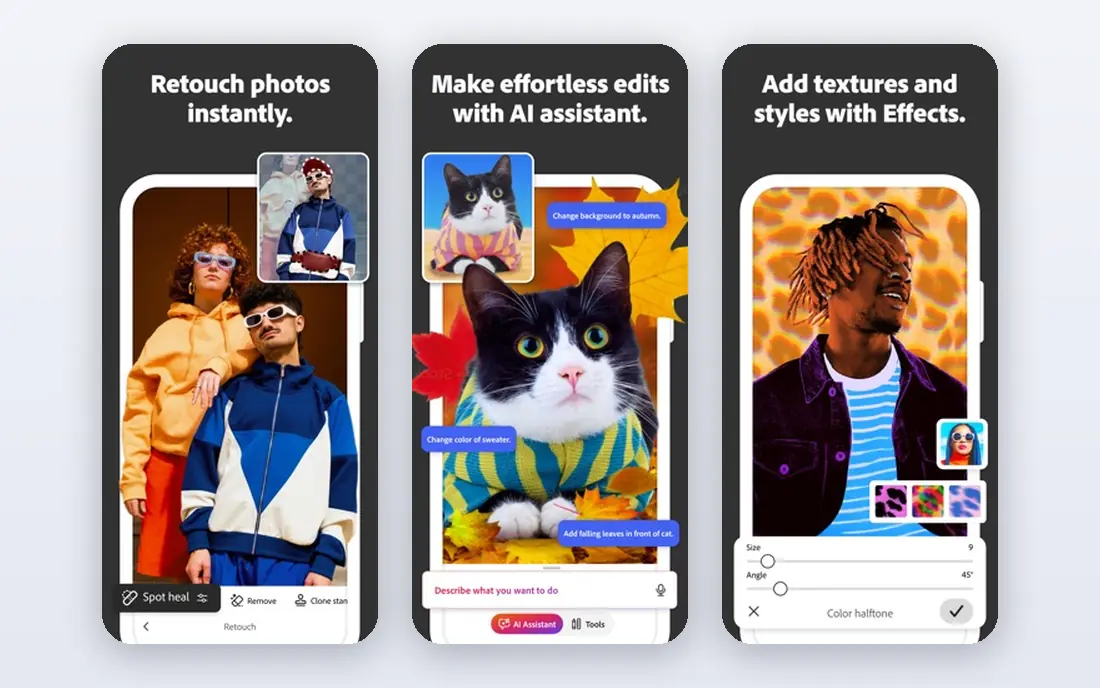
Photoshop is still the tool most professional esports designers reach for when a poster needs custom player cutouts, dramatic lighting, and layered effects. Its layer and mask controls let you blend player photos, team colors, and sponsor logos without flattening the design, and the PSD format is the file clients and printers expect. For a tournament final poster or a team announcement graphic, that depth is hard to replace.
The honest catch is cost and complexity. At $22.99 per month, Photoshop is a real commitment for a small team or a solo creator, and a beginner will need time before the results match the price. If your posters are mostly template-based match announcements, a free tool will serve you better. Pay for Photoshop when custom artwork is the product.
- Deepest layer, mask, and retouching control
- Huge template and asset ecosystem
- Industry standard file format
- Subscription cost adds up
- Steep learning curve for beginners
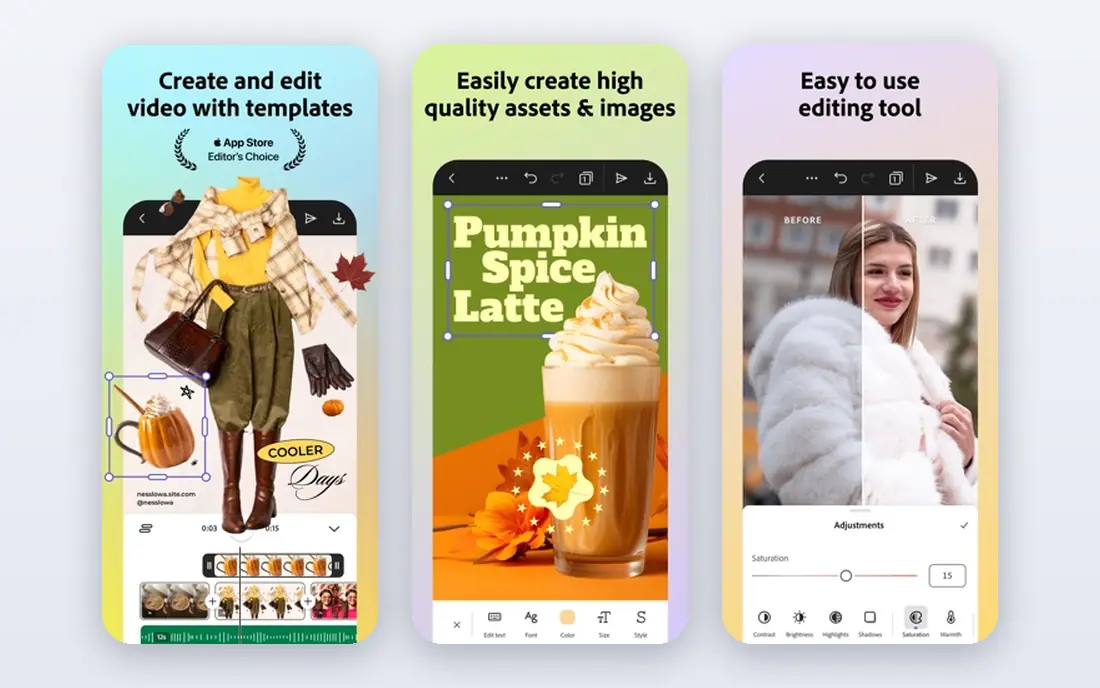
Illustrator is the right tool for the parts of an esports poster that must stay sharp at any size: team logos, bold display type, and graphic shapes. Vector artwork scales from a social avatar to a printed banner without pixelation, which matters when one design must work across stream graphics, posters, and merchandise. Most professional esports brands keep their logos and wordmarks as Illustrator files for exactly that reason.
The weakness is that Illustrator alone is not the best photo editor, so a photo-heavy poster usually needs Photoshop as well. That pushes the cost higher for a team that buys both. Use Illustrator for branding and type, and pair it with a raster editor for player photos and effects.
- Crisp vector logos and type at any size
- Essential for team branding
- Pairs well with Photoshop
- Subscription pricing
- Less suited to photo-heavy posters on its own
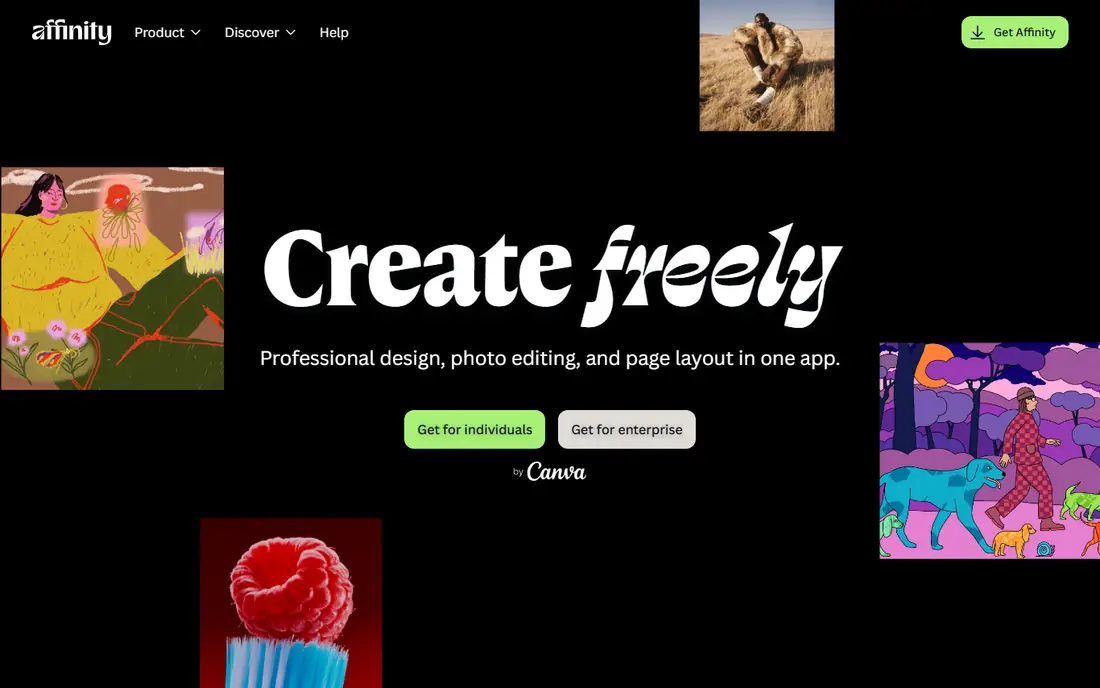
Affinity is the biggest change in poster design in years, because Canva relaunched it as a free app combining the former Photo, Designer, and Publisher tools. That means one free download covers photo editing, vector logos, and poster layout, with support for PSD, SVG, and PDF files. For an esports team on a tight budget, Affinity removes the main reason designers felt forced into a subscription.
The catch is small but real. A free Canva account is required, and AI features such as generative fill sit behind a paid Canva plan. The unified app is also newer than the old separate apps, so a few workflows are still settling. Even with those limits, Affinity is our pick for most esports designers who want professional tools without a monthly bill.
- Professional vector, raster, and layout tools in one free app
- No subscription for core features
- Good PSD and SVG support
- AI features sit behind a paid Canva plan
- Newer unified app still maturing
Canva is the fastest way for an esports team to publish a match-day poster, a score graphic, or a roster announcement. Templates sized for every social platform, drag-and-drop editing, and a large asset library mean a social media manager can produce a clean graphic in minutes, not hours. For a team posting several times a week, that speed matters more than pixel-level control.
The honest weakness is originality and precision. Free templates are widely used, so a Canva poster can look familiar unless you customize colors, fonts, and imagery heavily. Detailed photo work and complex layering are also weaker than in Photoshop or Affinity. Use Canva for volume and speed, and a professional editor for flagship posters.
- Huge template library
- Fast for social sizes
- Easy team sharing and brand kits on paid plans
- Less precise than Photoshop or Affinity
- Free templates can look generic
Photopea is the best option when you need real layered editing but cannot install software, such as on a shared computer or a Chromebook. It opens PSD files in a browser tab, keeps layers editable, and handles the masking, text, and export work that an esports poster needs. For a volunteer designer or a student team, that combination is hard to beat.
The trade-offs are practical. The free version shows ads, it needs an internet connection, and very large poster files can feel slower than in a desktop app. A paid premium plan removes ads, but the free version already covers most poster work. Keep Photopea in your toolkit even if you own a desktop editor, since it is always available.
- Opens PSD files in a browser with no install
- Strong layered editing for a free tool
- Works on any computer
- Ad-supported free version
- No offline use
- Performance depends on browser
GIMP has been the free Photoshop alternative for decades, and it remains a capable raster editor for esports posters. It handles layers, masks, color work, and text, and its plugin community adds features for specific tasks. For a designer who wants a free desktop editor and does not need perfect PSD round-tripping, GIMP is a solid choice.
The catch is file compatibility. GIMP can struggle with complex layered PSD files, sometimes flattening or altering adjustment layers, so it is less safe than Photopea or Affinity for files that must travel between designers. Its interface also feels dated next to modern tools. Use GIMP for posters you build from scratch, and another tool when you must preserve a layered PSD exactly.
- Free and open source
- Deep raster editing
- Large plugin community
- Layered PSD compatibility is weaker than Photopea
- Interface feels dated
Figma is not a traditional poster editor, but it earns a place for teams that design poster sets together. Multiple people can work on match graphics, roster cards, and sponsor layouts at once, leave comments on the design, and share files with a link, which suits a distributed esports org. Its component system also keeps team colors, logos, and type styles consistent across a whole season of graphics.
The weakness is photo depth and print. Figma is weaker than Photoshop or Affinity for detailed photo retouching, and its print export is less refined. Use Figma for collaboration, templates, and social graphics, and move flagship posters to a dedicated editor for final polish.
- Real-time collaboration
- Easy sharing and feedback
- Strong for poster sets and templates
- Browser-based and less suited to heavy photo editing
- Print features are thinner
CorelDRAW is a long-standing vector design suite that suits print-focused esports posters, such as event banners, venue signage, and large-format prints. Its type controls and vector tools are mature, and it handles multi-page layouts for tournament programs alongside single posters. For a Windows-based designer with print work in mind, it is a credible alternative to Illustrator.
The honest downside is community and cost. The esports template and asset community around CorelDRAW is smaller than around Adobe or Canva, and pricing is a suite or subscription commitment. It makes most sense for a designer who already works in CorelDRAW or who needs its print strengths.
- Mature vector toolset
- Strong for print posters
- Good type controls
- Windows-focused history
- Subscription or suite pricing
- Smaller esports template community
PosterMyWall is built for exactly this kind of job: pick a poster template, swap in team names, colors, and player images, and export for social or print. Its sports and gaming templates give a small team a professional-looking match poster without design training, and the workflow is faster than starting from a blank canvas in any editor. For a local tournament or a school team, that speed is the main selling point.
The catch is originality and export cost. Templates are recognizable, and free exports may carry limits or watermarks, with high-resolution downloads often requiring payment. Customize heavily, and treat PosterMyWall as a fast production tool for routine fixtures rather than the home of your flagship brand artwork.
- Poster templates including sports and gaming themes
- Fast customization
- Social sizes included
- Template look can feel generic
- High-resolution downloads may require payment
How we picked these
We compared official pricing pages, feature pages, and format support for tools that can produce finished esports posters, from photo editors and vector tools to template platforms. We favored tools with real layer and type control, checked that free plans are genuinely usable rather than only trials, and included collaboration and template options because esports teams often need speed and shared workflows as much as raw editing power. Where a price could not be confirmed from the vendor, we used See website.
Designing posters that read at a glance
Start with the hierarchy: match or event name first, teams and date second, and details such as stream link and sponsors last. Esports posters fail most often because everything shouts at once, so pick one focal image, usually a player or a team logo, and let the rest support it. Use high-contrast type for player names and dates, since a poster that looks great on a desktop monitor may be unreadable on a phone feed.
Next, build a repeatable system. Set team colors, two fonts, and a layout grid, then reuse them across match posters, score graphics, and roster cards. That consistency builds recognition faster than a new style every week, and it makes templates in Canva, Figma, or PosterMyWall far more effective. Finally, export at the right size for each platform, and check the design at phone size before publishing, since most fans will see it there first.
Photo, type, and print checks
Use high-resolution player photos when you can, since a low-resolution image stretched across a poster is the fastest way to make a design look amateur. Keep sponsor logos legible but secondary, and leave clear space around them as sponsors usually require. For print, check bleed, color mode, and resolution with your printer before a large run, since a file that looks fine on screen can print with cropped edges or dull colors.
Frequently asked questions
What is the best free software for esports poster design?
Affinity is our pick for free professional design, since it combines vector, raster, and layout tools without a subscription for core features. Photopea is best if you need browser-based PSD editing, and Canva is fastest for template-based match graphics.
Is Photoshop worth it for esports posters?
Yes, if you produce custom, photo-heavy posters for clients or a professional team, since its layer, mask, and retouching depth is unmatched. For routine match announcements or a small team budget, Affinity or Canva will cover most needs at no cost.
What size should an esports poster be?
It depends on where it will be seen, so design for the main platform first, such as a social feed size, and adapt for stories, stream overlays, and print separately. Always test readability at phone size, since that is how most fans will first see the poster.
Can I use Canva templates for a professional esports team?
Yes, but customize them heavily with your team colors, fonts, logos, and player imagery, or the result will look generic. Canva works best for high-volume match graphics, while flagship posters benefit from a custom design in Affinity or Photoshop.
Do I need Illustrator for esports posters?
You need a vector tool for logos and scalable type, and Illustrator is the standard choice, but Affinity and CorelDRAW cover the same work. If your team already has vector logos, a raster editor plus Canva may be enough for routine posters.
Sources we checked (9)

Online Jobs is an independent blog about careers, online work, learning new skills and the tools that help people earn. More about us.
Keep reading
All posts
Top Rated Poster Maker Software
Top rated poster maker software compared for 2026: Canva, Adobe Express, VistaCreate, PosterMyWall and more for events, sales and classrooms for US users.
Best Tools for Print Design
Compare the best tools for print design, from professional layout and vector software to browser tools, free editors, team publishing platforms and press prep.
Best Tools for Motion Design
Compare the best tools for motion design in 2026. We review 8 apps for 2D animation, 3D motion, interactive graphics, pricing and free plans. Start here.