Best Tools for Drawing Diagrams in 2026: 9 Tools Compared


Structured technical diagrams · Starting price: $7.95 per month
How we put this together: we compare official feature and pricing pages, app store listings, privacy policies and public user reviews. Prices change, so check the provider's site before you pay.
Key takeaways
- Free tools cover most flowchart needs, while paid tools earn their cost through collaboration and templates.
- Diagram type matters: architecture, process maps and whiteboard sketches need different strengths.
- Export and integration with your docs or wiki matter if diagrams are documentation, not just sketches.
- Real time collaboration is the main reason to pay when a free tool already draws well.
Quick comparison
| Name | Who it suits | Starting price | Free option | |
|---|---|---|---|---|
| Lucidchart | Structured technical diagrams | $7.95 per month | Yes | Visit |
 diagrams.net | Free unlimited diagramming | Free | Yes | Visit |
 Microsoft Visio | Microsoft 365 teams | $5 per month | No | Visit |
 Miro | Whiteboard to diagram workflows | $8 per month | Yes | Visit |
 SmartDraw | Template driven business diagrams | $9.95 per month | Free trial | Visit |
 EdrawMax | Affordable Visio alternative | See website | Yes | Visit |
 Creately | Visual team collaboration | $8 per month | Yes | Visit |
 Whimsical | Fast clean flowcharts | $10 per month | Yes | Visit |
 Cacoo | Simple online diagramming | $4.95 per month | Yes | Visit |
The best tools for drawing diagrams
We compared diagram tools by template range, ease of drawing, collaboration, export options and price, so you can pick one for flowcharts, architecture or workshops.
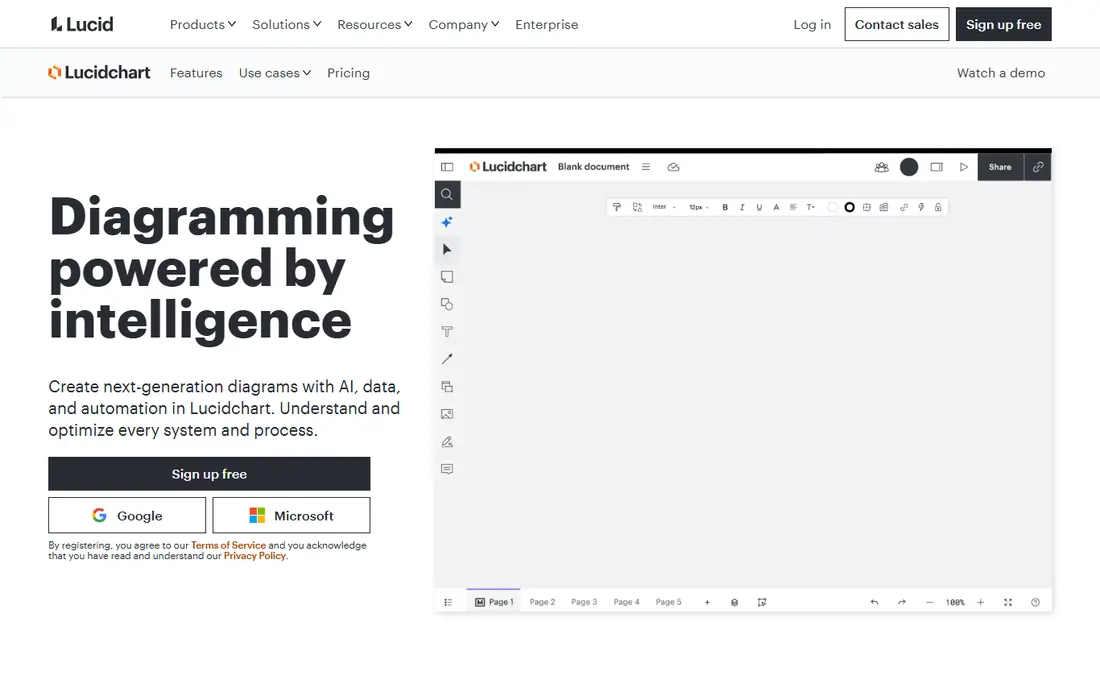
Lucidchart is our pick for structured diagrams that need to look professional and stay consistent. Flowcharts, org charts, network diagrams and process maps benefit from its shape libraries, alignment tools and templates. Teams can comment, share and link data to shapes, which helps when diagrams support documentation or planning.
The free plan limits editable documents, so regular users will need a paid plan. Data linking also takes time to learn well. If you diagram weekly for work and need polished, shareable results, Lucidchart is worth the cost. If you diagram rarely, a free tool may be enough.
- Strong templates
- Data linking
- Integrations with common work tools
- Free plan limits documents
- Data features take time to learn
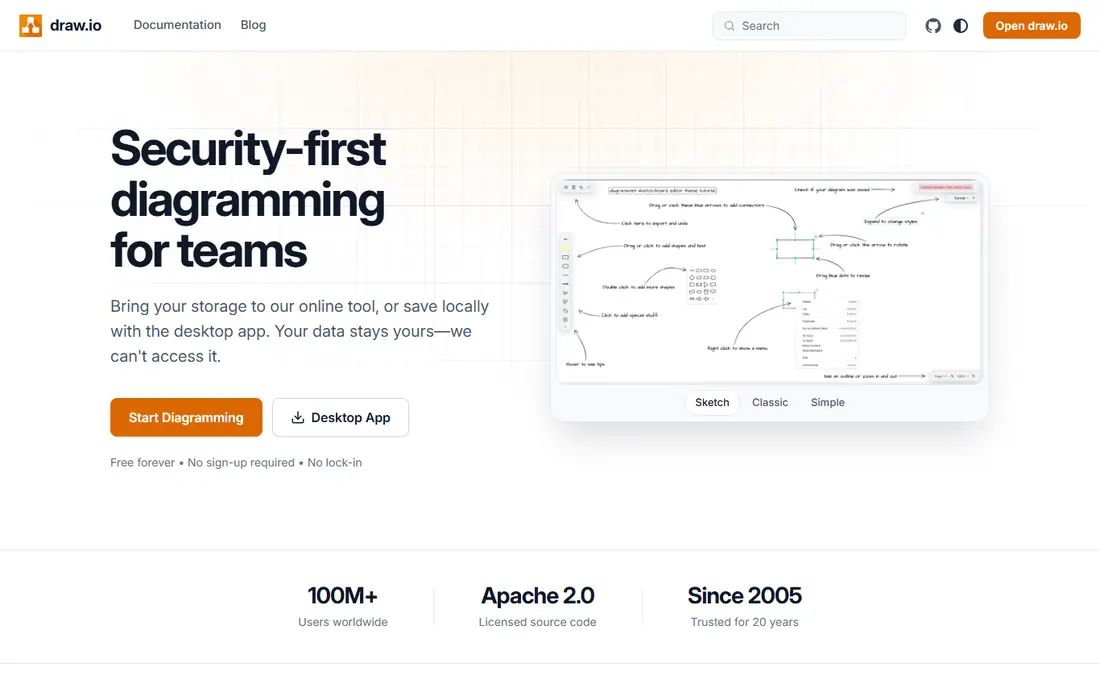
diagrams.net, also known as draw.io, is the best free diagram tool for most people. It costs nothing, offers a wide shape range, and lets you save to Google Drive, OneDrive, GitHub and local storage. A desktop app works offline, which helps when you diagram on a plane or in a secure environment.
The trade off is collaboration and polish. Real time team editing and approval workflows are thinner than in paid rivals, and the interface is functional rather than beautiful. If your main need is to draw clear diagrams without a subscription, start here and only pay if teamwork features become essential.
- Completely free
- Offline desktop app
- Saves to Drive and other storage
- Fewer collaboration features
- Plainer interface
Microsoft Visio suits teams already living in Microsoft 365. Diagrams open alongside Word, Excel, Teams and SharePoint, and technical templates cover networks, floor plans and engineering diagrams. That integration saves time when diagrams feed into reports, proposals and internal docs.
The catch is value outside Microsoft. Standalone pricing and feature tiers can confuse, and the web plan is more limited than desktop versions. If your organisation already pays for Microsoft 365, Visio is a natural fit. If not, Lucidchart or diagrams.net may offer better value.
- Deep Microsoft 365 integration
- Strong technical templates
- Familiar Office feel
- Web plan limits
- Best value inside Microsoft shops
Miro suits workshops and team sessions that turn into diagrams. Start with sticky notes and freeform ideas on an infinite canvas, then shape them into flowcharts, maps and plans in the same board. Real time collaboration, comments and templates make it strong for remote teams and brainstorming.
The catch is precision. For strict technical diagrams with exact shapes and data links, a dedicated tool like Lucidchart is cleaner. Miro also charges per member, so costs grow with team size. Use Miro when diagrams start as group thinking, not as finished documentation.
- Infinite canvas
- Real time collaboration
- Workshop templates
- Diagram precision less than dedicated tools
- Cost grows with members
SmartDraw suits business users who want a diagram fast from a template. Choose a chart type, enter data, and SmartDraw formats shapes and connectors for you. That speed helps for org charts, floor plans, timelines and process diagrams in office settings where polish matters but design skill does not.
The trade off is modern collaboration. Real time editing and integrations are thinner than in Lucidchart or Miro, and the interface feels less fresh. If you mainly need finished business diagrams from templates, SmartDraw is efficient. If live teamwork is central, pick a cloud first rival.
- Large template library
- Automatic formatting
- Desktop and web versions
- Interface feels dated
- Collaboration thinner than rivals
EdrawMax suits users who want a wide diagram library at a lower cost than Visio. It covers flowcharts, mind maps, floor plans, electrical diagrams and many technical types, with desktop and web versions. That breadth helps engineers, teachers and small teams who diagram many different things.
The catch is choice overload. A library this wide takes time to learn, and pricing varies by plan and term, so check the current offer. If you need many diagram types in one tool and want a desktop option, EdrawMax offers strong value.
- Wide diagram types
- Desktop and web
- One time style options
- Learning curve for full library
- Pricing varies by plan
Creately suits teams that want diagrams linked to project work. Flowcharts, org charts and process maps sit alongside task and workflow views, so a diagram can become a plan rather than a static image. Collaboration and templates help small teams move from discussion to action.
The trade off is ecosystem size. Integrations and community templates are smaller than those of Lucidchart or Miro. If your team wants diagrams plus light project tracking in one place, Creately is a good fit. If you need deep integrations, check the larger platforms first.
- Diagram plus project workflow
- Team collaboration
- Templates
- Smaller ecosystem
- Advanced features on higher plans
Whimsical suits people who want a flowchart in minutes with a clean result. The editor is fast, shapes snap into place sensibly, and the output looks polished without fiddling. Flowcharts, wireframes, mind maps and sticky note boards cover most everyday team needs.
The catch is technical depth. Specialist engineering and network templates are thinner than in Lucidchart or Visio, and full use needs a paid plan. If speed and clarity matter most, Whimsical is a pleasure to use. If you need deep technical libraries, pick a broader tool.
- Very fast editor
- Clean output
- Flowcharts, wireframes and mind maps
- Fewer technical templates
- Paid plan for full use
Cacoo suits small teams that want simple online diagramming at a low price. The editor is easy to learn, real time collaboration works well for shared diagrams, and the starting price undercuts many rivals. That combination helps small businesses and classrooms that need shared diagrams without a large budget.
The trade off is range. Templates and integrations are smaller than in larger tools, so specialist diagrams may need manual work. If your needs are straightforward flowcharts, org charts and wireframes, Cacoo offers good value and a gentle learning curve.
- Simple editor
- Real time collaboration
- Low starting price
- Smaller template range
- Fewer integrations
How we picked these
We checked official pricing pages, feature pages and template libraries for each tool. We compared free plan limits, paid starting prices, collaboration features and export options, because those factors decide daily value more than a feature list alone. We also weighed diagram type, since a whiteboard tool and a technical diagram tool serve different jobs.
We did not claim hands on testing we did not do. Prices vary by billing term and team size, so confirm the current price on the vendor page before you buy. Where pricing varied across sources, we used the most recent vendor or well sourced figure and used See website where a single monthly price would mislead.
How to choose a diagram tool for your kind of work
Start with the diagram you draw most. Flowcharts and process maps suit Lucidchart, diagrams.net and Whimsical. Architecture and engineering diagrams suit Lucidchart, Visio and EdrawMax. Workshop sketches and brainstorms suit Miro. Matching the tool to that main diagram type saves time every week.
Next, check collaboration and sharing. Ask who needs to edit, comment or view, and whether diagrams must live in your wiki, docs or project tool. A tool that exports cleanly to PDF, image or your wiki will be used more than one that traps diagrams in a single app, even if its editor is slightly nicer.
Finally, test the free plan with a real diagram. Draw a flowchart you actually need, share it with a colleague, and export it. That short test reveals limits in shapes, exports and collaboration faster than a feature comparison. Pay only when the free plan blocks work you do regularly.
Frequently asked questions
What is the best tool for drawing diagrams?
Lucidchart is the best all round paid choice for structured diagrams, diagrams.net is the best free choice, and Miro is best for workshop style diagrams. The right pick depends on whether you need precision, collaboration or a free start.
Is there a free diagram tool?
Yes. diagrams.net is free with no document limits in its core web and desktop apps, and Lucidchart, Miro, Whimsical and Cacoo offer limited free plans. Free plans usually limit documents, boards or features, so check those limits before relying on them.
Can I draw flowcharts without installing software?
Yes. Most tools on this list run in a browser, and diagrams.net also offers a desktop app for offline use. Browser tools suit shared work, while a desktop app helps when you work offline or with sensitive files.
Which diagram tool works best with Microsoft 365?
Microsoft Visio integrates most deeply with Microsoft 365, including Teams and SharePoint. Lucidchart also integrates with common work tools, so check your exact workflow if you use both Microsoft and Google tools.
What is the difference between Miro and Lucidchart?
Miro is a whiteboard first tool for workshops and freeform collaboration that can become diagrams. Lucidchart is a diagram first tool for structured, precise diagrams with templates and data links. Choose Miro for group thinking and Lucidchart for finished documentation.
Do diagram tools support real time collaboration?
Yes, most paid tools do, including Lucidchart, Miro, Creately and Cacoo. Free plans may limit collaborators or boards, so check team limits if several people need to edit at once.
Sources we checked (9)

Online Jobs is an independent blog about careers, online work, learning new skills and the tools that help people earn. More about us.
Keep reading
All posts
Zoom Alternatives
Zoom alternatives compared for 2026: Google Meet, Microsoft Teams, Webex, Jitsi and more for free calls, large meetings and webinars for teams and classrooms.

Which Software Is Best for Data Entry
Compare the best data entry software for forms, OCR scanning, and spreadsheets, with free plans, pricing, and honest limits for each tool before you commit.

What Is the Best Free Tool to Rotate a PDF
What is the best free tool to rotate a PDF? We compare eight free rotation tools on per-page control, limits, privacy and saved output quality in detail.