Best Tools for Digital Note-Taking in 2026: 7 Tools Compared

How we put this together: we compare official feature and pricing pages, app store listings, privacy policies and public user reviews. Prices change, so check the provider's site before you pay.
Key takeaways
- Notion suits teams and structured work with databases, wikis and shared pages.
- Obsidian suits individuals who want local files, links and long-term control.
- Apple Notes and Google Keep suit fast, simple capture with no new app to learn.
- OneNote suits Microsoft users and handwriting on tablets and PCs.
- Joplin suits privacy-focused users who want a free, open tool.
Quick comparison
| Name | Who it suits | Starting price | Free option | |
|---|---|---|---|---|
 Notion | Teams and structured notes with databases | Free | Yes | Visit |
 Obsidian | Local-first knowledge bases for individuals | Free | Yes | Visit |
 Microsoft OneNote | Handwriting and Microsoft users | Free | Yes | Visit |
 Apple Notes | Fast simple notes for Apple users | Free | Yes | Visit |
 Evernote | Long-time note users with large archives | See website | Yes | Visit |
 Google Keep | Quick captures and reminders | Free | Yes | Visit |
 Joplin | Free open source notes with encryption | Free | Yes | Visit |
The best tools for digital note-taking
This guide compares ten note-taking tools for capture, organisation and recall. We look at storage, sync, search, collaboration and price, so you can pick by how you think and share, not just by the longest feature list.
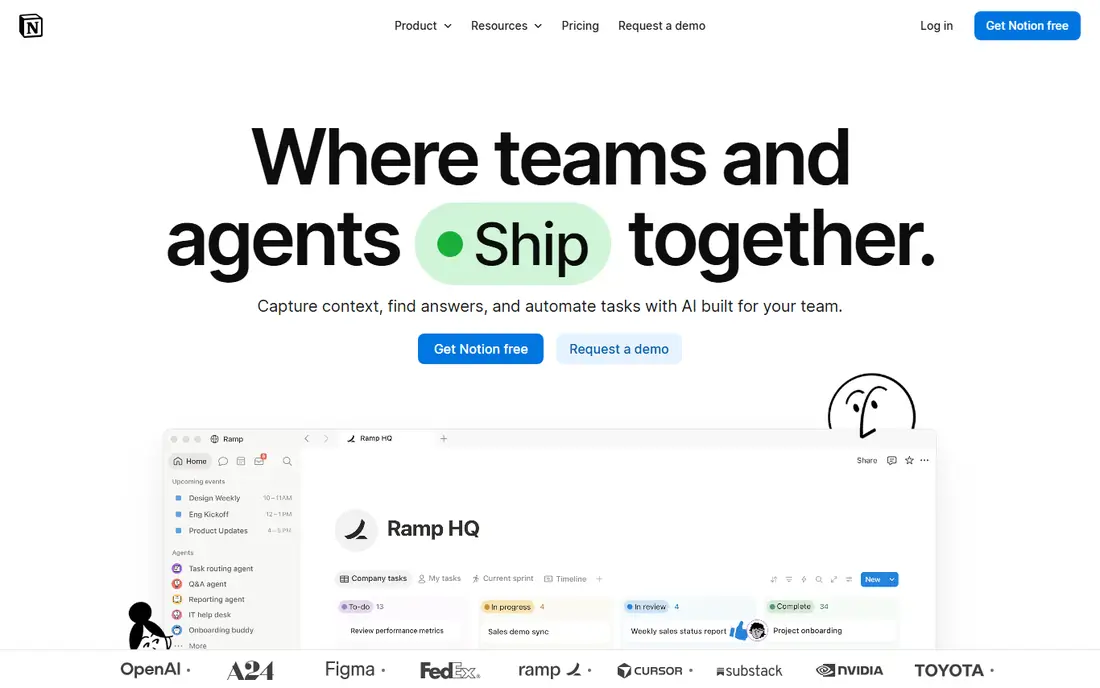
N o t i o n
i s
a
w o r k s p a c e ,
n o t
j u s t
a
n o t e b o o k ,
w h i c h
s u i t s
t e a m s
a n d
s t r u c t u r e d
p e r s o n a l
s y s t e m s .
P a g e s ,
d a t a b a s e s ,
w i k i s
a n d
t a s k s
l i v e
t o g e t h e r ,
s o
m e e t i n g
n o t e s ,
p r o j e c t
t r a c k e r s
a n d
d o c s
c a n
s h a r e
o n e
h o m e .
T e m p l a t e s
s p e e d
u p
c o m m o n
s e t u p s ,
a n d
s h a r i n g
i s
s i m p l e
f o r
g r o u p s .
- Pages, databases and wikis in one workspace
- Strong collaboration
- Large template range
- Cloud-only storage
- Offline use is limited
- Can feel heavy for simple notes
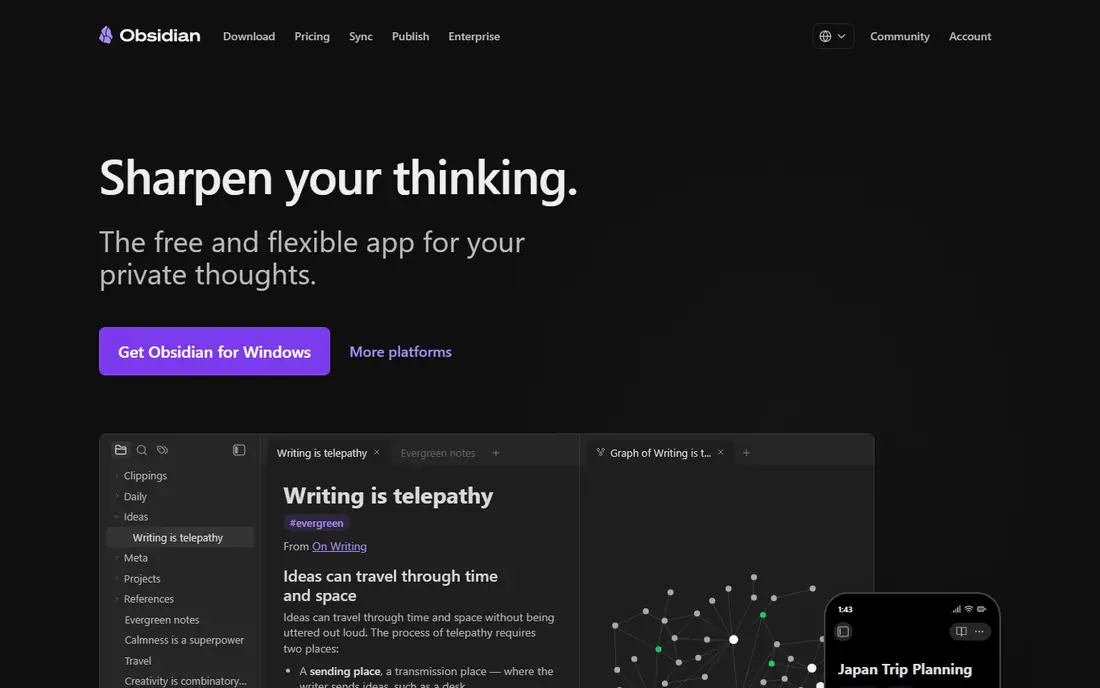
O b s i d i a n
s u i t s
p e o p l e
w h o
w a n t
t h e i r
n o t e s
a s
p l a i n
f i l e s
o n
t h e i r
o w n
d e v i c e .
N o t e s
a r e
M a r k d o w n ,
l i n k s
a n d
b a c k l i n k s
c o n n e c t
i d e a s ,
a n d
p l u g i n s
a d d
c a l e n d a r s ,
t a s k s
a n d
d a t a b a s e s
w i t h o u t
l o c k i n g
y o u
i n t o
a
c l o u d
f o r m a t .
F o r
l o n g - t e r m
p e r s o n a l
k n o w l e d g e
w o r k ,
t h a t
c o n t r o l
i s
v a l u a b l e .
- Local Markdown files you own
- Links, backlinks and graph view
- Large plugin range
- Sync is a paid add-on
- Setup takes time
- Collaboration is weaker than Notion
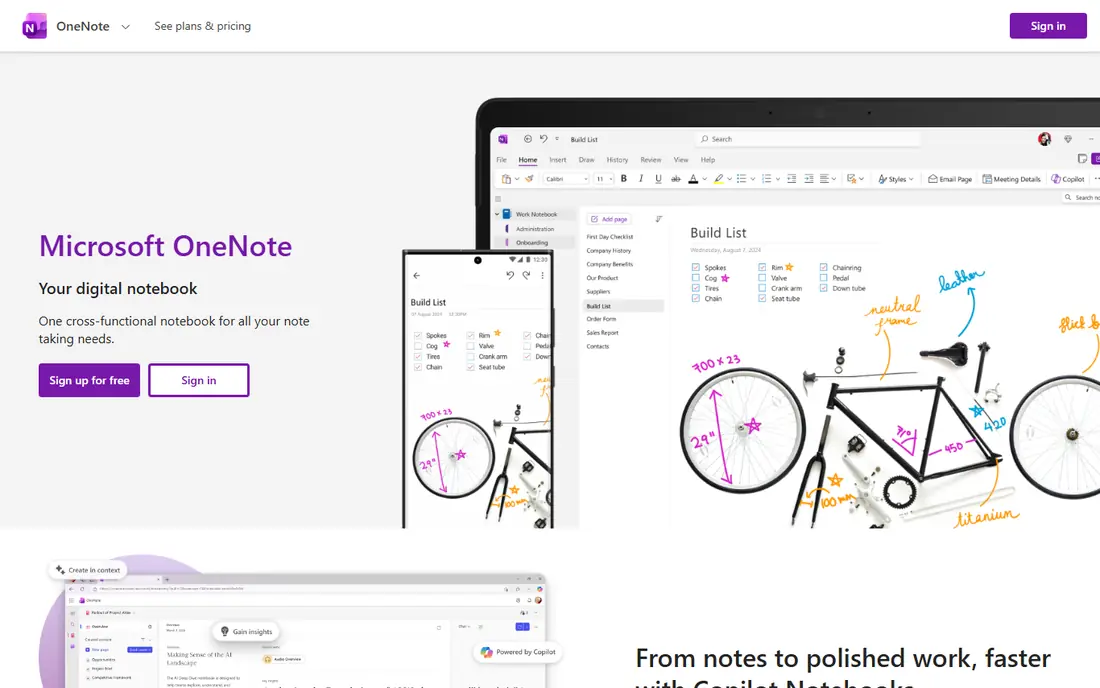
O n e N o t e
s u i t s
s t u d e n t s
a n d
M i c r o s o f t
u s e r s
w h o
l i k e
f r e e - f o r m
p a g e s .
Y o u
c a n
t y p e ,
d r a w ,
p a s t e
i m a g e s
a n d
h a n d w r i t e
o n
t h e
s a m e
p a g e ,
w h i c h
f i t s
l e c t u r e
n o t e s
a n d
b r a i n s t o r m i n g
b e t t e r
t h a n
a
s t r i c t
o u t l i n e .
I n t e g r a t i o n
w i t h
O f f i c e
a n d
O n e D r i v e
k e e p s
n o t e s
b e s i d e
d o c u m e n t s
a n d
m a i l .
- Free-form pages
- Strong handwriting and drawing
- Deep Microsoft 365 integration
- Sync depends on OneDrive
- Organisation can feel loose
- Search and export vary by platform
A p p l e
N o t e s
s u i t s
A p p l e
u s e r s
w h o
w a n t
c a p t u r e
w i t h o u t
f r i c t i o n .
I t
o p e n s
f a s t ,
s y n c s
t h r o u g h
i C l o u d ,
a n d
h a n d l e s
c h e c k l i s t s ,
i m a g e s ,
s c a n s
a n d
s h a r e d
n o t e s
w e l l .
F o r
s h o p p i n g
l i s t s ,
m e e t i n g
n o t e s
a n d
q u i c k
i d e a s ,
i t
i s
o f t e n
t h e
a p p
y o u
w i l l
a c t u a l l y
u s e .
- Free with Apple devices
- Fast capture
- Folders, tags and collaboration
- ICloud sync
- Apple-only for full features
- Web access is limited
- Export is less flexible than Markdown tools
E v e r n o t e
s u i t s
e x i s t i n g
u s e r s
w i t h
y e a r s
o f
n o t e s ,
c l i p s
a n d
a t t a c h m e n t s .
I t s
w e b
c l i p p e r ,
s e a r c h
a n d
t a g
s y s t e m
s t i l l
h e l p
p e o p l e
w h o
c o l l e c t
a r t i c l e s ,
P D F s
a n d
r e s e a r c h
i n
o n e
p l a c e .
C r o s s - p l a t f o r m
a p p s
m e a n
n o t e s
f o l l o w
y o u
a c r o s s
d e v i c e s .
- Web clipper
- Search across notes and attachments
- Notebooks and tags
- Cross-platform apps
- Free tier is limited to fewer notes and devices
- Paid plans cost more than many rivals
- Past plan changes need checking
G o o g l e
K e e p
s u i t s
q u i c k
c a p t u r e s :
a
t h o u g h t ,
a
l i s t ,
a
p h o t o
o r
a
r e m i n d e r
y o u
n e e d
i n
s e c o n d s .
C o l o u r
l a b e l s ,
p i n s
a n d
r e m i n d e r s
k e e p
s h o r t
n o t e s
v i s i b l e ,
a n d
G o o g l e
a c c o u n t
s y n c
w o r k s
a c r o s s
w e b
a n d
m o b i l e
w i t h o u t
s e t u p .
- Very fast capture
- Colour labels and reminders
- Free with a Google account
- Cross-platform
- Too simple for long notes
- Organisation is basic
- No rich databases or linking
J o p l i n
s u i t s
p r i v a c y - f o c u s e d
u s e r s
w h o
w a n t
f r e e ,
o p e n
s o u r c e
n o t e s
t h e y
c o n t r o l .
M a r k d o w n
f i l e s ,
e n c r y p t i o n
a n d
s y n c
w i t h
y o u r
o w n
c l o u d
s e r v i c e
g i v e
y o u
c h o i c e
w i t h o u t
a
s u b s c r i p t i o n .
I m p o r t
f r o m
E v e r n o t e
i s
a l s o
a
u s e f u l
p a t h
f o r
s w i t c h e r s .
- Open source
- Markdown notes
- End-to-end encryption option
- Sync with many cloud services
- Interface is less polished
- Collaboration is limited
- Setup takes a little more care
How we picked these
We reviewed official feature pages, pricing pages, privacy pages and app store listings for each tool. We compared storage, sync, search, linking, collaboration, export and price, including what free tiers actually allow. Where a price varies by plan or platform, we wrote See website rather than copying a single figure. We did not claim hands-on testing. The best note tool depends on whether you capture fast, think in links, work in a team or need handwriting, so test your real notes for a week before you move a full archive.
How to pick a note-taking tool that sticks
Start with capture speed. The best tool is the one you open without thinking, so test capture on your phone and computer for a week. If capture feels slow, you will stop using the tool, no matter how good its search or linking is. Keep a fast capture app beside a deeper tool if needed, and move notes weekly. Next, check storage and exit. Note whether notes live locally, in a cloud, or both, and test export to Markdown or another open format. A tool that locks notes in a closed format can cost you years of work if pricing or ownership changes. Local-first tools such as Obsidian and Joplin score well here. Finally, match structure to thinking. Outliners suit daily and linked notes, databases suit team projects, and free-form pages suit handwriting and brainstorming. Do not force a database tool onto a journal habit, or an outliner onto a team wiki. Pick the structure that matches the work, then add a second tool only if a clear gap remains.
Frequently asked questions
What is the best free note-taking app?
Obsidian is the strongest free option for serious personal notes, with local files and linking at no cost for personal use. Apple Notes suits Apple users, Google Keep suits quick captures, and Joplin suits free open source notes across platforms.
Is Notion or Obsidian better?
Notion suits teams and structured work with databases and shared pages, while Obsidian suits individuals who want local files and linked thinking. Many people use both: Obsidian for private notes and Notion for shared projects.
What is the best note-taking app for students?
OneNote suits students who handwrite or use Microsoft tools, while Notion suits group projects and structured revision. Obsidian suits research-heavy students who link notes over years. Pick by handwriting need, team work and budget.
Can I use a note app offline?
Yes, Obsidian, Joplin and Apple Notes work offline on device, with sync when you reconnect. Notion and Google Keep are more cloud-dependent, so check offline limits if you work on planes or in low-connectivity areas.
How do I move notes to a new app?
Export from the old app in Markdown or a standard format where possible, then import in small batches and check links, images and tags. Keep the old app installed until you confirm the new archive is complete, because imports can miss attachments.
Sources we checked (9)

Online Jobs is an independent blog about careers, online work, learning new skills and the tools that help people earn. More about us.
Keep reading
All posts
Zoom Alternatives
Zoom alternatives compared for 2026: Google Meet, Microsoft Teams, Webex, Jitsi and more for free calls, large meetings and webinars for teams and classrooms.

What Is the Best Free Tool to Rotate a PDF
What is the best free tool to rotate a PDF? We compare eight free rotation tools on per-page control, limits, privacy and saved output quality in detail.

What Is the Best AI Dubbing Tool
We compared the best AI dubbing tools in 2026, from ElevenLabs and HeyGen to Rask AI, Dubverse and Veed, for videos and creators in many languages worldwide.