9 Best Tools for Digital Marketing Teams

How we put this together: we compare official feature and pricing pages, app store listings, privacy policies and public user reviews. Prices change, so check the provider's site before you pay.
Key takeaways
- HubSpot is our first pick for teams that want CRM, email, and automation in one system, while Semrush and Ahrefs lead for search research.
- Mailchimp and MailerLite suit email-first teams, and Canva suits teams that need fast design without a designer for every post.
- Google Analytics is the free baseline for measuring traffic, and Buffer and Hootsuite cover social scheduling for small and large teams.
- Start with one tool per job, such as search, email, social, and analytics, rather than buying a large suite before you need it.
Quick comparison
| Name | Who it suits | Starting price | Free option | |
|---|---|---|---|---|
 HubSpot HubSpot | CRM plus marketing automation | See website | Yes | Visit |
 Semrush Semrush | search and competitor research | See website | Free trial | Visit |
 Ahrefs Ahrefs | backlink and keyword research | See website | Free trial | Visit |
 Mailchimp Mailchimp | email marketing | See website | Yes | Visit |
 Canva Canva | fast marketing design | Free | Yes | Visit |
 Google Analytics Google Analytics | website analytics | Free | Yes | Visit |
 Buffer Buffer | simple social scheduling | See website | Yes | Visit |
 Hootsuite Hootsuite | large social teams | See website | Free trial | Visit |
 MailerLite MailerLite | low cost email | See website | Yes | Visit |
The best tools for digital marketing
We compared marketing tools on core job fit, ease of use, reporting, and price. The best digital marketing tools are the ones your team will actually use weekly, not the ones with the longest feature list.
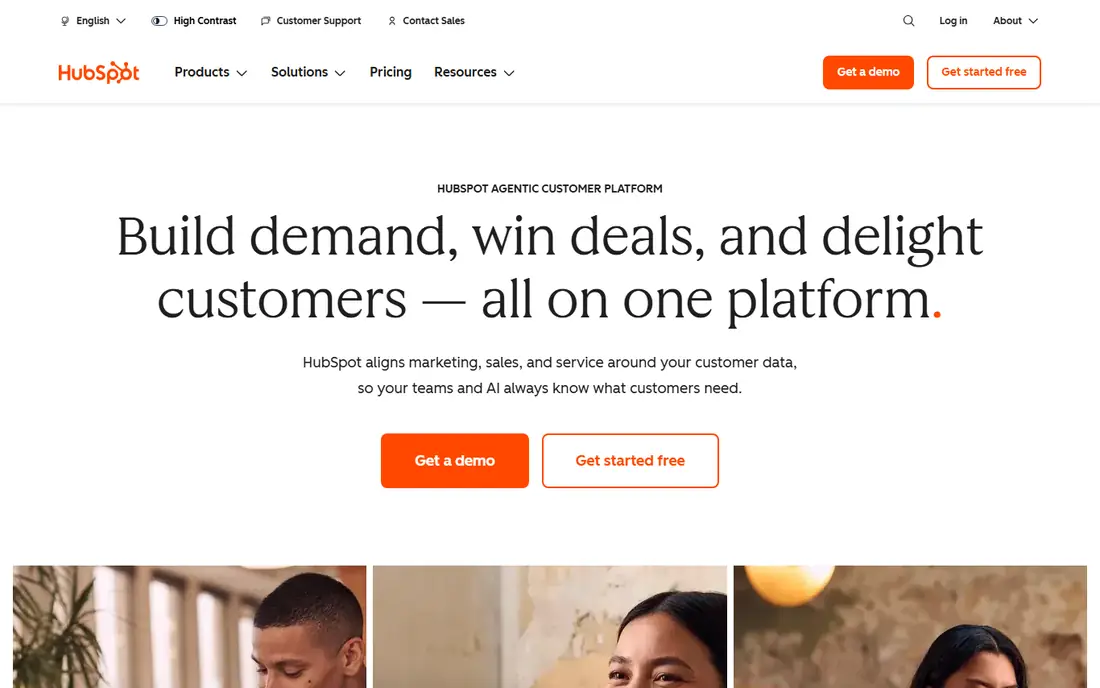
HubSpot is a strong all-in-one marketing tool for teams that want contacts, email, landing pages, and automation linked to sales. The free CRM and basic marketing tools suit small teams, while paid hubs add workflows, lead scoring, and deeper reporting. Because marketing and sales share one record, handoffs are clearer than with separate tools.
Paid pricing rises with contacts and seats, so check the tier that matches your list size and automation needs. If you only need email, a cheaper email tool may be enough. If you need CRM plus marketing in one place, HubSpot is a practical and well-supported choice.
- CRM, email, forms, and automation in one system
- Free tools for small teams
- Clear reporting
- Paid tiers rise in price
- Full setup takes time
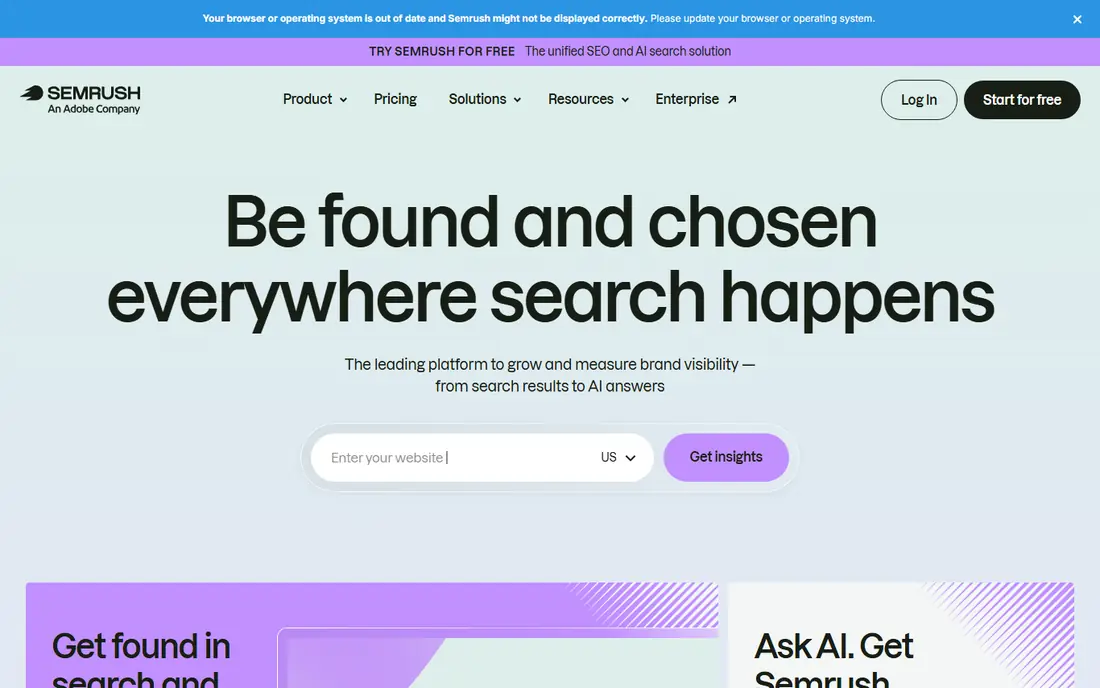
Semrush is a leading search marketing tool for teams that need keyword research, competitor analysis, site audits, and content ideas in one dashboard. It suits agencies and in-house teams that manage several sites and need to track rankings, backlinks, and paid search rivals. Reports are easy to share with clients and managers.
The entry price is higher than some rivals, and the full toolset takes time to learn. If search is a core channel for you, Semrush is worth a trial. If you only need basic keyword checks, a cheaper SEO tool may cover your needs.
- Keyword, competitor, and site audit tools in one place
- Content and advertising research
- Regular data updates
- Higher entry price than some SEO tools
- Many features need learning
Ahrefs is a strong choice for backlink research, keyword analysis, and content gaps. Its backlink data helps teams see who links to rivals, which pages earn links, and where outreach may work. Keyword tools, site audits, and rank tracking cover the main SEO workflow for many teams.
Full data needs a paid plan, and costs rise with seats and usage. Compare Ahrefs with Semrush on the specific reports you use most, since each tool leads in different areas. For link-focused SEO work, Ahrefs is a clear pick.
- Strong backlink database
- Keyword and content research
- Site audit and rank tracking
- Paid plans needed for full data
- Pricing rises with usage
Mailchimp is a familiar email marketing tool for small businesses, shops, and creators. It offers templates, automation for welcome series and abandoned carts, audience segments, and reports that are easy to read. Integrations with shops and apps make it simple to connect email to sales.
Pricing is based on contact bands, so costs rise as your list grows. If you need a full CRM and sales automation, HubSpot may fit better. If email is your main channel, Mailchimp is easy to start with and easy to teach to a small team.
- Familiar email editor and templates
- Automation for welcome and cart flows
- Broad app integrations
- Contact-based pricing rises with list size
- CRM features are thinner than HubSpot
Canva is the best design tool for marketers who need social posts, ads, presentations, and simple videos without a designer for every asset. Templates, stock photos, and drag-and-drop editing let small teams publish polished visuals quickly. Paid plans add brand kits, background removal, and team controls.
It does not replace professional design software for complex print or brand work, and heavy template use can look generic. Use Canva for daily marketing design, and keep a designer for core brand assets and high-value campaigns.
- Free plan with many templates
- Easy design for social, ads, and presentations
- Brand kit on paid plans
- Not a replacement for professional design software
- Template look can feel common
Google Analytics is the free baseline for digital marketing measurement. It shows where traffic comes from, which pages convert, and how campaigns perform, and it links with Google Ads and Search Console. Every marketing team should have it set up, even if they use other analytics tools as well.
Setup needs care, especially for event tracking and consent rules, and reports can confuse new users at first. Pair Google Analytics with Search Console for search data and with your email and CRM reports for a full view of results.
- Free and widely used
- Traffic, conversion, and audience reports
- Links with Google Ads and Search Console
- Setup and event tracking take care
- Privacy rules vary by region
Buffer is a simple social scheduling tool for small teams and creators. You can plan posts, schedule across channels, and check basic analytics without a complex setup. Its free plan covers a small channel set, which is enough to test a posting routine.
Larger teams with approval workflows, listening needs, and many accounts may need Hootsuite or Sprout Social. If you want simple and affordable social scheduling, Buffer is a calm and reliable choice.
- Simple scheduling and queue
- Easy for small teams
- Clear analytics for social posts
- Fewer enterprise features than Hootsuite
- Listening and inbox tools are thinner
Hootsuite suits larger social teams that manage many accounts and need approvals, roles, and reporting. It covers scheduling, inbox work, and analytics in one dashboard, and enterprise plans add deeper listening through Talkwalker. That structure helps agencies and large brands stay organised.
Per-user pricing can grow fast, so price your full team before you commit. Small teams may find Buffer simpler and cheaper. For large social operations, Hootsuite offers the control and reporting that small tools lack.
- Scheduling across many accounts
- Team roles and approvals
- Reporting for large teams
- Per-user pricing adds up
- Advanced listening needs enterprise plans
MailerLite is a low-cost email tool for small businesses, newsletters, and creators. It offers a simple editor, automation, landing pages, and a free plan for small lists. Teams that want email without a large monthly bill often find it enough for welcome series, newsletters, and simple campaigns.
It has fewer integrations than Mailchimp and thinner CRM features than HubSpot. If email is your main channel and budget matters, MailerLite is a strong value pick. If you need deep shop integrations or full CRM automation, compare it with Mailchimp and HubSpot first.
- Low cost email plans
- Simple editor and automation
- Free plan for small lists
- Fewer integrations than Mailchimp
- Advanced CRM features are thinner
How we picked these
We checked official feature pages, pricing pages, and app listings for each tool, and we read public reviews about ease of use, reporting, and support. We favoured tools with a free plan or trial, a clear core job, and broad adoption. We did not claim hands-on testing, and where a price could not be confirmed on the vendor site, we wrote See website rather than guess.
How to build a digital marketing tool stack
Start with one tool per job: analytics, search, email, social, and design. Google Analytics covers measurement, Semrush or Ahrefs covers search, Mailchimp or MailerLite covers email, Buffer or Hootsuite covers social, and Canva covers design. Add HubSpot only when you need CRM and automation linked across those jobs.
Budget, team size, and reporting
For a solo marketer, free plans from Google Analytics, Canva, Buffer, and MailerLite can cover a full stack at low cost. For a small team, add one paid SEO tool and one paid email tool, and check that reports share well with managers. For an agency, price per seat and per client carefully, since per-user tools can become the largest line in the stack.
Measuring what works
Set a goal for each channel, such as sales, signups, or booked calls, and track it in analytics and in your CRM or email reports. Review search rankings, email open and click rates, social engagement, and conversion rates monthly, and cut tools that do not change a result. A smaller stack used well beats a large stack that no one opens.
Frequently asked questions
What are the best tools for digital marketing?
HubSpot, Semrush, Ahrefs, Mailchimp, Canva, Google Analytics, Buffer, and Hootsuite are strong picks across CRM, search, email, design, analytics, and social. The best stack depends on your main channels and team size. Start with one tool per job and add tools only when a clear need appears.
What is the best marketing tool for small businesses?
Small businesses often do well with Google Analytics for measurement, Canva for design, MailerLite or Mailchimp for email, and Buffer for social scheduling. Those tools offer free or low-cost plans and are easy to learn. Add a paid SEO tool only when search becomes a core source of customers.
What are the 5 best digital marketing tools?
For many teams, the five core tools are Google Analytics for measurement, Semrush or Ahrefs for search, Mailchimp or MailerLite for email, Canva for design, and Buffer or Hootsuite for social. HubSpot becomes a sixth core tool when CRM and automation matter. Pick one per job rather than buying overlapping tools.
Is HubSpot the best digital marketing platform?
HubSpot is a strong all-in-one choice for teams that need CRM, email, and automation together. It is not the best tool for every single job, since Semrush and Ahrefs lead for search and Canva leads for fast design. Use HubSpot as the hub, and pair it with specialist tools for search and design where needed.
What is the best tool for marketers on a budget?
Google Analytics, Canva free, Buffer free, and MailerLite free plans cover a lot at no cost. Add paid tools one at a time as revenue grows, starting with the channel that brings the most customers. Check free plan limits for contacts, channels, and reports before you build a workflow on them.
What is the best mobile marketing platform?
For mobile marketing, start with tools that cover mobile email, social, and analytics together. Mailchimp and MailerLite handle mobile-friendly email, Buffer and Hootsuite handle mobile social scheduling, and Google Analytics tracks mobile traffic and conversions. Check that landing pages and emails render well on phones before you scale a mobile campaign.
Sources we checked (9)

Online Jobs is an independent blog about careers, online work, learning new skills and the tools that help people earn. More about us.
Keep reading
All posts
Best Marketing Tools for Small Business
Looking for the best marketing tools for small business in 2026? We compare 9 platforms for email, automation, social, landing pages, design and growth.

Zoom Alternatives
Zoom alternatives compared for 2026: Google Meet, Microsoft Teams, Webex, Jitsi and more for free calls, large meetings and webinars for teams and classrooms.

Workday Alternatives
We compared the best workday alternatives for HR, payroll, and global hiring, from BambooHR and Gusto to Rippling, Deel, and HiBob for growing teams in 2026.