Best Marketing Tools for Small Business in 2026: 9 Apps Compared

Marketing plus CRM · Starting price: See website
How we put this together: we compare official feature and pricing pages, app store listings, privacy policies and public user reviews. Prices change, so check the provider's site before you pay.
Key takeaways
- HubSpot Marketing Hub suits small businesses that want marketing and CRM in one place, while Mailchimp suits teams that mainly need email.
- Brevo and MailerLite offer lower-cost routes to email and automation, which matters when a list is growing but revenue is still small.
- ActiveCampaign and Klaviyo suit teams that have outgrown basic newsletters, with ActiveCampaign for service journeys and Klaviyo for online stores.
- Constant Contact and GetResponse suit small teams that want simple campaigns, events or webinars without a steep learning curve.
- Canva is not a full marketing platform, but it fills the design gap that often slows small teams down.
Quick comparison
| Name | Who it suits | Starting price | Free option | |
|---|---|---|---|---|
| HubSpot Marketing Hub | Marketing plus CRM | See website | Yes | Visit |
 Mailchimp Mailchimp | Beginner email marketing | See website | Yes | Visit |
 Brevo Brevo | Email plus SMS on a budget | See website | Yes | Visit |
 ActiveCampaign ActiveCampaign | Advanced automation | See website | Free trial | Visit |
 Klaviyo Klaviyo | Ecommerce email and SMS | See website | Yes | Visit |
 Constant Contact Constant Contact | Simple small business email | See website | Free trial | Visit |
 MailerLite MailerLite | Clean low-cost email | See website | Yes | Visit |
 GetResponse GetResponse | Email plus funnels and webinars | See website | Free trial | Visit |
 Canva Canva | Marketing design | See website | Yes | Visit |
The best marketing tools for small business
Small business marketing usually means a small list, a small team and limited time. The tools below were chosen for email, automation, social, landing pages and design, with a focus on what a team can actually run each week. A platform with every feature is not helpful if only one person has time to use it.
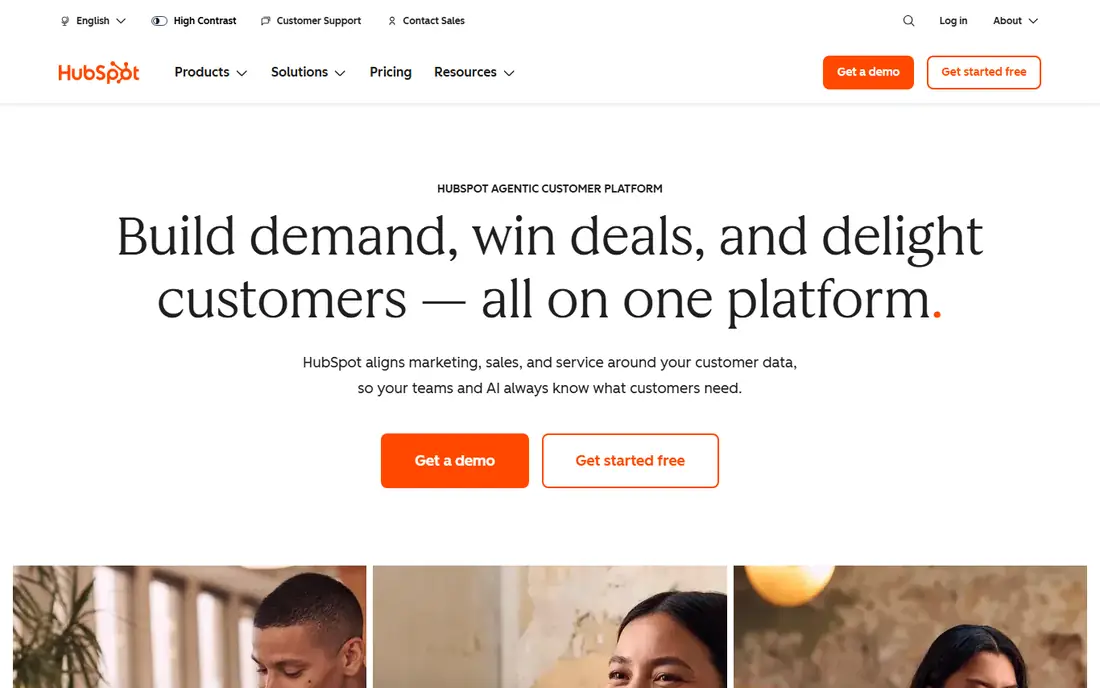
HubSpot Marketing Hub fits businesses that want leads, contacts and campaigns in one record. A form fill can create a contact, trigger a follow-up email and show up in a deal pipeline, without exporting lists between tools. For service businesses with a sales follow-up step, that link is valuable.
The catch is price at scale. Starter covers basic marketing well, but advanced automation, lead scoring and deeper reporting sit on higher tiers. A small team should map the exact automation it needs before upgrading, and check whether the free CRM plus a simpler email tool would cover the same job for less.
- Marketing tools linked to a free CRM
- Forms, landing pages and email in one place
- Clear reporting as a team grows
- Paid tiers rise sharply for advanced automation
- Some features need a higher plan than a small team expects
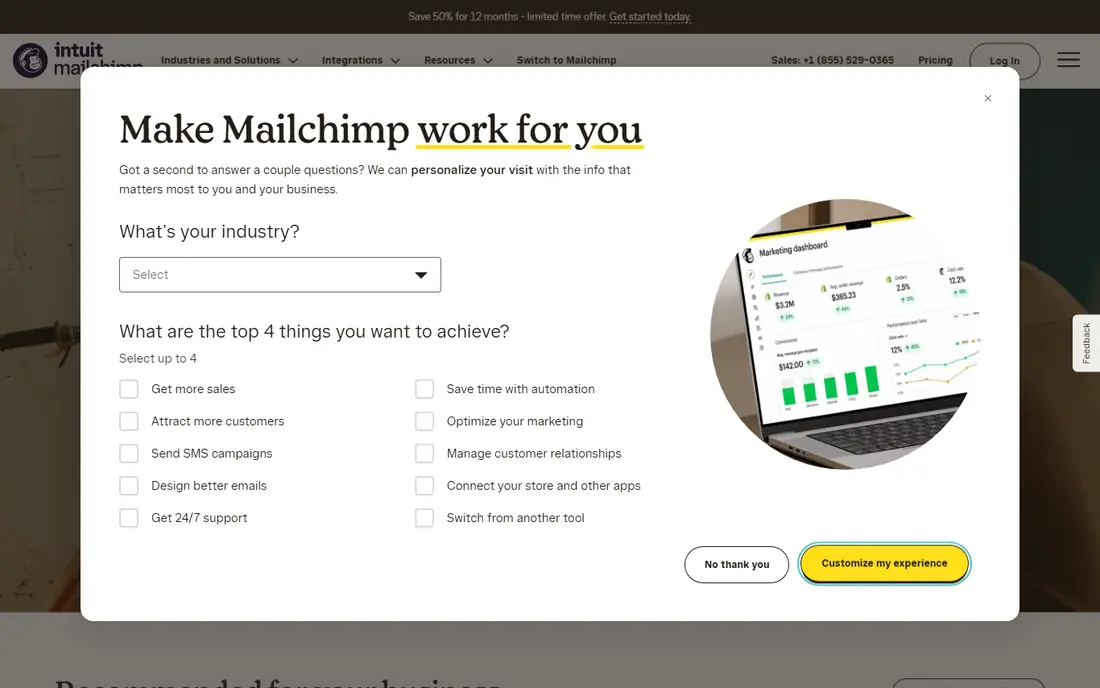
Mailchimp remains the easiest entry point for small business email. Templates, drag-and-drop editing and simple welcome or abandoned-cart flows help a team send a polished newsletter without design or coding skills. Integrations with online stores and websites also make list building straightforward.
The catch is contact-based pricing. A list with many inactive contacts can cost more than expected, so regular list cleaning matters. As automation needs grow, some teams find Mailchimp limiting and move to a more automation-focused tool. For newsletters, promotions and simple flows, it remains a strong default.
- Easy campaign builder and templates
- Audience management and basic automation
- Many integrations for stores and websites
- Pricing rises with contacts, including unsubscribed contacts on some plans
- Advanced automation is limited on lower tiers
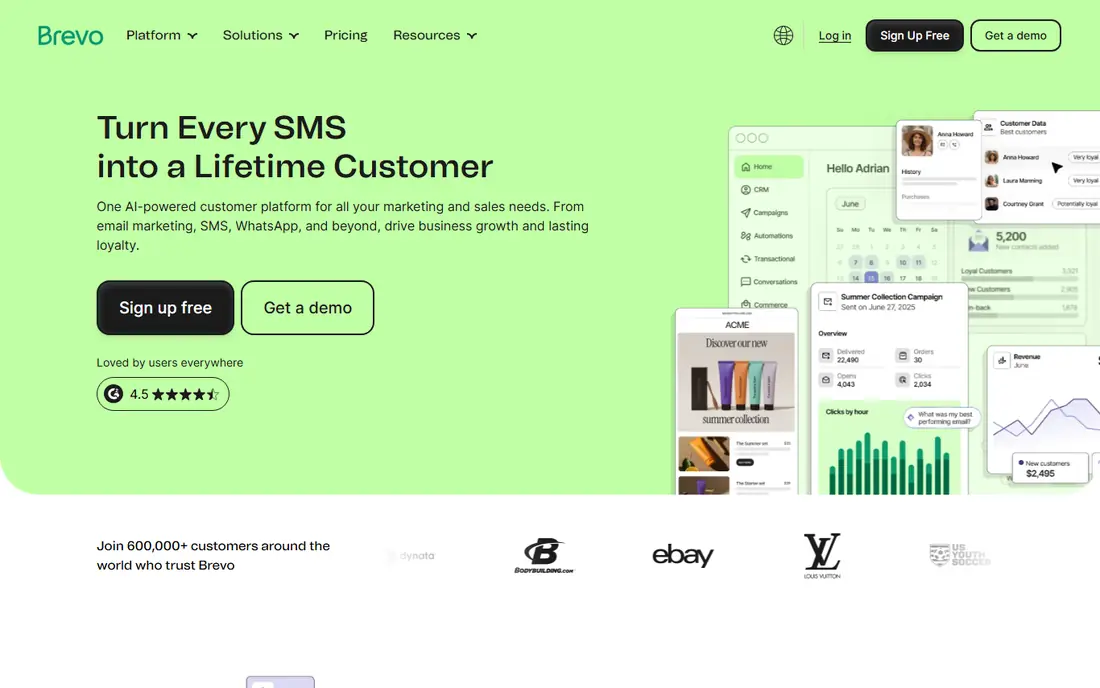
Brevo suits small businesses that want email and SMS without paying for a large platform. Pricing based on email volume can suit a business with a large list but modest sending frequency, which is the opposite of contact-based pricing. SMS, chat and transactional emails in the same account also reduce the need for extra tools.
The limit is polish and depth. Templates and reporting are solid but not always as refined as Mailchimp, and CRM features are lighter than HubSpot. For a team that sends regular campaigns and occasional SMS, Brevo offers good value. For a team that needs deep sales pipelines, a CRM-first tool fits better.
- Email, SMS and transactional messages in one account
- Pricing based on sends rather than contacts on many plans
- Simple automation
- Design templates are less polished than some rivals
- Advanced CRM features are lighter
ActiveCampaign fits businesses that have outgrown simple newsletters. The automation builder can handle branching journeys based on behaviour, tags, purchases or form answers, which suits service businesses, coaches, agencies and online sellers with repeat touchpoints. Lead scoring helps a small team focus on the most engaged contacts.
The catch is setup time. Powerful automation needs a clear map of the customer journey, or it can become a tangle of rules that nobody understands. A team should start with one or two flows, such as a welcome series and a follow-up series, and add complexity only when the basic flows work. For that level of control, ActiveCampaign is worth the learning curve.
- Strong visual automation builder
- Lead scoring and tagging
- Good for multi-step service and sales journeys
- Learning curve is higher than basic email tools
- Pricing depends on contacts and features
Klaviyo suits online stores that want marketing based on purchase behaviour. Browsing, cart, purchase and product data can drive segments and flows, from welcome offers to win-back campaigns. For Shopify and other major store platforms, the integration is a major reason teams choose it.
The catch is fit and cost. A service business without a product catalogue will not get the same value, and a growing profile count can push pricing up even before sends increase. Klaviyo is best judged on revenue from flows and campaigns, not on open rates alone, and that measurement should be set up from the start.
- Deep store data for segmentation
- Strong abandoned-cart and post-purchase flows
- Email and SMS in one platform
- Pricing rises with profiles and sends
- Best value is tied to online stores, not service businesses
Constant Contact fits small businesses that want straightforward email without learning a complex platform. Local shops, nonprofits, clubs and service businesses can send newsletters, promote events and run simple surveys from one account. Support and guidance are useful for teams without a marketer.
The limit is automation depth. Multi-step journeys, advanced scoring and deep store segmentation are not its strengths. If a business mainly needs regular, well-designed emails and event promotion, that simplicity is a benefit. If it needs behaviour-based journeys, a more automation-focused tool will fit better.
- Simple campaigns, templates and list tools
- Event and survey features
- Helpful support for beginners
- Automation is simpler than ActiveCampaign or Klaviyo
- Pricing can feel high for very small lists
MailerLite suits small teams that want a clean, low-cost email tool without clutter. Campaigns, landing pages, forms and simple automation are easy to find, and the free tier covers early list building. For creators, small shops and service businesses, it is a practical alternative to larger platforms.
The catch is approval and depth. New accounts may face checks on list sources and sending practices, which is common for email platforms but can delay a first campaign. Advanced journeys and CRM depth are also lighter than ActiveCampaign or HubSpot. For simple, regular email, MailerLite is hard to beat on clarity and price.
- Clean interface and editor
- Landing pages and basic automation
- Lower cost for small and growing lists
- Account approval can be strict for new senders
- Advanced automation and CRM features are limited
GetResponse fits businesses that sell courses, services or lead magnets and want funnels in the same tool as email. Landing pages, forms, automation and webinars can support a full path from sign-up to sale, without stitching several tools together. Templates for common funnels help a small team start faster.
The limit is focus. A business that only sends newsletters may not need funnels or webinars, and the extra features can make the interface feel busy. GetResponse is best for teams that will actually use at least two of its parts, such as email plus landing pages, or email plus webinars.
- Email, landing pages, funnels and webinars in one account
- Automation templates
- Useful for courses and lead generation
- Interface can feel crowded
- Webinar and funnel features matter less for businesses that do not use them
Canva fills a gap that slows many small marketing teams, which is design. Social posts, email headers, flyers, presentations and simple ads can be made from templates and adjusted for a brand. A non-designer can produce usable work, and a team can share brand colours, fonts and logos on paid plans.
The catch is that Canva does not send campaigns, manage contacts or automate follow-ups. It works best alongside an email or marketing platform, not instead of one. Template-heavy output also needs custom photos, copy and layout changes to avoid looking generic. Paired with a solid email tool, Canva makes regular marketing much more doable.
- Fast social, email and print design from templates
- Brand kits and team sharing on paid plans
- No design software needed
- It is not an email, CRM or automation platform
- Template-heavy design needs customisation to stand out
How we picked these
We reviewed official feature pages, pricing pages, app store listings, privacy policies and public user reviews. We favoured tools with a free tier or trial, clear small-business plans, and a distinct job, rather than enterprise platforms repackaged for small teams. Where pricing depends on contacts, profiles, sends or seats, we used See website instead of a single figure that would not hold for every reader.
Building a small marketing stack that stays manageable
A small business rarely needs every tool on this list. Most teams do well with one email or marketing platform, one design tool and, if they sell online, one store integration. Start with the channel that already brings customers, such as email, search or social, and build one repeatable campaign before adding another channel.
Measure the next step, not just opens
Open rates can mislead, especially with privacy changes in email. Track sign-ups, replies, bookings, purchases and repeat orders, and link them to a campaign where possible. A small list that books work is worth more than a large list that never acts. Review results monthly, keep the flows that produce enquiries or sales, and pause the ones that only produce activity.
Keep lists clean and consent clear
Only email people who gave permission, and make unsubscribing easy. Clean inactive contacts regularly, especially on contact-priced platforms, and avoid buying lists. Clear consent protects deliverability, keeps costs down and keeps a small brand trustworthy. A simple double opt-in for lead magnets can reduce spam complaints and improve list quality.
Frequently asked questions
What is the best digital marketing software for a small business?
HubSpot Marketing Hub is the strongest all-round choice when marketing and CRM need to sit together, while Mailchimp suits email-first teams. Brevo and MailerLite suit tighter budgets, and Klaviyo suits online stores. The best pick depends on whether your main job is email, automation, sales follow-up or store revenue.
What is the best marketing app for a small business?
For most small teams, a single email and automation app plus Canva for design covers the weekly work. Mailchimp or MailerLite suit simple campaigns, ActiveCampaign suits advanced journeys, and HubSpot suits teams that also need CRM. Avoid adding a social scheduling app, a separate landing page tool and a separate CRM until one of those jobs is clearly unmet.
What is the best marketing platform for a small business on a budget?
Brevo and MailerLite are strong budget options, thanks to free tiers and lower entry pricing. Both cover campaigns, forms and basic automation. Check whether pricing is based on contacts or sends, because the cheaper option depends on list size and sending frequency.
Is HubSpot too expensive for a small business?
HubSpot CRM is free, and Marketing Hub Starter can suit a small team, but advanced automation sits on much higher tiers. It is worth it when sales follow-up, reporting and CRM data are central to the business. If the job is mainly newsletters, a simpler email tool will cost less and be easier to run.
Which marketing tool is best for an online store?
Klaviyo is the strongest pick for online stores, because purchase and browsing data drive segments, abandoned-cart flows and post-purchase emails. Mailchimp and Brevo also support store integrations and can suit smaller stores. Judge the choice on orders and repeat purchases from flows, not on template choice alone.
How often should a small business send marketing emails?
Once a week is a workable starting point for many small businesses, with extra emails around launches, events or seasonal offers. Consistency matters more than frequency. If open and click rates fall, or unsubscribes rise, reduce frequency, improve the offer or segment the list rather than sending the same message to everyone.
Sources we checked (9)

Online Jobs is an independent blog about careers, online work, learning new skills and the tools that help people earn. More about us.
Keep reading
All posts
Zoom Alternatives
Zoom alternatives compared for 2026: Google Meet, Microsoft Teams, Webex, Jitsi and more for free calls, large meetings and webinars for teams and classrooms.

Top Rated Poster Maker Software
Top rated poster maker software compared for 2026: Canva, Adobe Express, VistaCreate, PosterMyWall and more for events, sales and classrooms for US users.

Surfshark Alternatives
Looking for Surfshark alternatives? We compare 8 VPN services on price, privacy, streaming, and device limits to help you find a VPN that fits your needs.