Best Tools for Content Creation and Social Media Management in 2026: 9 Compared

How we put this together: we compare official feature and pricing pages, app store listings, privacy policies and public user reviews. Prices change, so check the provider's site before you pay.
Key takeaways
- Buffer is our pick for lean scheduling, with a free plan and a per-channel price that suits solo creators and small teams.
- Hootsuite and Sprout Social suit larger teams that need listening, approvals, analytics, and AI help in one platform, at a much higher per-seat price.
- Later suits visual brands on Instagram and TikTok, with a visual calendar and link tools.
- SocialBee and Sendible help agencies and evergreen content creators with category queues and client workspaces.
- Canva covers the creation side, with templates and AI design tools that feed directly into a scheduling tool.
Quick comparison
| Name | Who it suits | Starting price | Free option | |
|---|---|---|---|---|
 Buffer Buffer | Lean scheduling for small teams | $6 per month | Yes | Visit |
 Hootsuite Hootsuite | All-in-one team management | $99 per month | Free trial | Visit |
 Sprout Social Sprout Social | Analytics and listening | $249 per month | Free trial | Visit |
 Later Later | Visual Instagram and TikTok planning | $25 per month | Yes | Visit |
 SocialBee SocialBee | Evergreen category scheduling | $29 per month | Free trial | Visit |
 Sendible Sendible | Agencies with many clients | $35 per month | Free trial | Visit |
 Metricool Metricool | Analytics plus scheduling | $25 per month | Yes | Visit |
 Agorapulse Agorapulse | Inbox-first engagement | $99 per month | Yes | Visit |
 Canva Canva | Content creation and design | Free | Yes | Visit |
The best tools for content creation and social media management
Content creation and social media management are two jobs that often get bought as one tool, but they are not the same. Creation covers writing, design, video, and captions. Management covers scheduling, publishing, replies, approvals, and analytics. The best setup usually pairs a creation tool with a scheduling tool, rather than forcing one platform to do both badly. We compared official pricing and feature pages, plus public reviews, for tools active in 2026, including AI features for captions, repurposing, and post ideas.
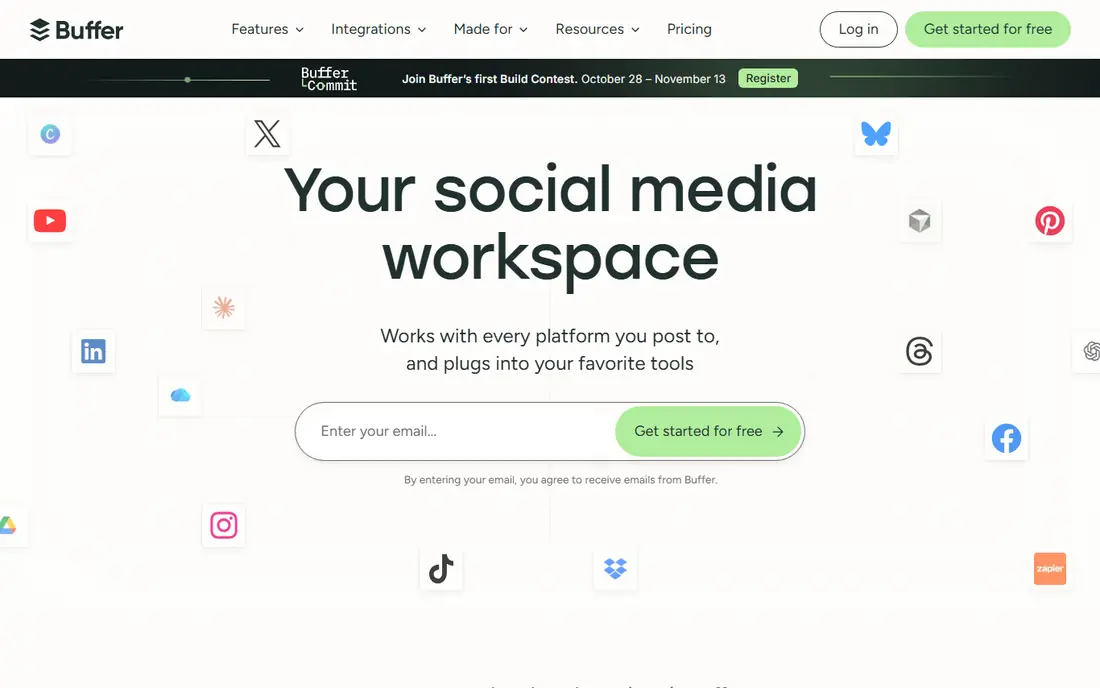
Buffer is the simplest serious scheduler here, with a clean calendar, queue, analytics, and AI help for captions, post ideas, and repurposing longer content into social snippets. The free plan covers three channels with limited scheduled posts, which is enough to test the workflow. Paid Essentials is listed at $6 per channel per month, with Team at $12 per channel per month adding approvals and collaboration.
Per-channel pricing is the part to calculate. One channel is cheap, but eight channels on a Team plan cost far more than the headline, so map your channel count before choosing. Buffer lacks deep social listening and enterprise reporting, so larger teams may need Hootsuite or Sprout. For a creator or small business with a few channels, Buffer is fast, clear, and good value.
- Simple scheduling and analytics
- AI caption help
- Per-channel pricing suits small accounts
- No deep listening or enterprise reporting
- Per-channel cost grows with many clients
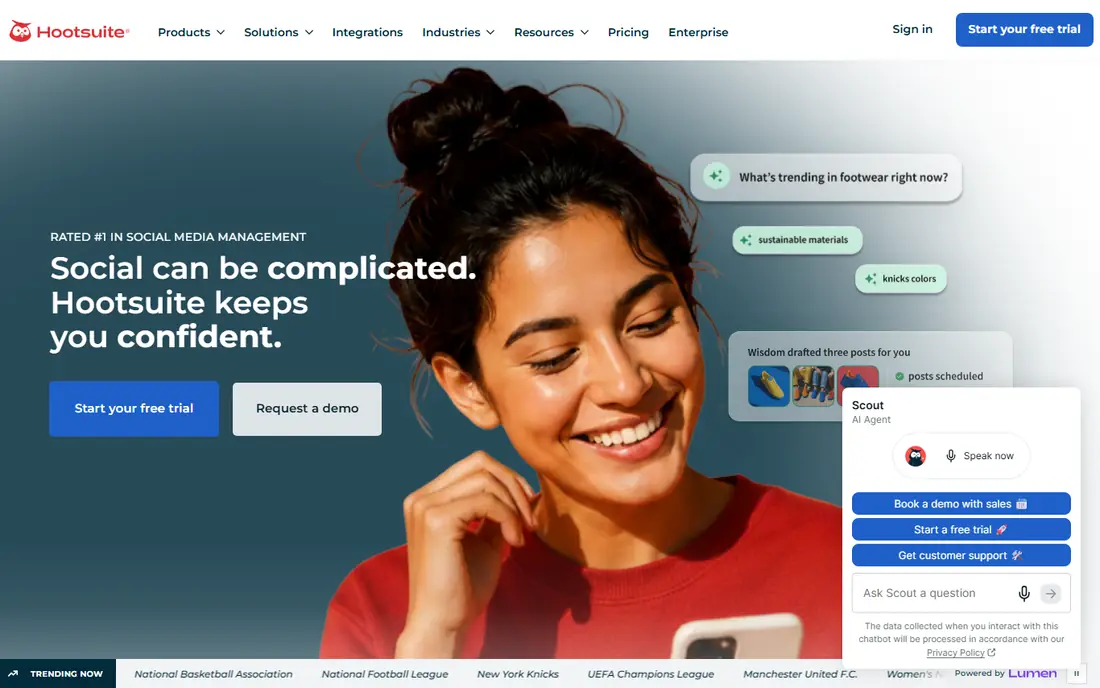
Hootsuite is the veteran all-in-one platform, covering planning, scheduling, engagement, listening, analytics, and ad management, with AI tools including OwlyWriter for captions and repurposing. It suits mid-market and enterprise teams that need approvals, roles, listening, and reporting in one system, with integrations for many business tools.
Pricing is listed at $99 per user per month on Standard, with a 30-day trial and no permanent free tier. A team of three therefore pays three times the headline, which is the main reason small teams look elsewhere. For a solo creator, Hootsuite is more tool than needed. For a team that lives in social daily, its breadth justifies the price.
- Scheduling, listening, analytics, and ads in one place
- AI writing tools
- Strong integrations
- Per-user pricing multiplies fast
- No permanent free tier
- Can feel heavy for solo users
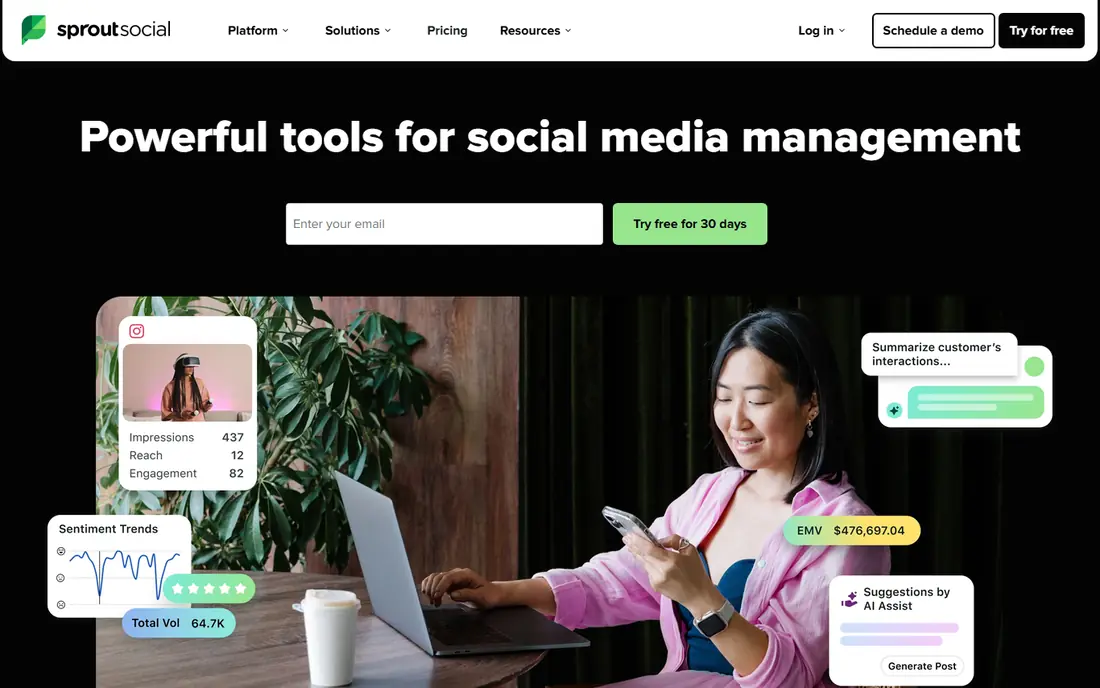
Sprout Social leads for teams that need to prove social results, with deep analytics, social listening, sentiment analysis, and a smart inbox that pulls comments and messages into one queue. AI suggestions help with timing and copy, while reports suit client and leadership presentations. That reporting strength is why agencies and larger brands choose Sprout over simpler schedulers.
Pricing is listed at $249 per seat per month for Professional in recent 2026 comparisons, with Standard listed lower in some older comparisons, so check the current plan at signup. A three-seat team therefore faces a large monthly bill, which only makes sense when listening and reporting are core work. For simple posting, Buffer or Later will do the same job for far less.
- Deep analytics and listening
- Smart inbox for replies
- AI suggestions and sentiment tools
- Highest per-seat price here
- Overkill for simple scheduling
- Trial is 30 days
Later is built around visual planning, with a drag-and-drop calendar, media library, and preview for Instagram and TikTok grids. That visual approach helps brands that plan by look, not just by date, and link-in-bio tools turn a profile link into a small landing page. A free plan covers one profile per platform with limits, which suits a single-brand creator.
Pricing is listed from $25 per month for Starter, with higher tiers adding users and features. Recent comparisons note that X support changed in 2025, so check current network support before relying on Later for X posting. For Instagram-first and TikTok-first brands, Later is the most pleasant planner here, even if its analytics are lighter than Sprout.
- Visual calendar and media library
- Link-in-bio tools
- Caption and hashtag help
- Weaker for X in recent comparisons
- Analytics are lighter than Sprout
Sendible is built for agencies that manage many clients from one account. Workspaces keep each client separate, reports can be branded, and user limits are generous, with unlimited users on some plans, which avoids the per-seat multiplication that makes Hootsuite and Sprout costly for agencies. Scheduling, monitoring, and reporting cover the core agency workflow.
Pricing is listed from $35 per month, with a 14-day trial and higher tiers for more profiles and features. Creation tools are lighter than Canva, so agencies usually pair Sendible with Canva for design. For an agency that needs client separation and affordable team access, Sendible is a practical, well-priced choice.
- Workspaces for clients
- Unlimited users on some plans
- Scheduling and reporting for agencies
- Design and AI tools are lighter than Canva
- Inbox features are basic compared with Agorapulse
Metricool pairs scheduling with analytics that go beyond basic post counts, covering social performance, website traffic, and ad results in one dashboard. Autolists recycle evergreen content, similar to SocialBee, while reports suit freelancers who need to show clients what worked. A free plan lets you test analytics before paying.
Pricing is listed from $25 per month, with a $10 per month X add-on noted in some 2026 comparisons, so check network costs at signup. The data-heavy interface can feel busy for a beginner who only wants a calendar. For creators and small agencies who live by analytics, Metricool gives more insight per dollar than most schedulers here.
- Strong analytics for social and ads
- Scheduling and autolists for evergreen posts
- Free plan to test
- X posting may need a paid add-on in some plans
- Interface is data-heavy for beginners
Agorapulse is for teams whose main job is replying, not just posting. A unified inbox pulls comments, messages, and mentions into one queue, with assignment, labels, and saved replies for team handling. Scheduling, listening, and reporting are included, so it can serve as an all-in-one tool, but the inbox is where it earns its place.
Pricing is listed from $99 per user per month in recent comparisons, with a free plan for basic use and X add-ons on some plans. That per-user cost, plus add-ons, makes Agorapulse costly for large teams, though the inbox workflow saves time for community-heavy brands. For a brand with high comment volume, Agorapulse is worth testing against Sprout on inbox speed alone.
- Unified inbox for comments and messages
- Social listening and reporting
- Good team workflows
- Per-user pricing on paid plans
- X add-on costs extra on some plans
Canva covers the creation half of this guide, with templates for posts, stories, reels, presentations, and ads, plus AI tools for design, background removal, and copy help. Brand kits keep colors, fonts, and logos consistent, which matters when several people create content. The free plan covers most everyday social design, with Pro adding premium assets and brand tools.
Canva is not a replacement for a scheduler or an inbox tool, though it does offer basic scheduling for some plans. The best setup is Canva for creation, plus Buffer, Later, or Sendible for scheduling and replies. Used that way, Canva removes the design bottleneck that slows most small social teams, without forcing a full management suite on a solo creator.
- Huge template library for posts, reels, and stories
- AI design and writing help
- Easy brand kits
- Not a full scheduler or inbox tool
- Premium assets need Pro
- Scheduling limits compared with Buffer
How we picked these
We compared official pricing and feature pages, plus public reviews, for content creation and social management tools active in 2026 that cover scheduling, AI help, analytics, or design. We favored tools with a free plan or trial, clear billing models, and support for major networks, and we noted per-channel and per-seat pricing plainly. We did not claim hands-on testing we did not do. Network support and add-on prices change, so check the vendor page for the networks you actually use.
How to build a workable content system
Start with a simple weekly routine, not a tool stack. Decide how many posts you will publish, on which networks, and who writes, designs, approves, and replies. A tool only helps once that routine exists, since a scheduler with no content plan just schedules silence. Batch creation into one session per week, using Canva for design and an AI caption draft as a starting point, then edit in your own voice before scheduling.
Next, match the billing model to your shape. Solo creators with few channels suit Buffer or Later. Visual brands suit Later. Evergreen creators suit SocialBee or Metricool. Agencies suit Sendible for unlimited users, or Agorapulse for inbox-heavy clients. Large teams that need listening and reporting suit Hootsuite or Sprout, but only after costing every seat. Review analytics monthly, keep what earns replies and clicks, and drop formats that only fill the calendar.
For creators and small businesses
A creator or small business should start with Canva for creation and Buffer or Later for scheduling, both with free plans to test. Add AI caption help for drafts, but edit every post, since unedited AI copy reads generic and can misstate facts. Track one metric that matters, such as replies, bookings, or link clicks, rather than chasing follower counts alone.
For agencies and teams
Agencies should standardize on one scheduler, one creation tool, and one reporting template, so clients get a consistent experience. Sendible suits agencies that need many users affordably, while Agorapulse suits inbox-heavy work and Sprout suits reporting-heavy work. Set approval workflows before scaling, since a post published without approval can cost more than the tool saves.
Frequently asked questions
What are the best AI tools for social media management?
Buffer, Hootsuite, and Sprout Social all offer AI caption help, post ideas, and repurposing, with Hootsuite and Sprout adding sentiment and timing suggestions. Canva adds AI design help for the visuals themselves. Use AI for drafts and variations, then edit for accuracy and voice, since AI can invent facts or sound generic if left unchecked.
What is the best tool for social media management for a small business?
Buffer is our pick for most small businesses, thanks to its free plan, simple calendar, and per-channel pricing. Later suits visual brands, while Metricool suits businesses that want stronger analytics. Start free, test scheduling and analytics for a month, and pay only when channel or post limits actually block your routine.
What is the best AI tool for social media marketing overall?
There is no single AI winner, since creation and management need different tools. Canva leads for AI-assisted design, Buffer leads for lean AI-assisted scheduling, and Sprout leads for AI-assisted analytics and listening. Pair a creation tool with a scheduling tool, rather than expecting one AI tool to do both jobs well.
Is Buffer or Hootsuite better?
Buffer is better for solo creators and small teams that want simple, affordable scheduling. Hootsuite is better for larger teams that need listening, approvals, ads, and enterprise reporting in one platform. The deciding factor is team size and reporting need, not the headline price, since Hootsuite charges per user.
Can I manage social media for free?
Yes, Buffer, Later, Metricool, Agorapulse, and Canva all offer free plans that cover basic scheduling, design, or analytics. Free plans limit channels, posts, users, or reports, so they suit a single brand with a modest posting rhythm. Paid plans add more channels, approvals, listening, and reporting when free limits start to block growth.
How do I choose between per-channel and per-seat pricing?
Count channels and users separately. Per-channel tools like Buffer suit few channels with many collaborators, while per-seat tools like Hootsuite and Sprout suit many channels with few users. Flat-rate tools like Later and Sendible suit a middle shape. Work out the monthly total for your real channel and user counts before choosing, since the headline price rarely equals the invoice.
Sources we checked (9)

Online Jobs is an independent blog about careers, online work, learning new skills and the tools that help people earn. More about us.
Keep reading
All posts
ZoomInfo Alternatives
The best ZoomInfo alternatives in 2026, compared on price, free plans, data coverage, and which tool fits small teams or large sales teams best in detail.

Workday Alternatives
We compared the best workday alternatives for HR, payroll, and global hiring, from BambooHR and Gusto to Rippling, Deel, and HiBob for growing teams in 2026.

Which SaaS Tools Have the Best Customer Support
Which SaaS tools have the best customer support? Compare eight popular tools on help centres, live help, response options and overall support quality.
SocialBee
Who it suits: Evergreen category scheduling
SocialBee suits creators and businesses with content that stays useful, such as tips, FAQs, and product explainers. Category queues let you set a mix, for example two tips, one promo, and one story per week, and SocialBee fills the schedule from those categories, recycling evergreen posts instead of letting them die after one use. AI tools help draft captions and variations.
Pricing is listed from $29 per month, with a 14-day trial and extra user fees on some plans. The interface has more settings than Buffer, which takes a day to learn, but the payoff is a schedule that runs with less weekly planning. For evergreen content, SocialBee beats a simple queue that only posts in order.