Best Tools for Building Containers in 2026: 8 Tools Compared

How we put this together: we compare official feature and pricing pages, app store listings, privacy policies and public user reviews. Prices change, so check the provider's site before you pay.
Key takeaways
- Docker remains the most widely compatible choice for local development, while Podman suits rootless and daemonless builds on Linux.
- Buildah gives you scriptable, Dockerfile-free builds, and BuildKit gives Docker builds speed through caching and parallel steps.
- Kaniko is the practical pick for building images inside Kubernetes without privileged access.
- containerd is a runtime and image store, not a developer build tool on its own, so pair it with a builder.
- Desktop tools like Podman Desktop and Rancher Desktop matter most on Mac and Windows, where a Linux VM is still needed.
Quick comparison
| Name | Who it suits | Starting price | Free option | |
|---|---|---|---|---|
 Docker | Local builds and compatibility | Free | Yes | Visit |
 Podman | Rootless Linux builds | Free | Yes | Visit |
 Buildah | Scriptable image builds | Free | Yes | Visit |
 BuildKit | Fast Docker builds | Free | Yes | Visit |
 Kaniko | Builds inside Kubernetes | Free | Yes | Visit |
 containerd | Runtime and image handling | Free | Yes | Visit |
 Podman Desktop | Desktop containers and Kubernetes | Free | Yes | Visit |
 Rancher Desktop | Desktop Kubernetes and builds | Free | Yes | Visit |
The best tools for building containers
Building a container means turning code and dependencies into a portable image that runs the same way on another machine. These tools cover local builds, CI builds, and builds inside clusters, and most of them are open source.
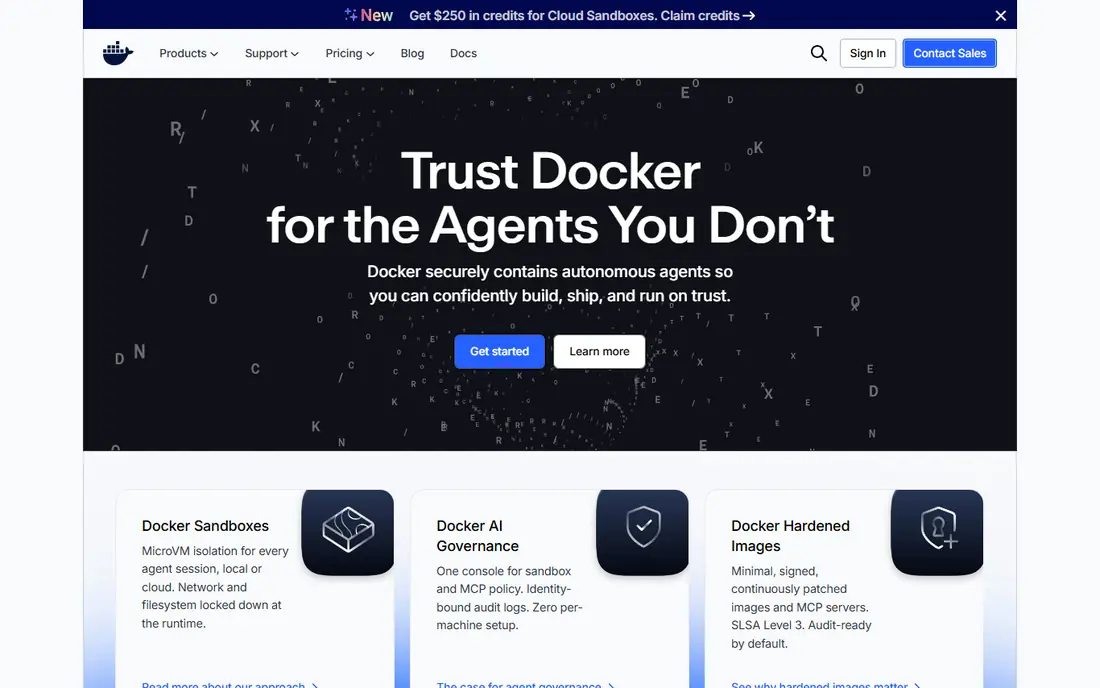
Docker is still the default most developers learn first, and that familiarity is a real advantage. Dockerfiles, Compose files, and Hub images work across teams, tutorials, and CI services, and Docker Desktop gives Mac and Windows users a managed Linux VM. If you want a build that a new team member can run with one command, Docker is the safest choice. The catch is licensing and architecture. Docker Engine is open source, but Docker Desktop has subscription terms for larger companies, so check the current terms for your firm size. Docker also uses a daemon, which some Linux teams avoid for security reasons. For most local development, those limits are manageable.
- Widest ecosystem and docs
- Docker Desktop for Mac and Windows
- Compose for multi-container apps
- Docker Desktop licensing needs checking for larger firms
- Daemon model adds overhead
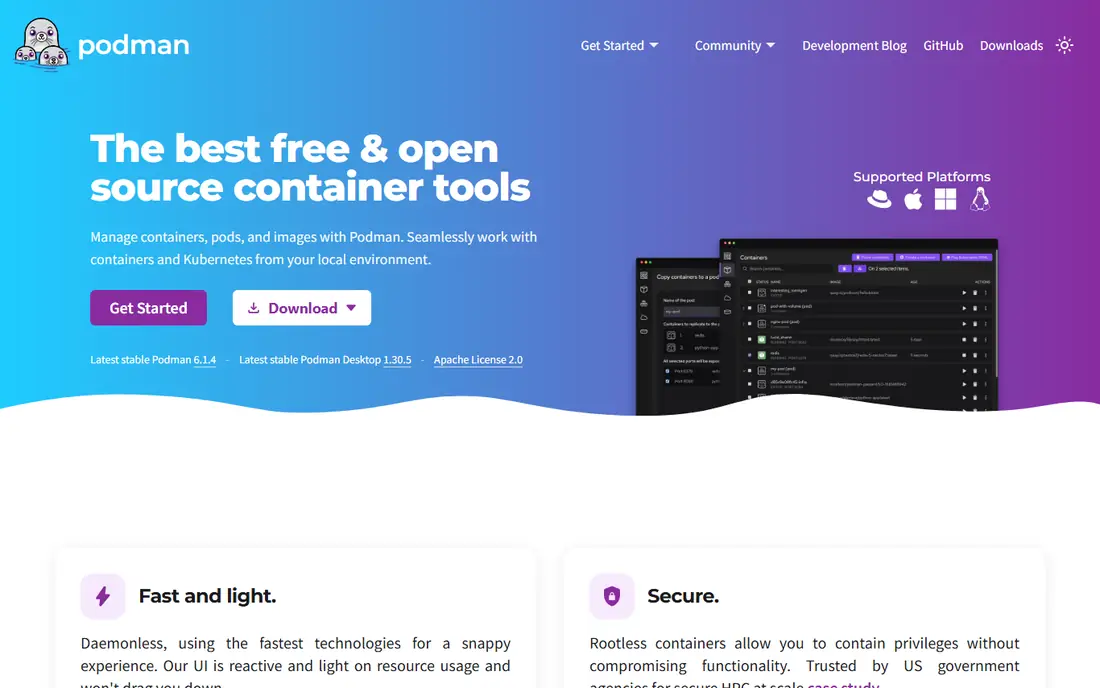
Podman is the strongest Linux-first alternative to Docker. It runs containers without a central daemon, supports rootless operation by default, and accepts most Docker commands, so podman build feels familiar. It can also generate Kubernetes YAML from pods and play YAML back, which helps teams moving from local work to a cluster.
The trade-off is ecosystem maturity on desktop. Podman Desktop has improved a lot, but Docker Desktop still has a larger library of guides and integrations for Mac and Windows users. On Linux servers and in CI, Podman is often the cleaner, more secure choice, especially where root access is restricted.
- Daemonless and rootless by design
- Docker-compatible commands
- Kubernetes YAML support
- Desktop experience is newer than Docker Desktop
- Some Compose features differ
Buildah specializes in the build step alone, which makes it powerful for automation. You can build from a Dockerfile, or you can script a build step by step, mounting a working container, adding files, and committing layers when you choose. That control helps teams that need custom build logic or that want to avoid a daemon entirely. The downside is that Buildah is a command line tool, not a desktop product. New users may find Docker build easier to learn, and Buildah works best when paired with Podman for running and pushing images. Choose Buildah when your builds need scripting, reproducibility, or rootless CI runners.
- Builds without a Dockerfile
- Fine control over layers
- Works well in scripts and CI
- Command line only
- Steeper learning curve than Docker build
BuildKit is the modern builder behind Docker build, and it is the reason Docker builds got much faster. It runs build steps in parallel where possible, caches layers well, and supports multi-stage builds that keep final images small. Secrets and SSH mounts let you fetch private dependencies during a build without leaving credentials in the image. The catch is complexity. Basic builds need no special knowledge, but advanced BuildKit features, such as custom frontends and cache backends, take time to learn. If you already use Docker, you are likely already using BuildKit, so the practical step is to learn its caching and multi-stage options rather than switching tools.
- Parallel builds and strong caching
- Multi-stage builds
- Secrets and SSH mounts
- Advanced features need learning
- Tied closely to the Docker ecosystem
Kaniko solves a specific CI problem: building an image inside a Kubernetes pod without giving that pod privileged access to the host Docker daemon. It runs as a container, reads a Dockerfile, and pushes the result to a registry, which makes it a good fit for GitLab, Jenkins, and other CI systems running in clusters. The trade-off is speed and caching. Kaniko can be slower than a local Docker build, and its cache needs a registry or storage setup to work well. For teams that must build in-cluster for security reasons, that trade is worth it. For local development, Docker or Podman will feel faster.
- Builds without privileged access
- Runs inside a container
- Good for CI in clusters
- Slower than local builders in some cases
- Caching needs setup
containerd is the runtime that Kubernetes uses to pull, store, and run images, and it is also the core underneath Docker. It is stable, widely tested, and efficient, which is why it appears in so many production systems. If you run Kubernetes, containerd is probably already doing the runtime work for you. The honest point is that containerd alone is not the tool you use to write a Dockerfile and build an image on your laptop. You pair it with Docker, BuildKit, nerdctl, or another client for building. Include containerd in your plan when you care about runtime compatibility, not when you need a simple local build command.
- Industry standard runtime
- Used by Kubernetes
- Efficient image transfer and storage
- Not a developer build tool alone
- Needs a builder or CLI on top
Podman Desktop brings Podman to Mac and Windows with a graphical interface, container and image views, and Kubernetes support. It is free and open source, which removes the licensing questions that come with Docker Desktop for larger firms. Extensions add support for registries, Compose, and developer tools. The limit is maturity. Docker Desktop still has more guides, extensions, and third-party integrations, and some teams will miss that depth. If you want a free desktop tool that pairs well with Podman and Kubernetes, Podman Desktop is a strong, improving choice, especially for Linux-minded teams.
- Free and open source
- Kubernetes YAML support
- Extensions for registries and tools
- Smaller extension library than Docker Desktop
- Newer product overall
Rancher Desktop gives developers a local Kubernetes cluster plus container management on Mac, Windows, and Linux. You can choose containerd or another runtime, run a local cluster for testing manifests, and build images for that cluster without a separate VM setup. For teams learning Kubernetes, that combined setup saves time. The catch is weight. Running a local cluster uses more memory and CPU than running a single container, and the Kubernetes options can confuse developers who only want Docker builds. Choose Rancher Desktop when local Kubernetes testing is part of your daily work. Choose Podman Desktop or Docker Desktop when it is not.
- Built-in Kubernetes cluster
- Choice of container runtime
- Free and open source
- Heavier on modest machines
- Kubernetes setup can confuse pure Docker users
How we picked these
We focused on tools that build OCI-compatible images, that are actively maintained in 2026, and that cover local, CI, and cluster builds. We checked official project pages, documentation, and release notes for build features, rootless support, daemon requirements, and Kubernetes integration, and we favored open source tools with clear documentation. We did not claim hands-on testing, and we excluded tools that only run containers without building images, or that had no maintained build path.
Choosing a build tool for local work, CI, and clusters
Start with where the build will run. For local work on Mac or Windows, pick Docker Desktop, Podman Desktop, or Rancher Desktop based on whether you need Kubernetes. For local work on Linux, Podman or Docker Engine both work, with Podman winning on rootless security. For CI, use BuildKit with Docker or Buildah with Podman, and add Kaniko only when builds must run inside Kubernetes without privileged access. Next, check image size and caching. Multi-stage builds, layer caching, and a minimal base image matter more than the builder brand, because they cut build time and registry costs. Finally, test the full loop: build, push to your registry, pull on a clean machine, and run the image. A builder that works on your laptop but fails in CI has not solved the real problem.
Frequently asked questions
What are the best tools for building containers for beginners?
Docker is the easiest start because its docs, tutorials, and Compose support are the most widely shared. Podman is also beginner friendly on Linux, with similar commands. Start with one, learn Dockerfiles and multi-stage builds, and add a second tool only when you have a reason, such as rootless CI or Kubernetes builds.
Is Podman a drop-in replacement for Docker?
Mostly, yes, for common commands. Podman accepts Docker-style commands and Dockerfiles, and it can run images from Docker Hub and other registries. Some Compose features and desktop integrations differ, so test your Compose files and CI scripts before you switch a whole team. Keep both tools in mind rather than treating the switch as all or nothing.
Do I need Buildah if I already use Docker?
No, not for basic builds. BuildKit already handles Docker builds well. Buildah helps when you need scriptable builds, fine layer control, or daemonless builds in CI. If your Docker builds are fast and your images are small, Buildah adds complexity without a clear gain.
Can I build containers inside Kubernetes safely?
Yes, with Kaniko or Buildah in rootless mode, because they do not need privileged access to a host Docker daemon. Avoid Docker-in-Docker with privileged pods in shared clusters, because that gives the build pod broad host access. Use a registry cache and a minimal base image to keep cluster builds fast.
What is the difference between Docker and containerd?
Docker is a developer platform with a CLI, Desktop app, Compose, and BuildKit, while containerd is the runtime that pulls, stores, and runs images underneath Docker and Kubernetes. You use Docker to build and develop, and containerd runs the result in production. Most teams use both, often without noticing the split.
Are these container build tools really free?
Docker Engine, Podman, Buildah, BuildKit, Kaniko, containerd, Podman Desktop, and Rancher Desktop are open source and free to use. Docker Desktop has separate subscription terms for larger companies, so check the current Docker terms if you use Desktop in a business with many employees. Registry storage and CI minutes can still cost money.
Sources we checked (8)

Online Jobs is an independent blog about careers, online work, learning new skills and the tools that help people earn. More about us.
Keep reading
All posts
Replit Alternatives
Replit alternatives for 2026 compared: browser coding, AI app builders and team workspaces, with free plans, limits and honest trade-offs for developers.
Docker Alternatives
Compare Docker alternatives for 2026, with Podman, Rancher Desktop, OrbStack, containerd, Colima, Finch, Portainer and Kubernetes on cost, fit and licensing.
Custom AI Agent Tools Best Practices
Learn custom ai agent tools best practices with tools for building custom AI agents, from frameworks to low-code builders, plus safety and testing notes.