Best Tool to Merge PDFs in 2026: 9 Tools Compared

How we put this together: we compare official feature and pricing pages, app store listings, privacy policies and public user reviews. Prices change, so check the provider's site before you pay.
Key takeaways
- iLovePDF is our pick for most people, with a friendly merge tool, desktop and mobile apps, and Premium from $4 per month on annual billing.
- PDF24 Tools and PDFsam Basic are the best free options, since both merge without daily limits and PDFsam works fully offline.
- Sejda suits occasional users who care about privacy, with a free plan covering 3 tasks per day and files up to 50 MB or 200 pages.
- Smallpdf is the most polished online option, but its free tier is limited, so heavy users should expect to pay $10 per month on annual billing.
- Adobe Acrobat and Foxit suit teams that need merging inside a full PDF editor, while PDFgear and PDF Candy cover frequent free use in the browser.
Quick comparison
| Name | Who it suits | Starting price | Free option | |
|---|---|---|---|---|
 iLovePDF iLovePDF | Beginner friendly merging | Free | Yes | Visit |
 Smallpdf Smallpdf | Polished quick online merges | Free | Yes | Visit |
 Sejda Sejda | Occasional private merges | Free | Yes | Visit |
 PDF24 Tools PDF24 Tools | Unlimited free merging | Free | Yes | Visit |
 PDFsam Basic PDFsam Basic | Offline batch merging | Free | Yes | Visit |
 Adobe Acrobat Adobe Acrobat | Full professional PDF suite | $19.99 per month | Free trial | Visit |
 Foxit PDF Editor Foxit PDF Editor | Cheaper full PDF editor | $10.99 per month | Free trial | Visit |
 PDFgear PDFgear | Frequent free browser use | Free | Yes | Visit |
 PDF Candy PDF Candy | Simple free online merging | Free | Yes | Visit |
The best PDF merge tools
Merging PDFs sounds simple until you hit a free limit, a file size cap or a privacy worry. The tools below split into online mergers, which need no install, and desktop tools, which keep files on your own machine. Pick the side that matches how sensitive your documents are.
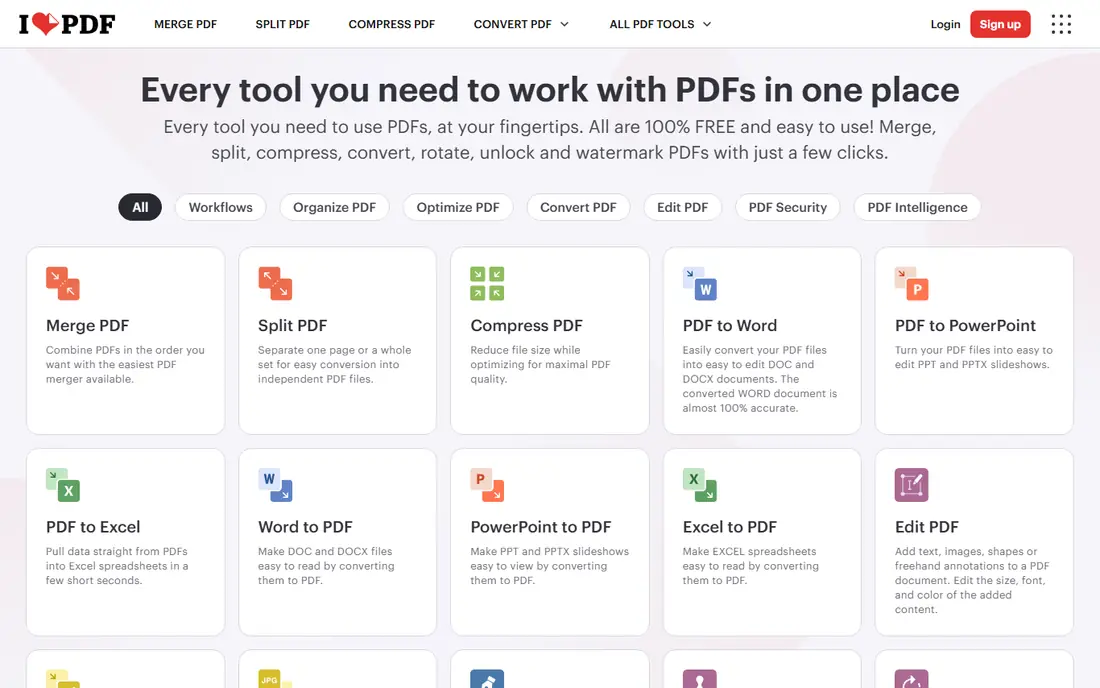
iLovePDF is the easiest merger for someone who just wants the job done. You upload files, drag pages into order, and download one combined PDF, with no manual to read first. The same account covers desktop and mobile apps, plus a full set of extra tools for compressing, splitting and converting PDFs.
The free tier handles occasional jobs well, but it limits how much processing you can do, and heavy users will hit the ceiling. Premium starts from $4 per month on annual billing, which is cheaper than most rivals for a full PDF toolkit. For most readers, iLovePDF is the safe default.
- Clear drag and drop merge with page reordering
- Desktop and mobile apps included
- Wide set of extra PDF tools
- Free tier limits processing volume
- Some advanced features need Premium
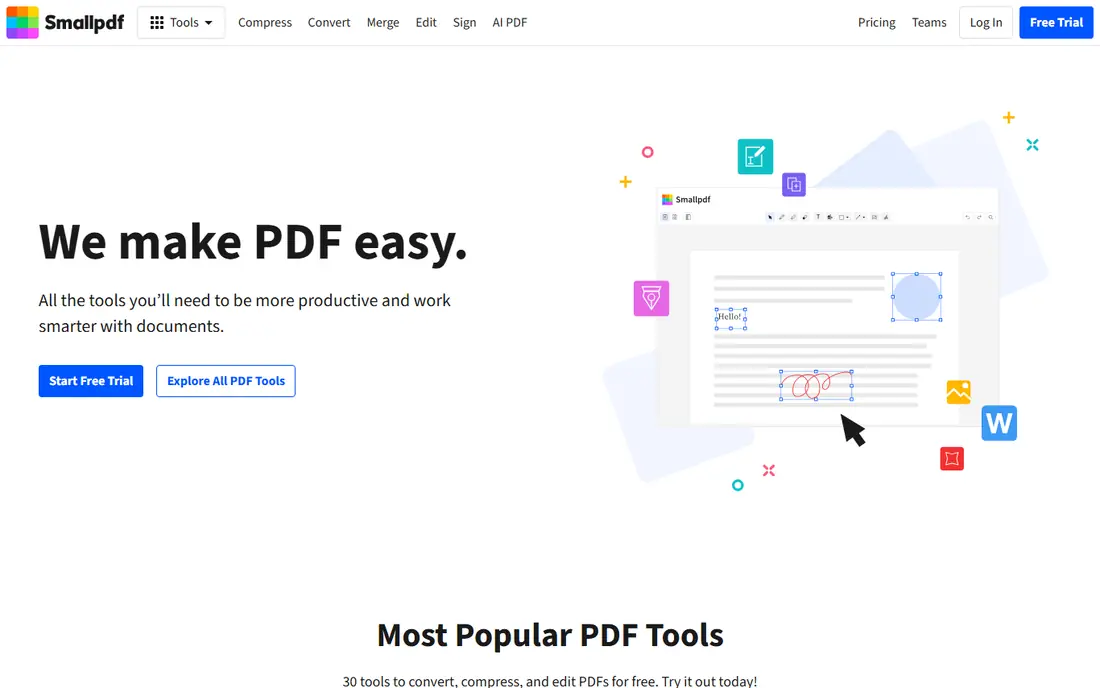
Smallpdf feels the most finished of the online tools. Its merge page shows clear page previews, reordering is smooth, and the result keeps formatting well across mixed documents. If you merge a contract, a scan and a report into one file, Smallpdf handles the mix without fuss.
The free tier is the catch. It allows only a small number of tasks per day, so anyone merging daily will need Pro at $10 per month on annual billing, or $15 month to month. That price buys a 7-day free trial and the full toolset, but occasional users should stick to the free tier or pick a freer rival.
- Most polished interface of any online merger
- Fast processing with page previews
- Strong compression and conversion tools
- Free tier allows very few tasks per day
- Pro costs $10 per month on annual billing
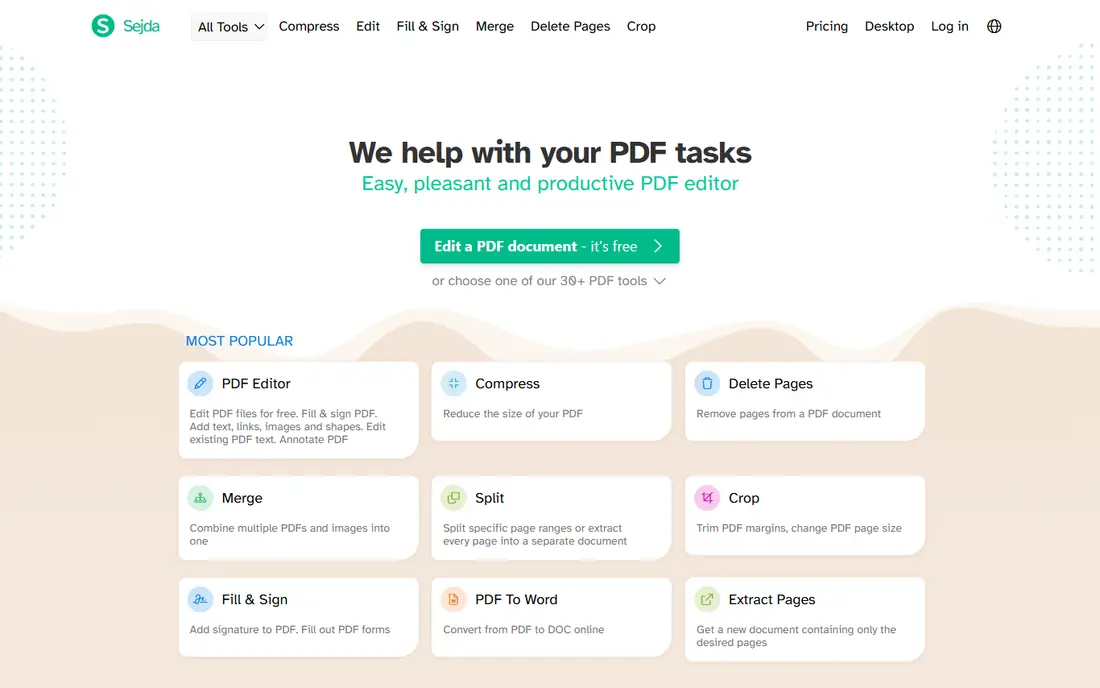
Sejda suits the privacy conscious occasional user. You can merge without creating an account, and the service states short retention for uploaded files, which matters when documents contain personal details. The free plan covers 3 tasks per day with files up to 50 MB or 200 pages, which is enough for most one-off jobs.
Paid plans start from $7.50 per month on annual billing, and a $5 week pass covers short projects without a monthly commitment. Sejda is plainer than its polished rivals, but for a quick private merge it is one of the most honest free options available.
- No account needed for basic use
- Clear privacy handling with short file retention
- Week pass available for short projects
- Free plan caps at 3 tasks per day with 50 MB or 200 page limits
- Interface is plainer than iLovePDF or Smallpdf
PDF24 Tools is the generous outlier. Its online merger is free with no daily limits, and the same company offers free desktop software for Windows that processes files locally. That combination removes the usual free tier anxiety, since you never hit a task cap in the middle of a job.
The interface is functional rather than beautiful, and the desktop app is Windows only, so Mac and Linux users stick to the browser tools. If you merge often and dislike paywalls, PDF24 Tools is the first free option to try, with PDFsam as the offline alternative below.
- Fully free with no daily task limits
- Online tools plus free Windows desktop software
- Files stay private with local processing options
- Interface is functional rather than polished
- Mac and Linux users rely on the web tools only
PDFsam Basic is the pick for sensitive files and batch work. Because it runs on your own computer, documents never leave your machine, which makes it the right choice for contracts, HR files and financial records. It merges whole files or selected page ranges, handles batches well, and costs nothing with no watermarks.
The interface is plain, and the most advanced extras live in the paid Enhanced version. For merging alone, though, Basic covers the job fully on every major desktop system. If privacy matters more than polish, start here.
- Free and open source with no watermarks or limits
- Works offline on Windows, Mac and Linux
- Strong batch merging and page selection
- Plainer interface than online rivals
- Advanced features sit in the paid Enhanced version
Adobe Acrobat Pro is the professional standard, and merging is one small part of what it does. It combines files, edits text and images, adds signatures, redacts sensitive content and handles large complex documents with fewer errors than browser tools. A 7-day free trial lets you test it before paying.
The price is the reason most readers should not buy it for merging alone. At $19.99 per month on the annual plan billed monthly, it costs far more than iLovePDF or Smallpdf for the same merge. Buy Acrobat when your team already needs a full PDF suite, not when you only need to combine files.
- Most complete PDF toolset, including editing, signing and redaction
- Reliable handling of large and complex files
- Strong team and admin controls
- Most expensive option here at $19.99 per month for Pro
- Overkill if you only merge PDFs
Foxit PDF Editor gives teams a full PDF editor for less than Acrobat. It merges files, edits text, fills forms and handles signatures, with plans from $10.99 per user per month on annual billing and a perpetual license option for buyers who dislike subscriptions. A 14-day free trial covers the full feature set.
The interface is less polished than Acrobat in places, and a few advanced features still trail Adobe. For a team that edits PDFs daily but cannot justify Acrobat pricing, Foxit is the sensible middle ground, and merging works reliably inside it.
- Full editor at a lower price than Acrobat
- Merging plus editing, signing and form tools
- Perpetual license option available
- Interface takes some learning
- Some advanced features still trail Acrobat
PDFgear is a useful middle option between limited free tiers and paid editors. Its core browser tools, including merging, are free without the tight daily caps that frustrate Smallpdf free users, and desktop apps cover Windows and Mac. Merging itself is straightforward, with page previews and reordering.
The trade off is brand size. PDFgear is smaller and newer than Adobe, iLovePDF or Smallpdf, so its support history is thinner. For everyday merging at no cost, that risk is small, and the lack of daily caps makes it worth trying if you merge several times a week.
- Core tools free without tight daily caps
- Clean merge with page reordering
- Desktop apps for Windows and Mac
- Smaller brand with a thinner support history than Adobe or iLovePDF
- Some advanced features are paid
PDF Candy rounds out the list as a simple free online merger. It combines files in a few clicks, offers a broad set of related tools, and caps free users at 10 tasks per day, which is more generous than Smallpdf but less than PDF24. The paid plan costs $6 per month for users who need higher limits.
File size limits apply on the free plan, so very large documents may need a desktop tool instead. For light to moderate browser use, PDF Candy is a dependable free choice, and its interface is friendlier than the fully free desktop options.
- Simple merge tool with a clear interface
- Broad set of free PDF tools
- Paid plan from $6 per month for heavy use
- Free plan caps at 10 tasks per day with file size limits
- Fewer desktop options than PDFsam or PDF24
How we picked these
We compared official feature pages and pricing pages for online and desktop PDF mergers, and checked public reviews for complaints about free limits, output quality and privacy. We favored tools that merge whole files and selected pages, show page previews before combining, and state their free limits plainly. We also kept at least two fully offline options, since online upload is the wrong choice for sensitive documents.
What to check before you merge
A merger that works for a school assignment may fail on a 500 page report or a confidential contract. Check these points before you upload anything.
How sensitive is the document?
Contracts, HR files and financial records should stay offline in PDFsam Basic or PDF24 desktop software. Everyday documents such as class notes or public reports are fine in a browser tool with short file retention.
What are the free limits?
Free tiers differ on tasks per day, file size and page count. Sejda allows 3 tasks per day up to 50 MB, PDF Candy allows 10 tasks per day, and PDF24 has no daily limit. Match the limit to how often you merge.
Can you reorder and preview pages?
Merging whole files is easy, but most real jobs need page selection and reordering. Check that the tool shows thumbnails and lets you drag pages into place before you download the result.
Does the output keep its formatting?
Scanned pages, forms and mixed page sizes can break in weaker tools. Test a merger with one real document before you rely on it for a client file, and keep the original files until you have checked the combined output.
Frequently asked questions
What is the best tool to merge PDFs for free?
PDF24 Tools is the best free option, since it merges online with no daily limits and offers free Windows desktop software. PDFsam Basic is the best free offline option, with no watermarks or limits on any major desktop system.
What is the best online tool to merge PDFs?
iLovePDF is our pick for most online users, with a friendly interface, page reordering and desktop and mobile apps. Smallpdf is more polished but limits free use heavily, while Sejda suits occasional private merges without an account.
What is the best PDF merge software for large files?
Desktop tools handle large files better than browser tools, since they avoid upload limits. PDFsam Basic and PDF24 desktop software both process large files locally, while Adobe Acrobat handles large and complex documents most reliably for professional teams.
Is it safe to merge PDFs online?
It is safe for everyday documents when the tool uses encrypted connections and states short file retention, but sensitive documents should stay offline. Use PDFsam Basic or PDF24 desktop software for contracts, HR files and financial records.
Can I merge PDFs on my phone?
Yes, iLovePDF and Smallpdf both offer mobile apps and mobile friendly web tools for merging on the go. For large or sensitive files, a desktop tool is still the better choice.
Does Adobe Acrobat merge PDFs for free?
Acrobat offers a 7-day free trial of Pro, which includes merging, but ongoing use requires a paid plan from $19.99 per month. Free tools such as PDF24 and PDFsam merge without a trial or subscription.
Sources we checked (9)

Online Jobs is an independent blog about careers, online work, learning new skills and the tools that help people earn. More about us.
Keep reading
All posts
Zoom Alternatives
Zoom alternatives compared for 2026: Google Meet, Microsoft Teams, Webex, Jitsi and more for free calls, large meetings and webinars for teams and classrooms.

What Is the Best Free Tool to Rotate a PDF
What is the best free tool to rotate a PDF? We compare eight free rotation tools on per-page control, limits, privacy and saved output quality in detail.

What Is the Best AI Dubbing Tool
We compared the best AI dubbing tools in 2026, from ElevenLabs and HeyGen to Rask AI, Dubverse and Veed, for videos and creators in many languages worldwide.