Best Tool to Generate an AI Video in 2026: 8 Tools Compared

How we put this together: we compare official feature and pricing pages, app store listings, privacy policies and public user reviews. Prices change, so check the provider's site before you pay.
Key takeaways
- Runway and Kling suit cinematic short clips, while Pika and Hailuo suit fast, low-cost social video.
- Synthesia and HeyGen suit training and business video, where an avatar presenter matters more than a film look.
- Luma Dream Machine suits quick image-to-video experiments, and Google Veo suits high-end realism through Google subscriptions.
- Credit systems vary widely, so test output length, watermark rules, and commercial rights before paying.
Quick comparison
| Name | Who it suits | Starting price | Free option | |
|---|---|---|---|---|
 Runway | Cinematic creative control | $12 per month | Yes | Visit |
 Kling AI | Cinematic value | See website | Yes | Visit |
 Pika | Fast social clips | $8 per month | Yes | Visit |
 Synthesia | Corporate training avatars | $29 per month | Yes | Visit |
 HeyGen | Multilingual avatar video | $29 per month | Yes | Visit |
 Luma Dream Machine | Quick cinematic experiments | See website | Yes | Visit |
 Google Veo | High-end realism | See website | Free trial | Visit |
 Hailuo AI | Low-cost daily creation | See website | Yes | Visit |
The best tool to generate an ai video
We compared official feature and pricing pages for tools that generate video from text or images in 2026. Our focus was output quality, clip length, credit cost, avatar options, and whether a free tier lets you test real output before paying.
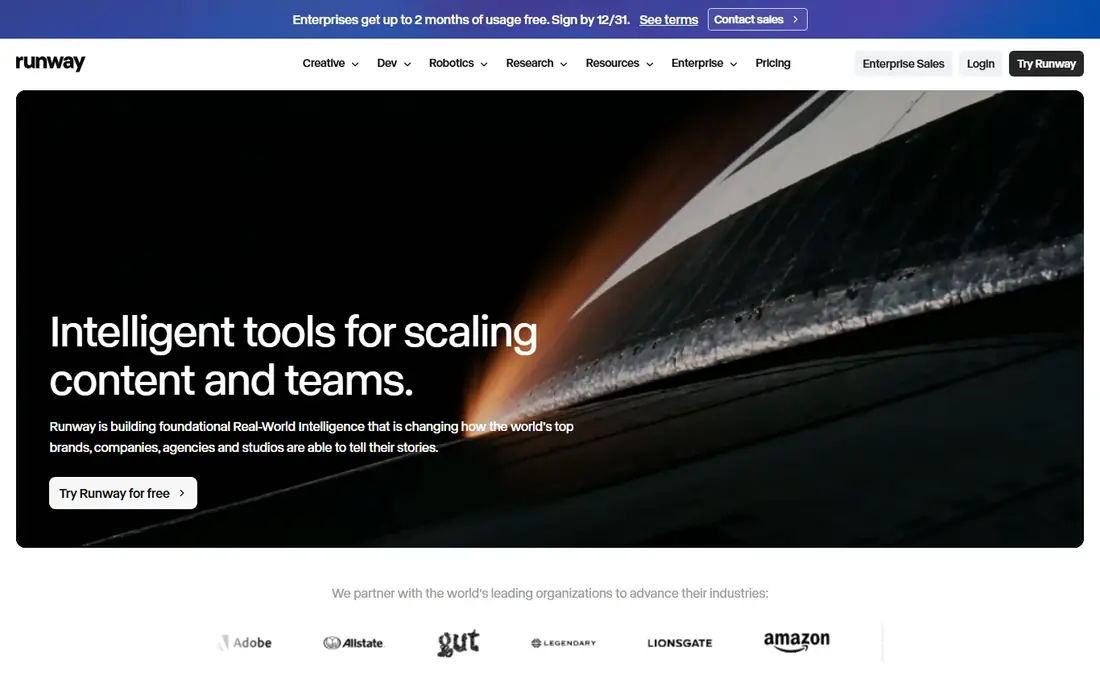
Runway is the pick for creators who want control as well as generation. Its text-to-video and image-to-video tools produce polished short clips, and extra tools for editing, motion control, and effects help shape a result rather than accepting the first output. That depth suits filmmakers, advertisers, and designers who plan to edit the clip further.
The cost model needs care. Free credits are limited and one-time, and heavy generation burns credits quickly on paid plans. Runway fits users who generate in planned batches and edit the best clips, rather than users who want endless free generation.
- Strong cinematic output
- Editing and control tools
- Wide creative toolset
- Credits can run out fast on heavy use
- Free credits are one-time
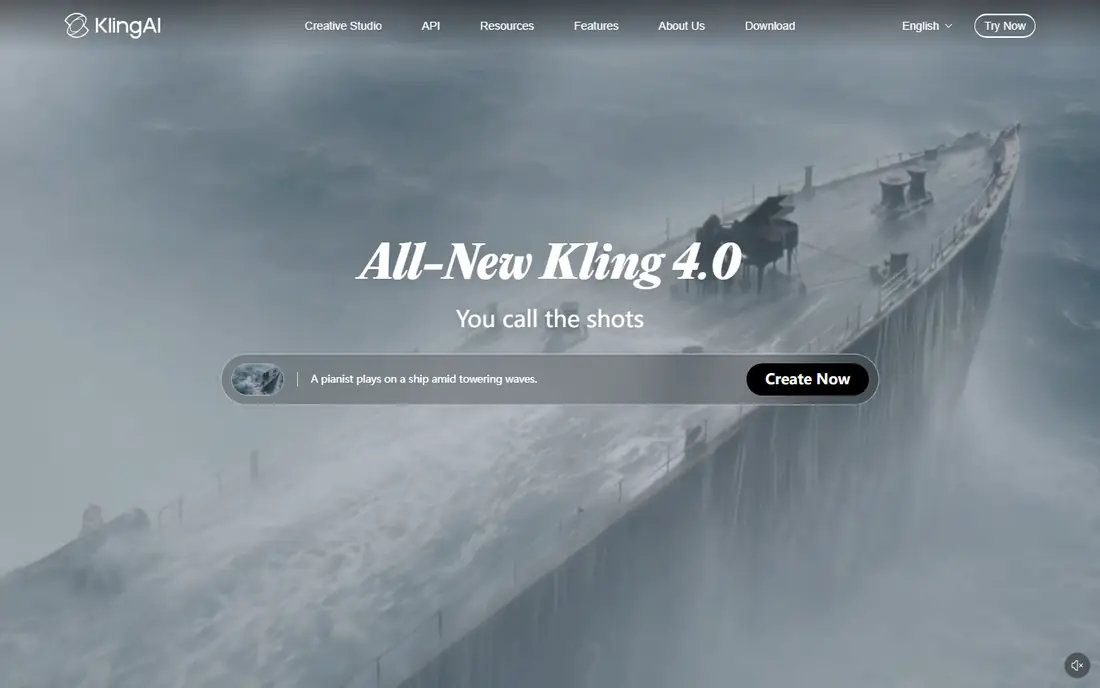
Kling AI has become a favorite for value because it pairs fluid motion with a daily free credit allowance. Clips look smooth, physics handling is often better than cheaper rivals, and longer video options suit social storytelling. For creators who generate often but cannot fund a premium plan, Kling is a strong balance of quality and cost.
The main drawback is change. Pricing, credit amounts, and plan tiers shift often, so check the current page before budgeting a project. Also expect some trial and error with prompts, as with every tool here. Kling suits regular creators who want cinematic results without a large monthly bill.
- Strong motion and realism for the price
- Daily free credits
- Longer clips on some plans
- Pricing and credit tiers change often
- Some features need higher plans
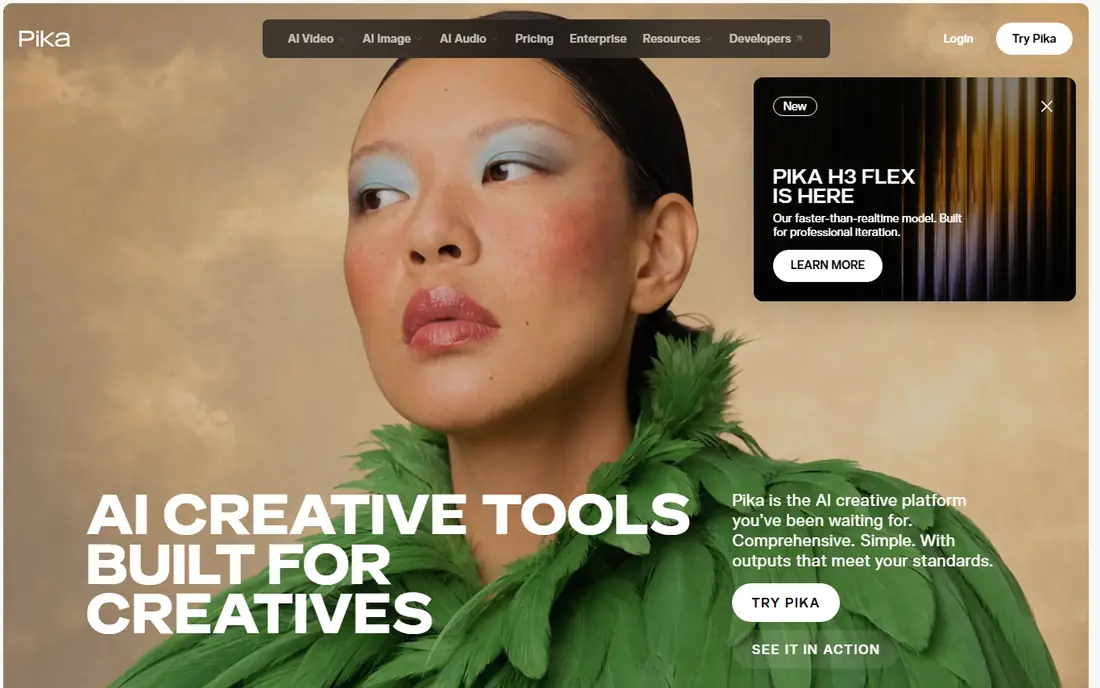
Pika suits social creators who need a quick clip, not a film project. Generation is fast, the interface is simple, and the entry price is low for paid use. That speed helps when you need several short clips for a feed, a product post, or a test idea.
Free output carries a watermark, and longer or more complex scenes can show limits compared with Runway and Kling. Pika is our pick for speed and ease, especially for short social video. For a polished brand film, pair Pika tests with a higher-end tool for the final clip.
- Fast generation
- Easy to learn
- Low entry price for social creators
- Free output carries a watermark
- Cinematic depth is thinner than Runway or Kling
Synthesia solves a different job from Runway. It turns a script into a presenter-led video with an avatar, which suits training, onboarding, product explainers, and localized messages. Teams can update a script without re-recording a person, and language options help global teams share the same content.
It is not the tool for cinematic scenes or product film, and free use is limited to a sample of the service. Synthesia fits businesses that produce many training videos and value consistency and speed over a film look. Check minute limits on each plan before building a large course library.
- Realistic avatar presenters
- Many languages
- Templates for training and explainers
- Avatar video is not cinematic film
- Free use is limited
HeyGen also focuses on avatar video, with a strong slant toward sales, marketing, and multilingual content. You can create an avatar, translate a video into other languages, and use templates for outreach, demos, and social posts. That mix suits small teams that need many short presenter videos quickly.
Free use covers a small number of videos per month, and the most realistic avatar options sit on higher plans. HeyGen suits creators and teams who value a presenter on screen and need language options, rather than creators who want pure cinematic generation.
- Avatar video with translation options
- Personal avatars
- Sales and marketing templates
- Avatar realism varies by plan
- Free videos are limited each month
Luma Dream Machine is useful for quick experiments. Upload an image, add a prompt, and get a short moving clip that can test a concept before a larger shoot or a longer generation. Motion often looks natural for short scenes, and the tool is easy to learn.
Clip length is short, so it suits tests, social clips, and visual ideas more than long stories. Pricing is credit-based, so check the current plan page for how many generations a plan covers. Luma is a good second tool alongside a main generator, or a first tool for image-led creators.
- Fast image-to-video results
- Good motion for short clips
- Easy to test ideas
- Clip length is short
- Paid pricing is credit-based and needs checking
Google Veo, from Google DeepMind, aims at high-end realism with native audio on supported plans. Scenes can look polished, motion can feel natural, and audio adds a layer that many rivals lack. For teams already inside Google subscriptions, Veo can be the most capable option in this list.
Access and pricing are the catch. Veo is not sold as a simple low-cost standalone plan in the same way as Pika or Kling, and availability varies by subscription and region. Check the current Google page for access in your account before planning a project around Veo.
- Strong realism and native audio on supported plans
- Good prompt following
- Google ecosystem
- Access is tied to Google subscriptions
- Pricing is not a simple low monthly plan
Hailuo AI, also known as MiniMax Hailuo, suits learners and budget creators who generate often. Daily credits refresh, so you can test ideas each day without paying first. Motion is smooth for short clips, and the low entry cost makes it a good place to learn prompt craft.
The community and learning resources are smaller than those for Runway or Kling, and feature depth is thinner for professional editing. Hailuo fits daily practice, social clips, and early projects. Move to a premium tool when a project needs longer clips, finer control, or commercial polish.
- Daily free credits
- Smooth motion for short clips
- Low-cost entry for learners
- Smaller community than Runway or Kling
- Feature depth is thinner than premium tools
How we picked these
We compared official feature and pricing pages for AI video tools that are actively available in 2026. We kept tools that generate video from text or images, or from a script with an avatar, and we noted where free use is limited, watermarked, or tied to a subscription. We avoided tools that were discontinued or no longer offer public access, and we did not rank on demo reels alone.
How to choose an AI video tool
Start with the job, not the demo. Cinematic clips, avatar training, and social posts need different tools, and no single tool leads at all three. Test the same prompt in two tools during a free tier and compare motion, faces, hands, and text rendering, because those details fail first.
Next, check the credit math. Note how many seconds each generation costs, whether credits refresh daily or monthly, and whether commercial use is included on your plan. A low monthly price can still cost more per finished clip than a higher plan with more credits. Also check rights, watermark rules, and whether you can use output in paid ads.
Use AI video with care
AI video can mislead when it looks real, so label generated video where viewers might mistake it for real footage. Avoid generating likenesses of real people without permission, and check platform rules before posting. Keep a human review step for facts, captions, and brand claims, because generated video can invent details that look convincing.
Frequently asked questions
What is the best app to generate ai videos?
Runway and Kling lead for cinematic clips, Pika leads for fast social video, and Synthesia and HeyGen lead for avatar training video. The best app depends on clip type, length, and whether you need a presenter on screen.
What is the best ai tool to generate videos for free?
Kling and Hailuo offer daily free credits, while Pika and Luma offer limited free use. Free output often carries a watermark or a short length limit, so check those rules before using a clip in a paid post.
How much does AI video generation cost?
Entry paid plans in this list start around 8 to 29 dollars per month, with credit amounts varying by plan. Higher plans add more credits, longer clips, and fewer limits, but heavy users should budget by cost per finished clip rather than monthly price alone.
Can I use AI generated video for business?
Yes, in most cases, but check the plan terms for commercial use, watermark removal, and rights. Also review output for errors, brand accuracy, and likeness issues before publishing, and label generated content where viewers might think it is real footage.
How long can AI video clips be?
Most tools here generate short clips, often a few seconds to under a minute, with longer options on some plans for avatar video. For longer stories, plan to generate several clips and edit them together in a video editor.
Do I need video editing skills to use these tools?
No, basic generation needs only a prompt or an image. Editing skills help when you need to join clips, add captions, fix pacing, or match brand style, and most creators will still use an editor for a finished video.
Sources we checked (8)

Online Jobs is an independent blog about careers, online work, learning new skills and the tools that help people earn. More about us.
Keep reading
All posts
Zoom Alternatives
Zoom alternatives compared for 2026: Google Meet, Microsoft Teams, Webex, Jitsi and more for free calls, large meetings and webinars for teams and classrooms.

What Is the Best Free Tool to Rotate a PDF
What is the best free tool to rotate a PDF? We compare eight free rotation tools on per-page control, limits, privacy and saved output quality in detail.

What Is the Best AI Dubbing Tool
We compared the best AI dubbing tools in 2026, from ElevenLabs and HeyGen to Rask AI, Dubverse and Veed, for videos and creators in many languages worldwide.