Best Tool for Lead Generation in 2026: 10 Tools Compared

How we put this together: we compare official feature and pricing pages, app store listings, privacy policies and public user reviews. Prices change, so check the provider's site before you pay.
Key takeaways
- There is no single best lead generation tool, because prospecting, inbound capture, and outreach solve different problems.
- Apollo is the strongest all-round starting point for outbound teams, with a free plan and a large contact database in one place.
- HubSpot suits teams that want inbound leads, forms, and a CRM tied together, rather than buying data alone.
- ZoomInfo and Clay suit larger or more technical teams, but both need a clear budget and a plan for how credits will be used.
- Landing page and capture tools like Unbounce and OptinMonster only help if you already have traffic to convert.
Quick comparison
| Name | Who it suits | Starting price | Free option | |
|---|---|---|---|---|
 HubSpot | Inbound leads plus CRM in one system | Free | Yes | Visit |
 Apollo.io | Outbound prospecting on a budget | $49 per month | Yes | Visit |
 ZoomInfo | Enterprise prospecting data at scale | See website | Free trial | Visit |
 Clay | Custom enrichment and workflows | See website | Yes | Visit |
 Lusha | Quick contact lookups for sellers | See website | Yes | Visit |
 Hunter.io | Finding and verifying work emails | See website | Yes | Visit |
 Instantly | Cold email sending at scale | See website | No | Visit |
 Leadfeeder | Identifying companies visiting your site | See website | Yes | Visit |
 Unbounce | Landing pages built to convert | See website | Free trial | Visit |
 OptinMonster | Pop-ups and on-site lead capture | See website | No | Visit |
The best tool for lead generation
Lead generation breaks into three jobs: finding the right people, capturing interest from people who visit you, and following up until they reply. The tools below cover those jobs, and the right pick depends on which gap is holding your pipeline back.
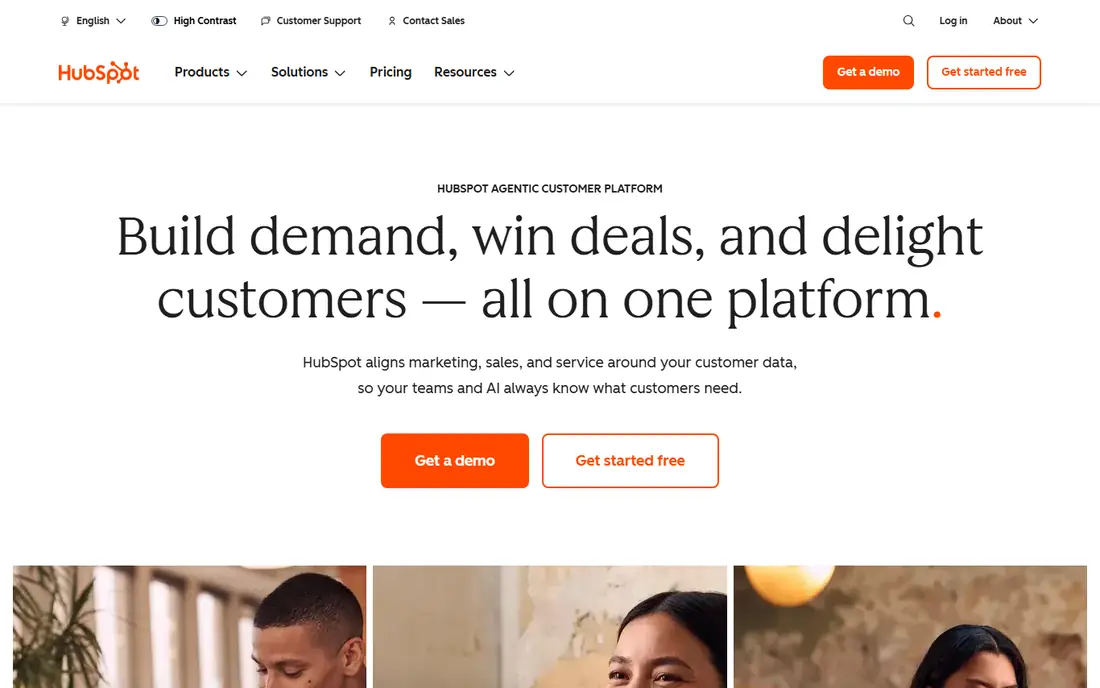
HubSpot is our pick when leads come to you through content, search, or referrals, and you need to keep them organised. The free CRM gives a small team a real place to store contacts, log activity, and see where each lead came from. Forms and landing pages feed straight into that record, so nothing is lost in a spreadsheet or an inbox.
The catch is cost at scale. HubSpot is generous at the free level, but marketing automation, deeper reporting, and larger contact limits move you into paid plans quickly. If your main problem is finding new contacts rather than managing inbound interest, a prospecting tool may give better value first.
- Free CRM to start
- Forms, landing pages and email in one place
- Clear lead tracking from first touch to deal
- Paid marketing plans get expensive fast
- Advanced automation sits on higher tiers
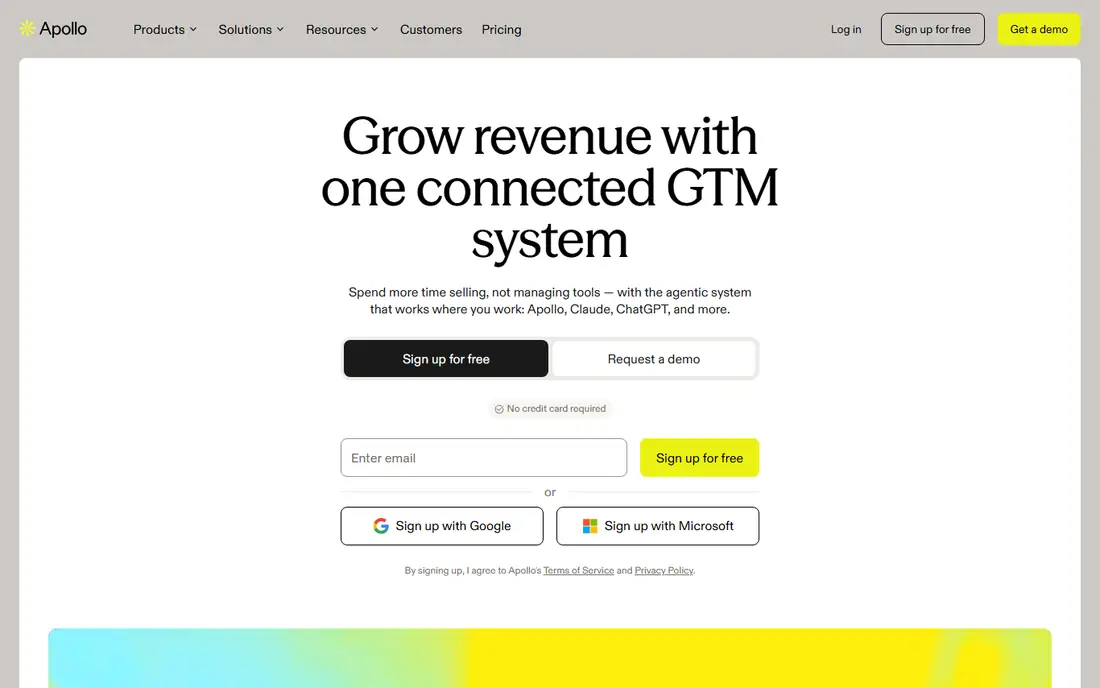
Apollo wins for small outbound teams because it combines prospecting data and email outreach without requiring two subscriptions. You can build a list, check contact details, and run sequences from the same workspace. The free plan lets a solo seller or a small team test list quality in their own market before paying.
Data quality is the honest limit. Apollo covers many markets well, but some niches and regions will have thinner or older records. Check a sample list in your target market, and watch credit use, since a plan that looks cheap can run out fast if you pull large lists every week.
- Large contact database plus outreach in one tool
- Free plan for testing
- Useful filters for role, industry and company size
- Data accuracy varies by market
- Credit limits matter on lower plans
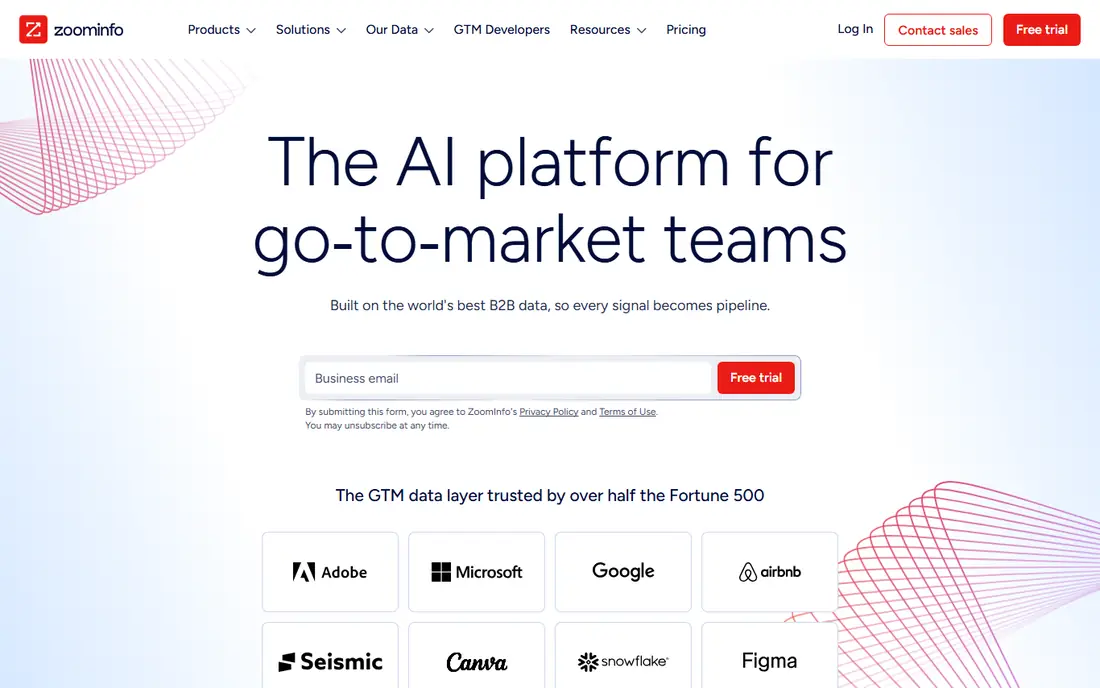
ZoomInfo is built for larger sales teams that need depth, not just a list of names. Company data, contact details, intent signals, and org charts help reps prioritise accounts and find the right buyer inside a large company. Integrations with major CRMs also keep that data flowing into the system reps already use.
Small teams should pause before signing. Pricing is not published as a simple monthly rate, and the total cost can be far higher than a tool like Apollo. ZoomInfo makes sense when deal sizes are large, the target market is mainly in the United States, and the team will use the data daily.
- Deep company and contact data
- Intent signals and org charts
- Strong CRM integrations
- Pricing is sales-led and high for small teams
- Contract terms need careful review
Clay is different from a simple database. It lets you pull data from many sources, enrich a list, score leads, and push the result to your CRM or outreach tool. For a team with a clear ideal customer profile and a repeatable outbound process, that flexibility can produce cleaner, better-targeted lists than a single source alone.
The trade-off is complexity. Clay rewards teams that enjoy building workflows and testing data sources. If you want a list in five minutes with no setup, Apollo or Lusha will feel faster. Clay pays off when list quality and custom scoring matter more than speed.
- Combines many data sources in one workflow
- Flexible enrichment and scoring
- Strong for technical teams
- Learning curve is steep
- Credit and plan costs can climb with heavy use
Lusha suits a seller who finds prospects on LinkedIn or the web and needs a direct email or phone number quickly. The browser extension keeps the workflow short: find a person, reveal contact details, and save them to your CRM. For individual reps and small teams, that speed matters more than enterprise features.
Credits are the limit to watch. A free or entry plan will run out if you look up many contacts each day. Lusha is best as a lookup tool inside a wider process, not as the only source for a large outbound campaign.
- Fast contact details from LinkedIn and web profiles
- Simple to use
- Useful for individual sellers
- Credit limits on lower plans
- Less depth than ZoomInfo for account research
Hunter does one job well: finding and checking work email addresses. Enter a company domain and you can see common email patterns and verified addresses, which helps outreach teams avoid guesswork and high bounce rates. Verification is a practical bonus, since bad addresses hurt deliverability and waste time.
Hunter is not a full prospecting platform. It will not give you deep company research, phone numbers at scale, or intent signals. Use it when email is your main channel and you need clean addresses, and pair it with a CRM or outreach tool for the rest of the workflow.
- Simple domain search and email finder
- Email verification reduces bounces
- Clear credit system
- Focused mainly on email, not phone or intent data
- Database depth varies by company size
Instantly is an outreach tool, not a data source, and that distinction matters. It helps teams send cold email campaigns, manage multiple inboxes, and monitor deliverability. Agencies and outbound teams like it because campaign setup is fast and the focus stays on sending, replies, and follow-ups.
You still need clean lists and good copy. Instantly will not fix a weak offer or a poorly targeted list, and cold email needs care around consent, domain setup, and local rules. Use it after you have a tested list, not as a replacement for prospecting.
- Built for cold email campaigns
- Useful deliverability tools
- Simple campaign setup for agencies and teams
- Needs good data and careful sending practices
- Not a prospecting database on its own
Leadfeeder helps B2B teams see which companies visit their website, even when no one fills in a form. That visit data can reveal warm accounts, show which pages they viewed, and help sales follow up while interest is fresh. For a site with steady business traffic, it can surface leads that would otherwise stay hidden.
Traffic is the limit. A low-traffic site will produce few matches, and Leadfeeder usually identifies a company rather than a named person, so you still need a contact step. It works best alongside inbound forms and a prospecting tool, not on its own.
- Turns anonymous site visits into company leads
- Useful for B2B sites with real traffic
- CRM integrations
- Identifies companies, not always named contacts
- Needs steady site traffic to be useful
Unbounce is for teams that already drive traffic but lose leads on weak pages. Its builder lets marketers create focused landing pages, test headlines and forms, and improve conversion without waiting for developers. That speed matters when you run ads or campaigns and need a page for each offer.
If traffic is low, a landing page tool will not create demand. Unbounce also prices by usage and features, so check conversion limits before you commit. For paid traffic and campaign work, it is one of the clearest ways to turn visits into leads.
- Drag-and-drop landing page builder
- A/B testing built in
- Many templates for lead capture
- Needs traffic to pay off
- Pricing rises with conversions and features
OptinMonster focuses on capturing leads from people already on your site. Exit-intent pop-ups, slide-ins, and targeted offers can recover visitors who would otherwise leave without signing up. Targeting rules help show the right offer to the right visitor, rather than showing the same pop-up to everyone.
Restraint is essential. Too many pop-ups hurt trust and can push visitors away. OptinMonster works best with one clear offer, careful timing, and a test of what actually lifts sign-ups. Like Unbounce, it needs traffic first, then it helps convert more of it.
- Many pop-up and form types
- Targeting by behaviour and exit intent
- Works with major email tools
- Pop-ups can annoy visitors if overused
- Value depends on existing site traffic
How we picked these
We compared official feature pages, pricing pages, and app listings, and we checked public reviews for data accuracy, credit limits, and ease of setup. We kept only tools that are still offered in 2026 and that solve a clear lead generation job: prospecting, enrichment, outreach, visitor identification, or capture. We left out generic email marketing tools that do not focus on lead generation, and we did not include tools that rely on scraped data without a clear public product.
What to check before you buy a lead generation tool
Start with your bottleneck. If you cannot find enough right-fit contacts, buy prospecting first. If visitors leave without signing up, fix capture and landing pages first. If replies are low, check list quality, offer, and deliverability before adding another tool. A stack of three tools that each solve one problem beats five tools that overlap.
Check data, credits and compliance
Ask how credits work, what happens when you run out, and whether unused credits roll over. Test data in your exact market, not a demo market, and check bounce rates on a small sample. Also confirm how the vendor sources data and what consent and privacy rules apply in your region, since lead generation rules vary and mistakes here are costly.
Frequently asked questions
What is the best lead generation software for small businesses?
For most small businesses, Apollo or HubSpot are the safest starting points. Apollo suits outbound prospecting on a budget, while HubSpot suits inbound leads that need a CRM. Start with one, prove it produces replies or bookings, then add a capture or outreach tool only if a clear gap remains.
What are the best lead generation tools for B2B sales?
B2B teams often combine Apollo or ZoomInfo for data, Clay for enrichment, and Instantly or HubSpot for outreach and follow-up. ZoomInfo suits larger teams with larger deal sizes, while Apollo and Clay suit smaller teams that need flexibility. Leadfeeder adds value once your site gets steady business traffic.
What is the best lead generation platform for agencies?
Agencies need repeatable workflows across clients, so Apollo, Instantly, and HubSpot often work well together. Apollo finds contacts, Instantly runs outreach, and HubSpot tracks leads and deals. Clay can add custom enrichment when clients have narrow or complex target markets.
Is there a best free lead generation tool?
HubSpot, Apollo, Lusha, Hunter, and Leadfeeder all offer free plans or free tiers, but each free tier has limits on contacts, credits, or features. A free plan is useful for testing fit, but most growing teams will need a paid plan for volume. Test with real prospects before you judge a free tier.
What is the best software for lead generation from a website?
For website leads, HubSpot covers forms and CRM, Unbounce covers landing pages, OptinMonster covers pop-ups, and Leadfeeder covers company identification. The best mix depends on traffic: low traffic needs better traffic first, while high traffic benefits most from better pages and capture.
How do I avoid wasting money on lead generation tools?
Set one goal, such as replies, booked calls, or form fills, and track it for a month. Test data quality on a small sample, check credit use weekly, and cancel tools that do not move that goal. Avoid buying enterprise data before you have a proven offer and a follow-up process.
Sources we checked (10)
- https://www.hubspot.com/pricing
- https://www.apollo.io/pricing
- https://www.zoominfo.com/pricing
- https://www.clay.com/pricing
- https://www.lusha.com/pricing
- https://www.hunter.io/pricing
- https://www.instantly.ai/pricing
- https://www.leadfeeder.com/pricing
- https://www.unbounce.com/pricing
- https://www.optinmonster.com/pricing

Online Jobs is an independent blog about careers, online work, learning new skills and the tools that help people earn. More about us.
Keep reading
All posts
Best Landing Page Tools
Compare the best landing page tools for 2026, from Unbounce and Instapage to Carrd and Framer, with pricing, free plans, testing and publishing compared.

n8n Alternatives
n8n alternatives compared for 2026, with Zapier, Make, Activepieces, and more, covering visual builders, code steps, self-hosting, and pricing models.

eBay Alternatives
Looking for ebay alternatives? We compared 9 marketplaces for sellers on fees, buyer reach, categories and ease of listing, to help you sell with confidence.