Best Email Marketing Automation Tools in 2026: 9 Products Compared


Small businesses starting with automation · Starting price: $13 per month
How we put this together: we compare official feature and pricing pages, app store listings, privacy policies and public user reviews. Prices change, so check the provider's site before you pay.
Key takeaways
- Automation value depends on your list size and send volume, so check how each tool counts contacts and sends.
- E-commerce tools win on purchase data, while B2B tools win on lead scoring and longer nurture flows.
- Free plans help you learn a tool, but automation limits often appear on free and entry plans.
- Deliverability, list hygiene, and clear consent matter more than any single template or AI feature.
Quick comparison
| Name | Who it suits | Starting price | Free option | |
|---|---|---|---|---|
| Mailchimp | Small businesses starting with automation | $13 per month | Yes | Visit |
 Klaviyo | E-commerce brands driven by purchase data | $20 per month | Yes | Visit |
 ActiveCampaign | Teams that want deep automation | $15 per month | Free trial | Visit |
 Brevo | Budget teams that send by volume | $9 per month | Yes | Visit |
 HubSpot Marketing Hub | Teams that want marketing and CRM together | Free | Yes | Visit |
 MailerLite | Budget teams that want a clean interface | $12 per month | Yes | Visit |
 GetResponse | Teams that want webinars with email | $19 per month | Free trial | Visit |
 Constant Contact | Local businesses and nonprofits | $12 per month | Free trial | Visit |
 Omnisend | E-commerce stores that want email plus SMS | $16 per month | Yes | Visit |
The best email marketing automation tools
Email automation turns a newsletter list into welcome flows, abandoned cart messages, and post-purchase follow-ups that run without manual sends. We compared tools on automation depth, pricing basis, integrations, and ease of use.
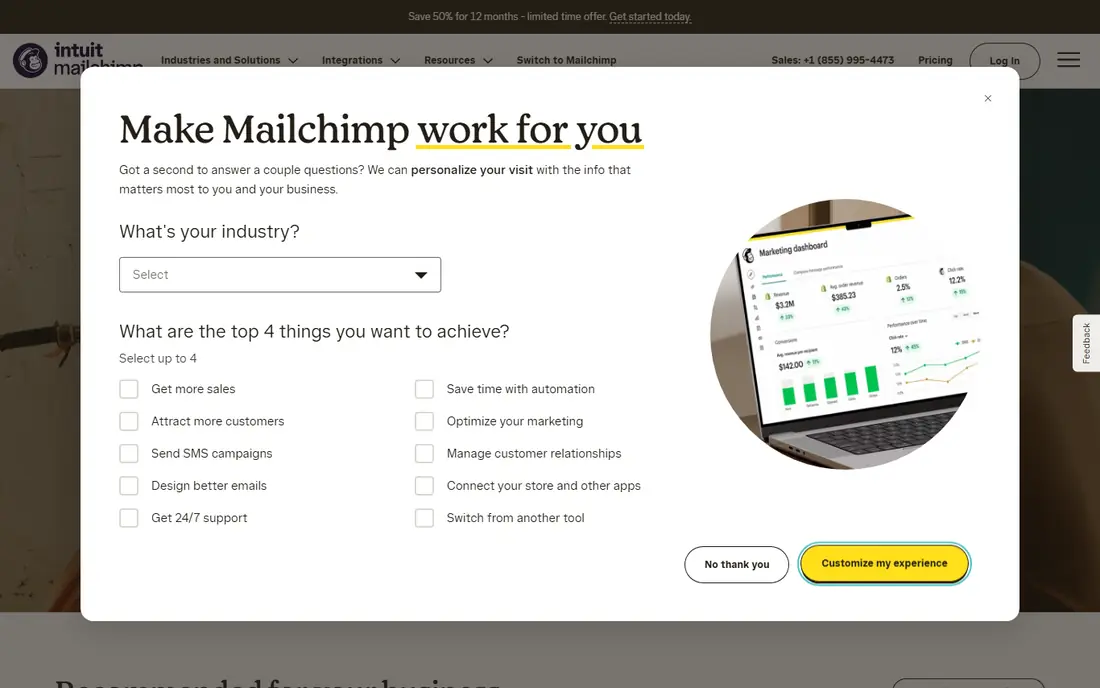
Mailchimp fits small businesses that want a familiar editor and simple automation without a steep learning curve. The journey builder covers welcome flows and basic triggers, and templates help you launch quickly.
It suits newsletters, small stores, and creators who send regular campaigns and a few automated flows. The free plan lets you learn the interface before paying, though contact limits apply.
The catch is scale. Pricing climbs as your list grows, and advanced automation users may find the builder limiting compared with specialist tools. Before you subscribe, check the vendor pricing page for the current plan, because prices and plan inclusions change, and confirm that the features you need sit on the plan you will actually buy. A short trial with your own data or daily routine will tell you more than a feature list alone.
- Familiar editor
- Journey builder
- AI content help
- Pricing rises steeply at larger lists
- Advanced automation is limited
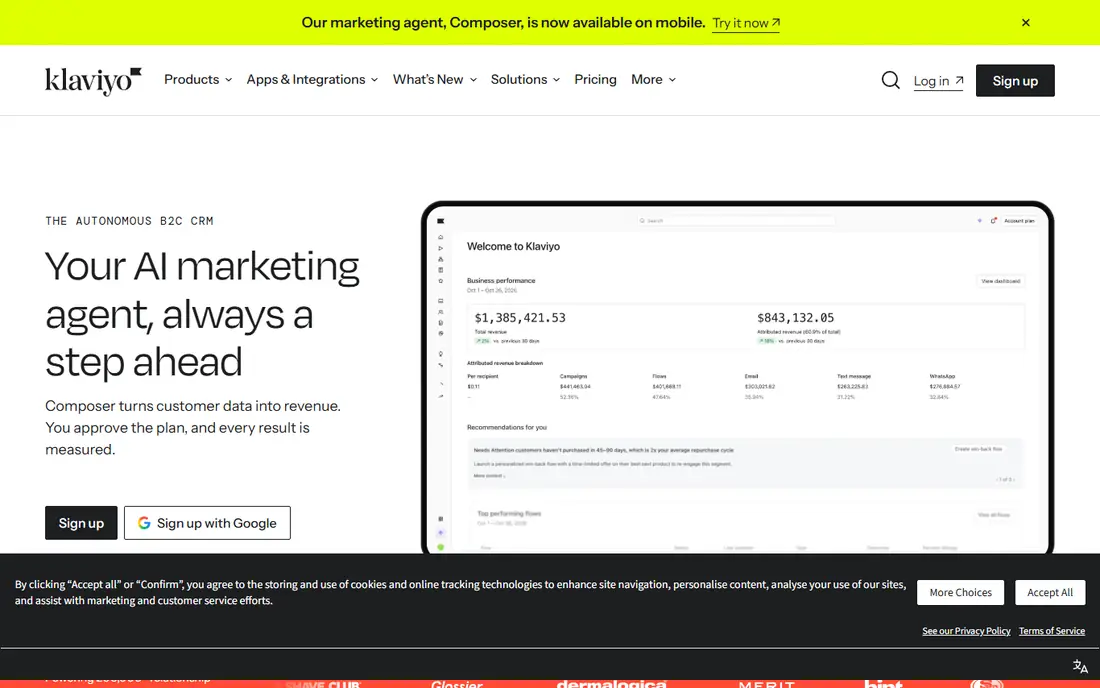
Klaviyo fits e-commerce brands where email revenue depends on purchase, browse, and product data. Flows for abandoned cart, post-purchase, and win-back draw directly on store events, which keeps messages timely.
It suits Shopify and WooCommerce stores that want revenue reporting tied to each flow. Predictive segments help you target likely buyers, though they work best with enough purchase history.
The catch is price at scale. Profile-based pricing can rise quickly, and non-e-commerce teams may pay for store features they never use. Before you subscribe, check the vendor pricing page for the current plan, because prices and plan inclusions change, and confirm that the features you need sit on the plan you will actually buy. A short trial with your own data or daily routine will tell you more than a feature list alone.
- Deep store data
- Strong flows
- Predictive segments
- Cost rises with profiles
- Best value is for e-commerce only
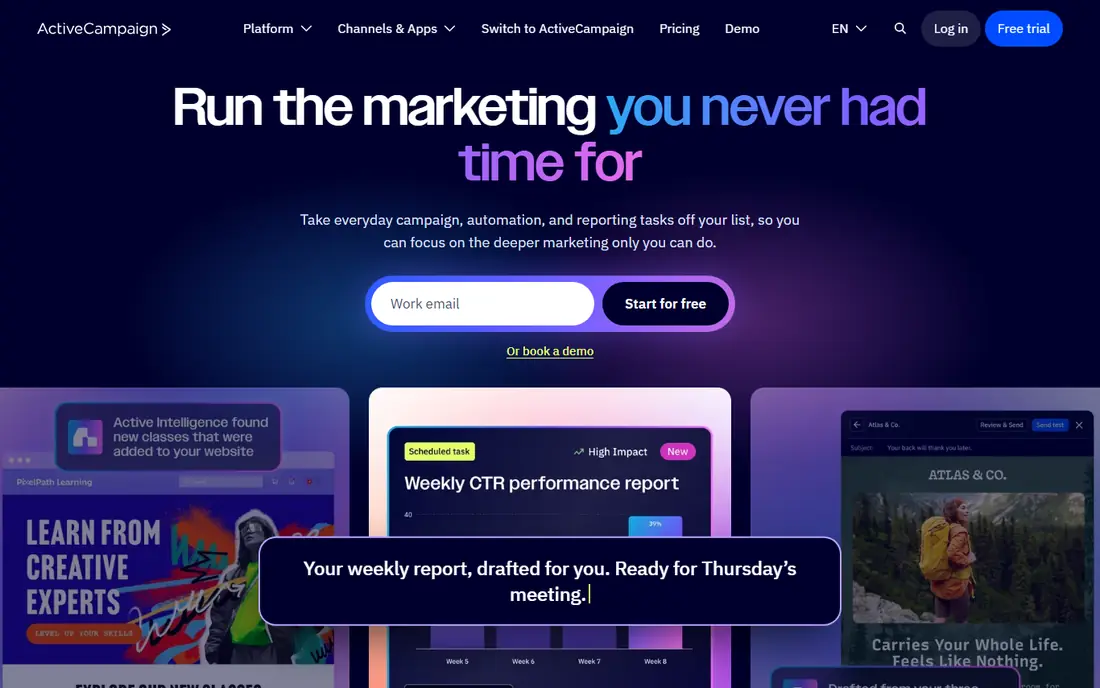
ActiveCampaign fits teams that want deep automation without enterprise pricing. The builder supports complex branches, lead scoring, and multi-step nurture flows that go beyond simple welcome emails.
It suits B2B and service businesses with longer sales cycles, where leads need several touches before they buy. The recipe library helps you start from proven flow patterns rather than a blank canvas.
The catch is complexity. Advanced flows take time to design and test, so small senders with simple needs may find it more than they need. Before you subscribe, check the vendor pricing page for the current plan, because prices and plan inclusions change, and confirm that the features you need sit on the plan you will actually buy. A short trial with your own data or daily routine will tell you more than a feature list alone.
- Deep automation builder
- Many recipes
- Lead scoring
- No free plan
- Learning curve for advanced flows
Brevo fits budget teams that send in volume and want email, SMS, and light CRM in one bill. Volume-based pricing suits large lists that send infrequently, because you pay for sends rather than contacts.
It suits newsletters, transactional messages, and small teams that need multichannel basics without a large budget. The free plan gives you a useful daily send allowance to test the platform.
The catch is automation depth. Complex branching and scoring are thinner than on specialist automation tools, so check your flow list against Brevo before you commit. Before you subscribe, check the vendor pricing page for the current plan, because prices and plan inclusions change, and confirm that the features you need sit on the plan you will actually buy. A short trial with your own data or daily routine will tell you more than a feature list alone.
- Volume-based pricing
- Email plus SMS
- Built-in CRM
- Automation is thinner than specialist tools
- Contact limits on some tiers
HubSpot Marketing Hub
Who it suits: Teams that want marketing and CRM together
HubSpot Marketing Hub fits teams that want marketing, sales, and CRM data in one platform. Contacts, deals, and email activity share one record, which makes lead scoring and reporting much clearer.
It suits B2B teams with a sales process, where marketing must hand leads to sales with context. The free tools help small teams start, though advanced automation sits on paid tiers.
The catch is cost at the professional level. The higher tier is a large step up, and onboarding fees add to the first-year total, so budget for the tier you will actually need. Before you subscribe, check the vendor pricing page for the current plan, because prices and plan inclusions change, and confirm that the features you need sit on the plan you will actually buy. A short trial with your own data or daily routine will tell you more than a feature list alone.
- Full CRM integration
- Strong reporting
- Free starter tools
- Professional tier is costly
- Onboarding fee on higher plans
MailerLite fits budget teams that want a clean editor and simple automation without clutter. Campaigns, landing pages, and basic flows are easy to build, and the interface stays calm even as your list grows.
It suits small businesses, creators, and nonprofits that send regular campaigns and a few automated flows. The free plan covers small lists, and paid plans stay affordable for many teams.
The catch is depth. Advanced segmentation and enterprise features are leaner than on larger platforms, so growing teams should check the limits early. Before you subscribe, check the vendor pricing page for the current plan, because prices and plan inclusions change, and confirm that the features you need sit on the plan you will actually buy. A short trial with your own data or daily routine will tell you more than a feature list alone.
- Clean editor
- Simple automation
- Fair paid pricing
- Advanced segmentation is leaner
- Fewer enterprise features
GetResponse fits teams that run webinars alongside email, because webinars sit inside the same platform. You can invite, remind, and follow up with attendees without a separate webinar tool.
It suits course sellers, coaches, and B2B teams that use live sessions to generate leads. Automation workflows cover welcome, nurture, and post-webinar follow-ups in one place.
The catch is that there is no free plan beyond a trial, and the interface packs in many features. Try the trial with a real flow before you pay. Before you subscribe, check the vendor pricing page for the current plan, because prices and plan inclusions change, and confirm that the features you need sit on the plan you will actually buy. A short trial with your own data or daily routine will tell you more than a feature list alone.
- Webinars built in
- Automation workflows
- Landing pages
- No free plan beyond trial
- Interface can feel busy
Constant Contact fits local businesses and nonprofits that want simple campaigns and event tools. Templates, event registration, and social posting sit alongside email, which suits small teams with varied tasks.
It suits shops, clinics, charities, and event organisers who send regular updates and occasional automated messages. Support is geared to users who are not email specialists.
The catch is automation depth. Flows are basic compared with specialist tools, so teams with complex nurture needs should look elsewhere. Before you subscribe, check the vendor pricing page for the current plan, because prices and plan inclusions change, and confirm that the features you need sit on the plan you will actually buy. A short trial with your own data or daily routine will tell you more than a feature list alone.
- Simple campaigns
- Event tools
- Nonprofit-friendly support
- Automation is basic
- Pricing is per-contact based
Omnisend fits e-commerce stores that want email, SMS, and push messages in a single workflow. Prebuilt flows for cart recovery, welcome, and post-purchase help stores launch quickly.
It suits small and mid-size stores that want Klaviyo-style flows at a lower entry price. The combined channels help you reach customers where they respond, without managing three tools.
The catch is focus. It is built for e-commerce, so B2B teams with lead scoring and CRM nurture needs will find it less complete. Before you subscribe, check the vendor pricing page for the current plan, because prices and plan inclusions change, and confirm that the features you need sit on the plan you will actually buy. A short trial with your own data or daily routine will tell you more than a feature list alone.
- E-commerce flows
- Email, SMS, and push in one flow
- Prebuilt templates
- Best for e-commerce
- Less suited to B2B lead nurture
How we picked these
We compared tools with real email automation, not only newsletter sending, and we checked each vendor pricing page for the starting price and free option shown here. We looked at automation builders, templates, segmentation, integrations, and reporting, with pricing basis noted where it changes the total. Prices vary by contacts, sends, and billing period, so model your own list before you subscribe.
How to choose an email automation tool
Start with how you will be charged. Some tools charge by contacts, others by email volume or seats, and the same list can cost very different amounts across tools. Model your price at your current list size and at double that size, because growth is where cheap entry plans often become costly.
Next, map your core flows before you compare features. List the flows you need in the next six months, such as welcome, abandoned cart, post-purchase, win-back, and lead nurture, then check whether each tool offers them as templates or requires you to build from scratch.
Then check integrations with your store or CRM. E-commerce tools should read purchase, browse, and product data without manual imports, while B2B tools should sync lead scores and CRM stages. A weak integration means extra work and stale segments, even if the automation builder looks strong.
Finally, test deliverability basics. Use double opt-in where it fits, clean inactive contacts regularly, and warm up a new sending domain gradually. No automation tool can fix a bought list or misleading subject lines, and poor list hygiene will hurt inbox placement over time.
Frequently asked questions
What is email marketing automation?
Email automation sends messages based on triggers, such as a sign-up, a purchase, or a cart abandonment, rather than a manual send each time. Flows can include welcome series, reminders, and follow-ups that adapt to what each subscriber does. Good automation saves time and keeps messages relevant.
How much does email automation cost?
Cost depends on contacts, sends, seats, and features, so there is no single price for every business. Free plans suit small lists, while larger lists and advanced flows move you to paid plans. Model your price at your expected list size in six months, not only today.
Is Klaviyo only for e-commerce?
Klaviyo is built for e-commerce and works best when it can read store data such as purchases and browsing. Non-e-commerce businesses can use it, but they may not need its purchase-focused features. B2B teams often prefer tools built around lead scoring and CRM sync.
Do I need a CRM as well as an email tool?
Many email tools include light CRM features, but larger teams often pair an email tool with a full CRM for sales stages and lead scoring. HubSpot combines both in one platform, while other tools integrate with a separate CRM. Choose based on how your sales team already works.
How do I avoid spam complaints?
Use clear consent, set expectations at sign-up, and make unsubscribing easy. Send relevant messages, clean inactive contacts, and avoid bought lists. A smaller engaged list will perform better than a large cold list, and it protects your sender reputation.
Sources we checked (9)

Online Jobs is an independent blog about careers, online work, learning new skills and the tools that help people earn. More about us.
Keep reading
All posts
Best Tool for Lead Generation
Find the best tool for lead generation in 2026, from prospecting databases and outreach tools to landing pages, with prices and honest trade-offs for buyers.
Best Omnichannel Marketing Platform
Compare the best omnichannel marketing platform in 2026. We review Klaviyo, HubSpot, Braze, Salesforce and more, with pricing, free plans and channel coverage.
Best Landing Page Tools
Compare the best landing page tools for 2026, from Unbounce and Instapage to Carrd and Framer, with pricing, free plans, testing and publishing compared.