Best Landing Page Tools in 2026: 9 Products Compared

How we put this together: we compare official feature and pricing pages, app store listings, privacy policies and public user reviews. Prices change, so check the provider's site before you pay.
Key takeaways
- Unbounce and Instapage remain the strongest choices when paid traffic and testing matter most, but both charge more than general site builders.
- Leadpages and Landingi give small teams testing and templates at a lower monthly cost, with fewer design controls than Webflow or Framer.
- Carrd is the clear budget pick for a single simple page, while HubSpot makes sense when leads should flow straight into a CRM.
- Visitor caps and gated testing change the real cost, so check the plan limits before you commit to a yearly plan.
Quick comparison
| Name | Who it suits | Starting price | Free option | |
|---|---|---|---|---|
 Unbounce | Paid traffic and conversion testing | See website | Free trial | Visit |
 Instapage | Large paid campaigns with personalization | See website | Free trial | Visit |
 Leadpages | Small business lead generation | See website | Free trial | Visit |
 Landingi | Many pages on a budget | See website | Free trial | Visit |
 Webflow | Full design control | Free | Yes | Visit |
 Framer | Fast polished marketing pages | Free | Yes | Visit |
 Carrd | Simple one page sites | $19 per year | Yes | Visit |
 HubSpot | Pages tied to a CRM | Free | Yes | Visit |
 Swipe Pages | Mobile paid traffic | See website | Free trial | Visit |
The best landing page tools
A good landing page tool lets a marketer publish a focused page, connect a form, and change the page without waiting for a developer. The tools below cover that job in different ways, from dedicated testing platforms to simple one page builders.
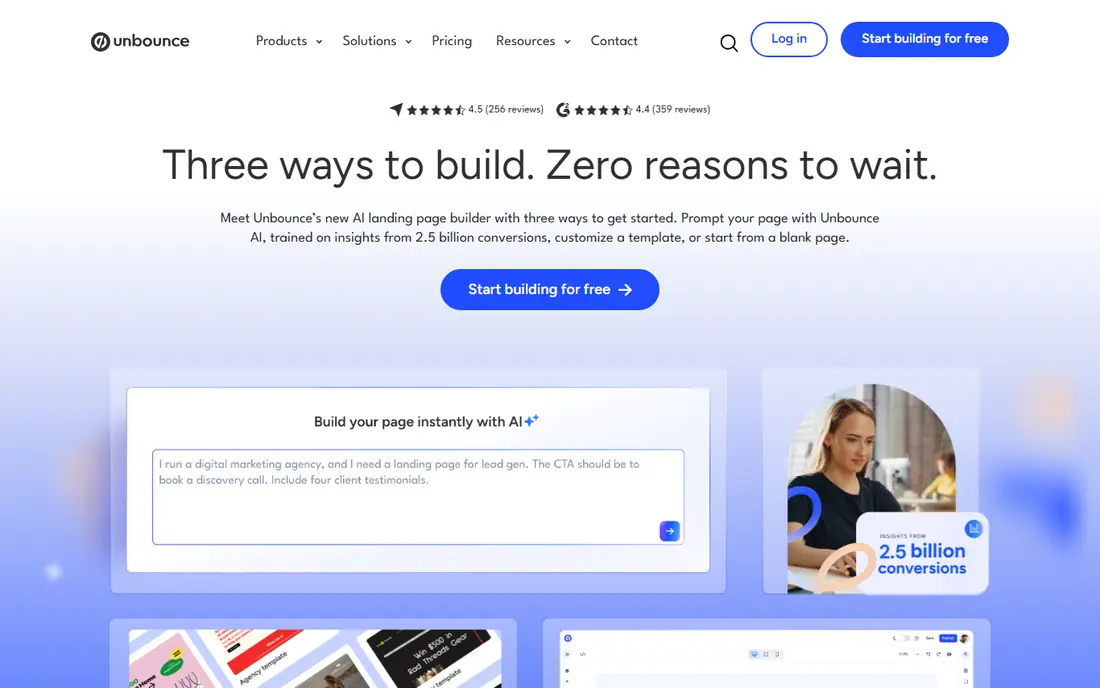
Unbounce is built for teams that send paid traffic to a page and want to learn what converts. Its editor gives marketers control over layout, forms, popups and sticky bars without writing code, and its template library covers common lead generation and sales offers. For teams that run steady campaigns, that combination shortens the time from idea to live test.
The honest catch is cost and limits. Entry plans have visitor caps, and the fuller testing features sit above the cheapest tier, so a small team should price the plan it actually needs rather than the headline starting price. If your traffic is light or you only need one page, a cheaper builder may do the same job. If you test every week, Unbounce earns its place on this list.
- Mature A/B testing tools
- Smart Traffic routing
- Large template library
- Testing sits on higher plans
- Visitor caps apply on plans
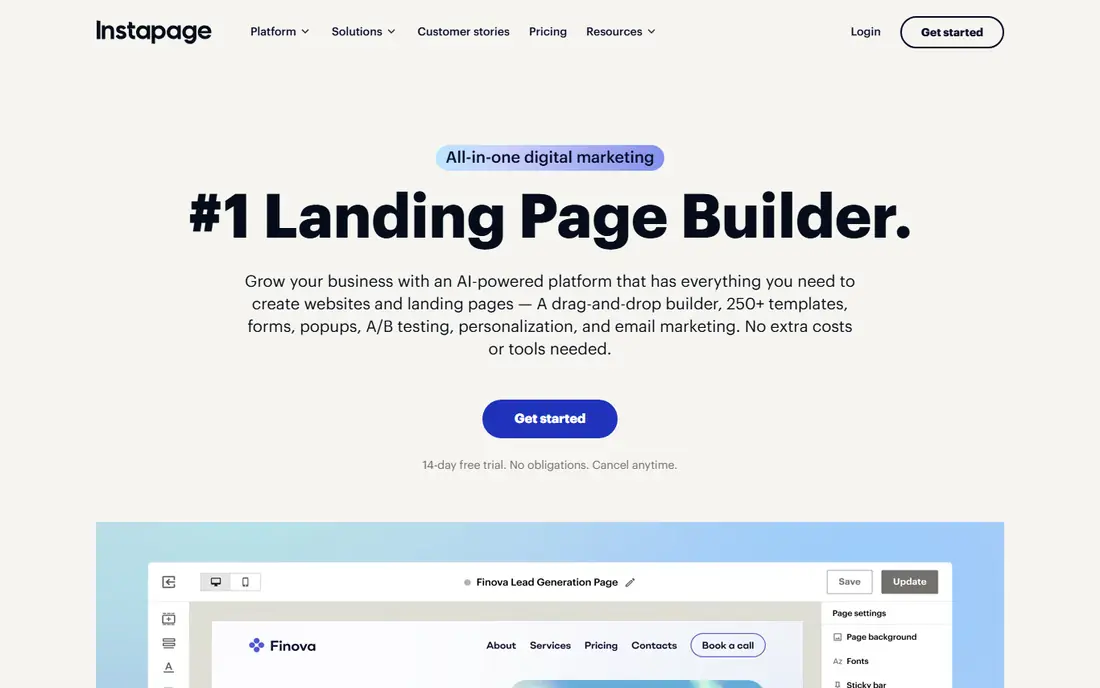
Instapage suits teams that run many ads and want each ad to land on a matching page. Its personalization tools can swap headlines and content by audience or keyword, which helps when one generic page would serve several different offers badly. Collaboration features also help agencies and larger teams review and approve pages before they go live.
That depth comes at a premium price, and testing is gated to higher plans in the same way as Unbounce. Small businesses with modest ad spend may find the cost hard to justify, and should compare Leadpages or Landingi first. For a team already spending heavily on ads, the time saved on personalization and review can matter more than the subscription difference.
- Ad to page personalization
- Strong collaboration tools
- Clean page builder
- Higher pricing than most rivals
- Visitor caps on plans
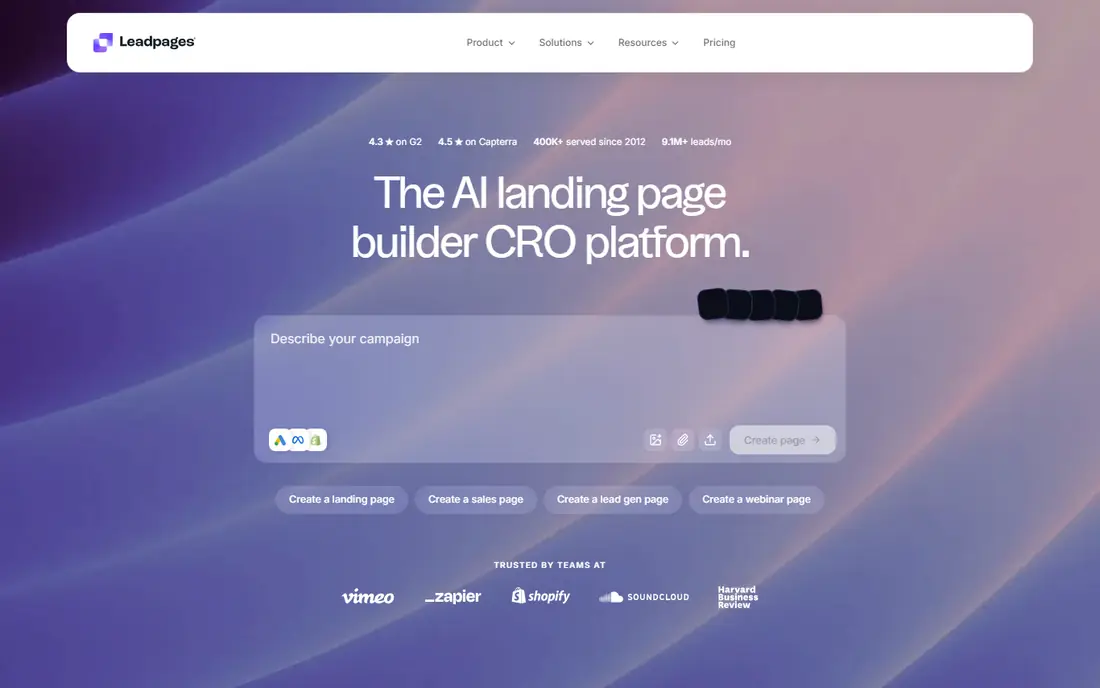
Leadpages has long aimed at the small business owner who wants a page live today, not a design project. Templates are built around lead capture, with forms, alert bars and popups included, and the editor is friendly for people who do not build pages every day. A/B testing is part of the offer rather than a costly add-on, which is a real point of difference at this price level.
Designers who want pixel level control will feel the limits sooner here than in Webflow or Framer. Pages can look clean and professional, but unusual layouts are harder to build. If your main goal is steady lead capture from search, email and social traffic, that trade is usually worth it. Check the current plan price before you buy, since published prices for Leadpages have changed.
- Large conversion focused template library
- A/B testing included on plans
- No traffic caps described on plans
- Less design freedom than Webflow
- Pricing has risen over time
Landingi is a practical pick for teams that need volume. Instead of paying per page or watching a visitor cap closely, teams can publish many pages for different offers, locations or campaigns and reuse sections across them. That helps agencies and local businesses that run similar pages for several services or branches.
Analytics and reporting are adequate rather than deep, so teams that want heatmaps and detailed test analysis may need a separate analytics tool. The builder itself is straightforward, and the template range is broad enough for most lead generation work. Landingi fits best when page count matters more than advanced testing depth.
- Unlimited landing pages on plans
- Reusable page sections
- Testing on plans
- Analytics are basic compared with dedicated testing tools
- Smaller integration library
Webflow is less a landing page tool and more a full website builder that happens to make excellent landing pages. Designers can control spacing, interactions and responsive behavior in detail, and the CMS helps when a page needs to pull in repeated content such as case studies or locations. Published sites tend to perform well, which matters for paid traffic quality scores.
The trade is effort. A beginner can build a simple page quickly, but getting the most from Webflow takes time to learn, and native A/B testing is not a core strength. Teams that want to test often should pair Webflow with a testing tool or accept manual variant work. For brand led teams that care deeply about how a page looks, that effort pays off.
- Near total design freedom
- Clean published code
- Strong CMS for content pages
- Steeper learning curve
- Testing needs third party tools
Framer started as a design tool and that shows in the pages it produces. Marketing pages look polished with less fiddling, and publishing is fast, which helps small teams ship a launch page or campaign page in a day. The free plan lets a solo founder or small team start without paying, and paid plans add more pages and features.
Testing is the main gap. Native A/B testing sits on a higher tier, so teams that test constantly may prefer Unbounce or Leadpages. Framer is best for teams that value speed and visual quality and are happy to judge results with analytics rather than running formal tests on every page. For a startup launch page, that is often the right balance.
- High quality visual output
- Fast building
- Good performance
- Native testing only on higher tiers
- Smaller ecommerce ecosystem
Carrd does one thing and does it well. It builds a single page site for a profile, a link page, a waitlist, an event or a simple service offer, and it does so for a few dollars a month at most. The editor is simple enough that most people can finish a page in an hour, and the result looks tidy on phones and desktops alike.
Anyone who needs multiple pages, funnels or testing should look elsewhere. Carrd is not a campaign platform, and its form submission caps matter if a page starts to get heavy traffic. For a freelancer, a small local business or a side project that needs a credible page online fast, Carrd is hard to beat on value.
- Very low cost
- Fast to publish
- Clean responsive pages
- One page sites only
- No real testing tools
- Form limits on plans
HubSpot makes sense when the landing page is only the start of the job. A visitor who fills in a form becomes a contact in the CRM, and the team can follow up by email, track the deal and report on which pages produced real customers. That closed loop is the reason many growing businesses choose HubSpot even though dedicated builders may offer deeper testing.
The free tools cover basic pages well, but the fuller marketing suite is a larger purchase, and teams that only need pages may find HubSpot broad. If you already use HubSpot for sales or service, adding landing pages there avoids stitching tools together. If you do not need a CRM, a dedicated builder is simpler.
- Free landing pages and CRM
- Leads flow into contact records
- Strong email follow up tools
- Full marketing features cost more
- Can feel broad for a single page need
Swipe Pages focuses on speed for mobile visitors, which is where much paid social and search traffic now lands. Pages publish in a fast format, templates are built around funnels rather than brochure sites, and checkout can sit on the page itself for simple offers. For a team that buys mobile traffic, load speed alone can change results.
The library of templates and integrations is smaller than Unbounce or Leadpages, so teams with unusual tools should check compatibility first. Traffic caps also mean a viral campaign needs a plan check. Swipe Pages fits best as a specialist tool for mobile campaigns rather than as the only builder for a whole business.
- Fast mobile pages
- Funnel focused templates
- Checkout on the page
- Smaller template and integration library
- Traffic caps on plans
How we picked these
We started with the tools that appear most often in current comparisons and vendor pricing pages, then kept only products that are live, aimed at landing pages, and usable by a marketing team without custom development. We compared what each tool is best at, how testing and personalization are priced, whether traffic is capped, and whether a free plan or trial lets a team try before paying.
We treated vendor pricing as changeable and marked prices as See website where recent comparisons disagreed or where the vendor gates features by plan. A tool that looked strong on paper but forced a costly upgrade for basic testing was marked down for small teams, even if it suited larger ones. That is why this list mixes premium testing platforms with cheap single page builders rather than ranking on features alone.
What to check before you pay
Start with traffic and testing, because those two factors decide the real monthly cost. Ask how many visitors your campaigns will send, whether that number fits the plan, and whether A/B testing is included or locked behind a higher tier. A cheap plan that blocks testing can cost more in lost learning than a pricier plan that includes it.
Next, check forms, integrations and publishing. Confirm the form connects to your email tool or CRM, that your domain can be connected, and that pages load well on phones. Try a real page with your own copy and images before you pay for a year, and test the form end to end. Finally, look at who will edit pages day to day. A powerful builder that only one designer can use will slow a small team down, while a simpler builder the whole team can use will ship more pages.
Frequently asked questions
What is the best landing page software for small businesses?
Leadpages and Landingi are strong starting points for small businesses because they combine templates, forms and testing at a lower cost than Unbounce or Instapage. Carrd is even cheaper if you only need one simple page. Pick based on how many pages you need and whether you will test them often.
What is the best app landing page builder?
Framer and Carrd both work well for app landing pages, since an app launch page is usually a single focused page with a download or waitlist form. Framer gives a more polished marketing look, while Carrd is faster and cheaper. Unbounce is a better fit if the app page is part of a paid campaign that needs testing.
Do I need a landing page tool if I already have a website?
You may not need one if your website builder already handles forms and fast publishing. A dedicated tool helps when you need many campaign pages, testing, personalization or pages that differ sharply from your main site. Many teams keep a main site in Webflow or WordPress and use a landing page tool only for campaigns.
Is a free landing page builder enough?
A free plan from Webflow, Framer, Carrd or HubSpot can be enough for a simple page, a waitlist or a portfolio page. Free plans usually limit pages, features or branding, and they rarely include testing. If the page must generate leads every week, a paid plan is usually worth the cost.
Which landing page tool is best for paid ads?
Unbounce and Instapage lead for paid ads because they were built around testing, personalization and campaign workflows. Swipe Pages is a good alternative when most traffic comes from mobile ads and speed matters most. Whichever you choose, match the page headline to the ad and keep the form short.
How much should a landing page platform cost?
Costs range from free or a few dollars a year for Carrd to well over one hundred dollars a month for premium testing platforms. Most small teams land in the middle range, paying for templates, forms and testing without paying for enterprise personalization. Always price the plan that includes the features you will actually use.
Sources we checked (9)

Online Jobs is an independent blog about careers, online work, learning new skills and the tools that help people earn. More about us.
Keep reading
All posts
eBay Alternatives
Looking for ebay alternatives? We compared 9 marketplaces for sellers on fees, buyer reach, categories and ease of listing, to help you sell with confidence.

ZoomInfo Alternatives
The best ZoomInfo alternatives in 2026, compared on price, free plans, data coverage, and which tool fits small teams or large sales teams best in detail.

Zoom Alternatives
Zoom alternatives compared for 2026: Google Meet, Microsoft Teams, Webex, Jitsi and more for free calls, large meetings and webinars for teams and classrooms.