Best Tool for Editing PDF Documents in 2026: 9 Tools Compared

How we put this together: we compare official feature and pricing pages, app store listings, privacy policies and public user reviews. Prices change, so check the provider's site before you pay.
Key takeaways
- Adobe Acrobat is the most complete PDF editor, and the right choice if you edit PDFs daily or handle forms and compliance work.
- Smallpdf, Sejda, and iLovePDF are the fastest options for quick browser edits, merges, and conversions.
- Foxit PDF Editor and PDFelement give most of Acrobat's power for less money.
- PDF-XChange Editor is the best free desktop option on Windows, with a generous free tier.
- For confidential documents, prefer a desktop editor that processes files locally over a browser tool that uploads them.
Quick comparison
| Name | Who it suits | Starting price | Free option | |
|---|---|---|---|---|
 Adobe Acrobat | The complete PDF editor | See website | Free trial | Visit |
 Smallpdf | Quick browser edits and conversions | $12 per month | Yes | Visit |
 Sejda | Affordable browser editing | See website | Yes | Visit |
 iLovePDF | Simple all-in-one browser tools | See website | Yes | Visit |
 Foxit PDF Editor | Acrobat power for less money | See website | Free trial | Visit |
 PDFelement | Best value full desktop editor | $79.99 per year | Free trial | Visit |
 Nitro PDF Pro | Windows teams standardizing | See website | Free trial | Visit |
 PDF-XChange Editor | Free desktop editing on Windows | Free | Yes | Visit |
 PDF Expert | Native Mac and iPad editing | $79.99 per year | Free trial | Visit |
The best tools for editing PDF documents
PDF editing ranges from fixing a typo to building forms, redacting contracts, and converting scans into searchable text. Browser tools handle quick jobs well, while desktop editors suit daily work and sensitive files. These nine cover both ends, from free browser tools to the professional standard.
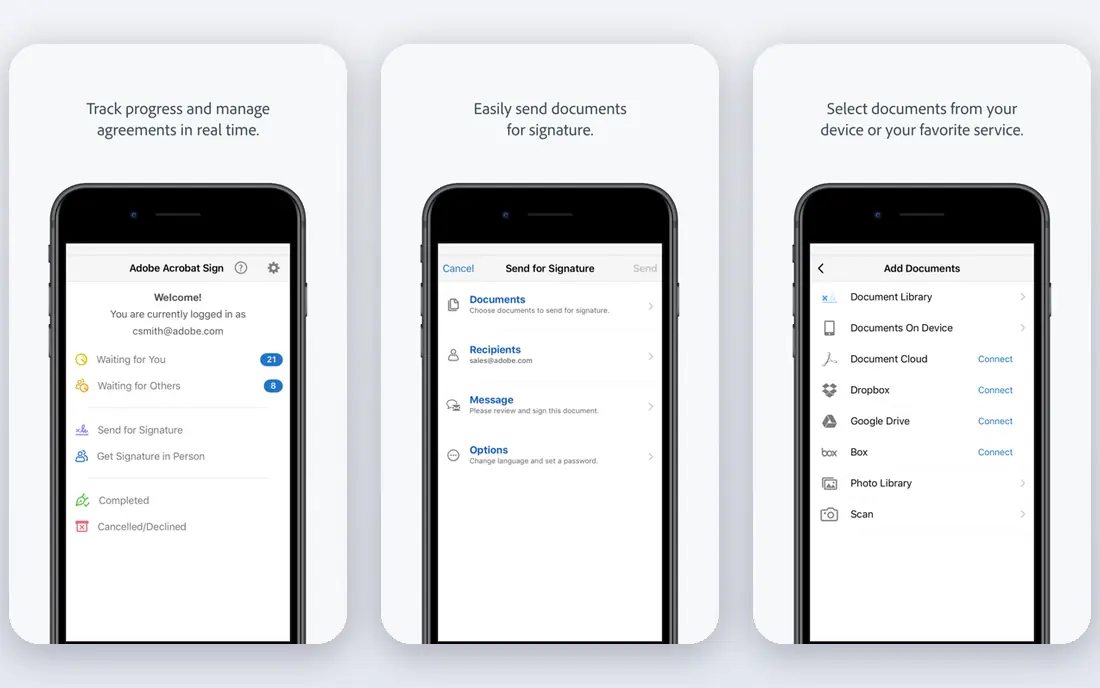
Adobe Acrobat is the standard every other PDF editor is measured against. Text editing feels natural, OCR turns scans into searchable documents accurately, form creation is deep, and redaction and e-signature tools cover compliance work. If a PDF task exists, Acrobat almost certainly handles it.
The price is the drawback, with Pro plans among the most expensive here, and there is no free tier beyond a trial. For occasional edits, Acrobat is overkill. For daily PDF work, legal documents, or accessibility compliance, it is worth the cost.
- Best-in-class text editing, OCR, forms, and redaction
- Strong mobile apps
- The reference implementation others are judged against
- Most expensive option
- Subscription only
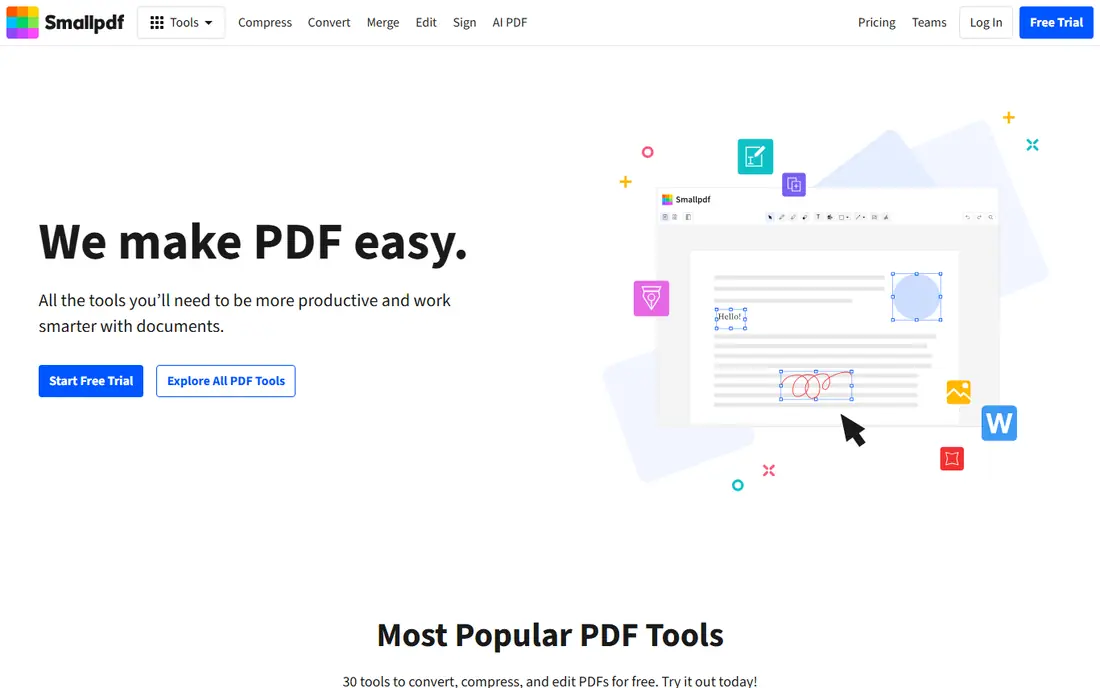
Smallpdf is the tool for the PDF job you need done in five minutes. Merging files, splitting pages, compressing a large document, and converting to Word or images all work in the browser with no install. The interface is simple enough that anyone can use it without a tutorial.
The free tier limits how many tasks you can run per day, and Pro starts at around $12 per month. Text editing and advanced features are thinner than Acrobat or Foxit. For quick, frequent browser jobs, Smallpdf is the most convenient option here.
- Very easy browser tools for merge, split, compress, and convert
- Clean interface
- Desktop and mobile apps available
- Free tier limits daily tasks
- Full editing is thinner than desktop suites
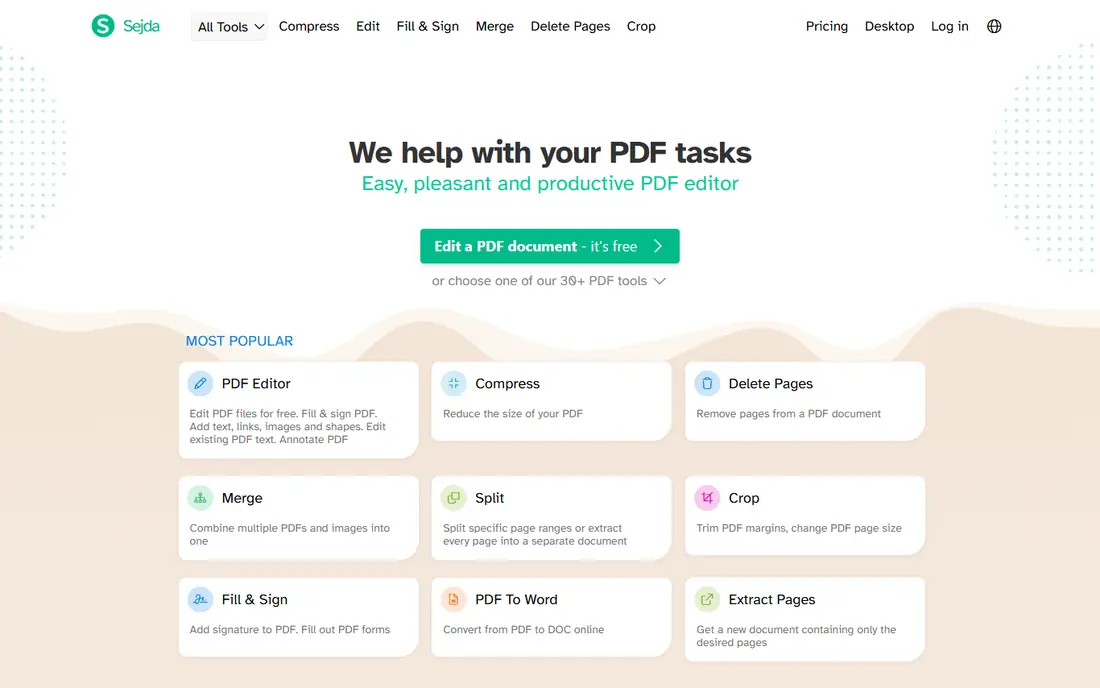
Sejda is a strong browser editor for people who want more than merge and convert. It edits PDF text, adds signatures, fills forms, and handles page management, all in the browser, with a desktop version for offline use. The free tier covers occasional work well.
Limits apply to file size and daily task counts on the free plan, and the design is functional rather than polished. For budget-conscious users who edit PDFs online a few times a month, Sejda offers the best balance of capability and cost.
- Solid browser text editing without heavy software
- Generous free tier for occasional use
- Desktop version for offline work
- Free tier limits file size and daily tasks
- Interface is plainer than Smallpdf
iLovePDF bundles the everyday PDF jobs into one browser site: merge, split, compress, convert, sign, and protect. The tools are consistent and easy to find, which makes it a good shared bookmark for a team that handles PDFs occasionally. Paid plans remove limits and add desktop and mobile access.
True text editing is basic, and power users will outgrow it. The free tier also limits tasks. For a team that mostly converts, merges, and signs rather than rewriting documents, iLovePDF is a friendly, low-cost choice.
- Wide set of browser tools in one place
- Very easy to use
- Good for teams sharing quick tasks
- Text editing is basic compared with desktop editors
- Free tier has task limits
Foxit PDF Editor is the value alternative to Acrobat for serious desktop work. It covers text and image editing, OCR, form creation, e-signatures, and collaboration, at a lower price, with a perpetual license option for buyers who dislike subscriptions. It also launches faster and feels lighter than Acrobat on most machines.
The gaps are modest: OCR quality is a step behind Acrobat, and the mobile apps are less polished. For businesses that want Acrobat-class capability without Acrobat pricing, Foxit is the most direct substitute.
- Text editing, OCR, forms, and signatures close to Acrobat
- Lighter and faster to launch
- Perpetual license option
- OCR quality trails Acrobat slightly
- Mobile experience is less polished
PDFelement from Wondershare is the best value full editor on this list. It edits text and images, runs OCR on scans, builds and fills forms, and adds AI tools for summarizing and interacting with documents, all starting at $79.99 per year, with a perpetual license option. Desktop, mobile, and web versions cover most workflows.
The interface packs a lot in and can feel busy, and a few advanced features trail Acrobat. For individuals and small businesses that need full desktop editing on a budget, PDFelement is hard to beat.
- Full editing, OCR, forms, and AI tools at a low price
- Perpetual license available
- Desktop, mobile, and web versions
- Interface is busier than Acrobat
- Some advanced features trail the leaders
Nitro PDF Pro is built for Windows-based teams that want one standard PDF tool. Editing, conversion to Office formats, e-signatures, and batch processing are all included, and Office integration makes converting Word and Excel files smooth. Per-user pricing suits team rollouts.
Mac users get a thinner experience, and pricing varies by plan, so confirm the figure for your team size. For Windows offices standardizing on a single PDF editor, Nitro is a proven, business-friendly choice.
- Full editing, conversion, and signing for Windows teams
- Per-user pricing
- Strong Microsoft Office integration
- Windows-focused, with a thinner Mac story
- Quote-style pricing on some plans
PDF-XChange Editor is the best free desktop PDF editor for Windows. The free version includes text editing and even OCR, which most free tools withhold, and it runs fast on modest hardware. Because it processes files locally, it suits confidential documents that should not be uploaded to a browser tool.
The obvious limit is platform: it is Windows only. Some advanced features, like certain redaction and conversion tools, need a paid license. For Windows users who want powerful free editing, it is the clear pick.
- Generous free tier including OCR and text editing
- Fast and lightweight
- Processes files locally
- Windows only
- Some advanced features need a paid license
PDF Expert is the PDF editor Mac users usually end up loving. It is fast, beautifully designed for macOS and iPad, and handles annotation, editing, form filling, and signing with a native feel that cross-platform tools rarely match. Annual pricing starts at $79.99 per year, with a lifetime purchase option for buyers who dislike subscriptions.
It is Mac and iOS only, and complex form building trails Acrobat. For Apple users who edit PDFs daily, PDF Expert is the most pleasant tool on this list.
- Fast, native Mac and iOS design
- Smooth annotation and signing
- Lifetime purchase option
- Mac and iOS only
- Less depth than Acrobat for complex forms
How we picked these
We compared official feature and pricing pages and recent editor comparisons, favoring tools that are actively maintained and cover real editing, not just viewing. We included browser tools, desktop suites, and platform-specific picks, and we weighed free tiers, OCR quality, form and signature support, and whether files are processed locally or uploaded. Where pricing varies by plan, we say so.
Choosing between browser and desktop editing
Use a browser tool when the job is quick and the file is not sensitive. Merging, splitting, compressing, and converting work well in Smallpdf, Sejda, or iLovePDF, and nothing needs installing. Check the free tier limits first, since daily task caps can interrupt a busy day.
Use a desktop editor for daily work, sensitive files, and advanced features. Acrobat, Foxit, PDFelement, and PDF-XChange process files locally, which matters for contracts, medical records, and financial documents. OCR, redaction, and form building also work better on desktop. If you edit PDFs more than a few times a week, a desktop editor pays for itself in time saved.
Frequently asked questions
What is the best free tool for editing PDF documents?
PDF-XChange Editor is the best free desktop option on Windows, with text editing and OCR in its free tier. For browser use, Sejda and Smallpdf offer free tiers for occasional edits. Mac users can also use Preview for basic annotation at no cost.
Is Adobe Acrobat worth the price?
It depends on volume. If you edit PDF text, build complex forms, or process scanned documents with OCR daily, Acrobat Pro is worth it. For occasional merge, split, or sign tasks, a free browser tool covers the job at no cost.
Can I edit PDF text online for free?
Yes, Sejda and Smallpdf let you edit PDF text in the browser on free tiers, with limits on file size and daily tasks. For longer documents or frequent edits, a desktop editor is more reliable.
Are online PDF tools safe for confidential documents?
Browser tools upload your files to their servers for processing, which is a risk for legal, medical, or financial documents. For sensitive files, use a desktop editor like PDF-XChange Editor, Acrobat, or Foxit, which processes files locally on your machine.
What is the best PDF editor for Mac?
PDF Expert is the best dedicated Mac and iPad editor, with a native design and lifetime purchase option. Acrobat is the most feature-complete option on Mac, while Preview handles basic annotation free.
Sources we checked (9)

Online Jobs is an independent blog about careers, online work, learning new skills and the tools that help people earn. More about us.
Keep reading
All posts
Zoom Alternatives
Zoom alternatives compared for 2026: Google Meet, Microsoft Teams, Webex, Jitsi and more for free calls, large meetings and webinars for teams and classrooms.

Which Software Is Best for Data Entry
Compare the best data entry software for forms, OCR scanning, and spreadsheets, with free plans, pricing, and honest limits for each tool before you commit.

What Is the Best Free Tool to Rotate a PDF
What is the best free tool to rotate a PDF? We compare eight free rotation tools on per-page control, limits, privacy and saved output quality in detail.