Best Time Tracking Software for Small Business in 2026: 9 Tools Compared

How we put this together: we compare official feature and pricing pages, app store listings, privacy policies and public user reviews. Prices change, so check the provider's site before you pay.
Key takeaways
- Clockify is our pick for most small businesses, because its free plan covers unlimited users and projects for core tracking.
- Toggl Track is the simplest timer for freelancers and small teams that want tracking staff will actually use.
- Harvest is the pick when tracked time must feed directly into client invoices without extra steps.
- Hubstaff and Time Doctor suit remote teams that need screenshots, GPS, or payroll features, but they trade some trust for oversight.
- Check free plan user limits carefully, because a tool that is free for five users may not be free for a team of ten.
Quick comparison
| Name | Who it suits | Starting price | Free option | |
|---|---|---|---|---|
 Clockify | Free tracking for unlimited users | See website | Yes | Visit |
 Toggl Track | Simple timer for small teams | See website | Yes | Visit |
 Harvest | Tracking plus client invoicing | See website | Yes | Visit |
 Hubstaff | Remote team monitoring and payroll | See website | Free trial | Visit |
 Time Doctor | Accountability with screenshots | See website | Free trial | Visit |
 Everhour | Tracking inside project tools | See website | Yes | Visit |
 TimeCamp | Free tracking with invoicing | See website | Yes | Visit |
 Timely | Automatic timesheets | See website | Free trial | Visit |
 QuickBooks Time | Time tracking with QuickBooks payroll | See website | Free trial | Visit |
The best time tracking software for small business
Small businesses track time for different reasons: billing clients, paying staff, or simply seeing where the week goes. The tools below cover all three, but they differ on free limits, invoicing, and monitoring features. Start with your reason for tracking, because that decides the shortlist faster than any feature table.
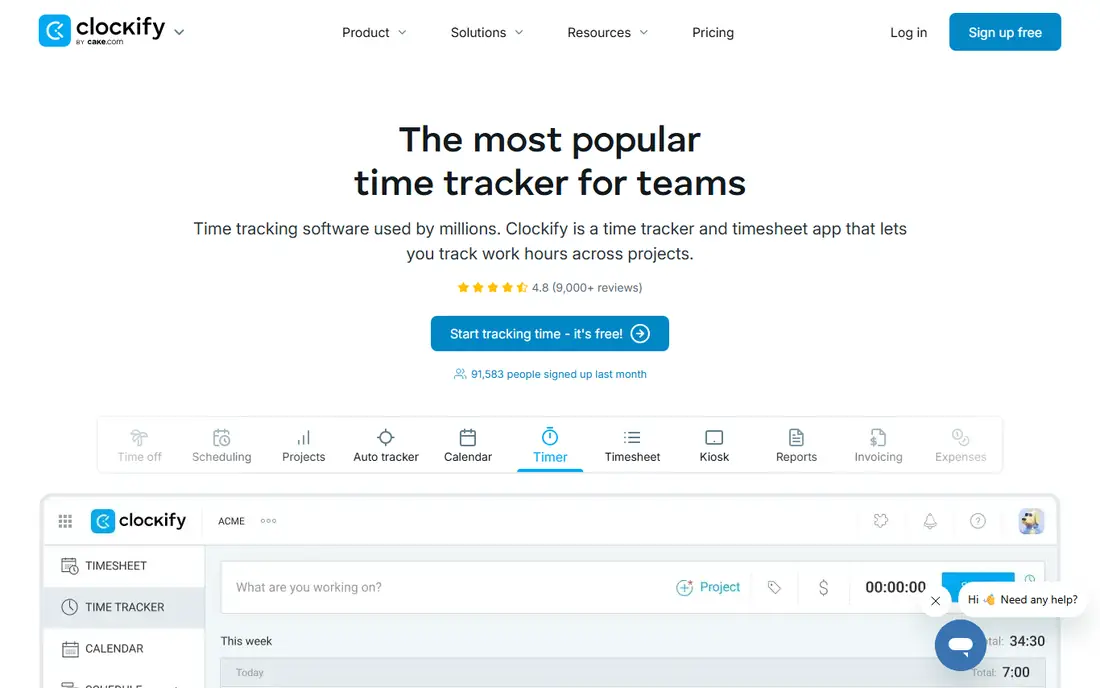
Clockify is the budget champion in this list. Its free plan covers unlimited users and projects for core time tracking, which no other tool here matches at that scale. For a small business that simply needs to know who worked on what, and for how long, that free tier may be all you ever need.
Paid plans add the features growing teams usually want next: invoicing, timesheet approvals, and more detailed reporting. The interface is functional rather than beautiful, but it is easy to learn, and the timer works on web, desktop, and mobile. If cost is the main barrier to tracking, start with Clockify.
- Free plan covers unlimited users and projects for core tracking
- Simple timer, timesheets, and reports
- Paid tiers add invoicing and approvals
- Advanced invoicing and approvals need paid plans
- Interface is plain
- Some features, such as GPS, are limited to higher tiers
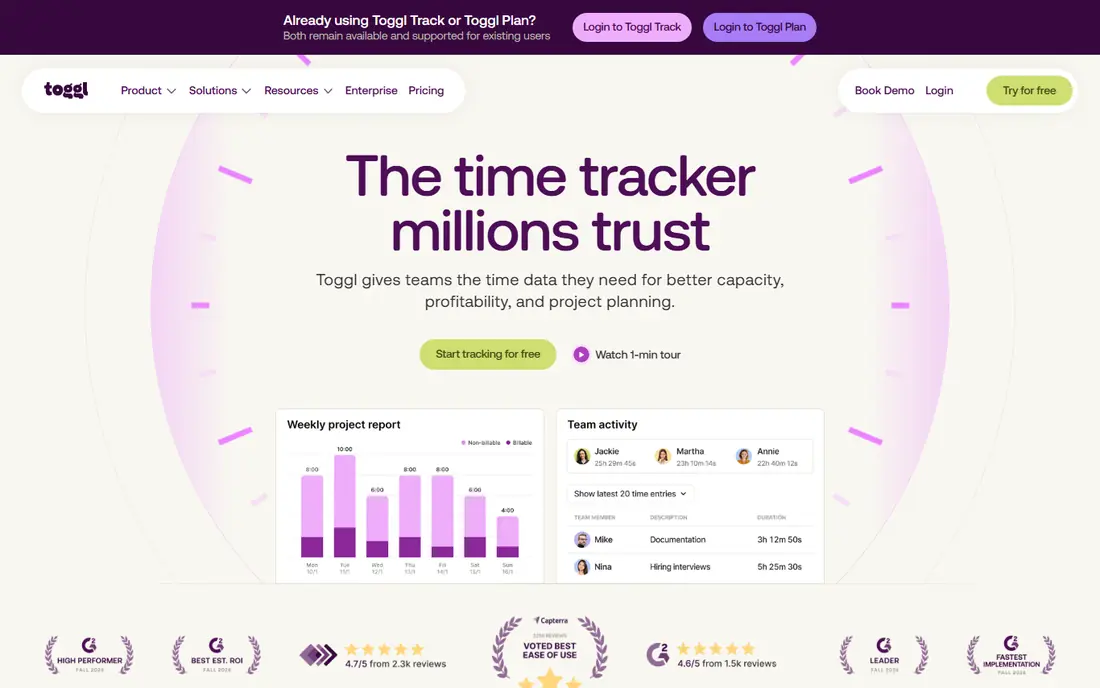
Toggl Track wins on adoption. Staff actually use it, because starting a timer takes one click and the interface does not get in the way. Reports by project, client, and team member are clear, and the tool works well for freelancers who bill by the hour as well as for small teams.
The free plan covers a small team, so a growing business will need a paid tier. Toggl Track also has no built-in invoicing, so you export hours and bill elsewhere. If simplicity matters more than an all-in-one billing system, Toggl Track is our pick for getting a team tracking within a day.
- Easiest timer to start and stop
- Clean reports by project and client
- Free plan for small teams
- Free plan has a user limit
- Invoicing is not built in
- Approvals and advanced reporting need higher plans
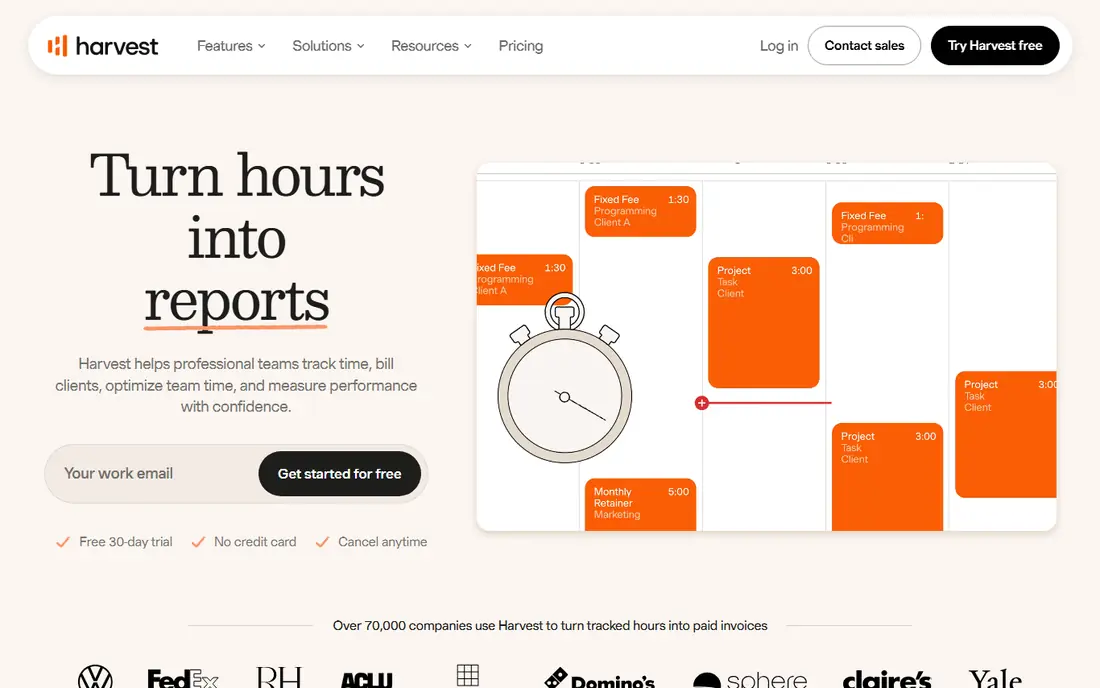
Harvest is the pick when the invoice is the point. You track time against clients and projects, add expenses, and turn approved hours into an invoice without exporting to another system. That direct link saves time for agencies, consultants, and freelancers who bill clients regularly.
The free plan is small, covering one seat and two projects, so it suits a solo freelancer testing the workflow, not a team. Paid plans are per seat, so model the cost on your real team size. If billing is your main reason to track, Harvest justifies its price by removing the monthly scramble to turn timesheets into invoices.
- Tracked time flows directly into invoices
- Expense tracking alongside time
- Clean client and project reports
- Free plan covers one seat and two projects
- Paid pricing is per seat
- No free tier for a larger team
Hubstaff suits remote and field teams that need accountability alongside tracking. It offers optional screenshots, activity tracking, and GPS for mobile teams, plus payroll for contractors. For a business managing remote staff across locations, that combination replaces several separate tools.
Monitoring is also its risk. Screenshots and activity tracking feel intrusive to many employees, so a business should explain what is tracked, why, and how data is used, and check local employment rules before enabling those features. If you do not need monitoring, a simpler tool such as Clockify or Toggl Track will be cheaper and better received.
- Screenshots, activity levels, and GPS for field teams
- Contractor payroll in one system
- Timesheets and invoicing on higher plans
- Monitoring features can damage trust if not explained well
- No permanent free plan, only a trial
- Setup and policies need care
Time Doctor is similar to Hubstaff in purpose: it gives distributed teams a clear record of hours, activity, and output. Its reports help managers spot idle time, distractions, and workload imbalance, and its payroll features suit teams paying by tracked hours. For a remote agency that needs to validate hours for clients, that record is valuable.
For a small, trusted team, it may be more oversight than needed. Like Hubstaff, Time Doctor works best when tracking policies are transparent and agreed in advance. Start with a trial, test it with a small group, and ask staff how it feels before rolling it out to everyone.
- Screenshot and activity monitoring for distributed teams
- Payroll features on higher plans
- Detailed productivity reports
- No permanent free plan, only a trial
- Monitoring can feel heavy for small close-knit teams
- Pricing rises with features
Everhour is the pick for teams that already live in a project tool. Instead of asking staff to open a separate timer, it adds tracking inside Asana, Trello, Basecamp, ClickUp, and similar tools, so time is logged where work already happens. Budgets, estimates, and invoicing sit alongside that tracking.
If your team does not use a supported project tool, Everhour loses much of its advantage. The free plan covers a small team, so larger teams need a paid tier. For a project-led small business, though, tracking inside the tool staff already open every day is the easiest way to get accurate timesheets.
- Time tracking inside Asana, Trello, Basecamp, and other project tools
- Budgets and invoicing features
- Free plan for small teams
- Works best if you already use a supported project tool
- Free plan has a seat limit
- Standalone project management is limited
TimeCamp is a strong free alternative to Clockify. Its free plan covers unlimited users and projects for core tracking, and it adds automatic tracking that can fill timesheets from app and website use. Paid plans add invoicing, billing rates, and more detailed reporting for client work.
The interface is functional rather than elegant, and automatic tracking needs careful setup so it records useful categories rather than noise. For a small business that wants free tracking plus a path to invoicing, TimeCamp deserves a trial alongside Clockify, because the better interface for your team is a matter of taste.
- Free plan for unlimited users and projects
- Automatic time tracking options
- Invoicing on paid plans
- Interface is less polished than Toggl Track
- Some automation features need setup
- Reporting depth varies by plan
Timely suits people who forget to start timers. It captures work automatically across apps, calendars, and meetings, then drafts timesheets for review, so staff approve hours rather than reconstructing them from memory. That approach produces more complete records for teams that juggle many small tasks.
Automatic capture is not magic. Drafts still need review, and privacy settings matter, because staff should know what is captured and what is not. Timely also costs more than Clockify or Toggl Track, so it earns its price only if forgotten timers are a real problem in your team. If timers are already a habit, a simpler tool will do.
- Automatic capture of work across apps and calendars
- AI drafts timesheets for review
- Clean interface for managers
- No permanent free plan, only a trial
- Automatic capture needs review to stay accurate
- Price is higher than simple timers
QuickBooks Time, formerly TSheets, closes the list for businesses already running QuickBooks. It tracks time, schedules shifts, and feeds hours into payroll and invoicing without manual export, which removes a common source of payroll errors. GPS clock-ins and geofencing help field teams verify location.
Outside QuickBooks, its advantage fades. Pricing includes a base fee plus a per-user fee, so a small team should compare the total against Clockify or Harvest before committing. If QuickBooks is already your accounting system, though, QuickBooks Time is the most joined-up choice in this list.
- Feeds directly into QuickBooks Payroll and accounting
- GPS and geofencing for field teams
- Scheduling alongside time tracking
- Best value only if you already use QuickBooks
- Base fee plus per-user fee can add up
- No permanent free plan, only a trial
How we picked these
We compared official pricing pages, free plan limits, and feature pages, and we checked that each vendor homepage loads and belongs to the product named. We favoured tools that are actively sold, work for small teams, and cover at least one clear job: free tracking, invoicing, project integration, automatic capture, or payroll. Where a price varies by seats, billing period, or add-ons, we wrote See website rather than presenting a single figure as universal.
How to get a small team tracking without friction
Start with one project and one week, not a company-wide rollout. Pick the tool that fits your main job, set up clients and projects first, and ask the team to track in real time rather than filling timesheets from memory at week end. Real-time tracking is more accurate and takes less time overall, even though it feels like more effort on day one.
Review the first week together. Check whether projects are named clearly, whether non-billable work has a category, and whether reports answer the questions you actually ask, such as which clients are profitable and who is overloaded. Agree rules for monitoring features before enabling them, and keep the policy simple: what is tracked, why, and who can see it. A tool the team trusts will produce better data than a stricter tool they avoid.
Frequently asked questions
What is the best timesheet software for small business?
Clockify is our pick for most small businesses, because its free plan covers unlimited users and projects for core tracking. Toggl Track is the simplest alternative, and Harvest is the pick when timesheets must become invoices. Your main job, free tracking, simplicity, or billing, should decide the shortlist.
What is the best free time tracking software for small business?
Clockify and TimeCamp both offer free plans for unlimited users and projects, which makes them the most generous options here. Toggl Track and Everhour offer free plans for small teams, while Harvest free plan covers one seat and two projects. Choose by team size and whether you need invoicing.
How much does time tracking software cost for a small business?
Free tiers cover many small teams, and paid plans for simple timers generally sit in the low single digits to low teens per user per month, depending on billing period and features. Monitoring, payroll, and invoicing features raise the price. Always model the total for your real team size, including any base fee.
Do I need GPS tracking for my team?
Only for field teams. QuickBooks Time and Hubstaff offer GPS clock-ins and geofencing that verify where hourly staff clock in. Desk-based teams gain little from GPS tracking, and it can damage trust without improving data, so skip it unless location verification is a real business need.
Can time tracking software handle payroll?
Some can. Hubstaff has contractor payroll, Time Doctor includes payroll on higher plans, and QuickBooks Time feeds directly into QuickBooks Payroll. Clockify, Toggl Track, and Everhour integrate with payroll tools rather than running payroll themselves. Decide whether you want payroll inside the tracker or alongside it.
What is the best time tracking tool for freelancers?
Toggl Track suits freelancers who want a simple timer and clear client reports, while Harvest suits freelancers who need invoices from tracked time. Clockify is the free alternative for freelancers who want unlimited projects without paying. Test the timer on a real client week before committing.
Sources we checked (9)

Online Jobs is an independent blog about careers, online work, learning new skills and the tools that help people earn. More about us.
Keep reading
All posts
ZoomInfo Alternatives
The best ZoomInfo alternatives in 2026, compared on price, free plans, data coverage, and which tool fits small teams or large sales teams best in detail.

Workday Alternatives
We compared the best workday alternatives for HR, payroll, and global hiring, from BambooHR and Gusto to Rippling, Deel, and HiBob for growing teams in 2026.

Which SaaS Tools Have the Best Customer Support
Which SaaS tools have the best customer support? Compare eight popular tools on help centres, live help, response options and overall support quality.