Best Time Tracking Software in 2026: 8 Apps Compared

How we put this together: we compare official feature and pricing pages, app store listings, privacy policies and public user reviews. Prices change, so check the provider's site before you pay.
Key takeaways
- Toggl Track suits most individuals and small teams who want a simple timer with strong reports.
- Clockify offers the strongest free plan, with unlimited users on basic tracking.
- Harvest suits agencies and freelancers who want time tracking plus invoicing in one tool.
- Everhour suits teams whose projects already live in Asana, Trello or similar tools.
- The best tracker is the one your team actually uses daily, so test with a real project before you pay.
Quick comparison
| Name | Who it suits | Starting price | Free option | |
|---|---|---|---|---|
 Toggl Track Toggl Track | Simple timers and reports | Free | Yes | Visit |
 Clockify Clockify | Free tracking for teams | Free | Yes | Visit |
 Harvest Harvest | Tracking plus invoicing | Free | Yes | Visit |
 Everhour Everhour | Project tool integrations | See website | Free trial | Visit |
 RescueTime RescueTime | Automatic productivity tracking | See website | Free trial | Visit |
 Hubstaff Hubstaff | Remote team monitoring | See website | Free trial | Visit |
 TimeCamp TimeCamp | Automatic and manual tracking | Free | Yes | Visit |
 Timely Timely | Automatic time capture | See website | Free trial | Visit |
The best time tracking software
Time tracking software should make it easy to start a timer, assign time to a project, and turn hours into reports or invoices. We compared tools on timer ease, manual entry, project budgets, reports, invoicing, integrations, mobile apps and free plan limits. We focused on tools that suit freelancers, small teams and agencies, not only enterprise systems.
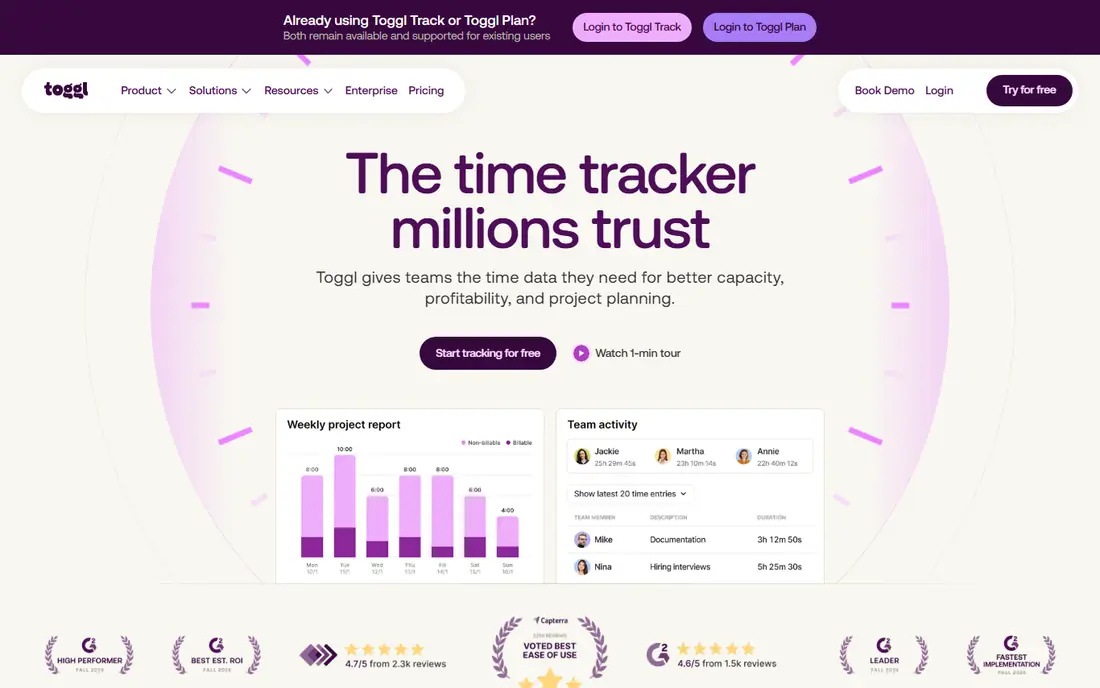
Toggl Track is the easiest timer to adopt, which is why it tops this list for most users. You start a timer with one click, add a project and description, and stop it when the work ends. A browser extension adds a timer button inside tools such as Asana, Trello and Notion, so you do not need to switch apps to track time. Reports are clear, with breakdowns by project, client and team member, and exports help with billing. Invoicing is not built in at the same depth as Harvest, so freelancers who invoice often may need an integration. If simplicity and adoption matter most, Toggl Track is the safest first choice.
- One-click timer
- Browser extension for many tools
- Clear reports
- Invoicing needs a separate tool or integration
- Free plan limits some features
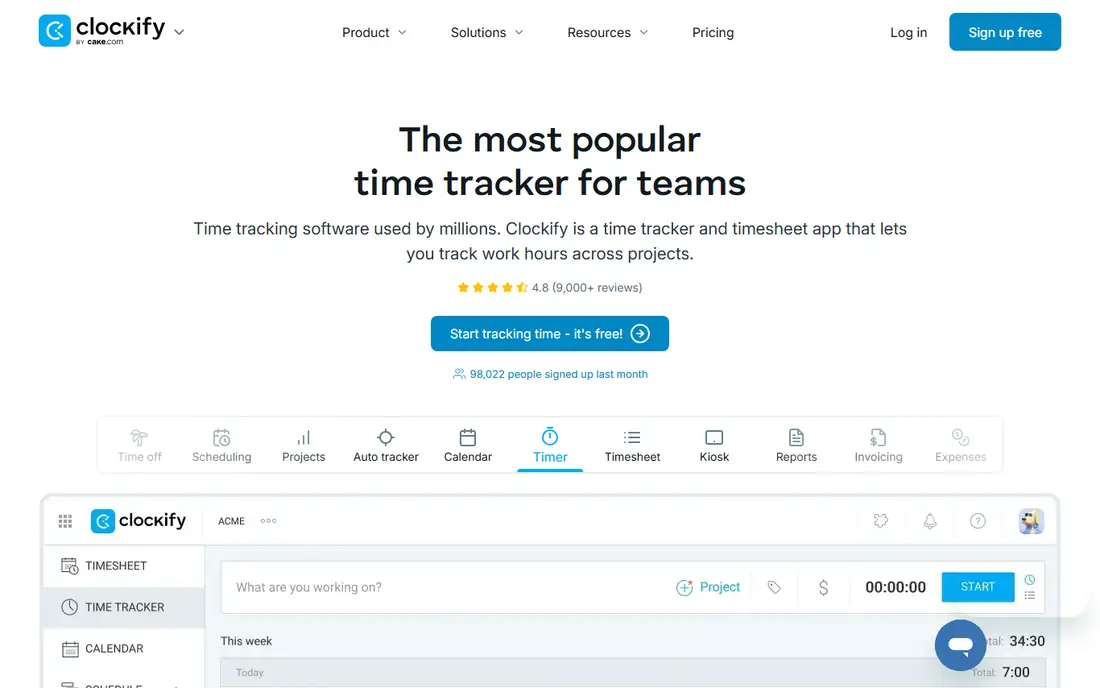
Clockify offers the strongest free plan in this category, with unlimited users on basic time tracking. Timesheets, project tracking, approvals and reports cover the core needs of a small team without an upfront cost. That makes it ideal for startups, non-profits and small agencies that need to track billable hours on a tight budget. The interface is functional rather than polished, and some advanced features such as forecasting and detailed permissions need paid plans. Mobile apps cover timers and timesheets well enough for daily use. If cost is the main barrier, Clockify gives the most free value.
- Free plan with unlimited users
- Timesheets and approvals
- Project budgets
- Interface is plainer than Toggl
- Some advanced features need paid plans
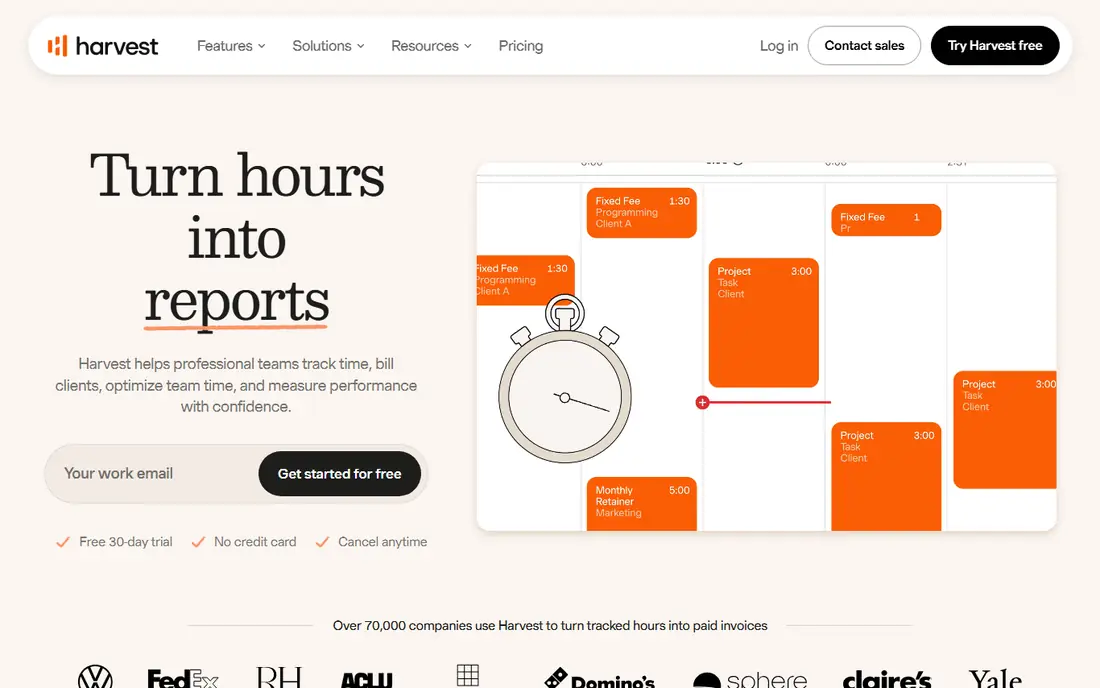
Harvest suits freelancers and agencies who want to turn tracked time into invoices without a second tool. You track time by project and task, add expenses, then create an invoice from those hours and send it to a client. Payment integration and client reports keep the billing workflow in one place. The free plan covers only a small number of seats and projects, so growing teams will need a paid plan sooner than with Clockify. The interface stays simple, which is a strength for adoption but a limit for complex project management. If invoicing is central to your work, Harvest is worth the cost.
- Time tracking plus invoicing
- Expense tracking
- Simple client reports
- Free plan is limited to a small number of seats and projects
- Higher cost at scale
Everhour is built for teams whose work already lives in a project tool. It adds time tracking inside Asana, Trello, Basecamp and similar apps, so timers sit next to tasks rather than in a separate system. Budgets, estimates and project reports help managers see whether a project is on track before it overruns. If you do not use a supported project tool, Everhour loses much of its advantage. Standalone tracking is possible but less compelling than Toggl or Clockify. For teams already committed to Asana or Trello, Everhour is the most natural time tracking add-on.
- Deep integration with Asana, Trello and similar tools
- Budgets and estimates
- Clear project reports
- Works best inside a supported project tool
- Standalone use is weaker
RescueTime takes a different approach by tracking automatically which apps and websites you use, then sorting them into productive and distracting categories. That gives an honest picture of where the day goes, without relying on manual timers. Focus alerts and weekly reports help individuals and managers spot patterns and improve habits. It is weaker for client billing, because automatic activity does not map neatly to billable projects without manual tagging. Privacy also needs care, since automatic tracking records activity in detail. For personal productivity and team focus insights, RescueTime is a strong complement to a manual timer.
- Automatic tracking of apps and websites
- Productivity reports
- Focus alerts
- Less suited to client billing
- Privacy settings need careful review
Hubstaff suits remote and field teams who need more than a timer. It combines time tracking with optional screenshots, activity levels, GPS tracking and payroll tools, which helps managers verify hours for distributed staff. Integrations with payroll and project tools keep billing and payments connected. Monitoring features can feel intrusive if they are not explained clearly, so teams should set transparent policies before turning them on. Hubstaff is also more complex than Toggl for simple tracking. If you manage remote staff and need verification alongside time logs, Hubstaff covers that need.
- Time tracking plus screenshots and activity levels
- GPS for field teams
- Payroll integrations
- Monitoring features can feel intrusive
- Setup needs clear team policies
TimeCamp mixes automatic tracking with manual timers, so you can choose the method that fits each task. Automatic tracking captures app and website use, while manual timers and timesheets cover billable client work. Invoicing and reports help freelancers turn hours into bills without leaving the tool. The interface carries more options than Toggl, which can feel busy at first. Some detailed reports and integrations also need paid plans. If you want both automatic and manual tracking in one free-friendly tool, TimeCamp is a balanced choice.
- Automatic tracking plus manual timers
- Invoicing
- Free plan for basic use
- Interface is busier than Toggl
- Some reports need paid plans
Timely uses automatic capture to draft timesheets from your work across apps, calendars and documents, then lets you review and assign time to projects. That reduces the end-of-week scramble to remember what you did, and the calendar view makes gaps easy to spot. For professionals who juggle many clients, that draft-first approach saves real admin time. Price is higher than Toggl or Clockify, and the value depends on how much automatic capture helps your workflow. Very small teams on a tight budget may find a simple timer enough. If accurate, low-effort timesheets matter and you bill by the hour, Timely is worth testing.
- Automatic capture of work across apps
- AI-assisted timesheet drafts
- Clean calendar view
- Higher price than simple timers
- Less suited to very small teams on a budget
How we picked these
We reviewed official pricing pages, feature pages, app listings and public reviews for each tool. We checked timer ease, timesheet support, project budgets, invoicing, integrations, mobile apps and free plan limits. We kept only tools with a current plan for freelancers or small teams and a clear pricing page, and we marked prices as See website where plans vary by seats or billing period. We did not claim hands-on testing that we did not do.
How to choose time tracking software
Start with how you bill. If you bill clients by the hour, pick a tool with invoicing or a clean export to your invoicing system. If you track for internal productivity, pick a tool with strong reports and low friction. If you manage a remote team, check monitoring, GPS and payroll features, and discuss privacy with the team before you enable them.
Test with one real project
Run a two-week test on a live client project, not a demo task. Ask the team to track daily, then check whether reports match expectations and whether invoicing feels smooth. A tool that looks good in a demo but gets ignored in week two will not help. Adoption matters more than a long feature list, so pick the tool the team actually uses.
Check privacy and integrations
Review what data the tool collects, especially for automatic tracking and screenshots. Turn off monitoring features you do not need, and set clear rules for who can see individual reports. Also check integrations with your project, calendar and accounting tools, because manual exports quickly become a chore if the tool does not connect.
Frequently asked questions
What is the best time tracking software overall?
Toggl Track is best for most individuals and small teams, thanks to a simple timer and clear reports. Clockify is best for free team tracking, while Harvest is best when invoicing matters. The overall winner depends on whether you bill clients, manage a team or track personal productivity.
What is the best free time tracking app?
Clockify offers the strongest free plan, with unlimited users on basic tracking. Toggl Track also offers a useful free plan for individuals, and TimeCamp covers basic automatic and manual tracking for free. Test the free tier with a real project before you upgrade.
What is the best time card app for employees?
Clockify and Toggl Track both offer timesheets that work as digital time cards, with approvals and exports for payroll. Hubstaff adds GPS and activity features for field and remote teams. Choose based on whether you need simple timesheets or added verification.
What is the best timesheet app for freelancers?
Harvest suits freelancers who want tracking plus invoicing, while Toggl Track suits freelancers who want simple timers and reports. TimeCamp also covers invoicing for freelancers. Pick the tool whose invoice format and payment options match your clients.
Does time tracking software work on mobile?
Yes, most tools in this list offer mobile apps for timers, timesheets and reports. Toggl Track and Clockify have polished mobile timers, while Hubstaff adds GPS for field work. Check that offline timers sync correctly if you work in areas with poor signal.
Is automatic time tracking accurate?
Automatic tracking captures app and website use well, but it still needs review to assign time to the right project or client. Timely and RescueTime draft timesheets automatically, yet human checks remain important. Use automatic capture to reduce memory gaps, not to replace project tagging entirely.
Sources we checked (8)

Online Jobs is an independent blog about careers, online work, learning new skills and the tools that help people earn. More about us.
Keep reading
All posts
Best Writing Software
Looking for the best writing software in 2026? We compared 9 writing apps for books, articles and screenplays on price, features and fit. All verified.

Best Weather Apps
Searching for the best weather app? We compared eight top weather apps for accurate forecasts, radar, severe alerts, and daily planning near you today.

Best Video Editing Software
We compared the best video editing software for beginners and pros, checking official pricing, free plans and honest limits before ranking all nine editors.