Best Time Tracking App for Freelancers in 2026: 9 Apps Compared

Simple timer and reports · Starting price: $9 per user per month
How we put this together: we compare official feature and pricing pages, app store listings, privacy policies and public user reviews. Prices change, so check the provider's site before you pay.
Key takeaways
- Clockify is the strongest free starting point, with a generous free plan and low paid pricing for solo freelancers.
- Toggl Track suits freelancers who want the simplest timer and clear client reports, while Harvest suits those who want invoicing built in.
- Everhour fits freelancers who already live inside Asana, Trello, or similar project tools, and TimeCamp suits people who forget to start timers.
- Most freelancers do not need screenshot monitoring, so we weighted simple timers, billable rates, and clean exports more heavily than surveillance features.
Quick comparison
| Name | Who it suits | Starting price | Free option | |
|---|---|---|---|---|
| Toggl Track | Simple timer and reports | $9 per user per month | Yes | Visit |
 Clockify | Free tracking for solo workers | $3.99 per user per month | Yes | Visit |
 Harvest | Tracking plus invoicing | See website | Yes | Visit |
 Everhour | Tracking inside project tools | $8.50 per user per month | Yes | Visit |
 TimeCamp | Automatic time capture | $3.99 per user per month | Yes | Visit |
 My Hours | Multi-rate client billing | $8 per user per month | Yes | Visit |
 RescueTime | Automatic productivity insight | See website | Yes | Visit |
 Timely | Automatic timesheets | $9 per user per month | Free trial | Visit |
 FreshBooks | Tracking plus full accounting | See website | Free trial | Visit |
The best time tracking app for freelancers
Freelancers lose money in two quiet ways: hours that never get logged, and hours logged without a rate attached. The apps below solve those problems in different ways, so we compared official pricing pages, feature pages, and public reviews to find the fit for solo workers and very small teams.
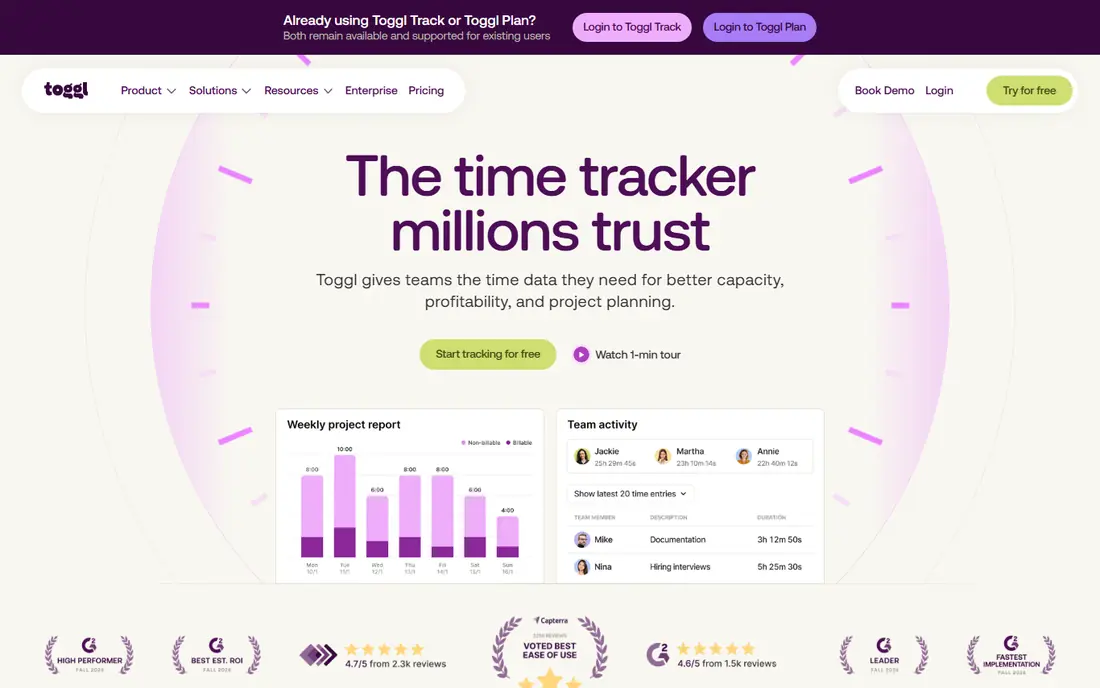
Toggl Track is the timer freelancers actually keep using, because starting and stopping work takes one click and syncs across browser, desktop, and mobile. Reports break hours down by client, project, and tag, and exports are clean enough to send to a client without rework. For a solo freelancer, that simplicity matters more than a long feature list, because a tracker you skip is worse than no tracker at all. The honest catch is that billing features sit behind the paywall. Billable rates, project estimates, and more detailed reporting start on the Starter plan at $9 per user per month when billed annually. The free plan covers a small team, which is plenty for most solo workers. If you want tracking without monitoring and reports you can trust, Toggl Track is a safe first choice.
- One-click timer
- Clear client and project reports
- No screenshots
- Billable rates need a paid plan
- Free plan caps team size
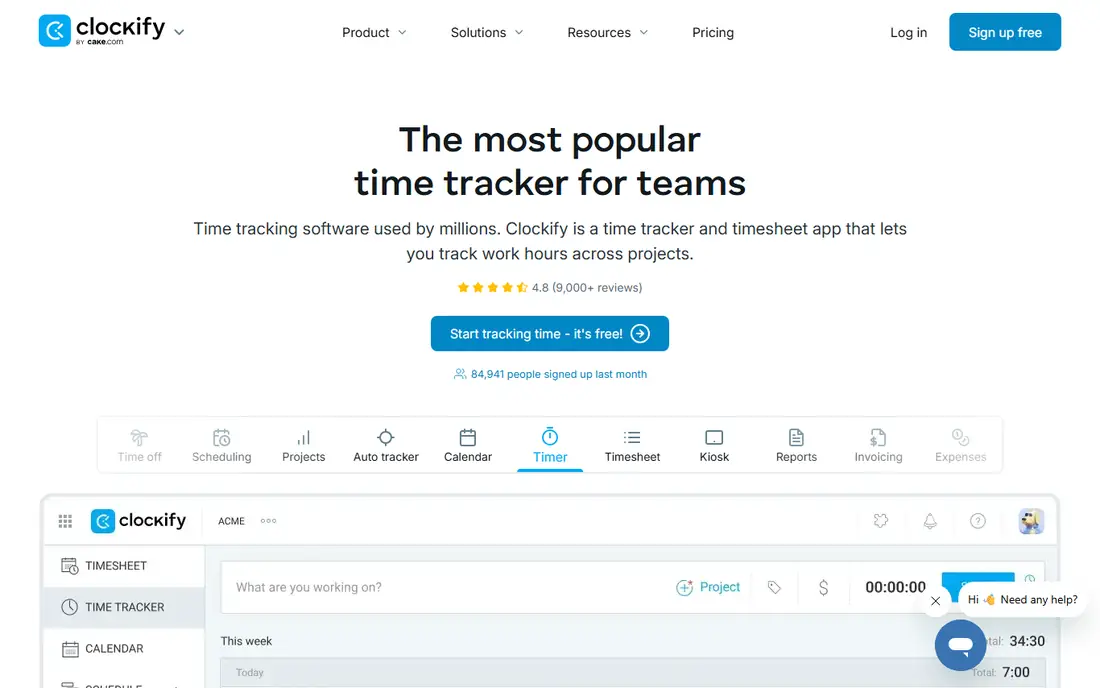
Clockify wins on value. The free plan covers unlimited projects and users with core time tracking, which makes it hard to beat for a freelancer starting out or for a small team testing whether tracking will stick. Paid plans start at $3.99 per user per month when billed annually, and they add features such as scheduling, approvals, and more detailed invoicing options. The interface is functional rather than polished, and you may miss Toggl's cleaner reports at first. For most freelancers, though, the trade is easy: you get solid tracking, timesheets, and exports for free, and you only pay when you need team features. Clockify is our pick if budget comes first and you do not need a premium design.
- Generous free plan
- Unlimited projects and users on free
- Low paid pricing
- Interface is plainer than Toggl
- Some billing features need paid plans
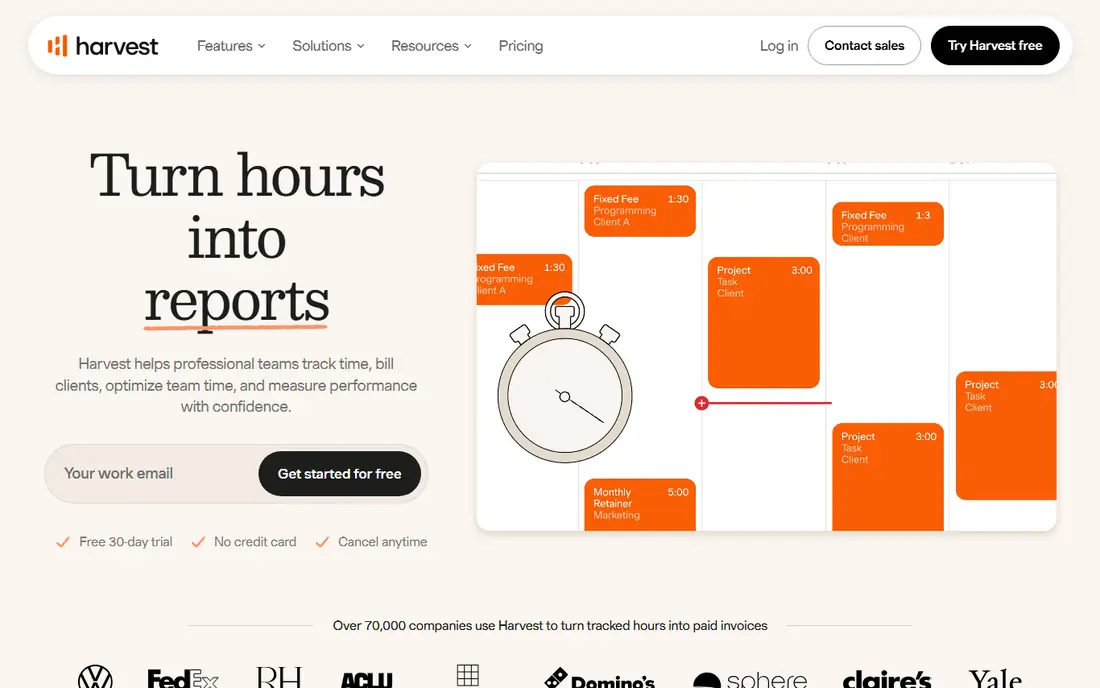
Harvest is built for the full freelance workflow, not just the timer. You track time against clients and projects, then turn those hours into invoices without retyping numbers or exporting to another tool. Expense tracking sits alongside time, which helps freelancers who bill travel, software, or materials as well as hours. The reports are clear enough for clients to follow, which reduces questions about an invoice. The free plan is narrow, covering one seat and two projects, so it works as a trial rather than a long-term home for a busy freelancer. Paid pricing has also changed over time, so check the current pricing page before you commit. Choose Harvest when invoicing from tracked time is the main job, not just logging hours.
- Built-in invoicing from tracked time
- Clean client reports
- Expense tracking
- Free plan covers only two projects
- Pricing has changed over time
Everhour is different because it lives inside the project tool you already use. If your work is organised in Asana, Trello, ClickUp, or a similar app, Everhour adds timers, estimates, and budgets directly to those tasks. That removes the duplicate step of tracking in one place and managing work in another, which is where many freelancers lose accuracy. The catch is dependence. If you do not use a supported project tool, much of the appeal fades, and some plans carry a minimum user count that matters for a solo worker. Check the current plan terms for solo use. Everhour fits freelancers and tiny agencies whose clients and tasks already live inside a project board.
- Deep Asana and Trello integration
- Budgets and estimates
- Clean task-level tracking
- Minimum team size on some plans
- Less useful outside project tools
TimeCamp helps freelancers who forget to start a timer. Alongside manual entry, it can capture activity automatically and turn it into timesheet entries you review and approve. That is useful for work that jumps between email, documents, and calls, where a manual timer would miss half the day. A free plan and low paid pricing keep it accessible for solo workers. Automatic tracking is only as good as its setup. You will need to review entries, tidy up categories, and set rules so personal browsing does not pollute client reports. If you are disciplined about manual timers, Toggl or Clockify may feel simpler. If forgotten timers are your main problem, TimeCamp is worth testing.
- Automatic tracking option
- Free plan for solo use
- Invoicing features
- Automatic capture needs setup to stay accurate
- Interface takes learning
My Hours is a quiet favourite for freelancers who charge different rates for different clients or types of work. You can set rates per project, track billable and non-billable time separately, and generate reports that map cleanly to invoices. The timesheet view is straightforward, which helps at month end when you need totals fast rather than a dashboard to explore. It does not have the integration depth of Toggl or Harvest, and the design is plain. That is a fair trade for many solo workers, because the core job is accurate, rate-aware tracking. My Hours fits freelancers with varied client rates who want billing clarity without paying for team management features they will never use.
- Different rates per client or project
- Simple timesheets
- Invoicing support
- Smaller integration library
- Design is plain compared with rivals
RescueTime takes a different angle: instead of asking you to log work, it watches how you spend time on your computer and categorises it for you. That gives freelancers a clear picture of where the day actually went, including time lost to distracting sites and apps. Focus sessions and alerts can help you protect deep work blocks once you see the pattern. The limit is billing. RescueTime is a personal productivity tool first, not a client invoicing system, so you will still need another tool or a manual step to turn hours into invoices. Pricing also varies by plan, so check the current page. Pick RescueTime if your main problem is focus and self-awareness, and pair it with a billing tracker if client hours matter.
- Automatic activity tracking
- Focus tools and alerts
- Personal productivity reports
- Not built for client invoicing
- Categorisation needs tuning
Timely drafts your timesheet for you from the apps and documents you use, then lets you review and approve entries before they count as work. For freelancers who hate manual entry, that workflow feels like a relief: the day is already recorded, and your job is to confirm it rather than reconstruct it from memory. The team view also helps tiny agencies see capacity without asking everyone for updates. There is no permanent free plan, only a trial, so budget for the paid plan from the start. Automatic capture also raises a privacy question, so review what Timely records and how long it keeps that data. Timely fits freelancers who want accurate timesheets with minimal manual logging and are comfortable with activity-based capture.
- AI-drafted timesheets from activity
- Clean team overview
- No manual timers needed
- No permanent free plan
- Privacy settings need careful review
FreshBooks is the pick when time tracking is only one part of running the business. Hours flow into invoices, invoices flow into accounting, and clients can view and pay through a portal. That end-to-end flow saves admin time for freelancers who currently juggle separate tools for tracking, invoicing, and bookkeeping. Expense tracking and reporting round out the suite. You pay for that breadth. FreshBooks costs more than a standalone tracker, and if you only need a timer, the extra accounting features are weight you do not need. It also offers a trial rather than a permanent free plan. Choose FreshBooks when you want one system for time, invoices, and basic accounting, not just a stopwatch.
- Time tracking tied to invoicing and accounting
- Client portal
- Expense tracking
- More expensive than a tracker alone
- Time features are part of a larger suite
How we picked these
We compared official pricing pages, feature pages, app-store listings, and public reviews, and we kept only tools that are live and actively sold in October 2026. We weighted features freelancers actually use: a fast timer, client and project structure, billable rates, clean reports, and a sensible export or invoicing path. We gave less weight to screenshot monitoring and shift scheduling, which suit employers more than solo workers. We did not claim hands-on testing of every app. Where pricing varied across sources or had changed recently, we wrote "See website" instead of repeating a figure that could be out of date by the time you read this.
How to choose the right tracker
Start free, then pay for billing
Begin with a free plan from Clockify, Toggl Track, or TimeCamp and track for two full weeks. You will learn whether you prefer manual timers or automatic capture. Only pay when you need billable rates, invoicing, or team features that the free plan lacks.
Match the tool to your invoicing flow
If you invoice from tracked hours, pick Harvest or FreshBooks so hours turn into invoices directly. If you invoice a fixed fee and only need records, Toggl Track or Clockify will do the job at lower cost. The wrong match adds a manual step every month.
Check exports before you commit
Export a month of data and see whether your accounting tool or client accepts it cleanly. A tracker with weak exports creates admin work that cancels out the time you saved. Also check how you take your data with you if you switch tools later.
Frequently asked questions
What is the best free time tracking app for freelancers?
Clockify is the best free time tracking app for freelancers for most solo workers, because its free plan covers unlimited projects and users with core tracking. Toggl Track is also strong, with a free plan for a small team and a cleaner interface. Pick Clockify for value and Toggl Track for simplicity.
What is the best time tracking software for freelancers who invoice hourly?
Harvest and FreshBooks suit hourly invoicing best, because tracked time flows into invoices without retyping. My Hours is a lower-cost option if you need different rates per client but do not need full accounting. Check the free plan limits first, since Harvest free covers only two projects.
Do I need automatic time tracking?
Automatic tracking helps if you often forget to start a timer or jump between many small tasks. TimeCamp and Timely draft entries from activity, which you then review. Manual timers from Toggl Track or Clockify give you more control and clearer privacy, so they suit freelancers who prefer to log work deliberately.
Can I track time without screenshots?
Yes. Toggl Track, Clockify, Harvest, and My Hours track time without screenshots or activity monitoring. RescueTime and Timely use activity data, but they are designed for personal insight rather than employer surveillance. If privacy matters, choose a manual timer and check the privacy policy before you sign up.
What is the best time tracking tool for freelancers with several clients?
Clockify and Toggl Track both handle several clients well, with projects, tags, and reports per client. My Hours adds an edge when each client pays a different rate. Everhour is better when client work already lives inside Asana or Trello, because tracking sits on the task itself.
Sources we checked (9)

Online Jobs is an independent blog about careers, online work, learning new skills and the tools that help people earn. More about us.
Keep reading
All posts
Zoom Alternatives
Zoom alternatives compared for 2026: Google Meet, Microsoft Teams, Webex, Jitsi and more for free calls, large meetings and webinars for teams and classrooms.

Which Software Is Best for Data Entry
Compare the best data entry software for forms, OCR scanning, and spreadsheets, with free plans, pricing, and honest limits for each tool before you commit.

What's the Best App to Read PDFs
Find what's the best app to read PDFs in 2026, from Adobe Acrobat Reader and Foxit to PDF Expert and Xodo, with free options and honest limits for every device.