Best Time Tracker App in 2026: 8 Apps Compared

How we put this together: we compare official feature and pricing pages, app store listings, privacy policies and public user reviews. Prices change, so check the provider's site before you pay.
Key takeaways
- Clockify is the best free starting point for teams, with a free plan that covers core tracking without a per-user fee.
- Toggl Track is the simplest timer for freelancers and small teams who want clean reports without monitoring features.
- Harvest is the best pick when tracked time must turn directly into invoices and client billing.
- Timely suits people who forget manual timers, since it builds timesheets from captured activity.
- Hubstaff and TimeCamp add oversight and scheduling features that suit remote and field teams, with a clear privacy trade-off.
Quick comparison
| Name | Who it suits | Starting price | Free option | |
|---|---|---|---|---|
 Toggl Track | Simple timer for freelancers | $9 per month | Yes | Visit |
 Clockify | Free tracking for teams | $3.99 per month | Yes | Visit |
 Harvest | Billing and invoicing | $10.80 per month | Yes | Visit |
 Timely | Automatic timesheets | $9 per month | Free trial | Visit |
 Hubstaff | Remote team oversight | $4.99 per month | Free trial | Visit |
 RescueTime | Personal focus habits | $6.50 per month | Yes | Visit |
 TimeCamp | Free tracking with invoicing | $3.99 per month | Yes | Visit |
 Everhour | Tracking inside project tools | $10 per month | Yes | Visit |
The best time tracker app
The best time tracker is the one your team actually uses every day. A simple timer with clear reports beats a powerful system that people avoid, while a billing team needs invoicing and approvals that a basic timer cannot provide. The eight apps below cover both ends of that range.
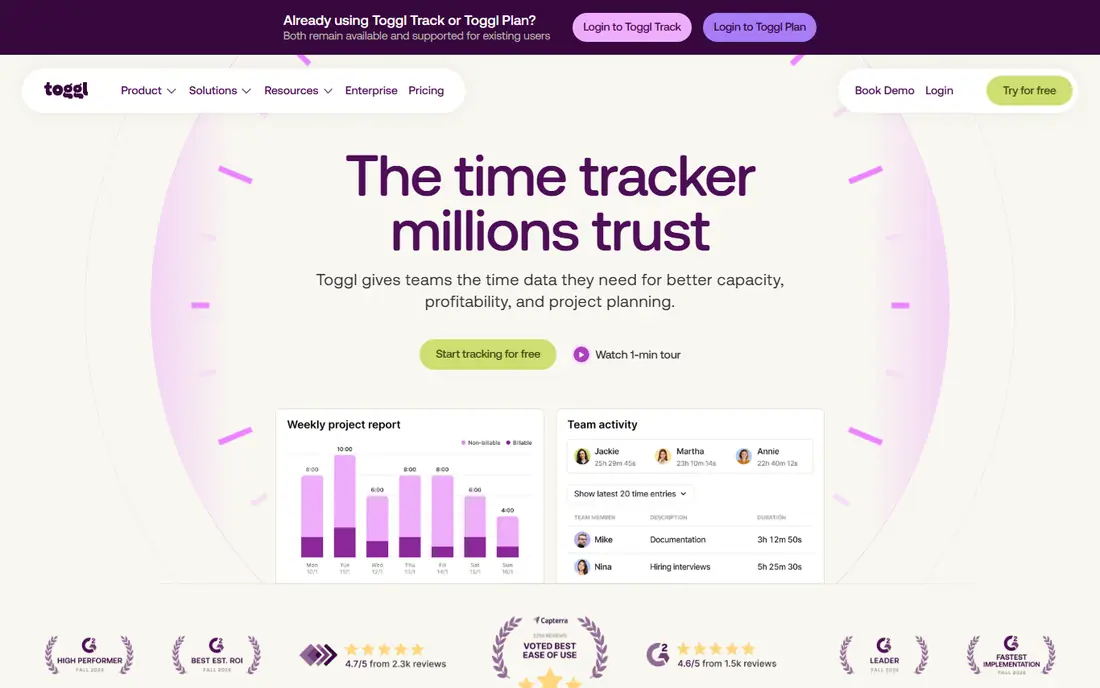
Toggl Track earns recommendations because it removes friction. You start a timer with one click, add a project and tag, and stop it when the work ends. Reports then break time down by client, project, and team member in a format that clients accept without extra formatting. That simplicity suits freelancers, consultants, and small agencies who bill by the hour. The catch is that billing depth sits behind the paywall. Billable rates, project estimates, and approvals start on paid plans, and teams larger than five users need to pay for everyone on the workspace.
- One-click timer on web, desktop, and mobile
- Clean reports by client and project
- No screenshots or surveillance
- Billable rates and estimates need paid plans
- Free plan caps at five users
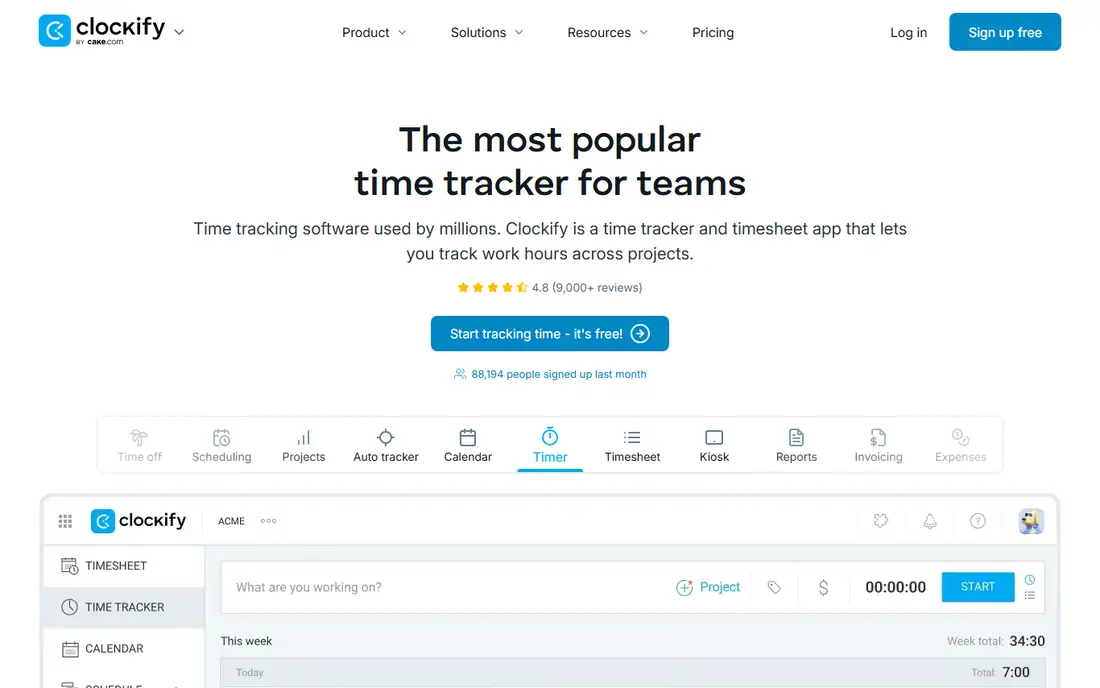
Clockify is the first tool to try when budget is the main constraint. Its free plan covers timers, timesheets, projects, clients, and reports, which is enough for many small teams to run payroll and client billing inputs without paying. Kiosk mode also helps shared workplaces where staff clock in from one device. Paid plans add invoicing, approvals, scheduling, and time-off management at a low per-user price. The catch is that free limits and paid features have shifted over time, so check the current pricing page for user caps before rolling it out to a larger team. For straightforward tracking, however, Clockify remains hard to beat on value.
- Free plan covers core tracking
- Timesheets, reports, and kiosk mode
- Wide app and integration range
- Invoicing and approvals need paid tiers
- Free user limits have changed over time
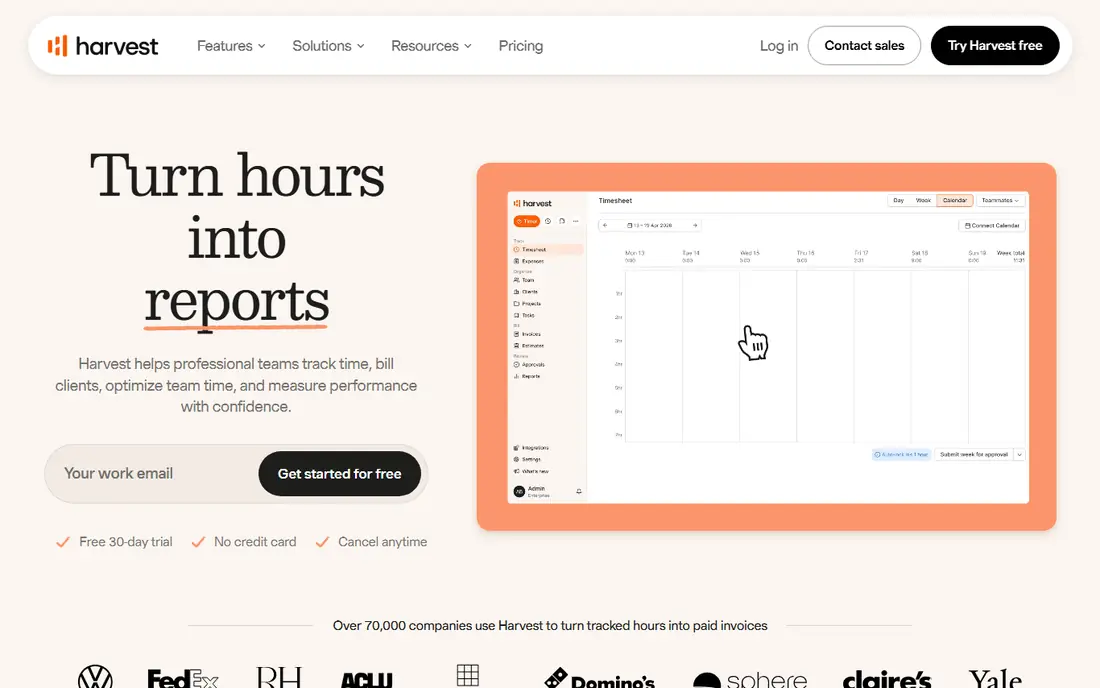
Harvest is built around a simple idea: time you track should become money you invoice without retyping numbers. You track hours against a project, add expenses, and generate an invoice from the same data. That closed loop saves service teams hours each month and reduces billing disputes. Project budgets show when a job is drifting over its estimate, which helps agencies protect margins. The catch is scale. The free plan covers only one seat and two projects, so it is a trial rather than a long-term free solution. Larger teams also need higher tiers for approvals and advanced controls.
- Time tracking tied to invoices and expenses
- Clean client reporting
- Simple project budgets
- Free plan limited to one seat and two projects
- Approvals need higher tiers
Timely suits people who hate manual timers. It captures app and document activity in the background, then drafts timesheets that you review and approve. That approach catches work that a manual timer would miss, especially for managers and consultants who switch tasks often. Privacy is handled by keeping captured data visible to the user before it becomes a timesheet entry. The catch is price and habit. There is no ongoing free plan, only a trial, and automatic drafts still need daily review. If you never review them, the timesheets drift from reality just as manual logs do.
- Automatic activity capture
- AI-drafted timesheets
- No screenshots or surveillance focus
- No free plan, only a trial
- Automatic capture needs review to stay accurate
Hubstaff is designed for remote and field teams that need proof of work alongside time data. Screenshots, activity levels, GPS, and scheduling sit next to timers and timesheets, and payroll tools can turn approved time into payments. That combination suits agencies with contractors and companies with mobile staff. The catch is cultural. Screenshot and activity monitoring can damage trust if teams do not understand what is captured and why. Hubstaff works best when monitoring settings are discussed openly, kept to the minimum needed, and paired with clear policies. Without that conversation, adoption suffers.
- Time tracking with screenshots and GPS
- Scheduling and payroll tools
- Field team support
- Monitoring features can harm trust if handled poorly
- No ongoing free plan
RescueTime is a personal productivity tool first. It runs in the background, categorises apps and websites, and shows where your attention actually went during the day. Focus sessions, alerts, and weekly reviews help individuals spot distracting habits and protect deep work time. That focus makes it a good companion to a billing tracker, rather than a replacement for one. The catch is billing depth. RescueTime does not offer the invoicing, project budgets, and client reporting that Harvest or Clockify provide, so service businesses will still need a second tool for money work.
- Automatic personal tracking
- Focus sessions and alerts
- Productivity scoring by category
- Less suited to client billing
- Team features are limited compared with Toggl or Clockify
TimeCamp blends manual timers with automatic tracking and invoicing, which suits small teams that want one tool for time and billing. The free plan covers core tracking, and paid plans add invoicing, budgeting, and attendance features at a modest per-user price. Automatic tracking helps teams that forget to start timers, while manual timesheets suit staff who prefer to log time at day end. The catch is polish. The interface is busier than Toggl Track, and some reports and integrations sit on higher tiers. If simplicity is your top priority, Toggl may feel easier day to day.
- Free plan for core tracking
- Automatic tracking options
- Invoicing on paid plans
- Interface feels busier than Toggl
- Advanced reporting needs higher tiers
Everhour is different because it lives inside the project tool your team already uses. Instead of opening a separate tracker, you start timers on tasks in Asana, Trello, Jira, ClickUp, or similar apps, and time appears in budgets, estimates, and reports without double entry. That integration reduces the main reason time tracking fails: people forget to switch apps. The catch is dependence. If your team does not use a supported project tool, Everhour loses much of its advantage. Teams that already plan work in one of those tools, however, will find it one of the smoothest options here, in daily use.
- Time tracking inside Asana, Trello, Jira, and similar tools
- Budgets and estimates
- Clean reports
- Value depends on using a supported project tool
- Standalone use is less compelling
How we picked these
We compared web search results, official pricing pages, feature pages, and public reviews for time trackers that work in October 2026. We looked for a working timer on web and mobile, timesheets and reports, free or trial access, and a clear use case, from solo billing to remote oversight. We favoured tools with distinct strengths rather than near-identical timers, and we wrote See website or trial status where a vendor page did not offer a clear free plan. Pricing figures reflect list prices shown in recent guides and vendor pages, and promotions can change them.
Choosing a time tracker that sticks
Start with billing or focus, not features
If you bill clients, prioritise invoicing, rates, and project budgets. Harvest and Clockify paid plans cover that ground well. If you only need personal focus data, RescueTime or Timely will teach you more than a billing tool. Buying the wrong category is the most common waste in this market.
Test with a real week, not a demo
Run your finalist for one real working week with the same projects and clients you use now. Check how often timers are forgotten, whether reports need manual cleanup, and whether managers trust the numbers. A tool that survives a messy week will survive a normal month.
Agree on monitoring before you buy it
If you choose Hubstaff or a similar oversight tool, write down what will be captured, who can see it, and how long it is kept. Share that policy before rollout. Clear rules protect trust, and trust is what keeps time data accurate over time.
Frequently asked questions
What is the best free time tracker app?
Clockify is the strongest free option for teams, since its free plan covers timers, timesheets, projects, and reports. Toggl Track is also free for up to five users and feels simpler day to day. TimeCamp offers another free route with invoicing on paid plans, so the best free pick depends on team size.
Which time tracker is best for freelancers?
Toggl Track suits most freelancers because the timer is fast and reports are clean. Harvest suits freelancers who invoice from tracked time and want expenses in the same tool. If you bill by the hour and send invoices weekly, Harvest may save more time than Toggl despite its higher entry price.
What is the best time tracking app for work teams?
Clockify suits budget-conscious teams, Toggl Track suits teams that value privacy and simplicity, and Hubstaff suits remote teams that need scheduling and oversight. For teams inside Asana or Jira, Everhour is worth testing first because it removes the need to switch apps to log time.
Do time trackers work for time cards and payroll?
Yes, with limits. Clockify offers a kiosk mode for shared devices, and Hubstaff and TimeCamp offer scheduling and payroll-related features. For formal payroll, check that exports match your payroll system and that overtime, time off, and approvals are handled on the plan you choose.
Is automatic time tracking accurate?
Automatic capture catches more activity than manual timers, but it still needs review. Timely drafts timesheets from captured activity, while RescueTime categorises apps and sites for personal review. Both work best when users spend a few minutes each day correcting entries, rather than approving a whole week at once.
Can I track time without screenshots?
Yes. Toggl Track, Clockify, Harvest, Timely, and RescueTime focus on timers and activity summaries rather than screenshots. Hubstaff offers screenshots as an option, not a requirement for basic time tracking. If privacy matters to your team, choose a tool that treats screenshots as optional and says so clearly.
Sources we checked (8)

Online Jobs is an independent blog about careers, online work, learning new skills and the tools that help people earn. More about us.
Keep reading
All posts
Zoom Alternatives
Zoom alternatives compared for 2026: Google Meet, Microsoft Teams, Webex, Jitsi and more for free calls, large meetings and webinars for teams and classrooms.

Which Software Is Best for Data Entry
Compare the best data entry software for forms, OCR scanning, and spreadsheets, with free plans, pricing, and honest limits for each tool before you commit.

What Is the Best Free Tool to Rotate a PDF
What is the best free tool to rotate a PDF? We compare eight free rotation tools on per-page control, limits, privacy and saved output quality in detail.