Best Time Clock App in 2026: 8 Apps Compared

How we put this together: we compare official feature and pricing pages, app store listings, privacy policies and public user reviews. Prices change, so check the provider's site before you pay.
Key takeaways
- Homebase is the best free starting point for hourly teams, with scheduling and a time clock free for one location with up to 10 employees.
- Clockify and Jibble suit desk and remote teams that mainly need free time tracking without shift scheduling.
- Deputy and When I Work suit shift-heavy teams that need scheduling, compliance, and labor cost control in one app.
- QuickBooks Time is the natural pick if you already run QuickBooks payroll, since hours feed straight into pay runs.
Quick comparison
| Name | Who it suits | Starting price | Free option | |
|---|---|---|---|---|
 Homebase | Free scheduling plus time clock | Free | Yes | Visit |
 Clockify | Free project time tracking | Free | Yes | Visit |
 Deputy | Compliance-heavy shift work | $5 per user per month | Free trial | Visit |
 When I Work | Shift scheduling on a budget | $2.50 per user per month | Free trial | Visit |
 Buddy Punch | Verified clock-ins | $19 per month plus $4.99 per user | Free trial | Visit |
 Connecteam | Mobile-first crew app | $29 per month | Yes | Visit |
 QuickBooks Time | QuickBooks payroll users | $20 per month plus $10 per user | Free trial | Visit |
 Jibble | Free verified clock-ins | Free | Yes | Visit |
The best time clock apps
A time clock app answers a simple question: who worked, when, and where. The best app for your team depends on whether staff work shifts, work in the field, or work at desks, and on whether hours feed into payroll or into client billing. The apps below cover all three cases, with free options for small teams.
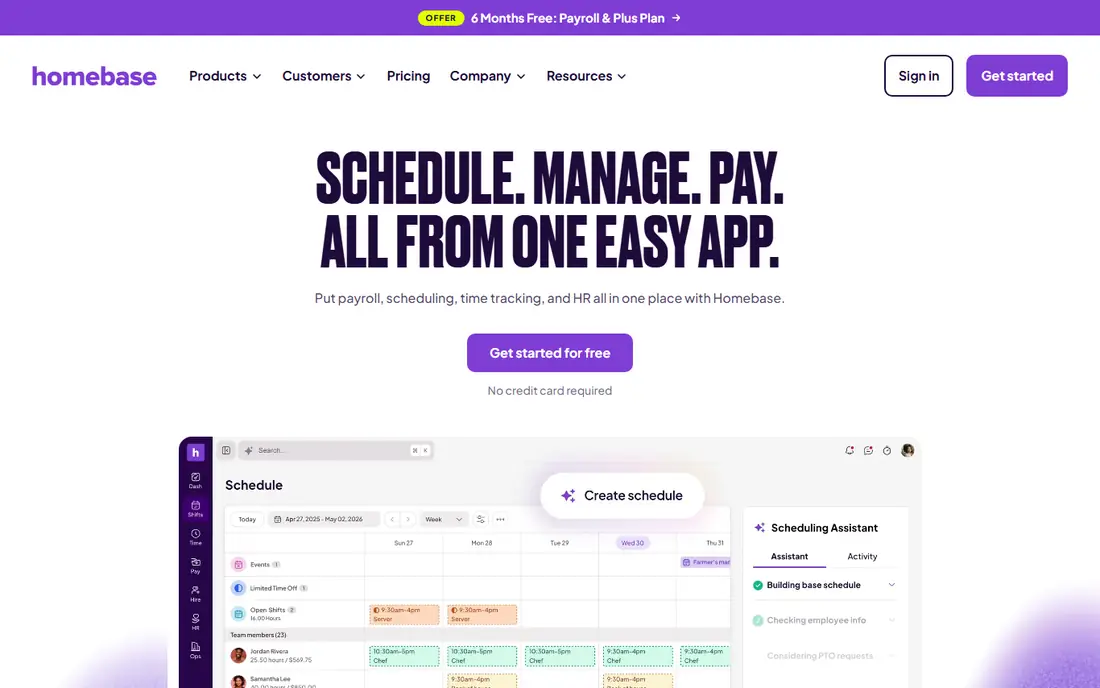
Homebase is the easiest free start for a small hourly team. The free plan covers scheduling and time tracking for one location with up to 10 employees, which fits many cafes, shops, and small restaurants. Staff clock in from a phone or a shared tablet, managers build schedules in the same app, and timesheets are ready for review at the end of the week. A payroll add-on removes the export step when you are ready.
Paid plans charge per location rather than per employee, which suits teams with many part-time staff at one site but costs more for multi-site businesses. Advanced scheduling, labor cost tools, and hiring features sit on higher tiers. If you run one location with a small hourly team, Homebase gives you the most useful free plan on this list.
- Free plan for one location with up to 10 employees
- Scheduling and time clock in one app
- Payroll add-on available
- Paid plans charge per location
- Advanced features need higher tiers
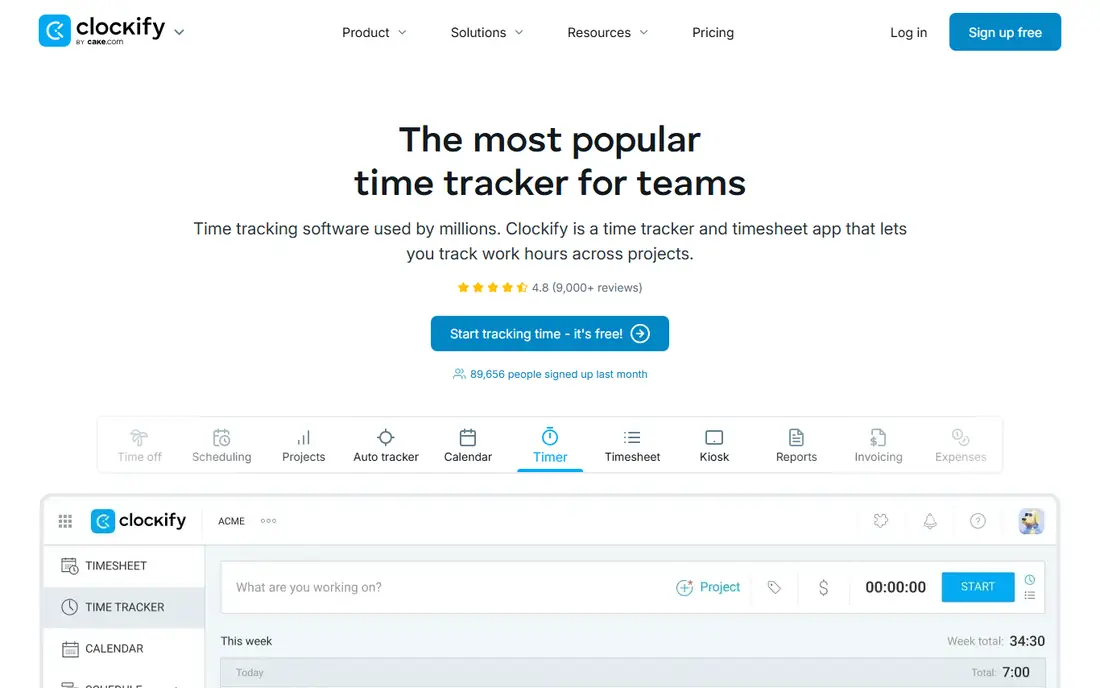
Clockify suits desk and remote teams that track hours by project or client rather than by shift. The free plan covers unlimited time tracking with projects, tags, and reports, and paid plans start at $3.49 per user per month on annual billing. Staff can use a timer, enter hours manually, or fill a weekly timesheet, and managers see where time went by project or person.
It is not a shift tool. There is no schedule builder, no shift swapping, and GPS features sit on paid plans, so hourly shift teams should look at Homebase or Deputy instead. For freelancers, agencies, and remote teams billing by the hour, Clockify's free plan is generous and its reports are clear enough for client invoices.
- Free plan for unlimited tracking
- Project and client reporting
- Simple timer and timesheet views
- No shift scheduling
- GPS and advanced features need paid plans
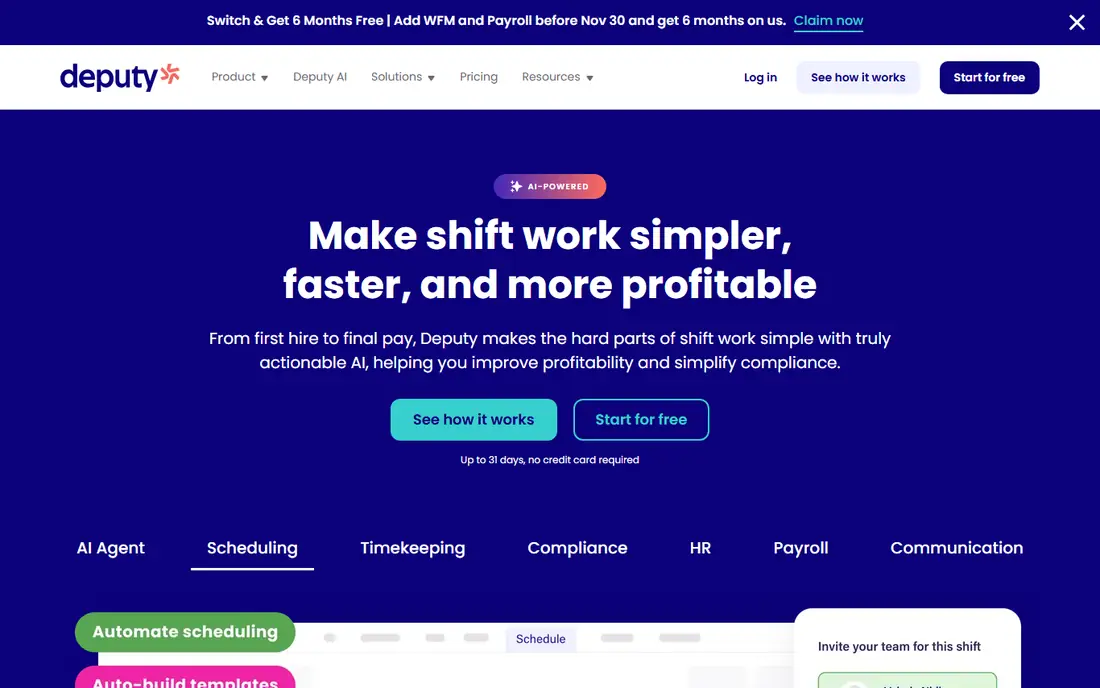
Deputy is built for retail, hospitality, and healthcare teams where wage compliance matters. Scheduling respects availability, training, and labor rules, clock-ins can be GPS-verified and geofenced, and timesheets feed into payroll with overtime and break rules applied. Labor cost reporting shows whether a shift plan stays within budget before the week starts.
Pricing starts at $5 per user per month on annual billing, with a $30 monthly minimum per invoice, so very small teams pay more per person than the headline rate suggests. Payroll, HR, and messaging add-ons also raise the total. For a compliance-heavy operation with dozens of shift staff, Deputy earns its price. For a team of four, a free tool will be cheaper.
- Strong scheduling and compliance tools
- GPS and geofenced clock-ins
- Good labor cost reporting
- Monthly minimum invoice applies
- Add-ons for payroll, HR, and messaging raise the total
When I Work is the budget pick for shift-heavy teams. Starting at $2.50 per user per month on annual billing, it covers scheduling, shift swapping, time clock, and team messaging, which keeps most daily workforce tasks in one app. Managers can build schedules fast, staff can claim open shifts from a phone, and timesheets are ready for payroll review.
Time tracking is an add-on on some plans, so check that the plan you price includes it, and compliance tools are thinner than Deputy's for complex wage rules. For a small restaurant, shop, or clinic that needs scheduling and clock-ins without a large bill, When I Work is excellent value. For a large compliance-heavy operation, Deputy or a payroll-linked tool may fit better.
- Low per-user price
- Scheduling and time tracking in one app
- Team messaging included
- Time tracking is an add-on on some plans
- Advanced compliance tools are thinner than Deputy
Buddy Punch exists to solve one problem: staff clocking in for each other. Photo verification, GPS location, and geofencing confirm that the person clocking in is where they should be, and timesheets can be approved before payroll. The standard plan starts at $19 per month plus $4.99 per user per month on annual billing, with a 14-day free trial.
Verification features such as facial recognition sit on the Pro plan at a higher per-user rate, so price the plan that includes the checks you actually need. For a team where attendance fraud or disputed hours has been a real cost, Buddy Punch pays for itself quickly. For a trusted small team, a free tool will do the same basic job for less.
- Photo verification and geofencing reduce buddy punching
- GPS tracking
- Simple timesheets
- Base fee plus per-user fee adds up for large teams
- Verification features need the Pro plan
Connecteam suits deskless teams that need more than a clock: forms, checklists, chat, and training alongside time tracking. The free plan covers up to 10 users, and paid plans start at $29 per month for the first 30 users on annual billing. Staff clock in from a phone with a GPS location stamp, complete digital forms on site, and message managers without a separate app.
GPS breadcrumb tracking, which follows a route rather than stamping a single location, needs the Expert tier at a higher price, so field teams that need route proof should price that tier. For a crew that needs a single mobile app for time, tasks, and communication, Connecteam is a strong all-rounder with a useful free start.
- Free plan for up to 10 users
- Time clock plus forms, chat, and training in one app
- GPS location stamps
- GPS breadcrumb tracking needs the Expert tier
- Per-month pricing is for the first 30 users on some plans
QuickBooks Time, formerly TSheets, is the natural time clock for businesses already running QuickBooks. Hours clocked by staff, including GPS-verified and geofenced clock-ins, flow into QuickBooks payroll without manual export, and job costing links hours to clients and projects. That direct link removes the most error-prone step in a pay run: retyping hours.
Pricing starts at $20 per month plus $10 per user per month, with a 30-day free trial, so it is not a budget pick for a large hourly team outside QuickBooks. Inside QuickBooks, though, the time saved and the errors avoided justify the price for many businesses. If you do not use QuickBooks, a cheaper standalone clock will serve you better.
- Hours feed directly into QuickBooks payroll
- GPS tracking and geofencing
- Job and client costing
- Base fee plus per-user fee is costly for large teams
- Best value only inside QuickBooks
Jibble is the most generous free time clock on this list for headcount: its free plan covers time tracking for unlimited users, with clock-ins from phones, web, or a shared kiosk. That makes it a strong pick for a growing team that needs a clock now and can pay later for extras. Paid plans start at $4.99 per user per month and add facial recognition, GPS, and deeper reporting.
Scheduling and payroll depth are thinner than Homebase or Deputy, so shift-heavy teams with complex rotas may still need a scheduling tool alongside it. For a team that mainly needs reliable, verified clock-ins and timesheets at no cost, Jibble is hard to beat, and its free plan does not cap headcount the way rivals do.
- Free plan covers time tracking for unlimited users
- Facial recognition and GPS on paid plans
- Simple kiosk mode
- Scheduling and payroll features are thinner than Homebase or Deputy
- Advanced reports need paid plans
How we picked these
We compared official feature and pricing pages, plus public time clock comparisons, and kept only apps that are live today and built for employee time tracking. We favored apps with a free plan or trial, and we noted where a headline per-user price hides a base fee, a monthly minimum, or an add-on, since those details decide the real monthly bill.
How to choose a time clock app
Start with how staff actually clock in. A shared tablet at a shop entrance, personal phones in the field, and desktop timers for remote staff each point to a different app, and the wrong punch method will cause daily friction.
Decide presence versus project time
If you need to know who was on shift, pick a shift tool such as Homebase, Deputy, or When I Work. If you need to know which client or project hours belong to, pick Clockify or QuickBooks Time. Buying the wrong type is the most common mistake, and no feature list fixes it.
Test the payroll handoff first
Run one real pay period through the app before committing, and check that hours, overtime, and breaks export cleanly to your payroll system. Discovering a format mismatch after two months of data is an expensive way to learn.
Agree GPS rules with staff openly
GPS clock-ins help field teams and worry staff if introduced without explanation. Tell the team what is tracked, when, and why, and limit tracking to work hours. A tool that erodes trust will cost more in turnover than it saves in disputed hours.
Frequently asked questions
What is the best time clock app?
Homebase is best for small hourly teams thanks to its free plan, Clockify and Jibble are best for free time tracking, and Deputy is best for compliance-heavy shift work. QuickBooks Time is best if you already run QuickBooks payroll.
Is there a free time clock app?
Yes. Homebase is free for one location with up to 10 employees, Clockify is free for unlimited tracking, Jibble is free for unlimited users, and Connecteam is free for up to 10 users. Free plans rarely include GPS, approvals, or payroll links, so check those needs first.
What is the best free work hours tracker app?
Clockify is our pick for desk and remote teams tracking hours by project, while Jibble is our pick for verified clock-ins at any team size. Both offer free plans, so test clock-in methods with your team before choosing.
Can a time clock app handle employee time off tracking?
Many can, including Homebase, Deputy, and When I Work, which combine time off requests with scheduling. Check that time off balances, approvals, and accrual rules match your policy before relying on the app for leave management.
Do time clock apps work for remote teams?
Yes, especially Clockify, Jibble, and Connecteam, which support phone and web clock-ins. Remote teams usually need project tracking more than GPS, so pick by reporting needs rather than location features.
Sources we checked (8)

Online Jobs is an independent blog about careers, online work, learning new skills and the tools that help people earn. More about us.
Keep reading
All posts
n8n Alternatives
n8n alternatives compared for 2026, with Zapier, Make, Activepieces, and more, covering visual builders, code steps, self-hosting, and pricing models.

ZoomInfo Alternatives
The best ZoomInfo alternatives in 2026, compared on price, free plans, data coverage, and which tool fits small teams or large sales teams best in detail.

Workday Alternatives
We compared the best workday alternatives for HR, payroll, and global hiring, from BambooHR and Gusto to Rippling, Deel, and HiBob for growing teams in 2026.