Best Text to Video AI Tools February in 2026: 8 Tools Compared

How we put this together: we compare official feature and pricing pages, app store listings, privacy policies and public user reviews. Prices change, so check the provider's site before you pay.
Key takeaways
- Runway suits creators who want generation plus editing tools in one place, with a Standard plan from $12 per month billed annually.
- Pika suits fast social clips on a budget, with a Standard plan from $8 per month billed annually.
- Google Veo suits Google users who want strong cinematic generation through a Google AI subscription.
- Kling and Hailuo suit budget experimentation, with free or low-cost credit options for learning prompts.
- Synthesia and HeyGen suit presenter-led business video from text, not cinematic scenes, so pick by video type first.
Quick comparison
| Name | Who it suits | Starting price | Free option | |
|---|---|---|---|---|
 Runway | Directed shots plus editing tools | $12 per month | Yes | Visit |
 Pika | Fast short social clips | $8 per month | Yes | Visit |
 Google Veo | Cinematic realism with audio | See website | No | Visit |
 Kling | Value and fast iteration | See website | Yes | Visit |
 Hailuo | Expressive character motion | See website | Yes | Visit |
 Luma Dream Machine | Cinematic motion experiments | See website | No | Visit |
 Synthesia | Corporate training and explainers | See website | Yes | Visit |
 HeyGen | Multilingual avatar video | Free | Yes | Visit |
The best text to video ai tools february
Text to video tools turn a written prompt into a short video clip, and sometimes into a full presenter video with voice and avatars. The February search for these tools covers two very different jobs: cinematic clips for social media and ads, and presenter videos for training and marketing. The tools below cover both, but they are not interchangeable, so start by deciding which kind of video you need most.
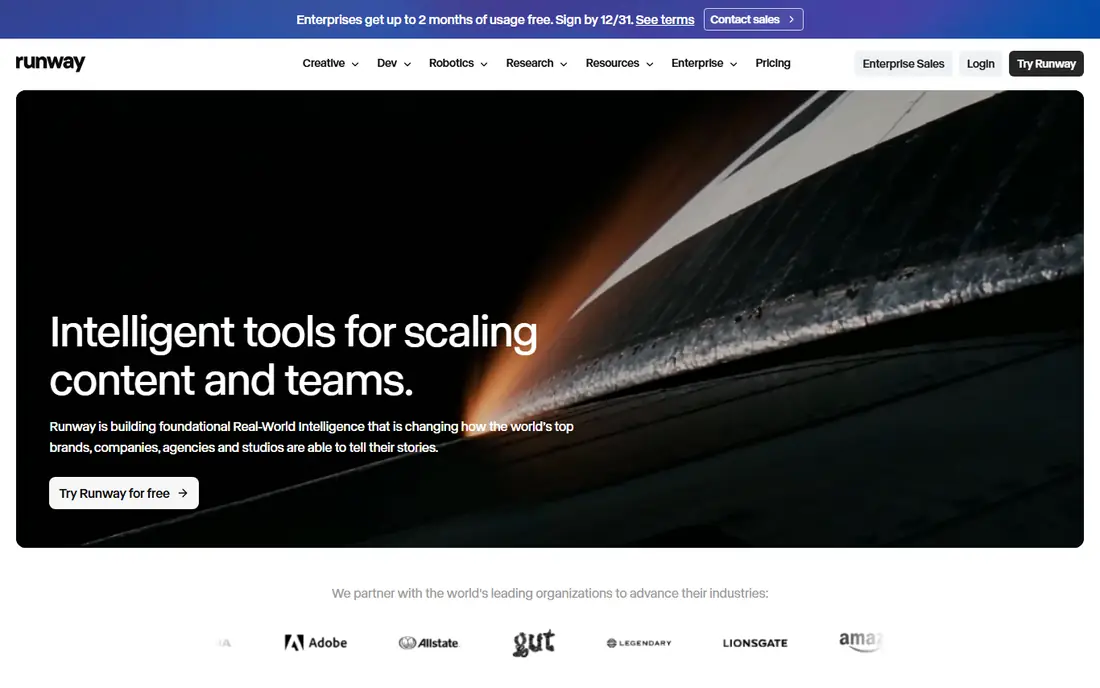
Runway pairs its video generation models with a broader editing suite, so you can generate a shot, extend it, restyle it, or clean it up without leaving the app. Public pricing reports describe a free plan with 125 one-time credits, Standard at $15 per month or $12 per month billed annually with 625 credits, Pro at $35 per month or $28 billed annually, and Max at $95 per month or $76 billed annually. That range suits everyone from a curious beginner to a working creator.
The catch is credit math. High-quality generations, longer clips, and retries all consume credits, so a month of credits can disappear quickly on a real project. Spend the free credits on a representative prompt, including camera movement and a human subject, before committing to a paid plan. For creators who want control over shots and editing in one place, Runway remains the most complete cinematic option here.
- Generation plus editing, extension, and restyling tools
- Camera controls and motion tools
- Credit system scales by plan
- Credits burn fast on retries and high-quality generations
- Free plan is one-time credits, not monthly
- Higher plans cost far more
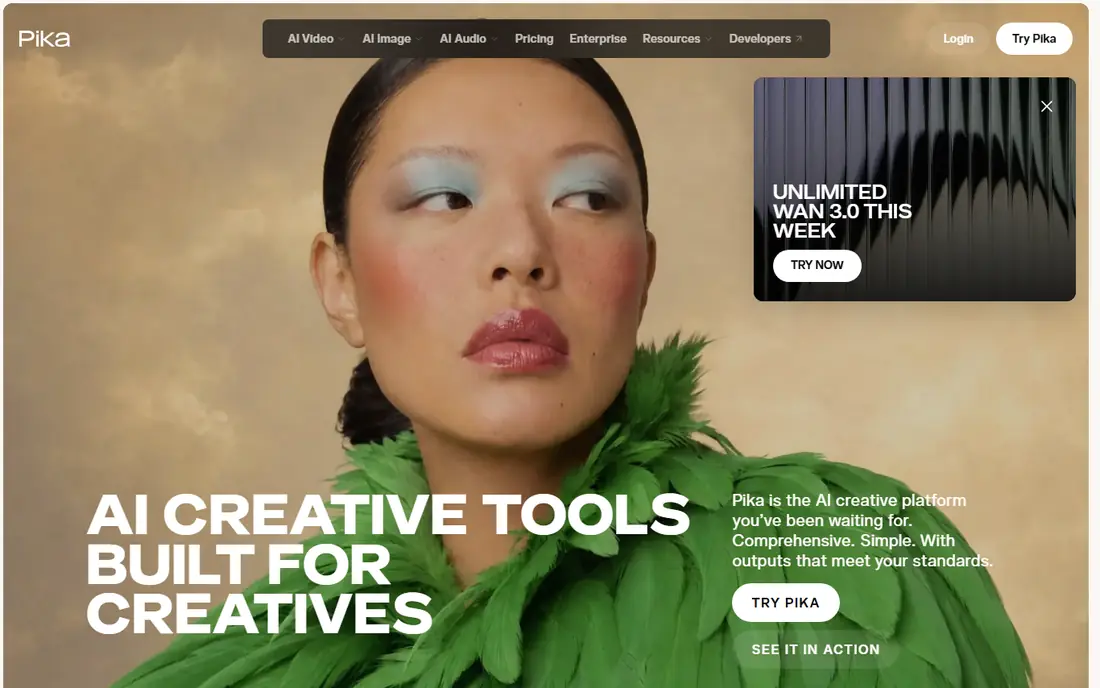
Pika focuses on fast, short-form video for social media, with effects, swaps, and simple text to video generation. Public reports describe a free plan and a Standard plan from $8 per month billed annually, with Pro around $28 per month billed annually for higher credits and watermark removal. That pricing makes Pika one of the cheapest ways to test text to video ideas at volume.
The limit is scope. Pika excels at short clips, effects, and social experiments, but it is less focused on long, complex scenes or full narrative production. If your main job is TikTok, Reels, and Shorts, Pika is a strong value pick. If you need a polished commercial with consistent characters across many shots, Runway, Veo, or a traditional shoot may fit better.
- Low entry price
- Fast generation for social clips
- Effects and swaps for short-form content
- Less suited to complex multi-scene production
- Free tier output is watermarked in public reports
- Quality varies by prompt
Google Veo, accessed through Google AI plans and Flow, is known for cinematic realism and generated audio alongside video. Public reports describe access through Google AI Pro at $19.99 per month, with higher tiers for heavier use, though exact credit allowances vary by plan and model version. For creators already paying for Google AI tools, Veo can be the best value cinematic option without a separate subscription.
The drawback is that Veo is not a standalone cheap tool for casual use. You need a Google AI subscription, and credit limits mean you cannot generate unlimited clips on the entry plan. Test Veo with prompts that match your real work, including dialogue, sound, and camera movement, since generated audio quality varies by scene. For realistic short scenes with sound, Veo is a leading choice.
- Strong cinematic generation with generated audio in recent models
- Access through Google AI plans
- Good for realistic scenes
- Access is tied to Google AI subscriptions
- Credit limits vary by plan
- Pricing and availability change with model versions
Kling, from Kuaishou, is a popular value option for text to video, with public reports describing 66 free daily credits and a Standard plan around $10 per month. That free allowance lets beginners learn prompting, test styles, and iterate without paying, which is rare among cinematic tools. Paid plans add more credits and faster generation for regular creators.
The trade-off is wait times and consistency. Free tier users may face queues, and output quality can vary between prompts, especially for complex human motion or text rendering. Kling suits creators who want to experiment cheaply and can tolerate retries. For client work with tight deadlines, a paid plan or a more predictable tool like Runway may be safer.
- Free daily credits in public reports
- Low-cost paid plans
- Fast iteration for learning prompts
- Queue times can be long on free tiers
- Quality varies by model version
- Credit costs rise for high-resolution output
Hailuo, from MiniMax, is known for expressive character motion and lively short clips, which suits creators making character-led social content. Public reports describe one-time trial credits and paid plans roughly from $8 to $15 per month depending on promotion, though current pricing should be checked on its site. That low entry cost makes Hailuo easy to test alongside Kling and Pika.
The limit is predictability. Pricing and credit allowances can change with promotions, and Hailuo is less focused on long-form or enterprise production than Runway or Veo. Use it for character experiments, social clips, and style tests, and keep a second tool for projects where consistent quality and deadlines matter most.
- Expressive character and motion handling in public reports
- Trial credits for testing
- Low-cost paid options
- Pricing varies by promotion
- Credit system needs checking before a project
- Less known for long-form production
Luma Dream Machine focuses on cinematic motion, with tools for text to video, image to video, reference-based generation, and editing. Public pricing reports describe Plus at $30 per month with 10,000 credits, Pro at $90 per month, and Ultra at $300 per month, with about 20 percent lower rates on yearly billing, and no free individual plan in recent reports. That makes Luma more expensive to start than Pika or Kling.
The trade-off is motion quality versus cost. Reviewers often praise Luma for smooth, coherent movement in complex camera shots, but a five-second high-resolution clip can consume several hundred credits, so a Plus allowance covers only a limited number of finished clips before retries. If motion quality matters more than price for your shots, Luma is worth testing. If you need many clips per month, a cheaper tool will go further.
- Smooth, physically coherent motion in public reports
- Simple generation interface
- Reference and editing tools
- No free individual plan in recent pricing reports
- Entry Plus plan around $30 per month
- Credits limit clips per month
Synthesia turns text into presenter-led video using AI avatars, which suits corporate training, onboarding, product explainers, and localized updates. You type a script, pick an avatar, and generate a video without filming, which saves time when content must be updated often or translated. Public reports describe a free Basic tier and Starter from $29 per month, or about $18 per month billed annually, with Creator and Enterprise tiers higher.
The limit is type. Synthesia does not generate cinematic scenes, camera moves, or fictional characters like Runway or Veo. It generates a presenter speaking to camera, which is ideal for training but wrong for an ad that needs a story scene. Check minute and credit limits, avatar choice, and translation quality for your languages before committing to a team plan.
- Presenter-led video from text without a camera
- Large avatar library
- Translation and enterprise governance tools
- Not a cinematic scene generator
- Credit and minute limits apply
- Avatar realism varies by model and script
HeyGen also turns text into avatar video, with a focus on realistic avatars, voice cloning, and translation. Public reports describe a free tier with a few videos per month, Creator at $29 per month or $24 per month billed annually with 600 credits, and Pro and Business tiers higher. Its translation feature can re-voice and re-lip-sync an existing video into many languages, which helps global marketing and training teams.
The drawback is credit use on edits. Any edit that re-renders a scene spends credits again in public reports, so iterative script changes can cost more than expected. HeyGen also produces presenter video, not cinematic scenes, so it complements rather than replaces Runway or Veo. For multilingual presenter content, HeyGen is a strong pick. For story scenes, choose a cinematic tool instead.
- Avatar video from text with voice cloning
- Video translation into many languages
- Free tier for testing
- Credits burn on re-renders
- Presenter style only, not cinematic scenes
- Paid plans needed for longer videos and 4K
How we picked these
We compared tools that turn text into video as a core job, covering cinematic generation and presenter-led avatar video. We used official pricing pages and public pricing reports from late 2026, and we used See website where pricing is bundled, promotional, or varies by plan. We did not invent clip lengths, resolutions, or quality scores, since those vary by model version, prompt, and plan. February in the keyword reflects search timing, not a separate February product release, so we compared tools available now.
How to choose a text to video tool
Start with video type. If you need a presenter explaining a product, choose Synthesia or HeyGen. If you need a cinematic scene, product shot, or social clip, choose Runway, Pika, Veo, Kling, Hailuo, or Luma. Mixing those jobs leads to disappointment, because an avatar tool cannot shoot a scene and a cinematic tool cannot present a training course well.
Next, test with your real prompts and budget for retries. Generate the same prompt on two tools, count how many tries it takes to get a usable clip, and multiply by the credit cost per generation. A cheap plan that needs five retries can cost more than a pricier plan that works in two. Also check commercial use rights, watermark rules, and whether your plan allows client work, since free tiers often restrict commercial use.
Finally, plan for post-production. Raw AI clips usually need editing, sound, captions, and color work before they are ready to publish. A tool with built-in editing, like Runway, can save time, but even the best generation benefits from a human edit. Keep prompts, settings, and successful generations in a shared doc so your team can repeat what works instead of starting from scratch each time.
Frequently asked questions
What are the best text to video ai tools february picks?
Runway, Pika, Google Veo, Kling, Hailuo, and Luma Dream Machine are strong cinematic picks, while Synthesia and HeyGen suit presenter-led video. Runway suits creators who want editing tools, Pika suits budget social clips, Veo suits Google users who want cinematic realism, and Kling suits low-cost experimentation. Pick by video type first, then by budget and credit limits.
What is the best ai text to video tool for beginners?
Pika and Kling are good beginner picks because they offer free or low-cost entry and fast generation for short clips. Runway also offers free one-time credits for testing. Start with a free tier, learn prompting with short, simple scenes, and only pay once you know which tool gives usable results for your style.
Can I use AI video tools for commercial work?
Many paid plans allow commercial use, while free tiers often restrict it or add watermarks. Check the license terms for your specific plan before using a clip in an ad, client project, or paid course. Also check rules on likeness, voice cloning, and disclosure, especially for avatar and presenter video featuring real people.
How much do text to video tools cost?
Entry paid plans range from about $8 per month for Pika Standard billed annually to $12 per month for Runway Standard billed annually, with Veo through Google AI Pro at $19.99 per month in public reports, and Luma Plus around $30 per month. Avatar tools start free or around $29 per month. Credit limits mean the real cost depends on how many retries and clips you need each month.
Why do AI videos sometimes look wrong?
AI video models can struggle with hands, faces, text, physics, and consistent characters across shots, especially in complex scenes. Short, simple prompts with one subject and clear camera movement work better than long, crowded scenes. Plan for retries, keep clips short, and edit the best takes together rather than expecting one perfect generation.
Do I need a powerful computer to use these tools?
No, most text to video tools run in the cloud, so you generate video in a browser and download the result. You still need a decent computer for editing, captions, and sound work after generation. Check export resolution and format for your plan, since higher resolutions often cost more credits.
Sources we checked (8)

Online Jobs is an independent blog about careers, online work, learning new skills and the tools that help people earn. More about us.
Keep reading
All posts
n8n Alternatives
n8n alternatives compared for 2026, with Zapier, Make, Activepieces, and more, covering visual builders, code steps, self-hosting, and pricing models.

ZoomInfo Alternatives
The best ZoomInfo alternatives in 2026, compared on price, free plans, data coverage, and which tool fits small teams or large sales teams best in detail.

Zoom Alternatives for Webinars
Compare Zoom alternatives for webinars in 2026, from browser-based rooms to enterprise events, with prices, attendee limits, features and honest trade-offs.