Best Text to Speech App in 2026: 8 Apps Compared

How we put this together: we compare official feature and pricing pages, app store listings, privacy policies and public user reviews. Prices change, so check the provider's site before you pay.
Key takeaways
- Speechify and ElevenReader are the strongest reading apps, with different strengths in documents and voice quality.
- NaturalReader suits desktop and web reading, while Voice Dream Reader suits Apple users who want offline reading.
- Murf, Fliki, and Narakeet are better for creating voiceovers you can download, not just for listening.
- Free plans are useful for short daily reading, but long books and downloads usually need a paid plan.
- Text to speech turns text into audio, while speech to text, or dictation, turns spoken words into text, so check which job you need.
Quick comparison
| Name | Who it suits | Starting price | Free option | |
|---|---|---|---|---|
 Speechify Speechify | Reading on phone and web | Free | Yes | Visit |
 NaturalReader NaturalReader | Document reading on desktop | Free | Yes | Visit |
 ElevenReader ElevenReader | Natural AI voices for reading | Free | Yes | Visit |
 Murf Murf | Voiceovers for video and courses | Free | Yes | Visit |
 Voice Dream Reader Voice Dream Reader | Offline reading on Apple devices | See website | No | Visit |
 TTSMaker TTSMaker | Free basic voice generation | Free | Yes | Visit |
 Fliki Fliki | Voiceovers for short video | Free | Yes | Visit |
 Narakeet Narakeet | Simple narration from text | See website | Free trial | Visit |
The best text to speech app
Text to speech apps serve two jobs: reading text aloud for you, and creating audio files you can publish. We compared official feature pages, pricing pages, app store listings, privacy policies, and public reviews to separate reading apps from voiceover tools, since the wrong type wastes time and money.
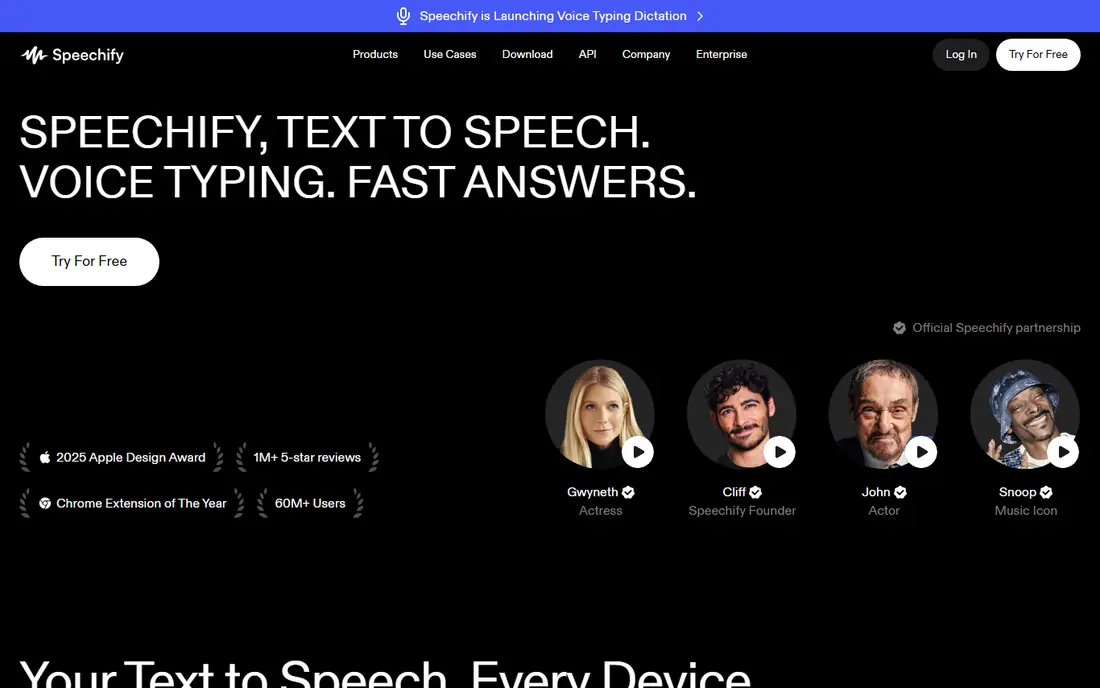
Speechify is the most complete reading app here for people who listen on the go. You can import documents, open web pages, and listen at your chosen speed, with progress syncing across devices. That makes it useful for students, professionals, and anyone who wants to turn reading time into listening time.
The free plan is limited, with fewer voices and a lower speed cap, while Premium adds more natural voices and higher speeds at a yearly price that casual readers may find hard to justify. If you listen daily and want a polished mobile experience, Speechify is worth testing, but start with the free tier to check voice quality for your material.
- Reads PDFs, web pages, emails, and books aloud
- Syncs across phone, web, and browser extension
- Adjustable speed and natural premium voices
- Free plan is limited in voices and speed
- Premium price is high for casual readers
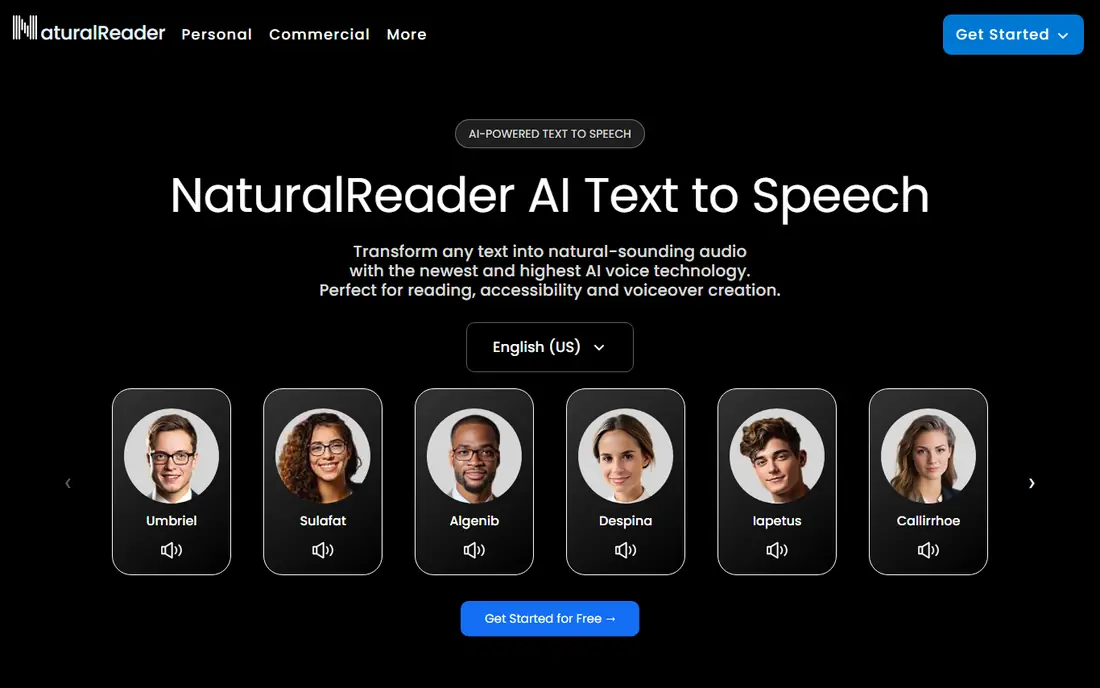
NaturalReader suits readers who work at a computer and want a straightforward document reader. You can upload PDFs, Word files, and web text, choose a voice, and listen while you work. Paid plans add premium voices, a pronunciation editor for names and terms, and MP3 export for offline listening.
Free voices are serviceable but less natural than premium voices, and personal plan audio is licensed for personal use, not for publishing. If you mainly read documents at a desk and want a simple tool, NaturalReader is a strong, lower-friction choice.
- Reads documents and web pages on web and desktop
- Pronunciation editor and MP3 export on paid plans
- Wide voice choices
- Free voices are more basic than premium voices
- Audio on personal plans is for personal use only
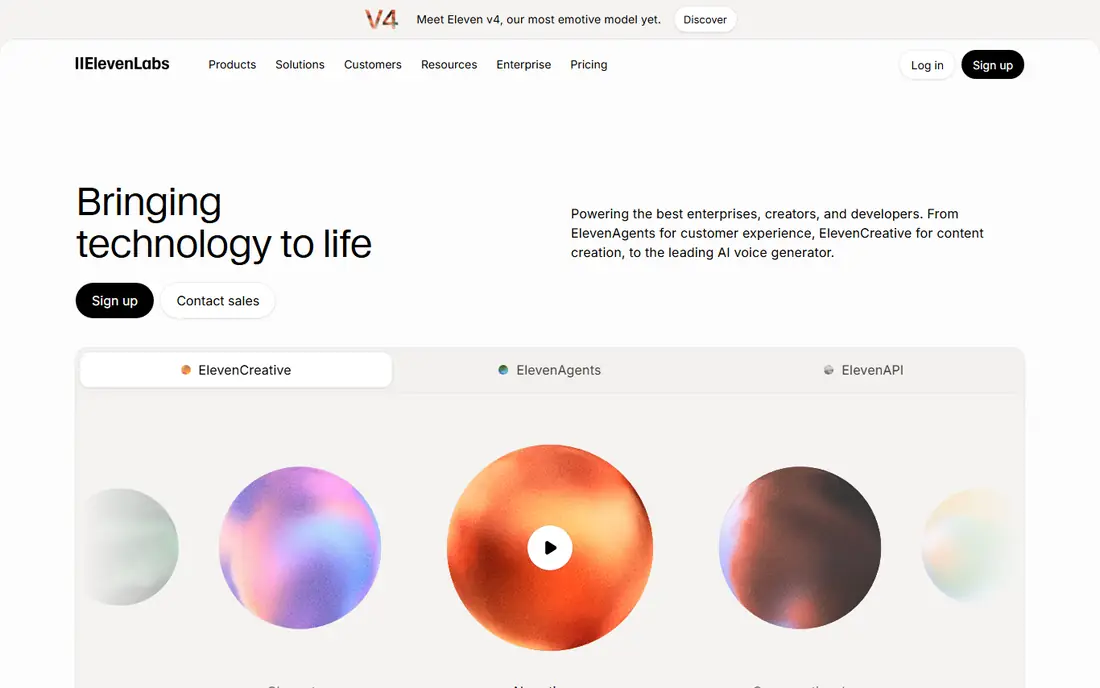
ElevenReader, from ElevenLabs, is the best free-leaning choice for voice quality. The app reads imported text and documents with voices that sound more natural than most basic readers, and the free plan includes a generous monthly listening allowance for imports. That makes it a strong test for long articles and books.
It is a reading app first, so it is not the best tool for creating publishable voiceovers with commercial rights. Paid Ultra adds unlimited listening for imports, offline downloads, and custom voices. If voice quality is your main test, start with ElevenReader before paying for a reading app.
- Natural AI voices from ElevenLabs
- Free plan includes generous listening hours for imports
- Playback up to faster speeds
- Mobile-focused reading app, not a full voiceover studio
- Paid plan needed for unlimited listening and offline downloads
Murf is a voiceover studio, not a simple reading app. You paste a script, choose a voice, adjust pacing and emphasis, and align audio with video or slides. That workflow suits course creators, marketers, and teams who need consistent narration across many projects.
The free plan is for testing voices and projects, since downloads require a paid plan. That distinction matters: Murf is a poor choice if you only want to listen to documents, but a strong choice if you need audio files for published work. Check commercial rights for your plan before using Murf audio in ads or client projects.
- Studio tools for scripts, timing, and voice selection
- Good for video, e-learning, and presentations
- Collaboration features on paid plans
- Free plan does not include downloads
- Voice quality and features improve on paid tiers
Voice Dream Reader is the best accessibility-focused reading app here for Apple users. It imports many document types, works offline, and supports VoiceOver, Dynamic Type, Voice Control, and refreshable braille displays. That combination makes it valuable for readers who rely on assistive technology.
It is not available on Android or Windows, which limits its audience. Pricing also varies by voice packs and App Store listing, so check the current price before you buy. If you use Apple devices and need reliable offline reading, Voice Dream Reader is worth the cost.
- Works offline on iPhone and iPad
- Imports PDFs, EPUBs, Word files, and web pages
- Strong accessibility support, including VoiceOver and braille displays
- Apple only, with no Android or Windows version
- Price is not always listed clearly, so check the App Store
TTSMaker suits people who need a quick, free voice clip without a subscription. You paste text, choose a voice and language, and generate audio for a short project or test. That simplicity helps for classroom demos, prototypes, and short social clips.
Voice quality is more basic than ElevenLabs, Murf, or premium Speechify voices, and free use limits apply. It is not a good choice for long-form narration or polished commercial voiceovers. Use TTSMaker for free tests and short, low-stakes audio, then move to a paid tool for final work.
- Free to start with many voices and languages
- Simple paste-and-generate workflow
- Useful for short clips and tests
- Voice quality is basic compared with premium AI voices
- Free use limits and terms need a careful check
Fliki is useful when your text needs to become a video, not just audio. You enter a script, choose a voice, and the tool pairs narration with visuals, text, and music for short social or explainer videos. That structure helps creators who publish often and need a fast draft.
The free plan is limited, and regular publishing or longer videos need a paid tier. Voiceover quality also depends on the voice and script, so review pacing and pronunciation before posting. Fliki is best for short video creators, while a dedicated reading app is better for personal listening.
- Turns text into video with voiceover and stock visuals
- Good for short social and explainer videos
- Many voices and languages
- Free plan is limited and exports carry limits
- Long-form narration needs a paid tier
Narakeet suits creators who need simple narration audio from a script, such as training slides, presentations, and short videos. The workflow is straightforward: paste text, choose a voice, and generate audio. That focus keeps the tool easy to learn compared with a full studio.
It is not a daily reading app like Speechify or ElevenReader, and there is no full free plan, only a trial. If you need narration files for a project, Narakeet is a practical option, but if you need to listen to books and documents each day, start with a reading app instead.
- Simple text-to-audio workflow for narration
- Good for presentations and training audio
- Many voices and languages
- No full free plan, only a trial
- Less of a reading app for daily documents
How we picked these
We compared official feature pages, pricing pages, app store listings, privacy policies, and public reviews for each product. We kept only tools that exist in October 2026 and that clearly serve text to speech, either for reading or for voiceover creation. We checked free limits, voice quality claims, download rules, and commercial use terms, since those details decide whether a tool fits listening or publishing.
We also separated reading apps from voiceover studios, because a tool that reads well may not allow downloads, and a studio that downloads well may be poor for daily reading. A product earned a place when it had a clear audience, such as mobile readers, desktop readers, Apple accessibility users, or video creators.
How to choose a text to speech app
Decide whether you listen or publish
If you listen, choose Speechify, ElevenReader, NaturalReader, or Voice Dream Reader, and test voice quality with your own documents. If you publish, choose Murf, Fliki, or Narakeet, and check download and commercial rights for your plan. A reading app with no downloads will frustrate a creator, while a studio will feel heavy for a casual reader.
Test with your real material
Test with a PDF, a web article, and a book chapter, not just a short demo sentence. Check how the app handles tables, headings, names, and abbreviations, and whether you can adjust speed, pronunciation, and voice. A voice that sounds fine for a minute may tire you over an hour.
Check free limits before you commit
Free plans differ in listening hours, voice choices, speed caps, downloads, and commercial rights. Note the monthly limit, the export rule, and the license for your use case. For long books, a paid plan with unlimited listening or downloads may cost less in time than juggling several free tiers.
Frequently asked questions
What is the best text to speech app?
Speechify is the most complete reading app for phone and web, while ElevenReader offers strong natural voices with a generous free listening allowance. NaturalReader suits desktop reading, and Voice Dream Reader suits Apple users who need offline and accessibility features. The best choice depends on whether you listen daily, need offline access, or need downloads.
What is the best free speech to text software?
Speech to text is the opposite job: it turns spoken words into text, also called dictation. Built-in dictation on iPhone, Android, Windows, and Mac covers many basic needs for free, while dedicated transcription tools suit longer recordings. This guide focuses on text to speech, so if dictation is your main need, compare dictation and transcription tools separately.
What is the best text to speech software for reading books?
ElevenReader and Speechify are strong for books, because they handle imports, progress, and speed controls well. NaturalReader also works for documents, while Voice Dream Reader is best for offline Apple reading. Check whether your book format is supported and whether the app allows DRM-free files, since protected audiobooks may not import.
What is the best voice to text software for dictation?
Voice to text, or dictation, is not the same as text to speech, and the best tool depends on accuracy, language, and whether you need live dictation or transcription of recordings. Built-in phone and computer dictation suits short notes, while dedicated transcription apps suit meetings and interviews. Test accuracy with your voice and accent before paying.
Can I use text to speech for commercial voiceovers?
Sometimes, but check the license for your exact plan. Reading apps often limit audio to personal use, while voiceover tools such as Murf and Fliki offer commercial rights on paid plans. Keep a copy of the terms for your plan, and do not use a personal-use voice for ads, client work, or published audiobooks without a clear commercial license.
What is the best text to speech app for students?
Students who listen to articles and PDFs should start with ElevenReader or Speechify for voice quality and mobile reading, and NaturalReader for desktop work. Voice Dream Reader is strong for Apple users who need accessibility features. Test with a real course PDF, since tables, equations, and citations can trip up simpler readers.
Sources we checked (10)

Online Jobs is an independent blog about careers, online work, learning new skills and the tools that help people earn. More about us.
Keep reading
All posts
Best Writing Software
Looking for the best writing software in 2026? We compared 9 writing apps for books, articles and screenplays on price, features and fit. All verified.

Best Weather Apps
Searching for the best weather app? We compared eight top weather apps for accurate forecasts, radar, severe alerts, and daily planning near you today.

Best Video Editing Software
We compared the best video editing software for beginners and pros, checking official pricing, free plans and honest limits before ranking all nine editors.