Best Test Automation Tools in 2026: 10 Tools Compared

How we put this together: we compare official feature and pricing pages, app store listings, privacy policies and public user reviews. Prices change, so check the provider's site before you pay.
Key takeaways
- Open-source frameworks such as Selenium, Playwright, and Cypress cost nothing to use, but they need engineering time to set up and maintain.
- Low-code tools such as Katalon, TestComplete, and Tricentis Tosca suit testers who want speed without writing a full framework.
- Cloud device and browser grids such as BrowserStack and LambdaTest remove the need to run your own test machines.
- AI-assisted tools such as Applitools and mabl help with visual checks and self-healing tests, but they add cost and need review.
- The best tool depends on your stack: web, mobile, API, or desktop, and on who writes the tests.
Quick comparison
| Name | Who it suits | Starting price | Free option | |
|---|---|---|---|---|
 Selenium | Open-source web automation | Free | Yes | Visit |
 Playwright | Modern web testing across browsers | Free | Yes | Visit |
 Cypress | Fast web testing for developers | Free | Yes | Visit |
 Katalon | Low-code web, mobile, and API testing | See website | Yes | Visit |
 TestComplete | Desktop, web, and mobile UI testing | See website | Free trial | Visit |
 Tricentis Tosca | Enterprise model-based testing | See website | Free trial | Visit |
 LambdaTest | Cloud browsers and devices | See website | Yes | Visit |
 BrowserStack | Cloud testing on real devices | See website | Free trial | Visit |
 Applitools | Visual and AI-assisted testing | See website | Free trial | Visit |
 mabl | Low-code tests with AI assistance | See website | Free trial | Visit |
The best test automation tools
Test automation is not one job. A web team, a mobile team, and an enterprise QA department need different tools, even when they use the same word for testing. We compared official docs and pricing pages to cover frameworks, low-code tools, cloud grids, and visual testing, so you can match the tool to your stack and your team.
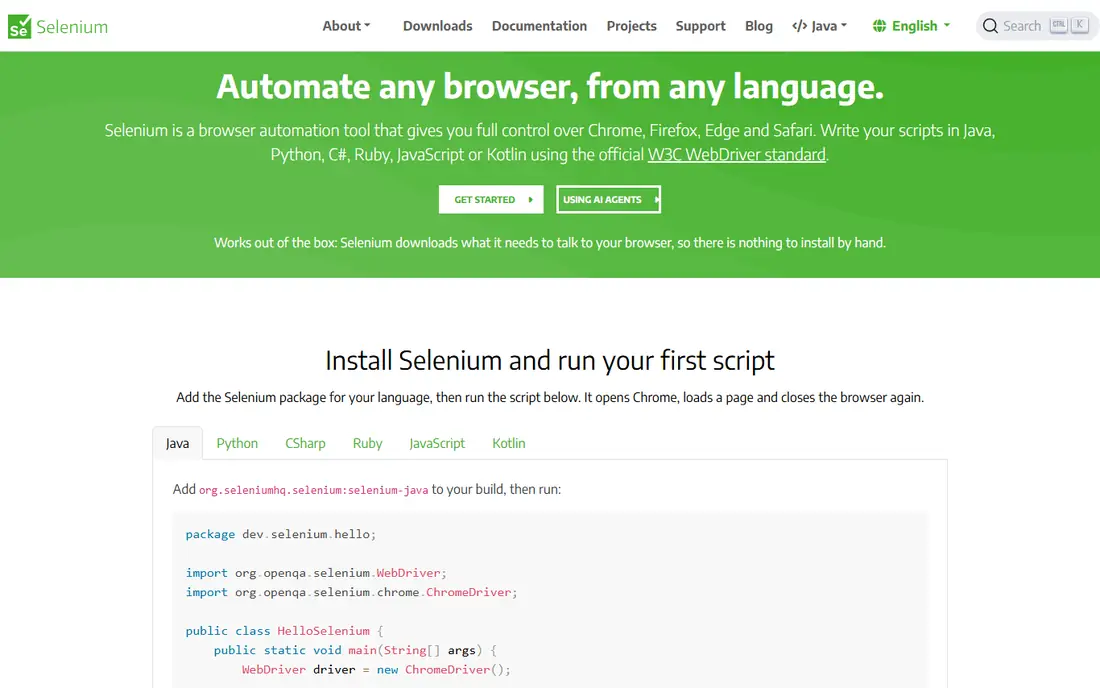
Selenium remains the default open-source choice for web automation. It drives real browsers, works with Java, Python, C#, JavaScript, and other languages, and runs on grids you control or rent. For teams with engineers who can build and maintain a framework, Selenium gives full control at no license cost.
That freedom is also the work. Selenium ships no test runner, reporting dashboard, or visual comparison out of the box, so your team builds those pieces or adds other tools. Flaky tests from timing and waits are a common pain, and fixing them takes discipline. Choose Selenium when you have engineering capacity and want a standard, portable foundation.
- Free and open source
- Supports many languages and browsers
- Huge community and documentation
- Needs code and framework setup
- No built-in reporting or visual testing
- Test maintenance falls on your team
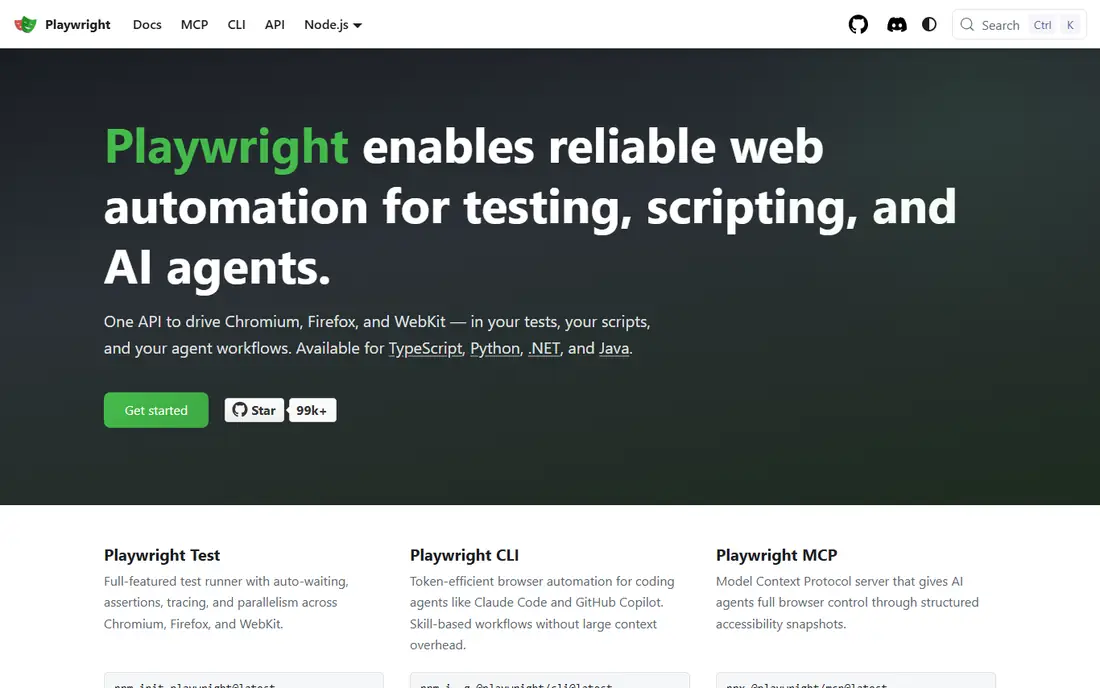
Playwright, from Microsoft, has become the modern favorite for web teams. It waits for elements automatically, records traces and videos for failed tests, and runs the same test across Chromium, Firefox, and WebKit. That cross-browser coverage in one framework saves teams from maintaining separate setups for each browser.
The ecosystem is younger than Selenium, so some niche integrations are thinner, though growth has been fast. Playwright still needs code, so non-technical testers will find low-code tools easier. For a web team starting fresh in 2026, Playwright is the framework we would trial first, especially for single-page apps and complex user flows.
- Fast and reliable
- Built-in waits and tracing
- Tests Chromium, Firefox, and WebKit in one tool
- Newer ecosystem than Selenium
- API testing is useful but not its main focus
- Needs coding skill
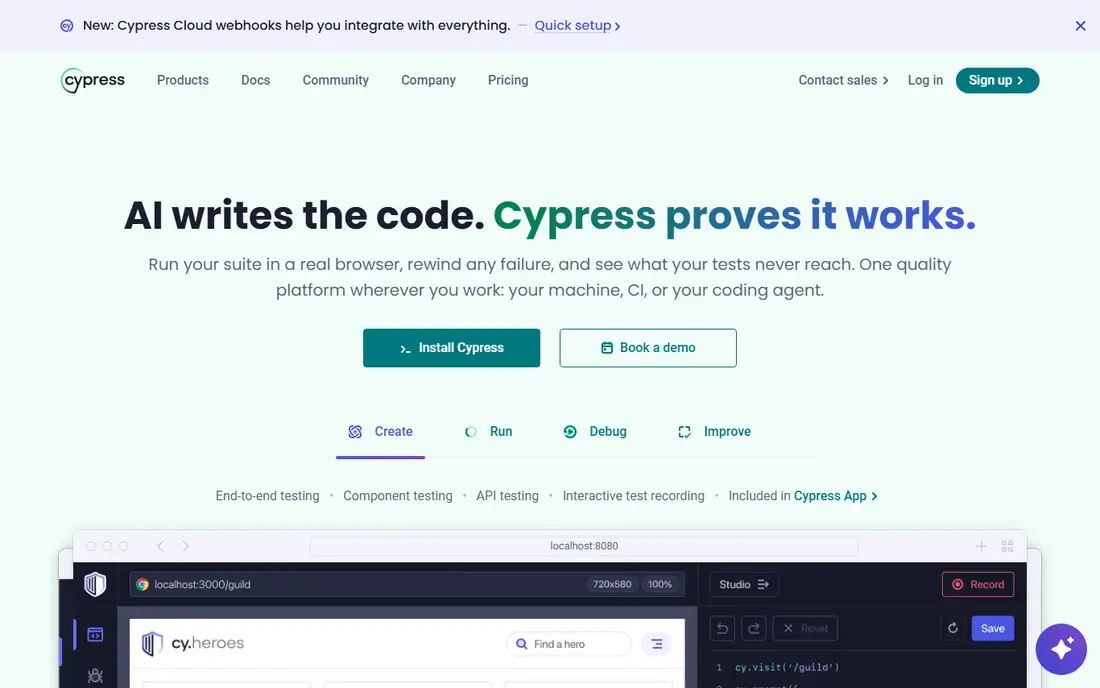
Cypress is popular with front-end developers because it runs inside the browser and shows exactly what happened at each step. Debugging is visual and fast, and writing a test feels close to writing app code. For teams that test a JavaScript web app and want developers involved in testing, Cypress lowers the barrier to good coverage.
Limits matter for some teams. Cypress is JavaScript only, and certain multi-tab, multi-origin, and native mobile cases need workarounds or another tool. The local runner is free, while the cloud dashboard for parallel runs and history is paid. If your stack is JavaScript and web-first, Cypress is a strong pick. If you need many languages or native mobile, look elsewhere.
- Fast feedback and clear debugging
- Runs in the browser
- Good developer experience
- Limited multi-tab and multi-browser scope in some cases
- Cloud dashboard is paid
- JavaScript only
Katalon suits teams that want one studio for several test types without building a framework from scratch. Testers can record steps, switch to script mode when needed, and run web, mobile, API, and desktop tests from the same project. The free version lets a team prove value before talking to sales.
The studio is heavier than a lightweight code framework, and full features sit behind quoted plans. Teams that love code may find it constraining, while teams with mixed technical skill will like the balance. Katalon is a good middle ground for QA teams that need breadth fast and cannot staff a full framework build.
- Covers web, mobile, API, and desktop in one studio
- Record and script modes
- Free version to start
- Paid plans are quoted
- Heavier than a code framework
- Advanced customization needs scripting
TestComplete, from SmartBear, stands out for desktop applications alongside web and mobile. It supports keyword-driven tests that non-coders can build, plus scripting for engineers who want control. Object recognition for Windows apps is a genuine strength, which matters for teams testing legacy or enterprise desktop software.
The tooling is Windows-centered, so Mac and Linux teams should check fit carefully. Pricing is quoted, and the full feature set takes time to learn. If your product includes a Windows desktop app, TestComplete deserves a trial. If you test only modern web apps, Playwright or Cypress will be lighter and cheaper.
- Strong desktop app coverage
- Record and script options
- Keyword-driven tests for non-coders
- Windows-focused tooling
- Pricing by quote
- Learning curve for advanced scripting
Tosca takes a model-based approach: testers describe business processes as models, and the tool generates and maintains tests from them. That reduces the script maintenance that kills many automation efforts, especially in large enterprises with SAP, Salesforce, and other packaged apps. Reporting and test data management are built for regulated, large-scale programs.
Small teams should skip it. Tosca is priced and implemented as an enterprise platform, and it needs training and ownership to pay off. For a large QA organization with many applications and a maintenance problem, the model approach can save more than it costs. For a startup, it is simply too much tool.
- Model-based tests reduce script maintenance
- Strong for enterprise apps including SAP
- Good test data and reporting
- Enterprise pricing and implementation
- Heavy for small teams
- Needs training to use well
LambdaTest gives teams a cloud grid of browsers and devices without buying hardware. You can run live manual checks or automated Selenium, Playwright, and Cypress tests across versions and screen sizes, which is essential when your users run old browsers and varied phones. The free tier lets a small team test the grid before paying.
Grid testing always depends on network quality, and some real-device features sit on higher plans. Compare LambdaTest with BrowserStack on the exact browsers, devices, and parallel sessions you need, since headline device counts hide plan differences. For most web teams, a cloud grid beats maintaining a local device lab.
- Large cloud browser and device grid
- Live and automated testing
- Free tier to start
- Paid plans are quoted or tiered
- Performance depends on network
- Real-device depth varies by plan
BrowserStack is the best-known cloud testing grid, with real devices and browsers for live and automated testing. It integrates with Selenium, Playwright, Cypress, and other frameworks, so teams can keep their tests and run them on the cloud instead of local machines. Visual testing and accessibility checks are available as add-ons.
Cost scales with parallel sessions, so a team running hundreds of tests at once should model that number carefully. The trial is useful for checking device coverage and speed on your own app. If your users span many devices, BrowserStack removes a major infrastructure headache. If you test only desktop Chrome, a local runner may be enough.
- Large real-device cloud
- Strong integrations with frameworks
- Live, automated, and visual testing options
- Pricing rises with parallel sessions
- Trial limits apply
- Costs add up for heavy automation
Applitools adds eyes to your tests. It compares screenshots across browsers, devices, and screen sizes and flags layout shifts, missing elements, and styling breaks that a functional test would pass. Its AI-assisted comparison reduces noise from minor rendering differences, so teams see real visual regressions instead of pixel-level false alarms.
Baselines still need care. A redesign means updating baselines, and someone must review flagged differences. Pricing is quoted, so small teams should trial it on one critical flow first. Use Applitools alongside a functional framework, not instead of one, and it will catch the visual bugs users notice first.
- Visual comparison catches layout breaks functional tests miss
- AI-assisted checks reduce false positives
- Works with major frameworks
- Quote-based pricing
- Visual baselines need maintenance
- Not a replacement for functional tests
Mabl lets testers build browser tests with low-code steps, then uses AI assistance to keep tests running when the app changes. Self-healing locators adapt to small UI changes instead of failing every test, which cuts the maintenance burden that frustrates many teams. Built-in reporting shows failures and trends without a separate dashboard.
The focus is web, so native mobile teams need another tool. Pricing is quoted, and engineers who want full framework control may prefer Playwright or Cypress. For a product team that wants QA coverage without hiring automation engineers, mabl is one of the most approachable options on this list.
- Low-code test creation with AI assistance
- Self-healing locators reduce breakage
- Built-in reporting and insights
- Quote-based pricing
- Web-focused
- Teams that want full code control may feel limited
How we picked these
We compared official documentation and pricing pages for tools that automate real testing work today, covering open-source frameworks, low-code studios, cloud grids, and visual testing. We kept tools with active maintenance, real browser or device support, and a clear use case, and we left out abandoned projects and single-feature plugins. Where pricing is quoted, we wrote See website rather than repeating estimates.
Building a test stack that lasts
Start with the app, not the tool. Web-only teams can build on Playwright or Cypress, add a cloud grid when device coverage matters, and add Applitools for visual checks. Mixed teams may add Katalon or TestComplete for desktop and mobile breadth. Keep test counts manageable, fix flaky tests quickly, and run the suite on every change. A small reliable suite that runs daily beats a large suite that everyone ignores because it fails for unclear reasons.
Who should write the tests
If developers write tests, a code framework fits best. If dedicated testers write tests, a low-code studio or mabl fits better. If both groups share testing, pick a tool with script and record modes, such as Katalon, so each group can work in the mode they prefer. The tool that your team will actually maintain is better than the tool with the longest feature list.
Frequently asked questions
What are the best automated testing tools for web apps?
Playwright and Cypress lead for modern web apps, with Selenium as the established open-source standard. Playwright suits cross-browser testing, Cypress suits JavaScript teams that want fast debugging, and Selenium suits teams with many languages or an existing framework.
What is the best test automation software for beginners?
Katalon and mabl are the easiest starts for testers without deep coding skill, since both offer low-code creation and guidance. Cypress is also approachable for JavaScript developers. Start with a free tier or trial on one real user flow before buying.
What is the best AI QA platform for test automation?
Applitools leads for visual AI checks, and mabl leads for low-code tests with self-healing assistance. Both reduce maintenance, but neither replaces functional test design. Trial each on a flow that breaks often, and judge it on how many false failures it removes.
What is the best platform for test automation across mobile and web?
Katalon covers web, mobile, API, and desktop in one studio, while BrowserStack and LambdaTest provide the device clouds to run those tests on. For native mobile depth, pair a framework such as Appium with a cloud grid, and keep web tests in Playwright or Cypress.
Is Selenium still a good test automation tool in 2026?
Yes, for teams with engineering capacity. Selenium is free, widely supported, and portable across languages and browsers. It needs more setup than newer frameworks, so teams starting fresh often choose Playwright, while teams with an existing Selenium suite have no urgent reason to switch.
How much do test automation tools cost?
Open-source frameworks are free, while low-code, enterprise, and cloud tools are usually quoted or tiered by users, sessions, or devices. Budget for engineering time as well as licenses, since setup and maintenance often cost more than the tool itself over a year.
Sources we checked (10)

Online Jobs is an independent blog about careers, online work, learning new skills and the tools that help people earn. More about us.
Keep reading
All posts
n8n Alternatives
n8n alternatives compared for 2026, with Zapier, Make, Activepieces, and more, covering visual builders, code steps, self-hosting, and pricing models.

ZoomInfo Alternatives
The best ZoomInfo alternatives in 2026, compared on price, free plans, data coverage, and which tool fits small teams or large sales teams best in detail.

Zoom Alternatives for Webinars
Compare Zoom alternatives for webinars in 2026, from browser-based rooms to enterprise events, with prices, attendee limits, features and honest trade-offs.