Best Team Management Software in 2026: 8 Tools Compared

How we put this together: we compare official feature and pricing pages, app store listings, privacy policies and public user reviews. Prices change, so check the provider's site before you pay.
Key takeaways
- Asana is the safest all-round pick for teams that need clear ownership, timelines, and reporting in one place.
- ClickUp offers the most features per dollar, while Trello is the fastest tool to set up for simple work.
- Monday.com suits teams that want to build custom boards, and Notion suits teams that live in documents as well as tasks.
- Wrike, Basecamp, and Teamwork each fit a narrower need, from large creative operations to flat-rate pricing and client work.
- Start on a free plan with one real project before you pay, because the tool your team actually opens each day is the right one.
Quick comparison
| Name | Who it suits | Starting price | Free option | |
|---|---|---|---|---|
 Asana | Cross-team task coordination | $10.99 per month | Yes | Visit |
 monday.com | Visual boards and custom workflows | $9 per month | Yes | Visit |
 ClickUp | Most features per dollar | $7 per month | Yes | Visit |
 Trello | Simple kanban boards | $5 per month | Yes | Visit |
 Notion | Docs plus tasks in one place | $10 per month | Yes | Visit |
 Wrike | Larger teams and reporting | $10 per month | Yes | Visit |
 Basecamp | Flat-rate team collaboration | See website | Free trial | Visit |
 Teamwork | Client-facing project work | $9.99 per month | Yes | Visit |
The best team management software
Team management software should answer three questions at a glance: who owns each task, when it is due, and what is blocking it. The tools below all do that, but they differ in views, automation, reporting, and price. We compared them on everyday use, not only on feature lists, so you can pick the one your team will keep using.
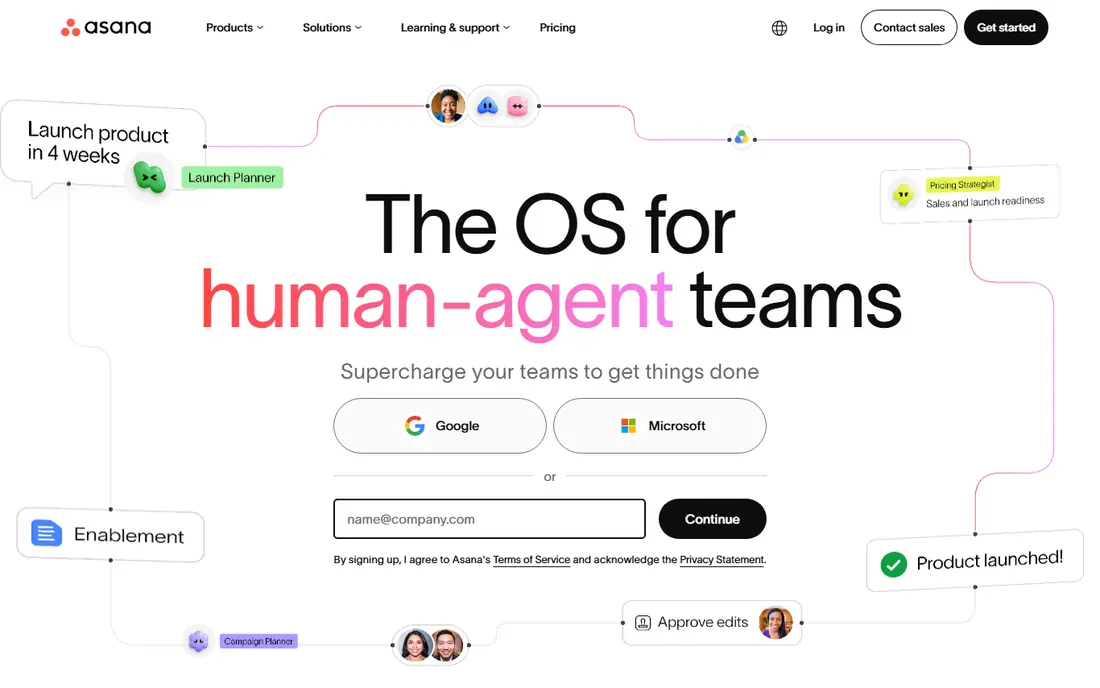
Asana is the most dependable default in this list. Tasks have an owner, a due date, and a project home, and managers can switch between list, board, timeline, and calendar views without rebuilding the work. That clarity is why Asana works for marketing, operations, and product teams that share work across departments.
The honest catch is price at scale. The free plan covers small teams, but the Starter plan at $10.99 per user per month is where timelines and dashboards arrive, and portfolios sit higher still. If your team is small and your work is simple, a cheaper tool may do. If coordination across teams is the main problem, Asana is hard to beat.
- Clear task ownership and due dates
- Timeline, board, and calendar views
- Strong automation and reporting on paid plans
- Per-user pricing adds up for large teams
- Portfolios and advanced reporting need higher tiers
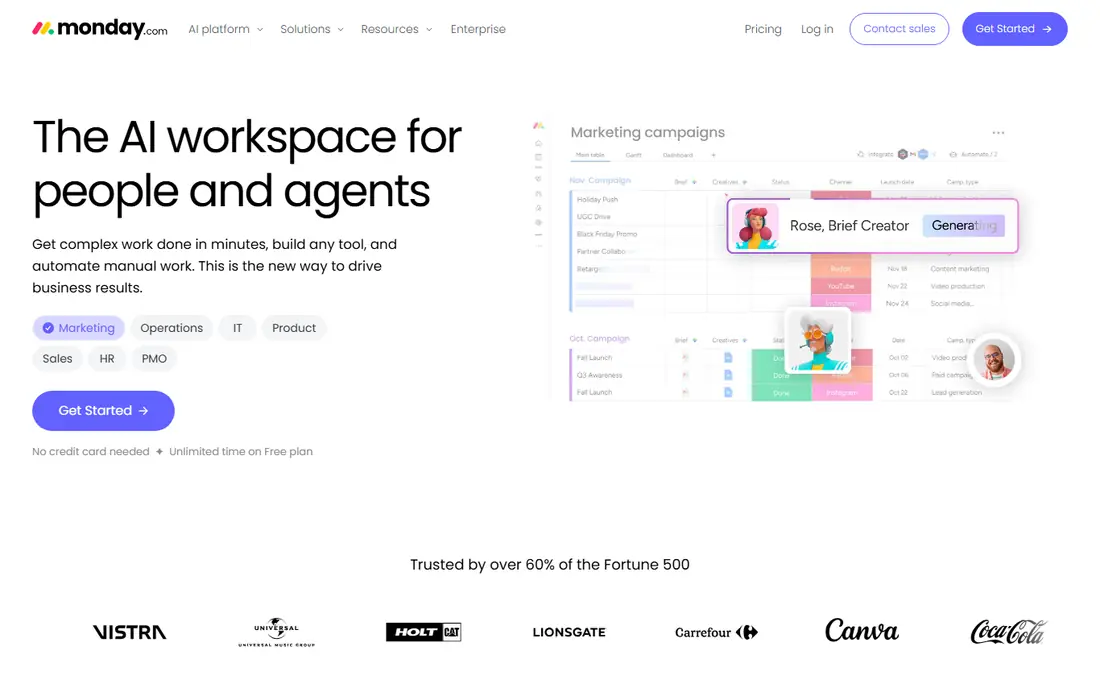
Monday.com suits teams that want to shape the tool around their own process. Boards can hold status columns, people, dates, files, and numbers, and dashboards pull that data into charts managers can read quickly. Templates for marketing, sales, and operations help new teams start without building from scratch.
The catch is that the free plan is narrow, and paid plans have seat minimums, so the real cost depends on team size. Automation is also capped by plan, which matters if you plan to automate many status changes. For visual teams that like colour, boards, and custom fields, monday.com is a strong pick, provided you price it for your full team.
- Highly custom boards and columns
- Strong templates
- Visual dashboards for managers
- Free plan is limited to a small number of seats
- Automation actions are capped by plan
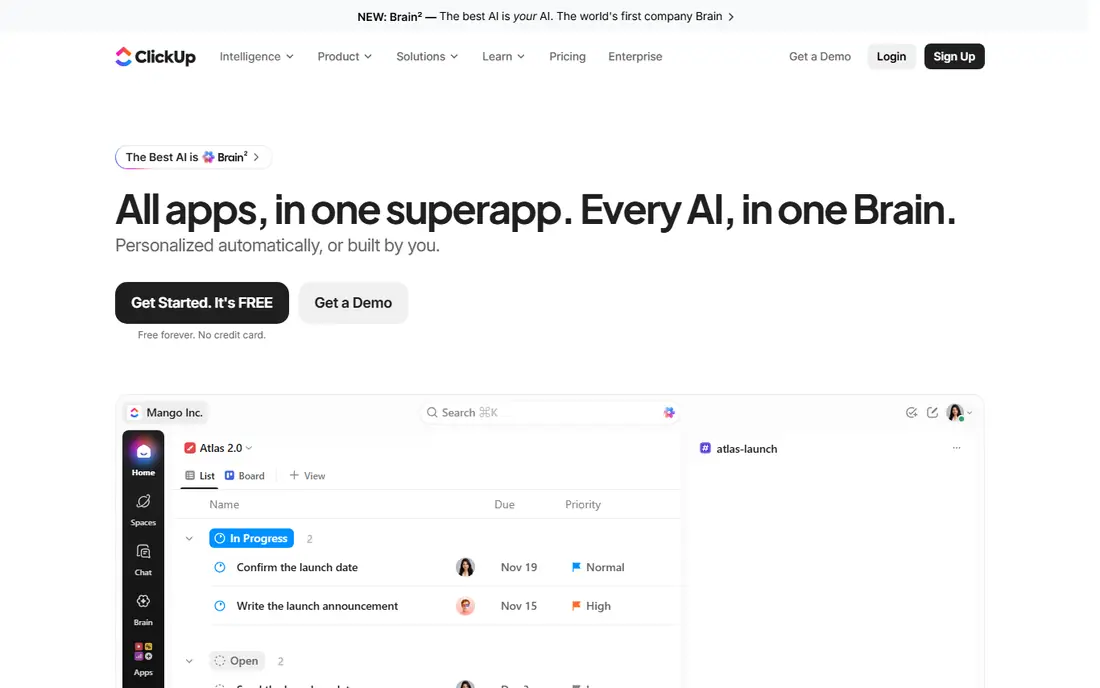
ClickUp gives you the longest feature list for the lowest starting price in this guide. Tasks, documents, whiteboards, goals, and time tracking sit in one workspace, so a team can replace two or three tools with one. The free plan is generous, and the paid plan starts at $7 per user per month, which makes it the value pick for growing teams.
The trade-off is complexity. ClickUp rewards teams that set it up carefully and hide features they do not need. Teams that want a tool that works in five minutes may find it heavy at first. If you are willing to spend an afternoon on setup, ClickUp offers more per dollar than any other tool here.
- Tasks, docs, goals, and time tracking in one place
- Generous free plan
- Low starting price for paid plans
- Can feel busy if you turn on every feature
- Setup takes longer than Trello or Basecamp
Trello is still the best choice when the work itself is simple. A board, a few lists, and cards that move from left to right is enough for content calendars, hiring pipelines, and small project tracking. New team members understand it in minutes, and the free plan covers unlimited cards with a set number of boards.
Trello struggles when work needs dependencies, workload views, or detailed reporting. Those features exist on higher plans or through add-ons, but they are not as deep as Asana or Wrike. If your team needs a shared board today, with no training, start with Trello and upgrade only when a real limit appears.
- Fastest setup in this list
- Boards anyone can understand
- Low starting price
- Limited for complex dependencies and reporting
- Advanced features need paid plans and add-ons
Notion is the pick for teams that live in documents. Meeting notes, specs, wikis, and task databases can live in one workspace, so context stays next to the work instead of in a separate app. Templates for project tracking, roadmaps, and team hubs help, and the free plan is enough for many small teams to test it properly.
The catch is that Notion is a flexible workspace first and a task manager second. Teams that need workload planning, advanced timelines, or strict task dependencies may find it lighter than Asana or Wrike. If your team already writes in Notion, adding tasks there can work well. If tasks are the main job, a dedicated task tool may fit better.
- Flexible pages, docs, and databases
- Good for wikis and project notes
- Strong templates
- Needs more setup than a pure task tool
- Task views are lighter than Asana or ClickUp
Wrike suits larger teams that need structure, reporting, and approvals. Gantt charts, workload views, and dashboards help managers see capacity across projects, and request forms let other departments submit work in a standard way. Marketing and creative teams that run many parallel projects often find Wrike a good fit.
Wrike is more than most small teams need, and the pricing structure can surprise teams that expect simple per-user billing. Check the seat rules for the plan you choose, and run a pilot with one department before rolling it out company-wide. For teams at scale, that structure is a fair trade for the reporting depth.
- Strong Gantt charts and dashboards
- Request forms and approvals
- Good for marketing and creative operations
- Seats on paid plans are sold in groups on some plans
- Setup takes time for larger teams
Basecamp takes a different approach from the rest of this list. Instead of boards and dashboards, it gives each project a message board, a to-do list, a schedule, and a file store, all in one calm place. That simplicity suits small businesses, agencies, and remote teams that want less noise and fewer notifications.
The limit is depth. Basecamp does not offer the same visual tracking, automation, or reporting as Asana, monday.com, or Wrike, so teams with complex dependencies may outgrow it. Its strength is pricing and simplicity: one flat rate can cover a whole team, which makes budgeting easy. If your team hates per-seat pricing and complex tools, Basecamp is worth a trial.
- Simple, calm workspace with messages, to-dos, and files
- Flat pricing avoids per-seat surprises
- Easy for clients and non-technical users
- Weaker visual project tracking than board tools
- Fewer automation and reporting options
Teamwork is built for agencies and service teams that manage work for clients. Projects, milestones, task lists, and time tracking sit together, and client users can be given limited access to see progress without seeing internal detail. That makes it a strong pick when client reporting and billable time matter.
For internal-only teams, Teamwork can feel more formal than Trello or Basecamp, and the best billing features sit on higher plans. If your work is client-facing, that formality is a benefit, because it keeps projects, time, and communication in one auditable place. Price it for the team that will use it daily, including project managers.
- Strong client project features
- Time tracking and billing support
- Clear task lists and milestones
- Can feel formal for internal-only teams
- Some advanced features sit on higher plans
How we picked these
We shortlisted tools with a clear team task model, a public pricing page, and a current free plan or trial, then checked each official homepage to confirm the product still exists and fits team management. We read official feature and pricing pages, app store listings, and public reviews to compare views, automation, reporting, and limits. Prices shown are starting prices on annual billing where vendors publish that figure, and they can change, so check the vendor pricing page before you buy.
How to choose the right team tool
Start from the biggest pain
If nobody knows who owns what, pick Asana or ClickUp. If the work is visual and simple, pick Trello or monday.com. If documents are the main work, pick Notion. If clients and billable time drive the work, pick Teamwork. Naming the pain first prevents a feature list from driving the choice.
Run a two-week pilot on real work
Give two tools the same live project for two weeks, with the same team, and watch which one people open without reminders. Check mobile use, notifications, and how easy it is to find a task. The tool with the best pilot, not the best demo, is the one to buy.
Price for the whole team, not the pilot group
Per-user pricing, seat minimums, and feature tiers change the real cost fast. Count every person who will need a paid seat, including managers and occasional editors, and confirm which features sit on which tier. A tool that looks cheap for five people can be costly for fifty.
Frequently asked questions
What is the best team management software?
The best team management software for most teams is Asana, because it covers tasks, timelines, and reporting with clear ownership. The best team management apps for simple work are Trello and monday.com, while ClickUp is the best value pick for teams that want many features at a low price.
What are the best team management tools for small teams?
Trello, ClickUp, and Notion are strong for small teams, because they all offer free plans and fast setup. Trello suits simple boards, ClickUp suits teams that want docs and time tracking as well, and Notion suits teams that already write documents together.
What is the best task management software for teams?
Asana and ClickUp are the strongest task management software for teams in this guide. Asana is clearer for cross-team handoffs, while ClickUp packs more features into one workspace. For software teams that need sprints, a dedicated agile tool may fit better than either.
What is the best team organization app?
The best team organization app depends on how your team organizes work. Notion suits document-led teams, Basecamp suits teams that want messages and to-dos in one calm place, and monday.com suits teams that organize work in visual boards.
Is there a free team management tool?
Yes. Asana, ClickUp, Trello, Notion, Wrike, and Teamwork all offer free plans, with limits on users, projects, or features. Monday.com offers a limited free plan, and Basecamp offers a free trial. Start free, and upgrade only when you hit a limit that affects real work.
How do I get my team to actually use a new tool?
Keep the setup simple, import one live project, and agree on a few rules, such as every task has an owner and a due date. Review the tool in the first team meeting after launch, and remove features that create noise. Adoption comes from daily use on real work, not from a long training session.
Sources we checked (8)

Online Jobs is an independent blog about careers, online work, learning new skills and the tools that help people earn. More about us.
Keep reading
All posts
Zoom Alternatives
Zoom alternatives compared for 2026: Google Meet, Microsoft Teams, Webex, Jitsi and more for free calls, large meetings and webinars for teams and classrooms.

What Is the Best Free Tool to Rotate a PDF
What is the best free tool to rotate a PDF? We compare eight free rotation tools on per-page control, limits, privacy and saved output quality in detail.

What Is the Best AI Dubbing Tool
We compared the best AI dubbing tools in 2026, from ElevenLabs and HeyGen to Rask AI, Dubverse and Veed, for videos and creators in many languages worldwide.