Best Task Management Software for Small Business in 2026: 8 Products Compared


Cross-team tasks with clear ownership · Starting price: $10.99 per month
How we put this together: we compare official feature and pricing pages, app store listings, privacy policies and public user reviews. Prices change, so check the provider's site before you pay.
Key takeaways
- Most tools here offer a free plan, so a small team can test real work before paying for seats.
- Asana and monday.com suit teams that need shared timelines and clear ownership, while Trello suits teams that want simple kanban boards.
- ClickUp packs the most features per dollar, but its range of options can slow down a first setup.
- Todoist is the strongest pick for solo workers and very small teams that mainly need personal task lists with due dates.
- Per-user pricing adds up fast, so check seat rules, guest access and automation limits before choosing.
Quick comparison
| Name | Who it suits | Starting price | Free option | |
|---|---|---|---|---|
| Asana | Cross-team tasks with clear ownership | $10.99 per month | Yes | Visit |
 monday.com | Visual boards for non-technical teams | $9 per month | Yes | Visit |
 ClickUp | Most features per dollar | $7 per month | Yes | Visit |
 Trello | Simple kanban boards | $5 per month | Yes | Visit |
 Todoist | Personal tasks and small teams | See website | Yes | Visit |
 Notion | Tasks plus docs and notes | $10 per month | Yes | Visit |
 Wrike | Approval workflows | $10 per month | Yes | Visit |
 Smartsheet | Spreadsheet-style planning | $9 per month | Free trial | Visit |
The best task management software for small business
We compared tools on ease of setup, task views, automation, free plan limits and paid pricing. The list covers simple boards, full work platforms and one personal task app, so small teams can match the tool to how they actually work.
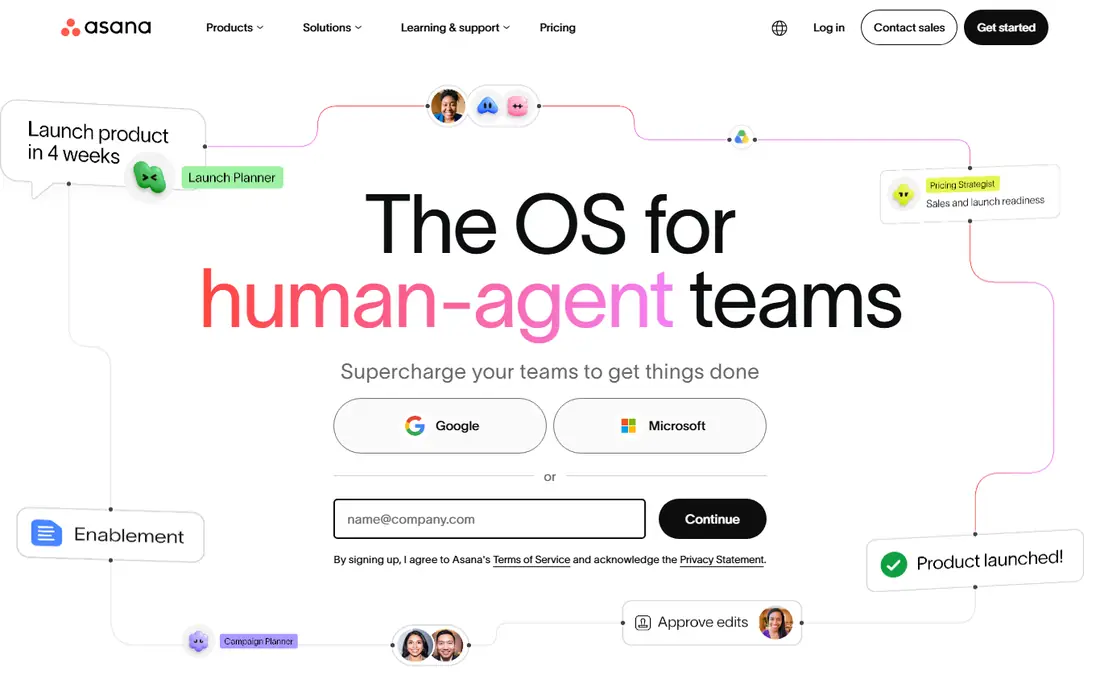
Asana is a safe default when a small business wants structure without a steep learning curve. Tasks, projects, timelines and calendars sit in one place, and the interface is easy for new staff to grasp in a short time. Managers can see who owns each piece of work, which cuts down on status meetings and follow-up messages. The free plan covers basic work for small teams, while the Starter plan at $10.99 per user per month, billed annually, adds timelines and dashboards.
The honest catch is price at scale. Portfolios, goals and deeper reporting sit on higher tiers, so a growing team should map which features it needs before committing. For cross-team work where ownership matters, Asana remains a strong pick, and its automation rules can handle routine moves, reminders and assignments once a team settles its workflow.
- Clear tasks, timelines and calendars
- Every task has an owner and due date
- Strong automation rules on paid plans
- Portfolios and advanced reporting need higher tiers
- Per-user cost grows with team size
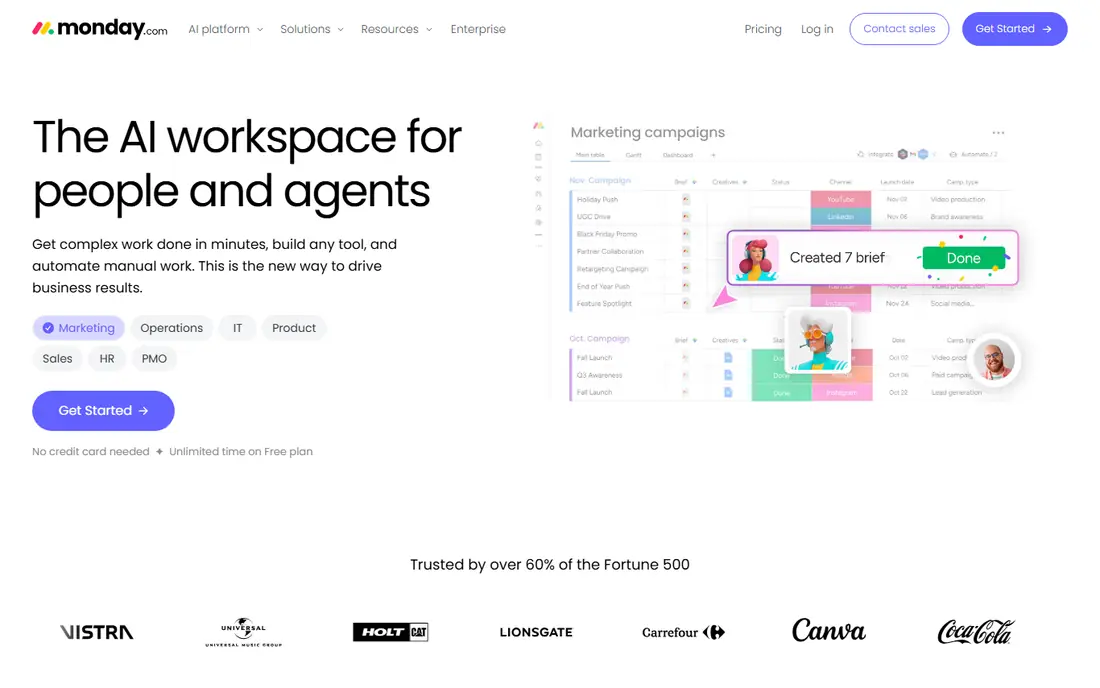
monday.com wins on approachability. Boards use colour, status labels and clear columns, so people who have never used project software can read a project at a glance. Templates for hiring, content calendars, sales pipelines and client work mean most teams start from something close to what they need, rather than a blank board. Paid plans start at $9 per user per month, billed annually, with a limited free plan for small use.
The trade-off is that the most useful automations and views are tied to paid tiers, and large boards need some care to stay tidy. Teams should also check the minimum seat rules on paid plans, because they affect cost for very small groups. For marketing, operations and service teams that think in boards, monday.com is an easy tool to adopt and keep using.
- Colour-coded boards that are easy to read
- Wide template range
- Flexible columns and automations
- Costs rise as automations and features scale
- Some views need paid plans
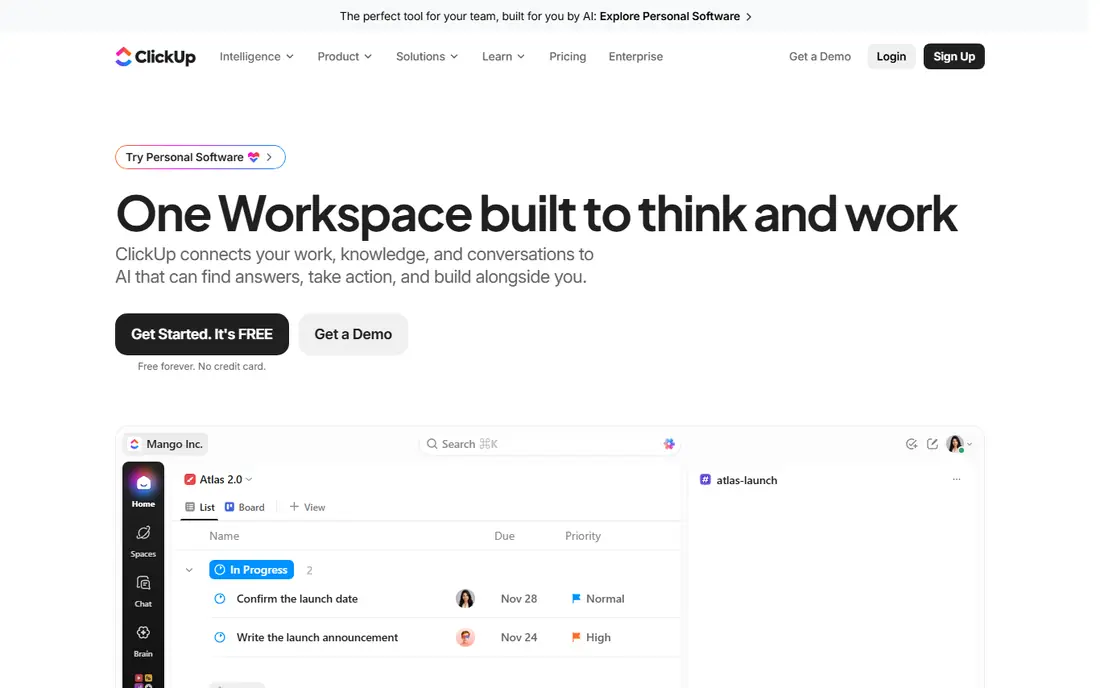
ClickUp packs more into its lower tiers than most rivals, with paid plans starting at $7 per user per month, billed annually. Lists, boards, calendars, docs, goals and time tracking sit in one workspace, which suits teams that want to replace several tools at once. Custom fields, statuses and automations let a team shape ClickUp around its own process, from client onboarding to content production.
That breadth is also the main drawback. New users can face many settings, and a team that skips setup may end up with messy workspaces. A short setup session, with agreed statuses and one main view per project, helps a lot. For small businesses that want strong value and are willing to spend an hour on setup, ClickUp is hard to beat on features per dollar.
- Wide view options including lists, boards and calendars
- Generous free plan
- Custom fields and automations
- Setup can feel busy at first
- Some features need time to learn
Trello keeps task management close to its kanban roots. A board is a set of lists, each card is a task, and dragging a card from one list to another shows progress. That simplicity is why many small teams adopt it fast, with little training. Paid plans start at $5 per user per month, billed annually, and the free plan covers unlimited cards and basic boards for small groups.
Trello is less suited to complex planning. Timelines, workload views and detailed reporting are thinner than in Asana or monday.com, and teams often add Power-Ups to fill gaps. For a small team that mainly needs a shared to-do board, that limit rarely matters. For teams with dependencies and multi-stage approvals, a fuller platform will fit better.
- Very easy kanban setup
- Free plan covers basic boards
- Cards, checklists and due dates are simple to use
- Limited reporting and planning depth
- Larger projects need add-ons
Todoist is built for people who want tasks out of their head and into a list, fast. Adding a task, setting a due date in plain words and sorting by priority takes seconds, and the app stays light on phone and desktop. That speed matters for solo workers, freelancers and owners who juggle many small jobs. A free plan covers core task lists, with paid plans adding reminders, filters and larger project limits.
As a team tool, Todoist is more limited. It lacks the board, timeline and workload depth of the platforms above, so a team running client projects may outgrow it. For personal task management, or for a very small team that mainly shares simple lists, Todoist is a clean and low-friction choice that people tend to keep using.
- Fast task capture on phone and desktop
- Natural due dates and priorities
- Light and quick to open
- Weaker project planning views
- Team features are thinner than full work platforms
Notion suits teams that want tasks next to notes, meeting records and reference docs. A task can live inside a project page, link to a client record and carry custom properties, which helps small teams that document as they work. Paid plans start at $10 per user per month, billed annually, and the free plan covers personal and small-team use with limits.
The catch is that Notion is a general workspace first and a task tool second. Dependencies, workload planning and automation are less developed than in dedicated task platforms. Teams that set up a clear structure, with one database for tasks and agreed properties, get the most from it. For knowledge-heavy small businesses, the blend of docs and tasks is a real advantage.
- Tasks, docs and wikis in one place
- Flexible databases
- Good for knowledge-heavy teams
- Task dependencies and planning views are thinner
- Setup needs clear structure
Wrike fits small businesses that run work through approvals, such as marketing, design and content teams. Tasks can move through review stages, approvers can comment on files, and managers can see where work is waiting. That structure helps when client sign-off or internal review is part of every job. Paid plans start at $10 per user per month, billed annually, with a free plan for basic team use.
The interface is fuller than Trello or Todoist, so new users need a short learning period. Smaller teams that only need simple lists may find Wrike more than they need. For teams where approvals, briefs and asset reviews shape the workflow, Wrike offers control that simpler boards lack, without moving to enterprise project software.
- Strong approval and proofing workflows
- Clear project views
- Good for marketing and creative teams
- Paid plans start higher for full features
- Interface takes time to learn
Smartsheet will feel familiar to anyone who plans work in spreadsheets. Tasks sit in rows, with columns for owners, dates, status and notes, plus formulas, filters and reports for managers. That grid style suits operations, facilities and event teams that track many similar jobs at once. Paid plans start at $9 per user per month, billed annually, and a free trial lets teams test the full tool before paying.
The main limit is visual appeal and ease for non-spreadsheet users. Boards and timelines exist, but the grid remains the core view, and some teams may prefer a more visual board. For operations-led small businesses that already think in rows and columns, Smartsheet can be a smooth step up from a shared spreadsheet.
- Familiar grid view for operations teams
- Formulas and reports
- Strong for tracking sheets of work
- Less visual than board tools
- Free plan is a trial rather than a lasting free tier
How we picked these
We checked official pricing pages, feature pages and app store listings for each tool, plus public user reviews, to confirm current plans and limits. We favoured tools with a usable free plan or trial, clear task ownership, due dates and at least one visual view, because those basics matter most to small teams. We left out tools aimed mainly at large enterprises or software development, since they add cost and setup that small businesses rarely need.
Choosing a task tool for a small team
Start with how your team already works. If work moves through stages on a board, Trello or monday.com will feel natural. If work needs owners, dates and timelines across teams, Asana or ClickUp fit better. If most work is personal tasks with deadlines, Todoist may be enough. Picking the closest match to current habits raises the chance the team keeps using the tool after week one.
Test with real work, not a demo board
Run a two-week trial with one real project, including due dates, owners and a weekly review. Check how easy it is to add tasks on a phone, to find overdue work and to share a view with a client or contractor. Also check guest access, because paying for a seat for every occasional collaborator can inflate cost.
Watch seat rules and automation caps
Free plans often limit file size, automation runs or project counts, and paid plans often require a minimum number of seats. Read those limits before rolling a tool out to a whole team. A tool that looks cheap per user can cost more once guests, automations and storage are counted.
Frequently asked questions
What is the best task management app for small business?
Asana and monday.com are strong all-round picks for small teams, while Trello suits simpler board work and ClickUp suits teams that want many features for a lower per-user price. The best choice depends on team size, work style and whether timelines, approvals or docs matter most.
What are the best task management apps for small business with a free plan?
Asana, monday.com, ClickUp, Trello, Todoist, Notion and Wrike all offer free plans, with different limits on users, projects and features. Smartsheet offers a free trial rather than a lasting free plan. Test the free tier with real tasks to see which limits affect your team first.
What is the best project task management software for a small team?
For project work with timelines and dependencies, Asana and ClickUp are strong options, and monday.com works well for visual project boards. Trello can handle simple projects, but larger projects with many dependencies suit a fuller platform. Match the tool to project size, not just to price.
What are the best management apps for tracking daily work?
Todoist is best for fast daily task capture, while Asana, Trello and monday.com suit shared daily work across a team. The key test is whether tasks are easy to add, easy to find when overdue and easy to review at the end of the day.
Do small businesses need paid task software?
Many small teams can start free, especially with fewer than ten people and simple projects. Paid plans become worth it when a team needs timelines, automations, larger file limits or reporting. Start free, then upgrade when a specific limit starts to slow work down.
Sources we checked (8)

Online Jobs is an independent blog about careers, online work, learning new skills and the tools that help people earn. More about us.
Keep reading
All posts
DocuSign Alternatives
We compared the best DocuSign alternatives on price, free plans, templates, audit trails and ease of use, including free DocuSign alternatives for small teams.
Best subscription billing software
Looking for the best subscription billing software? We compare 9 platforms for billing, dunning, tax, revenue recognition, and team workflows in 2026.
Best Workforce Management Software
Looking for the best workforce management software? We compare 8 tools for scheduling, time tracking, payroll, and compliance for hourly teams and managers.