Best Task Management Apps in 2026: 10 Tools Compared
 Online Jobs·Updated Oct 26, 2026·13 min read
How we put this together: we compare official feature and pricing pages, app store listings, privacy policies and public user reviews. Prices change, so check the provider's site before you pay.
Key takeaways
- For personal task lists, Todoist and TickTick are the strongest picks. Both have free plans, Todoist Pro is $59.99 per year on the US App Store, and TickTick Premium is $49.99 per year.
- For teams, Asana, ClickUp and monday.com lead. ClickUp is the cheapest paid team plan we found at $7 per user per month billed yearly, and Trello Standard is even lower at $5 per user per month billed yearly.
- Microsoft To Do is completely free and syncs with Outlook, which makes it the easy choice for anyone already using Microsoft 365.
- Things 3 is the only app here with no subscription at all: $9.99 on iPhone and $19.99 on iPad on the US App Store, Apple devices only.
- Basecamp charges a flat monthly price instead of per seat, from $29 per month, which can be cheaper for agencies working with many clients.
Quick comparison
| Name | Who it suits | Starting price | Free option | |
|---|---|---|---|---|
 Todoist Todoist | Personal to-do lists on every device | Free | Yes | Visit |
 TickTick TickTick | Tasks, calendar and habits on a budget | Free | Yes | Visit |
 Asana Asana | Team projects and deadlines | Free | Yes | Visit |
 Trello Trello | Visual Kanban boards | Free | Yes | Visit |
 ClickUp ClickUp | Teams that want everything in one app | Free | Yes | Visit |
 monday.com monday.com | Customizable team workflows | Free | Yes | Visit |
 Notion Notion | Tasks alongside docs and notes | Free | Yes | Visit |
 Microsoft To Do Microsoft To Do | Free lists tied to Outlook | Free | Yes | Visit |
 Things 3 Things 3 | Apple users who hate subscriptions | $9.99 (iPhone) | Free trial (Mac) | Visit |
 Basecamp Basecamp | Client projects with flat pricing | Free | Yes | Visit |
The best task management apps
We split the picks between personal task managers and team project tools, since the best app for one person's errands is rarely the best for a 20-person team. Each write-up says which camp it belongs to.
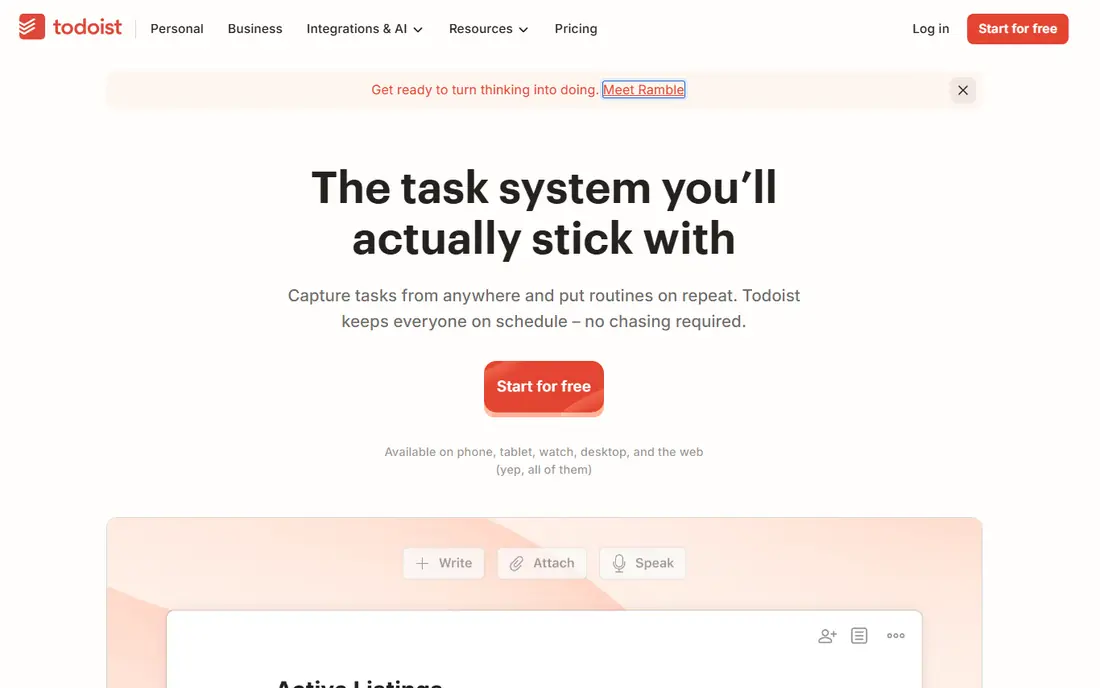
Todoist is our pick for the best task management app for most individuals. You type something like "pay rent every 1st" and it creates a recurring task with the right date.
The free Beginner plan includes 5 personal projects, Smart Quick Add, task reminders, list and board layouts, 3 filter views and one week of activity history. Pro raises you to 300 projects and adds a calendar layout, task duration, deadlines and full reporting history. On the US App Store, Todoist Pro is listed at $6.99 per month or $59.99 per year.
It is a task list first, not a project management suite. Teams can use the Business plan, which adds a shared workspace and up to 500 team projects, but if you need Gantt charts or workload planning, Asana or ClickUp fit better.
- Natural-language Smart Quick Add for fast task capture
- Works on phone, desktop, web and many integrations
- Business plan adds a shared team workspace
- Free plan is limited to 5 personal projects and 3 filter views
- Calendar layout and task duration need Pro
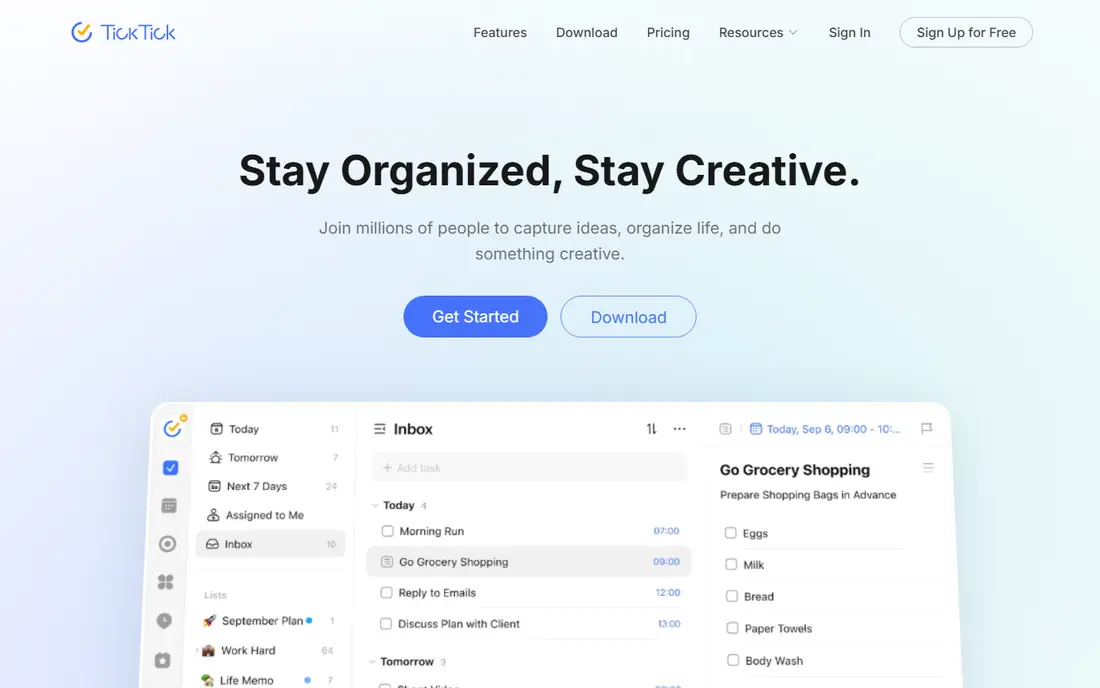
TickTick tries to replace three apps at once: your to-do list, your calendar and your habit tracker. Its upgrade page lists Premium at US$49.99 per year, the cheapest paid personal plan on this list apart from one-time purchases.
The free plan includes 9 lists, 99 tasks per list, list and Kanban views, natural-language reminders and cross-platform sync. Premium raises that to 299 lists and 999 tasks per list, and adds multiple calendar views, task duration, email reminders and themes.
The downside is density. TickTick has so many features that the interface can feel crowded, so switch off the tabs you do not use. It suits individuals far better than teams.
- Premium is only $49.99 per year
- Includes calendar views, habit tracking and a focus timer
- List and Kanban views on the free plan
- Free plan allows 9 lists and 99 tasks per list
- Many features can make the app feel busy
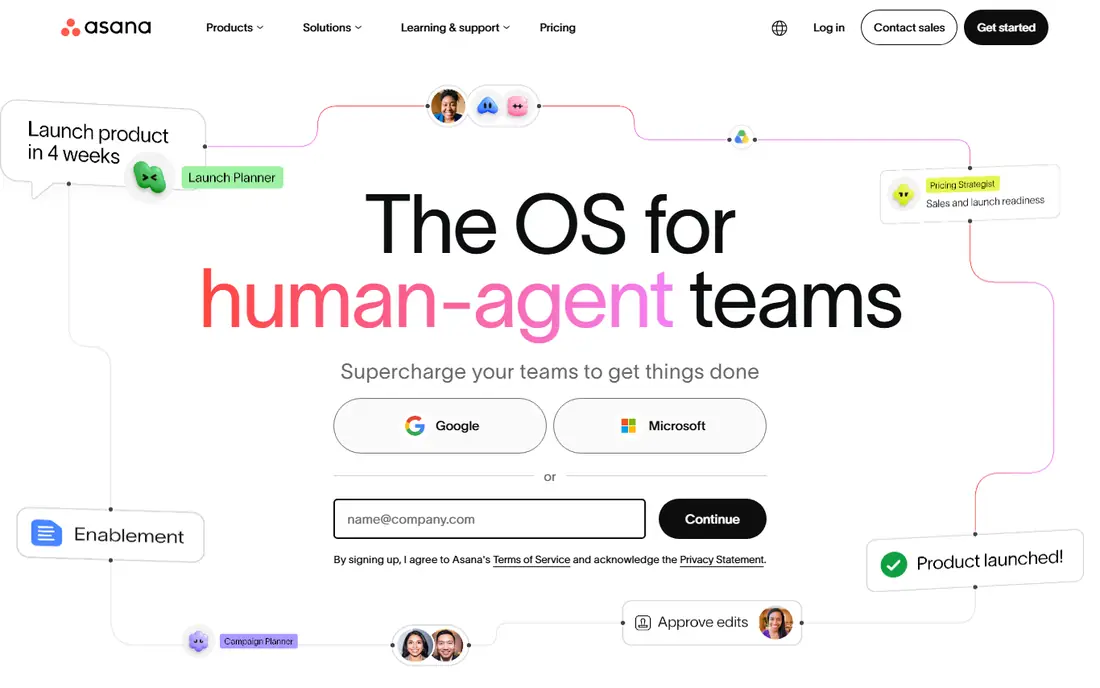
Asana is the team task manager we would recommend to most small and mid-size companies. It handles the core job very well: who is doing what, by when, and what is blocking it. Projects can be shown as lists, boards, calendars and, on paid plans, timelines.
The free Personal plan is for one or two people and includes unlimited tasks and projects plus more than 100 free integrations, including Slack, Google Drive and Zoom. Starter costs $10.99 per user per month billed annually and adds Timeline and Gantt views, no seat limit and Asana AI. Advanced, at $24.99 per user per month billed annually, adds portfolios and capacity planning.
The catch is the jump from free to paid for teams. Because the free plan stops at 2 users, a team of five needs Starter right away. It is still worth it if deadlines slipping is your main problem.
- Free Personal plan with unlimited tasks and projects
- Timeline and Gantt views on Starter
- Unlimited free guests for clients and contractors on paid plans
- Free plan is capped at 2 users
- Advanced features get expensive at $24.99 per user per month
Trello made the Kanban board mainstream, and it is still the easiest way to see work move from "To do" to "Doing" to "Done." Each task is a card you drag across columns, which makes it ideal for content calendars, small team pipelines and personal projects.
The free plan covers up to 10 collaborators per workspace, unlimited cards, up to 10 boards per workspace, unlimited Power-Ups per board, assignees, due dates and mobile apps. Standard costs $5 per user per month billed annually ($6 monthly) and adds unlimited boards and AI features. Premium is $10 per user per month billed annually ($12.50 monthly).
Trello's simplicity is also its limit. Once a project has dependencies, multiple teams and reporting needs, boards become hard to manage. That is the point to look at Asana, ClickUp or monday.com.
- The simplest board-and-card system to learn
- Free for up to 10 collaborators per workspace
- Standard plan from $5 per user per month billed yearly
- Free plan is limited to 10 boards per workspace
- Boards alone get messy for complex projects
ClickUp wants to be the only work app your team uses: tasks, docs, goals, whiteboards, time tracking and chat. For teams tired of paying for five tools, that is appealing, and its pricing is lower than most rivals.
The Free Forever plan includes unlimited tasks with 60MB of storage. Unlimited costs $7 per user per month billed yearly ($10 monthly) and adds unlimited storage, Gantt charts, integrations and custom fields. Business is $12 per user per month billed yearly ($19 monthly) and adds advanced dashboards, timeline views, automation integrations, mind maps and workload management.
The trade-off is complexity. ClickUp has a learning curve, and teams that do not agree on a structure can end up with cluttered spaces.
- Free Forever plan with unlimited tasks
- Unlimited plan is $7 per user per month billed yearly
- Gantt charts, docs, whiteboards and automations in one place
- Free plan storage is only 60MB
- So many features that setup takes time
monday.com is a flexible work platform built around boards that look like friendly spreadsheets. Marketing, operations and HR teams like it because they can shape boards around their own process instead of following a fixed project method.
The free plan is free forever for up to 2 seats and up to 3 boards. On the pricing page we checked, Basic was $9 per seat per month billed annually, Standard $12 and Pro $19, with AI credits included on paid plans.
It is less suited to solo users, since the free plan is small and paid plans are priced per seat. For a growing team that wants dashboards and automations without code, it is one of the most approachable choices.
- Colorful, flexible boards that non-technical teams pick up quickly
- Free plan for up to 2 seats
- Works for tasks, CRM-style tracking and simple apps
- Free plan allows only 3 boards
- Seat-based pricing adds up as teams grow
Notion is a workspace for notes, docs and databases, and many people build their task system inside it. The appeal is context: your project brief, meeting notes and task list sit on the same page.
The free plan is aimed at individuals organizing personal projects and life, and it includes task databases with subtasks, dependencies and custom properties, plus basic forms, sites and Notion Calendar. Plus costs $10 per member per month and is meant for small teams, and Business is $20 per member per month.
Notion is a toolkit rather than a ready-made task app. You can build almost anything, but you have to build it. If you just want to capture a to-do and get a reminder, Todoist or TickTick will be faster.
- Tasks live next to notes, wikis and docs
- Databases with subtasks, dependencies and custom properties
- Free plan for individuals
- Not a dedicated task manager, so reminders and quick capture are weaker
- AI features on the free plan are only a trial
Microsoft To Do is the best completely free task app for people already using Outlook or Microsoft 365. Flag an email in Outlook and it becomes a task. Your lists sync across phone, desktop and web.
Its standout feature is My Day, a personalized daily planner that suggests tasks from across your lists. You can share lists with family or colleagues, set one-time or recurring reminders, and add notes to tasks. The US App Store lists it as free, with a 4.7 rating from about 269,000 ratings.
It is not a project management tool. There are no boards, timelines or workload views, so teams that need those will outgrow it quickly. For personal lists and shared shopping lists, it is hard to beat for $0.
- Completely free
- My Day daily planner with suggested tasks
- Syncs tasks with Outlook, including flagged emails
- Basic for team projects
- No board view or project timelines
Things 3 is the personal task manager for people who care about design and dislike subscriptions. It runs on Mac, iPhone, iPad, Apple Watch and Vision Pro, and it holds Editors' Choice status on the App Store with a 4.8 rating.
On the US App Store, Things 3 costs $9.99 for iPhone and $19.99 for iPad, and the Mac version is sold separately with a free trial available from the developer. Sync between devices is free through the Things Cloud service, so there are no ongoing fees.
The limits are clear. There is no Windows, Android or web version, and it is built for individuals rather than shared team projects. If you live entirely in Apple's world and want to pay once, it is our favorite.
- One-time purchase with no subscription
- Beautiful, fast design praised by Apple and reviewers
- Free sync through Things Cloud
- Apple devices only
- Each platform is sold separately (iPad version is $19.99)
Basecamp organizes work by project. Each project gets its own to-do lists, message board and other tools such as schedules and files, which keeps client work out of email threads. Agencies and consultants like it because clients can be invited without a heavy learning curve.
Basecamp Personal is free forever for one project with up to 3 people. Paid packages are flat: Freelancer is $29 per month for 3 projects and up to 5 users, Pro is $79 per month for 8 projects and up to 10 users, Pro Plus is $99 per month, and Pro Unlimited is $199 per month billed annually for unlimited projects and users. There is a 30-day free trial.
The flat pricing is great for larger groups but less so for a solo freelancer with one client. Basecamp is also opinionated, with fewer views and custom fields than ClickUp or monday.com.
- Free plan with one project and up to 3 people
- Flat monthly pricing instead of per seat
- To-dos and a message board in every project
- Free plan is limited to one project
- Fewer views and less flexibility than ClickUp or monday.com
How we picked these
We compared the best known task management apps with smaller strong options, checking each one's official pricing page or US App Store listing in October 2026. We looked at what the free plan actually includes, the starting price of paid plans, how pricing scales with team size, and which platforms each app runs on.
We did not run a long-term hands-on test of every app. Our picks are based on published features, pricing and app store information, and we note each app's limits so you can judge the fit yourself.
How to choose a task management app
Personal or team?
For your own tasks, pick a fast capture app: Todoist, TickTick, Microsoft To Do or Things 3. For shared projects with deadlines and owners, pick a team tool: Asana, ClickUp, monday.com, Trello or Basecamp. Notion sits in between.
Count the real cost for your team size
Per-seat pricing grows fast. A 10-person team on Asana Starter at $10.99 per user per month billed annually costs about $110 per month, while Basecamp Pro covers up to 10 users for a flat $79 per month.
Check the free plan limit that will bite first
Every free plan has one limit you will hit: 5 projects on Todoist, 9 lists on TickTick, 2 users on Asana, 10 boards on Trello, 60MB storage on ClickUp, 3 boards on monday.com. Choose the one whose limit you are least likely to reach.
Try before you migrate
Move one real project into your top two choices and use them for a week. The app your team actually opens every day is the right one, regardless of features.
Frequently asked questions
What is the best task management app overall?
For individuals, Todoist is our top pick thanks to fast capture, cross-platform apps and a useful free plan. For teams, Asana is the best all-round choice for tracking who does what by when, while ClickUp offers more features for less money.
What is the best free task management app?
Microsoft To Do is completely free with no paid tier. Todoist, TickTick, Trello, ClickUp and Asana also have solid free plans, but each caps something such as projects, lists, boards, storage or users.
What is the best task management app for teams?
Asana, ClickUp and monday.com are the strongest team task tools. Asana is the most focused on deadlines and ownership, ClickUp packs in the most features per dollar, and monday.com is the easiest for non-technical teams to customize.
What is the best task tracking app for personal use?
Todoist and TickTick are the best for personal task tracking. TickTick adds a calendar, habit tracker and focus timer for $49.99 per year, while Things 3 is the best option on Apple devices if you prefer a one-time purchase.
Is Trello or Asana better?
Trello is better for simple, visual workflows and small teams that think in boards and cards. Asana is better once projects have dependencies, multiple owners and deadlines that need timeline or Gantt views.
Are list apps and task management apps the same thing?
Not quite. List apps like Microsoft To Do handle personal checklists and reminders. Task management apps add assignments, due dates, project views and collaboration so teams can coordinate work.
Sources we checked (13)
- https://www.todoist.com/pricing
- https://apps.apple.com/us/app/todoist-to-do-list-calendar/id572688855
- https://ticktick.com/about/upgrade
- https://asana.com/pricing
- https://trello.com/pricing
- https://clickup.com/pricing
- https://monday.com/pricing
- https://www.notion.com/pricing
- https://apps.apple.com/us/app/microsoft-to-do/id1212616790
- https://culturedcode.com/things/
- https://apps.apple.com/us/app/things-3/id904237743
- https://apps.apple.com/us/app/things-3-for-ipad/id904244226
- https://basecamp.com/pricing
Online Jobs is an independent blog about careers, online work, learning new skills and the tools that help people earn. More about us.
Keep reading
All posts
iObeya Alternatives
Compare the best iObeya alternatives in 2026, from Miro and Mural to Klaxoon, Businessmap and Planview AgilePlace, with US prices, free plans and trade-offs.
Best Writing Software for Authors
The best writing software for authors in 2026: Scrivener, Vellum, Dabble, Reedsy Studio and more, with current prices, free options and honest drawbacks.
Best Planner Apps
Looking for the best planner app in 2026? Compare Todoist, TickTick, Structured, Sunsama, Motion, Reclaim.ai, Fantastical and Things 3 on price and free plans.