Best Task Apps in 2026: 9 Apps Compared

How we put this together: we compare official feature and pricing pages, app store listings, privacy policies and public user reviews. Prices change, so check the provider's site before you pay.
Key takeaways
- Todoist is our pick for most people, with the fastest task capture and apps on every platform.
- TickTick is the best value, bundling tasks, habits, a calendar and a Pomodoro timer for about $2.99 per month.
- Microsoft To Do and Google Tasks are genuinely free and already fit your email and calendar.
- Things 3 is the best-designed task app, but it is Apple-only and a one-time purchase per device.
- The best task app is the one you actually open every day, so start with the free option that fits your devices.
Quick comparison
| Name | Who it suits | Starting price | Free option | |
|---|---|---|---|---|
 Todoist Todoist | Most people, every platform | Free | Yes | Visit |
 TickTick TickTick | Tasks, habits and calendar in one | Free | Yes | Visit |
 Things 3 Things 3 | Best design, Apple only | $49.99 one-time | No | Visit |
 Microsoft To Do Microsoft To Do | Microsoft 365 users | Free | Yes | Visit |
 Google Tasks Google Tasks | Gmail and Google Calendar users | Free | Yes | Visit |
 Any.do Any.do | Daily planning and families | Free | Yes | Visit |
 Apple Reminders Apple Reminders | Apple users, built in | Free | Yes | Visit |
 Notion Notion | Tasks inside a workspace | Free | Yes | Visit |
 OmniFocus OmniFocus | Serious GTD power users | $99.99 per year | Free trial | Visit |
The best task apps
A task app has one job that matters more than any feature list: making it fast to capture a task and easy to see what to do today. A long list is not a plan, and the fanciest app fails if you stop opening it after a week. We compared nine apps on speed of capture, daily planning, calendar integration, sharing and price, using published pricing pages. The apps here range from completely free to a $99.99-per-year power tool, and the right one depends on your devices, your habits and how much structure you want.
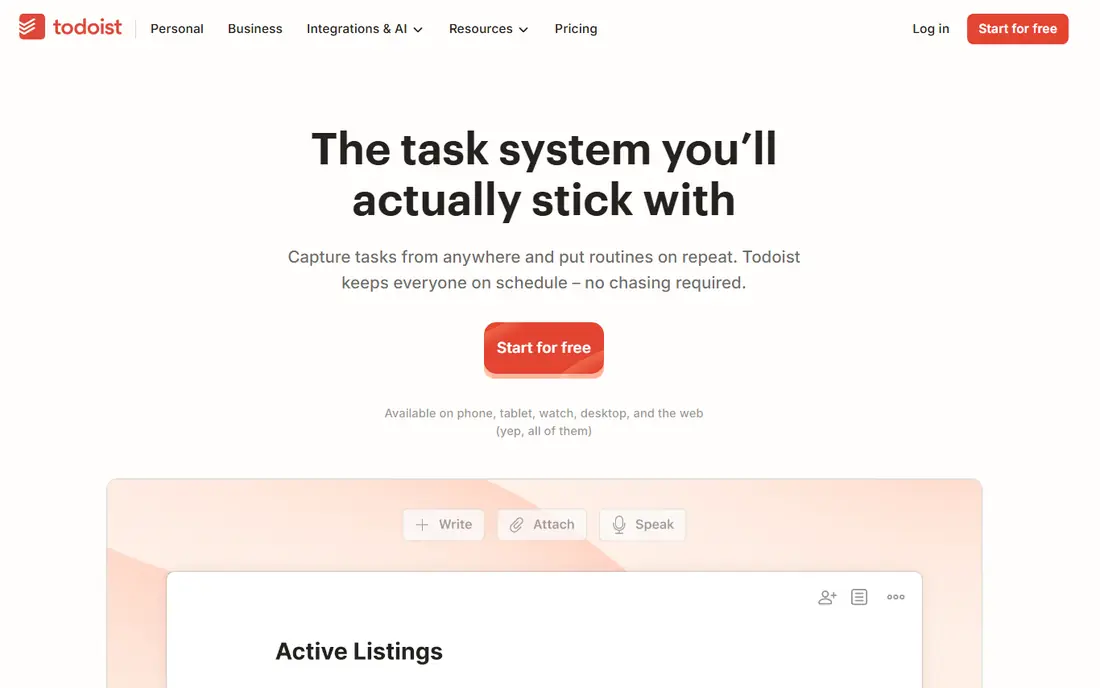
Todoist is the best task app for most people, and the reason is speed. Type "submit report tomorrow at 9am" and Todoist creates a task with the right date and time. Type "call accountant every first Monday" and it creates a recurring task. You never open a date picker for routine tasks. It works on Mac, Windows, iOS, Android, Linux, web and watches, with 150 plus integrations.
The free plan covers 5 active projects and basic features, which is enough to test it properly. Pro costs $5 per month billed annually, or $7 month to month, and opens unlimited projects, reminders, calendar views and AI features. For cross-platform reliability and the fastest capture, Todoist is the pick.
- Fastest natural-language task capture
- Works on every platform
- 150 plus integrations
- Powerful filters
- Free plan caps at 5 active projects
- Pro rose to $5 per month billed annually after a December 2025 increase
- Calendar layout is limited to one project at a time
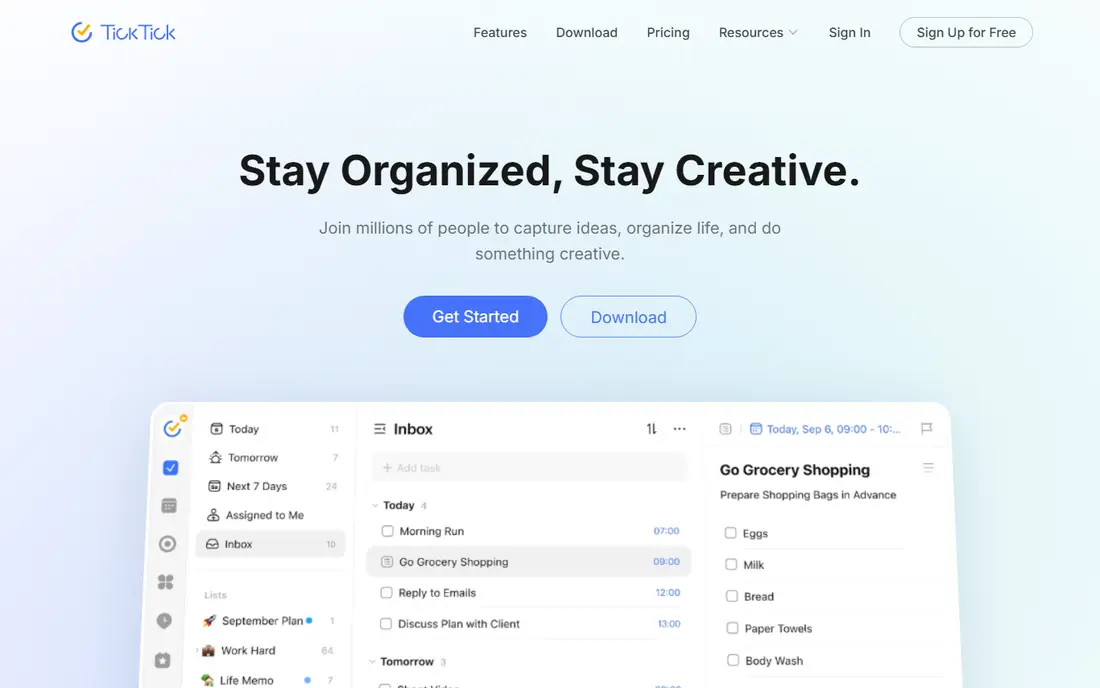
TickTick is the best value task app. It bundles a task manager, habit tracker, Pomodoro timer and calendar into one app, so you do not need four apps to run a day. The calendar view shows tasks across all projects at once, the Pomodoro timer tracks focus sessions, and habit tracking keeps routines visible. Premium costs about $2.99 per month on annual billing.
The trade is density. Because TickTick packs in more features, the interface is busier than Todoist's, and some users find the extras distracting. For a user who wants tasks, habits and a calendar in one place for less than Todoist Pro, TickTick is the best deal.
- Tasks, habits, calendar and Pomodoro timer in one app
- Great value at about $2.99 per month
- Full calendar view across projects
- Interface is denser than Todoist
- Free plan caps at 9 lists
- Reminders and themes can feel like clutter
Things 3 is the best-designed task app on this list, and the only one here with no subscription. You buy it once per device: $49.99 for Mac, $9.99 for iPhone and $19.99 for iPad. Its design is calm and focused, with headings, tags, an Upcoming view and an Evening section that make daily planning feel pleasant rather than administrative.
The limits are absolute. There is no Android, Windows or web version, and no collaboration features, so it suits a solo Apple user only. If you live entirely on Apple devices and want the nicest task app without a subscription, Things 3 is worth every penny.
- Beautiful, calm design
- One-time purchase, no subscription
- Smart headings, tags and upcoming views
- Apple devices only, no Android, Windows or web version
- No collaboration features
- Mac app costs $49.99, iPhone $9.99 and iPad $19.99 separately
Microsoft To Do is the best free task app for anyone in the Microsoft world. It is entirely free, with no tiers and no upsell, it syncs with Outlook tasks natively, and it works on Windows, Mac, iPhone, Android and web. The My Day view suggests tasks for today, and lists can be shared with assignment for family or team use.
It is plain by design. There is no habit tracker, no natural-language input and no calendar view worth mentioning. For a user who has quit three task apps, that plainness is the point: lists, due dates and reminders, nothing to configure, nothing to quit. If your work email is Outlook-based, Microsoft To Do is the free default.
- Completely free, no tiers or upsells
- Deep Outlook integration
- My Day planning view
- Shared lists with assignment
- Plainest feature set here
- No habit tracker or calendar view worth mentioning
- No natural-language date parsing
Google Tasks is the best free task app for anyone living in Gmail and Google Calendar. It sits in the sidebar of Gmail, Calendar, Chat and Drive, so it is hard to forget it exists. Any email becomes a task in one click, tasks with a date appear on the calendar, and subtasks break work down.
Organization is limited. There are no shared lists, no tags and no powerful filters. For a user who wants a simple list inside the Google apps they already use, Google Tasks is frictionless and free. For deeper organization, Todoist or TickTick is the upgrade.
- Completely free
- Lives inside Gmail, Calendar, Chat and Drive
- Any email becomes a task in one click
- Tasks with dates appear on the calendar
- Limited organization compared with dedicated apps
- No shared lists
- No natural-language input beyond Google's tools
Any.do is the best task app for daily planning and for families. Its Plan My Day ritual prompts you each morning to choose what to do today, which turns a long list into a realistic plan. Shared lists work well for households, with grocery grouping that sorts items by aisle, and location reminders trigger when you arrive somewhere. WhatsApp integration lets you turn messages into tasks.
Premium costs $4.99 per month and opens the fuller feature set. Filtering is less powerful than Todoist's. For a user who forgets to open a task app, Any.do's daily prompt is the feature that keeps the habit alive.
- Daily Plan My Day ritual prompts planning
- Shared family lists with grocery grouping
- Location reminders
- WhatsApp integration
- Premium costs $4.99 per month
- Some features sit behind the paywall
- Less powerful filtering than Todoist
Apple Reminders is the best free task app for Apple users, because it is already on your device. It supports smart lists grouped by tags, dates or priorities, grocery lists with section grouping, and Siri integration that actually works: say "remind me to call Mom when I get home" and it creates a location-based reminder. Everything syncs instantly across Apple devices.
It is Apple-only, collaboration is weaker than in dedicated apps, and it is not suited to complex project management. For a casual Apple user who wants a capable, friction-free list at zero cost, Reminders is genuinely good, and it is already installed.
- Free and preinstalled on every iPhone, iPad and Mac
- Deep Siri integration
- Location-based reminders
- Smart lists with tags and dates
- Apple devices only
- Collaboration is weaker than dedicated apps
- No natural-language date parsing outside Siri
Notion is the best task app for people who want tasks inside a bigger workspace. You can build a task database with custom views, filters and relations to notes, projects and documents, so a task carries its full context. The free personal plan covers most individual use, and Plus costs $10 per user per month.
For a simple list, Notion is overkill, and its task features are one part of a much larger tool. For a user or team that already lives in Notion and wants tasks alongside docs and notes, it is the natural choice.
- Tasks live alongside notes, docs and databases
- Free personal plan
- Highly customizable views and filters
- Overkill for a simple list
- Plus costs $10 per user per month
- Task management is one feature among many, not the focus
OmniFocus is the task app for serious Getting Things Done practitioners. Its perspectives let you build custom views for any context, its review system keeps projects from going stale, and its sync across Apple devices is reliable. For a power user with hundreds of tasks across many projects, no other app here matches its depth.
The price is $99.99 per year, it is Apple-only, and the learning curve is steep. For a casual user, OmniFocus is far too much. For a GTD devotee, it is the only app that fully implements the system.
- Deepest GTD system on this list
- Powerful perspectives and custom views
- Reliable sync across Apple devices
- $99.99 per year subscription
- Apple devices only
- Steep learning curve for casual users
How we picked these
We compared speed of capture, daily planning, calendar integration, sharing and price, and we included free options, budget picks, a one-time purchase and a power tool. We left out team project tools like Asana and ClickUp, since this list is about personal task apps, though both handle personal tasks too.
Which app fits your day
If you want the best all-rounder, choose Todoist. If you want the most features for the least money, choose TickTick. If you live in Outlook, use Microsoft To Do. If you live in Gmail, use Google Tasks. If you live on Apple devices, try Reminders or Things 3. And if you have quit task apps before, pick the free one that fits your devices and stick with it for a month before judging it.
Frequently asked questions
What is the best task app?
Todoist is best for most people, thanks to fast capture and every platform. TickTick is best value, bundling tasks, habits and a calendar. Microsoft To Do and Google Tasks are best if you want a free app inside your existing email and calendar.
What is the best free task app?
Microsoft To Do is the best free app for Microsoft users, Google Tasks for Google users, and Apple Reminders for Apple users. Todoist and TickTick both have useful free tiers for cross-platform use.
Is Todoist or TickTick better?
Todoist wins on interface, capture speed and integrations. TickTick wins on features per dollar, with habits, a Pomodoro timer and a full calendar view. Choose Todoist for simplicity, TickTick for depth and value.
Can I use a task app for team projects?
Personal task apps handle small shared lists well, but team projects need a project tool like Asana, ClickUp or Trello. If your work involves many people and deadlines, a team tool will serve you better than stretching a personal app.
What is the best task app for Apple users?
Things 3 is the best-designed Apple-only app, with a one-time purchase. Apple Reminders is free and built in. OmniFocus is best for power users who follow the GTD system.
How do I stick with a task app?
Keep it simple. Capture tasks the moment they occur, plan each morning with a short today list, and review weekly. The app matters less than the habit, so pick the one you will actually open.
Sources we checked (9)

Online Jobs is an independent blog about careers, online work, learning new skills and the tools that help people earn. More about us.
Keep reading
All posts
Zoom Alternatives
Zoom alternatives compared for 2026: Google Meet, Microsoft Teams, Webex, Jitsi and more for free calls, large meetings and webinars for teams and classrooms.
PowerPoint Alternatives
Compare the best PowerPoint alternatives, from free Google Slides and Canva to Prezi and Gamma, with prices, collaboration and export options covered.
Gmail Alternatives
Gmail alternatives compared for 2026: Proton Mail, Outlook, Tuta, Fastmail, Zoho Mail and more for privacy, business and cross-platform use for US readers.