Best Survey Apps in 2026: 8 Apps Compared

How we put this together: we compare official feature and pricing pages, app store listings, privacy policies and public user reviews. Prices change, so check the provider's site before you pay.
Key takeaways
- Google Forms and Tally are the best free starting points, with unlimited surveys and responses on their free tiers.
- SurveyMonkey remains the best all-round paid option, thanks to templates, logic and analytics depth.
- Typeform suits brands that want conversational, high-completion surveys, while Jotform suits form-heavy data collection.
- Microsoft Forms is the best value for Microsoft 365 teams, and QuestionPro suits academic and market research.
- Response limits matter more than feature lists, so check how many responses your plan allows before launching.
Quick comparison
| Name | Who it suits | Starting price | Free option | |
|---|---|---|---|---|
 SurveyMonkey SurveyMonkey | All-round surveys | $39 per month | Yes | Visit |
 Typeform Typeform | Conversational surveys | $28 per month | Yes | Visit |
 Google Forms Google Forms | Free surveys | Free | Yes | Visit |
 Jotform Jotform | Form-heavy surveys | $34 per month | Yes | Visit |
 Microsoft Forms Microsoft Forms | Microsoft 365 teams | Free | Yes | Visit |
 Tally Tally | Free modern surveys | Free | Yes | Visit |
 QuestionPro QuestionPro | Academic and market research | See website | Yes | Visit |
 SurveySparrow SurveySparrow | Chat-style surveys | $19 per month | Free trial | Visit |
The best survey apps
We compared survey tools on price, free limits, question types, logic and branching, templates, analytics, integrations and ease of use, using vendor pricing pages and recent survey tool comparisons. Prices vary with billing term, so check the plan that matches your response volume before launching a large survey.
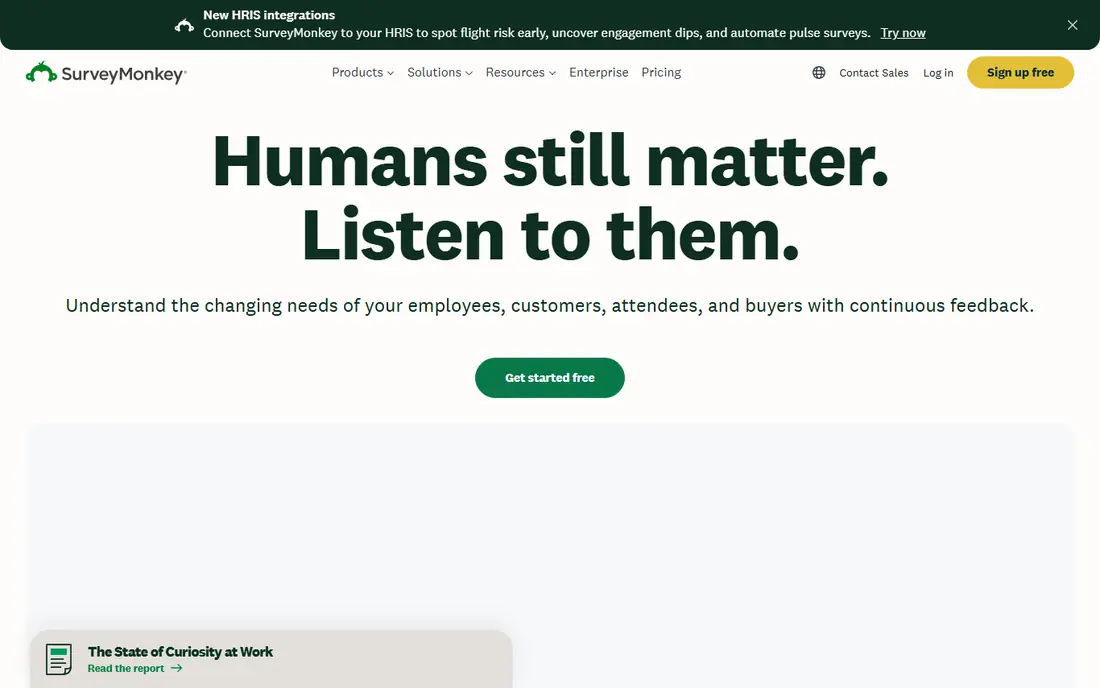
SurveyMonkey is the most recognised survey tool, and for good reason. It covers customer feedback, employee engagement, market research and education with hundreds of templates reviewed by survey methodologists, plus advanced skip logic, question piping and analytics. Integrations with Salesforce, HubSpot, Slack and Teams help larger teams act on results. The free plan is limited, with caps on questions and responses per survey, and paid plans start at $39 per month. For a team that runs surveys regularly and needs depth, that price is justified, but casual users should start with Google Forms or Tally and only move to SurveyMonkey when logic and analytics become essential.
- Huge template library
- Advanced branching and logic
- Strong analytics and integrations
- Free plan limits questions and responses
- Paid plans cost more than simpler rivals
Typeform presents one question at a time in a clean, conversational flow, which helps completion rates compared with long, dense forms. Brands value the design control, logic jumps and integrations, and respondents often describe Typeform surveys as easier to finish on a phone. It suits lead capture, feedback, quizzes and onboarding surveys where experience matters. Volume is the catch, since the free plan allows only a small number of responses per month and paid plans start at $28 per month on annual billing. For high-volume research, SurveyMonkey or QuestionPro may cost less per response, but for customer-facing surveys where completion matters, Typeform earns its price.
- One-question-at-a-time design lifts completion
- Strong branding
- Conditional logic
- Free plan allows few responses per month
- Paid plans cost more for high volume
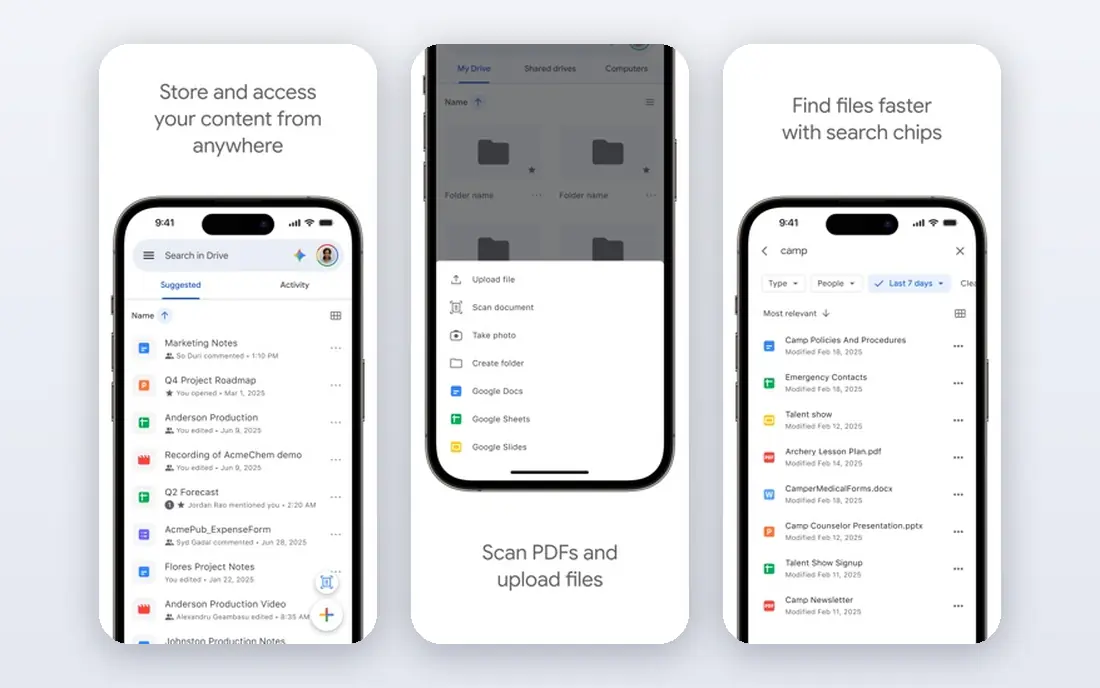
Google Forms is the best free survey app for most people. It costs nothing, allows unlimited surveys and responses, and sends results straight to Google Sheets for analysis and sharing. Teachers, small businesses and community groups can launch a survey in minutes, with no subscription, no response cap and no learning curve. Design and logic are basic, with limited branding, question types and advanced branching compared with paid tools. If you need complex logic, anonymous survey controls or polished brand design, a paid tool will serve better, but for straightforward feedback, Google Forms is hard to beat at any price.
- Completely free
- Unlimited surveys and responses
- Automatic Sheets results
- Limited logic and branding
- Basic analytics compared with paid tools
Jotform suits teams that need surveys plus forms, payments and workflows in one tool. With thousands of templates, drag-and-drop building, conditional logic, payment collection and approval workflows, it covers registrations, applications, orders and feedback without a second app. Integrations with PayPal, Stripe and Zapier extend it further. Analytics are less specialised than SurveyMonkey for pure research, and the free plan caps monthly submissions, with paid plans starting at $34 per month on annual billing. For form-heavy operations that also run surveys, Jotform is the most versatile pick on this list.
- Huge template library
- Payments and workflow automation
- Strong integrations
- Survey analytics are less deep than SurveyMonkey
- Free submissions are capped monthly
Microsoft Forms is the natural survey tool for Microsoft 365 teams. It is included with many Microsoft plans, sends results to Excel, and integrates with Teams, SharePoint and Power Automate for internal polls, quizzes and feedback. For schools and companies already on Microsoft, there is no extra subscription and no new login to manage. Design and advanced survey features lag Typeform and SurveyMonkey, with fewer branding and logic options. For internal feedback, class quizzes and quick team polls, though, Microsoft Forms covers the job at no extra cost, which is a strong argument for Microsoft-centred teams.
- Included with Microsoft 365
- Excel results
- Teams and SharePoint integration
- Fewer question types and design options than Typeform
- Best features need a paid Microsoft plan
Tally is the best free alternative to Google Forms for users who want a modern look. The free tier allows unlimited surveys, responses and logic, with a clean editor that feels closer to Typeform than to a basic form builder. Small businesses, creators and startups can run polished surveys without paying, which is rare in this category. The template library and enterprise integrations are smaller than SurveyMonkey or Jotform, and paid plans add team features and higher limits. If free and modern are your priorities, Tally is the first tool to try, and it pairs well with Google Sheets or Notion for results.
- Free with unlimited surveys and responses
- Modern design
- Logic and payments on free tier
- Smaller template library than SurveyMonkey
- Fewer enterprise integrations
QuestionPro suits researchers who need more than basic polls. It offers advanced logic, conjoint and MaxDiff analysis on higher plans, panel management, multilingual surveys and sentiment analysis, which matter for academic studies and market research. Support is a cited strength, with help available around the clock on many plans. Simple survey users may find the interface complex, and paid plan prices vary across listings, so we list it as See website. For a university, research agency or large company running serious studies, QuestionPro offers depth that free tools cannot match.
- Advanced logic and research question types
- Panel management
- Sentiment analysis
- Interface can feel complex for simple surveys
- Paid prices vary by plan
SurveySparrow turns surveys into chat conversations, which can lift response rates for customer and employee feedback. It distributes surveys by email, web, chat and mobile, offers AI-assisted survey creation and provides recurring survey options for tracking satisfaction over time. Teams that struggle with low response rates often benefit from the chat format. Paid plans start at $19 per month, with a free trial rather than a lasting free tier on some listings, and advanced features sit on higher plans. For feedback programmes that need regular, conversational surveys, SurveySparrow is a strong alternative to Typeform at a lower entry price.
- Conversational chat surveys
- Omnichannel distribution
- AI survey creation
- Free plan is limited
- Advanced features need higher tiers
How we picked these
We checked vendor pricing pages, feature pages and app listings, and compared them with recent survey tool guides. We favoured tools with a current free or paid plan, clear response limits and a distinct strength, and we left out discontinued tools and narrow poll-only apps. Response limits, question caps and prices change often, so confirm them on the vendor page before launching a survey that needs a specific volume.
How to run a survey people actually finish
Keep it short and focused
Aim for one clear purpose per survey, and cut any question that does not change a decision. Short surveys finish more often, produce cleaner data and respect respondents time. If a survey takes more than five minutes, split it or remove low-value questions.
Use logic to skip irrelevant questions
Branching and skip logic show respondents only the questions that apply to them, which shortens the survey and improves answer quality. Test every path before launch, including edge cases, since a broken logic jump can trap respondents and ruin results.
Write neutral, specific questions
Avoid leading wording, double questions and vague scales. Ask one thing per question, give clear answer options, and define terms that respondents might interpret differently. Pilot the survey with a small group and revise any question that produces confused or inconsistent answers.
Protect anonymity when you promise it
If a survey is anonymous, do not collect names, emails or IP-linked identifiers, and avoid small-group breakdowns that could identify individuals. State clearly who sees results and how they will be used, since trust drives honest answers, especially for employee and sensitive topics.
Act on results and close the loop
Share a summary of findings and the actions you will take, even when results are uncomfortable. Respondents who see change are far more likely to answer next time, while surveys that vanish into a void teach people not to bother.
Frequently asked questions
What is the best survey tool for free?
Google Forms and Tally are the best free options, both offering unlimited surveys and responses on free tiers. Google Forms suits Google users who want Sheets results, while Tally suits users who want a more modern design and free logic. For simple feedback, either works well.
What is the best free survey tool with unlimited responses?
Google Forms and Tally both offer unlimited responses free, which sets them apart from SurveyMonkey and Typeform free plans. Check question types and logic needs, since free unlimited volume does not always include advanced features.
Is SurveyMonkey or Typeform better?
SurveyMonkey is better for research depth, templates and analytics, while Typeform is better for conversational design and completion rates. Choose SurveyMonkey for market research and employee surveys, and Typeform for customer-facing feedback where experience matters.
What is the best survey app for anonymous surveys?
Google Forms, Tally and SurveyMonkey can all run anonymous surveys if you avoid collecting identifiers, but check settings carefully, since some integrations add tracking. For employee surveys, use a tool with clear anonymity controls and avoid reporting small groups that could identify people.
How many responses do I need for a reliable survey?
It depends on population size, margin of error and response rate, but small internal surveys often need 100 or more responses for stable patterns, while market research usually needs several hundred. Use a sample size calculator before launch, and treat very small samples as directional, not definitive.
Can I use survey apps for academic research?
Yes, and QuestionPro, SurveyMonkey and Qualtrics-style tools are common in academic work, thanks to advanced logic, panel tools and export options. Check your institution rules on data storage, consent and anonymity, and choose a tool that exports clean data for analysis.
Sources we checked (8)

Online Jobs is an independent blog about careers, online work, learning new skills and the tools that help people earn. More about us.
Keep reading
All posts
Best Writing Software
Looking for the best writing software in 2026? We compared 9 writing apps for books, articles and screenplays on price, features and fit. All verified.

Best Weather Apps
Searching for the best weather app? We compared eight top weather apps for accurate forecasts, radar, severe alerts, and daily planning near you today.

Best Video Editing Software
We compared the best video editing software for beginners and pros, checking official pricing, free plans and honest limits before ranking all nine editors.