Best Stock Analysis Apps in 2026: 8 Apps Compared

How we put this together: we compare official feature and pricing pages, app store listings, privacy policies and public user reviews. Prices change, so check the provider's site before you pay.
Key takeaways
- TradingView is the best chart-first pick for most traders, with screeners and community ideas in one place.
- Stock Rover and Finviz suit investors who screen on fundamentals and want deep ratio and history data.
- Koyfin and Yahoo Finance give strong free starting points for dashboards, news, and basic research.
- Seeking Alpha and Morningstar add analyst and quant context, but they cost more and need a clear use.
- Start free, build one repeatable research routine, and only pay for data you use every week.
Quick comparison
| Name | Who it suits | Starting price | Free option | |
|---|---|---|---|---|
 TradingView | Charting and screening | Free | Yes | Visit |
 Stock Rover | Deep fundamental screening | Free | Yes | Visit |
 Finviz | Fast visual screening | Free | Yes | Visit |
 Koyfin | Dashboards and global data | Free | Yes | Visit |
 Yahoo Finance | Free quotes, news, and portfolios | Free | Yes | Visit |
 Seeking Alpha | Quant ratings and contributor research | See website | Free trial | Visit |
 Simply Wall St | Visual summaries for new investors | Free | Yes | Visit |
 Morningstar Investor | Independent ratings and portfolio checks | See website | Free trial | Visit |
The best stock analysis apps
Stock analysis apps fall into two camps: chart-first tools for traders and research-first tools for long-term investors. This list covers both, so you can pick the workflow that matches how you actually invest. This is not financial advice, and trading carries risk.
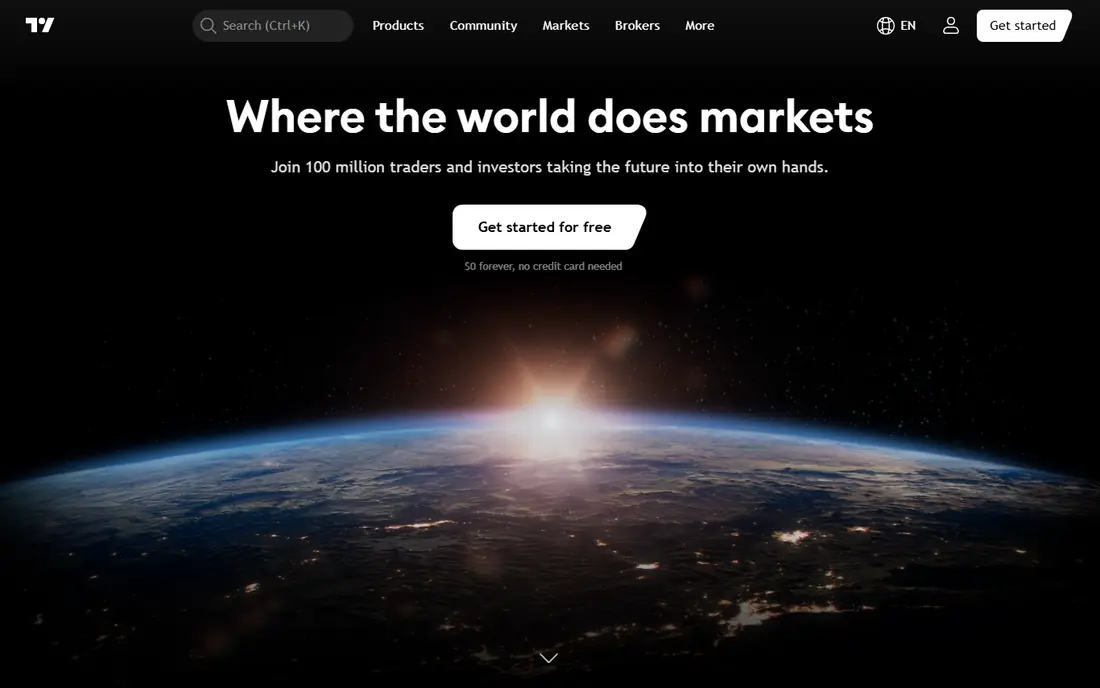
TradingView fits traders and active investors who live on charts. You can chart stocks, ETFs, and other markets, run screeners across many exchanges, and save layouts for different strategies. Community ideas and scripts add context, though they should never replace your own checks.
The catch is tiering. Free charts cover the basics, but extra layouts, alerts, and intraday data need paid plans, and real-time exchange data can add fees. Start free, learn which alerts and layouts you actually use, then upgrade only for those features.
- Charts across many exchanges
- Screeners with many filters
- Community ideas and Pine Script tools
- Key features sit on paid tiers
- Real-time data add-ons can add cost
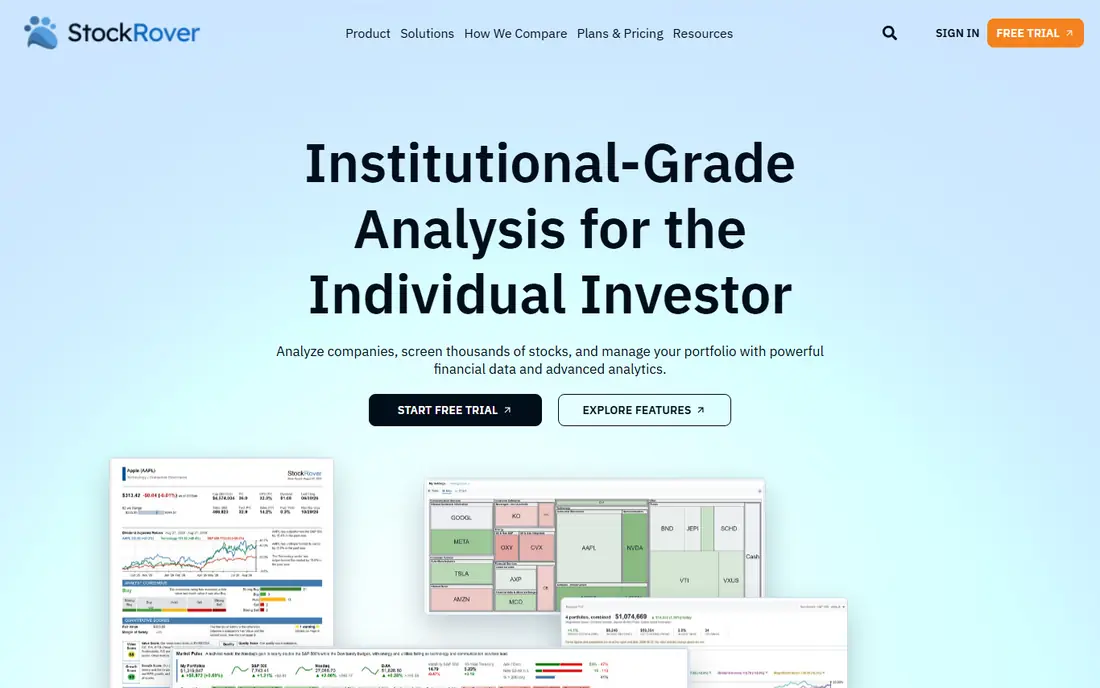
Stock Rover fits long-term investors who screen on fundamentals. It offers hundreds of metrics, years of financial history, and portfolio tools that compare holdings against benchmarks and peers. That depth helps an investor build a shortlist on valuation, quality, and growth, not just price movement.
The catch is density and platform. The interface can overwhelm a new investor, and there is no strong mobile app for on-the-go research. If you like working through ratios on a desktop and want depth per dollar, Stock Rover is a strong pick.
- Hundreds of fundamental metrics
- Long financial history
- Portfolio tracking and comparison
- No mobile app of note
- Interface feels dense for beginners
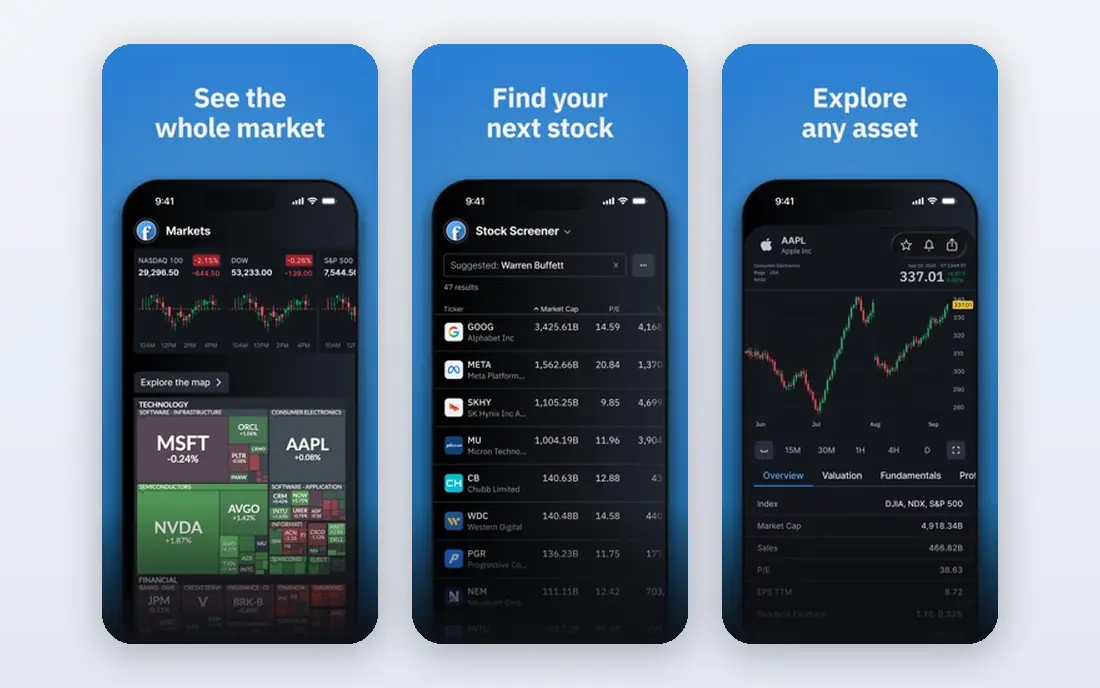
Finviz fits investors who want a fast first screen. Its screener runs quickly, heatmaps show market breadth at a glance, and news sits next to charts and fundamentals. That speed helps when you need to narrow thousands of stocks to a shortlist before deeper research.
The catch is depth after the screen. Portfolio tracking is light, and Elite is needed for the fullest history and alerts. Use Finviz to find candidates fast, then check financials, filings, and valuation in a deeper tool before you invest.
- Fast screener with visual maps
- Heatmaps and news in one view
- Elite adds alerts and deeper history
- Portfolio tools are light
- Best depth needs Elite
Koyfin fits investors who want a clean terminal-style dashboard without enterprise cost. You can build dashboards, track watchlists, and pull financials, estimates, filings, and transcripts for global companies. That mix suits investors who research across sectors and countries.
The catch is tier limits. The free plan covers a lot, but deeper history, transcripts, and advanced features sit on Plus and Premium. Test the free dashboards with your real watchlist first, and upgrade only if you hit a limit you actually need.
- Custom dashboards and watchlists
- Global financials, filings, and transcripts
- Clean data presentation
- Plus features need a paid plan
- Some data needs higher tiers
Yahoo Finance fits casual investors who want a free, familiar starting point. Quotes, charts, news, and watchlists cover daily checks, and portfolio tracking keeps holdings in view. It is easy to use, widely available, and good for following a watchlist without paying.
The catch is depth. Fair value estimates, research reports, and fuller statement history sit on paid tiers, and the free experience includes ads. Use Yahoo Finance for daily tracking and news, then use a specialist tool for valuation and screening depth.
- Free quotes, charts, and news
- Watchlists and portfolio tracking
- Research reports on paid tiers
- Deeper research needs paid tiers
- Ads on free plan
Seeking Alpha fits investors who want quant ratings plus human analysis in one place. Quant ratings summarise valuation, growth, profitability, and momentum, while contributor articles and earnings coverage add context on specific companies. Screeners and alerts help you follow a thesis over time.
The catch is cost and judgement. Premium is a real annual expense, and contributor articles are opinions, not advice, so quality varies. Use the quant data as a screen, read the bear case as well as the bull case, and never invest on one article alone.
- Quant ratings and screeners
- Contributor analysis and earnings coverage
- Portfolio tools and alerts
- Premium price is high for casual use
- Contributor views vary in quality
Simply Wall St fits newer investors who want a visual first look at a company. Its Snowflake view summarises valuation, future performance, past performance, financial health, and dividends in one graphic. That helps a beginner decide whether a company deserves deeper research.
The catch is depth. It is a starting point, not a full research terminal, and the fullest features need payment. Use it to learn the story of a company quickly, then check financials and risks in a deeper source before you invest.
- Visual Snowflake summaries
- Screener and portfolio tracking
- Plain-language company overviews
- Depth is lighter than specialist terminals
- Full access needs a paid plan
Morningstar Investor
Who it suits: Independent ratings and portfolio checks
Morningstar Investor fits investors who value independent ratings and portfolio checks. Analyst ratings, screening, and portfolio tools help you test whether a holding still fits your plan, and fund research sits next to stock research for mixed portfolios. That breadth suits long-term investors with both funds and stocks.
The catch is price and learning curve. It is built for serious research, not casual price checks, so light users may not use enough to justify it. Use a trial to test ratings and portfolio tools on your actual holdings before you commit.
- Independent analyst ratings
- Portfolio insights and screening
- Fund and stock research in one place
- Price is high for light users
- Interface takes time to learn
How we picked these
We compared apps on charting, screening, fundamental data, research depth, and price. We checked free tiers, paid starting points, and whether each tool covers your markets, since some tools focus on US stocks while others cover global markets. We favoured tools that are maintained, widely used, and clear about data limits, over tools that promise easy returns.
We did not rank apps by past returns or tips. A research tool should help you check a thesis, compare companies, and manage risk. It cannot remove market risk, and no screener or rating guarantees a good outcome. That is why the guide stresses process, diversification, and independent checks.
How to choose a stock analysis app
Start with your process, not the app. If you trade on price and momentum, charting and alerts matter most. If you invest for years, fundamentals, history, and portfolio checks matter more. Write down the three checks you run before buying, then pick the tool that makes those checks fast and repeatable.
Next, test data coverage for your markets. Confirm your exchanges, ETFs, and any international stocks are covered, and check whether real-time data costs extra. Build one watchlist, run one screen, and track one portfolio during a trial. If the tool does not fit that routine, a longer feature list will not fix it.
A final check is to write down your sell rules before you buy. Decide what would make you sell, such as a thesis change, a valuation limit, or a portfolio weight limit, and review holdings on a set schedule rather than on daily price moves. That discipline matters more than any single screener setting, and it keeps a research tool in its proper role as a checker, not a tip source.
Frequently asked questions
What is the best stock analysis app for beginners?
Yahoo Finance and Simply Wall St are good beginner starting points because they are free to try and easy to read. TradingView is also free to start for charting. Beginners should learn one tool well, focus on diversification, and avoid trading on tips alone.
Is TradingView free?
Yes, TradingView has a free Basic plan for charting and screening. Paid plans add more layouts, alerts, indicators, and intraday data, and some real-time exchange data costs extra. Start free and upgrade only for features you use weekly.
What is the best stock screener?
Finviz is best for fast visual screening, while Stock Rover is best for deep fundamental screening with many metrics. TradingView suits traders who want screening next to charts. Pick based on whether you screen on price, fundamentals, or both.
Do I need a paid stock research tool?
Not at first. Free tiers from TradingView, Stock Rover, Finviz, Koyfin, and Yahoo Finance cover a lot of research. Pay when you hit a real limit, such as history depth, alerts, or transcripts, and when that feature saves you time every week.
Is stock analysis software financial advice?
No. These tools provide data, charts, and ratings, but they do not know your goals, risk tolerance, or tax position. This article is not financial advice, and trading carries risk. Consider independent advice before making large investment decisions.
Sources we checked (8)

Online Jobs is an independent blog about careers, online work, learning new skills and the tools that help people earn. More about us.
Keep reading
All posts
Best ETF Apps
We compared the best ETF app options for low-cost ETF investing, research, and automation, with free trading, to build a diversified portfolio in 2026.

n8n Alternatives
n8n alternatives compared for 2026, with Zapier, Make, Activepieces, and more, covering visual builders, code steps, self-hosting, and pricing models.

eBay Alternatives
Looking for ebay alternatives? We compared 9 marketplaces for sellers on fees, buyer reach, categories and ease of listing, to help you sell with confidence.