Best Spanish Translator App in 2026: 9 Apps Compared


Everyday travel and all modes · Starting price: Free
How we put this together: we compare official feature and pricing pages, app store listings, privacy policies and public user reviews. Prices change, so check the provider's site before you pay.
Key takeaways
- Google Translate is our pick for most travellers because it covers text, voice, camera, conversation, and offline packs for free.
- DeepL suits writers and professionals who want natural Spanish prose for documents and work messages.
- Microsoft Translator suits teams and meetings, while Apple Translate suits iPhone users who want on-device privacy.
- iTranslate, SayHi, SpanishDictionary, Reverso, and Linguee each solve a narrower job well, from voice chats to idioms and dictionary lookup.
Quick comparison
| Name | Who it suits | Starting price | Free option | |
|---|---|---|---|---|
| Google Translate | Everyday travel and all modes | Free | Yes | Visit |
 DeepL | Natural written Spanish | Free | Yes | Visit |
 Microsoft Translator | Meetings and group conversations | Free | Yes | Visit |
 iTranslate | Voice and camera on the go | Free | Yes | Visit |
 SayHi Translate | Simple voice conversations | Free | Yes | Visit |
 SpanishDictionary | Learning and grammar help | Free | Yes | Visit |
 Reverso Context | Idioms and real examples | Free | Yes | Visit |
 Apple Translate | Private iPhone translation | Free | Yes | Visit |
 Linguee | Dictionary-style phrase lookup | Free | Yes | Visit |
The best spanish translator app
Spanish translation needs differ by task. A traveller needs voice and camera modes, a student needs grammar and examples, and a professional needs natural document prose. The apps below were compared on Spanish accuracy for everyday and formal text, input modes, offline use, privacy, and price.
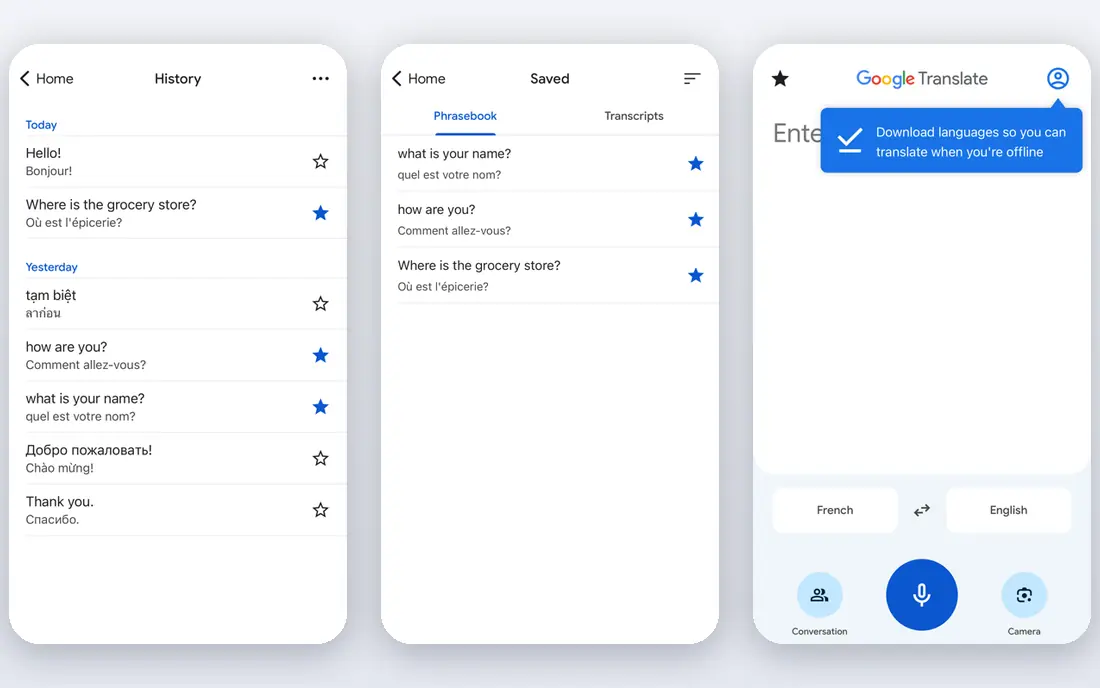
Google Translate is the most versatile free translator for Spanish. You can type, speak, photograph a menu, or hold a two-way conversation, and offline packs cover Spanish when signal drops. That range matters on a trip, where a single app may need to handle a street sign, a pharmacy question, and a restaurant order in the same hour. Integration with Android, Chrome, and search also makes it easy to reach.
Accuracy for everyday Spanish is good, but formal, legal, or literary text can sound literal and may need editing. Long documents can also lose formatting, so a professional draft should be checked by a fluent reader before it is sent. For travel, study help, and quick everyday use, Google Translate is the safest first download, and most travellers will not need a second app for basic needs.
- Text, voice, camera, and conversation modes
- Offline language packs
- Very wide language coverage
- Formal and nuanced Spanish can sound literal
- Document formatting can shift in long files
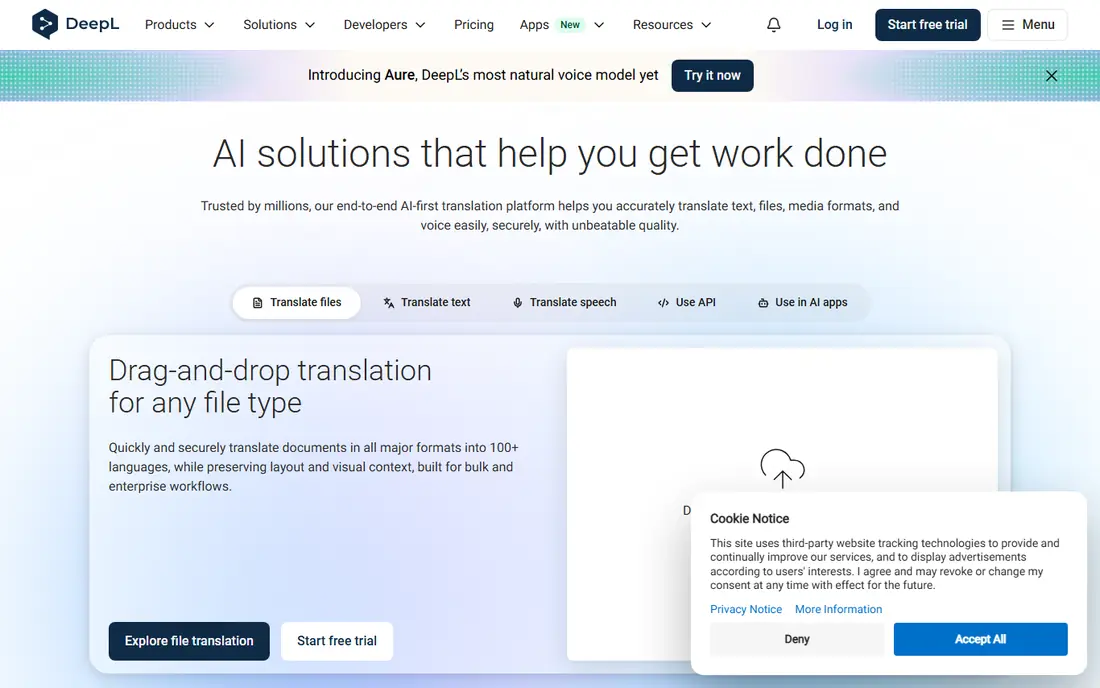
DeepL is the pick for written Spanish that needs to sound natural. It handles context, tone, and longer sentences better than most free translators, which shows in emails, reports, and website copy. Tone control lets you choose formal or informal Spanish, a detail that matters a lot in business and academic writing, where the wrong level of formality can change how a message is received. Glossaries also help keep key terms consistent across documents.
The free tier limits characters and documents, so heavy users will need a paid plan. DeepL also covers fewer languages than Google, though Spanish is one of its strongest pairs. For a writer, translator, or professional who works with Spanish documents regularly, DeepL is worth using alongside Google Translate, with DeepL for drafts and Google for quick travel help.
- Natural-sounding Spanish prose
- Tone control for formal and informal text
- Document translation and glossaries
- Free tier has character and document limits
- Language coverage is narrower than Google
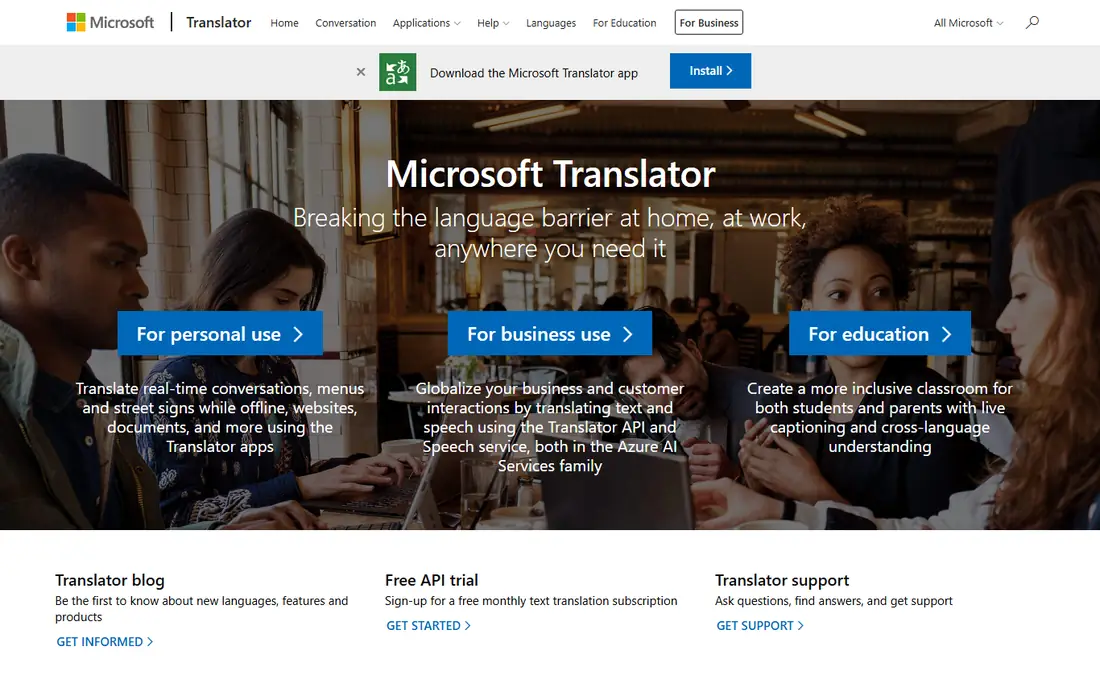
Microsoft Translator suits groups better than most rivals. A host can start a conversation, share a code, and let many people speak or type in their own language, with translations shown live. That mode works for meetings, training sessions, and classroom talks where several Spanish speakers and English speakers need to follow the same discussion. Links with Teams and Office also help workplaces that already use Microsoft tools.
For a single written document, DeepL usually produces more natural Spanish. Microsoft Translator is also less focused on dictionary examples and grammar study than SpanishDictionary or Reverso. For team communication, multilingual meetings, and workplace use, though, Microsoft Translator is a strong and free choice.
- Group conversation mode
- Microsoft 365 and Teams links
- Offline packs for Spanish
- Written prose can be less natural than DeepL
- Some features need a Microsoft account
iTranslate is a traveller-friendly translator with voice, camera, and text modes in a clean interface. The phrasebook covers common travel phrases, which helps in shops, hotels, and transport, and voice mode lets two people talk with the phone acting as a bridge. That simplicity makes iTranslate easy to hand to another person during a conversation, without explaining a complex app first.
The free tier covers basic translation, but offline packs, camera features, and some voice options sit behind a paid plan. Travellers who need offline Spanish in remote areas should download Google Translate packs as a backup, or pay for iTranslate Pro before the trip. For everyday travel with a connection, iTranslate is a polished and easy alternative to Google Translate.
- Voice, camera, and text modes
- Phrasebook for travel
- Clean interface for quick use
- Best features need a paid plan
- Offline use is limited on the free tier
SayHi Translate focuses on one job and does it well. Open the app, speak, and it translates your words aloud, then it translates the other person's reply back. That simple loop works well for a market stall, a taxi ride, or a short chat with a neighbour, where speed matters more than extra features. The interface stays out of the way, which helps when you are handing the phone back and forth.
SayHi is not a study tool or a document translator. It lacks the dictionary depth of SpanishDictionary, the examples of Reverso, and the document handling of DeepL. For a traveller who mainly needs voice conversations, SayHi is a good second app to keep beside Google Translate, especially for users who want the simplest possible voice flow.
- Very simple voice conversation flow
- Fast back-and-forth translation
- Easy for non-technical users
- Fewer modes than Google Translate
- No full document or dictionary system
SpanishDictionary, from SpanishDict, is the learning pick in this list. It combines a Spanish-English dictionary with verb conjugations, grammar explanations, and example sentences, which helps a student understand why a translation works, not just what it says. That depth matters for homework, exams, and language classes, where a single translated sentence without context can teach the wrong lesson.
For a quick travel translation, Google Translate or iTranslate will be faster. SpanishDictionary shines when you are studying, writing, or checking a word you want to use correctly. Keep it beside a translator app, use the translator for speed, and use SpanishDictionary when accuracy, grammar, or word choice matters for learning.
- Dictionary, conjugations, and grammar notes
- Example sentences
- Learning tools for students
- Not a full document translator
- Conversation mode is less central than Google or Microsoft
Reverso Context helps when a word has several meanings and a dictionary alone does not solve the problem. Search a Spanish phrase, and Reverso shows real example sentences with translations, so you can see how native speakers use an idiom, a verb, or a fixed phrase. That context is valuable for writers, translators, and advanced learners who need to choose the right sense of a word.
Reverso is not the best tool for a live voice conversation or a long document. Its strength is checking a phrase before you use it, not translating a whole trip in real time. Use Reverso when you are writing or editing Spanish, and use Google Translate or DeepL for the first draft. Together, they cover speed and nuance better than either app alone.
- Real example sentences for Spanish phrases
- Idiom and collocation help
- Synonyms and grammar notes
- Translation of long documents is less central
- Interface is example-focused, not conversation-first
Apple Translate is built into iOS and iPadOS, so iPhone users do not need a separate download for basic Spanish translation. Text and conversation modes work well, and downloaded languages allow on-device translation, which is a privacy benefit for sensitive messages. The interface is simple, and it fits naturally with other Apple apps.
The limit is platform and range. Apple Translate is Apple-only, and its language list and camera features are narrower than Google Translate. Android users should use Google Translate or Microsoft Translator instead. For an iPhone user who values privacy and simplicity, Apple Translate is a strong built-in choice, with Google Translate as a backup for camera and wider language needs.
- Built into iPhone and iPad
- On-device translation for downloaded languages
- Simple conversation mode
- Apple devices only
- Language and feature range is narrower than Google Translate
Linguee, now linked to DeepL, works as a bilingual dictionary with real example sentences. Search an English or Spanish term, and Linguee shows translations plus sentences from published texts, which helps a reader judge which translation fits a formal, technical, or everyday context. That source-based approach suits translators, students, and professionals who need to check a term before using it in a document.
Linguee is not a travel app. It has no conversation mode to rival Google Translate or SayHi, and it will not help you order food by voice. Use Linguee for term checking and phrase research, and keep a translator app for live use. For careful Spanish writing, Linguee plus DeepL is a strong pairing.
- Bilingual example sentences from real texts
- Good for phrase and term lookup
- Linked to DeepL
- Not a conversation app
- No live voice translation focus
How we picked these
We compared official app pages, app-store listings, documentation, and public reviews for apps that translate Spanish now, with text or voice support. We kept apps with a clear Spanish function, and we left out API-only services, closed apps, and tools that only translated a single phrase list with no real translation engine. Prices for paid tiers change, so check the app store or vendor page for your device before paying.
What to check before you choose
Test with your real sentences
Translate a menu, a work email, and a casual message before a trip or a deadline. A tool that handles menus well may still struggle with formal prose, and a tool that writes well may lack voice mode. Your test sentences reveal the gap faster than a feature list.
Download offline packs before you travel
Download Spanish packs for Google Translate, Microsoft Translator, or Apple Translate at home, then test them with signal off. Offline packs save a trip when Wi-Fi fails, and they also help in rural areas and on flights.
Check important translations with a fluent reader
Machine translation can miss idioms, legal terms, and medical detail. For contracts, medical instructions, or safety information, have a fluent reader check the result, and do not rely on a single app for a high-stakes translation.
Frequently asked questions
What is the best spanish translator app for travel?
Google Translate is the best travel pick, because it offers text, voice, camera, conversation, and offline packs for free. iTranslate and SayHi are good second apps for voice conversations.
What is the best translation app for Spanish documents?
DeepL is the best pick for Spanish documents, because its prose sounds more natural and its tone control helps with formal writing. Check the result with a fluent reader for legal or medical documents.
What is the best translator app for Spanish conversations?
Microsoft Translator suits group conversations, SayHi suits simple two-person voice chats, and Google Translate suits everyday two-way conversation with camera and text backup.
What are the best apps for language translation for students?
SpanishDictionary and Reverso Context suit students best, because both explain grammar, conjugations, and real examples. Pair them with Google Translate for speed and DeepL for writing.
What is the best speech translator app for Spanish?
SayHi Translate and Google Translate both handle Spanish speech well. SayHi is simpler for back-and-forth voice chats, while Google Translate adds camera, text, and offline modes in the same app.
What is the best text translator app for Spanish?
DeepL leads for natural written text, while Google Translate leads for quick everyday text. For term checking, Linguee and Reverso Context add example sentences that help you choose the right word.
Sources we checked (9)

Online Jobs is an independent blog about careers, online work, learning new skills and the tools that help people earn. More about us.
Keep reading
All posts
Zoom Alternatives
Zoom alternatives compared for 2026: Google Meet, Microsoft Teams, Webex, Jitsi and more for free calls, large meetings and webinars for teams and classrooms.

Which Software Is Best for Data Entry
Compare the best data entry software for forms, OCR scanning, and spreadsheets, with free plans, pricing, and honest limits for each tool before you commit.

What's the Best App to Read PDFs
Find what's the best app to read PDFs in 2026, from Adobe Acrobat Reader and Foxit to PDF Expert and Xodo, with free options and honest limits for every device.