Best Solutions for Software Documentation in 2026: 8 Tools Compared


Product and developer docs with Git sync · Starting price: See website
How we put this together: we compare official feature and pricing pages, app store listings, privacy policies and public user reviews. Prices change, so check the provider's site before you pay.
Key takeaways
- GitBook, ReadMe, and Mintlify lead for developer-facing docs, but they differ on Git sync, API playgrounds, and price jumps between tiers.
- Docusaurus and MkDocs cost nothing for the software itself and suit teams with engineering time, while hosted tools save setup and maintenance work.
- Confluence and Notion suit internal docs and mixed teams, while Document360 suits customer-facing help centers at scale.
- The best documentation platform is the one your team will actually update, so editor ease matters as much as design polish.
Quick comparison
| Name | Who it suits | Starting price | Free option | |
|---|---|---|---|---|
| GitBook | Product and developer docs with Git sync | See website | Yes | Visit |
 ReadMe | Interactive API documentation | $99 per month | Free trial | Visit |
 Mintlify | Polished API-first docs from code | See website | Yes | Visit |
 Confluence | Internal wikis for Jira teams | See website | Yes | Visit |
 Docusaurus | Open source docs-as-code sites | Free | Yes | Visit |
 Notion | Internal docs for non-technical teams | $10 per month | Yes | Visit |
 Document360 | Customer-facing knowledge bases | See website | Free trial | Visit |
 MkDocs | Lightweight Markdown docs sites | Free | Yes | Visit |
The best solutions for software documentation
We compared tools that publish product guides, API references, and internal wikis, not general note apps alone. A good documentation platform keeps pages searchable, versioned, and easy to update, and it gives readers a clear path from an overview to a working code example.
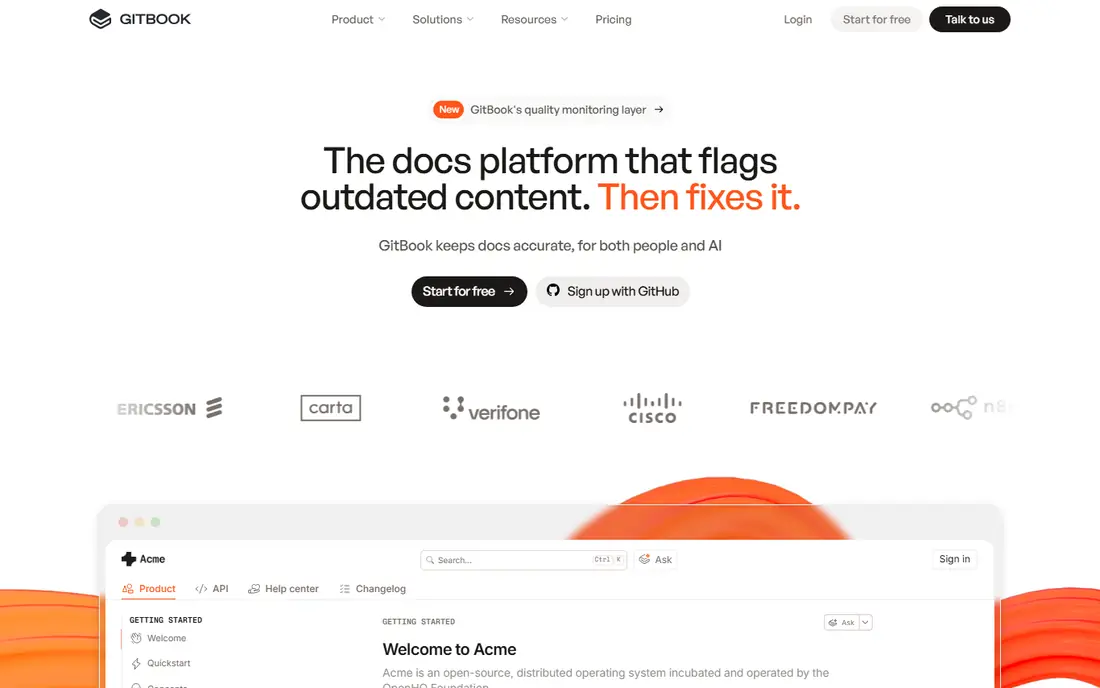
GitBook works well when product managers and engineers share the same docs. Non-developers can edit in a visual editor, while engineers can keep docs in Git and review changes like code. That mix reduces the usual split where product docs live in one tool and developer docs live somewhere else. The catch is pricing structure. Teams should check how sites, seats, and visitors are counted before they publish many spaces. For a single product docs site with a mixed writing team, GitBook is our pick for balance between ease and control.
- Friendly editor with Git sync
- Clean reader experience
- Good for product and developer docs in one place
- Paid pricing can rise with sites and seats
- Advanced governance sits on higher tiers
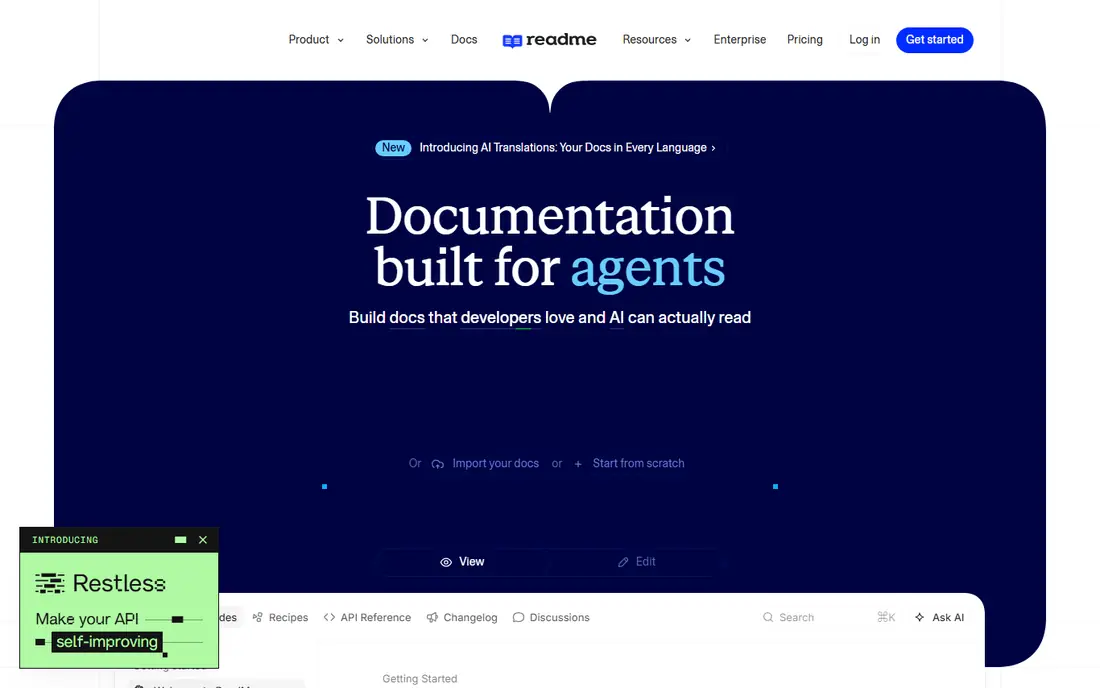
ReadMe leads when the main reader is a developer who needs to try an API, not just read about it. The playground lets readers send a test request from the docs page, which shortens the time from reading to a working call. Guides, changelogs, and reference pages can sit in one hub, so a new developer does not need to hunt across sites. The price is the barrier for small projects. A team with a simple API and a small audience may do better with a free open source tool. For a commercial API where onboarding speed affects adoption, ReadMe gives a clear and practical advantage.
- Interactive API playground for trying endpoints
- Strong API reference layout
- Useful metrics on which pages developers use
- Entry paid price is higher than many rivals
- Less suited to general internal wikis
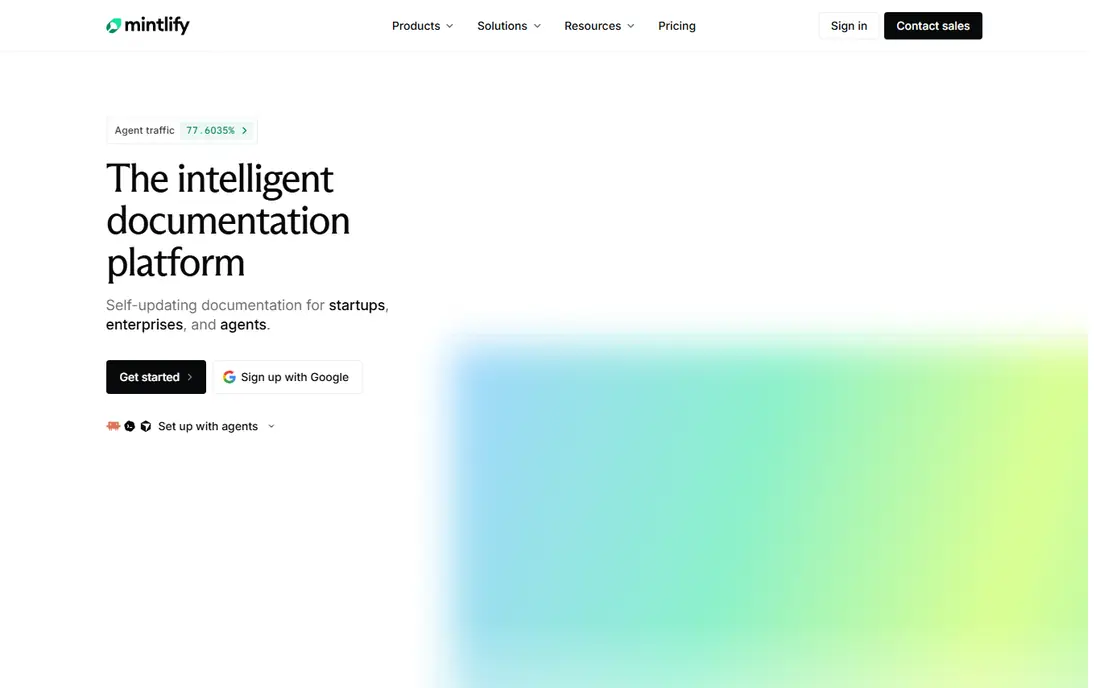
Mintlify suits API-first startups that want docs to look polished without a long design project. Writers work in Markdown, connect a repository, and publish a site that feels like a modern product page. Navigation, search, and code samples are handled well, which helps developers find an endpoint fast. The free tier is useful for a first site, but a growing team should check the paid tier price and seat limits early. Mintlify is less of a general help center tool, so teams that also need support articles and approval workflows may need a second system or a different pick.
- Clean modern design from Markdown files
- Fast setup for API-first teams
- Good search and navigation
- Paid tiers jump sharply from the free tier
- Less suited to support knowledge bases
Confluence remains the safe internal wiki for teams already using Jira. Issues, project pages, and docs can link together, and permissions help a larger company control who can view or edit sensitive pages. Page history and comments also support review in a regulated setting. For public API docs, Confluence is the wrong shape. It lacks an interactive API playground and the polished developer reader experience that ReadMe or Mintlify provide. Use it for internal knowledge, runbooks, and product planning, and pick a developer docs tool for the public API.
- Deep Jira integration
- Strong permissions and page history
- Familiar to many enterprise teams
- Not a true API reference tool
- Design feels less modern than developer docs platforms
Docusaurus is the best free route for teams that want full control. Because docs live as code, engineers can review, version, and deploy them with the same pipeline as the product. Plugins and themes allow custom search, versioning, and layout, and there is no per-seat bill for readers. The cost is time, not money. Someone must host the site, keep dependencies updated, and fix build problems. A team with engineering capacity and a long-term docs site will find that trade fair. A small team without that capacity should prefer a hosted tool.
- Free and open source
- Full control over hosting and design
- Versioning and Markdown support
- Team owns hosting, updates, and maintenance
- Setup takes engineering time
Notion wins when the writing team is mixed and docs must stay alive. Product, support, and operations staff can edit without learning Git, and pages can link to tasks, roadmaps, and meeting notes. That flexibility keeps internal guides in use, which is often more valuable than a prettier public site. Public API documentation is a weak point. Notion lacks interactive endpoint testing and the structured reference layout that developers expect. Use Notion for internal wikis and team handbooks, and choose a specialist tool when the audience is external developers.
- Easy editor that non-developers maintain
- Docs, tasks, and databases in one workspace
- Flexible page structure
- Not a real API reference tool
- Public docs options are thinner than specialist platforms
Document360 fits larger teams that run a customer help center at scale. Categories, versioning, and approval workflows help support and product teams publish accurate answers without overwriting each other. Search is built for customers who arrive with a problem, not just developers who arrive with an endpoint name. The main drawback is pricing clarity. Many teams need a quote, which makes a quick comparison harder. A small team with a simple help center may find Notion or GitBook enough. For a large support operation, Document360 gives governance that simpler tools lack.
- Strong knowledge base structure
- Approval workflows and version control
- Good search for support content
- Pricing is quote-based for many teams
- Setup is heavier than a simple wiki
MkDocs is a good fit for small teams that want a clean docs site without a heavy framework. Writers edit Markdown files, build a static site, and host it wherever the team prefers. Themes and plugins cover search, navigation, and code highlighting for most basic projects. It has less built-in structure for versioning and large API references than Docusaurus or a hosted platform. A team with a growing API and many versions should check those needs early. For a single product guide or an internal handbook, MkDocs stays fast and simple.
- Free and open source
- Simple Markdown workflow
- Fast static sites
- Fewer built-in docs features than Docusaurus
- Team owns hosting and theme setup
How we picked these
We compared official feature pages, pricing pages, and public documentation for each tool, and we reviewed user feedback on editor ease, search, versioning, and support. We weighed Git sync, API reference quality, internal wiki strength, pricing clarity, and maintenance burden. Where a price could not be confirmed on the vendor site, we wrote "See website" rather than guessing. We did not claim hands-on testing, and we treated vendor claims as claims, not facts.
Choosing a documentation tool your team will maintain
Start with the reader. External developers need API references, code samples, and search that finds an endpoint fast. Internal teams need easy editing, permissions, and links to tasks. Customers need a help center with clear categories and accurate answers. One tool rarely serves all three audiences equally well, so rank the main audience first. Next, test the writing workflow. Ask a non-developer to edit a page, ask an engineer to review a change, and check how a reader finds a page from search. Confirm versioning, custom domains, analytics, and export options before you migrate a large docs set. Finally, count the total cost, including hosting and maintenance for open source tools, and seats and sites for hosted tools.
A short buying checklist
Check whether docs live in Git, how API specs are imported, and whether the reader can try endpoints from the page. Confirm search quality, version handling, and access control. Read the data export terms, because docs are a long-term asset and a hard migration can cost more than a year of subscription fees.
Frequently asked questions
Which software documentation platform is best?
GitBook is our pick for mixed product and developer docs, ReadMe leads for interactive API docs, and Mintlify leads for polished API-first docs from code. Docusaurus and MkDocs are the best free options for teams with engineering time. The best platform depends on the reader, the writing team, and the budget.
What is the best documentation software for developers?
For developers, ReadMe, Mintlify, GitBook, and Docusaurus are the strongest options in this list. ReadMe adds an interactive playground, Mintlify adds polished design from Markdown, GitBook adds Git sync with a friendly editor, and Docusaurus adds full control at no license cost. Choose by API complexity, team size, and maintenance capacity.
What are the best documentation tools for a small team?
A small team should start with GitBook, Notion, Docusaurus, or MkDocs, depending on who writes the docs. Notion suits non-technical writers, GitBook suits mixed teams, and the open source tools suit engineering-led teams. Keep the setup simple at first, and add governance only when the docs set grows.
Is open source documentation software good enough?
Yes, for many teams. Docusaurus and MkDocs produce fast, searchable, and versioned docs sites at no license cost. The trade is maintenance: the team owns hosting, updates, and fixes. A team with engineering time can match hosted design quality, while a team without that time will move faster on a hosted platform.
What is the best tool for documentation that includes API references?
ReadMe is the strongest pick when readers need to try API calls from the docs page. Mintlify and GitBook also handle API references well, with clean layouts and code samples. Check how each tool imports an OpenAPI spec, how it displays parameters, and whether it keeps examples in sync when the API changes.
How do I keep software documentation up to date?
Assign an owner for each section, review docs when a feature ships, and track which pages readers visit and where they get stuck. Docs-as-code tools help because updates can sit in the same review flow as code changes. A hosted tool with analytics and stale-page alerts can help too, but no tool replaces a regular review habit.
Sources we checked (8)

Online Jobs is an independent blog about careers, online work, learning new skills and the tools that help people earn. More about us.
Keep reading
All posts
n8n Alternatives
n8n alternatives compared for 2026, with Zapier, Make, Activepieces, and more, covering visual builders, code steps, self-hosting, and pricing models.

ZoomInfo Alternatives
The best ZoomInfo alternatives in 2026, compared on price, free plans, data coverage, and which tool fits small teams or large sales teams best in detail.

Workday Alternatives
We compared the best workday alternatives for HR, payroll, and global hiring, from BambooHR and Gusto to Rippling, Deel, and HiBob for growing teams in 2026.