Best Software Testing Tools in 2026: 10 Tools Compared

How we put this together: we compare official feature and pricing pages, app store listings, privacy policies and public user reviews. Prices change, so check the provider's site before you pay.
Key takeaways
- Playwright is our pick for new web test projects, while Selenium remains the enterprise standard where legacy support and language choice matter.
- Cypress suits JavaScript front-end teams that value interactive debugging, while Katalon suits mixed-skill QA teams that need low-code options.
- Postman and JMeter cover API and load testing, which browser tools alone do not cover well.
- Appium is the open-source pick for native mobile apps, while BrowserStack solves cross-browser and device coverage without a local lab.
- Start with a free, open-source framework if your team can code, and pay for a cloud or low-code platform only when maintenance or device coverage becomes the bottleneck.
Quick comparison
| Name | Who it suits | Starting price | Free option | |
|---|---|---|---|---|
 Playwright | Modern web test automation | Free | Yes | Visit |
 Selenium | Enterprise web automation standard | Free | Yes | Visit |
 Cypress | JavaScript front-end testing | Free | Yes | Visit |
 Katalon | Low-code and coded testing | Free | Yes | Visit |
 Postman | API testing and automation | Free | Yes | Visit |
 Appium | Native mobile app testing | Free | Yes | Visit |
 BrowserStack | Cloud cross-browser grid | See website | Free trial | Visit |
 Apache JMeter | Load and performance testing | Free | Yes | Visit |
 Robot Framework | Keyword-driven acceptance testing | Free | Yes | Visit |
 TestComplete | Codeless UI testing for teams | See website | Free trial | Visit |
The best software testing tools
We compared tools that cover web UI, API, mobile, load and acceptance testing, with a mix of open-source frameworks and commercial platforms. The list is built for teams choosing a first tool or replacing an older one, not for a single testing type, so you can see how browser, API and mobile tools fit together.
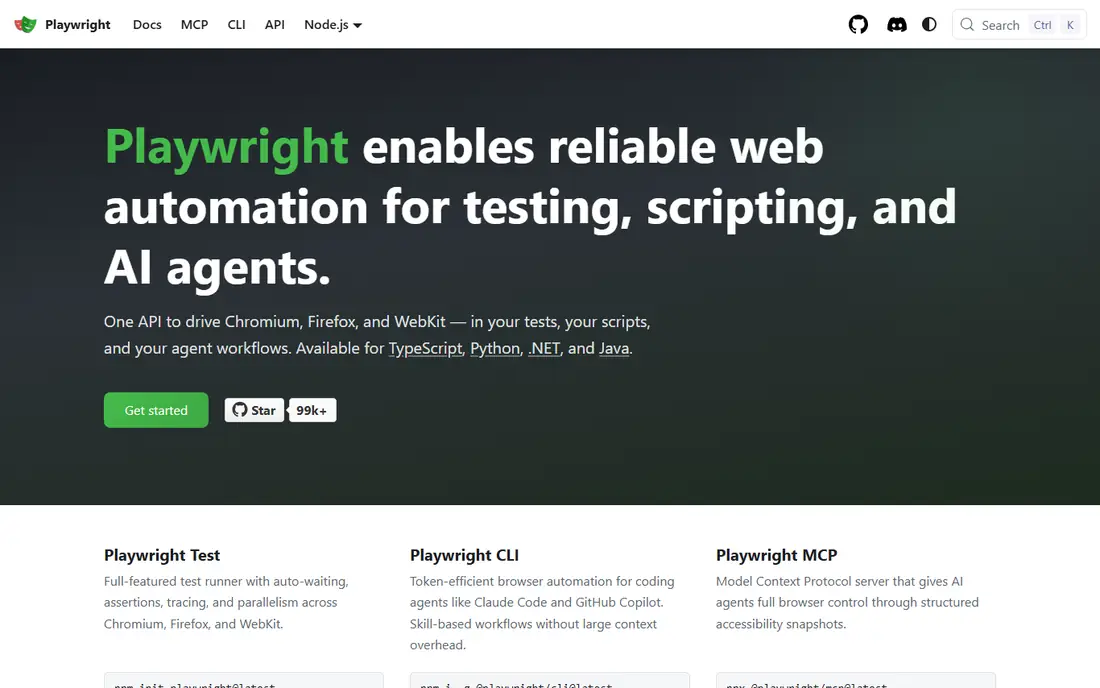
Playwright, from Microsoft, is the modern default for new web automation projects. It runs tests across Chromium, Firefox and WebKit, handles auto-waiting for elements, and supports parallel runs without a paid cloud tier. Debugging tools such as traces, screenshots and video help teams find why a test failed, not only that it failed.
The main requirement is coding. Playwright supports JavaScript and TypeScript, Python, Java and C#, but it is a framework, not a record-and-playback tool. Teams that can code will get speed and reliability from it. Teams without coding skill should look at Katalon or TestComplete, which offer lower-code paths.
- Cross-browser testing for Chromium, Firefox and WebKit
- Built-in auto-wait and parallel runs
- Traces, video and screenshots for debugging
- Requires coding skill
- Newer ecosystem than Selenium
- Component testing is less mature than Cypress for some teams
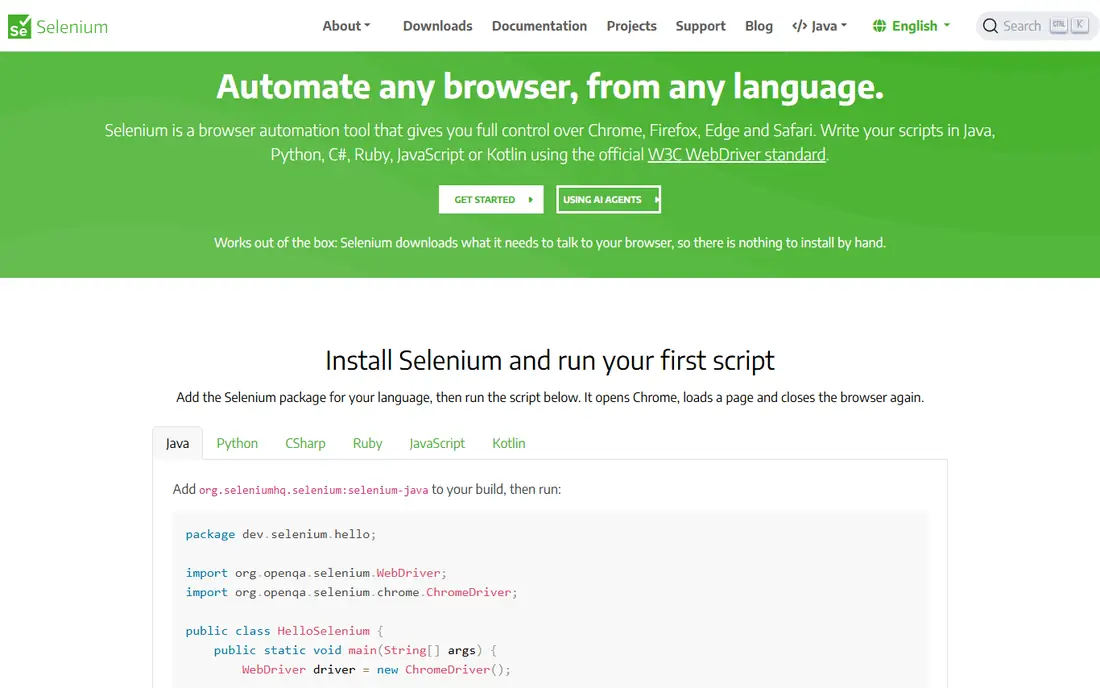
Selenium is the long-standing enterprise standard for browser automation. It supports many languages, including Java, Python, C#, JavaScript and Ruby, and works across major browsers. Its ecosystem includes Grid for parallel runs, many libraries and a large community, which helps large teams with legacy tests and varied stacks.
Selenium requires more care than Playwright to avoid flaky tests, since waits and timing need explicit handling in many cases. Setup can also take longer, especially for Grid and driver management. Choose Selenium if you have existing Selenium tests, a Java or Python enterprise stack, or a need for broad browser and language coverage that newer tools do not match.
- Widest language and browser support
- Large ecosystem and community
- Selenium Grid for self-hosted parallel runs
- Tests can be flaky without careful waits
- Slower feedback than Playwright for many teams
- More setup than Cypress or Playwright
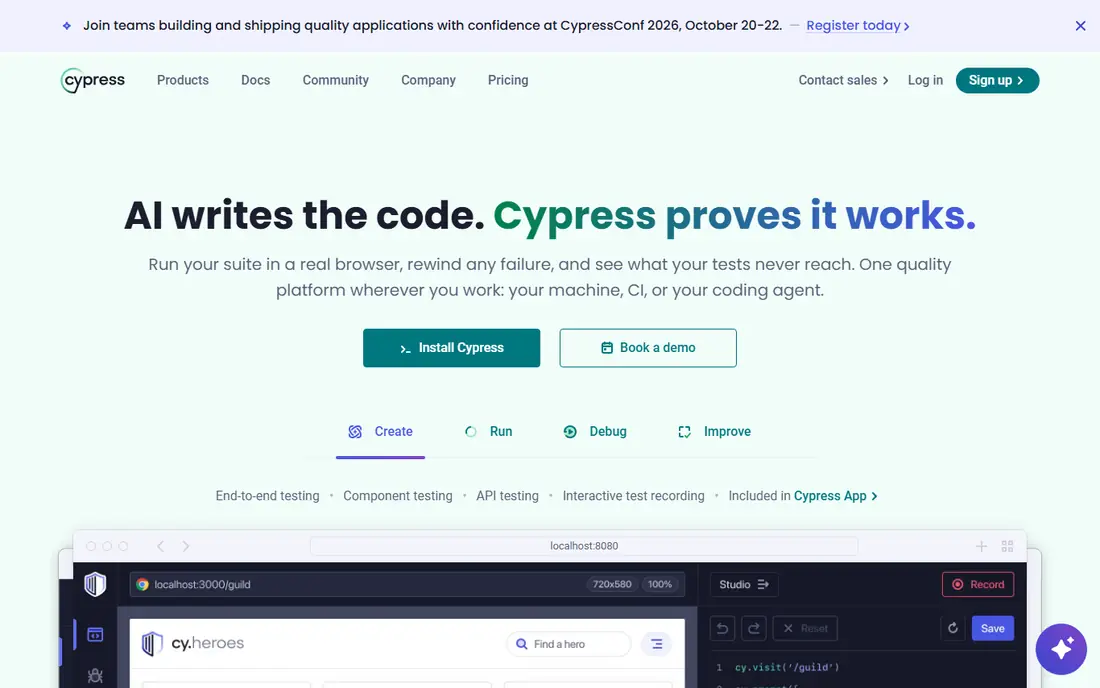
Cypress is built for JavaScript front-end teams that want to see tests run in the browser. The interactive runner shows each command, lets you inspect the app state, and gives fast feedback during development. Component testing is a strong feature for teams that test UI pieces in isolation, not only full pages.
Limits matter for some apps. Cypress is JavaScript only, and multi-tab flows and some cross-domain cases are harder than in Playwright. Parallel test runs at scale usually need Cypress Cloud, which is paid, or community tools. For a JavaScript team testing a modern web app, Cypress offers the best developer experience on this list.
- Interactive, in-browser debugging
- Fast feedback for front-end teams
- Strong component testing
- Auto-wait built in
- JavaScript and TypeScript only
- Multi-tab and some multi-domain flows are limited
- Parallel runs need Cypress Cloud or community tools
Katalon suits mixed-skill QA teams. Testers who do not code can record and build tests visually, while engineers can add scripts where needed. One platform covers web, mobile, API and desktop tests, with reporting and integrations for CI tools. That breadth helps teams that do not want to stitch together several open-source tools.
Katalon is heavier than Playwright or Cypress, and full team features sit behind paid tiers. Teams that already code well may prefer a free framework for speed and control. Teams with mixed skills, or a need for one platform across test types, will find Katalon easier to adopt.
- Covers web, mobile, API and desktop in one platform
- Low-code recording plus scripting
- Built-in reporting and integrations
- Paid tiers needed for full team features
- Heavier than a pure framework
- Vendor lock-in is higher than open-source tools
Postman is the standard starting point for API testing. You build requests, save them in collections, add tests in JavaScript, and run them manually or in CI. Environments let you switch between dev, staging and production without rewriting requests, and monitors can run collections on a schedule. For microservices and REST APIs, Postman covers most daily needs.
Postman does not replace browser tools. It tests APIs, not UI flows, so pair it with Playwright, Cypress or Selenium for end-to-end coverage. Paid tiers add analytics, governance and higher limits, but the free tier is enough for many small teams to start API automation.
- Fast API request building and testing
- Collections and environments for teams
- Automated runs and monitors
- Large API community
- Browser UI testing is out of scope
- Advanced analytics and governance need paid tiers
- Scripting can get verbose for complex cases
Appium is the open-source pick for native mobile apps. It lets you write tests in many languages using WebDriver-style commands, and it covers iOS and Android apps, including native, hybrid and mobile web apps. Teams that already use Selenium will find the concepts familiar.
Setup is the main cost. Emulators, simulators, signing and device management take time, and runs can be slower than web tests. For device coverage at scale, pair Appium with a cloud grid such as BrowserStack, or use a managed mobile platform. For a team with mobile apps and coding skill, Appium remains the flexible, no-licence-cost choice.
- Open-source mobile testing for iOS and Android
- Supports many languages
- Works with Selenium-style WebDriver concepts
- Setup can be slow and fiddly
- Test runs can be slower than web tests
- Device lab management is a separate problem
BrowserStack solves a different problem from Playwright or Selenium: where to run tests. It offers real browsers and devices in the cloud, so a team can test on browsers and phones it does not own. You still write tests in a framework such as Playwright, Selenium or Appium, then run them on BrowserStack devices.
Price depends on parallels, minutes and device types, so check the plan that matches your CI volume. BrowserStack is not a replacement for a framework, and it does not write tests for you. It is best for teams that need broad browser and device coverage without buying and maintaining a local lab.
- Large range of real desktop and mobile browsers
- No local device lab needed
- Screenshots, video and logs for debugging
- Paid after trial
- Costs rise with parallel runs and minutes
- Not a test framework by itself
Apache JMeter is the open-source standard for load and performance testing. You build test plans for HTTP, APIs and other protocols, run them with many virtual users, and read reports on response times, errors and throughput. Distributed mode lets you generate load from several machines for larger tests.
JMeter is not a browser UI tool, and its interface takes time to learn, especially for correlation and scripting in complex APIs. Pair JMeter with Postman or a code-based API tool for functional API tests, and use JMeter when the question is how a system behaves under load, not whether a button works.
- Free, open-source load testing
- Supports HTTP, APIs and many protocols
- Distributed load generation
- Detailed reports
- Interface feels dated
- Scripting and correlation take learning
- Not a UI functional testing tool
Robot Framework uses a keyword-driven style that reads close to plain language, which helps product owners and testers who do not code full-time. Libraries cover web testing through Selenium, API testing and desktop apps, and tests can be written in a tabular style that non-developers can follow. That makes it a good fit for acceptance testing with business stakeholders.
Technical setup still matters. You need to choose libraries, manage Python environments and handle complex logic, which can feel clunky compared with Playwright or Cypress code. Robot Framework suits teams that value readable acceptance tests and have a mix of technical and non-technical testers.
- Free, open-source
- Readable keyword syntax for non-programmers
- Libraries for web, API and desktop
- Good for acceptance tests
- Needs technical setup and library knowledge
- Slower than code frameworks for complex logic
- Reporting needs tuning for large suites
TestComplete, from SmartBear, is a commercial UI testing platform for teams that want codeless creation with scripting where needed. Recording, object recognition and keyword tests help testers build UI tests without writing every step in code, and the platform covers desktop, web and mobile apps. That breadth suits enterprise QA teams with varied app types.
Licence cost is the main barrier, with pricing per licence and tier, so check the vendor site for current rates. TestComplete is also heavier than a code framework, and custom extensions are less flexible than open-source tools. Choose it if low-code UI coverage across desktop and web matters more than licence cost and code flexibility.
- Scriptless recording plus scripting
- AI-based object recognition as described by the vendor
- Covers desktop, web and mobile
- Commercial licence cost is high for small teams
- Resource-heavy
- Extensibility is lower than open-source frameworks
How we picked these
We compared official documentation, pricing pages and feature pages, plus public reviews of setup, maintenance and team fit. We looked at language support, browser and device coverage, API and load capabilities, free tiers and paid cloud options. We included open-source frameworks, low-code platforms and cloud grids, because no single tool covers web, API, mobile and load testing well on its own.
We did not claim hands-on testing that did not happen, and we did not invent prices, ratings or performance numbers where vendors did not publish them clearly. Commercial prices change often and depend on licences and parallels, so we used See website for BrowserStack and TestComplete. Open-source tools are free to use, though cloud runs, support and infrastructure still cost time and money.
How to choose the best software testing tool for your stack
Start with the test type you need most. For web UI, choose Playwright for new code-first projects, Cypress for JavaScript front-end teams, or Selenium for enterprise legacy needs. For APIs, start with Postman. For mobile, start with Appium. For load, start with JMeter. For acceptance tests with non-developers, consider Robot Framework. For mixed-skill teams, consider Katalon or TestComplete.
Maintenance, flakiness and CI
The biggest cost in test automation is maintenance, not licences. Pick a tool your team can debug, use auto-wait features, avoid brittle selectors, and run tests in CI on every change. For flaky tests, check traces, video and logs before adding retries, since retries hide real bugs. For device coverage, use a cloud grid for the browsers and phones you cannot maintain locally.
When to pay
Pay when a free tool costs more in maintenance time than a paid platform saves, or when device coverage, reporting or low-code creation unblocks a team. Before paying, run a pilot on your real app, measure test creation time, flake rate and CI runtime, and compare that with the free tool on the same app. A paid tool that your team will not maintain is worse than a free tool they will.
Frequently asked questions
What are the best software testing tools in 2026?
Playwright is best for new web automation, Selenium is best for enterprise web standards, and Cypress is best for JavaScript front-end teams. Katalon is best for mixed-skill teams, Postman is best for API testing, and Appium is best for native mobile testing. The best testing tools for a team depend on languages, app types and how much coding skill the QA team has.
What is the best web automation tool?
Playwright is the best web automation tool for most new projects, thanks to cross-browser support, auto-wait and parallel runs. Selenium is best if you need the widest language support or have legacy Selenium tests. Cypress is best if your team is JavaScript-only and values interactive debugging and component testing above cross-browser breadth.
Are there free software testing tools?
Yes. Playwright, Selenium, Cypress core, Postman free tier, Appium, Apache JMeter and Robot Framework are free to use, with paid cloud or team features optional. Katalon also offers a free tier. Free tools still need time for setup, maintenance and CI, so budget for engineering time even when the licence cost is zero.
What is the best API automation testing tool?
Postman is the best API automation testing tool for most teams, thanks to collections, environments, tests and monitors. For code-heavy API testing, tools such as REST Assured for Java or Playwright API testing also work well. Pair API tests with UI tests, since API tests check logic and contracts while UI tests check what users actually see.
What is the best tool for mobile app testing?
Appium is the best open-source tool for native iOS and Android testing, especially for teams that can code and want no licence cost. For device coverage, pair Appium with BrowserStack or another cloud device grid. Low-code platforms such as Katalon and TestComplete also cover mobile, and they suit teams with less coding skill.
How do I reduce flaky tests?
Use auto-wait features, stable selectors such as roles and test IDs, and avoid fixed sleeps where possible. Run tests in CI on a clean environment, check traces and logs for failures, and fix the app or test rather than adding retries. Keep test data isolated per run, since shared data is a common cause of flakiness in parallel runs.
Sources we checked (10)

Online Jobs is an independent blog about careers, online work, learning new skills and the tools that help people earn. More about us.
Keep reading
All posts
ZoomInfo Alternatives
The best ZoomInfo alternatives in 2026, compared on price, free plans, data coverage, and which tool fits small teams or large sales teams best in detail.

Workday Alternatives
We compared the best workday alternatives for HR, payroll, and global hiring, from BambooHR and Gusto to Rippling, Deel, and HiBob for growing teams in 2026.

Which SaaS Tools Have the Best Customer Support
Which SaaS tools have the best customer support? Compare eight popular tools on help centres, live help, response options and overall support quality.