Best Software for Visibility in 2026: 9 Tools Compared

Free baseline for every site · Starting price: Free
How we put this together: we compare official feature and pricing pages, app store listings, privacy policies and public user reviews. Prices change, so check the provider's site before you pay.
Key takeaways
- Semrush is the most complete all-round suite, with keyword research, audits, rank tracking, and AI visibility in one login, from $139 per month.
- Ahrefs suits link building and competitor backlink research, while SE Ranking gives the most tracked keywords per dollar at entry level.
- BrightLocal and Moz Local are the picks for local visibility, with map rankings, listings, and review tracking that national suites handle less well.
- Google Search Console is free and belongs in every setup, since it shows how Google actually sees your own site.
Quick comparison
| Name | Who it suits | Starting price | Free option | |
|---|---|---|---|---|
| Google Search Console | Free baseline for every site | Free | Yes | Visit |
 Semrush Semrush | All-round SEO and visibility suite | $139 per month | Free trial (7 days) | Visit |
 Ahrefs Ahrefs | Backlinks and competitor research | $29 per month | No | Visit |
 Moz Pro Moz Pro | Small business SEO with guidance | $99 per month | Free trial (30 days) | Visit |
 SE Ranking SE Ranking | Keywords per dollar | $129 per month | Free trial (14 days) | Visit |
 BrightLocal BrightLocal | Local rankings and listings | $31 per month | Free trial (14 days) | Visit |
 Moz Local Moz Local | Listings and duplicate suppression | $14 per month | No | Visit |
 Ubersuggest Ubersuggest | Budget keyword research | $29 per month | Yes | Visit |
 Screaming Frog SEO Spider Screaming Frog SEO Spider | Technical site crawls | $279 per year | Yes | Visit |
The best software for visibility
Visibility means different things to different businesses. A national brand needs keyword rankings and backlinks, a local shop needs map rankings and listings, and a content team needs to know which pages earn clicks. We compared official pricing pages and published limits, and we included one free tool every site should use alongside the paid suites.
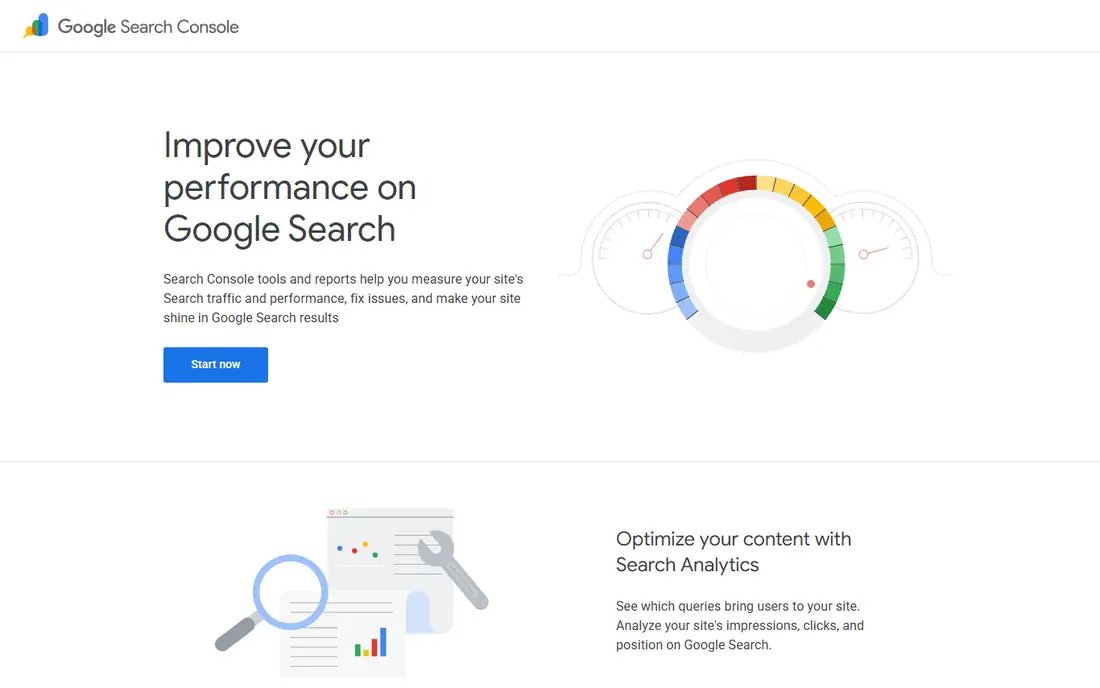
Google Search Console is the one tool no site should skip, because it shows how Google itself sees your pages. It reports impressions, clicks, average position, indexing problems, and mobile usability issues, all free. It also shows impressions from AI Overviews and AI Mode, which paid suites estimate rather than measure directly.
The limits are clear. It covers only sites you verify, offers no competitor research, and keeps 16 months of history. Use it as the ground truth for your own site, then add a paid suite for competitors, keywords, and audits. Every other tool in this list works better when Search Console is already connected.
- Free
- Shows real Google impressions, clicks, and indexing
- Covers AI Overviews impressions
- Your own site only
- No competitor data
- History limited to 16 months
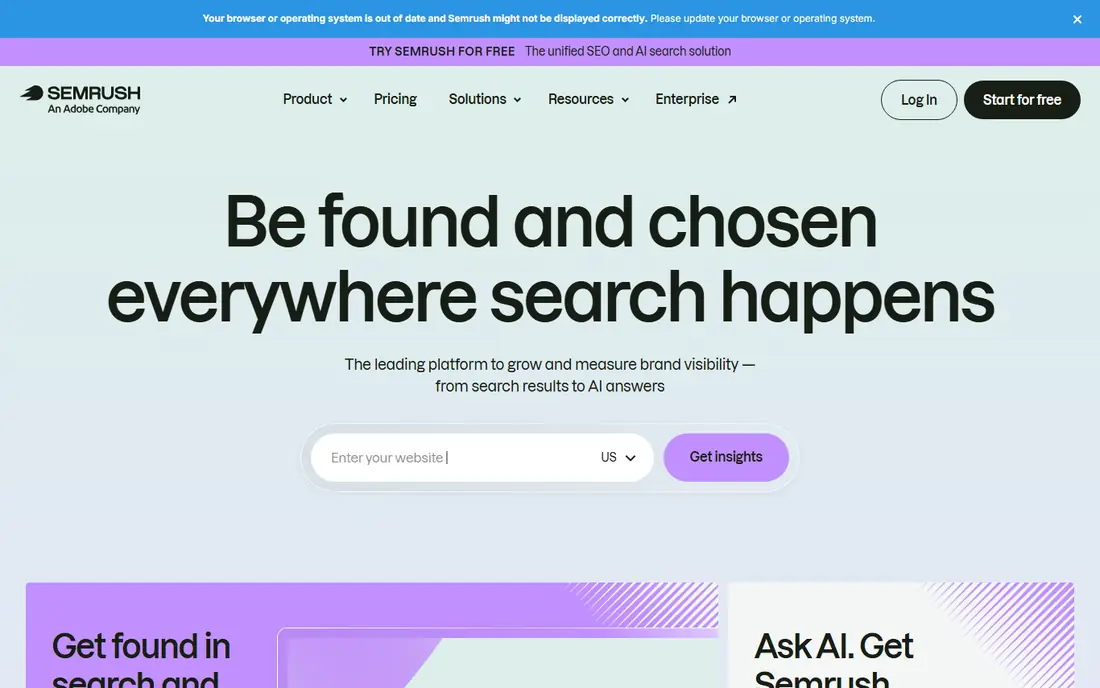
Semrush is our pick for most teams that want one login for visibility work. The Pro plan from $139 per month, or $117.33 on annual billing, covers 500 tracked keywords, site audits, keyword research, backlink data, and content tools. Its AI Visibility Toolkit, from $99 per month per domain, adds AI answer tracking for teams that need it.
The cost grows when you add the local toolkit, extra users, or AI features, so price the full setup rather than the headline plan. New users also face a wide interface with many reports. For a marketing team or agency that needs depth across research, audits, and tracking, Semrush remains the most complete suite here.
- Keyword research, audits, tracking, and AI tools in one login
- Large keyword database
- Strong reporting
- Price rises with add-ons
- Local toolkit costs extra
- Learning curve for new users
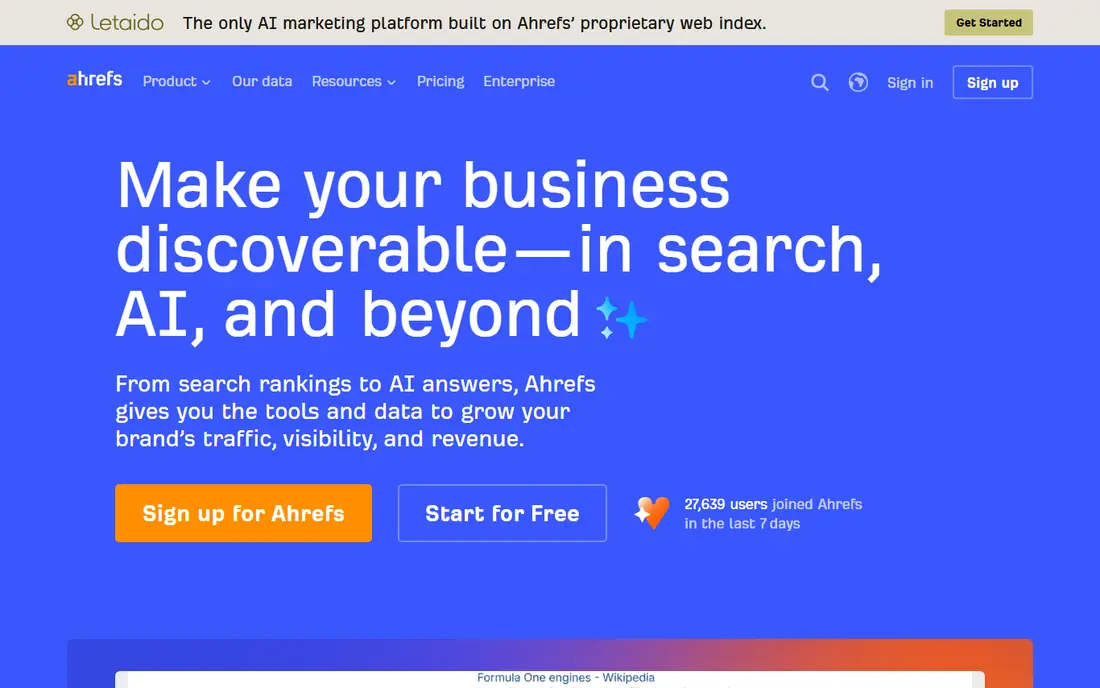
Ahrefs suits teams whose visibility work centers on links and competitor content. Starter at $29 per month covers basic research, while Lite at $129 per month adds 750 tracked keywords and deeper data. Its backlink index and content gap tools help a team find which pages earn links and which topics a competitor covers that you do not.
Rank tracking updates weekly by default on all plans, which frustrates teams that want daily movement. Brand Radar, its AI visibility add-on, also costs extra per index. For link building and competitor research, Ahrefs is the strongest pick. For daily rank tracking alone, SE Ranking or AccuRanker may suit better.
- Best backlink index in this group
- Strong competitor content research
- Clean interface
- Starter plan is limited
- Rank tracking updates weekly by default
- Brand Radar is an add-on
Moz Pro is a friendly suite for small businesses that want guidance alongside data. Standard from $99 per month, or $79 on annual billing, covers 300 keywords and three tracked sites, with keyword research, site crawls, and rank tracking. Its learning resources and clear explanations help a team that is new to SEO act on reports rather than just read them.
The keyword database is smaller than the leaders, and larger campaigns need the Medium plan at $179 per month. Moz Pro also lacks the depth of Semrush for agencies managing many clients. For a small team that values clarity over raw database size, Moz Pro is a sensible choice.
- Clear guidance for beginners
- Domain Authority metric widely used
- Keyword and audit tools included
- Smaller keyword database than Semrush or Ahrefs
- Higher tiers needed for larger campaigns
SE Ranking gives the most tracked keywords per dollar at entry level. Core at $129 per month, or $103.20 on annual billing, covers 2,000 keywords with daily updates, plus audits, backlink checks, and reporting. That allowance suits agencies and content teams tracking many pages without jumping to an enterprise tier.
AI visibility tracking is an add-on at $89 per month, so teams that need it should add that to the total. The interface packs many tools into one view, which takes time to learn. For rank tracking volume on a budget, SE Ranking is hard to beat.
- 2,000 keywords on Core
- Daily rank updates
- White-label reporting options
- AI tracking is an add-on
- Interface is busier than Moz
BrightLocal is the pick for businesses that live or die by local search. Track from $31 per month on annual billing, or $41 monthly, covers 100 keywords, four competitors, and geo-grid rankings that show where you rank across a town or city. Citation audits, listing management, and review monitoring sit in the same dashboard, which saves juggling separate tools.
Pricing is per location, so a multi-site business pays per site. National keyword research is also thinner than on a full suite. For a single shop, clinic, or restaurant group that needs map visibility, BrightLocal covers the local job better than any national suite here.
- Geo-grid map rankings
- Citation checks
- Review monitoring
- Local AI visibility tracker
- Priced per location
- National keyword research is thinner than Semrush
Moz Local solves a narrower but painful problem: inconsistent business listings across directories. From $14 per month per location on annual billing, it syncs name, address, phone, and hours to major directories and suppresses duplicates that confuse customers and search engines. That consistency supports local rankings without the cost of a full local suite.
It does not offer geo-grid map rankings, and its review features are basic next to BrightLocal. Moz Local suits a business that already tracks rankings elsewhere and only needs listings fixed and maintained. Paired with Search Console, it is a low-cost local foundation.
- Listing sync across directories
- Duplicate suppression
- Low per-location price
- No geo-grid rankings
- Review tools are basic compared with BrightLocal
Ubersuggest, from Neil Patel, is the budget pick for keyword research and content ideas. Paid plans from $29 per month add more searches, tracked keywords, and site audits, while the free tier covers occasional checks. Its interface is simpler than the big suites, which suits a solo marketer or small business owner.
Depth is the trade-off. Backlink data, audits, and rank tracking are thinner than on Semrush, Ahrefs, or SE Ranking, and data refreshes less often. Ubersuggest is best as a first paid tool for keyword ideas, with a larger suite added later if the business grows.
- Low price
- Simple keyword and content ideas
- Free tier for basic checks
- Backlink and audit depth below Ahrefs and Semrush
- Data updates less often
Screaming Frog SEO Spider is a desktop crawler that technical SEOs reach for when a site has problems. It finds broken links, redirect chains, duplicate titles, missing metadata, and crawl blocks across a whole site, with a free version for up to 500 URLs and a paid licence at $279 per year. One licence covers many sites, which makes it cheap for agencies.
It is not a visibility dashboard. There is no rank tracking, keyword research, or competitor data, and results live on your computer rather than in a shared cloud report. Paired with Search Console and a rank tracker, it completes a technical setup at low cost.
- Deep technical crawl data
- Finds broken links, redirects, and duplicates
- One licence covers many sites
- Desktop software, not a cloud dashboard
- No rank tracking or keyword research
How we picked these
We compared official pricing pages, tracked keyword allowances, local features, and published plan limits in October 2026. We favored tools with a current paid plan or free tier, and we included both national suites and local specialists because visibility work splits that way in practice. Prices are starting list prices and vary by billing term, seats, and add-ons, so confirm the total on the vendor site.
Building a visibility stack that fits
Start free, then add one paid tool
Connect Search Console first, fix indexing and metadata problems it surfaces, and only then add a paid suite. Many teams buy a suite before fixing basics, which wastes the first months of the subscription.
Match the tool to the job
National content teams need Semrush, Ahrefs, or SE Ranking. Local businesses need BrightLocal or Moz Local first, with a national suite only if they also publish national content. Technical teams need Screaming Frog regardless of suite choice.
Watch cost drivers
Seats, tracked keywords, locations, and AI add-ons drive the real bill more than the headline plan. Price the setup for the team size and keyword count you expect in a year, not the trial month.
Frequently asked questions
What is the best software for visibility overall?
Semrush is the most complete all-round pick for teams that need research, audits, tracking, and reporting in one place. A local business will get more value from BrightLocal, and a link-focused team from Ahrefs, so the best pick depends on the job.
Is Google Search Console enough on its own?
It is enough to monitor your own site health and Google traffic, but it gives no competitor data, keyword ideas, or rank history beyond 16 months. Most teams pair it with one paid suite.
How many keywords should I track?
Start with the pages that earn revenue: product, service, and location pages, plus their main comparison terms. A small business often needs 100 to 300 keywords, while an agency or content site can need 2,000 or more.
Do I need AI visibility tracking too?
If your customers use ChatGPT, Perplexity, or Google AI Overviews to research purchases, yes, and Semrush, Ahrefs, and SE Ranking all offer it as an add-on. If your traffic still comes mainly from classic search and maps, classic rank tracking matters more first.
What is the difference between BrightLocal and Moz Local?
BrightLocal covers rankings, geo-grids, citations, and reviews for local search, while Moz Local focuses on listing sync and duplicate suppression at a lower per-location price. Many local businesses use BrightLocal alone, or Moz Local plus a rank tracker.
How often do rankings update?
It varies by tool. SE Ranking and BrightLocal update daily on most plans, while Ahrefs updates weekly by default. Daily updates matter for competitive local markets, while weekly updates suit long-term content tracking.
Sources we checked (9)

Online Jobs is an independent blog about careers, online work, learning new skills and the tools that help people earn. More about us.
Keep reading
All posts
Workday Alternatives
We compared the best workday alternatives for HR, payroll, and global hiring, from BambooHR and Gusto to Rippling, Deel, and HiBob for growing teams in 2026.

Which SaaS Tools Have the Best Customer Support
Which SaaS tools have the best customer support? Compare eight popular tools on help centres, live help, response options and overall support quality.

Top AI Helpdesk Software
Searching for top AI helpdesk software in 2026? We compared 8 AI helpdesks on automation, pricing, channels and ease of setup for small and growing teams.