Best Software for PDF Translation in 2026: 9 Tools Compared

How we put this together: we compare official feature and pricing pages, app store listings, privacy policies and public user reviews. Prices change, so check the provider's site before you pay.
Key takeaways
- DeepL leads on translation quality for European languages, with PDF support that preserves layout.
- Google Translate suits quick, free PDF translation for casual use across many languages.
- Microsoft Translator suits businesses inside the Microsoft ecosystem, with document translation at scale.
- Smartcat suits teams localizing many documents, with translation memory and collaboration.
- For sensitive PDFs, prefer tools with clear data policies or desktop options, since online tools upload your file.
Quick comparison
| Name | Who it suits | Starting price | Free option | |
|---|---|---|---|---|
 DeepL DeepL | Translation quality | See website | Yes | Visit |
 Google Translate Google Translate | Free quick translation | Free | Yes | Visit |
 Microsoft Translator Microsoft Translator | Microsoft ecosystem | See website | Yes | Visit |
 Smartcat Smartcat | Team localization | See website | Free trial | Visit |
 DocTranslator DocTranslator | Simple online PDF translation | Free | Yes | Visit |
 Pairaphrase Pairaphrase | Business document translation | See website | Free trial | Visit |
 SYSTRAN SYSTRAN | Enterprise translation | See website | Free trial | Visit |
 Reverso Reverso | Context-aware translation | Free | Yes | Visit |
 GroupDocs Translation GroupDocs Translation | Online document translation | Free | Yes | Visit |
The best software for PDF translation
PDF translation tools convert documents into other languages while preserving layout, tables, and formatting as far as possible. The options below cover casual users, businesses, and localization teams. We compared official pricing pages, feature lists, and documentation to sort them by quality, language range, and privacy.
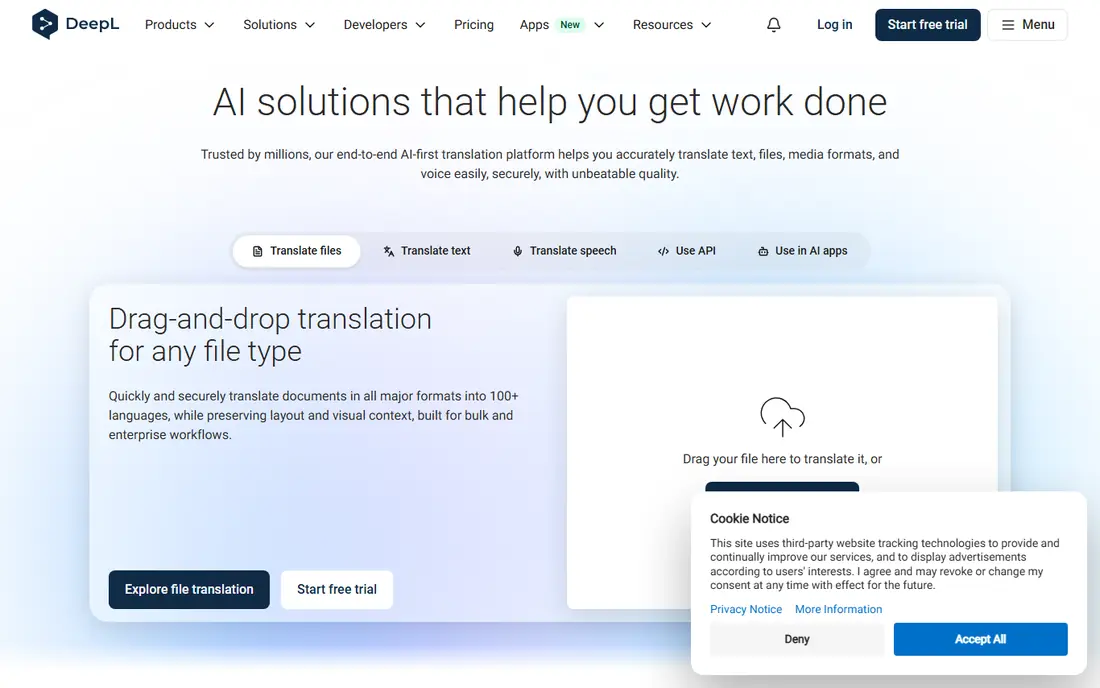
DeepL leads on translation quality, especially for European languages, with PDF translation that preserves layout, fonts, and formatting better than most rivals. Its glossary controls keep brand terms consistent, and its free tier covers short documents, with paid plans priced on DeepL's site for larger files and more languages.
The language range is smaller than Google Translate's, and free documents have size limits. For a business document where quality matters, DeepL's output needs the least editing of any tool here.
- Best translation quality for European languages
- PDF translation preserves layout
- Glossary controls
- Language range smaller than Google's
- Free tier limits document size
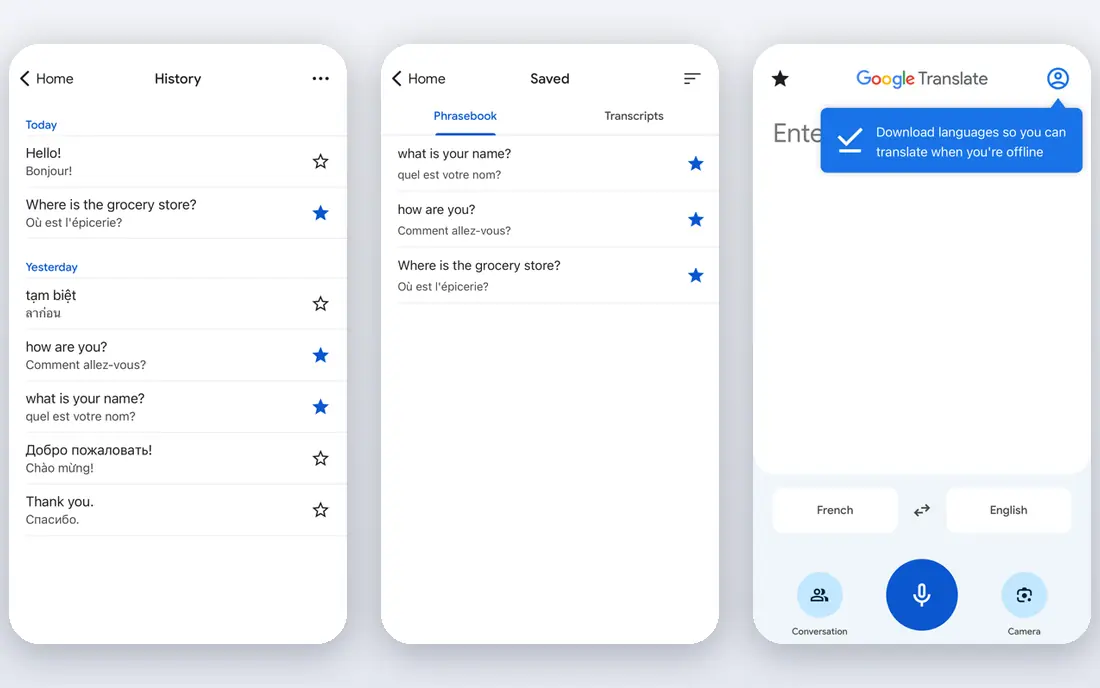
Google Translate offers free document translation in the browser, covering the largest language range of any tool here. Upload a PDF, pick languages, and download a translated copy in minutes, with no account or subscription needed. Its speed suits casual use, travel documents, and quick understanding.
Layout preservation is basic, with complex tables and formatting sometimes shifting, and quality varies by language pair. For a quick, free translation to understand a document, Google Translate is the easiest option.
- Free
- Largest language range
- Document translation in the browser
- Layout preservation is basic
- Quality varies by language pair
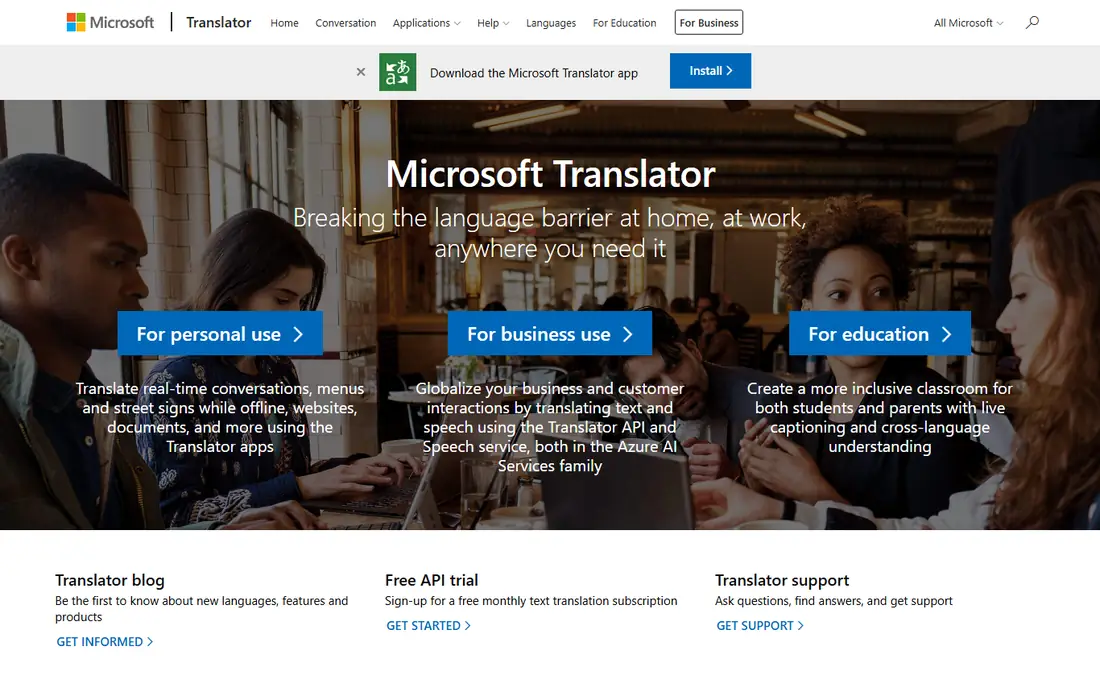
Microsoft Translator offers document translation through its translator service and Azure, suiting businesses already using Microsoft tools. It covers many languages, handles large volumes, and integrates with Office and Azure workflows. A free tier covers basic use, with paid Azure pricing listed on Microsoft's site.
Value is highest inside Microsoft setups, and quality trails DeepL for some language pairs. For a Microsoft shop translating documents at scale, its integration is a real advantage.
- Document translation at scale
- Azure integration
- Many languages
- Best inside Microsoft setups
- Quality trails DeepL for some pairs
Smartcat suits teams localizing many documents, combining machine translation with translation memory, glossaries, and human review in one platform. Its marketplace connects teams with professional translators for final polish, and collaboration tools track progress across languages. A free trial covers evaluation, with pricing listed on Smartcat's site.
The learning curve is real, and one-off documents do not need its depth. For a team translating product docs, manuals, or marketing into many languages, Smartcat's workflow is the most complete here.
- Translation memory and glossaries
- Team collaboration
- Marketplace of translators
- Learning curve
- Overkill for one-off documents
DocTranslator offers simple online PDF translation with no account needed, covering many languages and preserving layout reasonably for standard documents. Its interface is minimal: upload, pick languages, download. A free tier covers basic use, with paid options for larger files.
Quality depends on the underlying machine engine, and free limits apply. For a one-off PDF translation without signing up, DocTranslator is the lowest-friction option.
- Simple PDF translation with no account
- Many languages
- Preserves layout reasonably
- Quality depends on machine engine
- Free limits apply
Pairaphrase targets business document translation, handling PDFs, Word, and other files while preserving formatting, with secure file handling and collaboration features. Its workflow suits companies translating reports, contracts, and manuals regularly. A free trial covers evaluation, with pricing listed on Pairaphrase's site.
Pricing is business-oriented, and its brand is smaller than DeepL's. For a business translating documents routinely with formatting intact, Pairaphrase is a strong specialist choice.
- Business document translation with file formatting
- Secure handling
- Many languages
- Pricing is business-oriented
- Smaller brand than DeepL
SYSTRAN serves enterprises with machine translation, including custom models trained on company terminology and secure deployment options for sensitive data. Its document translation covers PDFs and Office files, with on-premises options for regulated industries. A free trial covers evaluation, with pricing listed on SYSTRAN's site.
Enterprise pricing puts it beyond casual users. For a large company with terminology, security, and volume needs, SYSTRAN's custom models and deployment options stand out.
- Enterprise translation with custom models
- Secure deployment options
- Many languages
- Enterprise pricing
- Overkill for casual users
Reverso combines translation with context examples, showing how phrases appear in real texts to help users pick the right wording. Its document translation covers PDFs and other files, with a free tier for basic use and paid plans priced on Reverso's site.
The language range is smaller than Google's, and layout preservation is basic. For a user who wants context alongside translation, especially for tricky phrases, Reverso's examples are genuinely useful.
- Context examples improve accuracy
- Document translation
- Free tier
- Language range smaller than Google's
- Layout preservation is basic
GroupDocs Translation offers free online document translation across many file formats, including PDF, with no account needed for basic use. Its simplicity suits quick translations of standard documents, with paid cloud options for heavier use, priced on GroupDocs' site.
Quality varies by language, and advanced features like glossaries are limited. For a quick free translation without signup, GroupDocs Translation is a practical option.
- Free online document translation
- Many file formats
- No account needed
- Quality varies by language
- Fewer advanced features
How we picked these
We compared official pricing pages, feature lists, and documentation for PDF translation tools that operate today. We favored tools with real PDF document translation, not just text boxes, and we included free, business, and enterprise options rather than only one style. Prices are the standard published rates from each vendor's own site, and where pricing varies by plan we say so rather than guessing.
What to check before you choose
Start with the document's purpose. Casual understanding suits Google Translate or DocTranslator, business quality suits DeepL, and team localization suits Smartcat. Purpose decides the tool faster than language counts.
Check layout preservation with your file
Complex PDFs with tables, columns, and images shift differently across tools. Test with your actual file, not a simple sample, and compare layout before committing. A translation that scrambles tables needs manual repair that erases time saved.
Check data handling for sensitive PDFs
Online translation uploads your file to a server, so read each tool's data policy before translating contracts, medical records, or financial documents. Prefer tools with clear deletion policies or desktop and on-premises options, like SYSTRAN, for sensitive material.
Always review machine translation
Machine translation still makes errors, especially with idioms, legal terms, and technical language. Have a fluent reviewer check important documents before sending, and use glossaries where the tool offers them for consistent terminology. A reviewed machine translation beats an unreviewed one every time, and the review step is what turns a fast draft into a document you can trust.
Frequently asked questions
What is the best software for PDF translation?
DeepL is our pick for translation quality, especially for European languages, with layout-preserving PDF support. Google Translate suits free quick translation, Microsoft Translator suits Microsoft shops, and Smartcat suits team localization. The best tool follows purpose and language pair.
How do I translate a PDF for free?
Google Translate offers free document translation in the browser, while DocTranslator and GroupDocs Translation offer free PDF translation without an account. DeepL's free tier covers short documents. For sensitive files, prefer a desktop or secure option over free online upload.
Does DeepL translate PDFs?
Yes, DeepL translates PDF documents while preserving layout, fonts, and formatting, with glossary controls for consistent terms. Its free tier limits document size and frequency, while paid plans cover larger files and more features. Quality leads for European language pairs.
Can Google Translate translate a whole PDF?
Yes, Google Translate's document feature translates whole PDFs in the browser for free, covering the largest language range available. Layout preservation is basic, so complex tables may shift, and quality varies by language pair. It suits understanding a document rather than publishing a translation.
Is it safe to translate PDFs online?
For ordinary documents, reputable tools with clear deletion policies are safe enough. For sensitive documents, check data policies carefully and prefer desktop or on-premises options. Never upload a document you would not email to an unknown service.
How accurate is AI PDF translation?
Accuracy is high for common language pairs and straightforward text, with DeepL leading on European languages, but idioms, legal terms, and technical language still need human review. Always have a fluent reviewer check important translations before publishing or signing.
Sources we checked (9)

Online Jobs is an independent blog about careers, online work, learning new skills and the tools that help people earn. More about us.
Keep reading
All posts
Zoom Alternatives
Zoom alternatives compared for 2026: Google Meet, Microsoft Teams, Webex, Jitsi and more for free calls, large meetings and webinars for teams and classrooms.

What Is the Best Free Tool to Rotate a PDF
What is the best free tool to rotate a PDF? We compare eight free rotation tools on per-page control, limits, privacy and saved output quality in detail.

What Is the Best AI Dubbing Tool
We compared the best AI dubbing tools in 2026, from ElevenLabs and HeyGen to Rask AI, Dubverse and Veed, for videos and creators in many languages worldwide.