Best Software for Editing Video Podcasts in 2026: 9 Tools Compared

How we put this together: we compare official feature and pricing pages, app store listings, privacy policies and public user reviews. Prices change, so check the provider's site before you pay.
Key takeaways
- Descript and Riverside suit talk-first shows because transcript editing cuts filler fast.
- DaVinci Resolve gives the strongest free desktop editor for podcasters who want full control.
- Premiere Pro and Final Cut Pro fit teams that need deep color, multicam and finishing tools.
- CapCut and VEED suit short clips and social cuts more than long, polished episodes.
- Always check media-hour and credit limits before you pay, since they decide the real monthly cost.
Quick comparison
| Name | Who it suits | Starting price | Free option | |
|---|---|---|---|---|
 Descript | Transcript editing for talk shows | $16 per month | Yes | Visit |
 Riverside | Recording and editing in one place | $24 per month | Yes | Visit |
 Adobe Premiere Pro | Professional finishing | $22.99 per month | Free trial | Visit |
 DaVinci Resolve | Free pro-grade desktop editing | Free | Yes | Visit |
 Final Cut Pro | Mac editors who want speed | $299.99 one-time | Free trial | Visit |
 CapCut | Fast social clips | $19.99 per month | Yes | Visit |
 Wondershare Filmora | Beginner friendly desktop editing | $49.99 per year | Yes | Visit |
 Camtasia | Screen and camera lessons | $179.88 per year | Free trial | Visit |
 VEED | Browser editing and captions | $147 per year | Yes | Visit |
The best software for editing video podcasts
Video podcasts need clean audio, readable captions and a pace that holds attention. The tools below cover transcript editing, remote recording and full desktop timelines.
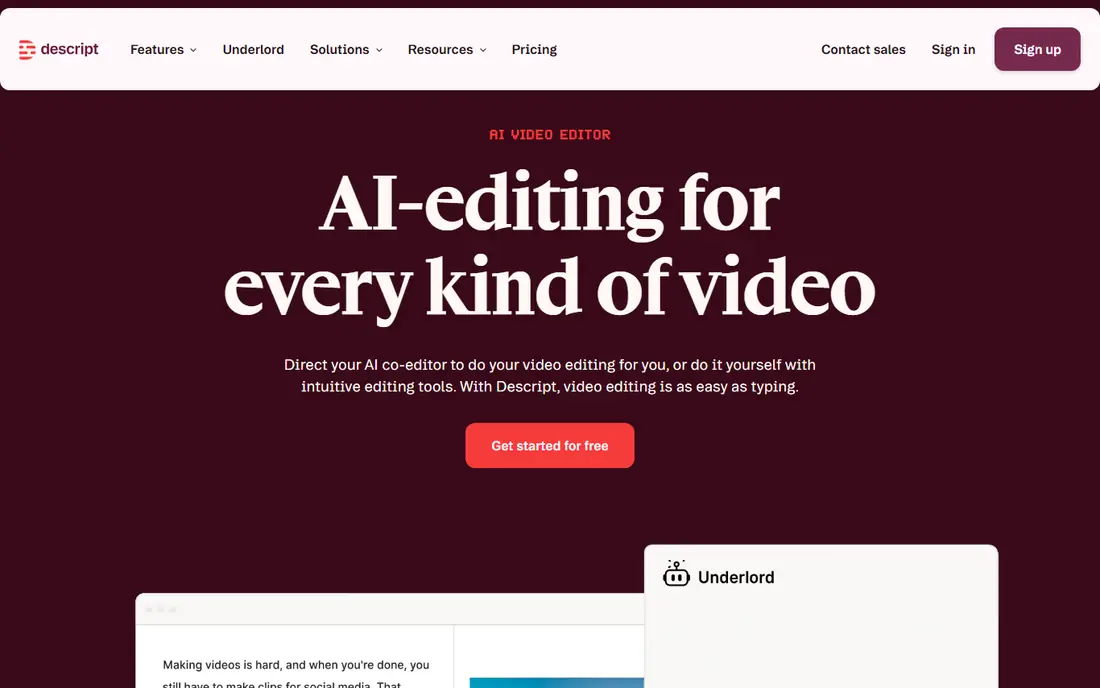
Descript turns a recording into a transcript, and deleting a sentence deletes that part of the video. For interview shows, that single idea saves more time than any effects library. It also handles filler removal, audio cleanup, captions and short clips in the same project, so a weekly episode can move from raw recording to publishable cut without changing apps.
The catch is the metered model. Free use is limited, and paid plans are priced per person with media hours and AI credits on top of the seat price. A show that records long sessions or uses many AI features should price the plan against actual monthly hours, not the headline rate. Editors who need frame-level color work will still want a traditional timeline for finishing.
- Edit video by editing text
- Strong filler removal
- Captions and clip tools built in
- Media hours and AI credits need watching
- Weaker for complex color and multicam work
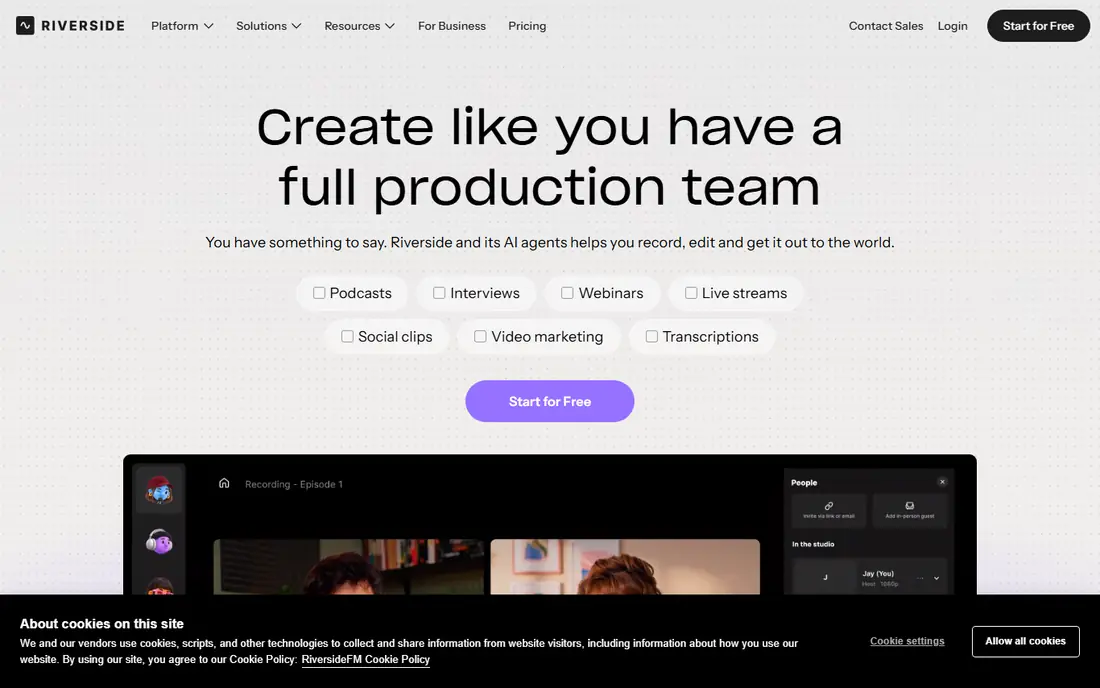
Riverside records each guest locally, which helps when internet connections dip during a call. The result is cleaner audio and video than a screen capture of a meeting, and the built-in editor lets you cut from the transcript, add captions and pull short clips from the same session. For remote shows, keeping recording and editing together removes a whole round of file transfers.
Pricing needs care. The free plan is useful for a test, but its watermark makes it a poor choice for published episodes. Paid plans raise quality and remove the watermark, yet recording hours remain capped, so a show with several long recordings each month should check the hour allowance before committing.
- Local recording in high quality
- Transcript editor
- Clips from source files
- Free exports carry a watermark
- Recording hours cap paid plans
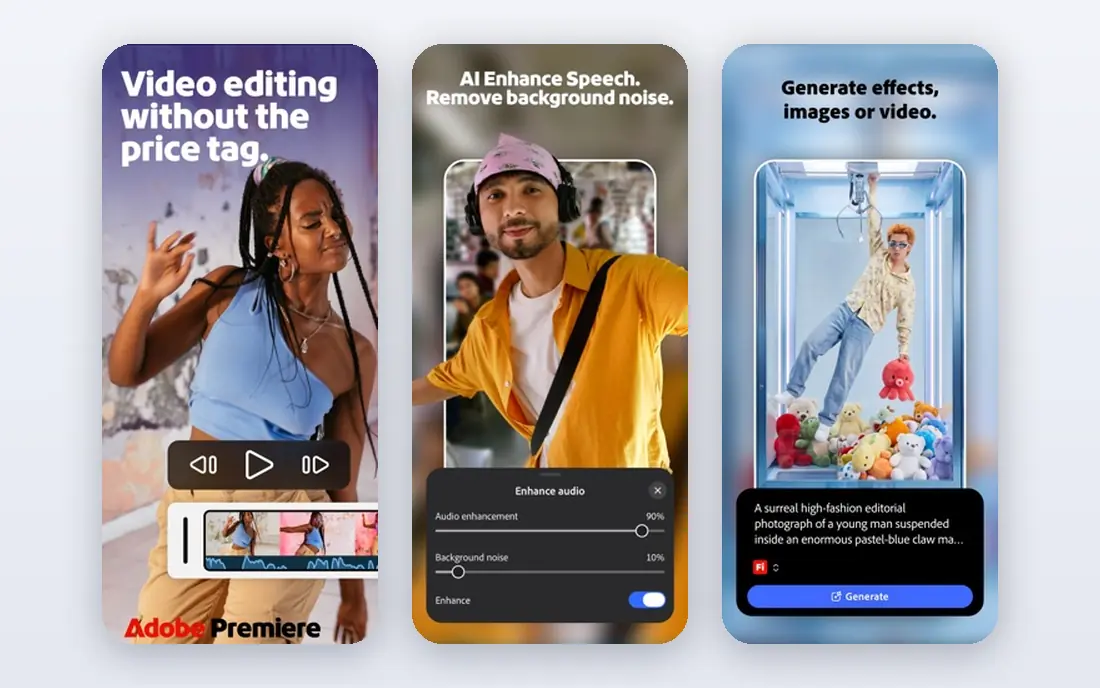
Premiere Pro is the choice when an episode needs more than cuts and captions. Multicam switching, detailed color work, audio mixing and motion titles all live in one timeline, and its speech tools can generate captions from dialogue. Podcast teams that also make trailers, sponsor reads and social cuts will find the same project can serve every output.
The trade-off is time and cost. It is a subscription, and it rewards editors who already know timeline editing. A solo host who only needs to trim pauses will work faster in Descript or Riverside. Premiere earns its place when polish, consistency and control matter more than speed.
- Deep timeline, color and audio tools
- Strong captions
- Broad format support
- Subscription only
- Learning curve is steeper than transcript editors
DaVinci Resolve is unusual because the free version is a complete editor, not a demo. It includes editing, color grading, audio mixing and effects pages, and it exports without a watermark. For podcasters on a tight budget, that makes it the strongest free starting point, and the paid Studio version is a one-time purchase at $295 rather than a monthly fee.
The downside is complexity and hardware demand. New editors may take longer to learn the page-based layout, and older machines can struggle with high-resolution footage. Still, for a show that wants a professional look without a subscription, Resolve is hard to beat, provided the computer can keep up.
- Full free editor with no watermark
- Excellent color tools
- One-time Studio option
- Demanding on older computers
- Interface can overwhelm new editors
Final Cut Pro suits Mac-based podcast teams that value speed. Its magnetic timeline keeps clips connected as you trim, which helps when an interview runs long and needs tight cutting. Multicam support handles two or more cameras well, and performance on recent Macs is a genuine advantage for 4K episodes.
The limits are platform and price. There is no Windows version, and the one-time purchase only makes sense if you edit often. Occasional hosts may prefer a free or monthly tool. For regular Mac editors, though, the lack of a monthly fee and the fast playback make it a calm, dependable choice.
- Fast on Apple silicon
- Magnetic timeline
- Strong multicam support
- Mac only
- One-time price is high for occasional editors
CapCut is best used as a clip machine for a video podcast. Auto captions, templates and a large library of effects help turn a long episode into short vertical videos quickly, and the mobile app means clips can be finished away from a desk. For discovery on short-form platforms, that speed matters.
It is less convincing as the main editor for a full episode. Timeline precision, audio control and long-project organization lag behind desktop editors, and the Pro price is now $19.99 per month or $179.99 per year on web checkout, with prices varying by region and platform. Use CapCut for clips, and keep the main edit elsewhere.
- Quick captions and templates
- Mobile and desktop versions
- Large effect library
- Pro price rose sharply in 2026
- Long-form editing feels less precise
Filmora is a good middle ground for podcasters who want a real timeline without learning a professional suite. Drag-and-drop editing, clear titles, auto captions and a stock library make a first episode feel achievable in an evening. It runs on Windows and Mac, and the annual plan is cheaper than most monthly subscriptions.
Free exports carry a watermark, so publishing requires a paid plan. Some AI tools also draw on credits, which can add cost for heavy users. For a solo host who edits one or two episodes a month and wants a friendly timeline, Filmora balances price and capability well.
- Gentle learning curve
- Auto captions
- Stock music and effects included
- Free exports carry a watermark
- AI features use credits on some plans
Camtasia fits video podcasts that are really lessons: a host on camera, a screen shared, and a clear teaching point. Screen recording, webcam capture, annotations and captions work together, and higher tiers add text-based editing and AI voice tools. It is a strong pick for course-style shows and tutorial podcasts.
For a standard interview show, Camtasia is expensive for what it does. The Essentials tier at $179.88 per year is the entry point for clean, watermark-free exports, and cinematic color or multicam work is not its strength. Choose it when screen content is central, not when the show is mostly conversation.
- Strong screen recording
- Text-based editing on paid tiers
- Captions and quizzes
- High price for simple cuts
- Less suited to cinematic podcast finishing
VEED runs in the browser, which suits teams that share projects and review cuts online. Subtitles are fast, the editor is easy to learn, and paid plans add brand kits, translation and more AI tools. A small team that publishes social clips and short episodes can work entirely in VEED without installing software.
The browser model is also its limit. A weak connection slows editing, and long, timeline-heavy episodes are easier in a desktop editor. AI work uses credits, so heavy users should check the annual credit pool. For short, caption-led video, VEED is quick and practical.
- No install needed
- Fast subtitles
- Brand kits and translation on paid tiers
- Needs a steady internet connection
- Credit model complicates AI costs
How we picked these
We compared official feature pages, pricing pages and app-store listings, and kept only tools that exist, work in October 2026 and fit video podcast editing. We favored tools that handle the real jobs of a video podcast: clean audio, readable captions, multicam or remote recording, and exports for both full episodes and short clips. Prices shown are starting prices found in recent vendor and review listings, and readers should confirm the price in checkout, since plans change.
What to check before you pay
Start with your recording setup. If guests join remotely, a recorder like Riverside matters more than an effects library. If you record in person with two cameras, multicam support and color tools matter more. Next, count your monthly minutes. Transcript tools and AI features often bill by media hours or credits, so a weekly 90-minute show can cost more than the headline plan suggests.
Test the free plan or trial with a real episode, not a two-minute sample. Check caption accuracy on your voices, export quality, and how long the full workflow takes from import to final file. Finally, decide where clips come from. If short-form discovery drives your show, a fast clip tool may be worth a second subscription, even if your main edit lives elsewhere.
Frequently asked questions
Which software is best for video podcast editing?
For most talk shows, Descript or Riverside is the fastest route, because transcript editing and local recording remove the slowest parts of the job. Editors who want full control should look at DaVinci Resolve or Premiere Pro. The best choice depends on whether you record remotely, how many cameras you use, and how much finishing you need.
Is there free video podcast editing software?
Yes. DaVinci Resolve offers a full free editor with no watermark, and Descript, Riverside, CapCut, Filmora and VEED all offer free tiers. Free tiers usually limit resolution, add a watermark, or cap hours and credits, so they suit testing and short clips more than regular publishing.
What is the best video podcast software with editing built in?
Riverside and Descript both combine recording and editing, which suits remote shows. Riverside records each guest locally for cleaner source files, while Descript focuses on transcript editing, cleanup and clips. If you record in person, a desktop editor plus a separate recorder can work just as well.
Do I need Premiere Pro for a video podcast?
No, unless you need deep color, complex multicam work, or advanced audio mixing. Many successful shows are edited entirely in transcript tools or in DaVinci Resolve. Premiere Pro earns its subscription when polish and control matter more than speed, or when a team already works in Adobe tools.
How do I choose between a transcript editor and a timeline editor?
Choose a transcript editor when the show is mostly talking and the main job is cutting pauses, filler and weak answers. Choose a timeline editor when visuals, multicam switching, color and music matter as much as the words. Some teams use both: transcript editing for the rough cut, then a timeline editor for finishing.
Sources we checked (9)

Online Jobs is an independent blog about careers, online work, learning new skills and the tools that help people earn. More about us.
Keep reading
All posts
Zoom Alternatives
Zoom alternatives compared for 2026: Google Meet, Microsoft Teams, Webex, Jitsi and more for free calls, large meetings and webinars for teams and classrooms.

Which Software Is Best for PDF Page Removal
Which software is best for PDF page removal? We compare free and paid tools for deleting pages quickly, safely, and without harming your file in this guide.

Which Software Is Best for Data Entry
Compare the best data entry software for forms, OCR scanning, and spreadsheets, with free plans, pricing, and honest limits for each tool before you commit.