Best Software for Dance Video Editing in 2026: 8 Tools Compared

How we put this together: we compare official feature and pricing pages, app store listings, privacy policies and public user reviews. Prices change, so check the provider's site before you pay.
Key takeaways
- CapCut and VN Video Editor cover most dance reels, with beat tools, speed controls and vertical exports.
- DaVinci Resolve and Premiere Pro win when a dance film needs careful color, sound and multi-camera cuts.
- LumaFusion is the strongest mobile pick for iPad editors who want desktop style control on the go.
- Music rights matter as much as editing skill, so use licensed tracks or platform audio for public posts.
- Film in high frame rates when you plan slow motion, since no editor can invent detail that was never recorded.
Quick comparison
| Name | Who it suits | Starting price | Free option | |
|---|---|---|---|---|
 CapCut | Fast dance reels and trends | Free | Yes | Visit |
 VN Video Editor | Advanced mobile dance edits | Free | Yes | Visit |
 DaVinci Resolve | Polished dance films | Free | Yes | Visit |
 Adobe Premiere Pro | Multi-camera dance projects | $22.99 per month | Free trial | Visit |
 LumaFusion | iPad dance editing | $29.99 one-time | No | Visit |
 InShot | Quick phone dance clips | Free | Yes | Visit |
 Wondershare Filmora | Templates and effects for dancers | $9.99 per month | Yes | Visit |
 KineMaster | Layered mobile edits | Free | Yes | Visit |
The best software for dance video editing
Dance editing is about timing. A cut that lands a frame early or late can break the feel of a routine, so the best tools make beat marking, speed changes and multi-angle switching easy. The editors below suit different settings, from a 15 second reel filmed on a phone to a full dance film shot with several cameras.
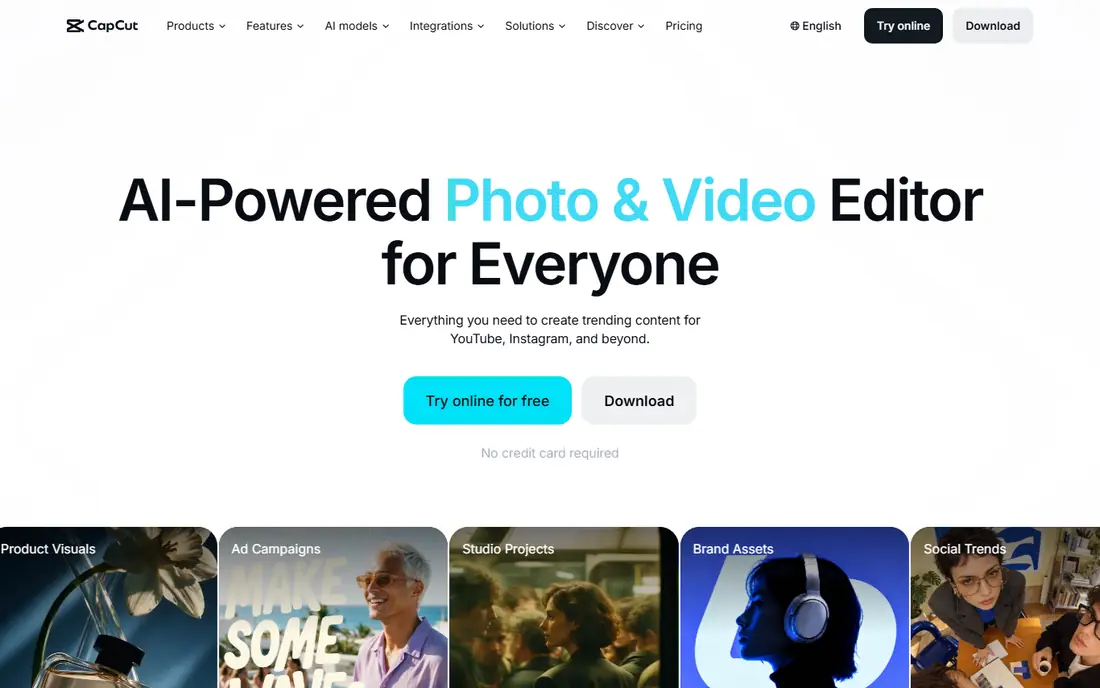
CapCut is the default for many dancers because it is built for the platforms where dance videos live. You can mark beats, snap cuts to music, add captions and try transitions that suit a routine, all without opening a manual. Templates help when you need a trend format fast, and the desktop app gives more room for longer edits. The weakness shows up on longer or more polished projects. Sound design stays simple, color tools are limited, and project files can feel less portable than desktop editors. Use CapCut when the goal is a clean, rhythmic reel posted today, and move to Resolve or Premiere Pro when a piece deserves a full post production pass.
- Beat aware templates and auto captions
- Strong mobile and desktop workflow
- Easy vertical export
- Pro effects and stock need a subscription
- Audio mixing is basic for long films
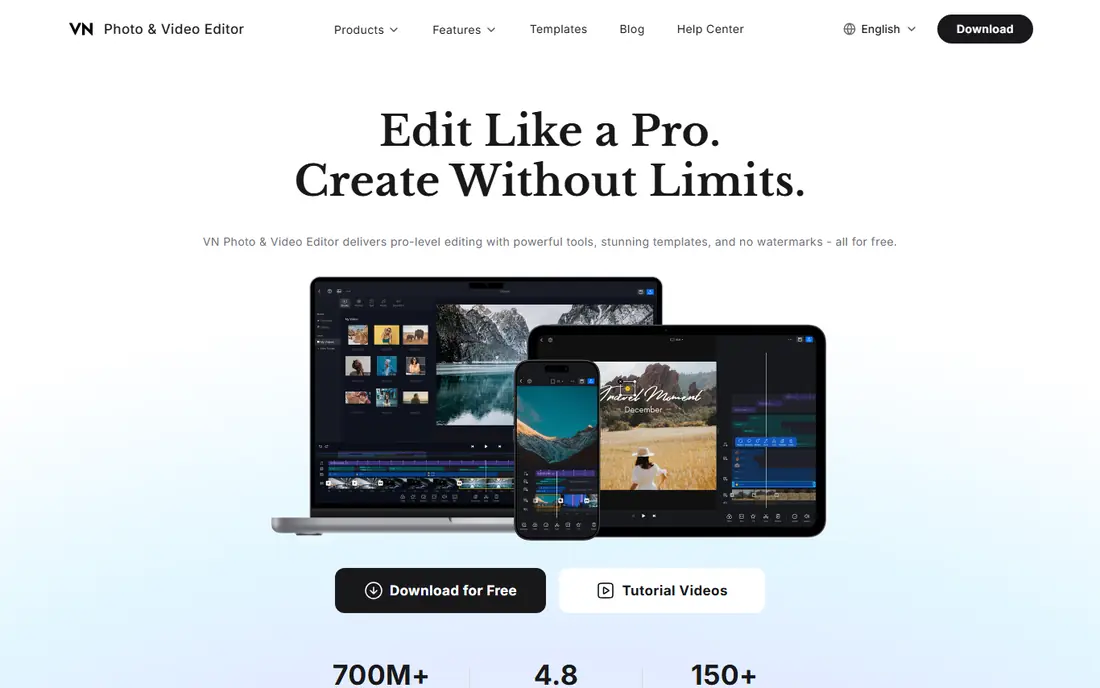
VN Video Editor appeals to dancers who have outgrown simple phone apps but still edit on a phone. The timeline supports multiple video and audio tracks, keyframe animation and speed curves, which matter for slow motion highlights and freeze frames on a key move. The free version exporting without a watermark is a real advantage for students and small studios. VN takes longer to learn than CapCut, and its effects library is less trend driven. That trade is worth it when you want control over timing rather than a ready made look. For rehearsal clips, audition tapes and polished reels edited on mobile, VN is a strong, low cost middle ground.
- Multi-track timeline and keyframes on mobile
- Free version exports without a watermark
- Good speed and color controls
- Smaller template library than CapCut
- Some cloud and pro features need a paid plan
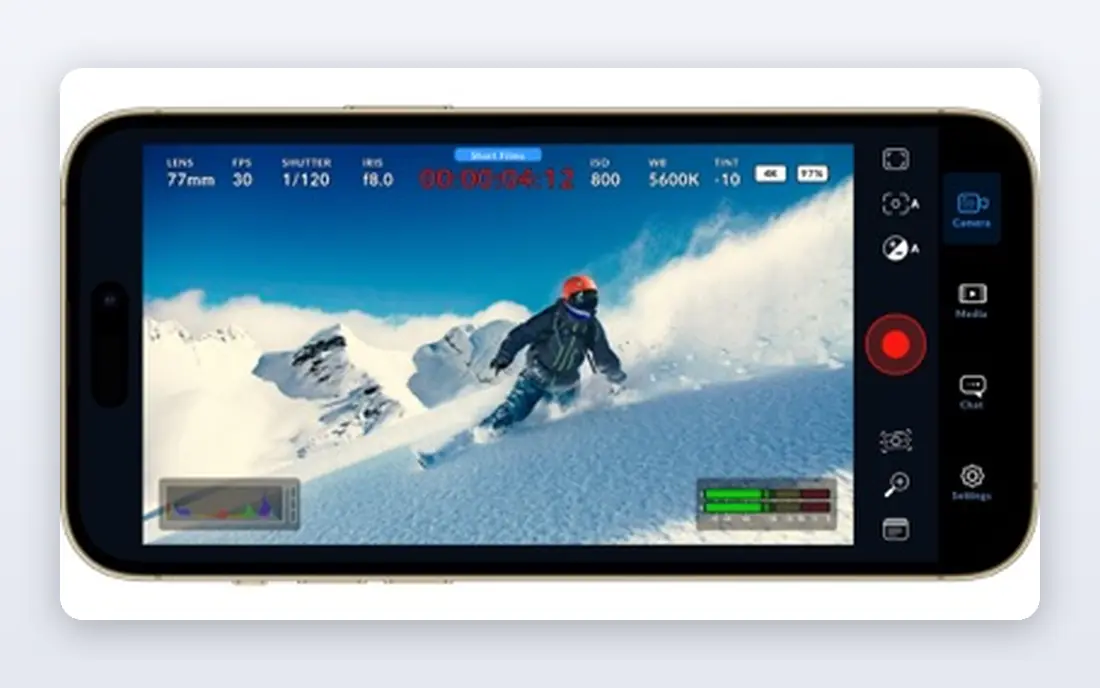
Resolve suits dance films, showcases and competition videos where look and sound matter. Multi-camera editing lets you switch between wide and close angles on the beat, while the color page can unify footage from different cameras and lighting setups. Fairlight audio tools help balance music, applause and spoken introductions without a separate app. Beginners should expect a learning period, especially around project setup and media management. Use proxy files for multi-camera timelines and mark beats on the audio waveform before cutting, since that habit keeps edits tight. For a free tool, Resolve offers the deepest finish for dance work.
- Free pro editing, color and audio
- Multi-camera editing
- Strong slow motion and retiming tools
- Steep learning curve
- Needs a capable computer for 4K multi-camera work
Premiere Pro fits studios and videographers who film dance shows with several cameras and deliver to clients. Multi-camera sequences, shared projects and Adobe graphics tools make it easier to cut a full show, add lower thirds and export versions for stage screens and social clips. If a team already uses Adobe tools, the shared workflow is a practical reason to stay. Solo dancers may find the subscription hard to justify for occasional reels. Premiere Pro also needs a solid machine for 4K multi-camera playback. Try the trial on a real show edit, with your own camera files, before deciding whether the team features and speed justify the monthly cost.
- Strong multi-camera and team workflows
- Links to After Effects for titles and graphics
- Broad format support
- Subscription only
- Heavier on modest machines
LumaFusion turns an iPad into a serious dance editing station. You get multiple video and audio tracks, keyframes, color correction and titles in an interface that feels closer to a desktop editor than a phone app. For teachers and performers who travel to studios and competitions, editing on the same device used for filming saves time. The main limit is platform, since there is no Android or Windows version. Extra effect packs and features also add cost beyond the base price. If you already work on iPad and want control without a subscription, LumaFusion is a convincing one-time purchase for dance reels and short films.
- Desktop style multi-track editing on iPad
- Precise trimming and color tools
- One-time purchase for the base app
- Apple devices only
- Some extra packs cost more
InShot is for dancers who want a finished clip with minimal fuss. Import a take, trim the start and end, add music and text, choose a vertical or square canvas, and export. The simple layout means a student can edit a rehearsal clip between classes without learning timeline jargon. That simplicity has limits. Beat precise editing, layered effects and detailed color work are harder here than in VN or CapCut. Check the free export rules before publishing, since watermark and ad limits vary by plan and region. For quick practice clips and story posts, InShot remains a fast, friendly choice.
- Very easy to learn
- Fast trimming, music and text
- Good aspect ratio tools for multiple platforms
- Free exports may include a watermark
- Effects depth is lower than CapCut or VN
Filmora helps dance teachers and content creators who publish often and want a consistent look. Templates for intros, titles and social clips speed up weekly posts, while AI captions and audio cleanup reduce time spent on routine tasks. The desktop and mobile versions share a familiar layout, so you can start a class recap on a phone and finish it on a computer. Filmora will not replace Resolve for a cinematic dance film, and the free watermark means most publishers will need a paid plan. Compare monthly, annual and perpetual options before buying, since the best value depends on how often you edit. For regular, template driven dance content, Filmora is a comfortable middle step.
- Large template, title and effect library
- AI captions and audio tools
- Windows, Mac and mobile versions
- Free exports carry a watermark
- Pro color and audio controls are limited
KineMaster has served mobile creators for years because it treats a phone timeline more like a desktop timeline. Layers let you place a dancer over a background, add text that follows a move, or blend two takes for a creative transition. Chroma key and blending modes give extra room for studio promos and concept videos. The free version watermark pushes serious creators toward a paid plan, and the interface can feel busy on a small phone screen. Use a tablet when possible for layered projects, and keep layer counts modest so playback stays smooth. For Android and iOS dancers who want layers without a computer, KineMaster is still a useful option.
- Many layers for video, images and text
- Chroma key and blending modes
- Available on iOS and Android
- Free exports include a watermark
- Subscription needed for full asset store access
How we picked these
We compared official feature pages, pricing pages and app store listings, and kept editors that support the core dance tasks: beat aware cutting, speed changes, vertical export and multi-track timelines where relevant. We excluded editors that cannot handle music driven timing well, even if they are popular for general video. Prices shown are starting figures from vendor pages, and free plan limits can change, so confirm export rules before starting a client project.
Cutting dance video that lands on the beat
Mark beats before you cut
Place markers on strong beats in the music track, then align cuts, speed changes and transitions to those markers. This habit matters more than any effect, since viewers feel timing even when they cannot name it. Listen through the track once without editing, then cut on a second pass.
Use slow motion with intent
Slow motion works best on a single highlight move, not across a whole routine. Film at 60 frames per second or higher when you plan to slow a section, and keep the rest at normal speed so the contrast feels deliberate. Too much slow motion flattens energy and hides footwork.
Respect music rights
For public posts, use licensed music, platform audio libraries or tracks you have permission to use. A great edit can be muted or removed if the track is not cleared, so check the license before spending hours on timing. For auditions and class use, keep a separate version with the original track when the rules allow it.
Frequently asked questions
What is the best app for dance reels on a phone?
CapCut is our first suggestion for fast reels, thanks to beat tools, templates and vertical exports. VN Video Editor is better when you want multi-track control and watermark free free exports. Try both on the same routine and keep the one whose timeline feels natural to you.
How do I sync cuts to the beat?
Add the music track first, listen for strong beats, and place markers on those points. Cut or switch angles on markers, and use small speed ramps around a highlight rather than cutting mid move. A short practice edit with one song teaches this faster than a long tutorial.
Should I film in slow motion or slow it down later?
Film at a higher frame rate when you know a section will be slowed down, since that gives smoother motion. Slowing normal footage in the editor can look choppy, especially for fast footwork. Reserve slow motion for one or two moments per routine.
What export settings work best for Instagram and TikTok?
Export vertical video at 1080 by 1920, match your timeline frame rate, and use MP4 with H.264 for broad compatibility. Keep captions readable on a phone screen, avoid tiny text near the edges, and check the first few seconds, since many viewers decide quickly whether to keep watching.
Can I edit a full dance show in a free editor?
Yes, Resolve can handle a full show, including multi-camera cuts and audio balancing, without a paid plan. Free phone apps can work for short highlights, but long shows need desktop timelines, proxy files and organized media. Plan storage and backup before filming a full show.
Do I need permission to post a dance video with commercial music?
For public posts, you generally need a license or you should use the platform audio library, which carries its own terms. Rules differ by platform and territory, and a track that plays in one app may be muted in another. When in doubt, use licensed music or ask the rights holder before publishing.
Sources we checked (8)

Online Jobs is an independent blog about careers, online work, learning new skills and the tools that help people earn. More about us.
Keep reading
All posts
Zoom Alternatives
Zoom alternatives compared for 2026: Google Meet, Microsoft Teams, Webex, Jitsi and more for free calls, large meetings and webinars for teams and classrooms.

What Is the Best Free Tool to Rotate a PDF
What is the best free tool to rotate a PDF? We compare eight free rotation tools on per-page control, limits, privacy and saved output quality in detail.

What Is the Best AI Dubbing Tool
We compared the best AI dubbing tools in 2026, from ElevenLabs and HeyGen to Rask AI, Dubverse and Veed, for videos and creators in many languages worldwide.