Best Software for Architectural Design in 2026: 9 Tools Compared

How we put this together: we compare official feature and pricing pages, app store listings, privacy policies and public user reviews. Prices change, so check the provider's site before you pay.
Key takeaways
- Revit remains the BIM standard for large, multi-discipline projects, while Archicad suits design-led practices that want BIM without the same ecosystem pressure.
- SketchUp Pro at $399 per year is the fastest route from an idea to a client-ready 3D model, but it is not a full documentation platform on its own.
- AutoCAD still defines DWG-based drafting, and its annual cost near $2,000 per year is the price of staying in the format most consultants use.
- Free tools such as Blender cover visualization well, but they do not replace BIM documentation for permitted construction work.
- Hardware and training costs matter as much as the license, especially for Revit, Archicad, and Vectorworks.
Quick comparison
| Name | Who it suits | Starting price | Free option | |
|---|---|---|---|---|
 Autodesk Revit Autodesk Revit | Large BIM projects | $3,005 per year | Free trial | Visit |
 Archicad Archicad | Design-led BIM practices | $2,414 per year | Free trial | Visit |
 AutoCAD AutoCAD | 2D drafting and DWG work | $2,095 per year | Free trial | Visit |
 SketchUp Pro SketchUp Pro | Fast concept modeling | $399 per year | Yes | Visit |
 Chief Architect Chief Architect | Residential design | $595 per year | Free trial | Visit |
 Vectorworks Architect Vectorworks Architect | Flexible 2D and 3D BIM | $3,045 per year | Free trial | Visit |
 Rhino Rhino | Complex freeform geometry | $995 one-time | Free trial | Visit |
 Lumion Lumion | Presentation rendering | $1,149 per year | Free trial | Visit |
 Blender Blender | Free visualization | Free | Yes | Visit |
The best software for architectural design
Architectural design software splits into three jobs: early concept modeling, detailed BIM documentation, and presentation rendering. No single tool does all three equally well, so the best choice depends on which job dominates your week. We compared official pricing and feature pages for the tools below, favoring products that are actively sold and widely used in 2026.
Revit is what large firms and public projects expect. A single parametric model drives floor plans, sections, elevations, and schedules, so a change to a wall updates every drawing that shows it. Architecture, structure, and mechanical teams can coordinate in one environment, which is why consultants and contractors build their workflows around it.
The price is $3,005 per year, and that is only part of the cost. Revit runs on Windows, needs serious hardware, and takes real training before a team works fast in it. Solo practitioners often find it more than they need. For complex projects with several disciplines, though, Revit is the safe choice because everyone else on the project is likely already in its ecosystem.
- Industry BIM standard
- Strong multi-discipline coordination
- Parametric model drives all drawings
- Windows only
- Steep learning curve
- Heavy hardware demands
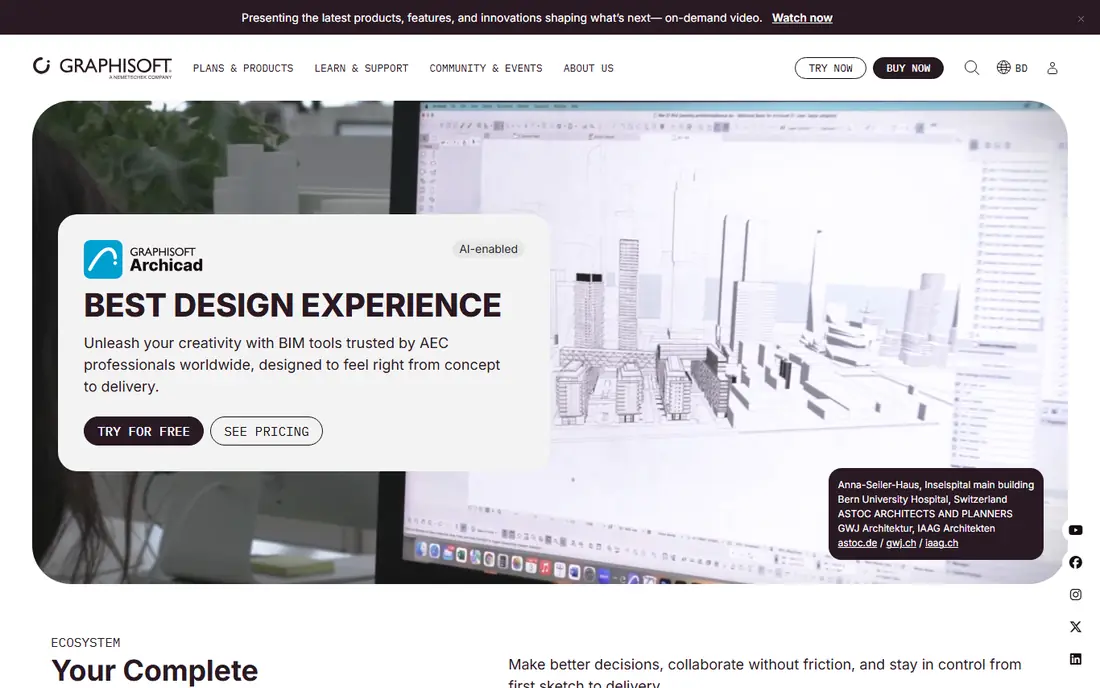
Archicad, from Graphisoft, is the design-oriented BIM alternative that many small and mid-size practices prefer. It models and documents in one environment, with a workflow that feels closer to drawing than to database management. It also runs on both Mac and Windows, which matters for studios that standardized on Apple hardware years ago.
The trade-off is ecosystem. Consultants on a project may still work in Revit, so file exchange needs care, even though Archicad supports open BIM formats. Published pricing puts the Studio subscription near $2,414 per year, with a lower-cost Solo option for single users. For a design-led practice that values modeling feel over market share, Archicad is a strong pick.
- Design-focused BIM workflow
- Works on Mac and Windows
- Strong built-in rendering
- Smaller consultant ecosystem than Revit
- Pricing varies by plan and region
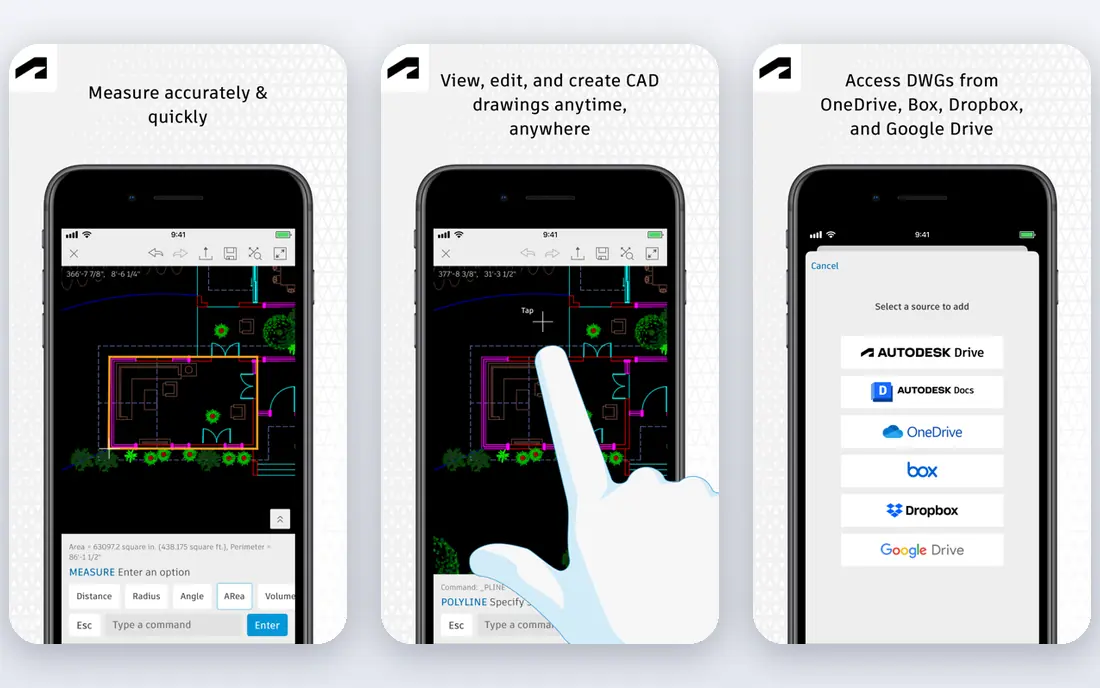
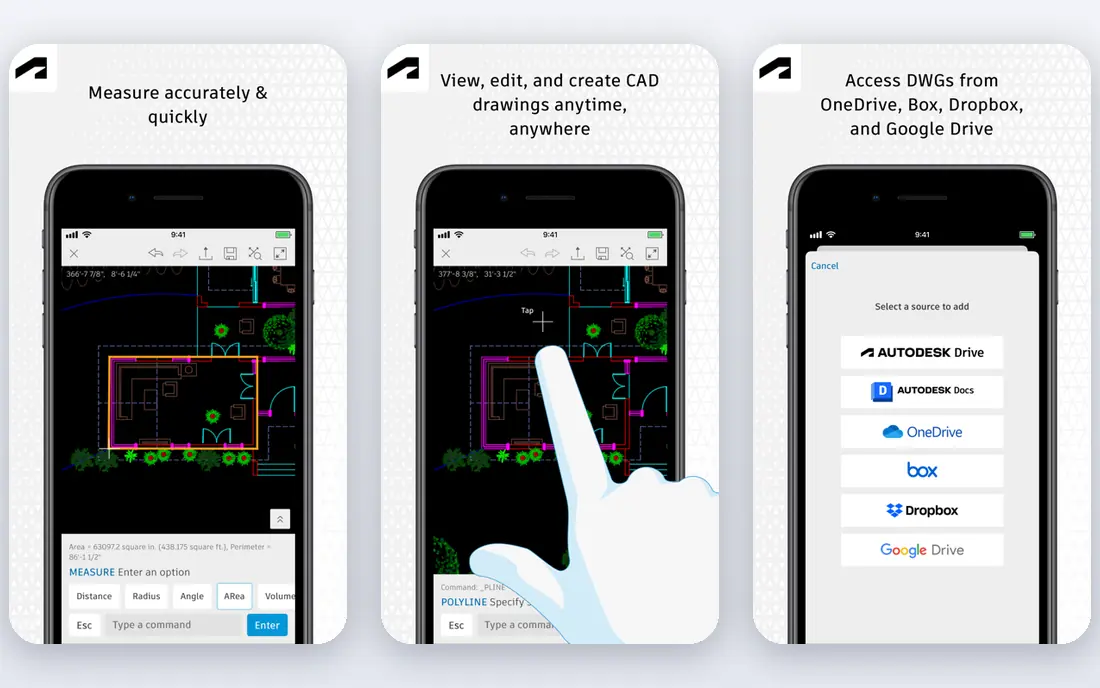
AutoCAD remains the program architecture is measured against for 2D drafting. The DWG format it defined is the exchange currency of construction, its drafting tools are refined by decades of use, and the Architecture toolset adds intelligent walls, doors, and schedules on top of plain drafting. Most firms already have DWG archives and staff who know the commands.
The business model is the debate. Perpetual licenses are gone, every seat is a subscription, and published pricing puts AutoCAD near $2,095 per year, or about $260 per month on monthly billing. For practices deeply tied to consultant DWG workflows, AutoCAD is still the path of least resistance. For everyone else, the cheaper tools below exist precisely because that bill keeps growing.
- Native DWG format
- Refined drafting tools
- Architecture toolset included
- Subscription only
- Annual cost adds up
- Weaker 3D and BIM than Revit
SketchUp Pro is the fastest way to turn an idea into a model a client can understand. Its push and pull modeling feels direct, the 3D Warehouse offers thousands of ready components, and a basic free web version lets beginners start before paying. At $399 per year for Pro, with Studio at $819 per year adding rendering tools, it is far cheaper than the BIM platforms.
The limit is documentation. LayOut can produce presentation drawings, but a full permitted construction set usually needs a BIM tool or careful DWG work beside it. SketchUp suits concept design, massing studies, interiors, and small projects where the model is the main deliverable. For early-stage work, it remains our pick for most people.
- Very easy to learn
- Huge component library
- Fast client presentations
- Not a full BIM documentation tool
- LayOut is basic for construction sets
Chief Architect is built for residential design and remodeling, and that focus shows in every tool. Walls, roofs, stairs, cabinets, and framing generate with far less manual work than in a general BIM platform, and the rendering output suits client presentations and builder discussions. Published comparisons put a subscription near $595 per year, with higher one-time purchase options for the Premier edition.
Commercial architects should look elsewhere, since the toolset is tuned for houses, not offices or hospitals. For residential designers, remodelers, and design-build firms, though, Chief Architect often produces a finished house model faster than Revit or Archicad, and that speed is the whole point.
- Built for houses and remodeling
- Automatic roofs and framing
- Good rendering
- Residential focus limits commercial use
- Full purchase options cost more
Vectorworks Architect suits firms that span architecture, outdoor areas, and interiors and want one package for all three. It handles 2D drafting, 3D modeling, and BIM documentation in a single environment, with presentation tools that many practices use for client work. It runs on Mac and Windows, which keeps mixed-hardware studios happy.
The price, near $3,045 per year in published comparisons, puts it beside Revit, so the case must rest on flexibility rather than savings. Its community and consultant ecosystem are also smaller than Revit's. Choose Vectorworks when your work crosses disciplines and you want one flexible tool rather than several specialized ones.
- Combines 2D drafting, 3D modeling, and BIM
- Strong for outdoor areas and interiors too
- Mac and Windows
- High annual price
- Smaller user community than Revit
Rhino is the tool for shapes other modelers struggle with. Its NURBS modeling handles curves, shells, and facades that rectilinear BIM tools fight, and Grasshopper adds parametric design that can drive whole building systems from a few inputs. The $995 one-time license, with a 90-day trial, is also a welcome break from subscriptions.
Rhino alone does not produce a permitted drawing set. Practices pair it with Revit, Archicad, or documentation plugins to turn freeform models into drawings. Buy Rhino when the design itself demands complex geometry, and budget for the documentation tool beside it.
- One-time license
- Unmatched freeform and parametric modeling
- Huge plugin ecosystem
- Not a documentation platform alone
- Needs plugins for full BIM
Lumion is not a design tool, and that distinction matters. It takes a model from Revit, SketchUp, Archicad, or Rhino and turns it into presentation-quality stills, animations, and walkthroughs quickly, with trees, people, weather, and lighting from a large library. Published pricing puts the Pro edition near $1,149 per year.
The catch is hardware and scope. Lumion needs a strong graphics card, and it does nothing for plans or sections. Buy it when client presentations win work and your current renderer is too slow or too flat. For firms that only need occasional renders, a cheaper renderer or a modeler with built-in rendering may be enough.
- Fast photorealistic stills and animations
- Large asset library
- Live sync with major modelers
- Rendering only, not a design tool
- Needs strong graphics hardware
Blender is the best free option for architectural visualization, and it costs nothing to try. Its Cycles renderer produces imagery that competes with paid renderers, and its modeling and animation tools suit flythroughs, interiors, and competition visuals. Students and small studios use it to punch above their budget.
The honest limit is documentation. Blender has no native BIM workflow, so it cannot replace Revit or Archicad for construction drawings, though add-ons narrow the gap for early design. Use Blender for visuals, portfolios, and client presentations, and pair it with a documentation tool when a project moves toward construction.
- Completely free
- Powerful rendering and animation
- Huge community and tutorials
- Not a BIM tool
- Interface takes time to learn
- No native construction documentation
How we picked these
We compared official pricing pages, feature documentation, and published October 2026 comparisons, then favored tools that are actively sold, widely used, and genuinely fit architectural design rather than general 3D work. Prices vary by region and plan, so we used the most commonly published US figures and wrote See website where a vendor does not publish a price. We did not claim hands-on testing we did not do.
How to choose the right tool for your practice
Start with the deliverable your clients and consultants expect. If projects require coordinated BIM models and consultant exchange, shortlist Revit and Archicad first. If the deliverable is a house design, a concept model, or a presentation, SketchUp, Chief Architect, or Rhino may finish the job faster and cheaper.
Then weigh the full cost. A subscription is only part of the bill, since hardware, training, and rendering tools add up, and a cheaper license that slows your team down is not cheap. Trial each finalist on a real past project, not a sample file, and time the tasks you do every week. The tool that produces clean drawings fastest, with the least rework, is the right one, even if it is not the most famous name on this list.
Frequently asked questions
What is the best architectural design software overall?
Revit is the best choice for large, multi-discipline BIM work, while Archicad suits design-led practices and SketchUp Pro suits fast concept modeling. The right answer depends on project size, consultant expectations, and whether you need full construction documentation.
What is the best architectural design software for beginners?
SketchUp Pro is the easiest paid starting point, and Blender is the best free option for visualization. Beginners who plan to work in firms should also learn Revit or Archicad early, since those platforms dominate professional documentation jobs.
Is SketchUp enough for architectural design?
SketchUp is enough for concept design, interiors, and small projects, especially when paired with LayOut for presentation drawings. For permitted construction sets on larger projects, most practices pair it with, or replace it with, a BIM platform such as Revit or Archicad.
How much does architectural design software cost?
Prices range from free for Blender to about $399 per year for SketchUp Pro and roughly $2,000 to $3,000 per year for Revit, Archicad, AutoCAD, and Vectorworks. Rhino is a notable exception at $995 as a one-time purchase.
Can I use architectural design software on a Mac?
Yes. Archicad, SketchUp, Vectorworks, Rhino, and Blender all run on Mac, while Revit and Chief Architect are Windows-focused. Check the system requirements before buying, since BIM and rendering tools need strong processors and graphics cards.
Do I need rendering software as well?
Not always. Archicad, SketchUp Studio, and Chief Architect include useful rendering, but firms that sell work through visuals often add Lumion or Blender for higher quality. Start with your modeler's built-in renderer, and add a dedicated renderer only when clients notice the difference.
Sources we checked (8)

Online Jobs is an independent blog about careers, online work, learning new skills and the tools that help people earn. More about us.
Keep reading
All posts
Top Rated Poster Maker Software
Top rated poster maker software compared for 2026: Canva, Adobe Express, VistaCreate, PosterMyWall and more for events, sales and classrooms for US users.
Best Tools for Print Design
Compare the best tools for print design, from professional layout and vector software to browser tools, free editors, team publishing platforms and press prep.
Best Tools for Motion Design
Compare the best tools for motion design in 2026. We review 8 apps for 2D animation, 3D motion, interactive graphics, pricing and free plans. Start here.