Best Social Media Reporting Tools in 2026: 9 Tools Compared


Analytics-driven teams · Starting price: $79 per seat per month
How we put this together: we compare official feature and pricing pages, app store listings, privacy policies and public user reviews. Prices change, so check the provider's site before you pay.
Key takeaways
- Sprout Social and Hootsuite suit larger teams that need deep analytics, listening, and client-ready reports in one suite.
- Buffer and Later suit small teams and creators who want simple scheduling plus clean, readable analytics.
- AgencyAnalytics, Whatagraph, and Sendible suit agencies that need white-label reports, client portals, and scheduled delivery.
- Free plans help with basic analytics, but cross-channel reporting, exports, and white-label features usually need a paid plan.
Quick comparison
| Name | Who it suits | Starting price | Free option | |
|---|---|---|---|---|
| Sprout Social | Analytics-driven teams | $79 per seat per month | Free trial | Visit |
 Hootsuite | All-in-one social suites | $99 per user per month | Free trial | Visit |
 Buffer | Simple small-team analytics | $6 per channel per month | Yes | Visit |
 Agorapulse | Inbox plus reporting | $79 per user per month | Free trial | Visit |
 Later | Visual creators | $25 per month | Yes | Visit |
 Sendible | Agencies and freelancers | See website | Free trial | Visit |
 Whatagraph | Visual agency reports | $249 per month | Free trial | Visit |
 AgencyAnalytics | Client reporting portals | $12 per client campaign per month | Free trial | Visit |
 Keyhole | Campaign and hashtag tracking | $49 per month | Free trial | Visit |
The best social media reporting tools
We compared official pricing pages and feature pages for tools that turn social data into reports a manager or client can actually read. Our focus was cross-channel analytics, report templates, exports, scheduled delivery, and a price that matches team size.
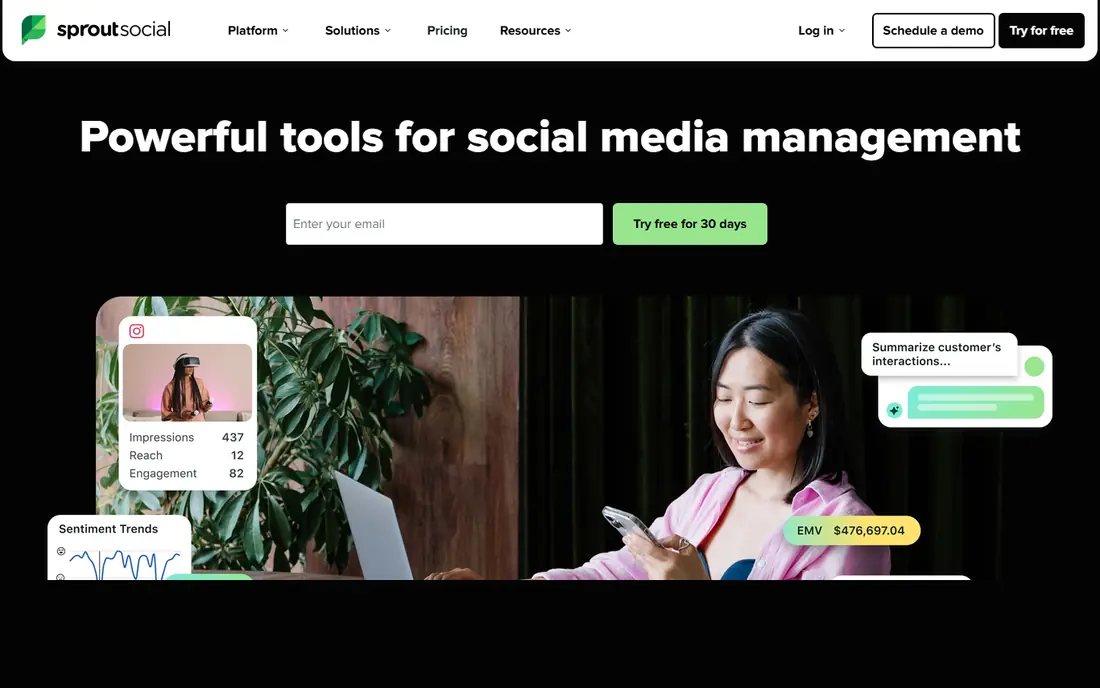
Sprout Social is a strong pick when reporting is not an afterthought but the main job. Its reports cover engagement, audience growth, publishing performance, and team activity, with templates that are easy to share with a manager or client. The unified inbox also helps teams link replies and comments to the results they report.
The catch is cost structure. Per-seat pricing means a growing team pays more quickly than the headline price suggests, and social listening is an add-on rather than part of every plan. For teams that need defensible analytics and can fund it, Sprout Social is one of the most polished options here.
- Strong analytics and reporting
- Unified inbox
- Listening as an add-on
- Per-seat pricing adds up fast
- Listening costs extra on top of core plans

Hootsuite covers planning, publishing, engagement, listening, and analytics in one suite, which suits teams that want one login for the whole social workflow. Reports can pull in several networks at once, and listening tools help explain why a post or campaign moved. That breadth matters when a report needs context, not just counts.
Small teams may find the price hard to justify, and there is no permanent free tier, only a trial. Hootsuite fits mid-size and larger teams, or agencies that need one platform for many accounts. If you only need simple reports, a cheaper tool below will do the same job for less.
- Publishing, listening, and analytics in one place
- Wide network coverage
- Custom reports
- No permanent free plan
- Per-user pricing is high for small teams
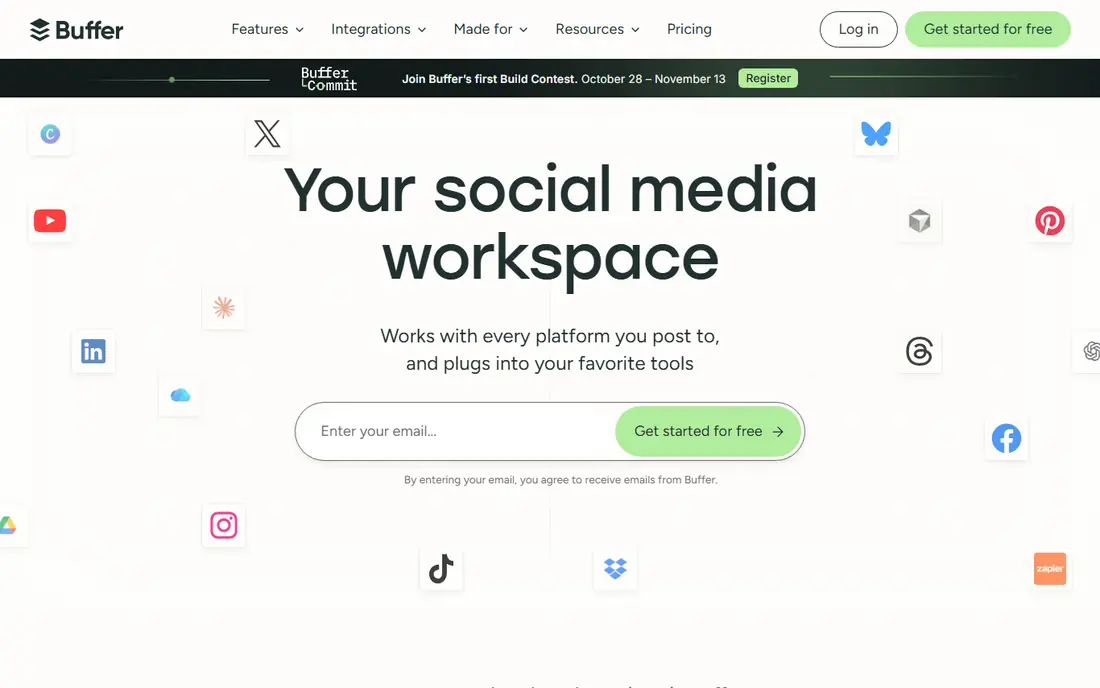
Buffer is the calm option in this list. Scheduling is quick, analytics are easy to read, and the interface does not bury a simple answer under many menus. Small teams and creators can see which posts worked, when to post, and how channels compare, without a long setup.
The trade is depth. Buffer does not match Sprout or Hootsuite for listening, competitor tracking, or complex custom reports. For a solo creator or a small team that needs clear monthly numbers, that simplicity is a benefit rather than a flaw. Start with the free plan and upgrade only when channel count grows.
- Clean interface
- Simple scheduling and analytics
- Low entry price
- Reporting depth is thinner than Sprout or Hootsuite
- Advanced listening is limited
Agorapulse suits teams that spend most of the day answering comments and messages, then need to report on that work. The inbox pulls social replies into one queue, and reports link engagement and response activity to publishing results. Approval workflows help teams with more than one person touching an account.
Advanced listening sits as an add-on, so budget for it if brand monitoring matters. The entry price also puts Agorapulse above Buffer and Later, which makes it a better fit for mid-size teams than for a single creator. If inbox work drives your reporting, it is a strong match.
- Strong unified inbox
- Solid reporting
- Team workflows and approvals
- Advanced listening is an add-on
- Price suits mid-size teams more than solo users
Later is built for creators who plan by sight. The visual calendar makes it easy to arrange posts, preview a feed, and spot gaps in a week at a glance. Analytics cover reach, engagement, and best times to post, with enough detail for a creator or small brand to judge what works.
Larger teams with complex reporting needs may want more depth, and some advanced analytics sit on higher plans. For Instagram and TikTok-led creators, Later balances planning and reporting well. The free plan is a useful way to test the calendar before paying.
- Visual planning calendar
- Strong Instagram and TikTok focus
- Clean analytics
- Reporting is lighter for multi-network enterprise needs
- Some features need higher plans
Sendible is aimed at agencies and freelancers who manage several clients at once. It combines scheduling, collaboration, and white-label reports, so a client sees your brand rather than a tool logo. Workspaces help keep clients separate, and scheduled reports reduce the monthly scramble to build PDFs by hand.
New users may need time to learn the layout, because the tool packs many features into one dashboard. Pricing also varies by plan, so check the current page for the tier that includes the report features you need. For agencies that live on client reports, Sendible is worth a trial.
- White-label reporting
- Scheduling and collaboration
- Agency-friendly workspaces
- Interface takes time to learn
- Pricing varies by plan and needs checking
Whatagraph focuses on reports that look ready to send. Templates are visual, data updates automatically, and reports can go out on a schedule without manual rebuilding each month. Agencies that report across social, ads, and web analytics in one document will value that breadth.
The entry price is high for a solo user or a small brand, and the value grows with client count. If you report for one account only, a cheaper tool will cover the basics. If you send many client reports each month, Whatagraph can save enough time to justify the cost.
- Visually rich automated reports
- White-label options
- Wide data source range
- Price is high for small teams
- Best value comes with several clients
AgencyAnalytics suits agencies that want clients to check results without waiting for a monthly email. Client portals, scheduled reports, and white-label options sit alongside social data, plus PPC and SEO sources when a report needs more than social alone. That mix helps agencies that report on a full marketing picture.
Pricing is per client campaign, so a long client list needs a careful budget. Setup also takes attention, because each client needs sources linked correctly. Once set up, though, the monthly report cycle becomes far less manual than building slides by hand.
- Client portals
- Multi-network social reporting
- PPC and SEO data in one report
- Per-campaign pricing adds up with many clients
- Setup takes care for each client
Keyhole is a specialist rather than a full suite. It tracks campaigns, hashtags, keywords, and influencers in real time, which suits launches, events, and short campaigns where timing matters. Reports focus on reach, engagement, and sentiment around a specific tag or topic, not on general account management.
Teams that also need scheduling and inbox work will still need another tool alongside Keyhole. As a reporting add-on for campaigns, it fills a gap that general tools cover only thinly. Use it when a campaign question, rather than a monthly account summary, is the main need.
- Real-time campaign tracking
- Hashtag and keyword analytics
- Influencer tracking
- Less full-suite publishing depth than Hootsuite or Sprout
- Best as a specialist tool
How we picked these
We compared official pricing and feature pages for tools that offer social analytics and reporting in 2026, not just scheduling. We kept tools with clear report templates, exports, or client portals, and we noted where listening, white-label, or advanced analytics need a higher plan or add-on. We favored tools with a free plan or trial so readers can test report quality with their own accounts.
How to choose a reporting tool
Start with who reads the report. A manager needs a short summary with a few clear trends, while a client needs a branded report with context and next steps. A creator needs a simple view of what worked. Match the tool to that reader, not to the longest feature list.
Next, check data sources and limits. Confirm that your networks are supported, that historical data covers the period you need, and that exports work in the format your team uses. Also test a real report during a trial. A template that looks good in a demo can still miss the metric you report every month, and that gap only shows up with your own data.
Build reports people actually use
Keep the front page short. Lead with goals, results, and one or two actions, then put detailed tables after that summary. Use the same template each month so trends are easy to spot, and add a short note explaining any spike or dip. A report that needs a long explanation has failed, even if the numbers are accurate.
Frequently asked questions
What are the best social media analytics tools?
Sprout Social and Hootsuite lead for depth and scale, Buffer and Later lead for simplicity, and AgencyAnalytics and Whatagraph lead for agency client reporting. The best pick depends on team size, client count, and how much listening and custom reporting you need.
Are there best free social media analytics tools worth using?
Yes, Buffer and Later offer free plans with basic analytics, and the native analytics inside each social network remain free. Free plans usually limit history, exports, and cross-channel reports, so they suit solo creators more than agencies.
What is the best social media reporting tool for agencies?
AgencyAnalytics and Whatagraph suit agencies best, because both offer white-label reports, scheduled delivery, and client portals. Sendible is also strong when agency work mixes scheduling, collaboration, and reporting in one tool.
What should a good social report include?
A good report includes goals, reach and engagement by channel, top posts, audience change, and next steps. Add context for any unusual result, such as a campaign, a viral post, or a platform change, so the reader can judge the numbers fairly.
How often should I send social reports?
Monthly reports suit most teams and clients, with weekly checks during a campaign or launch. Daily reports often add noise without adding decisions, unless a crisis or a live event needs close tracking.
Can one tool replace native analytics?
One tool can pull channels together and save time, but native analytics still help for platform-specific detail and for checking a number that looks odd. Use a reporting tool for the combined view and native tools to verify key results.
Sources we checked (9)

Online Jobs is an independent blog about careers, online work, learning new skills and the tools that help people earn. More about us.
Keep reading
All posts
ZoomInfo Alternatives
The best ZoomInfo alternatives in 2026, compared on price, free plans, data coverage, and which tool fits small teams or large sales teams best in detail.

Workday Alternatives
We compared the best workday alternatives for HR, payroll, and global hiring, from BambooHR and Gusto to Rippling, Deel, and HiBob for growing teams in 2026.

Which SaaS Tools Have the Best Customer Support
Which SaaS tools have the best customer support? Compare eight popular tools on help centres, live help, response options and overall support quality.