Best Social Media Monitoring Tools in 2026: 9 Tools Compared

How we put this together: we compare official feature and pricing pages, app store listings, privacy policies and public user reviews. Prices change, so check the provider's site before you pay.
Key takeaways
- The best tool depends on whether you monitor your own channels, the wider web, or both, because coverage differs a lot between tools.
- Alert speed and mention limits matter more than dashboard design, so check keyword limits and update frequency on the plan you would buy.
- Publishing suites with listening add-ons suit social teams, while dedicated listening tools suit brand and PR teams.
- Sentiment scores are a guide, not a verdict, so read the actual mentions before you act on a spike.
Quick comparison
| Name | Who it suits | Starting price | Free option | |
|---|---|---|---|---|
 Brandwatch | Enterprise consumer research | See website | No | Visit |
 Mention | Fast real-time alerts | See website | Free trial | Visit |
 Brand24 | Mid-size brand monitoring | See website | Free trial | Visit |
 Sprout Social | Social teams that also publish | See website | Free trial | Visit |
 Hootsuite | Publishing plus monitoring | $99 per month | Free trial | Visit |
 Awario | Budget keyword monitoring | See website | Free trial | Visit |
 Talkwalker | Large-scale global listening | See website | No | Visit |
 Agorapulse | Own-channel monitoring | See website | Free trial | Visit |
 Meltwater | Media and social intelligence | See website | No | Visit |
The best social media monitoring tools
Monitoring is not just counting mentions. The tools below track brand names, competitors, and topics across social channels and the wider web, and they differ in coverage, alert speed, and price. Pick by the sources you must not miss.
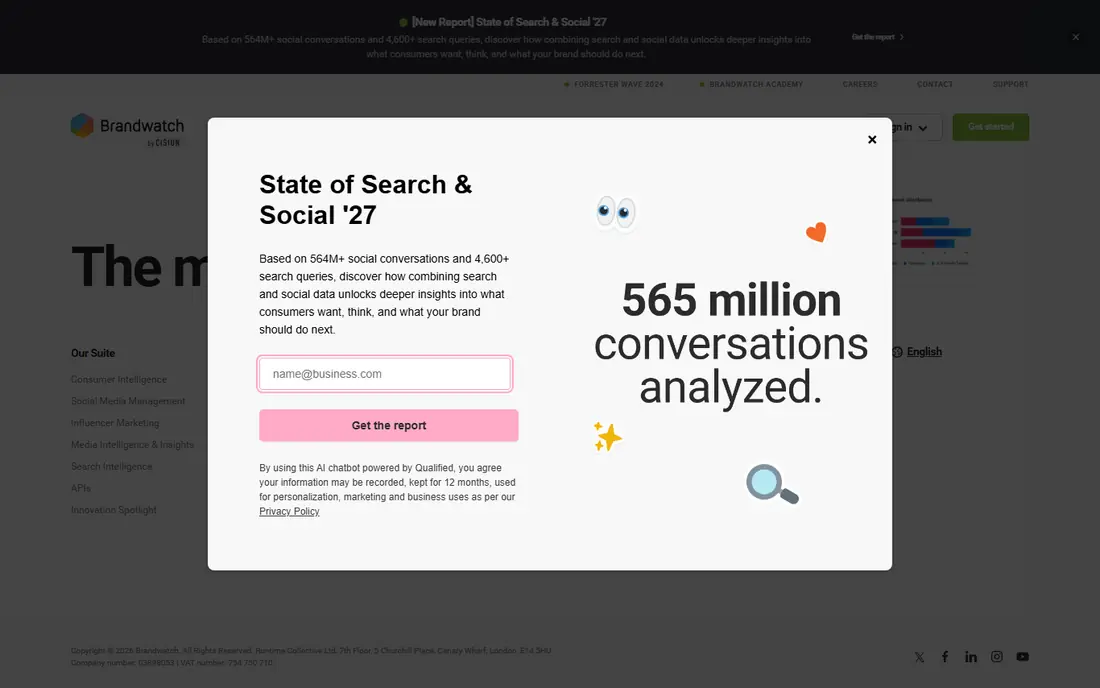
Brandwatch suits large brands and research teams that need depth. It covers a wide range of social and web sources, supports complex queries, and offers historical data that helps teams spot trends rather than single spikes. Analysts can build dashboards for topics, audiences, and competitors in one place.
The cost is enterprise scale. Pricing is quoted, and smaller teams may find the setup and training time hard to justify. If you need deep research and long history, Brandwatch earns its place. If you only need alerts for your brand name, a simpler tool will do the job for less.
- Deep historical data
- Advanced query building
- Strong consumer insight tools
- Quote-based pricing
- Setup and learning time are high for small teams
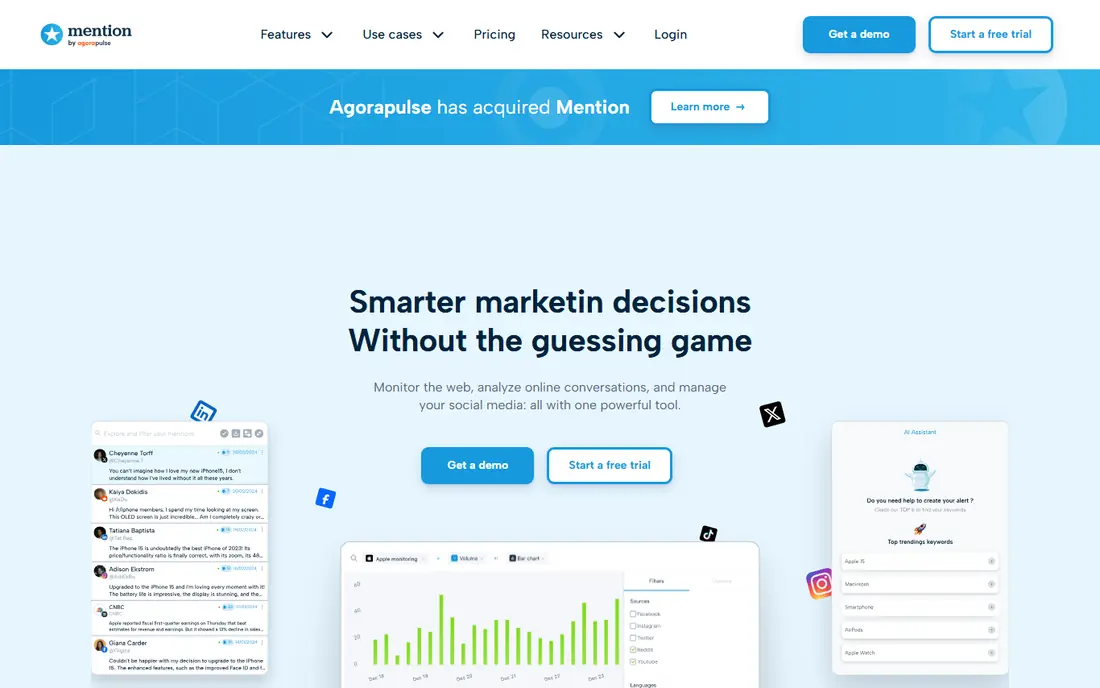
Mention fits teams that want to know quickly when their brand is talked about. Alerts arrive from social channels, news, blogs, and forums, and the setup is simple enough to complete in an afternoon. Teams can track competitors, spot spikes, and share reports without a long training period.
The limit is depth. Large research projects, complex queries, and very large mention volumes may need a bigger platform. For agencies and mid-size brands that need fast alerts and clear reports, Mention remains a practical choice.
- Quick alerts across web and social
- Simple setup
- Useful share of voice views
- Pricing has risen for some plans
- Deep analysis is thinner than enterprise tools
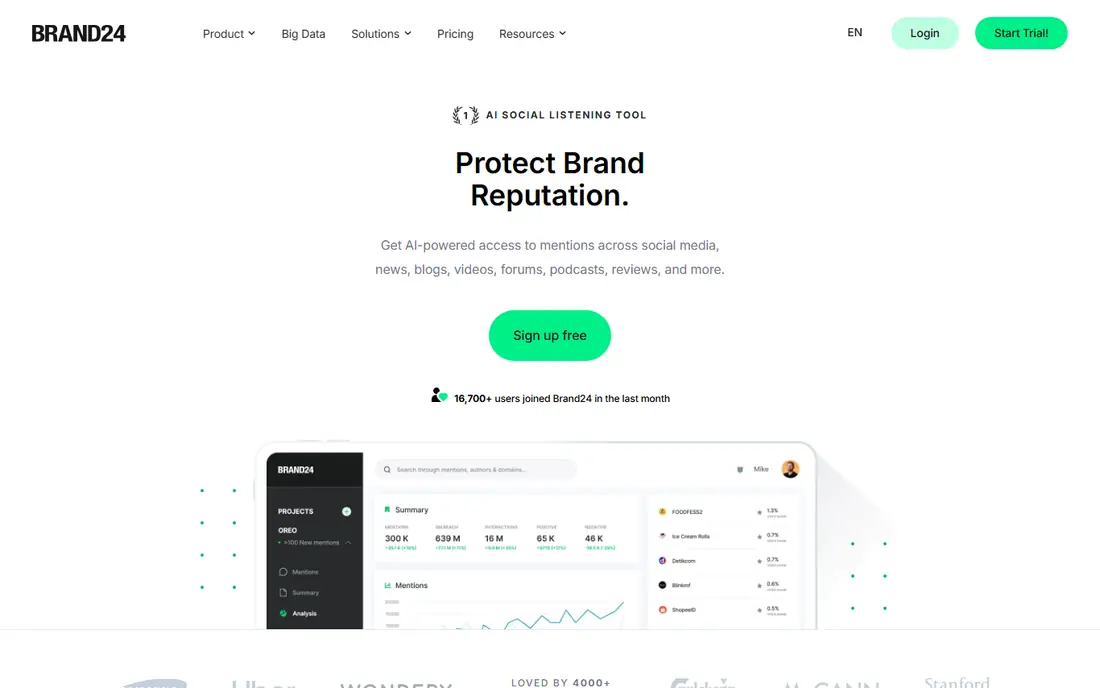
Brand24 suits mid-size brands that want real-time monitoring without enterprise pricing. It tracks mentions across social, news, blogs, and podcasts, adds sentiment and topic analysis, and sends alerts when discussion spikes. The interface is clear, and teams can start tracking keywords quickly.
Check mention and keyword limits carefully. A busy brand can hit a plan cap, and the cost of the next tier matters. If your volume fits the plan, Brand24 gives a good balance of speed, coverage, and price.
- Real-time mention tracking
- Sentiment and topic views
- Clear pricing tiers
- Mention limits vary by plan
- Some advanced features need higher tiers
Sprout Social fits social teams that publish, reply, and report in one place. The Smart Inbox gathers messages, publishing tools schedule content, and reports cover performance and audience. Listening can be added for brand and competitor tracking, which keeps social work in one system.
The catch is that listening is not in the base price for every plan, so the total cost can be higher than the headline seat price. Teams that mainly need listening, and do not publish much, may get better value from a dedicated monitoring tool.
- Strong publishing and inbox
- Listening add-on for deeper tracking
- Good reporting
- Listening is an add-on
- Per-seat pricing adds up for larger teams
Hootsuite suits teams that manage many social accounts and want monitoring beside publishing. Streams, alerts, and reports sit in the same workspace as scheduling and engagement, which helps small social teams stay organized. The acquisition of listening technology has added depth to its monitoring options.
The limit is tiering. Basic monitoring covers owned channels and simple tracking, while the deepest listening features sit on enterprise plans. Check which listening level your plan includes before you rely on Hootsuite for competitor or web-wide tracking.
- Publishing, engagement, and monitoring in one suite
- Wide channel support
- Team workflows
- Deepest listening sits on higher tiers
- Per-user pricing grows with team size
Awario fits small businesses and freelancers that need keyword monitoring on a tight budget. It tracks brand names and topics across social and web sources, adds sentiment views, and sends alerts for new mentions. Setup is quick, and the entry price is lower than most rivals.
Coverage and volume are the trade-offs. Very large brands, or teams that need broadcast, print, and deep historical data, will need a bigger tool. For a small brand that wants to catch conversations early, Awario offers a sensible starting point.
- Low entry cost
- Keyword and sentiment tracking
- Useful for small brands
- Coverage is narrower than enterprise tools
- Mention limits apply
Talkwalker suits global brands and insight teams that need broad coverage. It tracks social, news, blogs, forums, and broadcast sources, and it can analyze images and logos as well as text. That breadth helps PR and insight teams compare markets and spot visual brand use.
For small teams, it is usually more than needed. Pricing is quoted, implementation takes time, and the depth rewards a dedicated analyst. Choose Talkwalker when global scale and visual listening are core needs, not nice extras.
- Broad global coverage
- Visual and image listening
- Strong AI sentiment tools
- Enterprise pricing
- Setup time is long for small teams
Agorapulse fits social teams that mainly monitor their own channels. Comments, messages, and mentions on connected accounts land in one inbox, publishing and reporting sit beside them, and team roles keep replies organized. That focus makes daily social care faster and clearer.
Web-wide listening is the limit. Advanced listening is an add-on, and teams that need broad web, news, and forum tracking should compare dedicated tools. If your job is managing your own social presence, Agorapulse is a strong, tidy choice.
- Clean social inbox
- Publishing and reporting
- Easy team collaboration
- Advanced listening is an add-on
- Web-wide coverage is thinner than dedicated tools
Meltwater suits PR and communications teams that need media and social monitoring together. News, broadcast, print, and social sources sit in one system, and PR workflows help teams track coverage, journalists, and campaign impact. That combined view is useful when a story moves between press and social channels.
Social-only teams should check the price carefully. Media features add cost, and a dedicated social tool may be cheaper if press coverage is not part of the job. For PR-led teams, the combined coverage is the reason to choose Meltwater.
- Media plus social coverage
- PR workflows
- Broad news and broadcast sources
- Enterprise pricing
- Social-only teams may pay for media features they do not use
How we picked these
We checked official feature pages, pricing pages, and app store listings, and we compared source coverage, alert speed, sentiment tools, keyword limits, and price structure. We also read public reviews for reports on coverage gaps and plan limits, and we kept only tools that are current and clearly built for monitoring. Where pricing was quoted rather than published, we wrote See website.
How to choose a monitoring tool
Start with the sources you must cover. List your brand names, product names, key people, and main competitors, and note whether you need social only, or news, blogs, forums, and broadcast too. A tool that misses your main source will fail no matter how good its dashboard looks.
Next, test alert speed and limits. Set up a trial with your real keywords, watch how quickly mentions appear, and check the monthly mention cap against your expected volume. A spike during a campaign can break a small plan, so model a busy month, not a quiet one.
Finally, decide who acts on alerts. Assign an owner for brand mentions, customer complaints, and PR spikes, and set rules for reply times and escalation. Monitoring without an owner is just noise, while a clear owner turns alerts into replies, fixes, and stories.
Frequently asked questions
What are the best analytics tools for social media monitoring?
Brandwatch, Talkwalker, and Meltwater offer the deepest analytics, while Brand24, Mention, and Awario offer clearer analytics for smaller teams. The best analytics tool is the one that reports on the sources you track, with exports you can actually use.
What is the best social media monitoring tool for a small business?
Brand24, Mention, and Awario often suit small businesses, because they offer real-time alerts and sentiment views without enterprise pricing. Check mention limits and source coverage before you choose, and trial with your real brand keywords.
What is the best rated social media monitoring platform for agencies?
Agencies often pick tools with client reporting, multiple keyword sets, and clear mention limits, such as Brand24, Mention, or Sprout Social. The right pick depends on whether clients need social care, listening reports, or both.
How do I monitor social media for my brand for free?
Free options are limited, but Google Alerts covers basic web mentions, and some tools offer free trials or limited free tiers. For ongoing social monitoring, a paid tool usually covers more sources and sends faster alerts.
What is the difference between social listening and social monitoring?
Monitoring tracks mentions and alerts you to them, while listening analyzes patterns, sentiment, and topics over time to guide decisions. Many tools do both, but enterprise tools tend to offer deeper listening analysis.
How often should I check social mentions?
Check owned channels daily, and set real-time alerts for brand names and crisis keywords. Review trends weekly, so you can spot rising topics early, and review competitor and topic reports monthly for strategy.
Sources we checked (9)

Online Jobs is an independent blog about careers, online work, learning new skills and the tools that help people earn. More about us.
Keep reading
All posts
ZoomInfo Alternatives
The best ZoomInfo alternatives in 2026, compared on price, free plans, data coverage, and which tool fits small teams or large sales teams best in detail.

Workday Alternatives
We compared the best workday alternatives for HR, payroll, and global hiring, from BambooHR and Gusto to Rippling, Deel, and HiBob for growing teams in 2026.

Which SaaS Tools Have the Best Customer Support
Which SaaS tools have the best customer support? Compare eight popular tools on help centres, live help, response options and overall support quality.