Best Small Business Bookkeeping Software in 2026: 8 Tools Compared

most US small businesses · Starting price: $38 per month
How we put this together: we compare official feature and pricing pages, app store listings, privacy policies and public user reviews. Prices change, so check the provider's site before you pay.
Key takeaways
- QuickBooks Online remains the easiest choice if your accountant already uses it, while Xero suits teams that need many users without per-seat fees.
- Wave and Zoho Books give the cheapest starts, with Wave free for core accounting and Zoho Books free below a revenue limit.
- FreshBooks fits service businesses that live on invoices, while Bench fits owners who want a bookkeeper to do the work.
- Check invoice, bill and user limits on the cheapest plan before you buy, since those caps decide the real cost.
Quick comparison
| Name | Who it suits | Starting price | Free option | |
|---|---|---|---|---|
| QuickBooks Online | most US small businesses | $38 per month | Free trial | Visit |
 Xero | teams and multi-user businesses | $25 per month | Free trial | Visit |
 FreshBooks | service businesses that invoice clients | $23 per month | Free trial | Visit |
 Wave | solo owners on a tight budget | Free | Yes | Visit |
 Zoho Books | low-cost accounting in the Zoho suite | Free | Yes | Visit |
 Bench | owners who want bookkeeping done for them | $299 per month | Free trial | Visit |
 Sage Accounting | inventory and job costing | See website | No | Visit |
 Patriot Software | simple accounting plus payroll | See website | Free trial | Visit |
The best small business bookkeeping software
Good bookkeeping software does three jobs well: it records money in and out, it reconciles bank transactions without endless manual work, and it produces reports your accountant can actually use. The tools below cover that range from free to full-service. We compared official pricing pages, feature pages and plan limits, and we note where a low headline price comes with caps that matter.
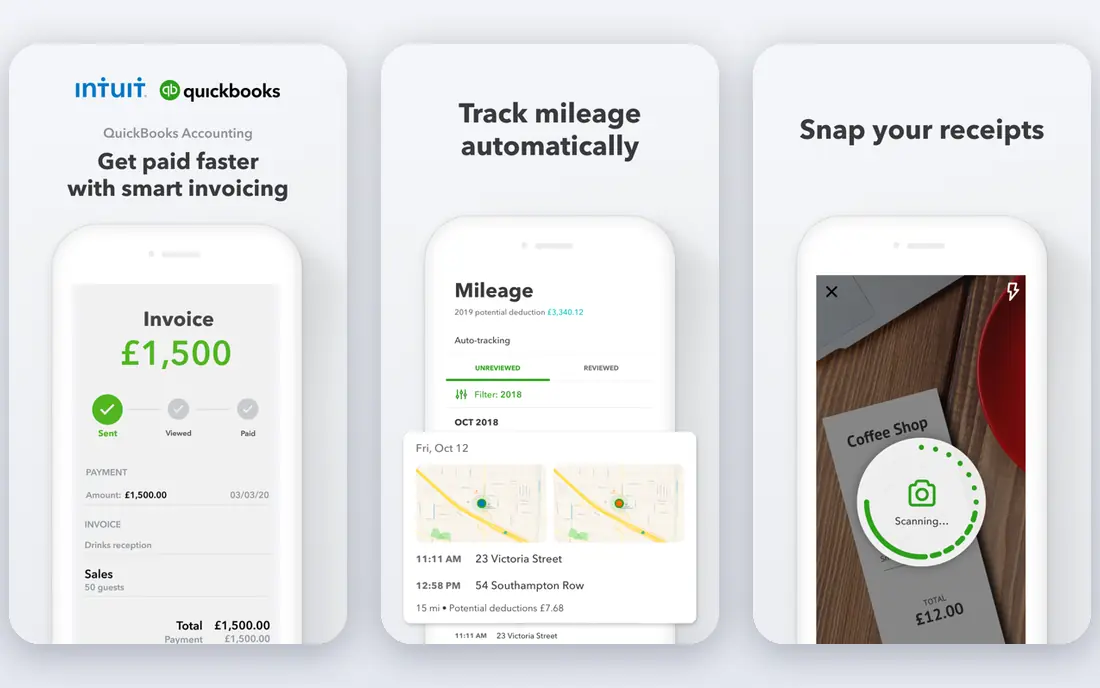
QuickBooks Online is the default answer for a reason. Most US accountants know it, most banks connect to it, and most add-ons build for it first. That familiarity saves time at tax season, when a clean chart of accounts and a standard report set matter more than a pretty dashboard. Invoicing, expense tracking, bank reconciliation and sales tax tools sit in one place, with payroll as a paid add-on.
The catch is cost and complexity. The entry plan covers a single user in many cases, and higher tiers are needed for more users, inventory and project tracking. A solo freelancer with simple books may pay for depth they never use. If you already work with an accountant, ask which plan they recommend before you subscribe, since their workflow often decides the best tier.
- Widest accountant familiarity in the US
- Broad bank and app connections
- Scales from solo to larger teams
- Price rises steeply across tiers
- Entry plan limits users
- Setup can feel busy for a first-time owner
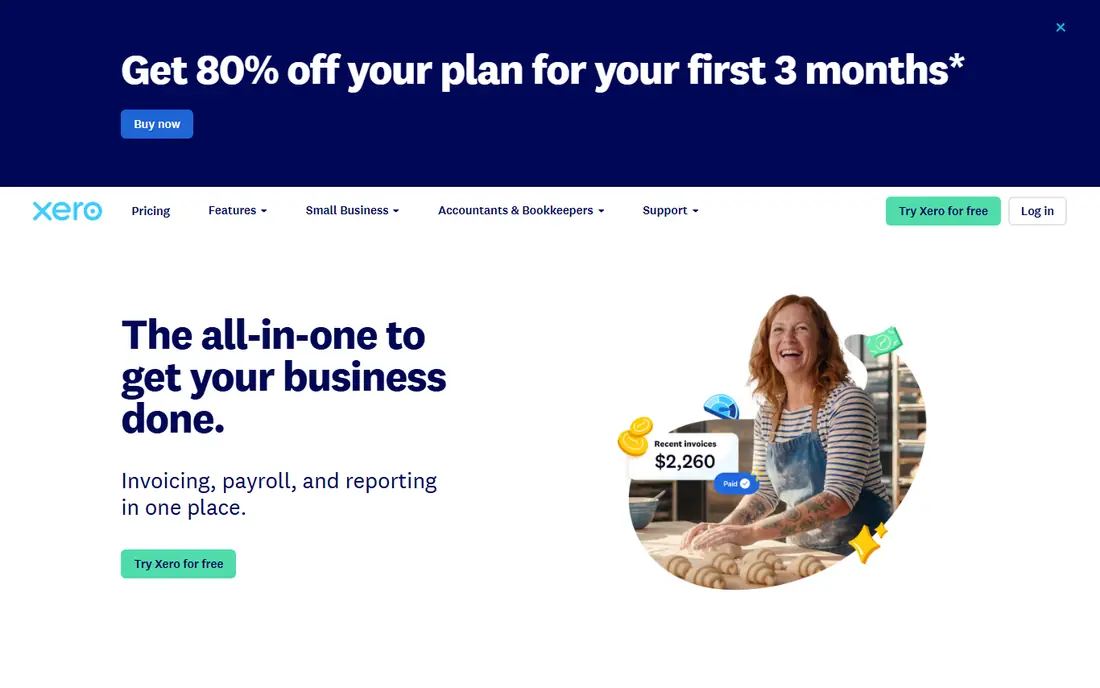
Xero wins on team access. Unlike tools that charge per seat, Xero lets many users into an account, which suits a business with a bookkeeper, an office manager and an owner all checking the books. Bank feeds, invoicing and reconciliation feel modern and fast, and the dashboard gives a clear view of cash without digging through menus.
Entry-level limits deserve a close look. The cheapest plan caps monthly invoices and bills, and multi-currency support sits higher up. If your volume is low and your team is large, Xero is hard to beat. If you send many invoices each month, price the middle tier, not the entry tier, before you compare it with QuickBooks.
- Unlimited users on plans
- Clean interface
- Strong bank reconciliation
- Entry plan caps invoices and bills
- US payroll needs a partner app
- Some advanced features sit on higher tiers
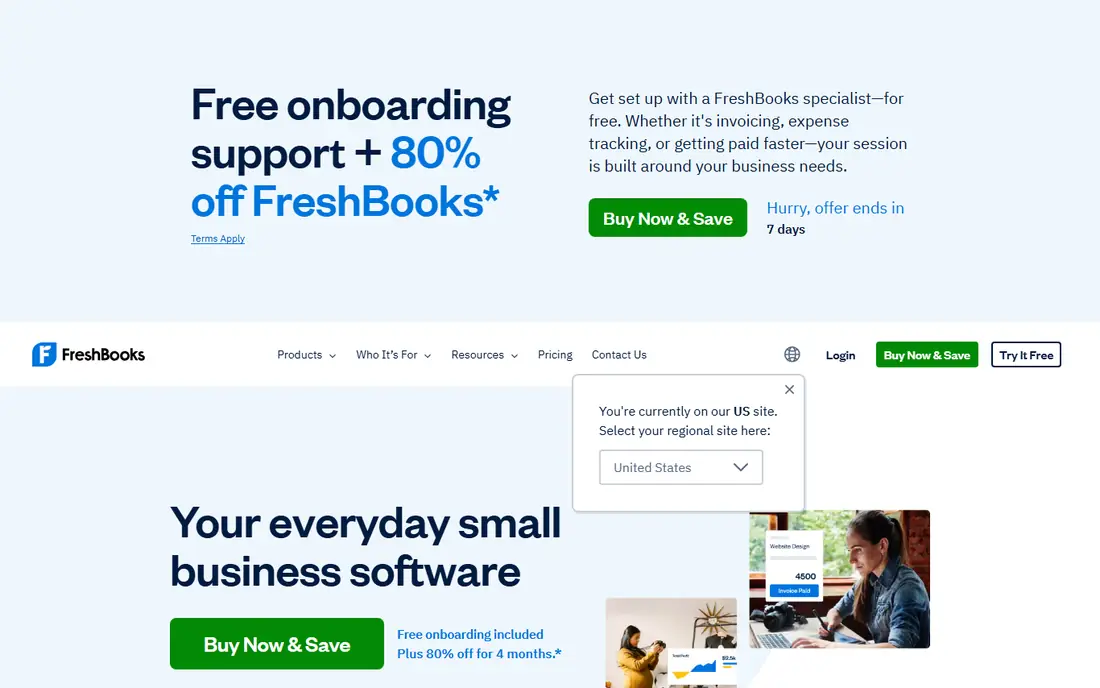
FreshBooks started as an invoicing tool, and that focus still shows. Creating an invoice, sending a reminder and getting paid feels smooth, and time tracking ties hours straight to a client bill. For consultants, designers, coaches and tradespeople who bill by project or hour, that flow matters more than deep inventory reports.
Pure accounting is lighter here than in QuickBooks or Xero. Businesses with stock, multiple locations or complex cost tracking will outgrow it faster. Client counts also cap the lower plans, so count active clients before you pick a tier. For a service business with steady invoicing, FreshBooks is our pick for day-to-day ease.
- Excellent invoicing and payment reminders
- Time tracking built in
- Easy client portal
- Weaker for complex inventory or manufacturing
- Client limits on lower tiers
- Accounting depth trails QuickBooks
Wave offers real double-entry accounting at no cost for its core plan, which is rare. You can invoice, record expenses, track income and run basic reports without a subscription. That makes it a strong start for a side business, a new freelancer or a very small shop that needs clean books more than advanced features.
The free plan has limits that matter as you grow. Automatic bank transaction imports sit on a paid tier, so free users enter or upload transactions by hand. Payroll is a separate paid product and is not available everywhere. If your transaction volume is low and your budget is zero, Wave is the sensible first step, with a paid upgrade path when bank feeds become worth paying for.
- Core accounting and invoicing free
- Double-entry bookkeeping included
- Simple setup
- Automatic bank feeds need a paid plan
- No inventory tools
- Payroll availability varies by state
Zoho Books pairs a genuine free plan with a full accounting feature set, including estimates, invoices, expenses and bank reconciliation. Recurring invoices and payment reminders cut down on chasing clients, and paid plans add inventory, projects and workflow rules. For a business already using Zoho CRM or Zoho Mail, the shared login and data flow add real value.
The free plan caps annual revenue, so growing businesses will move to a paid tier sooner than the headline suggests. Outside the Zoho suite, the tool is less common among US accountants than QuickBooks, so check with your accountant before switching. On price alone, Zoho Books is the best value paid plan in this list for many small businesses.
- Free plan for smaller businesses
- Automation for recurring invoices
- Inventory on paid plans
- Free plan has a revenue limit
- Best value inside the Zoho suite
- Fewer US accountant connections than QuickBooks
Bench is a service, not just software. A dedicated bookkeeper categorizes transactions, reconciles accounts and prepares monthly reports, while you review them in a dashboard. That model suits owners who hate bookkeeping, fall behind on it, or need reliable monthly closes without hiring in-house. Tax-season reports come in a format accountants can use.
Cost is the obvious trade-off. Bench starts far above any software-only plan here, and owners who like direct control over every entry may find the hands-off model frustrating. If bookkeeping keeps slipping to the bottom of your list, paying for Bench can be cheaper than the mess of a year-end catch-up. If you enjoy the work, a software plan will save you a large monthly sum.
- A real bookkeeper handles monthly books
- Tax-ready reports included
- Simple monthly pricing
- Much pricier than software alone
- Less hands-on control
- Not ideal if you enjoy doing your own books
Sage Accounting suits businesses where stock and job costs drive decisions. Inventory tracking, job costing and project reporting go deeper than in FreshBooks or Wave, which matters for wholesalers, light manufacturers and contractors. Sage also has a long history with accountants, so support and training resources are easy to find.
Simpler businesses may find Sage heavier than they need, and pricing is best confirmed on the vendor site for your region and plan. Setup takes more care, especially if you import opening balances and stock. Choose Sage when inventory or job profitability is central to your business, not when you only need invoices and expense tracking.
- Strong inventory and job costing
- Long track record with accountants
- Scales to larger operations
- Pricing varies by region and plan
- Interface feels dated in places
- Setup takes longer than simpler tools
Patriot Software keeps accounting and payroll in one account, which appeals to small employers who want a single login for both jobs. The accounting side covers invoicing, expenses, bank imports and basic reports without the clutter of a full enterprise suite. Setup is quick, and the interface favors owners over accountants.
Larger or more complex businesses will miss the deeper reporting and integration range of QuickBooks or Xero. Payroll is a paid add-on, so price the combined total, not the accounting plan alone. For a small US business with a handful of staff and simple books, Patriot is a tidy, low-friction option.
- Accounting and payroll from one vendor
- Straightforward interface
- US-based support
- Reporting depth trails larger suites
- Fewer third-party integrations
- Payroll adds to the monthly cost
How we picked these
We compared official pricing pages, plan limits and feature pages for each tool, and we checked which plans include bank feeds, invoicing, payroll and inventory. We favored tools that still operate in the US, publish clear plan limits, and fit small business bookkeeping rather than enterprise finance. We did not claim hands-on testing, and we based our notes on vendor pages, plan details and public documentation. Prices change with promotions, so confirm the current price on the vendor site before you buy.
How to choose the right plan
Count three things before you compare prices: monthly invoices, active users and bank accounts. A cheap plan that caps invoices at 20 a month is not cheap if you send 60. Check whether bank feeds, receipt capture and multi-currency support sit on your chosen tier, since vendors often place them one tier up. Ask your accountant which tool they prefer, and whether they charge extra for a tool they rarely use.
Try a trial with real data, not a demo. Import a month of bank transactions, create a real invoice and run a profit and loss report. That short test reveals more than a feature list. Also confirm how you can export your data if you leave, since clean export protects you if your business outgrows the tool. Start on the lowest tier that covers your actual volume, and upgrade only when a cap forces the issue.
Frequently asked questions
What is the best bookkeeping software for small businesses?
QuickBooks Online suits most US small businesses because accountants know it and it scales well. Xero suits teams that need many users, while Wave suits solo owners with simple books and a zero budget. Match the tool to your invoice volume, team size and accountant, not to the longest feature list.
What is the best bookkeeping software for a small business with no budget?
Wave offers free core accounting and invoicing, and Zoho Books offers a free plan for businesses below its revenue limit. Both cover invoicing, expenses and basic reports. Check bank feed limits on the free tier, since automatic imports may need a paid plan.
Is FreshBooks good for small business bookkeeping?
FreshBooks is strong for service businesses that invoice clients and track time, with a clean client portal and payment reminders. It is lighter on inventory and complex accounting than QuickBooks or Xero. Service firms with project billing will like it most.
Do I need an accountant if I use bookkeeping software?
Software records and organizes transactions, but an accountant still helps with tax planning, year-end closes and tricky categories. Many owners do day-to-day books themselves and hand reports to an accountant quarterly or at tax time. If your books are messy, a service like Bench can close that gap.
Can I switch bookkeeping software later?
Yes, but plan the move at a month or year boundary and export your chart of accounts, customer list and opening balances first. Most tools offer import tools, yet transaction history may not move cleanly. Keep a backup export from the old tool until the new books reconcile.
Sources we checked (8)

Online Jobs is an independent blog about careers, online work, learning new skills and the tools that help people earn. More about us.
Keep reading
All posts
n8n Alternatives
n8n alternatives compared for 2026, with Zapier, Make, Activepieces, and more, covering visual builders, code steps, self-hosting, and pricing models.

ZoomInfo Alternatives
The best ZoomInfo alternatives in 2026, compared on price, free plans, data coverage, and which tool fits small teams or large sales teams best in detail.

Workday Alternatives
We compared the best workday alternatives for HR, payroll, and global hiring, from BambooHR and Gusto to Rippling, Deel, and HiBob for growing teams in 2026.