Best Small Business Apps in 2026: 8 Apps Compared

US accounting and taxes · Starting price: $38 per month
How we put this together: we compare official feature and pricing pages, app store listings, privacy policies and public user reviews. Prices change, so check the provider's site before you pay.
Key takeaways
- Most small businesses need only three tools to start: one for money, one for work, and one for documents.
- QuickBooks Online is our pick for US accounting, while Wave and Zoho Books are the strongest low-cost accounting alternatives.
- For work tracking, Trello is simplest, Asana is most structured, and Notion is best when documents matter as much as tasks.
- Free plans are useful, but check user limits and storage caps before you move a whole team onto one.
- Prices in this list are monthly list prices before promotions, payroll add-ons, and payment processing fees.
Quick comparison
| Name | Who it suits | Starting price | Free option | |
|---|---|---|---|---|
| QuickBooks Online | US accounting and taxes | $38 per month | Yes | Visit |
 Wave Wave | Free invoicing and books | Free | Yes | Visit |
 Zoho Books Zoho Books | Low-cost full accounting | Free | Yes | Visit |
 Xero Xero | Growing businesses and 1099s | $27 per month | Free trial | Visit |
 FreshBooks FreshBooks | Freelancers and invoicing | $23 per month | Free trial | Visit |
 Notion Notion | Docs and projects together | Free | Yes | Visit |
 Asana Asana | Structured team work | Free | Yes | Visit |
 Trello Trello | Simple visual boards | Free | Yes | Visit |
The best small business apps
We compared official feature pages and pricing pages for the best apps for small business, the best small business management software, and the best business management apps. The list mixes money tools and work tools because a small business usually needs both, and buying them as one bundle rarely works as well as choosing each job separately.
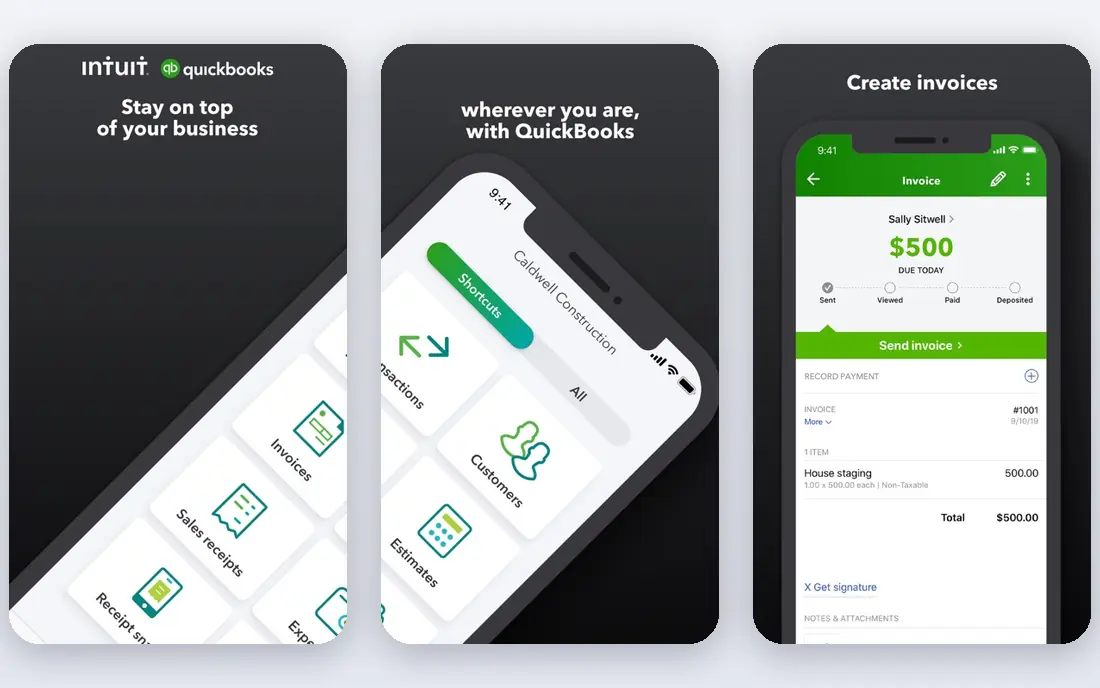
QuickBooks Online is the default choice for many US small businesses for a practical reason: most accountants already know it. Simple Start, at $38 per month, covers invoicing, bank connections, basic reports, and receipt capture for one user, and your accountant can log in separately. That familiarity saves time at tax season, when a clean set of books matters more than a clever feature list.
The cost climbs quickly. Essentials is $85 per month for three users, Plus is $140 per month for five users, and Advanced is $340 per month for up to 25 users, based on current list prices checked in 2026. Inventory tracking and project profitability need Plus or higher, and payroll is a separate subscription. If your accountant uses QuickBooks, that cost is often worth it. If not, Wave or Zoho Books may give you the same core books for less.
- Widely used by US accountants
- Strong bank feeds and reports
- Payroll available as an add-on
- Price rises steeply on higher tiers
- Inventory and project tools need Plus or Advanced
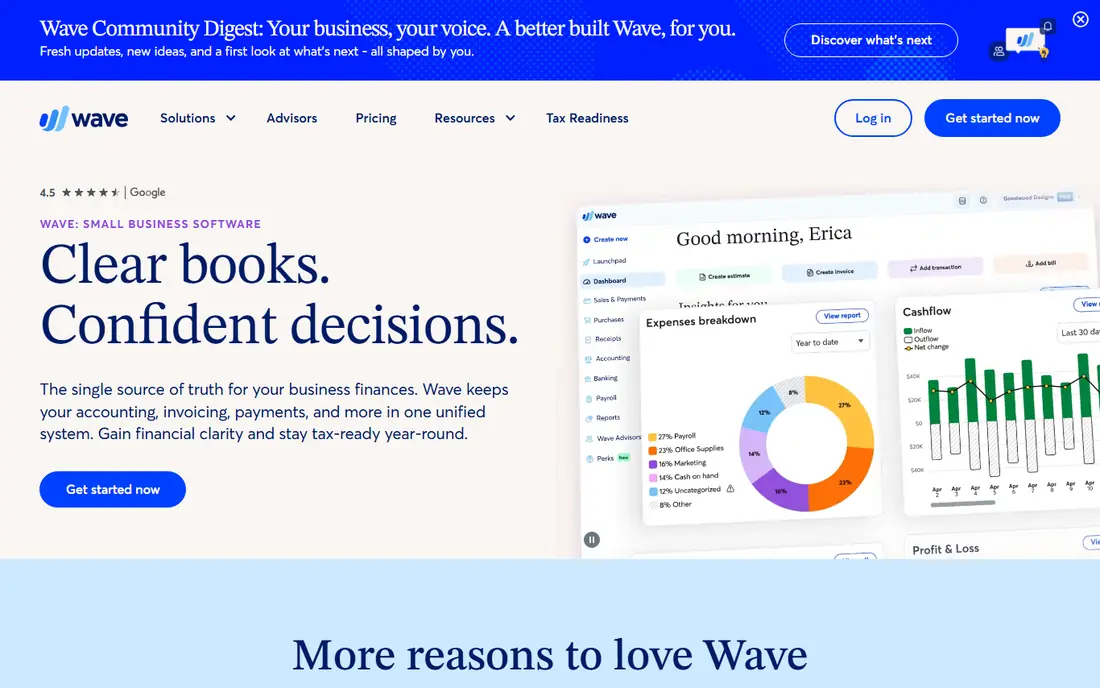
Wave is the best starting point for a solo owner or very small business that needs tidy books without a monthly bill. The Starter plan is free and covers invoicing, estimates, bills, and bookkeeping records, while Pro, at $19 per month, adds more automation and support. The interface is written for owners, not accountants, which helps if bookkeeping is not your favourite job.
Wave is not a full replacement for QuickBooks at larger scale. Its reports and inventory tools are thinner, and businesses with complex payroll or multi-entity needs will outgrow it. Payment processing fees still apply when customers pay online, even on the free plan. Start with Wave if your books are simple, and move when your accountant asks for features Wave does not offer.
- Free Starter plan with invoicing and bookkeeping
- Simple interface for non-accountants
- Payments built in
- Pro plan costs $19 per month
- Fewer advanced reports than QuickBooks
- Payroll is limited by state
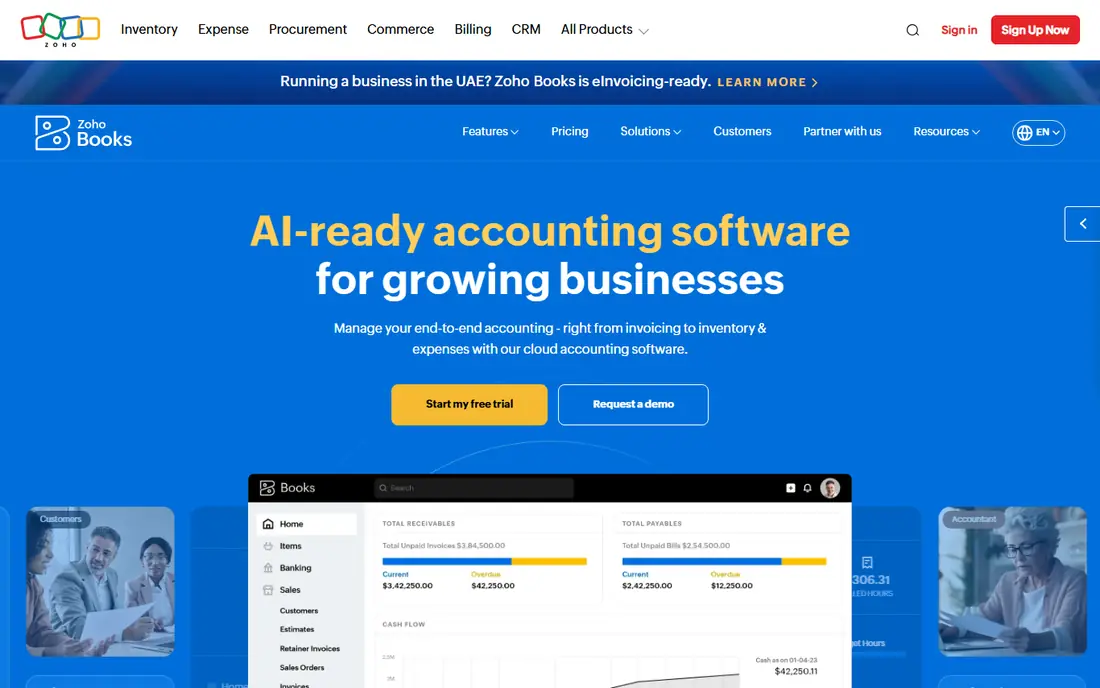
Zoho Books gives you the most accounting per dollar in this list. The free plan covers small businesses with annual revenue under $50,000, and Standard costs $15 per month billed annually, or $20 month to month, for three users. Professional, at $40 per month billed annually, adds projects and inventory. That pricing makes Zoho Books a strong choice for a business that wants full double-entry books without QuickBooks prices.
The trade-off is ecosystem sprawl. Zoho sells many apps, and it is easy to open the wrong one or to add tools you do not need. Stick to Books plus your bank feed and invoicing at first. If you already use other Zoho apps, the shared contacts and reports are a bonus. If you need US payroll inside the same app, check the current payroll option before committing.
- Free plan for businesses under $50,000 in revenue
- Standard at $15 per month billed annually
- Multi-currency support
- Zoho ecosystem can feel broad at first
- US payroll needs a separate Zoho tool or integration
Xero is a strong middle ground for a growing business that works with contractors. The Early plan, at $27 per month after an introductory period, includes W-9 and 1099 management, sales tax, bank reconciliation, and 20 invoices, while Growing, at $59 per month, removes those caps and adds dashboards and budgeting. That 1099 handling matters for the best 1099 software for small business question, since contractor payments and year-end forms are easy to get wrong in a spreadsheet.
Xero has no free plan, only a trial, and its Early plan limits are real: five bills and 20 invoices will not suit a busy service business. Established, at $97 per month, adds multi-currency, projects, and expense claims. Choose Xero if you want clean reconciliation and contractor tools and you are ready to pay monthly. Choose Wave or Zoho Books if a free plan is essential.
- Clean bank reconciliation
- W-9 and 1099 management
- Strong accountant network
- No ongoing free plan
- Invoice and bill limits on the Early plan
- Price rises on higher tiers
FreshBooks is built around getting paid, which is why freelancers and agencies like it. The Lite plan, at $23 per month, covers invoicing and accounting for up to five clients, with time tracking, expense capture, and client portals that let customers see invoices and pay online. Creating a professional invoice takes minutes, and automated reminders chase late payments without an awkward email from you.
The limit is scale and accounting depth. FreshBooks is not as deep as QuickBooks or Xero for inventory, complex reporting, or multi-entity books, and higher client counts need higher tiers. If most of your work is service invoices and time-based billing, FreshBooks is a good fit. If you sell stock or need detailed cost accounting, pick an accounting-first tool instead.
- Fast, polished invoicing
- Time tracking and client portals
- Good for service businesses
- No ongoing free plan
- Accounting depth is thinner than QuickBooks or Xero
- Client limits on Lite
Notion suits a small business whose real problem is scattered documents. The free plan covers individuals with pages, databases, and boards, while Plus, at $10 per user per month billed annually, adds team features and larger file uploads. You can keep a client wiki, a project board, meeting notes, and a content calendar in the same workspace, so nothing gets lost between apps.
Notion is not the best pure task tracker. It lacks some of Asana's workflow automation and reporting out of the box, and a poorly designed workspace can become messy. Start with one template for projects and one for docs, and resist adding databases for every idea. If your team lives in documents and light tasks, Notion replaces two tools. If you run repeatable client work with deadlines, pair it with Asana or Trello.
- Free plan for individuals
- Docs, wiki, and databases in one place
- Flexible templates
- Task tracking is lighter than Asana
- Team features need Plus at $10 per user per month
Asana is the best choice when work has owners, deadlines, and repeatable steps. The free Personal plan covers one or two people with unlimited tasks and projects, while Starter, at $10.99 per user per month billed annually, adds timelines, custom fields, and workflow builder automation for larger teams. Marketing, operations, and client onboarding teams use it well because every task shows who owns it and when it is due.
The free plan limit is the catch. A team of five will need Starter, so budget per user, not per workspace. Asana also rewards a little setup time: build one template for your most common project, such as client onboarding, and reuse it rather than starting each project from a blank list. If your work is mostly a simple board, Trello is cheaper and faster to learn.
- Clear owners, due dates, and timelines
- Workflow automation on paid plans
- Many templates
- Free Personal plan suits only one or two people
- Starter is $10.99 per user per month billed annually
Trello is the simplest tool in this list, and that simplicity is its strength. You create a board, add cards, and drag them across stages such as To do, Doing, and Done. The free plan covers up to 10 collaborators per workspace, and Standard, at $5 per user per month billed annually, adds more boards, advanced checklists, and custom fields. For content pipelines, hiring stages, and client onboarding, that board view is often all a small team needs.
Trello gets thin when work needs timelines, dependencies, and reporting across many projects. Premium, at $10 per user per month billed annually, adds those controls, but at that price Asana may fit better. Use Trello when a visual board matches how your team already thinks, and move to Asana or Notion when you need docs, timelines, and automation in the same place.
- Easiest board to learn
- Free for up to 10 collaborators per workspace
- Drag-and-drop cards
- Free workspace has a board limit
- Deeper reporting and automation need paid plans
How we picked these
We compared official feature pages and pricing pages, and we checked that each vendor homepage loads and belongs to the product named. We favoured tools with a clear free or trial path, current US pricing, and a job a small business actually repeats: sending invoices, reconciling a bank account, tracking a project, or keeping documents in one place. We did not claim hands-on testing that did not happen, and we did not include tools that are mainly enterprise software with a small-business label.
We also treated payroll, payment processing, and per-user pricing as separate costs. A $5 per user tool for ten people costs $50 per month, while a flat-rate tool may cost less at that size. Check seat minimums, especially for Monday-style tools we considered but did not list, since a three-seat minimum changes the bill for a two-person business.
How to choose small business software
Start with money, then work, then documents. Pick an accounting tool your accountant can use, a work tool your team will open daily, and a document home everyone trusts. Buying all three from one vendor sounds tidy, but a bundle that is weak on accounting will cost you more at tax time than the saving was worth.
Money tools and 1099s
If you pay contractors, check 1099 handling before you choose. Xero includes W-9 and 1099 management in its plans, QuickBooks handles contractor payments with a payroll or contractor add-on, and Zoho Books and Wave handle contractor bills differently, so confirm the year-end form workflow in the plan you pick. This is general information, not tax advice, and a tax professional should review your setup before year-end.
Work tools and team size
Price work tools per person, not per app. A free plan for two people is not free for six, and a $10 per user tool for eight people is $80 per month. Count the people who will actually update tasks, not everyone in the business. A tool that only two people update will fail even if it has the best feature list.
Avoiding tool sprawl
Give each new tool a 30-day trial with a real project, not a demo. If the team still uses a spreadsheet alongside it after 30 days, the tool did not solve the job, or the job was not clear. Cancel tools that duplicate another app, and keep a simple list of what each tool owns: money, work, documents, or customers. That list prevents the common small-business problem of paying for five apps that all claim to do everything.
Frequently asked questions
What are the best small business apps to start with?
Start with an accounting app, a work app, and a document app. A common low-cost stack is Wave or Zoho Books for money, Trello for work, and Notion for documents. If your accountant uses QuickBooks, start there instead, since accountant fit often matters more than a small monthly saving.
What is the best small business management software?
There is no single winner, because management covers money, work, and customers. QuickBooks Online is strongest for accounting, Asana is strongest for structured work, and Notion is strongest for documents and knowledge. A business that wants one dashboard for everything will need to accept trade-offs, since no tool in this list is best at all three jobs.
What is the best 1099 software for small business?
Xero is a strong choice because W-9 and 1099 management is included in its plans, and it handles contractor bills and bank reconciliation in the same place. QuickBooks Online also handles contractor payments, usually with a payroll or contractor add-on, so check the total cost. Whichever tool you pick, collect W-9 forms before you pay a contractor, not in January.
Are free small business apps good enough?
Often, yes, for a solo owner or a very small team. Wave and Zoho Books cover basic books free, and Trello, Asana, and Notion all have free plans. Free limits to check are user counts, invoice counts, storage, and report depth. When a free limit forces manual workarounds every week, paying for the next tier usually costs less than the time you lose.
How much should a small business pay for software each month?
It depends on team size and if you need payroll. A solo owner can run on free tools plus payment processing fees. A team of five with accounting, work tracking, and documents often pays $50 to $150 per month before payroll. Price each tool per user, add payroll separately, and review the stack every six months to cancel tools no one opens.
Should I use one all-in-one app or several best-in-class apps?
Several focused apps usually work better for a small business, because each job gets a tool built for it. An all-in-one app can work if your needs are simple and you value one login over depth. If accounting, project work, or customer tracking is core to your business, choose the best tool for that job and connect the others with integrations.
Sources we checked (8)

Online Jobs is an independent blog about careers, online work, learning new skills and the tools that help people earn. More about us.
Keep reading
All posts
Best White Label SEO Companies
We compare the best white label SEO companies and tools in 2026 for agencies, from fulfilment services to branded reporting platforms, margins and prices.
Best Webinar Software
We compared the best webinar software for 2026 on price, attendee limits, automation and ease of use, to help you host better live sessions with confidence.

Best Web Scraping Tools
Compare the best web scraping tools in 2026, from no-code Octoparse and Browse AI to Apify, Firecrawl, Bright Data, Zyte, ScraperAPI and free Scrapy, with prices.