Best Shopping Cart Software in 2026: 8 Platforms Compared

How we put this together: we compare official feature and pricing pages, app store listings, privacy policies and public user reviews. Prices change, so check the provider's site before you pay.
Key takeaways
- Shopify is the safest all-round pick for most new stores because of its app range, checkout, and hosted setup.
- WooCommerce suits WordPress owners who want full control and are happy to manage hosting themselves.
- BigCommerce fits larger catalogues and sellers who want strong built-in features without many paid apps.
- Square Online and Ecwid are the lowest-cost ways to start, especially if you already have a website or sell in person.
- Always add payment processing fees to the monthly plan price when you compare totals, since those fees apply on every order.
Quick comparison
| Name | Who it suits | Starting price | Free option | |
|---|---|---|---|---|
 Shopify | Most new stores | $39 per month | Free trial | Visit |
 WooCommerce | WordPress owners | Free | Yes | Visit |
 BigCommerce | Growing catalogues | $39 per month | Free trial | Visit |
 Wix | Simple small stores | $29 per month | Free trial | Visit |
 Squarespace | Design-led brands | See website | Free trial | Visit |
 Square Online | Low-cost start | Free | Yes | Visit |
 Ecwid | Adding a store to an existing site | Free | Yes | Visit |
 Adobe Commerce | Large complex stores | See website | No | Visit |
The best shopping cart software
Shopping cart software is the part of your store that takes an order, collects payment, and records what was sold. The platforms below differ in price, control, and how much setup they need, so the right pick depends on your catalogue size and your comfort with technical work.

Shopify is our pick for most people starting a store because it removes the technical work. Hosting, security, and checkout are handled for you, so you can focus on products, photos, and pricing. The theme range is wide, and the app store covers shipping, email, reviews, and many other jobs that a growing store needs.
The catch is cost over time. The monthly plan is only part of the bill, since paid apps and payment fees add up as the store grows. Using Shopify Payments avoids the extra platform fee on orders, which is worth checking before you choose a payment provider. For a store that wants to launch fast and scale without managing servers, Shopify is still the most complete package.
- Hosted setup with no server work
- Large app store
- Strong checkout and payment options
- Monthly cost rises with apps
- Extra fee applies when you use an outside payment provider
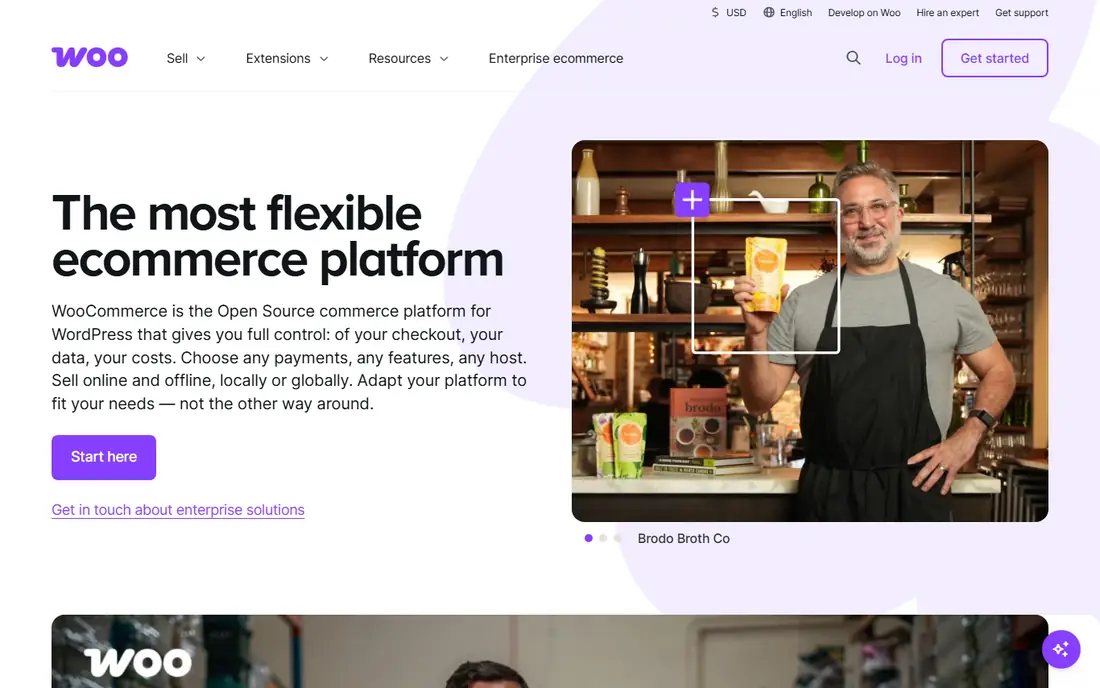
WooCommerce turns a WordPress site into a store, and it suits owners who already run WordPress or want full control over their site. The core plugin is free, and you can change almost any part of the store, from checkout fields to product pages. That control is the main reason many content-led brands pick it over a hosted platform.
The trade-off is responsibility. You pay for hosting and a domain, and you handle updates, backups, and security, or you pay someone to do it. Payment processing fees still apply, as they do everywhere. If you like WordPress and you are comfortable with that upkeep, WooCommerce gives you a store with no monthly platform fee and no lock-in.
- Free core plugin
- Full control over design and data
- Huge WordPress plugin range
- You manage hosting, updates, and security
- Costs vary with hosting and extensions

BigCommerce is built for stores that plan to grow, and it includes more features out of the box than many rivals. Product options, discount rules, and multi-channel selling are part of the core platform, which can reduce the number of paid apps you need. It also charges no extra platform transaction fee, which helps as order volume rises.
The platform feels less beginner-friendly than Shopify, and its theme and app range is smaller. Smaller stores may not need its depth, and the price may feel high for a very small catalogue. For a mid-sized store with many products or plans to sell on several channels, BigCommerce is a strong, steady choice.
- Strong built-in features
- No extra platform transaction fee
- Handles large catalogues well
- Theme and app range is smaller than Shopify
- Higher plans are needed for advanced features
Wix suits small stores that want a good-looking site without learning a complex system. The drag-and-drop builder makes it easy to place products, photos, and text where you want them, and the commerce plans add checkout, shipping, and payment tools. For a shop with a modest catalogue, it is one of the fastest routes to a live store.
Larger stores may find its limits sooner, since catalogue management and advanced selling features are not as deep as Shopify or BigCommerce. Moving to a new template after launch can also mean rebuilding parts of the site. If your priority is a simple store that looks good and is easy to run, Wix fits well.
- Easy drag-and-drop builder
- Many templates
- Selling tools included in commerce plans
- Less suited to very large catalogues
- Switching templates later can be awkward
Squarespace is known for design, and its store templates look clean without much extra work. That matters for brands where photos and story carry the sale, such as makers, food brands, and small fashion labels. Blogging and content tools are built in, so a store can also publish guides and news without a separate system.
The selling side is simpler than Shopify, with fewer apps and advanced features. Check the current commerce plan price on the Squarespace site before you commit, since plan names and prices change. For a design-led store with a focused catalogue, Squarespace gives you a tidy shop that is easy to maintain.
- Polished templates
- Good blogging and content tools
- Simple store setup
- Fewer selling apps than Shopify
- Pricing varies by plan and region
Square Online is the lowest-risk way to start selling online, especially if you already take card payments with Square in person. The free plan lets you list products and take orders, and paid plans add more features such as custom domains and lower processing costs. Stock, orders, and in-person sales can sit in one Square account.
Design freedom is more limited than on Shopify or Squarespace, and the free plan carries higher processing fees than a paid plan. For a market stall, cafe, or small shop testing online sales, that trade-off is often fine. You can start free, learn what sells, and upgrade only when online orders justify it.
- Free plan to start
- Simple setup
- Works well with Square in-person payments
- Fewer design options than rivals
- Processing fees apply on every order
Ecwid takes a different route from the other platforms here. Instead of building a new site, it adds a store to a website you already have, whether that site runs on WordPress, Wix, or another builder. You can also sell through social pages. That makes it ideal for bloggers, creators, and small firms that do not want to rebuild their site just to sell a few products.
The free plan caps the number of products, so larger catalogues need a paid plan. It is also not the best pick if you need a full new website, since Ecwid is a store add-on rather than a complete site builder. For adding selling to an existing site with minimal disruption, it is hard to beat.
- Adds a store to any existing website
- Free plan for small catalogues
- Social selling options
- Not a full website builder
- Paid plans needed for larger catalogues
Adobe Commerce, formerly Magento, is built for large stores with complex needs. It handles huge catalogues, multiple stores, and business-to-business selling rules that simpler platforms cannot match. Companies with in-house developers or an agency partner can shape almost every part of the store to fit their process.
That power comes with cost and time. Setup takes longer, hosting and development add to the bill, and pricing is quoted rather than listed as a simple monthly plan. Small stores should not start here. For a large retailer with complex catalogue, pricing, or multi-store needs, Adobe Commerce is one of the few platforms that can carry that weight.
- Full control over code and catalogue
- Strong B2B features
- Multi-store support
- Needs developers
- High cost
- Long setup time
How we picked these
We compared official pricing pages, feature lists, and app store and review material for leading cart platforms, and we kept only platforms that handle checkout, payments, and order records. We favoured platforms with clear pricing, a real free or trial option where offered, and a track record with small and mid-sized stores. We also mixed hosted platforms with open options such as WooCommerce, since control and cost matter differently to different owners. Prices change by region and plan, so confirm the current plan price and payment fees on the vendor site before you sign up.
How to choose the right cart for your store
Start with your catalogue and your skills. A small catalogue and a wish for a fast launch point to Shopify, Wix, or Square Online. A WordPress site points to WooCommerce. A large or fast-growing catalogue points to BigCommerce or, for very large firms, Adobe Commerce.
Count the full monthly cost
Add the plan price, any paid apps you need, and payment processing fees. A free plan with higher processing fees can cost more than a paid plan once orders rise. Run your expected monthly sales through that sum before you pick, rather than judging on the plan price alone.
Check payments, shipping, and taxes
Confirm that the platform supports the payment methods your buyers use, the shipping options you offer, and tax handling for the places you sell. These details cause more trouble after launch than design choices do, so test a full checkout, including a refund, during any trial.
Plan for growth
Pick a platform that can handle more products, more traffic, and more sales channels without forcing a rebuild in a year. A slightly higher plan now can be cheaper than moving platforms later, when product data, order history, and search rankings all need to move too.
Frequently asked questions
What is the best shopping cart software for beginners?
Shopify is the most beginner-friendly all-round choice, since hosting and checkout are handled for you. Wix and Square Online are also easy to start, with Square Online offering the lowest-cost entry point.
Is WooCommerce really free?
The WooCommerce plugin itself is free, but you still pay for hosting, a domain, and payment processing fees. Paid extensions add cost if you need advanced features, so the total depends on your hosting choice and your feature list.
What is the best free shopping cart software?
Square Online and Ecwid both offer free plans for small catalogues. Square Online suits sellers who also take in-person payments, while Ecwid suits owners adding a store to an existing website.
Do shopping cart platforms charge transaction fees?
Most platforms charge payment processing fees on every order, and some add a platform fee when you use an outside payment provider. Shopify, for example, waives its platform fee when you use Shopify Payments. Read the fee page for your plan before you launch.
Can I move my store to another platform later?
Yes, but moving products, customers, and order history takes work, and design rarely moves cleanly. Export your data regularly and keep product photos and descriptions in your own files, so a future move is less painful.
Which platform is best for a large store?
BigCommerce handles large catalogues well without many add-ons, and Adobe Commerce suits very large or complex stores with developer support. Both cost more and need more setup than a small-store platform, so match the choice to your catalogue size.
Sources we checked (8)

Online Jobs is an independent blog about careers, online work, learning new skills and the tools that help people earn. More about us.
Keep reading
All posts
n8n Alternatives
n8n alternatives compared for 2026, with Zapier, Make, Activepieces, and more, covering visual builders, code steps, self-hosting, and pricing models.

ZoomInfo Alternatives
The best ZoomInfo alternatives in 2026, compared on price, free plans, data coverage, and which tool fits small teams or large sales teams best in detail.

Workday Alternatives
We compared the best workday alternatives for HR, payroll, and global hiring, from BambooHR and Gusto to Rippling, Deel, and HiBob for growing teams in 2026.