Best Shift Scheduling Software in 2026: 8 Tools Compared

How we put this together: we compare official feature and pricing pages, app store listings, privacy policies and public user reviews. Prices change, so check the provider's site before you pay.
Key takeaways
- Homebase is the best free starting point for small teams, with a free plan for up to 10 employees at one location.
- When I Work and Deputy offer the clearest value for growing hourly teams, with low per user monthly prices.
- 7shifts leads for restaurants, with sales based labor planning and restaurant payroll options.
- Compare per user pricing against per location pricing at your actual team size, since the cheaper model flips as you grow.
Quick comparison
| Name | Who it suits | Starting price | Free option | |
|---|---|---|---|---|
 Homebase | Small teams starting free | Free | Yes | Visit |
 When I Work | Simple, fast scheduling | $2.50 per user per month | Free trial | Visit |
 Deputy | Scheduling plus compliance | $5 per user per month | Free trial | Visit |
 7shifts | Restaurant teams | See website | Yes | Visit |
 Connecteam | Deskless teams in one app | $29 per month | Yes | Visit |
 Sling | Budget scheduling | Free | Yes | Visit |
 ZoomShift | Small hourly teams | Free | Yes | Visit |
 Planday | Multi site shift planning | See website | Free trial | Visit |
The best shift scheduling software
Shift scheduling software should cut the time spent building rotas, reduce no shows, and make shift swaps easy for staff. The best tool for a cafe with eight staff is not the best tool for a retail chain with forty locations. The eight tools below cover free plans, per user pricing, and restaurant or multi site specialists.
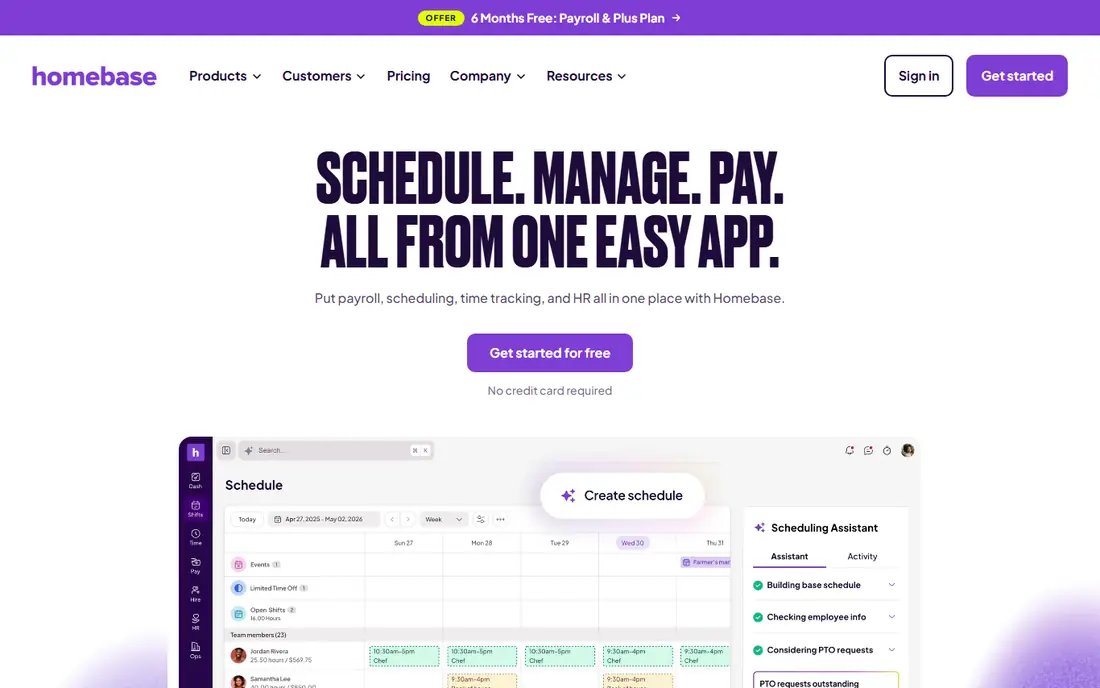
Homebase is the easiest place for a small hourly team to start, because the free plan covers scheduling and time tracking for a small team at one location. Managers can build schedules, staff can swap shifts in the app, and time clocks feed into payroll if you add that option. That breadth means many small businesses never need a second tool.
Growth brings a pricing question, since paid plans are per location rather than per user. A large team at one site may find that model cheaper than per user pricing, while a small team at many sites may not. Start free, learn which features your team actually uses, and upgrade only when a limit blocks a real workflow.
- Free Basic plan for up to 10 employees at one location
- Scheduling plus time tracking and hiring tools
- Built in payroll add on
- Paid plans are priced per location, which can rise with multiple sites
- Advanced scheduling features sit in higher tiers
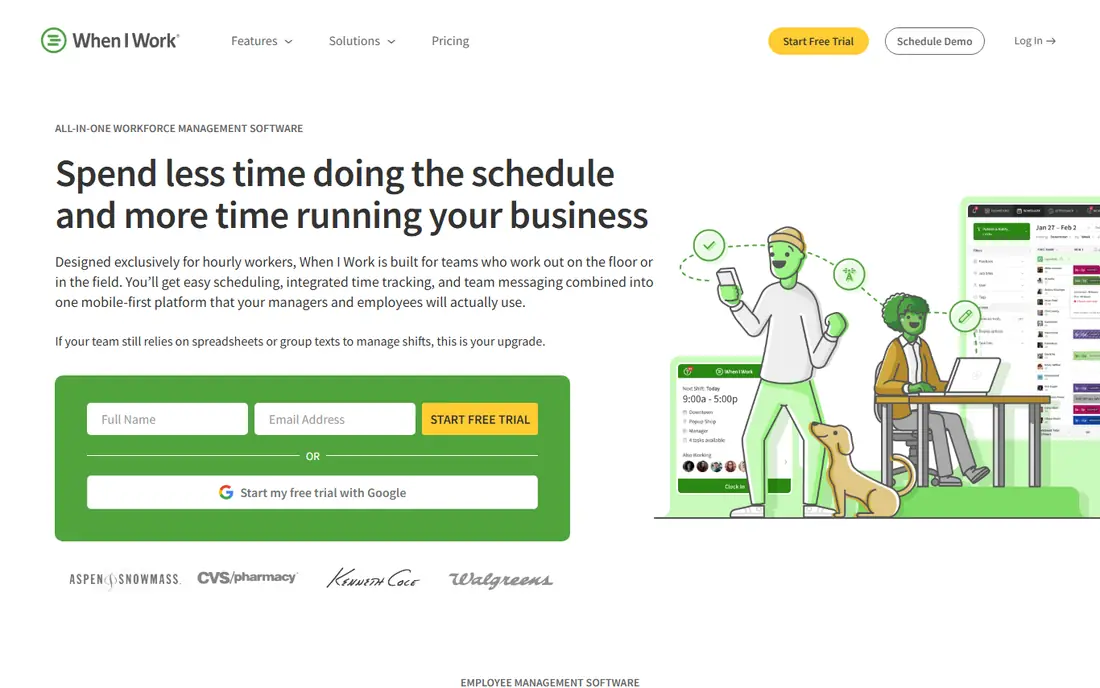
When I Work suits managers who want a schedule live the same day they sign up. The interface is simple, staff can claim open shifts and swap with approval, and managers can message the team from the app. That simplicity is a strength for service teams, retail shops, and small hospitality businesses.
The limits are also simple. There is no free plan beyond the trial, and time tracking costs extra, so add that cost to your comparison if you need it. If your team is small and your main need is a clear weekly schedule with easy swaps, When I Work offers strong value at its starting price.
- Low per user starting price
- Fast schedule building and shift swaps
- Mobile apps for staff
- No permanent free plan, only a trial
- Time tracking is a paid add on
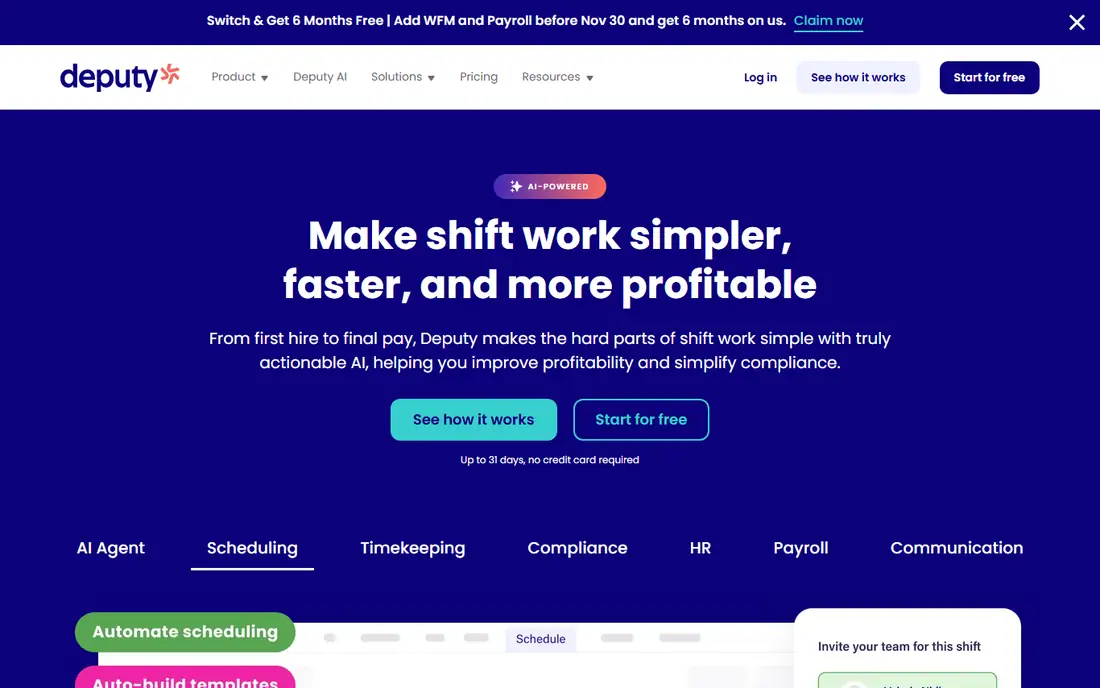
Deputy is the pick for growing teams that need more than a simple rota. Auto scheduling, demand forecasting, and compliance controls help managers handle overtime, breaks, and local labor rules without building everything by hand. Integrations with accounting and payroll tools also cut admin time as the team grows.
That depth comes with a higher starting price and a longer setup, especially if you configure compliance rules for several locations. Small teams with simple needs may find When I Work or Homebase enough. Teams with compliance risk, multiple sites, or complex shift patterns will get more value from Deputy.
- Strong scheduling depth
- Labor compliance and award tools
- Integrations with payroll and accounting tools
- Higher per user price than When I Work
- Setup takes longer for complex compliance rules
7shifts is designed around restaurant work, and that focus shows in its labor planning. Managers can compare projected sales with projected labor cost while building the schedule, which helps control one of the largest costs in a restaurant. POS integrations, tip handling, and a manager logbook add restaurant specific value that general tools lack.
The free plan covers basic scheduling for one location, which is useful for a single site test. Paid plans are per location, so confirm the current price for your employee count before you commit. Non restaurant teams should look at Deputy or Homebase first, since 7shifts strengths are restaurant specific.
- Built for restaurants, with sales based labor planning
- POS integrations
- Restaurant payroll option
- Pricing is per location, so check the current plan for your team size
- Less suited to non restaurant teams
Connecteam suits deskless teams that need more than a rota, such as field service, cleaning, and security teams. Scheduling sits alongside team chat, task lists, and forms, so staff use one app for daily work instead of switching between tools. That consolidation helps teams that rarely sit at a desk.
Pure scheduling power is lighter than Deputy, and the pricing model needs a careful read, since hub pricing and user counts interact. If your team needs communication and task tools as much as scheduling, Connecteam is a strong all in one choice. If scheduling logic is the whole job, compare it closely with Deputy first.
- Free plan for teams under 10 users
- Scheduling plus chat, tasks, and forms in one app
- Mobile first for field teams
- Scheduling depth is lighter than Deputy
- Pricing is per hub plus users on some plans, so check the current model
Sling is a budget friendly option for teams that mainly need a clear schedule and easy communication. The free plan covers up to 30 users with shift scheduling, time off requests, open shifts, and private messaging, which is generous for a free tier. Paid plans add time tracking and more controls at a low per user price.
The main gap is the missing time clock on the free plan, so teams that need clock in data must pay or use a separate tool. Even with that limit, Sling is a good fit for small teams that want free scheduling now and a cheap upgrade path later.
- Free plan for up to 30 users with scheduling essentials
- Shift swaps and messaging included
- Low paid starting price
- No time clock on the free plan
- Advanced features require paid plans
ZoomShift keeps scheduling simple for small hourly teams. Templates speed up repeat schedules, staff can request time off and swap shifts, and managers can publish schedules from a phone. The free plan covers a useful team size at one location, which makes it a low risk trial for a small business.
Larger or multi site teams will outgrow it faster than Deputy or Homebase, since integrations and advanced controls are thinner. For a single site team that wants a clean schedule without a learning curve, ZoomShift is a solid, low cost choice.
- Free plan for up to 20 users at one location
- Simple schedule templates
- Low paid price per active team member
- Smaller feature set than larger rivals
- Fewer integrations than Deputy or Homebase
Planday suits businesses with several locations or departments that need one scheduling system across sites. Managers can plan shifts by site, track time, and connect to payroll tools, while staff manage availability and swaps from a mobile app. That structure helps retail, hospitality, and care businesses with rotating teams.
The drawback is pricing transparency, since you need to contact sales for a quote based on your setup. Small single site teams will usually find a cheaper, faster option in Homebase or When I Work. Multi site teams should shortlist Planday alongside Deputy and compare both on total cost at their actual headcount.
- Strong for multi site and multi team scheduling
- Time tracking and payroll integrations
- Mobile apps for staff
- Pricing is not published as a simple per user rate, so a quote is needed
- Setup is heavier than simple tools
How we picked these
We compared official pricing pages, free plan limits, and feature lists for each tool, and we checked that each one still offers shift scheduling as a core product in October 2026. We included free plans, per user tools, per location tools, and industry specialists, so teams of different sizes can compare total cost at their real headcount. Prices change, so confirm the current price on the vendor site before you commit.
How to choose shift scheduling software
Count your team, count your sites, and list the features you will actually use each week. That short exercise prevents paying for compliance tools you never open, or picking a free tool that lacks the time clock you need.
Compare pricing at your team size
Per user pricing scales with headcount, while per location pricing scales with sites. Work out the monthly cost for your current team and for your team in six months, including add ons such as time tracking. A tool that is cheapest at 10 staff may not be cheapest at 50.
Test shift swaps and availability
Ask two staff members to request time off, swap a shift, and claim an open shift during your trial. If that flow feels slow or confusing, staff will work around the tool with group messages, and the schedule will drift. Clear mobile apps matter more than a long feature list for hourly teams.
Check payroll and time tracking links
Confirm how hours flow into payroll, whether overtime rules match your local requirements, and how managers approve timesheets. A scheduling tool that exports clean hours saves payroll time every pay run. If you already use a payroll provider, check the integration list before you choose.
Frequently asked questions
What is the best staff scheduling software for small business?
Homebase is the best staff scheduling software for many small businesses, thanks to its free plan for up to 10 employees at one location. When I Work is also strong for small teams that want simple scheduling at a low per user price. The best work scheduling software for you depends on team size, sites, and whether you need time tracking included.
What is the best rota software for restaurants?
7shifts is the best rota software for restaurants, with sales based labor planning, POS integrations, and restaurant payroll options. Deputy also works well for restaurants that need stronger compliance tools. Test both with your actual sales and labor data during a trial, since labor cost control is the key benefit.
Is there a free shift scheduling app?
Yes, Homebase, Sling, ZoomShift, and Connecteam all offer free plans with limits on users or features. Sling covers up to 30 users on its free plan, while Homebase covers up to 10 employees at one location. Check time clock and feature limits on each free plan, since those limits decide whether the free tier fits your team.
What is the best employee scheduling software for multi location teams?
Deputy and Planday are strong employee scheduling options for multi location teams, with site level planning, compliance tools, and payroll integrations. Compare both on total cost at your headcount and site count, since per user and quote based pricing differ. A trial with two real sites will show which workflow your managers prefer.
What is the best team scheduling app for shift swaps?
When I Work, Homebase, and Sling all handle shift swaps well, with staff requests and manager approval in a mobile app. When I Work is the simplest of the three for fast swaps, while Homebase adds time tracking for small teams. Pick the app your staff find easiest during a trial, since adoption decides whether swaps actually happen in the tool.
Sources we checked (8)

Online Jobs is an independent blog about careers, online work, learning new skills and the tools that help people earn. More about us.
Keep reading
All posts
ZoomInfo Alternatives
The best ZoomInfo alternatives in 2026, compared on price, free plans, data coverage, and which tool fits small teams or large sales teams best in detail.

Workday Alternatives
We compared the best workday alternatives for HR, payroll, and global hiring, from BambooHR and Gusto to Rippling, Deel, and HiBob for growing teams in 2026.

Which SaaS Tools Have the Best Customer Support
Which SaaS tools have the best customer support? Compare eight popular tools on help centres, live help, response options and overall support quality.