Best Shared Calendar App for Couples in 2026: 8 Apps Compared

How we put this together: we compare official feature and pricing pages, app store listings, privacy policies and public user reviews. Prices change, so check the provider's site before you pay.
Key takeaways
- TimeTree is the best dedicated shared calendar for couples, with unlimited shared calendars and comments on each event.
- Cozi is the best all-in-one family organizer, adding grocery lists, meal planning, and a recipe box to the shared calendar.
- Google Calendar and Apple Calendar are the best free picks, since most couples already have one of them on their phones.
- Cupla and OurCal add couples-specific extras, such as date goals, shared lists, and built-in chat, for couples who want more than a plain calendar.
- The best app is the one both partners will actually open, so test the free version together before paying for premium features.
Quick comparison
| Name | Who it suits | Starting price | Free option | |
|---|---|---|---|---|
 TimeTree | Dedicated shared calendars | Free | Yes | Visit |
 Cozi | All-in-one family organizer | Free | Yes | Visit |
 Google Calendar | Free cross-platform sharing | Free | Yes | Visit |
 Apple Calendar | All-Apple households | Free | Yes | Visit |
 Cupla | Couples running a household | Free | Yes | Visit |
 OurCal | Private couples calendar with chat | $6.99 per month | Free trial | Visit |
 FamilyWall | All-in-one family hub | Free | Yes | Visit |
 Microsoft Outlook | Households on Microsoft accounts | Free | Yes | Visit |
The best shared calendar app for couples
A shared calendar only works if both partners use it, so ease of use matters more than a long feature list. The apps below all let two people see, add, and edit events, and they differ in extras such as lists, chat, privacy, and price.
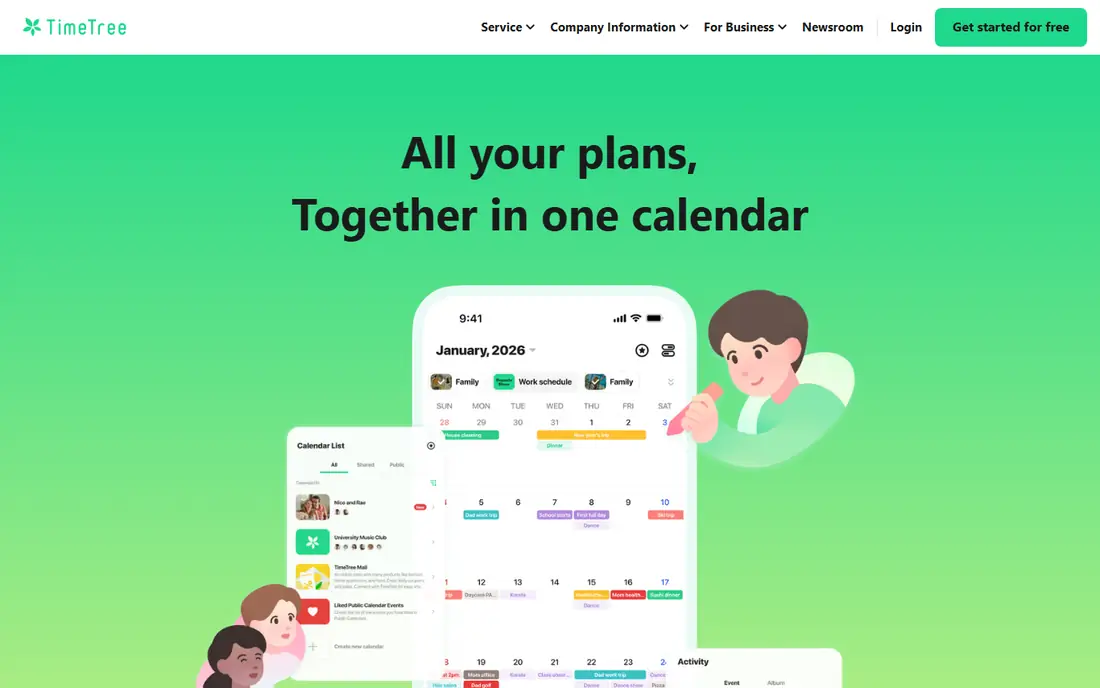
TimeTree is our pick for couples who want a calendar first and everything else second. You can create unlimited shared calendars, such as one for the household, one for holidays, and one for a shared hobby, and each event carries its own comment thread. That comment thread solves a common couples problem: the question of who is doing the 4pm pickup lives inside the event, not in a separate chat that gets lost.
The catch is scope. TimeTree deliberately does not try to be a full household organizer, so there are no real grocery lists or meal plans. The free version also shows ads, and Premium costs $4.49 per month or $44.99 per year for an ad-free calendar with file attachments and extra views. If a clean shared calendar is the job, TimeTree does it best.
- Unlimited shared calendars
- Comment thread on each event
- Syncs with Google Calendar
- Free version shows ads
- No grocery lists or meal planning
- Premium costs $4.49 per month
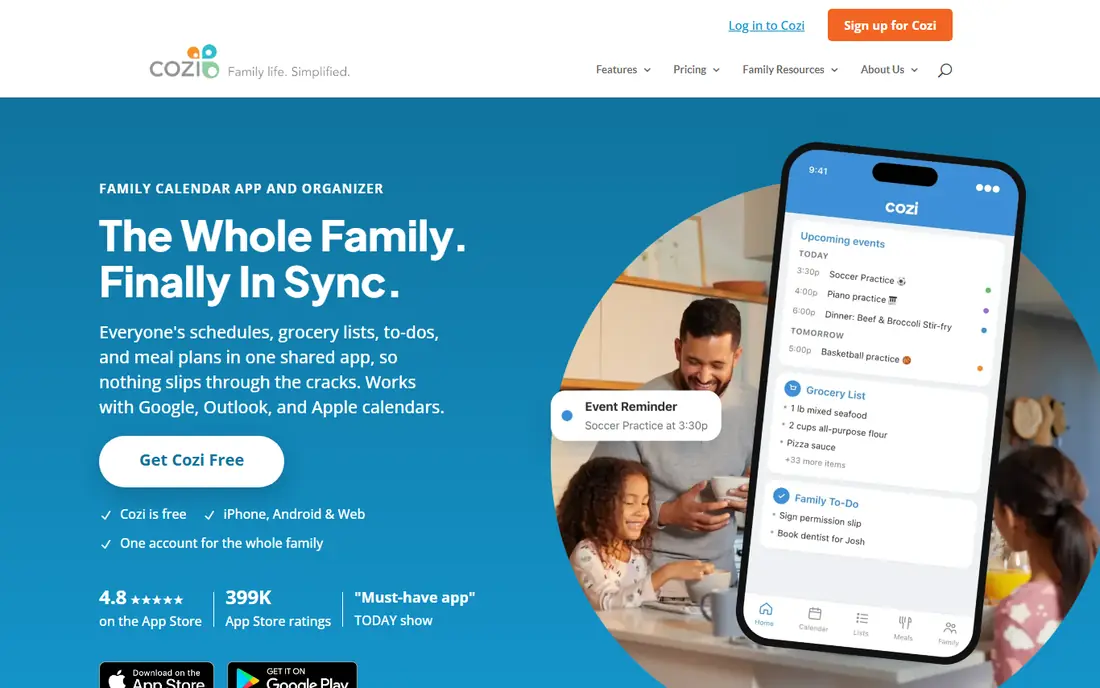
Cozi is the long-running all-in-one pick for couples and families. Alongside a shared color-coded calendar, you get shared grocery and to-do lists, a meal planner, and a recipe box, all in one app. For a couple running a household together, that bundle removes the need for three separate apps and keeps shopping, meals, and events in one place.
The honest catch is age and ads. The interface feels dated next to TimeTree, and the free version shows ads and limits the calendar to a 30-day window in some views. Cozi Gold costs $39 per year for an ad-free experience, and Cozi Max costs $79 per year for AI event import and meal tools. If you want one proven organizer rather than the prettiest app, Cozi still earns its place.
- Shared color-coded calendar
- Grocery and to-do lists
- Meal planner with recipe box
- Free version shows ads and limits the calendar view
- Interface feels dated
- AI features need the Max tier
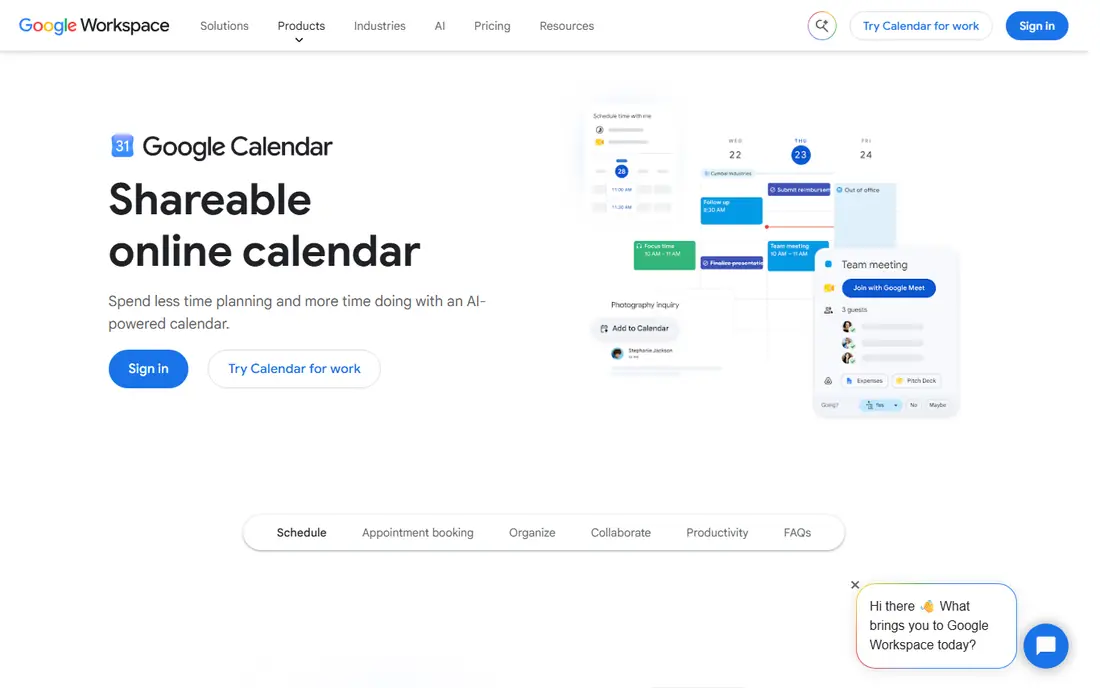
Google Calendar is the best free pick for most couples, simply because both partners probably already have it. Sharing a calendar takes a few taps, events from Gmail can be added automatically, and reminders work well on Android, iPhone, and the web. There is no learning curve and no subscription to justify.
The limit is that Google Calendar is a general calendar, not a couples app. There are no shared grocery lists, date goals, or built-in couple chat, so you will pair it with another app for those jobs. If you want a no-cost, reliable shared calendar and nothing more, Google Calendar is hard to beat.
- Free and cross-platform
- Easy sharing with a partner
- Events from Gmail and strong reminders
- No couples-specific features
- No built-in household lists
- Privacy depends on Google account settings
Apple Calendar is the natural pick when both partners use iPhones, iPads, or Macs. It is free with an Apple account, supports Family Sharing for up to six people, and offers time-to-leave alerts based on traffic. Siri can add events by voice, which helps when you are cooking, driving, or carrying shopping.
The catch is the ecosystem. Sharing with an Android partner works through iCloud on the web, but it is clumsier than sharing between two Apple devices. Like Google Calendar, Apple Calendar has no built-in grocery lists or couples extras. For an all-Apple couple who wants a free, private-feeling calendar, it is a clean choice.
- Free with an Apple account
- Family Sharing for up to six people
- Time-to-leave alerts and Siri support
- Works best inside the Apple ecosystem
- Sharing with Android partners is clumsier
- No household lists built in
Cupla is built for couples rather than adapted for them. It syncs two ways with Google, Apple, and Outlook calendars, so you keep your existing calendar and add a shared couples layer on top. Shared to-dos, wishlists, date night goals, and an AI assistant give it a couples-specific feel that plain calendars lack.
The trade-off is size and price. Cupla is a smaller app than Google or Apple Calendar, and its web version is still in beta, so check that it covers your devices before committing. Premium starts at $4.99 per month. If you want couples extras without giving up your main calendar, Cupla is a strong pick.
- Two-way sync with Google, Apple, and Outlook
- Shared to-dos and wishlists
- Date night goals and AI assistant
- Premium starts at $4.99 per month
- Smaller user base than Google or Apple
- Web version is still in beta
OurCal is the privacy-focused couples pick. It builds a private calendar for exactly two people, with built-in chat so event discussion stays with the event, and it advertises end-to-end encryption for your shared plans. For couples who do not want household plans mixed into a work calendar or a family group, that separation is appealing.
The catch is price and scale. There is no permanent free plan, only a trial, and the paid plan starts at $6.99 per month covering both partners. OurCal is also a smaller app than TimeTree or Cozi, so its long-term roadmap is less certain. Try the trial together, and pay only if the private, chat-first design genuinely changes how you plan.
- Private calendar built for two people
- Built-in chat for each event
- End-to-end encryption advertised
- Paid plan covers both partners at $6.99 per month
- No permanent free plan
- Smaller app than mainstream rivals
FamilyWall is an all-in-one family hub that works well for couples who also share life with extended family. Alongside a shared calendar, you get family messaging, a photo gallery, shared lists, and location sharing on Premium. That breadth suits couples who want one hub for parents, siblings, and kids as well as each other.
The limit for couples without kids is that some features will go unused, and Premium at $44.99 per year adds location and extra tools you may not need. If your shared circle is just the two of you, TimeTree or Cupla will feel simpler. If your circle is wider, FamilyWall keeps everyone in one place.
- Shared calendar plus messaging and photo gallery
- Location sharing on Premium
- Works on iOS and Android
- Premium costs $44.99 per year
- Some features suit families with kids more than child-free couples
Microsoft Outlook is the sensible pick for couples who already use Microsoft accounts for email and documents. Shared calendars work across web, iOS, and Android, and a family group can share a calendar and an email address. If one or both partners use Outlook at work, the familiar interface is a plus.
The catch is that Outlook is an email and calendar suite, not a couples app. There are no date goals, shared wishlists, or household lists built in, and setting up sharing is less intuitive than in TimeTree. For a free, cross-platform calendar inside a Microsoft household, Outlook does the job without a new subscription.
- Free with a Microsoft account
- Shared calendars and family email address
- Works on web, iOS, and Android
- No couples-specific extras
- Calendar sharing is less intuitive than TimeTree
- Best inside the Microsoft ecosystem
How we picked these
We compared official app pages, App Store listings, free plans, and premium prices, and we checked recent 2026 comparisons of couples and family calendars that read those same figures. We favored apps that are current, available in the US on iOS and Android or the web, and genuinely usable by two partners sharing a calendar. Prices were last checked on vendor sites and app listings in 2026, so confirm the current price before subscribing.
How to choose a shared calendar as a couple
Start together, not alone. Install the free version on both phones, add a real week of events, and see which app both of you open without prompting. An app only one partner uses is not a shared calendar, no matter how good its feature list looks.
Decide what else you need besides dates
If dates are the whole job, TimeTree, Google Calendar, or Apple Calendar will cover it. If you also need grocery lists and meal planning, Cozi or FamilyWall fits better. If you want date goals and couples extras, Cupla or OurCal adds that layer. Do not pay for a full organizer when a simple calendar would do.
Check sharing, reminders, and privacy
Test how sharing works on both phones, whether reminders arrive reliably, and how the app handles your data. OurCal advertises end-to-end encryption, while TimeTree and Cozi do not, so privacy-minded couples should weigh that difference. Also check whether the app syncs with a calendar you already use, since double entry kills adoption fast.
Agree on one system and stick to it
Pick one shared calendar and one set of rules: who adds what, how far ahead you plan, and where discussion about an event lives. A shared calendar works when both partners trust it as the single source of truth. If events also live in texts, emails, and sticky notes, no app will fix the confusion.
Frequently asked questions
What is the best shared calendar app for couples?
TimeTree is the best dedicated shared calendar for couples, thanks to unlimited shared calendars and event comments. Cozi is best if you also want lists and meal planning, while Google Calendar and Apple Calendar are the best free picks. Cupla is best for couples who want date goals and shared lists on top of their existing calendar.
What is the best free shared calendar app for couples?
Google Calendar and Apple Calendar are the best free options, since both are free, reliable, and already on most phones. TimeTree and Cozi also offer free versions, but with ads, and TimeTree Premium and Cozi Gold remove those ads for a yearly or monthly fee. Start free and pay only if the free version limits you.
Can couples share a calendar on iPhone and Android together?
Yes. TimeTree, Cozi, Google Calendar, Cupla, FamilyWall, and Outlook all work across iPhone and Android, so a mixed-device couple can share one calendar. Apple Calendar works best when both partners use Apple devices, though it can be viewed on the web. Pick a cross-platform app if your phones differ.
Does TimeTree cost money?
TimeTree is free with ads, and TimeTree Premium costs $4.49 per month or $44.99 per year. Premium removes ads and adds file attachments and extra calendar views. The free version covers unlimited shared calendars and event comments, which is enough for most couples to test the app properly.
Is Cozi good for couples without kids?
Yes, Cozi works for couples without kids, since its shared calendar, grocery lists, and meal planner suit any household of two. Some features, such as family journal entries, suit families more, but nothing about Cozi requires children. Couples who want a simpler calendar may still prefer TimeTree.
How do couples keep a shared calendar private?
Use an app built for two people, such as OurCal, or create a dedicated shared calendar that is separate from work and family calendars. Check sharing settings so only your partner can view and edit it, and review what data the app collects. Avoid adding sensitive details, such as passwords or financial notes, to calendar events.
Sources we checked (8)

Online Jobs is an independent blog about careers, online work, learning new skills and the tools that help people earn. More about us.
Keep reading
All posts
Zoom Alternatives
Zoom alternatives compared for 2026: Google Meet, Microsoft Teams, Webex, Jitsi and more for free calls, large meetings and webinars for teams and classrooms.

Which Software Is Best for PDF Page Removal
Which software is best for PDF page removal? We compare free and paid tools for deleting pages quickly, safely, and without harming your file in this guide.

Which Software Is Best for Data Entry
Compare the best data entry software for forms, OCR scanning, and spreadsheets, with free plans, pricing, and honest limits for each tool before you commit.