Best SERP Tracker Tool in 2026: 9 Compared

How we put this together: we compare official feature and pricing pages, app store listings, privacy policies and public user reviews. Prices change, so check the provider's site before you pay.
Key takeaways
- SE Ranking offers strong value, with 2,000 keywords tracked daily from $129 per month, or $103.20 per month billed annually.
- AccuRanker is the best dedicated tracker for large agencies, with on-demand refresh and strong reporting.
- Google Search Console is free and should be the baseline for every site, even though it does not track competitors.
- Mangools and Wincher are the cheapest paid trackers for small sites, but their keyword limits are lower.
- Cost per keyword matters more than headline price, so divide the plan price by the keywords you actually track.
Quick comparison
| Name | Who it suits | Starting price | Free option | |
|---|---|---|---|---|
 SE Ranking SE Ranking | Best overall value | $129 per month | Free trial | Visit |
 AccuRanker AccuRanker | Large agencies | $224 per month | No | Visit |
 Semrush Semrush | Full SEO suite | $139 per month | Free trial | Visit |
 Ahrefs Ahrefs | Backlink-led teams | $129 per month | No | Visit |
 Nightwatch Nightwatch | Local and unlimited seats | See website | Free trial | Visit |
 Wincher Wincher | Simple small-site tracking | $49 per month | Free trial | Visit |
 Mangools Mangools | Lowest-cost suite | $49 per month | Free trial | Visit |
 Serpstat Serpstat | Budget all-in-one | $50 per month | Free trial | Visit |
 Google Search Console Google Search Console | Free baseline data | Free | Yes | Visit |
The best serp tracker tool
We compared official pricing pages and public comparisons dated in 2026 for tools that track search engine results page rankings. Our pick for most people is SE Ranking, because it tracks 2,000 keywords daily at a lower cost per keyword than most suites. AccuRanker is the pick for agencies that need on-demand updates and large keyword sets.
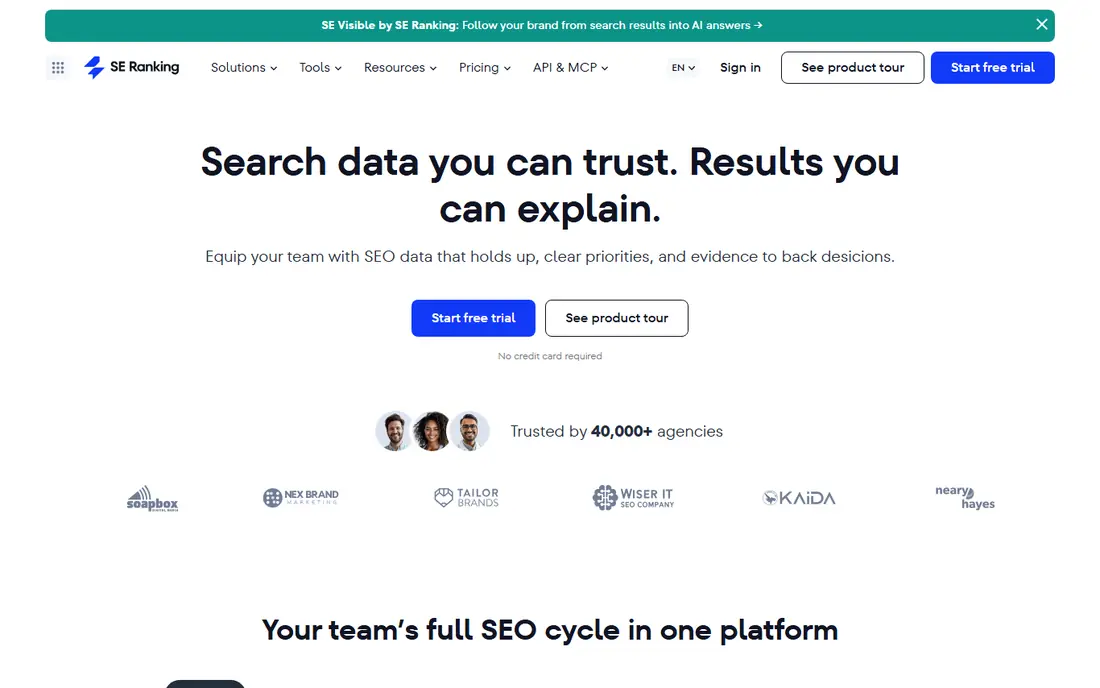
SE Ranking leads on value because its Core plan tracks 2,000 keywords daily, with keyword research, audits, competitor data and AI visibility tracking in the same subscription. At $129 per month, or $103.20 per month billed annually, its cost per keyword is lower than most suites when you use the full allowance. That makes it a strong choice for agencies and publishers with many keywords.
Beginners may find the full platform busy, because it does more than rank tracking. If you only need a simple tracker for a small site, a cheaper tool such as Wincher or Mangools may feel easier. For teams that need SEO plus rank tracking, SE Ranking is hard to beat.
- 2,000 keywords daily on Core
- Audits and research in the same plan
- AI visibility tracking included
- Higher plans needed for more keywords
- Interface can feel busy for beginners
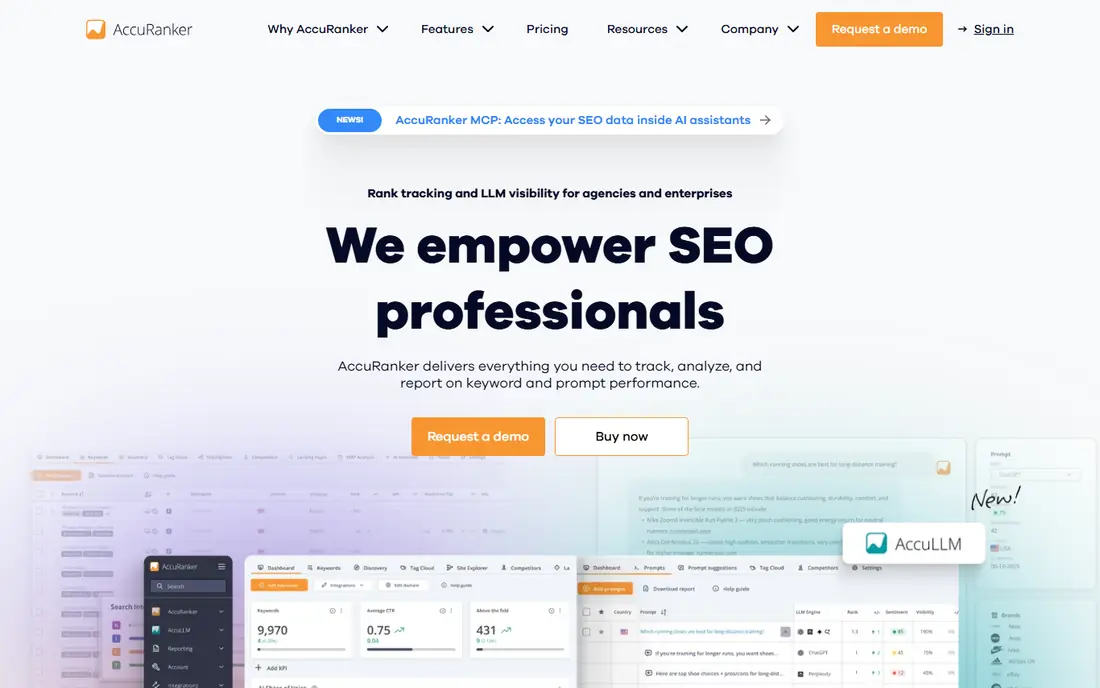
AccuRanker is a dedicated rank tracker, not a general SEO suite, and that focus shows in speed and reporting. It offers on-demand refresh, so you can check a keyword instantly after a site change, plus daily tracking, Share of Voice, tagging and API access for client reporting. Agencies with large keyword sets value that speed and data control.
The entry price at $224 per month for 2,000 keywords is high for a small site, and some integrations such as Looker Studio sit on higher plans. For a single small site, SE Ranking or Wincher will be cheaper. For agencies that live on ranking data, AccuRanker speed justifies the cost.
- On-demand rank refresh
- Daily tracking
- Strong tagging, API and reporting
- High entry price
- 2,000-keyword minimum on entry plan
- Looker Studio needs higher plans
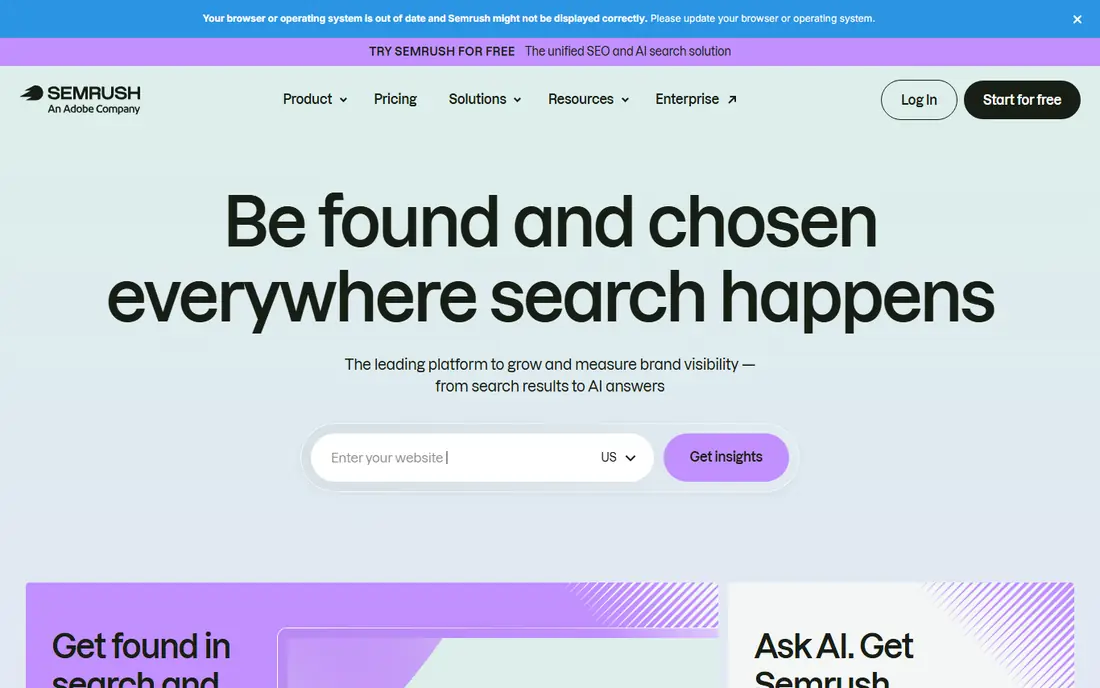
Semrush Position Tracking suits teams that already use Semrush for keyword research, audits, backlinks and PPC. It tracks rankings daily, compares competitors, and reports SERP features alongside the rest of your SEO data. That consolidation saves time for agencies that report on many channels at once.
If you only need rank tracking, Semrush is expensive per keyword, because its SEO plan at $139 per month, or $117.33 per month billed annually, tracks 500 keywords on entry. A dedicated tracker such as SE Ranking gives you more keywords for a similar price, so choose Semrush for the suite, not for tracking alone.
- Position Tracking inside a full suite
- Daily updates
- Competitor and PPC data
- Entry plan tracks 500 keywords
- Cost per keyword is high if you only need tracking
Ahrefs Rank Tracker fits teams that already rely on Ahrefs for backlinks and content research. It shows rankings alongside link data, which helps explain why a page moved, and its reporting is clean for client work. The Lite plan at $129 per month tracks 750 keywords, which suits small to mid-size sites.
Update frequency and limits are the trade-off, because some plans update weekly rather than daily, and higher plans are needed for larger sets. If daily tracking for thousands of keywords is your main need, SE Ranking or AccuRanker will serve you better. If backlink context matters most, Ahrefs is the natural choice.
- Rank Tracker beside a leading backlink database
- Competitor context
- Clean reporting
- Lite plan tracks 750 keywords
- Weekly updates on some plans
- No free trial
Nightwatch suits agencies and local SEO teams that need many users and precise local tracking. It offers unlimited seats, which helps agencies that share dashboards with clients, plus ZIP-level local tracking and AI search tracking for ChatGPT and Google AI surfaces. That local precision is its main advantage over general trackers.
Keyword limits on entry plans are lower than SE Ranking, and pricing is listed in euros on some pages, so the dollar cost depends on exchange rates and billing term. Confirm the current plan, keyword count and AI add-on cost before you compare it directly with dollar-priced rivals.
- Unlimited seats on all plans
- Strong local and ZIP-level tracking
- AI search tracking
- Pricing varies by currency and plan
- Entry keyword limit is lower than SE Ranking
Wincher is the simplest paid tracker here, with a clean interface, daily updates and support for many sites. Its Basic plan from $49 per month tracks 500 keywords, which is enough for a small business, a blog or a local site with a focused keyword list. Setup is quick, and reports are easy to read without SEO training.
Larger teams will outgrow it, because suite features such as audits, backlink analysis and content tools are thinner than in SE Ranking or Semrush. For a small site that wants daily tracking without a suite, Wincher is a good, low-friction choice.
- Simple interface
- Daily tracking
- Unlimited sites on paid plans
- 500 keywords on Basic
- Fewer suite features than SE Ranking or Semrush
Mangools bundles five tools, including SERPWatcher for rank tracking, KWFinder for keyword research, and LinkMiner for backlinks, in one clean suite. Its Basic plan is often listed at $49 per month, with a lower annual equivalent, which makes it one of the cheapest ways to get a suite, not just a tracker. Beginners like its simple design.
SERPWatcher limits are the catch, with 200 keywords and weekly updates on Basic, rising to daily updates on higher Agency plans. If you need daily tracking for many keywords, SE Ranking or AccuRanker will be better. If you want a beginner-friendly suite for a small site, Mangools is a strong value pick.
- Five-tool suite including SERPWatcher
- Clean interface
- Good for beginners
- SERPWatcher updates weekly on Basic
- 200 keywords on Basic
- Cost per keyword is higher than SE Ranking
Serpstat offers rank tracking inside a budget all-in-one platform, with keyword research, audits, competitor data and clustering for content planning. Its entry plan around $50 per month billed annually suits small teams that want more than a tracker but cannot justify Semrush or Ahrefs pricing. Clustering helps content teams group keywords into topics for new pages.
Check quotas and data depth before you choose, because Serpstat check limits and backlink data differ from larger suites. For a small team that needs a suite on a budget, it is a practical middle ground between Wincher and Semrush.
- Rank tracking plus keyword and audit tools
- Clustering for content planning
- Lower entry price
- Daily check quotas vary by plan
- Interface and data depth differ from Semrush and Ahrefs
Google Search Console should be connected for every site, whether you pay for a tracker or not. It shows the queries your pages actually received impressions for, their average position, clicks and impressions, straight from Google data. No third-party tool can match that first-party accuracy for your own site.
It does not track competitors, show a single daily snapshot for each keyword, or alert you when a ranking drops. Use it as the baseline, then add a paid tracker for competitor positions, daily snapshots, local tracking and alerts. Together, they give a fuller picture than either alone.
- Free first-party data from Google
- Shows queries, impressions and average position
- Essential for every site
- No competitor tracking
- Averages over date ranges, not daily snapshots
- No alerts
How we picked these
We compared official pricing pages and public comparisons dated in September 2026, and we opened each homepage to confirm it belongs to the named product. We favoured tools that track rankings today, publish a keyword limit and update frequency, and cover a distinct need, from free baseline data to dedicated agency tracking. Where pricing varied by currency or billing term, we wrote See website or stated the billing term clearly.
How to choose without overpaying
Count keywords you will actually track
List the keywords that matter for traffic, conversions and local visibility, then divide each plan price by that count. A $129 plan for 2,000 keywords costs less per keyword than a $49 plan for 200 keywords if you use the full allowance, but it costs more if you only track 50 keywords. Match the plan to your real list, not the largest list you could imagine.
Match update frequency to your work
Daily tracking matters when you publish often, run campaigns or manage client sites where a drop needs a fast response. Weekly tracking is enough for a small, stable site that changes rarely. Paying for daily updates you never check wastes money, while weekly updates can hide a drop for days on an active site.
Test two tools on the same list
Run the same 30 keywords in two tools with identical location and device settings for a month, then compare reported positions. Tools sample data differently, so positions will not match exactly, but a large, consistent gap tells you which tool fits your market better. Keep the tool whose data matches your Search Console trends most closely.
Frequently asked questions
What is the best serp tracker tool?
SE Ranking is the best overall value for most teams, AccuRanker is best for large agencies that need on-demand updates, and Google Search Console is the free baseline every site should use. The best paid choice depends on keyword count, update frequency and whether you need a full SEO suite.
What is the best serp tracking tool for small businesses?
Wincher at $49 per month and Mangools at $49 per month are good small-business picks, with Serpstat around $50 per month as a budget suite option. Start with Google Search Console for free, then add one of these when you need competitor tracking and alerts.
How much does a SERP tracker cost?
Entry prices range from free for Search Console, to $49 per month for Wincher and Mangools, to $129 per month for SE Ranking and Ahrefs, to $224 per month for AccuRanker. Annual billing lowers most monthly prices, so check both terms.
Is SE Ranking better than Semrush for rank tracking?
For rank tracking alone, SE Ranking tracks more keywords daily for a similar price, with 2,000 keywords on Core versus 500 on Semrush entry. Semrush is better if you also need its full suite for PPC, content and backlink work in one place.
How often should rankings update?
Daily updates suit active sites, agencies and campaigns, while weekly updates suit small, stable sites. On-demand refresh, offered by AccuRanker, suits teams that need to check a keyword immediately after a change.
Why do trackers disagree with Search Console?
Trackers take a snapshot at a set time, location and device, while Search Console reports an average position over a date range for queries that received impressions. That difference in method explains most gaps, and it is why you should compare trends, not single-day positions.
Sources we checked (9)

Online Jobs is an independent blog about careers, online work, learning new skills and the tools that help people earn. More about us.
Keep reading
All posts
Workday Alternatives
We compared the best workday alternatives for HR, payroll, and global hiring, from BambooHR and Gusto to Rippling, Deel, and HiBob for growing teams in 2026.

Which SaaS Tools Have the Best Customer Support
Which SaaS tools have the best customer support? Compare eight popular tools on help centres, live help, response options and overall support quality.

Top AI Helpdesk Software
Searching for top AI helpdesk software in 2026? We compared 8 AI helpdesks on automation, pricing, channels and ease of setup for small and growing teams.