Best SEO Report Software in 2026: 9 Tools Compared

How we put this together: we compare official feature and pricing pages, app store listings, privacy policies and public user reviews. Prices change, so check the provider's site before you pay.
Key takeaways
- SE Ranking, Semrush and Ahrefs hold their own SEO data, so reports do not need a second data tool.
- AgencyAnalytics and DashThis suit agencies that need client dashboards and white-label reports at scale.
- Databox and Looker Studio suit teams that combine SEO data with ads, analytics and sales data.
- Raven Tools and Swydo suit smaller agencies that want simple, regular client reports.
- The cheapest headline price can mislead, because per-client, per-dashboard and per-source pricing scale very differently.
Quick comparison
| Name | Who it suits | Starting price | Free option | |
|---|---|---|---|---|
 SE Ranking | Suite reports with own data | $129 per month | Free trial | Visit |
 Semrush | Suite reports and AI tracking | $139 per month | Free trial | Visit |
 Ahrefs | Backlink and rank reports | $129 per month | Yes | Visit |
 AgencyAnalytics | Per-client agency dashboards | $20 per month | Free trial | Visit |
 Databox | Multi-channel dashboards | Free | Yes | Visit |
 Looker Studio | Free Google data reports | Free | Yes | Visit |
 DashThis | Simple dashboard reports | $54 per month | Free trial | Visit |
 Swydo | Per-source agency reporting | See website | Free trial | Visit |
 Raven Tools | Small agency rank reporting | $49 per month | Free trial | Visit |
The best SEO report software
SEO reporting fails when it shows activity without outcomes. A good report links rankings and traffic to leads, sales or agreed goals, and it arrives on a schedule a client actually reads. The tools below split into two groups: suites that hold SEO data, and display tools that show data from other sources.
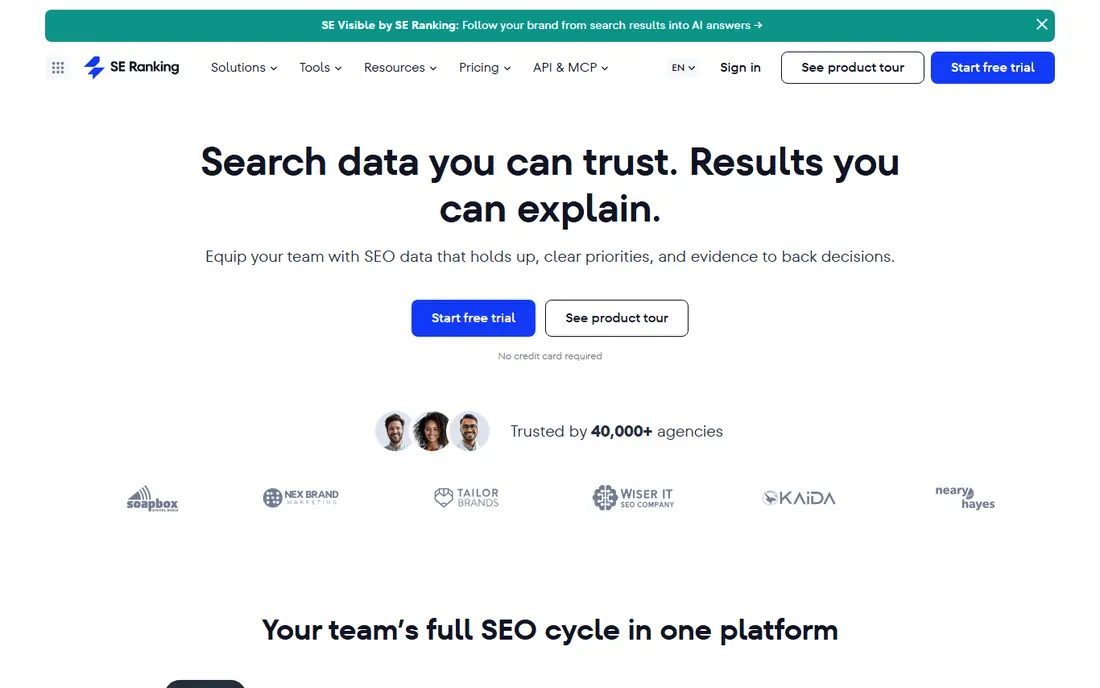
SE Ranking is a strong reporting choice for agencies that already use it for tracking. Reports pull rankings, audits and backlinks from the same account, so there is no extra data tool to buy or connect. Scheduled PDF and dashboard reports help a small agency look professional without building reports by hand each month. The agency add-on should be priced in from the start if client branding matters. It is a flat monthly add-on on annual plans, which suits a growing client roster better than per-client pricing at scale, but it raises the first-year bill. Check project and keyword limits against your largest client before you commit.
- Rank, audit, backlink and AI visibility data in one report
- Scheduled reports
- Agency white-label add-on
- Backlink data is thinner than Ahrefs
- White-label add-on costs extra and needs annual billing
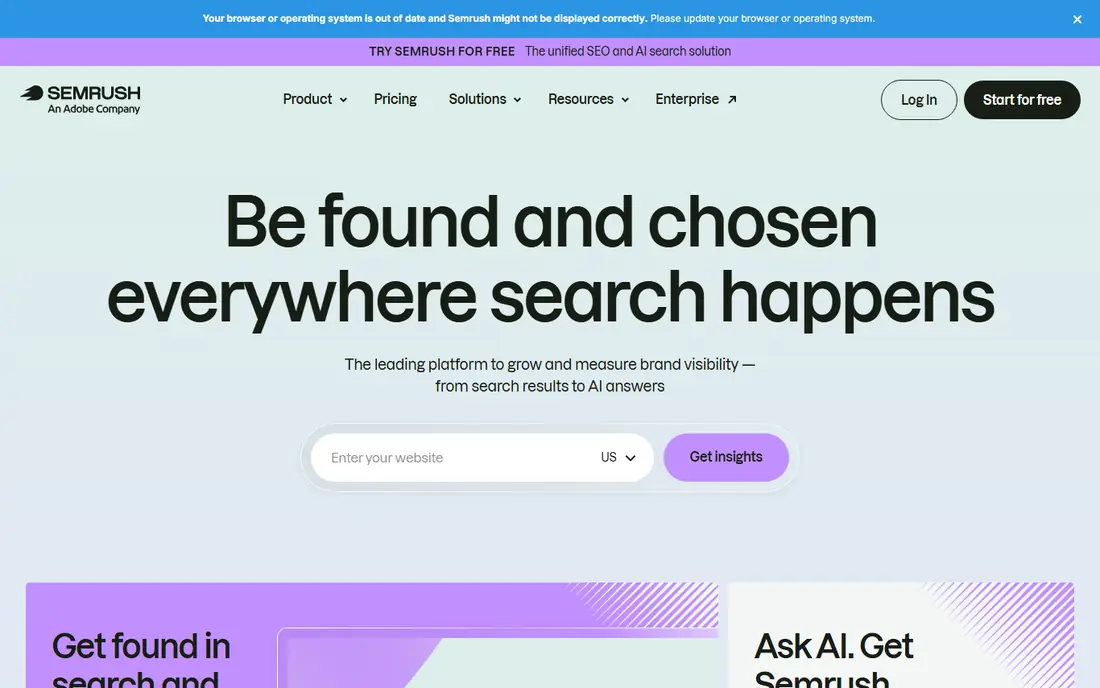
Semrush suits teams that need one report to cover SEO, paid search and AI visibility together. The report builder pulls data from keyword, audit, rank and AI tracking tools, and scheduled delivery keeps clients updated without manual exports. That breadth helps an agency that runs several channels for the same client. White-label delivery is not included at the entry price, so add the report add-on to the budget if branding matters. Also check seat limits, since a team that shares one account across many clients may need extra users. For a single-channel SEO report, a cheaper suite may do the same job.
- Broad SEO, paid search and AI visibility data
- Report builder and scheduled delivery
- Large integration library
- White-label report add-on costs extra
- Extra users and tools can raise the bill quickly
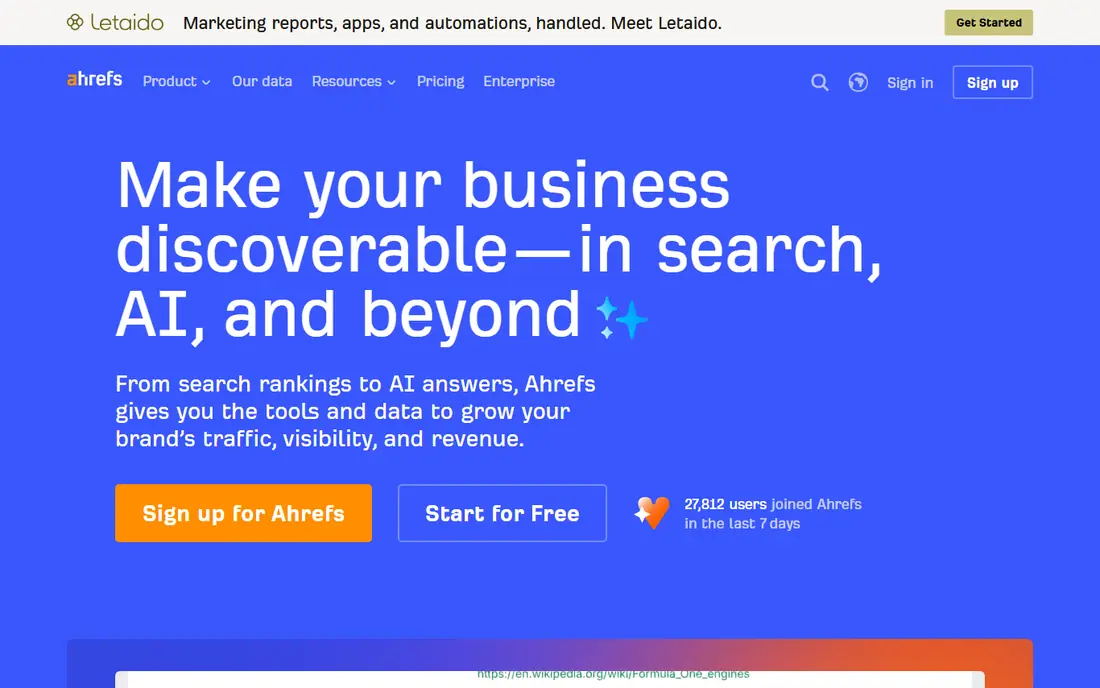
Ahrefs reports shine when the story is links and competitor movement. Show a client which pages gained links, which competitors moved, and which keywords changed, all from one of the deepest backlink indexes available. That data gives a report weight that a dashboard alone cannot match. The limit is presentation. Ahrefs is a research suite first, not a white-label reporting platform, so agencies that need branded client portals will still need a display tool or a manual step. Use Ahrefs for the data and analysis, and pair it with a reporting tool if client-facing polish is the priority.
- Deep backlink and competitor data for reports
- Rank tracking and audit data in one suite
- Free Webmaster Tools for own sites
- No full white-label reporting at entry level
- Report customisation is less agency-focused than AgencyAnalytics
AgencyAnalytics is built for agencies that bill per client. Each client gets a dashboard and portal under the agency brand, with automated reports on a schedule. The per-client model makes it easy to price reporting into a client retainer, and unlimited users help a team share the same account. The key check is data source. AgencyAnalytics displays data well, but it does not hold a full SEO index like Ahrefs, so rank tracking and AI tracking may need add-ons. Model the cost at 5, 15 and 30 clients, including add-ons, before you compare it with a flat-fee tool.
- Per-client pricing that scales with roster size
- White-label dashboards and portals included
- Many integrations and AI insights
- Display layer only, so SEO data must come from connected tools or its rank tracker add-on
- Per-client cost grows with roster
Databox suits in-house teams that want SEO beside ads, social and sales data on one board. Build a dashboard once, set goals and alerts, and share a live view with managers who do not need a full SEO tool login. The free tier covers a small team getting started. Agencies should check white-label and data source costs carefully. The paid tiers and add-ons can rise with client count, and the tool is a display layer, not an SEO data source. For an internal team with many channels, that breadth is worth it. For a pure SEO agency, a suite report may be simpler.
- Free tier for small dashboards
- Many integrations across marketing and sales
- Goal tracking and alerts
- White-label features need a higher tier or add-on
- Data source limits can raise costs at agency scale
Looker Studio, formerly Google Data Studio, is the best free reporting option for teams whose data lives mainly in Google tools. Connect Search Console and Analytics, build a report with filters for pages and queries, and share a live link that updates without manual exports. For an in-house team, that is often enough. The limits appear with non-Google data and client branding. Paid connectors are needed for many SEO suites and social tools, and there is no built-in white-label portal. Agencies that need branded portals should pair Looker Studio with a display tool or accept a simpler shared link.
- Free to build and view reports
- Strong for Google Search Console, Analytics and Ads data
- Flexible charts and filters
- No white-label client portal
- Non-Google connectors often need a paid partner tool
- Building good reports takes time
DashThis suits teams that want a monthly report with the least setup. Pick a template, connect sources, and schedule a branded report that arrives without manual work. That simplicity helps small agencies and freelancers who spend too much time building reports in spreadsheets. Check dashboard and source limits at your client count. A freelancer with five clients fits a lower tier, while an agency with thirty clients needs a higher tier and should compare per-dashboard cost with per-client pricing from AgencyAnalytics. DashThis wins on setup speed, not on SEO data depth.
- Simple dashboard setup with templates
- Scheduled PDF and email reports
- White-label options on higher tiers
- Priced by dashboards and data sources, so large rosters need higher tiers
- Less SEO depth than a full suite
Swydo suits agencies whose clients use different tool stacks. Pricing by data source means a client with four sources costs the same whether they are large or small, which helps agencies with mixed clients. White-label dashboards and scheduled reports cover the client-facing job well. The bill depends on sources, not clients, so model it with your real source count per client. A client with GA4, Search Console, Ads and a rank tracker uses four sources, and that count adds up across a roster. For agencies with a standard stack per client, per-client pricing may be easier to forecast.
- Per-source pricing that suits varied client stacks
- White-label dashboards and reports
- Templates for SEO and paid channels
- Pricing in euros and per-source maths needs careful modelling
- Data source count drives the bill, not just client count
Raven Tools suits a small agency that wants rank reporting without a large suite bill. Track keywords, run audits, and send automated reports from the same account, with a setup that a small team can learn quickly. That combined scope keeps costs down for a team with a modest roster. Larger agencies may need deeper link data or a full white-label portal, which sit on higher tiers or in a separate tool. For a team with under twenty clients and a focus on rank and audit reporting, Raven Tools covers the core job at a predictable price.
- Rank tracking, audits and reporting in one small-agency tool
- Automated client reports on every plan
- Simple setup
- Full white-label features sit on higher tiers
- Data depth is lower than large suites for link-heavy work
How we picked these
We compared official feature pages, pricing pages, app store listings, privacy policies and public reviews for SEO reporting tools live in October 2026. We favoured tools that show outcomes, such as traffic, leads and revenue links, over tools that only list rankings. We did not run hands-on report tests for every product, and we do not claim that any tool guarantees client retention. Prices change often, so check the vendor pricing page before you buy. Per-client, per-dashboard and per-source models are not directly comparable, so model the price at your real client and source counts.
Building reports clients actually read
Lead with outcomes, not activity
Start each report with traffic, leads or sales from organic search, then show rankings and tasks that explain the change. A report that starts with 50 keyword moves and never mentions revenue will lose a busy client in the first page.
Keep the same format each month
Clients learn a format over time. Use the same sections, charts and definitions each month, and note any change in how a metric is counted. Consistency builds trust faster than a new design each month.
Explain what changed and what happens next
A chart without a note is just data. Add two or three sentences on what moved, why it may have moved, and what work is planned next. That short commentary is often the most read part of a report.
Separate data tools from display tools
Know whether your reporting tool holds SEO data or only displays it. If it only displays data, budget for the data source too, such as a suite, Search Console or a rank tracker. The total cost is the display tool plus the data tool, not just the headline price.
Frequently asked questions
What is the best SEO reporting tool for agencies?
AgencyAnalytics suits many agencies for per-client dashboards, while SE Ranking suits agencies that want suite data and reports in one account. The best choice depends on client count, source count and whether white-label portals matter. Model both at your real roster size.
Is Looker Studio enough for SEO reporting?
For an in-house team using Google data, yes. It is free, flexible and updates live. Agencies that need white-label portals, non-Google data or simple scheduled PDFs may need a paid display tool as well, since Looker Studio needs paid connectors for many outside sources.
How much does SEO reporting software cost?
Costs range from free for Looker Studio and Databox free tiers to hundreds per month for agency display tools at scale. Per-client tools cost about $20 per client per month, while flat suite plans start near $129 per month. Model the total at your client count, not just the entry price.
What should an SEO report include?
Include organic traffic, key rankings, indexed pages, technical issues fixed, and leads or sales where tracking allows. Add a short commentary on what changed and what happens next. Avoid long keyword lists without context, since they hide the outcome story.
Can I white-label SEO reports?
Yes, on many tools here, but the tier matters. AgencyAnalytics includes white-label on its core plan, while Semrush and SE Ranking need add-ons. Raven Tools and DashThis include full white-label only on higher tiers. Check the exact tier before you promise branded reports to clients.
How often should SEO reports be sent?
Monthly reports suit most clients, with a live dashboard for teams that check progress weekly. Weekly PDF reports often create noise without new insight, while quarterly reports are too slow to catch problems. Match frequency to client size and to how often work actually changes.
Sources we checked (9)

Online Jobs is an independent blog about careers, online work, learning new skills and the tools that help people earn. More about us.
Keep reading
All posts
ZoomInfo Alternatives
The best ZoomInfo alternatives in 2026, compared on price, free plans, data coverage, and which tool fits small teams or large sales teams best in detail.

Workday Alternatives
We compared the best workday alternatives for HR, payroll, and global hiring, from BambooHR and Gusto to Rippling, Deel, and HiBob for growing teams in 2026.

Which SaaS Tools Have the Best Customer Support
Which SaaS tools have the best customer support? Compare eight popular tools on help centres, live help, response options and overall support quality.